


The best AI tools for interior designers are Canva, Midjourney, and Notion - a three-tool stack costing about $61 per month that handles mood boards, photorealistic concept visualization, and project management while saving designers over 15 hours every week. Every designer knows the scenario: a client stares blankly at carefully curated fabric swatches and says, “I just can’t visualize it,” while three other projects wait and a contractor needs specifications by Friday.
This guide compares those three platforms, with our analysis drawn from current vendor documentation, published pricing pages, and independent industry research rather than sponsored placement. AI Productivity may earn a commission from links on this page, but our rankings are editorially independent.
TL;DR: The Best AI Tools for Interior Designers
The best AI tools for interior designers are Canva for visualization and marketing, Midjourney for concept generation, and Notion for project management - together a $61-per-month stack that replaces $200-750 in traditional software.
- Canva ($0-14.99/month) - AI-powered templates for professional-looking mood boards, presentations, and social media.
- Midjourney ($10-60/month) - AI image generation that creates stunning room concepts clients can actually visualize.
- Notion ($0-18/month) - AI workspace for client databases, design specifications, and order tracking.
The complete breakdown with interior design workflows and ROI analysis follows below.
Why Interior Designers Need AI Tools in 2026
Interior designers need AI tools because they remove the visualization, presentation, and project-tracking friction that consumes billable hours without requiring design talent. The American Society of Interior Designers (ASID) reports that client communication remains a leading challenge for independent designers - the problem is not design talent but bridging the gap between your vision and what clients can picture.
The Council for Interior Design Qualification (CIDQ) defines “the application of visual communication skills” as a core competency on its NCIDQ examination, according to the body’s published exam content outline - a standard these AI tools directly help designers meet.
Interior design businesses face unique challenges that generic productivity tools do not address:
- Client visualization gaps - Clients struggle to imagine finished spaces from floor plans and swatches
- Project complexity - Tracking furniture orders, contractor schedules, and deliveries across multiple jobs
- Presentation demands - Creating professional proposals that win projects over competitors
- Design iteration - Showing “before and after” possibilities before spending client budgets
The three tools recommended here solve these problems with features built for visual, project-heavy workflows, and they fare well against most ai tools for interior designers reviews online - including free and paid Interior AI platforms.
Limitations and who it’s not for: None of these tools replace formal CAD drawings, construction documents, or technical specifications. For practices heavy on permit-stamped drawings or BIM coordination, these are companion tools, not substitutes for AutoCAD or Revit. Designers handling only one or two projects a year may not recoup the roughly $60 monthly stack cost - see our AI tools for solopreneurs guide for lower-cost alternatives.
1. Canva: Your Design Presentation Powerhouse
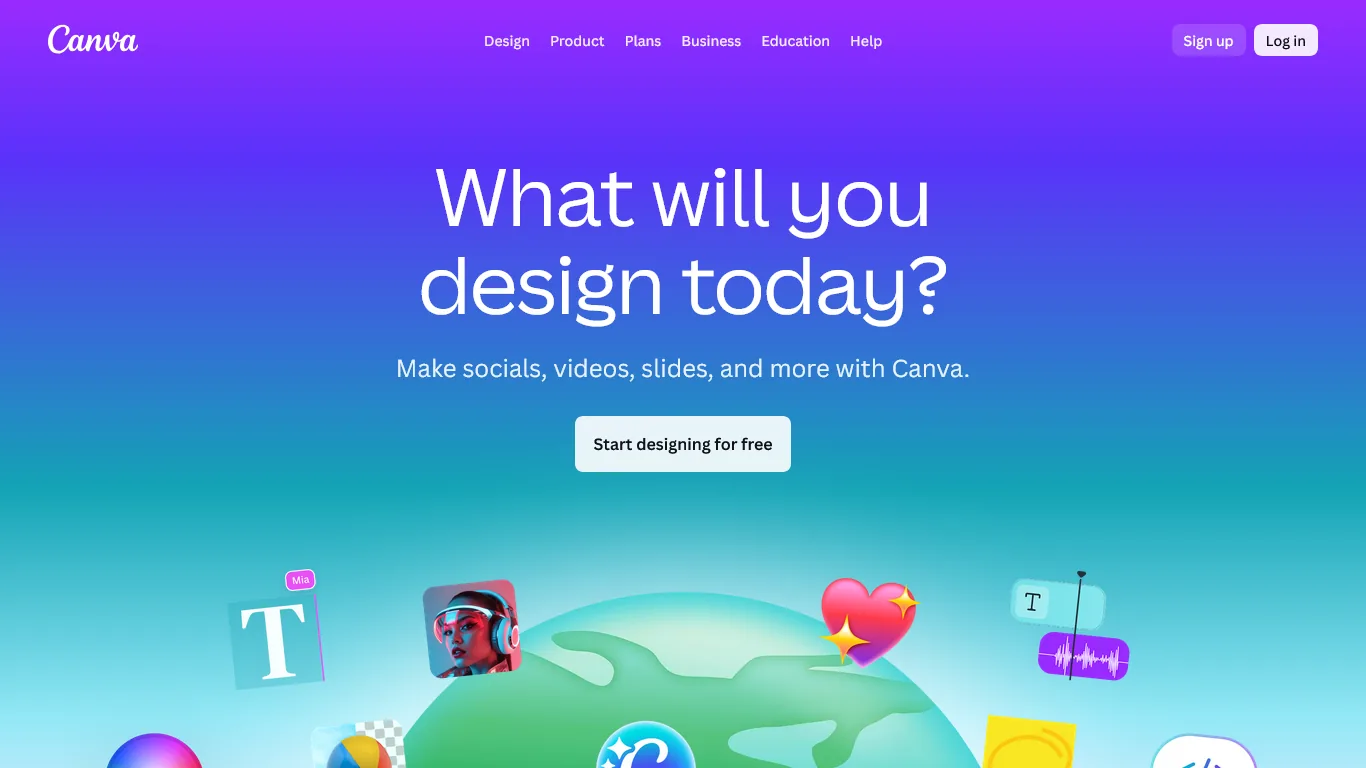
Canva has evolved beyond social media graphics into an indispensable tool for client presentations, mood boards, and marketing materials.
What Makes Canva Essential for Interior Designers
Mood Board Creation in Minutes
Before Canva, assembling a mood board meant 2-3 hours in Photoshop; with Canva, the same board takes 15-20 minutes using templates and AI - no extensive graphic design training required.
Canva’s interior design templates include room concept boards with drag-and-drop layouts, color palette generators that extract schemes from inspiration images, furniture and decor element libraries, and text styles suited to design specifications.
Magic Studio AI Features
Canva’s AI capabilities transform how designers work: Magic Resize reformats one mood board for Instagram, Pinterest, and client presentations, Magic Write generates design descriptions and proposal copy, the Background Remover isolates furniture from manufacturer photos, and Text to Image creates decorative elements on demand.
Client Presentation Templates
Canva offers presentation templates for initial concept pitches, design development phases, final reveal packages, and construction documentation covers. The professional polish lets smaller firms compete with established studios - clients cannot tell if you work solo or with a team.
Canva Pricing for Interior Designers
| Plan | Monthly Cost | Best For |
|---|---|---|
| Free | $0 | Testing templates, basic mood boards |
| Pro | $12.99/month | Solo designers, full AI features |
| Teams | $14.99/user/month | Design firms, brand collaboration |
Recommendation: Canva Pro suits any serious interior design practice - the background remover alone saves hours on furniture mockups, and the brand kit keeps every presentation on-brand.
How Much Time and Cost Can Interior Designers Save with AI?
| Task | Traditional Approach | With Canva | Weekly Savings |
|---|---|---|---|
| Mood board creation | 2-3 hours | 20 minutes | 2+ hours |
| Proposal formatting | 1-2 hours | 15 minutes | 1.5 hours |
| Social media content | 2 hours | 30 minutes | 1.5 hours |
| Total Weekly Savings | 5+ hours |
At a $75/hour design rate, that is $375/week in time value for an investment of around $12.99 per month.
Limitations and who it’s not for: Skip Canva if you need precise floor plans, technical drawings, or photorealistic 3D renderings - it is a presentation and marketing tool, not a CAD replacement. The biggest drawback is dependence on stock imagery; clients who recognize template aesthetics may push back on presentations that look templated. Cons also include limited offline access and resolution caps on free exports - the Canva pricing page lists the export tiers in detail.
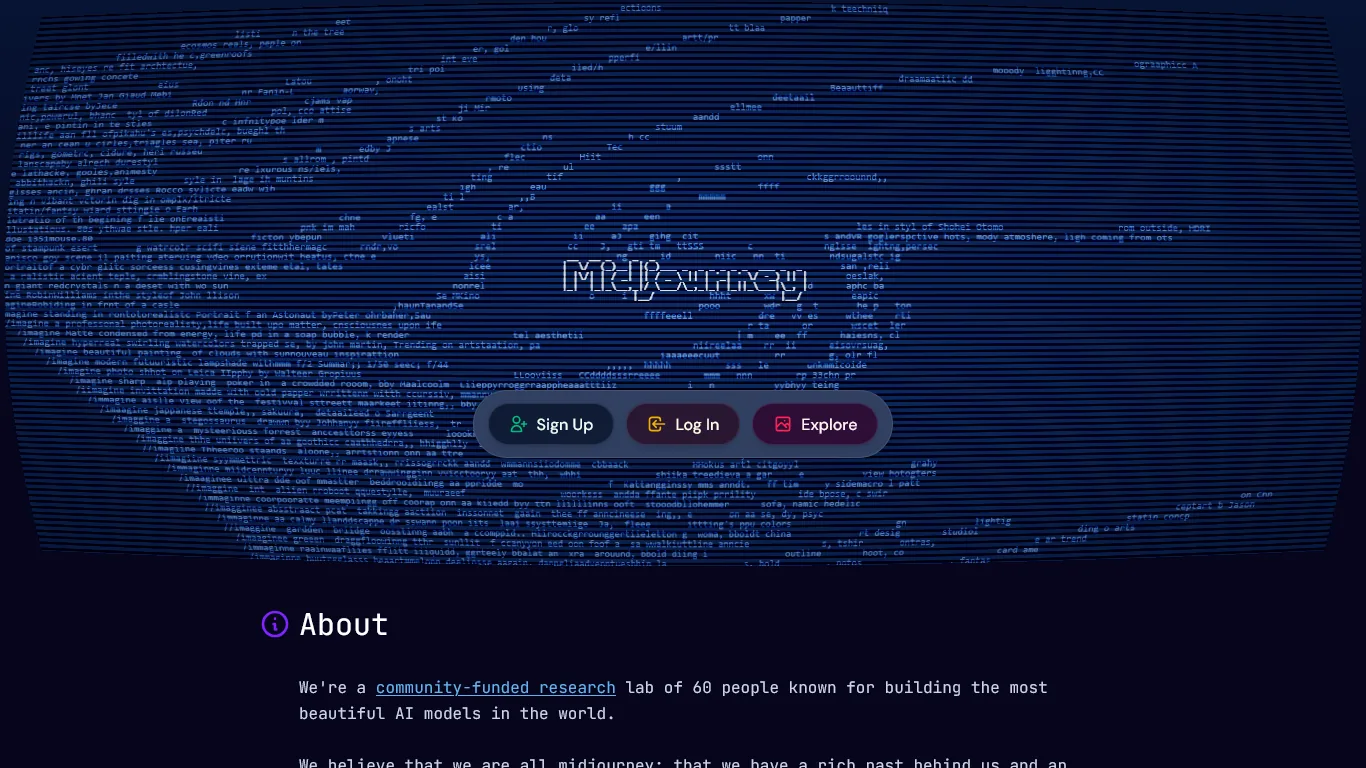
Midjourney generates photorealistic room concepts from text descriptions, the major upgrade for client communication - when a client cannot visualize your coastal modern concept, you can show them exactly what you mean in minutes.
Why Midjourney is Revolutionary for Interior Designers
Concept Visualization Before Investment
Traditional CAD renderings cost time and money with no guarantee the client approves. Midjourney instead generates four concept variations in under five minutes to align on direction first - producing photorealistic images that help clients understand your vision before you spend hours on technical drawings.
Example prompt: “Coastal modern living room, white oak floors, natural linen sofa, brass accents, large windows overlooking ocean, warm afternoon light, architectural photography style”
Design Inspiration and Iteration
Stuck on a color palette? Generate variations of the same room - for example a Scandinavian bedroom in blush pink and sage green, then terracotta and cream, then navy and gold.
This rapid iteration once required extensive Pinterest searching; now you can explore dozens of directions in an hour.
Marketing and Portfolio Enhancement
For spaces that do not photograph well or projects in progress, Midjourney creates aspirational website images, case-study concepts, and on-brand social media content.
Client Communication Breakthroughs
The biggest impact: clients who previously struggled with abstract concepts now point at Midjourney images and say “Yes, exactly that!” - the visualization gap is eliminated.
Midjourney Pricing for Interior Designers
| Plan | Monthly Cost | GPU Hours | Best For |
|---|---|---|---|
| Basic | $10/month | ~3.3 hours | Occasional concept work |
| Standard | $30/month | 15 hours | Active design practice |
| Pro | $60/month | 30 hours | High-volume client work |
Recommendation: The Standard plan suits most interior designers - 15 GPU hours translate to hundreds of image generations, more than enough for client concepts, inspiration, and marketing content.
ROI for Design Practices
Consider a client hesitating on a $50,000 kitchen renovation because they “cannot picture it.” You generate four Midjourney concepts in 10 minutes, the client sees exactly what you propose, and the project moves forward. One saved project per month more than covers the annual subscription, so the ROI reaches 100x or more once you factor in projects that would otherwise stall.
Limitations and who it’s not for: Midjourney is not ideal for designers needing exact spatial fidelity - it generates inspiration images, not buildable plans, and fixtures can drift from real product catalogs. The Discord-based interface is a drawback for designers who dislike chat-style tools, and there is no offline option. Skip Midjourney if your clients require photographs of actual purchasable furniture - see the best AI design tools 2026 roundup for catalog-based alternatives.
3. Notion: Your Design Project Command Center
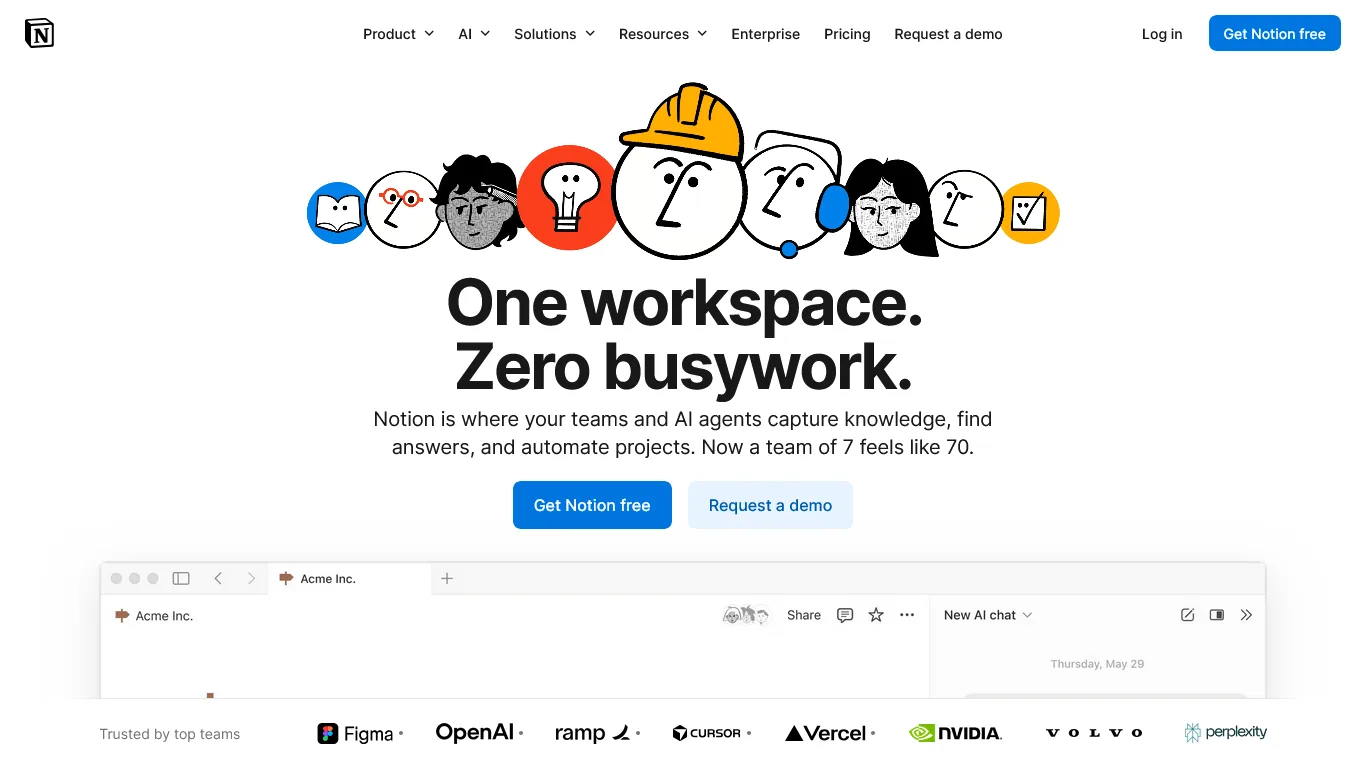
Interior design projects have dozens of moving parts: furniture orders from multiple vendors, contractor schedules, client decisions, and installation timelines. Notion brings all of this into one AI-powered workspace.
What Makes Notion Essential for Designers
Project Management Dashboard
The International Interior Design Association (IIDA) notes that project management efficiency directly impacts profitability. Create a master database tracking active projects with status and phase, client preferences, budget (approved vs. spent), and key dates. Notion’s linked databases let you view the same information by project, client, timeline, or vendor.
Order Tracking System
Interior designers juggle orders from dozens of vendors. Build a Notion database tracking the item, vendor, PO number, order and delivery dates, status (ordered, shipped, received, installed), and room assignment. When a client asks “Where is my sofa?” you have the answer in seconds - not buried in email chains.
AI-Powered Features for Designers
Notion AI handles Q&A across projects (“What lighting fixtures have I specified in the last 6 months?”), meeting summaries with action items, proposal and specification drafting, and pattern recognition such as which vendors deliver on time most reliably.
Design Specification Templates
Create reusable templates for room-by-room specifications, vendor contact sheets, client questionnaires, and project timelines. Clone them for each new project to maintain consistency across your practice.
Notion Pricing for Interior Designers
| Plan | Monthly Cost | Best For |
|---|---|---|
| Free | $0 | Testing, small project volume |
| Plus | $12/month | Solo designers, basic features |
| Business | $18/month | Full AI features, team collaboration |
Recommendation: The Business plan suits any designer managing multiple active projects - the AI Q&A feature alone saves hours of searching old project files.
Time Savings Breakdown
| Task | Without Notion | With Notion | Weekly Savings |
|---|---|---|---|
| Finding order status | 15 min each lookup | 30 seconds | 2+ hours |
| Client meeting prep | 45 minutes | 10 minutes | 2 hours |
| Project status updates | 1 hour | 15 minutes | 45 minutes |
| Specification writing | 2 hours | 45 minutes | 1+ hours |
| Total Weekly Savings | 6+ hours |
Limitations and who it’s not for: Notion has a non-trivial learning curve; designers who want a tool that works out of the box will struggle for the first week. Cons include no native Gantt chart view and limited offline support, a drawback if you frequently work from job sites with poor connectivity. Skip Notion if you already pay for a dedicated PM tool like Asana or Monday.com.
| Feature | Canva | Midjourney | Notion |
|---|---|---|---|
| Primary Use | Visual presentations | Concept generation | Project management |
| Learning Curve | Easy | Moderate | Moderate |
| Client-Facing | Yes | Yes | Optional |
| Collaboration | Teams plan | Discord-based | Built-in |
| Mobile App | Yes | Via Discord | Yes |
| Free Tier | Yes (limited) | No | Yes (limited) |
| Best For | Mood boards, proposals | Visualization, inspiration | Tracking, documentation |
Selection Criteria: Building an Interior Design AI Tech Stack
Integrate the three tools across the three project phases for maximum impact:
- Phase 1 - Discovery (Canva + Midjourney): Build a client questionnaire in Canva, generate initial concept images in Midjourney from client preferences, assemble the concept presentation in Canva, then gather feedback.
- Phase 2 - Design Development (Notion + Canva): Create the project in a Notion database, document client decisions and specifications, build detailed mood boards in Canva as concepts solidify, and track revisions in Notion.
- Phase 3 - Implementation (Notion): Place and track orders in Notion, coordinate with contractors via shared timelines, update clients on progress, and document everything for the final reveal.
Total Stack Investment
| Tool | Plan | Monthly Cost |
|---|---|---|
| Canva | Pro | $12.99 |
| Midjourney | Standard | $30.00 |
| Notion | Business | $18.00 |
| Total | $60.99/month |
Traditional approaches - professional rendering software ($100-500/month), project management software ($50-150/month), and design asset subscriptions ($50-100/month) - total $200-750 per month. The AI stack costs 70-90% less while offering more creative capability.
Next Steps: Your First Week
A practical first week means setting up Canva on days 1-2, exploring Midjourney on days 3-4, and organizing projects in Notion on days 5-7.
- Days 1-2 - Canva: Create a free account, search “interior design mood board” for templates, build your first mood board for a current or sample project, and upgrade to Pro when you hit free-tier limits.
- Days 3-4 - Midjourney: Join the Midjourney Discord server, subscribe to the Basic plan, study the prompt guide for interior imagery, and generate concepts for a real project challenge.
- Days 5-7 - Notion: Create a free account, build a simple project database (Client, Project Name, Status, Phase), add an order-tracking database, link them to see orders by project, and upgrade to Business for AI features.
Pro Tips: Advanced AI for Interior Designers
Advanced AI use for interior designers centers on three habits: structuring Midjourney prompts with a formula, configuring a reusable Canva brand kit, and automating Notion reminders.
Midjourney Prompt Engineering for Interiors
Structure prompts as [Style] + [Room Type] + [Key Elements] + [Color Palette] + [Lighting] + [Photography Style]. Example: “Art deco living room, velvet emerald sofa, brass geometric coffee table, marble fireplace, warm evening light, architectural digest photography.”
Canva Brand Kit Setup
Configure your brand kit once - upload logo variations, set a 3-5 color studio palette, choose a typography stack, and save brand templates - so every future design automatically uses your professional identity.
Notion Automations
Set up automations for overdue client decisions, late vendor deliveries, weekly project status digests, and budget alerts when spending approaches limits.
The Bottom Line
AI tools for interior designers deliver the most value when used to remove production friction - Canva for presentations, Midjourney for visualization, and Notion for project management - rather than to replace design creativity. This stack saves 15+ hours per week on administrative and production tasks, wins more projects through compelling visual presentations, improves client satisfaction by bridging visualization gaps, and scales a practice without scaling stress.
The total investment of approximately $61 per month delivers returns measured in recovered time, won projects, and reduced client communication friction. Start with Canva for immediate presentation upgrades, then add the full stack to focus on what you do best: creating beautiful spaces.
FAQ
Common questions about AI tools for interior designers cover the best platforms, stack cost, free options, and client visualization.
Q: What are the best AI tools for interior designers?
Three AI tools stand out for interior design workflows. Canva handles mood boards, client presentations, and marketing materials with AI-powered templates. Midjourney generates photorealistic room concepts from text descriptions so clients can visualize your vision. Notion serves as an AI workspace for client databases, order tracking, and project management. Together they save over 15 hours every week.
Q: How much does an AI tool stack for interior designers cost?
The recommended stack costs about $60.99 per month: Canva Pro at $12.99, Midjourney Standard at $30, and Notion Business at $18. Traditional alternatives like professional rendering software, project management platforms, and design asset subscriptions typically run $200-750 per month combined, so the AI stack costs 70-90% less while offering more creative capability.
Q: Can AI tools help clients visualize interior design concepts?
Yes. Midjourney generates photorealistic room concepts from text prompts in under five minutes, producing four variations at a time. Clients who previously struggled with abstract concepts can point at Midjourney images and say exactly what they want. This eliminates the visualization gap entirely and helps projects move forward faster than traditional CAD renderings allow.
Q: How much time can interior designers save using Canva?
Canva saves roughly five hours per week across common design tasks. Mood board creation drops from 2-3 hours to 20 minutes, proposal formatting from 1-2 hours to 15 minutes, and social media content from 2 hours to 30 minutes. At a $75 per hour design rate, that equals about $375 in weekly time value for a $12.99 monthly Canva Pro subscription.
Q: Are there AI tools for interior designers free of charge?
Yes - the strongest AI tools for interior designers free options are Canva and Notion, which both offer free tiers suitable for testing templates, creating basic mood boards, and running small project volumes. Midjourney does not offer a free plan; its Basic tier starts at $10 per month with about 3.3 GPU hours. Start free with Canva and Notion, then upgrade as you hit feature limits or add Midjourney for concept visualization.
Related Reads
These guides cover AI tools for adjacent creative roles, including the tradeoffs of each:
- Best AI Design Tools 2026 - Comprehensive design tool roundup
- AI Tools for Architects - AI stack for architecture and design practices
- AI Tools for Solopreneurs - Building your solo business stack
- Canva Review - AI-powered design and presentation tool
- Midjourney Review - AI image generation for design visualization
- Notion Review - AI workspace for project management
External Resources
These industry bodies publish authoritative guidance on interior design standards and technology:
- American Society of Interior Designers (ASID) - Professional development and industry standards
- Interior Design Magazine - Industry trends and technology coverage