After years of manually coordinating meetings across time zones and protecting focus time from constant interruptions, I’ve tested every major AI scheduling assistant available in 2026. The difference between a calendar you control and one that controls you often comes down to intelligent automation. AI scheduling assistants don’t just book meetings - they optimize your entire day based on priorities, work patterns, and team dynamics.
The best tools reduce scheduling overhead by 60-80%, automatically defend focus time, and eliminate the friction of coordinating across teams. But they vary dramatically in approach: some specialize in external booking, others focus on internal optimization, and a few attempt to be all-in-one work platforms.
This guide compares the four leading AI scheduling assistants I’ve used extensively in production environments. You’ll learn which tool fits your workflow, what features justify the cost, and how to choose based on team size and use case.
What is an AI Scheduling Assistant?
An AI scheduling assistant uses machine learning to automate calendar management beyond basic scheduling links. Traditional tools like Doodle or basic Calendly simply let people book available slots. AI-powered assistants actively optimize your calendar by:
Intelligent rescheduling: Moving meetings automatically to create focus blocks or accommodate higher-priority events. Clockwise can move up to 8 meetings simultaneously to create a 4-hour focus block.
Context-aware booking: Understanding meeting types, participant preferences, and time-of-day energy patterns. Reclaim AI learns when you’re most productive and schedules deep work during those windows.
Habit protection: Treating recurring activities like exercise, lunch, or learning time as non-negotiable calendar events that defend against meeting creep.
Natural language processing: Allowing commands like “schedule a 30-minute sync with the design team next week” instead of manual slot selection.
The key difference from static scheduling tools: AI assistants continuously re-optimize your calendar as priorities shift, rather than locking in a fixed arrangement.
Clockwise: Team Calendar Optimization
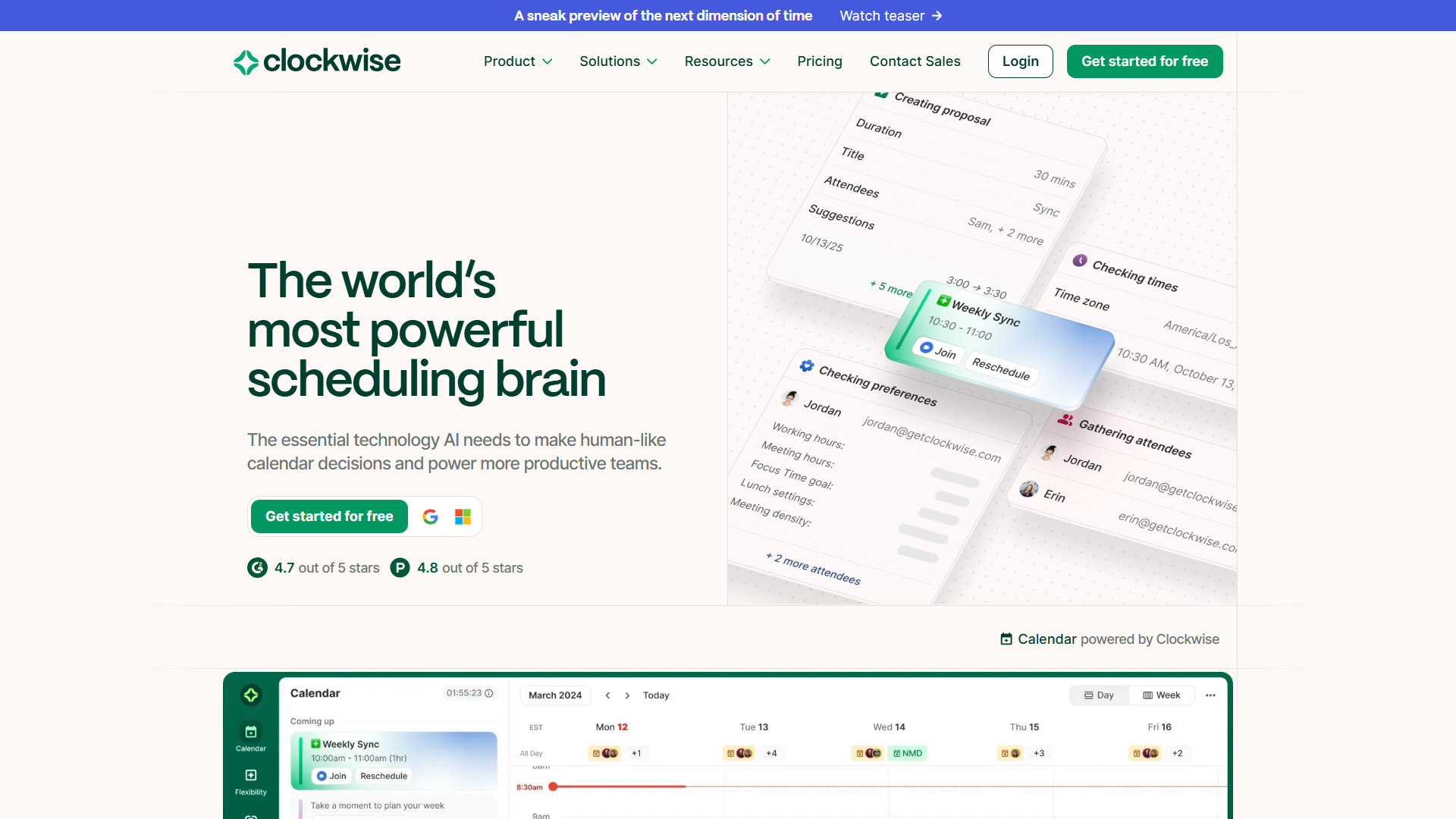
After testing Clockwise with teams ranging from 12 to 200+ people, it’s the clear winner for organizations that prioritize focus time and need to coordinate across multiple time zones. The AI Scheduler uses natural language to handle complex scheduling requests, while the multi-hop meeting movement can reorganize entire weeks to create uninterrupted work blocks.
Best For
Teams with 50+ people, organizations with significant multi-timezone coordination needs, and companies that struggle with fragmented calendars preventing deep work. The free tier is surprisingly capable for individual users.
Key Features
AI Scheduler with NLP: Text-based scheduling that understands requests like “find 90 minutes for the quarterly planning session with Sarah, Mike, and the product team next month when everyone has morning availability.” It analyzes all participants’ calendars, preferences, and focus time schedules to suggest optimal slots.
Multi-hop meeting movement: The most powerful feature I’ve encountered. Clockwise can move up to 8 connected meetings to create a 4-hour focus block, cascading changes across multiple calendars while respecting constraints. It’s like playing calendar Tetris at machine speed.
Auto-scheduled focus time: Analyzes your meeting patterns and proactively blocks 2-4 hour chunks for deep work, moving meetings around these blocks as conflicts arise. The AI learns your preferences over time - if you consistently override morning focus blocks, it shifts to afternoons.
Team time reporting: Shows aggregate focus time across departments, helping managers identify teams suffering from meeting overload. I’ve used this to justify no-meeting Thursdays based on hard data showing 70% of the engineering team had zero focus blocks on that day.
Flexible holds: Temporary calendar blocks that Clockwise can automatically release or defend based on meeting priority. Perfect for tentative commitments or “maybe” events.
Pricing
- Free tier: Core features for individuals, unlimited focus time, basic scheduling links
- Teams plan: $6.75/user/month (annual) or $9/user/month (monthly)
- Business plan: $11.50/user/month (annual), adds advanced controls and integrations
- Enterprise: Custom pricing for 100+ users
The free tier is genuinely useful for solo workers. Teams plans become essential when you need cross-calendar optimization.
Reclaim AI: Habits and Focus Time
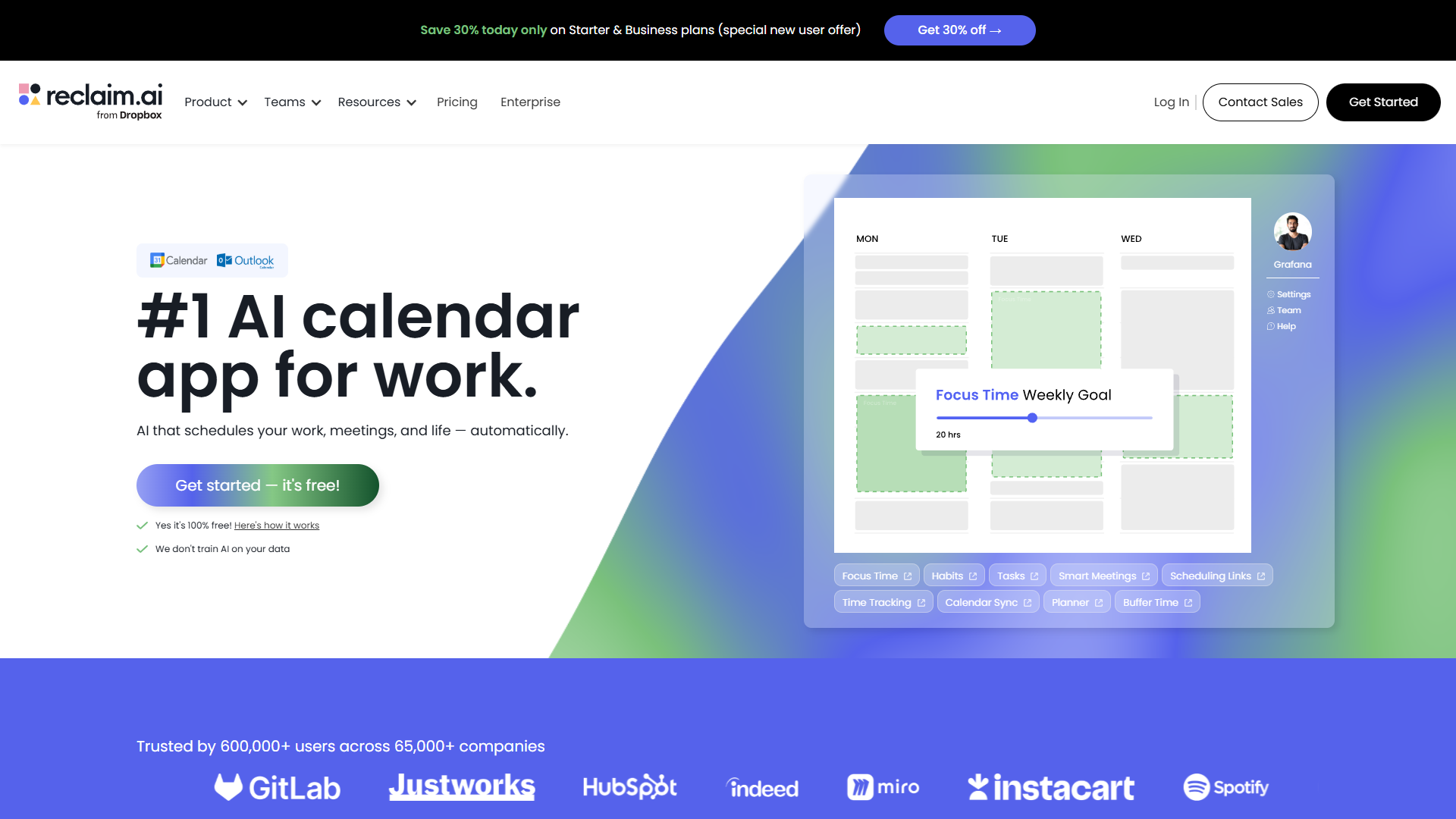
Reclaim AI takes a different approach than Clockwise, treating your ideal schedule as a template to defend rather than meetings as blocks to optimize. After three months of daily use, the habit protection and project management integrations have fundamentally changed how I structure my week.
Best For
Knowledge workers who need to balance deep work with meetings, professionals with ADHD who benefit from structured routines, and teams that use project management tools like Asana, ClickUp, Todoist, Jira, or Linear.
Key Features
Habit scheduling and defense: The killer feature. Create recurring “habits” like “Morning writing - 2 hours, 3x/week, 7-10am preferred” and Reclaim automatically schedules them, moving them around conflicts while defending the total weekly allocation. If a meeting gets scheduled over your gym time, Reclaim reschedules the habit to another day automatically.
This is transformative for activities you want to do consistently but struggle to protect. I have habits for deep work, exercise, email processing, and weekly planning. The AI ensures they happen even during busy weeks by finding alternative slots.
Smart Meetings: Analyzes your calendar to find optimal meeting times based on when you’re typically available, your energy patterns (learned from rescheduling behavior), and participant preferences. Unlike static scheduling links, Smart Meetings adapt as your calendar changes.
Bidirectional task sync: The integration with project management tools is seamless. Tasks from Asana appear as flexible calendar blocks that Reclaim schedules during your available time. Mark a task complete in your calendar, and it updates in Asana automatically. Works with ClickUp, Linear, Jira, and Todoist with the same two-way sync.
Buffer time: Automatically adds padding before/after meetings to prevent back-to-back scheduling. I use 10-minute buffers, which creates built-in breaks and prevents the exhaustion of 8 consecutive video calls.
Time tracking: Shows actual time spent on habits, meetings, and tasks versus planned time. The weekly reports reveal patterns - I discovered I was consistently underestimating deep work time by 40%.
Pricing
- Free tier: Limited to 2 habits and basic features
- Starter plan: $10/user/month (monthly) or $8/user/month (annual)
- Business plan: $15/user/month (monthly) or $12/user/month (annual)
- Enterprise: Custom pricing with advanced security and controls
The Starter plan is essential for serious use - the free tier’s 2-habit limit is too restrictive.
Motion: All-in-One AI Work Platform
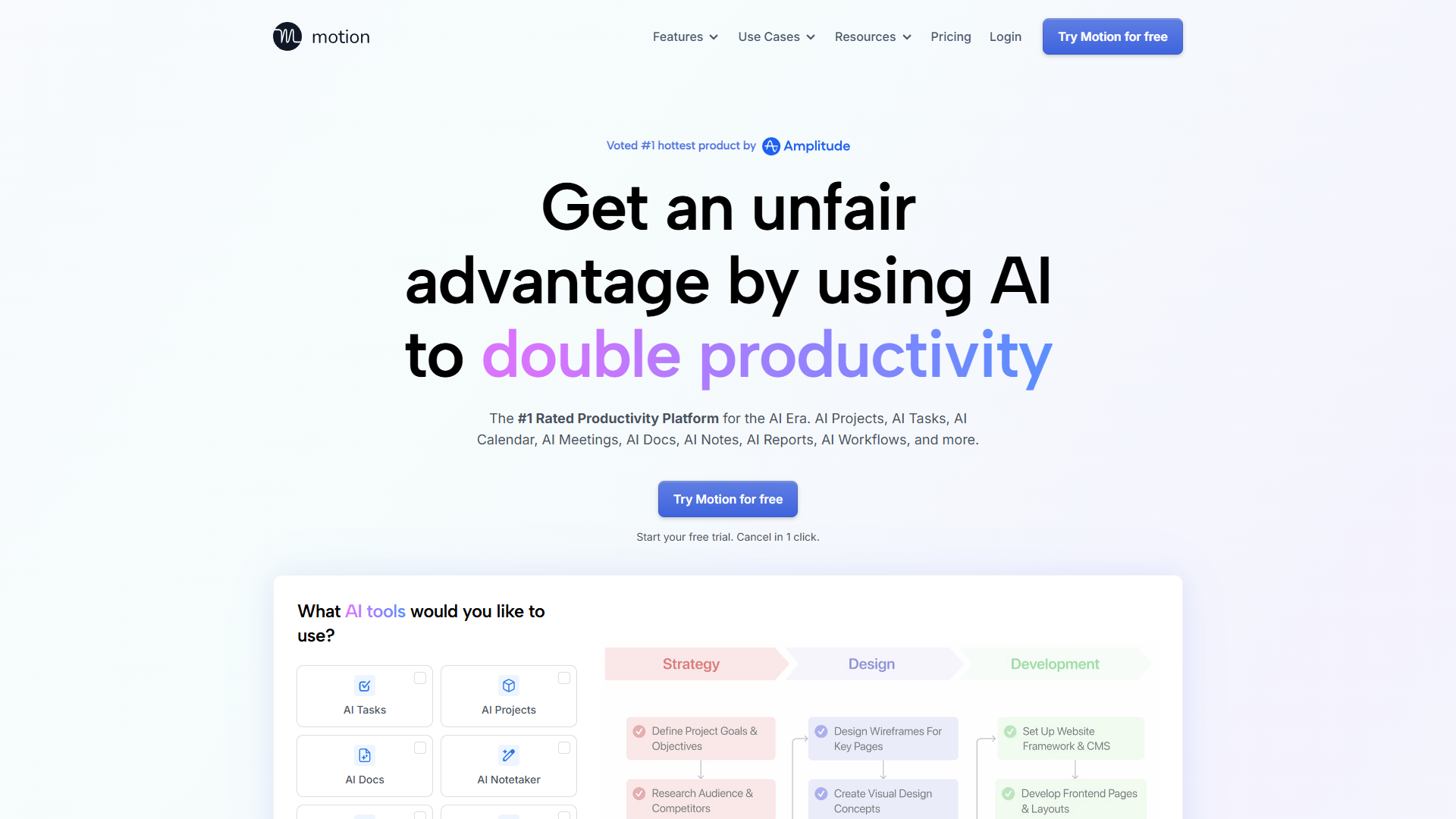
Motion attempts to be your calendar, task manager, project planner, and meeting assistant in a single platform. After using it for six weeks, the AI task scheduling is genuinely impressive, but the all-in-one approach means you’re committing to Motion’s ecosystem entirely.
Best For
Executives and consultants who want a unified workspace, teams that don’t already use dedicated project management tools, and professionals willing to consolidate their productivity stack into one platform.
Key Features
AI task scheduling: Motion’s standout feature. Add tasks with deadlines and estimated duration, and the AI automatically schedules them in your calendar, moving them around meetings and rescheduling when priorities change. It uses machine learning to improve time estimates based on how long similar tasks actually take you.
The system handles dependencies intelligently - if Task B requires Task A to be completed first, Motion schedules them in sequence automatically. I’ve tested this with complex project timelines, and it handles multi-step workflows better than manual planning.
Unified calendar and tasks: Unlike Reclaim AI which syncs with external tools, Motion is the source of truth for both meetings and tasks. This eliminates context switching but means migrating your existing systems.
Project management: Basic kanban boards, project templates, and team workload balancing. It’s not as full-featured as Asana or ClickUp, but adequate for smaller teams.
AI Notetaker: Automatically joins meetings, transcribes conversations, and generates summaries. Similar to Otter.ai or Fireflies.ai, but integrated into the same platform.
Scheduling links: External booking pages like Calendly, but with Motion’s AI automatically finding optimal times based on your task schedule, not just empty calendar slots.
Pricing
- Individual: $19/month (monthly) or $19/month (annual, billed annually at $228)
- Team: $25/user/month (monthly) or $19/user/month (annual)
- Pro AI: $29/user/month with advanced AI features
No free tier. The 7-day trial is essential for testing whether the all-in-one approach fits your workflow. Pricing is higher than specialized tools but competitive if it replaces multiple subscriptions.
Calendly: External Scheduling with AI Routing
Calendly pioneered the scheduling link category and has added AI features to stay competitive. After handling thousands of external meetings through Calendly, it remains the best option for client-facing scheduling, sales teams, and anyone who needs sophisticated routing rules.
Best For
Sales teams, consultants, customer success managers, recruiters, and anyone who schedules frequent external meetings with people outside their organization.
Key Features
AI-powered routing: Calendly Assist analyzes incoming booking requests and routes them to the right team member based on availability, round-robin distribution, workload balancing, or custom rules. Sales teams can distribute demo calls evenly, or route based on account size, industry, or territory.
The AI learns from manual overrides - if you consistently reassign certain types of bookings, it adjusts routing rules automatically.
Calendly Assist (chat-based scheduling): A conversational AI that can be embedded on your website. Visitors describe their scheduling needs in natural language, and the AI handles the booking without requiring them to navigate a calendar interface. It’s more user-friendly than traditional scheduling forms, particularly for non-technical users.
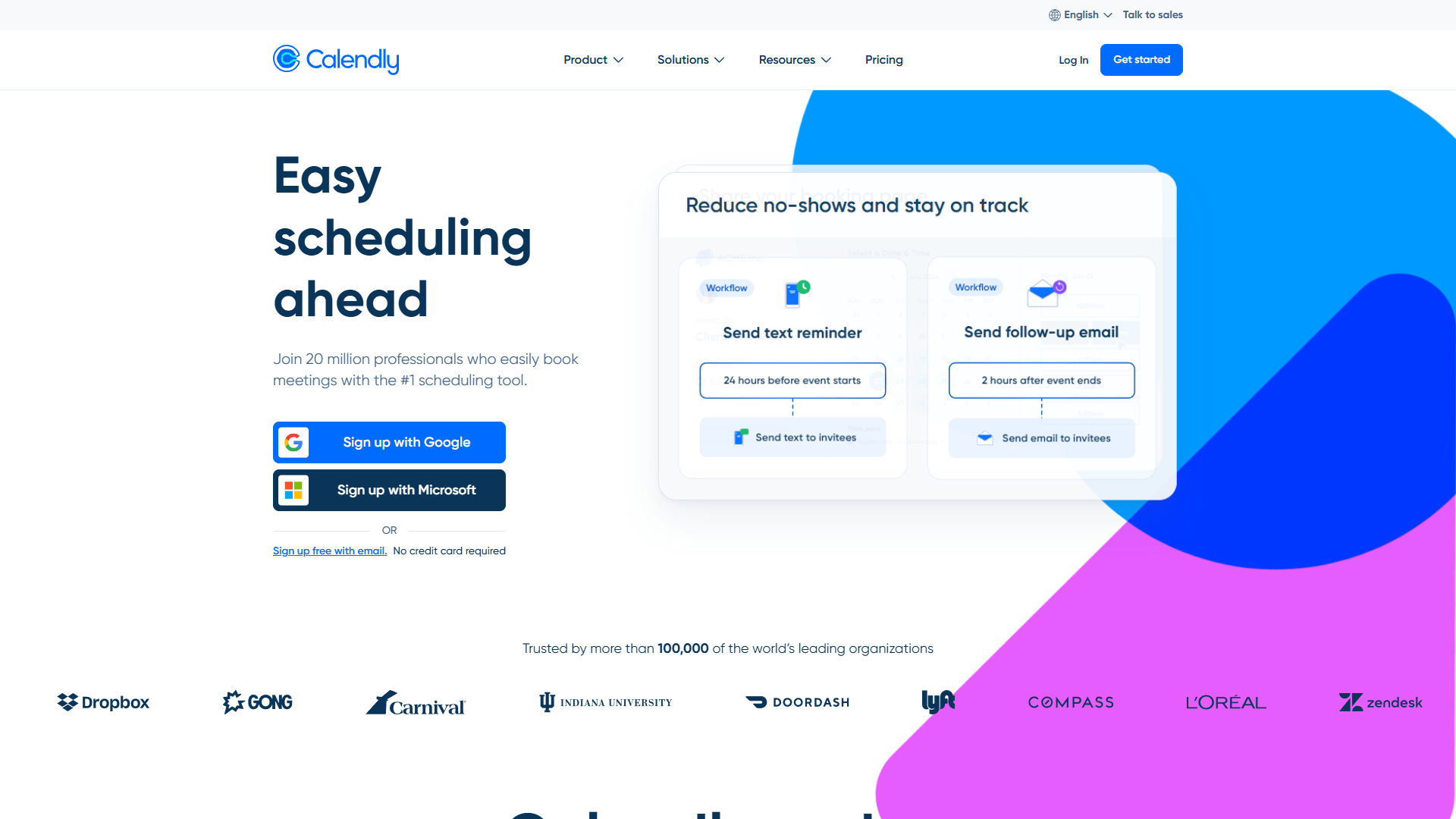
No-show reduction workflows: Automated reminder sequences, SMS notifications, and rescheduling prompts that reduce no-shows by 40-60% based on Calendly’s data. You can customize reminder timing and channels (email, SMS, Slack).
Payment collection: Charge for appointments directly through the scheduling flow via Stripe or PayPal. Essential for consultants, coaches, and service providers.
CRM integrations: Bidirectional sync with HubSpot, Salesforce, Pipedrive, and other CRMs. Booked meetings automatically create or update contacts, and meeting outcomes can be logged back to the CRM.
Pricing
- Free tier: Basic scheduling links, 1 calendar connection, 1 event type
- Standard: $12/user/month (annual) or $15/month (monthly)
- Teams: $20/user/month (annual) or $25/month (monthly)
- Enterprise: Custom pricing with advanced security and SCIM
The free tier works for simple use cases. Standard becomes necessary when you need multiple event types, calendar connections, or integrations.
AI Scheduling Assistants Compared
| Feature | Clockwise | Reclaim AI | Motion | Calendly |
|---|---|---|---|---|
| Rating | ||||
| Starting Price | Free (Teams: $6.75/mo) | Free (Starter: $10/mo) | $19/mo | Free (Standard: $12/mo) |
| Best For | Team focus time | Habit protection | All-in-one platform | External scheduling |
| Focus Time | Automatic blocks | Habit scheduling | Task-based scheduling | No |
| Meeting Movement | Multi-hop (8 meetings) | Basic rescheduling | AI task rescheduling | No |
| External Booking | Basic links | Smart Meetings | Advanced links | Industry-leading |
| Task Integration | No | Bidirectional PM sync | Built-in tasks | No |
| Team Features | Excellent (50+ users) | Good (10-50 users) | Good (5-20 users) | Excellent (routing) |
| Free Tier | Full-featured | Limited (2 habits) | None (7-day trial) | Basic scheduling |
How to Choose Your AI Scheduling Assistant
The right tool depends on your primary scheduling challenge:
Choose Clockwise if: You work on a team of 10+ people and struggle with fragmented calendars preventing focus time. The multi-hop meeting movement and team-wide optimization are unmatched. Best ROI for organizations, not individuals. The free tier is excellent for solo workers who just need basic focus time protection.
Choose Reclaim AI if: You’re an individual contributor or small team leader who needs to balance recurring activities (exercise, deep work, learning) with unpredictable meeting demands. The habit defense system is transformative for knowledge workers with ADHD or anyone who struggles to maintain routines during busy periods. Essential if you use Asana, Linear, ClickUp, Jira, or Todoist and want calendar-task integration.
Choose Motion if: You’re willing to consolidate your calendar, task manager, and project planner into one platform and want AI to schedule both meetings and work. Best for executives, consultants, and small teams that don’t already have established project management systems. The AI task scheduling is genuinely impressive, but you’re committing to Motion’s ecosystem entirely.
Choose Calendly if: Most of your scheduling involves external parties - clients, prospects, candidates, or anyone outside your organization. The routing rules, payment collection, and no-show reduction workflows are unmatched for client-facing teams. Sales teams, consultants, and recruiters should default to Calendly unless they have compelling reasons to use another tool.
Hybrid approach: Many professionals use two tools simultaneously. Common combinations:
- Calendly + Clockwise: External scheduling via Calendly, internal optimization via Clockwise
- Calendly + Reclaim AI: External booking via Calendly, habit protection via Reclaim
- Motion + Calendly: Task scheduling in Motion, client booking through Calendly
The overlap is minimal because Calendly specializes in external scheduling while Clockwise, Reclaim AI, and Motion focus on optimizing your internal calendar.
Start with Free Tiers
All four tools offer free trials or tiers. My recommended testing sequence:
-
Week 1: Try Clockwise free tier for automatic focus time creation. No credit card required.
-
Week 2: Test Reclaim AI free tier with 2 habits (deep work + exercise). Upgrade to Starter ($10/month) if habit scheduling clicks.
-
Week 3: Use Motion’s 7-day trial to evaluate all-in-one approach. This requires actual task migration to test properly.
-
Week 4: Set up Calendly free tier for external meetings if applicable to your role.
After four weeks, you’ll have clear data on which approach fits your workflow. The financial risk is low - most people end up paying for one tool at $8-15/month, which pays for itself if it saves 2-3 hours of scheduling overhead monthly.
The best AI scheduling assistant is the one you’ll actually use consistently. Clockwise offers the most sophisticated team optimization, Reclaim AI excels at personal routine protection, Motion provides unified task-calendar management, and Calendly dominates external scheduling. Your choice should align with your primary scheduling pain point, not the tool with the most features.
External Resources
For official documentation and updates from these tools:
- Clockwise — Official website
- Reclaim AI — Official website
- Motion — Official website
- Calendly — Official website