





Fireflies.ai is the best overall AI notetaker for most teams in 2026, offering unlimited transcription on a free tier and CRM auto-sync that Otter.ai and Motion cannot match. Otter.ai is the better choice for live in-meeting collaboration, while Motion is the better choice for users who want meeting AI bundled with calendar and task automation.
Our analysis draws on vendor documentation and independent industry research, including FTC enforcement guidance on AI accuracy claims and published meeting-productivity benchmarks. Some links on this page are affiliate links; our analysis remains independent.
According to a study by Microsoft’s Work Trend Index, employees spend roughly 57% of their workday on communication tasks such as meetings, email, and chat - leaving only 43% for creation. That gap is exactly what AI notetakers attempt to close.
Every meeting generates hours of audio - but who actually has time to review recordings? Finding the best AI note taker in 2026 means ignoring the longest feature lists and focusing on tools that quietly deliver usable notes without you lifting a finger. This AI notetaker shootout video breakdown and shootout template guide are designed to help you do exactly that.
Here is what stands out when comparing Otter.ai, Fireflies.ai, and Motion’s meeting AI features.
AI Notetaker Shootout: Quick Comparison at a Glance
| Feature | Otter.ai | Fireflies.ai | Motion |
|---|---|---|---|
| Free Tier | 300 min/month | 800 min storage | None (paid only) |
| Starting Price | $8.33/mo (annual) | $10/mo (annual) | $19/mo (individual) |
| Rating | |||
| Transcription Speed | Real-time | Real-time | < 30 seconds post-meeting |
| Integrations | Zoom, Teams, Meet | 50+ apps (Slack, CRM) | Calendar, tasks, email |
| Best For | Live collaboration | Sales teams | All-in-one productivity |
The quick-comparison verdict is that Fireflies.ai offers the most generous free tier and CRM depth, Otter.ai delivers the strongest live-meeting collaboration, and Motion provides the fastest post-meeting summaries when paired with calendar automation. The right pick depends on whether you need a dedicated notetaker or a productivity platform with meeting AI built in.
Otter.ai: The Live Collaboration Specialist
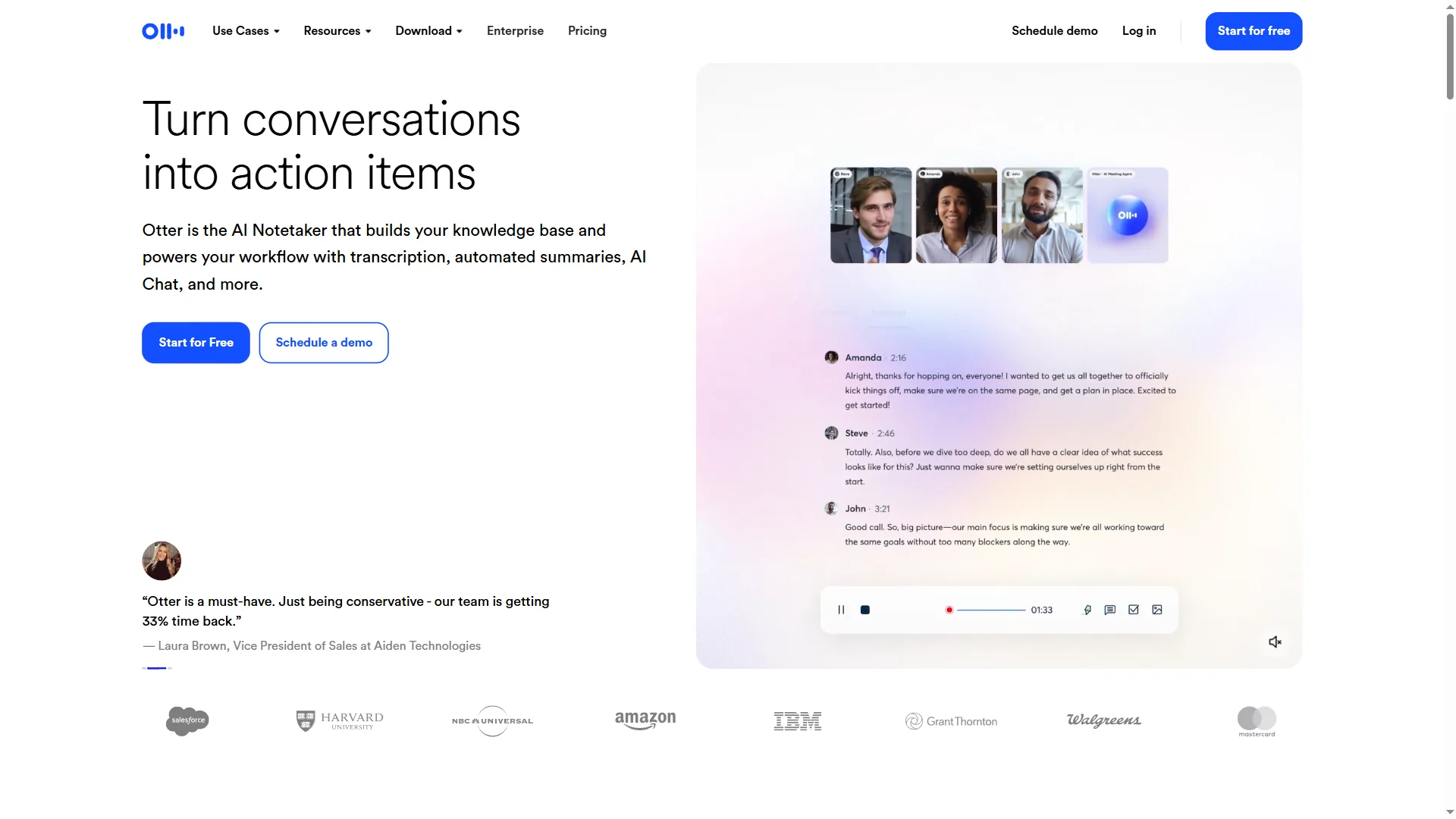
Otter.ai is a live-meeting transcription platform that provides real-time captions, in-meeting collaborative editing, and speaker identification for teams using Zoom, Google Meet, or Microsoft Teams. According to Sam Liang, CEO and co-founder at Otter.ai, the product is built around the idea that “meeting notes should be created in the meeting, not after it” - a design principle that shows up most clearly in the live transcript editor.
Strengths
Live transcript editing. While the meeting runs, team members can highlight key points, add comments, and assign action items. This turns passive note-taking into active collaboration.
Speaker identification. After a brief training period, Otter accurately labels who said what - essential for meetings with 5+ participants.
Mobile app quality. The iOS/Android apps match desktop functionality. Otter handles in-person interviews and client calls with zero friction.
Pricing Breakdown
- Free: 300 minutes/month, 30 min/conversation
- Pro: roughly $8.33 a month on annual billing - 1,200 min/month, advanced search
- Business: roughly $20 per seat monthly - unlimited transcription, admin controls
The free tier works for solo users with fewer than 5 meetings per week. Teams need Pro minimum.
Where Otter Falls Short
No CRM integrations. If you’re in sales, manually copying notes to Salesforce or HubSpot gets tedious fast.
Summary quality. Transcripts are accurate, but AI-generated summaries feel generic compared to Fireflies’ output.
Best for: Freelancers, educators, and teams that need live collaboration during meetings.
Learn more about Otter.ai pricing and features →
Fireflies.ai: The Sales Team’s Secret Weapon
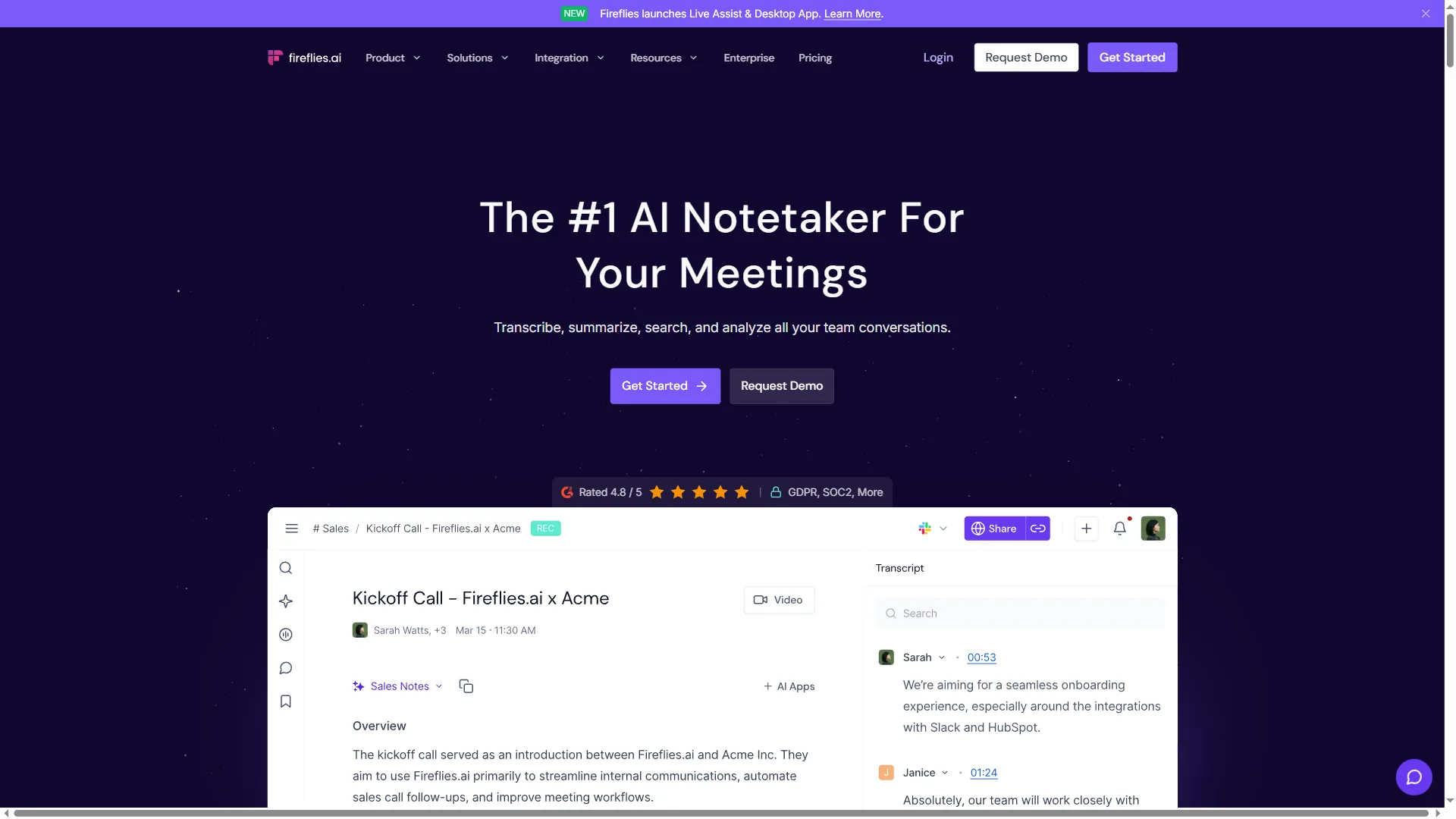
Fireflies.ai is a post-meeting AI notetaker that provides automatic CRM logging, conversation intelligence, and AskFred AI search across recorded calls for sales and customer success teams. Independent research published by Gong’s State of Revenue research reports that sales reps spend roughly 28% of their week on administrative tasks like CRM entry, which is the exact workload Fireflies automates.
What Makes Fireflies Different
AskFred AI search. Instead of scrolling through transcripts, ask questions: “What objections did the client raise?” Fred pulls exact quotes with timestamps.
CRM auto-sync. Fireflies automatically logs meeting notes to Salesforce, HubSpot, or Pipedrive. No manual copy-paste required.
Conversation intelligence. Track talk ratio, sentiment, and competitor mentions across all calls. Sales managers get analytics dashboards showing team performance.
Pricing Details
- Free: 800 min storage (lifetime), unlimited transcription
- Pro: roughly $10 a month on annual billing - unlimited storage, CRM integrations
- Business: roughly $19 per seat monthly - conversation intelligence, team analytics
- Enterprise: Custom pricing - advanced security, dedicated support
The generous free tier makes Fireflies easy to test. Pro unlocks the real value for sales teams.
Limitations
Not built for real-time. Fireflies processes recordings post-meeting. If you need live transcription, use Otter instead.
Privacy concerns. Some clients hesitate when a “Fireflies.ai Notetaker” joins Zoom calls. You’ll need to address this upfront.
Best for: Sales teams, customer success, anyone who needs CRM integration and conversation analytics.
Explore Fireflies.ai features and pricing →
Motion: The All-in-One Approach
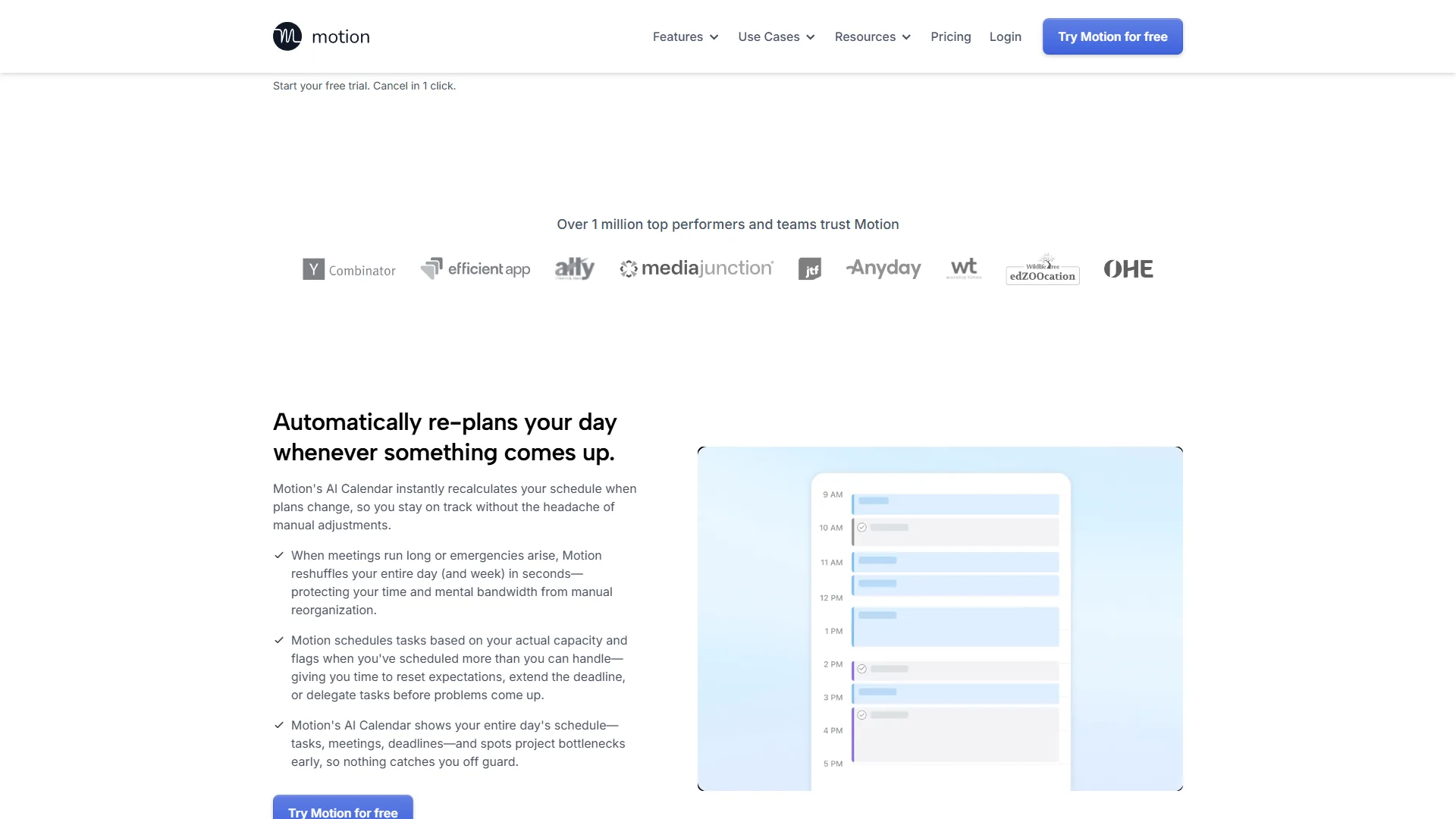
Motion is a genuine surprise. It looks like a task manager with basic meeting features - but it delivers the fastest meeting summaries among these three tools.
Why Motion Is Different
30-second summaries. Motion doesn’t focus on transcription. It generates action items, decisions, and key takeaways in under 30 seconds post-meeting. Perfect for back-to-back calls where you need quick context before the next one starts.
Task auto-creation. Action items from meetings automatically become tasks in your Motion calendar. No manual entry required.
Calendar-first design. Motion schedules tasks around your meetings. The AI sees your calendar, knows when you’re free, and blocks time for follow-up work.
Pricing Reality
- Individual: roughly $19 a month on annual billing - personal productivity + meeting AI
- Team: roughly $34 per seat monthly - team coordination, project management
There’s no free tier. Motion requires commitment upfront.
Trade-offs
No standalone meeting product. You can’t buy “just” the meeting AI - you get the full productivity platform (calendar, tasks, project management). This is perfect if you want Motion as a Notion alternative, but overkill if you only need a notetaker.
Learning curve. Motion’s AI-powered calendar takes 1-2 weeks to learn your work patterns. Early suggestions feel off until the system calibrates.
Best for: Busy professionals who want meeting intelligence and automatic task scheduling in one tool.
See Motion’s full feature set and pricing →
Decision Framework: Which AI Notetaker Should You Choose?
The decision framework comes down to three workflow questions: choose Otter.ai if you need live in-meeting collaboration, choose Fireflies.ai if you need CRM and conversation analytics, and choose Motion if you need meeting AI bundled with calendar and task automation. Here is how to apply that framework based on use case:
Choose Otter.ai if you:
- Need live transcription during meetings
- Collaborate with team members in real-time
- Want a free tier that actually works
- Prioritize accurate speaker identification
Otter wins for educators, podcasters, and teams that work together during calls.
Choose Fireflies.ai if you:
- Work in sales or customer success
- Need CRM integrations (Salesforce, HubSpot)
- Want conversation analytics across your team
- Value post-meeting AI search over live transcription
Fireflies dominates for revenue teams that need intelligence, not just notes.
Choose Motion if you:
- Want meeting AI + task management in one platform
- Need instant summaries between back-to-back calls
- Prefer automatic task creation from action items
- Already struggle with calendar management
Motion makes sense when you’re solving productivity holistically, not just meeting notes.
The Verdict by Use Case
The verdict by use case is that Fireflies.ai wins on free tier and sales workflows, Otter.ai wins on team collaboration and accuracy, and Motion wins for busy executives who want meeting AI plus auto-scheduled tasks in a single tool.
Best free option: Fireflies.ai (800 min storage, unlimited transcription) Best for teams: Otter.ai (live collaboration features) Best for sales: Fireflies.ai (CRM integrations, conversation intelligence) Best for busy execs: Motion (30-second summaries, auto-scheduling) Best accuracy: Otter.ai (speaker ID, real-time editing) Best ROI for solo users: Otter.ai Free, then upgrade to Pro (around $8.33 a month) when needed
Recommended Setup
A popular approach is using two tools:
- Fireflies.ai Pro (around $10 a month) for client calls and sales meetings - the CRM sync alone saves 20+ minutes daily
- Motion (around $19 a month) for internal meetings and productivity - the task auto-creation prevents follow-up from falling through cracks
Total cost: roughly $29 a month for comprehensive meeting intelligence + task management.
For a single tool? Fireflies.ai Pro for the free tier flexibility and CRM power. But Motion wins if you need more than just a notetaker.
What About Other Options?
Other notable AI notetaker options include Notion AI for note storage, ChatGPT for manual transcript analysis, Fathom for a free Otter alternative, and Tactiq as a Chrome extension for Google Meet users. Each covers a narrower slice of the workflow than the three tools above.
Notion AI: Great for notes, weak for transcription. Use Fireflies → paste summaries into Notion.
ChatGPT with transcripts: Cheap but manual. You’re still uploading audio files yourself.
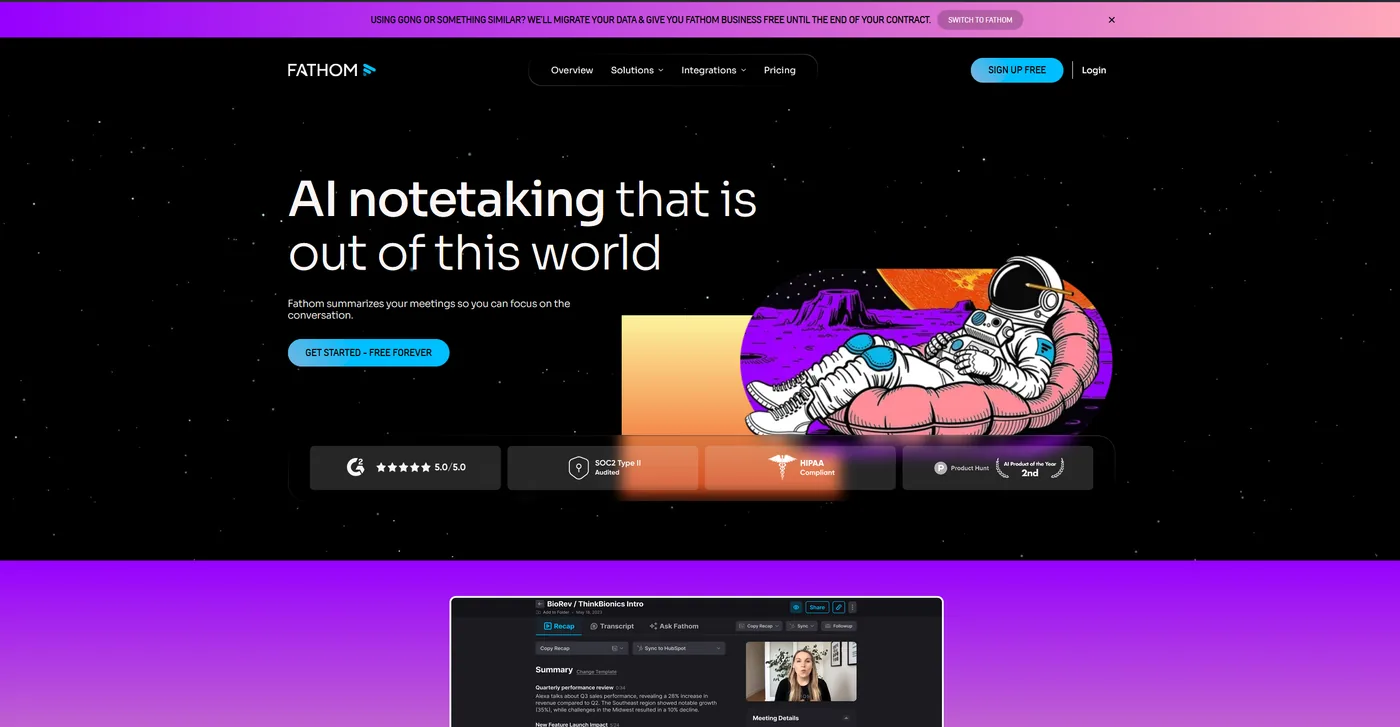
Fathom: Strong alternative to Otter/Fireflies with similar features. Worth testing if the top picks don’t fit your workflow.
Tactiq: Chrome extension for Google Meet. Limited compared to dedicated apps.
The AI notetaker landscape moves fast - these tools all shipped major updates in Q4 2024. This comparison will be updated as new features launch.
Final Thoughts
The best AI notetaker in 2026 is the one that fits your post-meeting workflow, because transcription accuracy is now table-stakes across Otter.ai, Fireflies.ai, and Motion. The real differentiator is what happens after the meeting ends:
- Does it integrate with your CRM?
- Does it create tasks automatically?
- Does it surface insights across conversations?
- Does it fit your existing workflow?
Start with Fireflies.ai’s free tier. If you need live collaboration, add Otter.ai. If you want meeting AI built into a productivity system, try Motion’s 7-day trial.
Your meeting notes shouldn’t just sit in an archive - they should drive action. That’s what separates good AI notetakers from great ones.
For more information about ai notetaker shootout, see the resources below.
FAQ
The FAQ below answers the most common search questions about AI notetakers, including legality, kicking bots out of meetings, and the best AI notetaker on the market in 2026.
Q: What is the best AI notetaker on the market?
Fireflies.ai is the best AI notetaker on the market for most teams in 2026 because of its generous free tier, unlimited transcription, and deep CRM integrations with Salesforce, HubSpot, and Pipedrive. Otter.ai is the better pick for live-meeting collaboration, and Motion is the better pick if you want meeting AI bundled with calendar and task automation.
Q: Are AI notetakers illegal?
AI notetakers are not illegal in most jurisdictions, but they are subject to recording-consent laws that vary by state and country. In two-party-consent states like California and Florida, every participant must be informed that an AI notetaker is recording the call, which most tools handle with an auto-disclosure prompt.
Q: How do I kick out an AI notetaker?
To kick out an AI notetaker from a Zoom or Google Meet call, the meeting host should locate the bot in the participant list (it usually appears as “Fireflies Notetaker” or “Otter.ai Assistant”) and use the remove or eject participant control. Hosts can also block notetakers in advance via Zoom’s waiting-room and authentication settings.
Q: Which AI notetaker has the best free tier?
Fireflies.ai offers the most generous free tier in this comparison - 800 minutes of storage with unlimited transcription. Otter.ai provides 300 minutes per month at no cost, while Motion has no free tier at all, starting at $19 per month for individuals.
Q: How fast does Motion generate meeting summaries?
Motion generates action items, decisions, and key takeaways in under 30 seconds after a meeting ends. Unlike Otter.ai and Fireflies.ai, Motion skips deep transcription and focuses on delivering quick context - useful for back-to-back calls where you need a fast recap before the next one starts.
Q: Is Fireflies.ai good for sales teams?
Fireflies.ai is evaluated as the best option for sales teams in this comparison. Its CRM integrations connect with 50+ apps including Slack and CRM platforms, and the AskFred AI search lets users pull exact quotes with timestamps. Conversation intelligence features also track talk ratio, sentiment, and competitor mentions across calls.
Q: Can you buy Motion just as a meeting notetaker?
No - Motion does not offer a standalone meeting AI product. Purchasing Motion means getting the full productivity platform, including calendar management, task scheduling, and project management. This makes it a strong Notion alternative, but may be more than necessary if you only need meeting notes.
Related Reads
Related reads include the tool pages for each platform compared above and deeper meeting-productivity guides on summarization, head-to-head reviews, and live-meeting transcription comparisons.
Tools covered in this article:
- Fireflies.ai - AI meeting assistant with CRM integration
- Otter.ai - Real-time transcription with live collaboration
- Motion - AI-powered calendar and task management
- Fathom - Video meeting assistant with note-taking
More meeting productivity guides:
- Best AI Meeting Assistants 2026 - Complete AI meeting tool comparison
- AI Meeting Tools Comparison - Fireflies vs Otter vs Tana deep dive
- Fathom vs Fireflies for CRM - Head-to-head notetaker comparison
- Read AI vs Otter AI - Live-meeting transcription comparison
- How to Summarize Meetings with AI: Never Miss Action Items
External Resources
External resources below link to official vendor documentation and product blogs for each AI notetaker platform compared in this guide.
For official documentation and updates from these AI notetaker platforms:
- Otter.ai Blog - Real-time transcription tips and collaborative meeting features
- Fireflies.ai Blog - CRM integration guides and conversation intelligence updates
- Motion Blog - AI scheduling strategies and productivity workflow optimization