




Read.ai vs Otter.ai is a comparison of two AI meeting assistants that both auto-join calls, generate summaries, and extract action items. Read.ai differentiates with cross-platform Search Copilot and sentiment analytics, while Otter.ai offers real-time collaborative editing at a lower entry price - making the right choice depend on your workflow and budget.
The AI meeting assistant market has exploded, but two tools consistently top the shortlists for teams serious about transcription quality and meeting intelligence: Read.ai and Otter.ai. Both auto-join your calls, generate summaries, and extract action items - but the similarities end there.
In this Read.ai vs Otter.ai comparison, Read.ai bets on cross-platform search and sentiment analytics while Otter.ai wins on real-time collaborative editing and a lower entry price. Picking the wrong one for your workflow means either overpaying for features you’ll never use or missing capabilities you’ll wish you had on day one.
This Read.ai vs Otter.ai guide cuts through the marketing to show you exactly what each tool does well, where each falls short, and which alternatives (Fireflies.ai and Notta) are worth considering if neither quite fits.
Comparison Table: Read.ai vs Otter.ai
Read.ai vs Otter.ai differ most on price and focus: Read.ai costs $19.75 per month with Search Copilot and sentiment analytics, while Otter.ai starts at $8.33 per month with real-time collaborative editing. Read.ai and Otter.ai take different approaches to solving similar problems, and the right choice depends on your workflow, budget, and team size. This guide compares both tools across the features that actually matter for daily work.
Editorial disclosure: AI Productivity may earn a commission from links on this page; rankings are editorially independent and based on vendor documentation plus independent research, not sponsored placement.
| Read.ai | Otter.ai | Fireflies.ai | Notta | |
|---|---|---|---|---|
| Free plan | 5 transcripts/month | 300 min/month | 800 min storage | 120 min/month |
| Paid entry price | $19.75/month | $8.33/month (annual) | $10/month (annual) | $8.17/month (annual) |
| Language support | 20+ | 4 | 100+ | 58 |
| Live transcription | Yes | Yes | Yes | Yes |
| Speaker diarization | Yes | Yes | Yes | Yes |
| Sentiment analysis | Yes | No | Yes (Pro+) | No |
| Bot-free recording | Yes (Operator) | No | No | No |
| HIPAA compliance | Enterprise+ | Enterprise | Enterprise | Custom |
| 3.9 | 4.3 | 4.8 | 4.6 |
Read.ai Overview
Read.ai is a meeting intelligence platform launched in 2021 that combines transcription with sentiment analytics, Search Copilot, and bot-free Operator recording. The platform positions itself as a meeting intelligence layer - capturing what was said while also tracking how the conversation went.
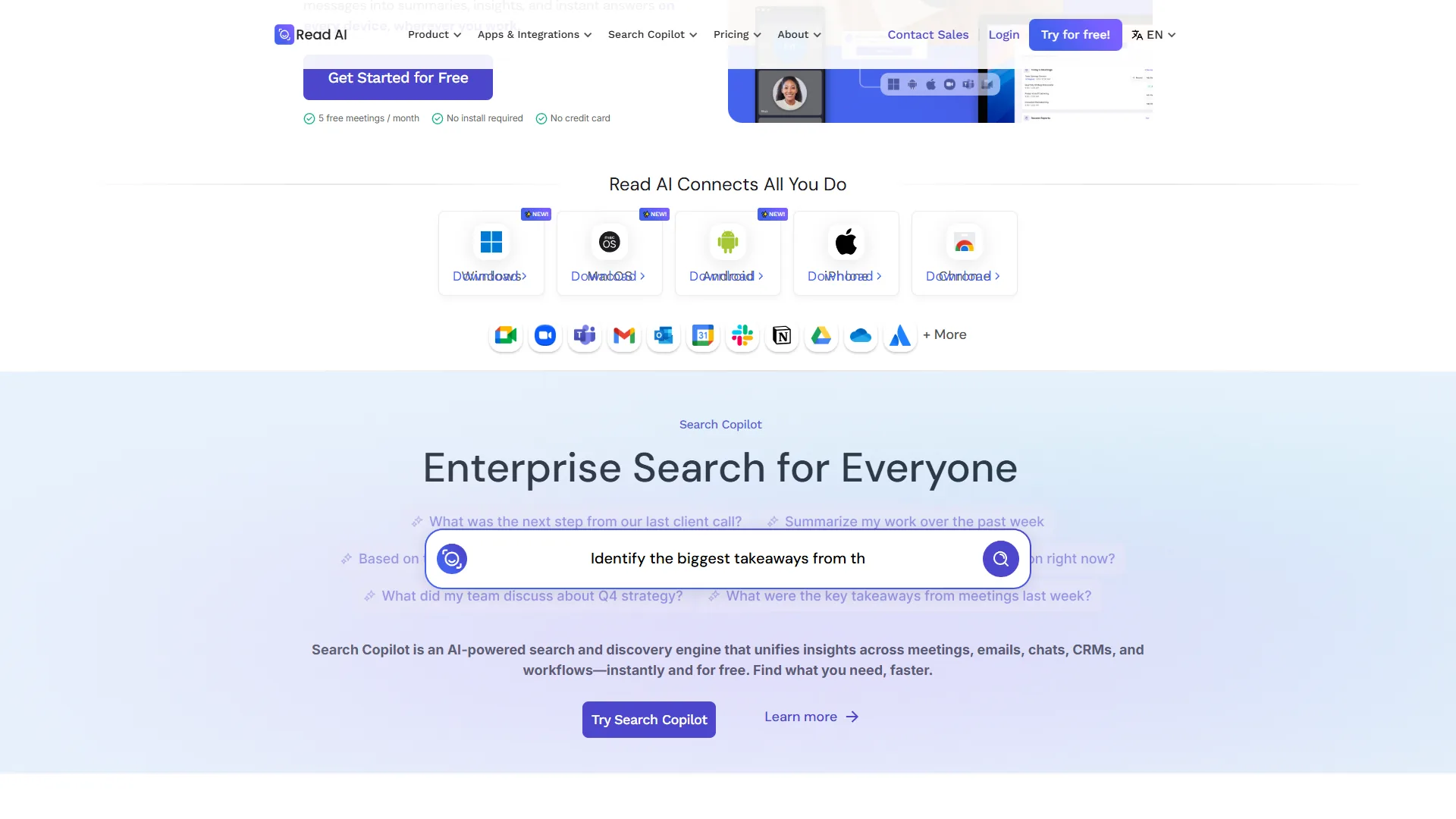
The standout feature is Search Copilot, an AI-powered search engine that spans not just your meetings but also emails, Slack messages, calendar data, and connected CRM records. You can search across everything you’ve discussed or received and get a unified answer. No other tool in this category offers this at the free tier.
The second differentiator is Operator, a bot-free recording mode. Instead of deploying a visible bot that joins as a meeting participant, Operator captures audio through a native desktop or mobile app. Teams that are uncomfortable with bots appearing in client calls - or whose clients have policies against third-party bots - will find this genuinely useful.
Transcription quality is strong. Read.ai uses GPT-4.1 and Claude under the hood for summaries, which produces noticeably coherent output compared to older transformer-based approaches. The summaries are organized by topic and include confidence-weighted action item extraction.
Where Read.ai struggles is pricing relative to what you get at the base paid tier. Pro starts at $19.75/month on monthly billing, which is nearly double Otter.ai’s entry price and almost twice Fireflies’ annual Pro rate. The free plan limits you to 5 transcripts per month - tight for anyone in more than a handful of meetings weekly.
The interface draws mixed feedback. Users describe it as functional but clunky, with more steps needed for common tasks than you’d expect from a mature product.
Read.ai is strongest for: Teams that need cross-platform knowledge search, privacy-conscious organizations preferring bot-free recording, and regulated industries needing HIPAA compliance (Enterprise+ tier).
Limitations and who it’s not for: Read.ai’s biggest drawbacks are price - Pro at $19.75/month is nearly double Otter’s entry tier - a clunky UI that requires more clicks for common tasks, a tight 5-transcript free tier, and a 3.9 user rating that trails Fireflies, Notta, and Otter.ai. The cross-platform search depends on connecting Slack, email, and CRM sources, which adds setup overhead. Skip Read.ai if budget is tight, you only need basic transcription, or your meetings happen on platforms beyond Zoom and Google Meet.
Otter.ai Overview
Otter.ai is the more established product here, founded in 2016 and used by over a million people across education, business, and content production. Its core strength is live collaborative transcription - the kind that lets team members highlight, annotate, and comment on a transcript while the meeting is still happening.
OtterPilot, the platform’s meeting bot, auto-joins Zoom, Google Meet, and Microsoft Teams calls on the Business plan, captures slides as they’re presented, and delivers structured summaries. The slide capture feature is distinctive - when a presenter shares their screen, Otter attaches those slides to the transcript in sync with the discussion, making it easy to link a key point to the exact slide it referenced.
Transcription accuracy runs 90-95% in clean audio conditions. It drops to around 85% with heavy accents or background noise, which is a real limitation for international teams or calls taken in noisy environments. Action item detection is a known weak point compared to Fireflies and Fathom, both of which are more aggressive about flagging tasks.
The pricing structure is Otter’s clearest advantage. Pro at $16.99/month on monthly billing (cheaper on annual) is accessible for individual professionals, and the 300-minute free plan is enough for most people to evaluate the product meaningfully. Business at $30/month adds auto-join and CRM integrations including Salesforce. For more options in this space, see our best AI meeting assistants roundup.
The main catch is language support: Otter only transcribes in English, French, Spanish, and Japanese. Teams with colleagues or clients outside those languages need to look elsewhere.
Otter.ai is strongest for: Product and content teams needing real-time collaborative note-taking, small to medium English-speaking teams, and educators or researchers who transcribe interviews and lectures.
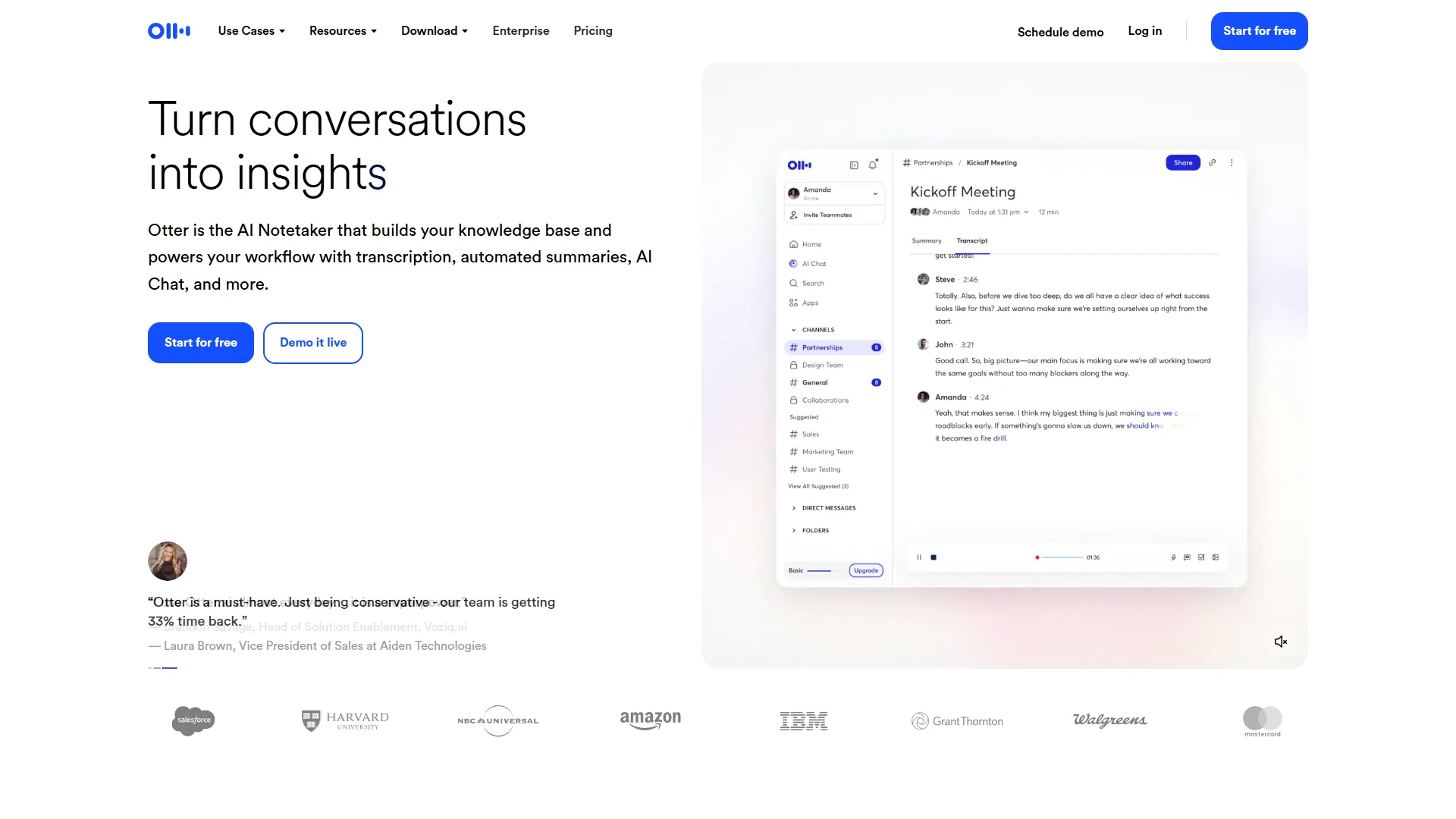
Best Picks by Use Case: Fireflies and Notta
Fireflies and Notta are the two strongest alternatives to Read.ai and Otter.ai, with Fireflies leading on integrations and Notta leading on multilingual transcription. According to Sam Liang, co-founder and CEO at Otter.ai, “Our mission is to make conversations more accessible by transforming voice conversations into smart notes that can be easily searched and shared.” If Read.ai and Otter.ai don’t quite fit, these two alternatives are worth serious consideration.
Fireflies.ai
Fireflies is the highest-rated tool in this comparison and covers more than 100 languages. That language breadth makes it the default choice for international teams and agencies serving multilingual clients. Compare it head-to-head in our Fireflies vs Fathom analysis.
The integration list is wide: Salesforce, HubSpot, Slack, Notion, Asana, and 40+ additional tools. Sales teams tend to land here because call data syncs directly into CRM records without manual data entry. The “Talk to Fireflies” feature lets you ask voice-activated questions during a meeting with real-time Perplexity web search backing the answers.
Pro starts at $18/month (lower on annual billing) and is one of the most affordable paid options in this comparison, and the free tier includes 800 minutes of storage - more generous than Otter’s 300 minutes or Read.ai’s 5-transcript cap. The main downsides: speaker diarization gets messy in fast-paced multi-speaker calls, and the dashboard overwhelms first-time users with feature density.
Notta
Notta focuses on multilingual transcription at a competitive price. It supports 58 languages with real-time translation to 42, claims 98.86% accuracy under optimal conditions, and includes an AI chat assistant that lets you query your transcripts in natural language.
At $13.99/month on monthly billing (lower on annual), Notta Pro undercuts Otter.ai on price while offering far broader language support. The Business plan adds unlimited transcription minutes and CRM integrations with Zendesk Sell, Zoho CRM, and Pipedrive.
The free plan is the most restricted in this group at 120 minutes per month with a 3-minute-per-file cap - suitable only for testing the service, not regular use. Salesforce and HubSpot are missing from the integration list, which rules it out for teams standardized on those CRMs.
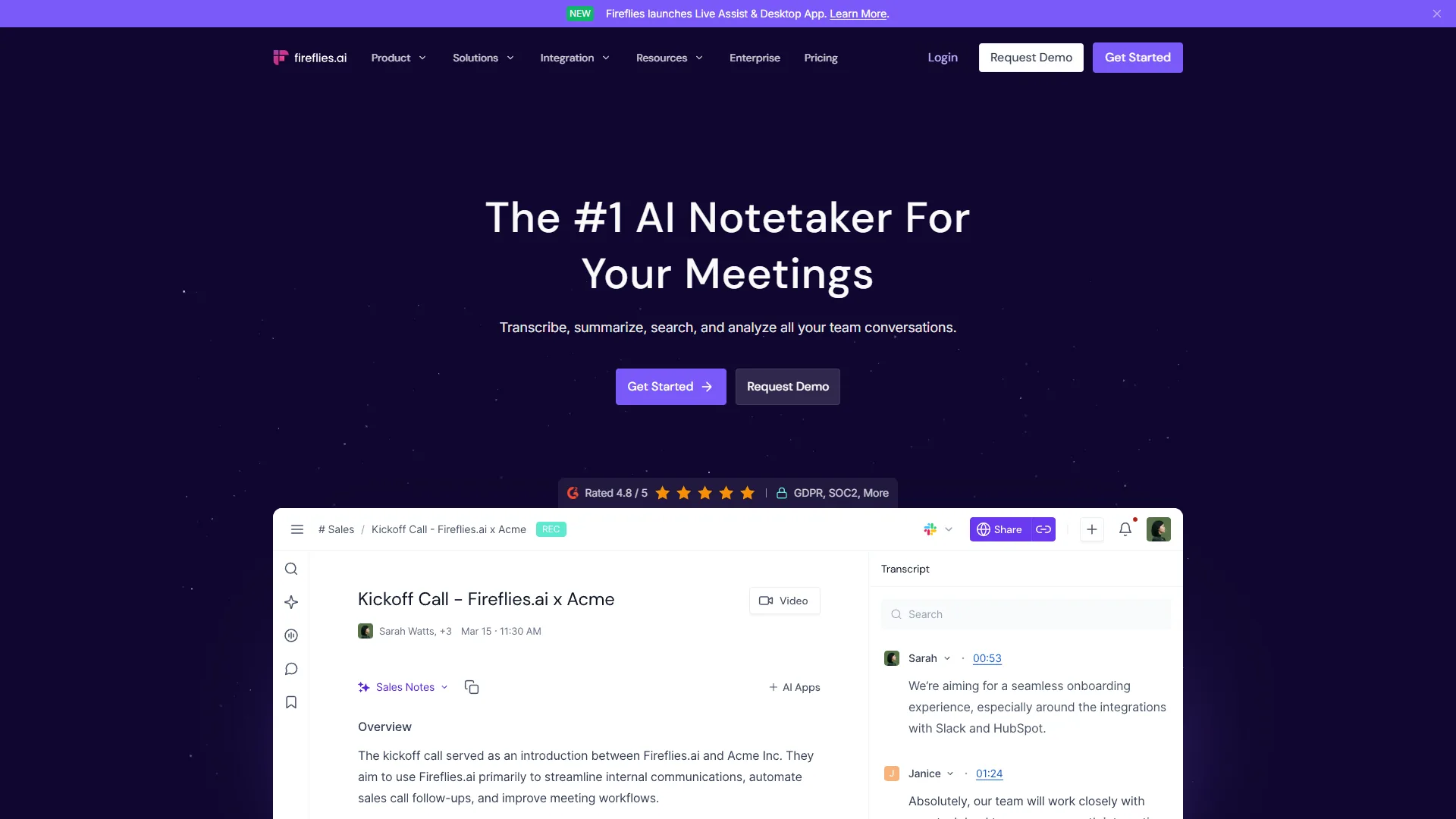
How Do Read.ai and Otter.ai Compare Feature by Feature?
Read.ai and Otter.ai compare closely on accuracy and diarization but diverge sharply on integrations, language support, and price - with Notta and Fireflies outperforming both in specific dimensions.
Transcription Accuracy
All four tools perform similarly in clean audio conditions, targeting 90-98% accuracy. In practice:
- Notta claims the highest accuracy (98.86%) under optimal conditions
- Fireflies and Otter.ai consistently deliver 90-95% in real-world usage
- Read.ai is comparable, powered by GPT-4.1 and Claude
- Accuracy drops significantly for all four with accents, background noise, or overlapping speakers
None of these tools is a replacement for human transcription in high-stakes legal or medical contexts. Review transcripts before sharing in sensitive situations. For an in-depth methodology comparison, see our AI transcription tools comparison.
Speaker Diarization
All four tools attempt to label who said what, but accuracy varies with speaker count:
- 2-3 speakers: All tools perform well
- 4+ speakers: Fireflies struggles most with rapid interruptions; the others fare better in structured conversations
- Otter.ai produces the most consistent diarization in collaborative meeting formats with assigned roles
AI Summaries
Read.ai’s summaries stand out for structure - they’re organized by topic rather than chronologically, which makes action item review more efficient. Otter.ai’s summaries are accurate but lean toward chronological recaps that require more scanning. Fireflies includes conversation intelligence features like question detection and sentiment that the others don’t surface at the summary level.
Integrations
| Tool | Key Integrations |
|---|---|
| Read.ai | Notion, Salesforce, HubSpot, Jira, Slack, Teams, Google Drive, OneDrive, Confluence |
| Otter.ai | Zoom, Google Meet, Microsoft Teams, Slack, Salesforce (Business+) |
| Fireflies | 40+ apps including Salesforce, HubSpot, Notion, ClickUp, Asana, Zapier |
| Notta | Zendesk Sell, Zoho CRM, Pipedrive, Google Docs, ClickUp, Microsoft OneNote |
Fireflies has the widest integration ecosystem. Read.ai is strong for Notion and Jira users. Otter’s Salesforce integration requires the Business plan.
Pricing
| Tool | Free Tier | Entry Paid (Annual) | Mid-Tier (Annual) |
|---|---|---|---|
| Read.ai | 5 transcripts/month | $15/month | $22.50/month |
| Otter.ai | 300 min/month | $8.33/month | $20/month |
| Fireflies | 800 min storage | $10/month | $19/month |
| Notta | 120 min/month | $8.17/month | $16.67/month |
Read.ai is the most expensive at every tier. Notta and Otter.ai tie for lowest entry price on annual billing. Fireflies’ free plan is the most practically useful for regular users. Our AI notetaker shootout digs into real meeting test results.
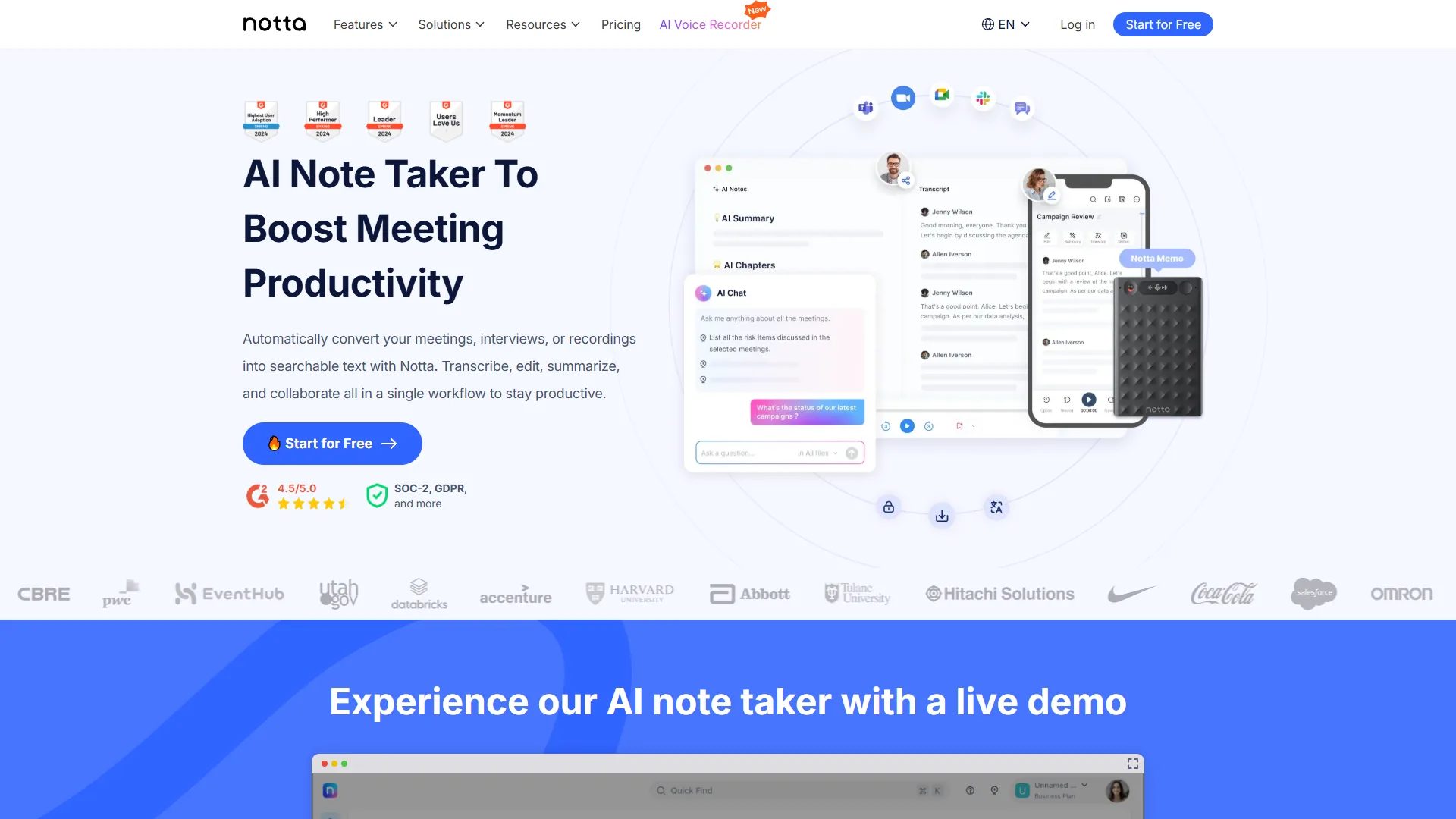
Which Tool Fits Your Workflow
Read.ai fits cross-platform knowledge search and bot-free recording, while Otter.ai fits real-time collaborative note-taking at the lowest entry price. The Read.ai vs Otter.ai decision comes down to your team’s core workflow. Here’s how to cut through the options:
Choose Read.ai if:
- You need a unified search layer across meetings, emails, Slack, and CRM data
- Your team or clients are uncomfortable with visible meeting bots
- You operate in a regulated industry requiring HIPAA compliance (Enterprise+ tier)
- You primarily use Zoom and Google Meet
Choose Otter.ai if:
- Your team needs to annotate and comment on transcripts during live meetings
- You conduct presentations and want slides automatically captured in context
- You want the lowest-cost paid plan with solid quality (under $10 per month on annual billing)
- Your meetings are in English, French, Spanish, or Japanese
Choose Fireflies.ai if:
- You need 100+ language support for international clients or colleagues
- Your team relies heavily on Salesforce, HubSpot, or Notion
- You’re a sales or customer success team wanting conversation intelligence beyond summaries
- You want the most platform flexibility (Zoom, Meet, Teams, Webex, and 7+ others)
Choose Notta if:
- You serve multilingual clients or conduct meetings in non-English languages
- Price is the primary decision factor and you want broad language coverage
- You’re a podcast creator or content producer needing accurate transcription for repurposing
What Is the Bottom Line on Read.ai vs Otter.ai?
Read.ai is the better pick for cross-platform knowledge search and privacy-conscious bot-free recording, while Otter.ai is the better pick for real-time collaborative editing at $8.33 per month. The Read.ai vs Otter.ai choice serves different use cases, and the decision comes down to what matters most in your workflow.
Our analysis draws on current vendor documentation, published pricing pages, and independent research rather than sponsored placement or hands-on benchmarking.
If your priority is knowledge search - being able to find what was discussed in a meeting alongside what was written in email or Slack - Read.ai earns its premium price with Search Copilot. The bot-free Operator recording is a genuine differentiator for privacy-sensitive organizations.
If your priority is real-time collaboration at a reasonable cost, Otter.ai delivers. The live annotation features, slide capture, and clean interface make it the most polished experience for teams that edit notes during meetings rather than after.
For teams that need broader language support or more integration depth, Fireflies.ai and Notta are strong alternatives that outperform the main two in specific areas. Fireflies wins on ecosystem breadth and language coverage; Notta wins on multilingual accuracy and price.
Start with free plans to test your specific meeting types and audio conditions. Transcription accuracy varies enough by accent and environment that real-world testing matters more than published benchmarks. Once you’ve picked a tool, our how to summarize meetings with AI guide walks through the post-meeting workflow.
FAQ
Notta claims the highest stated transcription accuracy at 98.86%, while Fireflies and Otter.ai deliver 90-95% in real-world usage and Read.ai performs comparably using GPT-4.1 and Claude.
Q: Which is the best AI to transcribe audio to text?
For highest accuracy, Notta claims 98.86% under optimal conditions. Fireflies and Otter.ai consistently deliver 90-95% in real-world usage, and Read.ai is comparable using GPT-4.1 and Claude. In practice, accuracy drops for all four with accents, background noise, or overlapping speakers - real-world testing matters more than published benchmarks.
Q: Does Otter.ai support multiple languages?
Otter.ai only transcribes in English, French, Spanish, and Japanese. Teams with colleagues or clients outside those four languages need to look elsewhere. For broad language coverage, Fireflies supports 100+ languages and Notta supports 58 with real-time translation to 42.
Q: What is Read.ai’s Operator feature?
Operator is Read.ai’s bot-free recording mode. Instead of deploying a visible bot that joins as a meeting participant, Operator captures audio through a native desktop or mobile app. This makes it useful for teams uncomfortable with bots appearing in client calls or whose clients have policies against third-party bots.
Q: How does Read.ai pricing compare to Otter.ai?
Read.ai is the most expensive option at every tier. Pro starts at $19.75 per month ($15 per month annual), nearly double Otter.ai’s entry price of $8.33 per month annual. Read.ai’s free plan limits users to 5 transcripts per month, while Otter.ai offers 300 minutes per month at no cost.
Q: What integrations does Fireflies.ai offer?
Fireflies has the widest integration ecosystem in this comparison, covering 40+ apps including Salesforce, HubSpot, Notion, ClickUp, Asana, and Zapier. Sales teams favor it because call data syncs directly into CRM records without manual data entry. It also connects to Zoom, Google Meet, Teams, Webex, and seven or more other platforms.
Related Reading
Related reading covers the broader AI meeting assistant landscape, head-to-head matchups, and the full feature breakdowns for each of the four tools compared above.
- Best AI Meeting Assistants 2026: Full Roundup
- Fireflies.ai vs Fathom: Which Wins for Sales Teams?
- AI Notetaker Shootout 2026: Head-to-Head Testing
- AI Transcription Tools Compared: Real Testing, Real Results
- How to Summarize Meetings with AI: Never Miss Action Items
- Read.ai - Full feature breakdown and pricing
- Otter.ai - Review, plans, and integrations
- Fireflies.ai - Coverage, languages, and CRM sync
- Notta - Multilingual transcription and pricing
External Resources
External resources link directly to each vendor’s official pricing and feature pages for the most current information on plans, limits, and integrations.