When your organization handles proprietary algorithms, government contracts, or sensitive intellectual property, the tabnine vs copilot decision isn’t about features-it’s about which AI code assistant won’t expose your code to the world. After deploying both tools across enterprise development teams with strict security requirements, I’ve learned that the “right” choice depends entirely on your compliance obligations and deployment constraints.
GitHub Copilot dominates the market with 1.8 million users and proven 55% faster task completion. But it’s cloud-only, stores code snippets for up to 28 days (depending on tier), and has no air-gapped deployment option. For regulated industries, this is a non-starter.
Tabnine positions itself as the privacy-first alternative with zero data retention, on-premises deployment, and SOC 2 Type 2 certification. Your code never leaves your infrastructure if you choose air-gapped deployment. The trade-off: $59/user/month versus Copilot’s $10/month Pro plan, and no free tier since 2025.
The decision framework is straightforward: Choose Tabnine if code privacy is non-negotiable and you need air-gapped or on-premises deployment. Choose GitHub Copilot if you want the best value and productivity gains without strict security mandates.
Let’s break down exactly how these tools compare on enterprise security, compliance, deployment options, and real-world use cases.
Quick Security Comparison
| Security Feature | Tabnine | GitHub Copilot |
|---|---|---|
| Rating | ||
| Data Retention | Zero (code never stored) | Up to 28 days (varies by tier) |
| Air-Gapped Deployment | Full support | Not available |
| On-Premises Option | SaaS, VPC, or on-prem | SaaS only |
| SOC 2 Compliance | Type 2 | Type 1 (Business tier) |
| ISO 27001 | Certified | Not certified |
| GDPR Compliance | Full | Full |
| IP Indemnity | Enterprise tier | Business/Enterprise tier |
| Code Training | Never uses your code | Opt-out available |
| Provenance Flagging | Built-in | Not available |
| Starting Price | $59/user/month | Free (limited) |
Quick verdict: For enterprises in regulated industries-financial services, healthcare, government, defense-Tabnine is the only option that meets strict security requirements. For everyone else, GitHub Copilot delivers better value and productivity at a fraction of the cost.
Tabnine: The Enterprise Security Champion
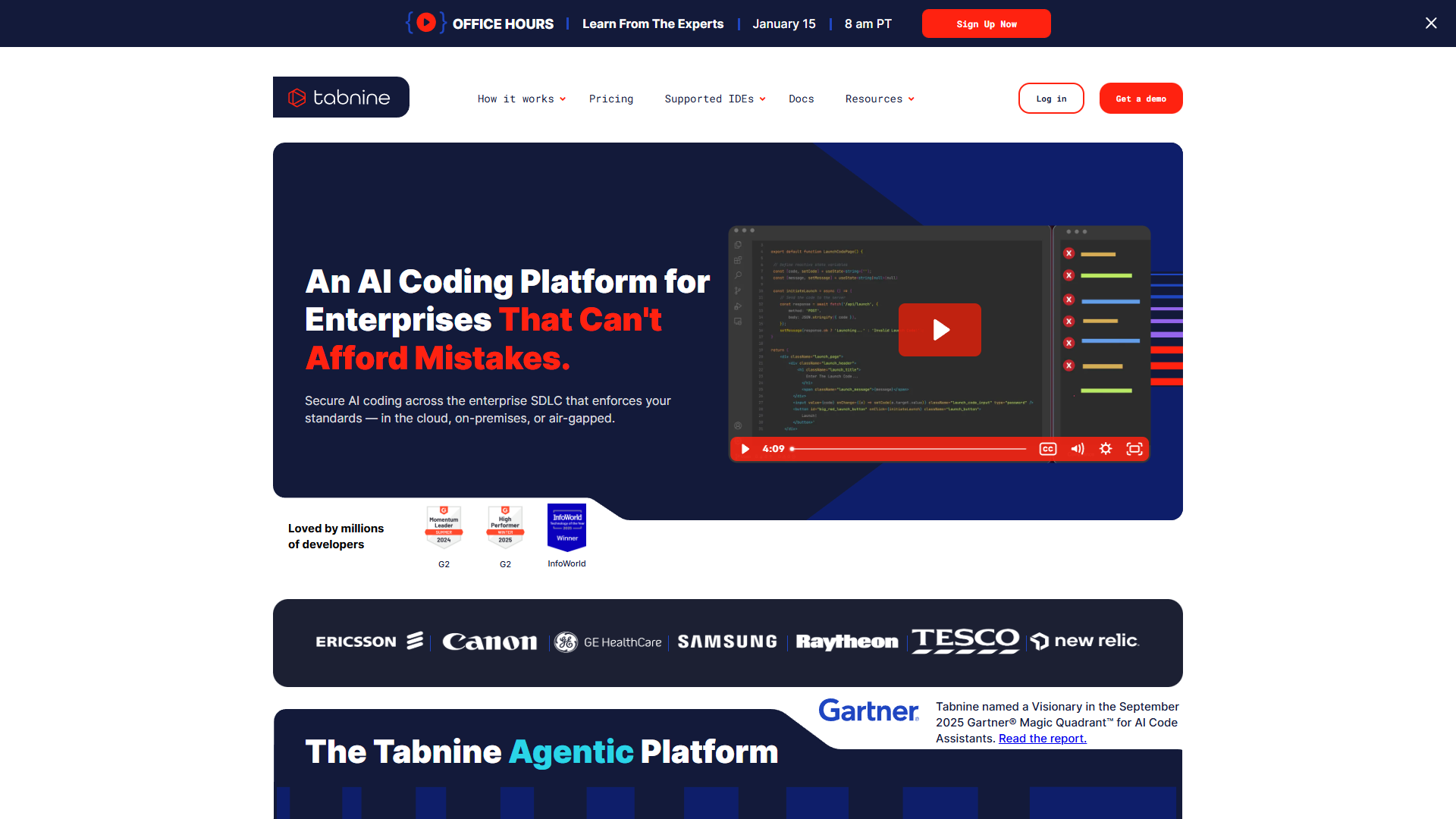
Tabnine has pivoted hard toward enterprise customers since discontinuing its free tier in 2025. The message is clear: this is an AI code assistant built for organizations that cannot compromise on security. With SOC 2 Type 2 certification, ISO 27001 compliance, and the ability to run completely air-gapped, Tabnine addresses concerns that make CTOs hesitate about AI coding tools.
Zero Data Retention: What It Actually Means
Tabnine’s “zero data retention” policy is more than marketing speak. Here’s how it works:
- Code snippets are processed but never stored - Your code passes through Tabnine’s models for completion generation, then is immediately discarded
- No training on customer code - Unlike some competitors, Tabnine never uses your code to improve its models
- Provenance flagging - The system actively identifies code completions that match public GitHub repositories and warns you about potential licensing issues
- Audit logs - Enterprise customers get detailed logs of all AI interactions for compliance reporting
For comparison, GitHub Copilot’s data handling varies by tier:
- Free/Pro: Code snippets may be retained for up to 28 days for abuse monitoring
- Business: Data retention disabled by default, optional engagement data sharing
- Enterprise: Full control over data retention policies
The practical difference: with Tabnine, your code never exists anywhere outside your infrastructure (in air-gapped deployments). With Copilot, code passes through Microsoft/GitHub servers even on Business tier.
Air-Gapped Deployment: The Ultimate in Code Privacy
This is Tabnine’s killer feature for security-conscious enterprises. Air-gapped deployment means:
- The AI model runs entirely within your infrastructure - No internet connection required after initial setup
- Code never leaves your network - Not even to Tabnine’s servers
- Full control over model updates - You choose when and whether to update
- Compatible with classified environments - Suitable for defense contractors and government agencies with ITAR or FedRAMP requirements
Deployment options include:
- SaaS - Cloud-hosted by Tabnine (still zero data retention)
- VPC - Runs in your cloud account, managed by Tabnine
- On-premises - Self-hosted, fully air-gapped option
GitHub Copilot has no equivalent. All Copilot tiers require internet connectivity to Microsoft’s cloud infrastructure. For organizations with air-gapped requirements, Copilot simply isn’t an option.
SOC 2 Type 2 vs Type 1: Why It Matters
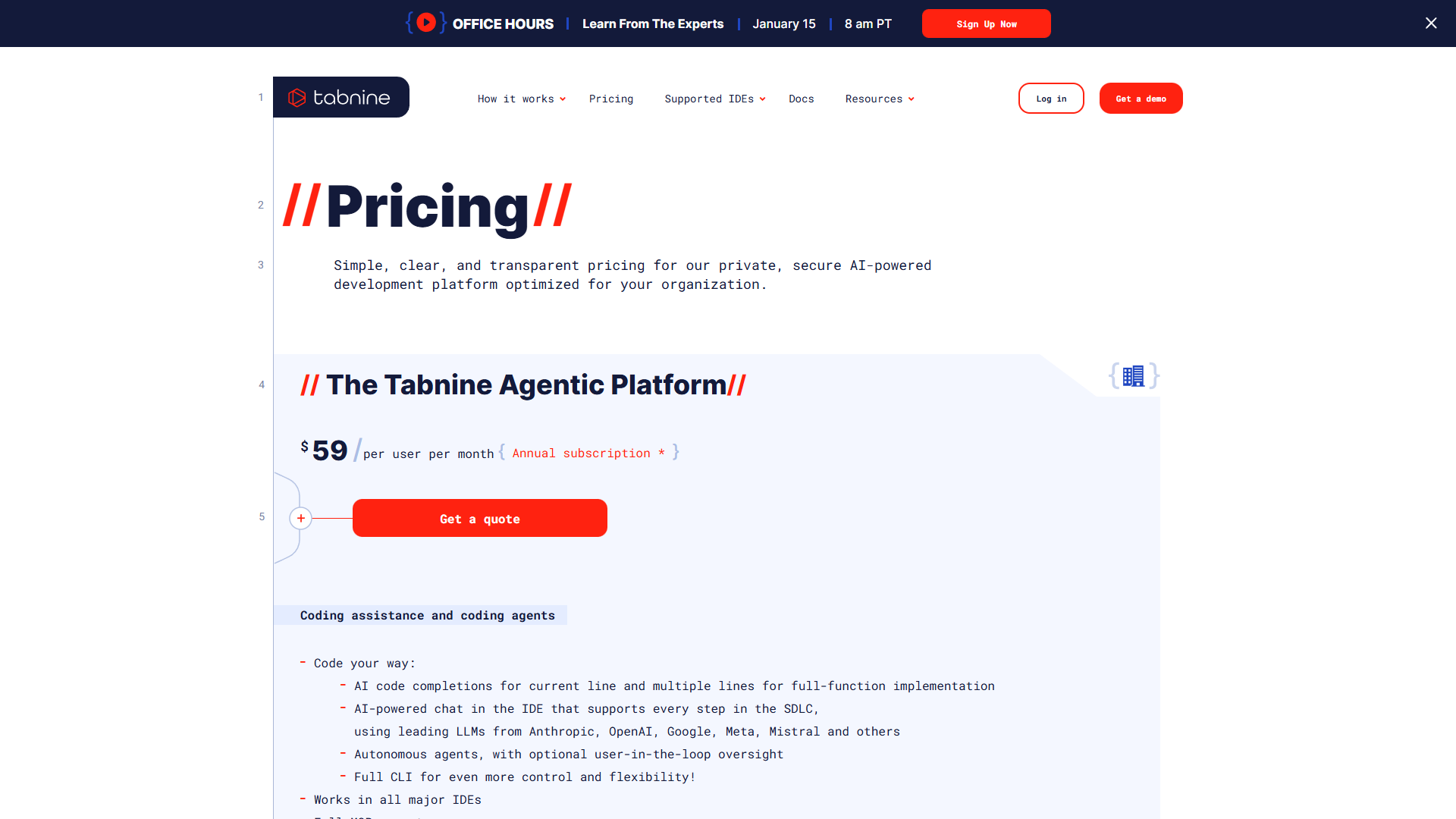
Tabnine holds SOC 2 Type 2 certification, while GitHub Copilot Business has SOC 2 Type 1. The difference:
- Type 1 - Evaluates security controls at a single point in time (a snapshot)
- Type 2 - Evaluates how controls operate over a period of time (typically 6-12 months)
Type 2 certification demonstrates that Tabnine’s security controls work consistently over time, not just on audit day. For procurement teams at regulated enterprises, this distinction often determines vendor approval.
Tabnine also holds ISO 27001 certification, the international standard for information security management. GitHub Copilot does not hold ISO 27001 certification specifically, though Microsoft Azure (which hosts Copilot) is ISO 27001 certified.
Tabnine’s Trade-offs
The security focus comes with limitations:
- No free tier - $59/user/month starting price excludes individual developers and budget-conscious teams
- Fewer models - Access to Claude 4.0 Sonnet, Claude 4.5 Haiku, Gemini 2.5/3.0, Azure GPT-5, and Qwen 2.5, but not the full model selection of Copilot Pro+
- Weaker multi-file editing - Single-file completions are excellent, but Cursor and Copilot’s agent modes handle complex refactoring better
- Lower community ratings - 3.97 aggregate score versus Copilot’s 4.61, with some users citing the pricing pivot as a trust issue
GitHub Copilot: The Productivity Powerhouse
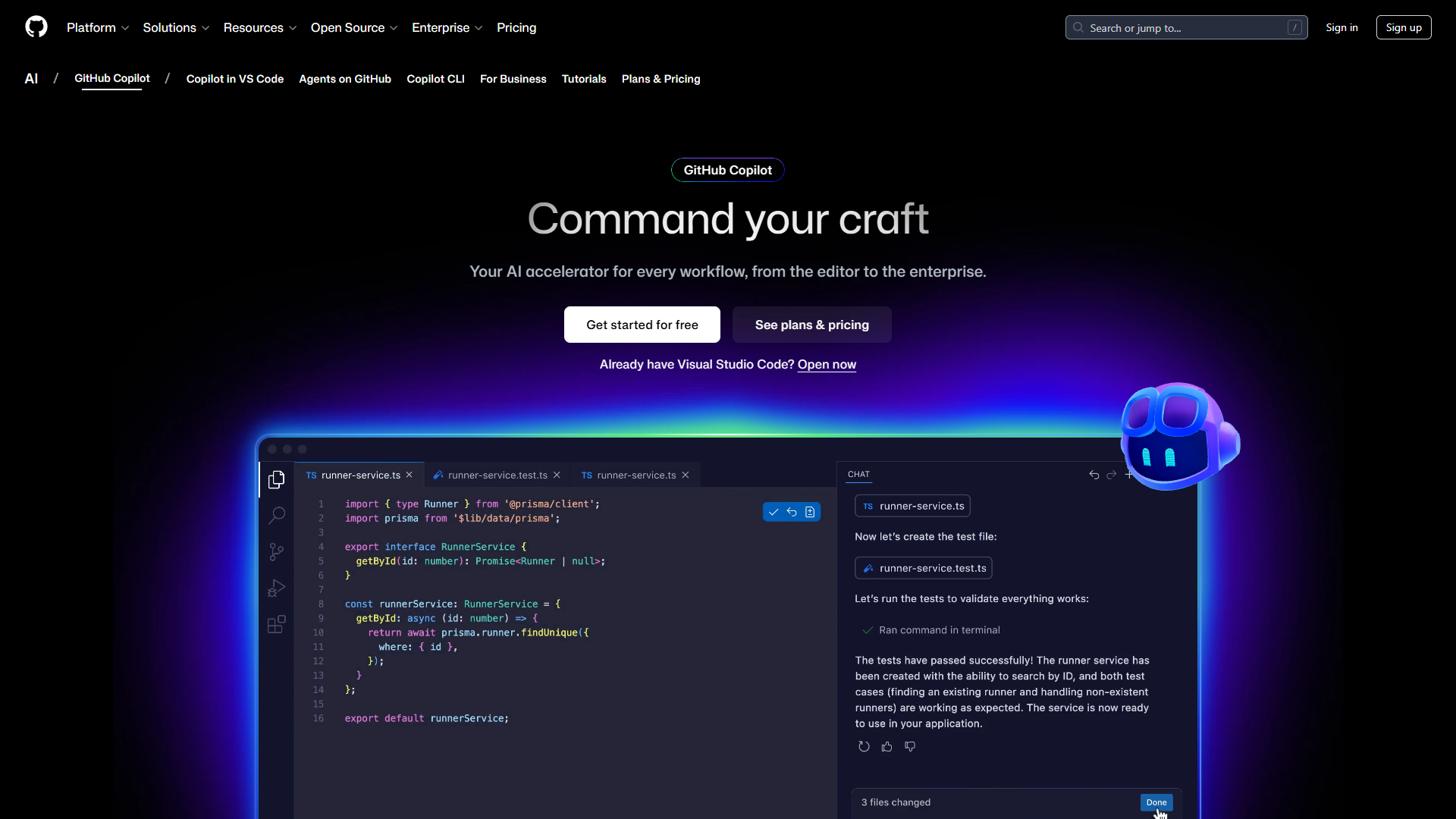
GitHub Copilot is the industry standard for AI-assisted coding with 1.8 million users and documented 55% faster task completion. Its security model is “good enough” for most organizations, but it’s fundamentally a cloud service without air-gapped options.
GitHub Copilot’s Security Model
GitHub Copilot Business and Enterprise tiers address many enterprise concerns:
- IP indemnity protection - Microsoft assumes legal responsibility for copyright claims arising from Copilot suggestions
- Content filtering - Blocks suggestions matching public code to reduce licensing risks
- Admin controls - Centralized policy management, user provisioning, usage metrics
- Audit logs - Detailed logs of AI interactions for compliance (Enterprise tier)
- Data retention controls - Business tier disables telemetry by default
What Copilot doesn’t offer:
- No on-premises option - All code processing happens on Microsoft/GitHub infrastructure
- No air-gapped deployment - Internet connectivity required at all times
- No zero data retention guarantee - Code passes through cloud servers even with minimal retention settings
Pricing That Crushes the Competition
GitHub Copilot’s pricing is its strongest argument against Tabnine:
- Free - 2,000 completions and 50 chat messages per month (enough for casual developers)
- Pro ($10/month) - Unlimited completions, 300 premium requests, multi-model access
- Pro+ ($39/month) - 1,500 premium requests, all frontier models, GitHub Spark
- Business ($19/user/month) - IP indemnity, admin controls, audit logs
- Enterprise ($39/user/month) - Custom knowledge bases, codebase training
For a 10-person development team:
- Tabnine: $590/month ($7,080/year)
- Copilot Business: $190/month ($2,280/year)
That’s $4,800/year in savings choosing Copilot over Tabnine for a small team. For organizations without strict air-gapped requirements, this cost difference is hard to justify.
Copilot’s Productivity Edge
GitHub’s research shows compelling ROI:
- 55% faster task completion across all developer types
- 2+ hours saved per week on routine coding tasks
- 88% of developers report feeling more productive
- 48x ROI multiplier based on recovered developer time
These metrics come from studies of 2,000+ developers-the largest sample size in AI coding assistant research. Tabnine’s documented metrics (90% single-line acceptance rate, 27% of code AI-generated) are impressive but based on smaller case studies.
Security Deep Dive: Which Protects Your Code Better?
Data Flow Comparison
Tabnine (Air-Gapped):
Developer types code → Local Tabnine model → Completion generated
                    ↓
              Code NEVER leaves your infrastructure
GitHub Copilot:
Developer types code → Code sent to Microsoft servers → Model generates completion
                    ↓                               ↓
              Network transmission            Temporary processing
                    ↓                               ↓
              Code deleted after processing (Business tier)
The architectural difference is fundamental. With Tabnine air-gapped, your code physically cannot be exfiltrated-there’s no network path to the outside world. With Copilot, you’re trusting Microsoft’s security practices and data handling policies.
Compliance Certification Matrix
| Certification | Tabnine | GitHub Copilot | Notes |
|---|---|---|---|
| SOC 2 Type 2 | Yes | No (Type 1 only) | Type 2 demonstrates sustained compliance |
| ISO 27001 | Yes | Via Azure | Direct vs. inherited certification |
| GDPR | Yes | Yes | Both compliant |
| HIPAA | Possible (on-prem) | BAA available | Healthcare-specific requirements |
| FedRAMP | Possible (on-prem) | In progress | Government cloud requirements |
| ITAR | Yes (air-gapped) | No | Defense/export control requirements |
For organizations subject to ITAR, FedRAMP, or classified computing requirements, Tabnine’s air-gapped deployment is often the only path to AI coding assistance.
Provenance and Attribution: Avoiding License Landmines
Tabnine includes a unique provenance flagging system that:
- Identifies code completions that match public GitHub repositories
- Shows the source repository and its license
- Warns developers before accepting potentially problematic code
- Helps legal teams audit AI-generated code for licensing compliance
GitHub Copilot’s content filtering blocks exact matches to public code but doesn’t provide the same visibility into near-matches or attribution. For enterprises concerned about open-source license compliance, Tabnine’s transparency is valuable.
IDE Support and Developer Experience
Multi-IDE Support
Both tools support major IDEs, but with different strengths:
Tabnine:
- VS Code (full support)
- All JetBrains IDEs (IntelliJ, PyCharm, WebStorm, GoLand, CLion, Rider)
- Eclipse
- Visual Studio 2022
GitHub Copilot:
- VS Code (full support)
- All JetBrains IDEs
- Visual Studio
- Neovim
- GitHub.com (web-based editing)
- GitHub CLI (terminal)
- GitHub Mobile (code review)
Copilot’s CLI, web, and mobile support provide workflows that Tabnine doesn’t match. For developers who review code on mobile or use GitHub’s web editor, Copilot’s ecosystem integration is a significant advantage.
Code Completion Quality
Both tools provide excellent single-line completions. The differences:
- Tabnine achieves 90% single-line acceptance rate in case studies, with context-aware suggestions that understand your codebase patterns
- Copilot shows 55% faster overall task completion, with better multi-line and function-level completions
For pure code completion quality, they’re comparable. The productivity difference comes from multi-file editing (where Copilot’s agent mode and Cursor’s Composer are stronger) rather than single-line suggestions.
Who Should Choose Tabnine?
Ideal Tabnine Use Cases
Financial Services: Banks, insurance companies, and fintech with SOC 2 requirements and code containing proprietary trading algorithms or customer financial data.
Government Contractors: Defense contractors, intelligence agencies, and federal contractors subject to ITAR, FedRAMP, or classified computing requirements.
Healthcare Organizations: Companies handling PHI who need HIPAA-compliant AI assistance and want to avoid cloud processing of medical software code.
R&D-Heavy Enterprises: Companies whose competitive advantage is in their codebase-proprietary algorithms, trade secrets, or patent-pending technology.
Compliance-First Organizations: Any enterprise where the security team’s approval is the bottleneck for AI tool adoption.
When Tabnine Isn’t Worth It
- Individual developers or hobbyists (no free tier)
- Startups without security compliance requirements
- Teams primarily using AWS (Amazon Q Developer may integrate better)
- Organizations prioritizing raw productivity over security guarantees
- Budget-conscious teams where $59/user/month isn’t justifiable
Who Should Choose GitHub Copilot?
Ideal Copilot Use Cases
Most Commercial Software Teams: Organizations without strict air-gapped requirements who want the best productivity ROI at $10-19/user/month.
GitHub-Centric Workflows: Teams using GitHub for version control, CI/CD, and project management benefit from native integration.
Multi-IDE Development Shops: Organizations with developers using VS Code, JetBrains, Visual Studio, and CLI tools across different projects.
Enterprises Needing IP Indemnity: Companies concerned about copyright claims from AI-generated code (Business/Enterprise tiers).
Developers Learning AI-Assisted Coding: The free tier provides genuine value for developers experimenting with AI coding assistance.
When Copilot Falls Short
- Air-gapped environments (not technically possible)
- Organizations requiring SOC 2 Type 2 certification from vendors
- Defense contractors with ITAR compliance requirements
- Companies with zero tolerance for code leaving their infrastructure
Pricing Analysis: Total Cost of Ownership
Small Team (5 Developers)
| Tool | Monthly Cost | Annual Cost | Security Level |
|---|---|---|---|
| Copilot Free | $0 | $0 | Basic (limited usage) |
| Copilot Pro | $50 | $600 | Basic |
| Copilot Business | $95 | $1,140 | Good (IP indemnity) |
| Tabnine | $295 | $3,540 | Excellent (zero retention) |
Verdict: For teams without strict compliance requirements, Copilot Business at $1,140/year delivers excellent ROI with IP indemnity protection.
Medium Team (20 Developers)
| Tool | Monthly Cost | Annual Cost | Security Level |
|---|---|---|---|
| Copilot Business | $380 | $4,560 | Good |
| Copilot Enterprise | $780 | $9,360 | Better (custom training) |
| Tabnine | $1,180 | $14,160 | Excellent |
Verdict: The $5,000-10,000 annual premium for Tabnine is justified only if regulatory compliance requires air-gapped deployment or SOC 2 Type 2 vendor certification.
Enterprise (100 Developers)
| Tool | Monthly Cost | Annual Cost | Security Level |
|---|---|---|---|
| Copilot Enterprise | $3,900 | $46,800 | Better |
| Tabnine | $5,900 | $70,800 | Excellent |
Verdict: At enterprise scale, Tabnine’s $24,000 annual premium is a rounding error on developer salary costs. If security requirements demand it, the premium is easily justified. If not, Copilot Enterprise provides better multi-file capabilities.
The Hybrid Approach
Some organizations use both tools strategically:
Tabnine for:
- Teams working on classified or highly sensitive code
- Developers in air-gapped environments
- Projects with strict licensing compliance requirements
GitHub Copilot for:
- General development teams without security restrictions
- Open-source projects and public code
- CLI and mobile code review workflows
This hybrid approach adds complexity but provides flexibility for organizations with varied security requirements across projects.
Final Verdict: Security vs. Productivity
The tabnine vs copilot decision ultimately comes down to one question: Is code privacy your top priority, or is productivity?
Choose Tabnine If:
- You work in a regulated industry (finance, healthcare, government, defense)
- You need air-gapped or on-premises deployment
- Your security team requires SOC 2 Type 2 vendor certification
- You handle proprietary algorithms or trade secrets that cannot risk exposure
- Compliance requirements make cloud-based AI tools a non-starter
Choose GitHub Copilot If:
- You want the best productivity ROI at the lowest cost
- You work in a commercial environment without strict security mandates
- You value IDE flexibility (CLI, mobile, web, multiple desktop editors)
- You need IP indemnity protection for AI-generated code
- You’re an individual developer or small team without compliance obligations
My recommendation: For 90% of development teams, GitHub Copilot Business ($19/user/month) provides the best balance of security, productivity, and cost. The IP indemnity protection and audit logs address most enterprise concerns.
For the 10% of organizations in regulated industries or handling classified code, Tabnine is worth the premium. The $59/user/month cost is insignificant compared to the risk of a compliance violation or code leak.
Both tools will continue improving their security postures. But today, in January 2026, the enterprise security divide between tabnine vs copilot is clear: Tabnine wins on privacy guarantees, Copilot wins on everything else.
Related Reading
- Best AI Coding Assistants 2026
- GitHub Copilot vs Cursor: Feature-by-Feature Breakdown
- AI Pair Programming Guide
- GitHub Copilot Complete Guide
External Resources
For official documentation and updates from these tools:
- Tabnine — Official website
- GitHub Copilot — Official website
- Cursor — Official website