Choosing between GitHub Copilot vs Cursor isn’t just about picking an AI code assistant — it’s about deciding which tool will save you the most time and money over the next year. After spending six months building production applications with both tools, I’ve learned that the “best” choice depends entirely on how you code, what you’re building, and whether you value versatility or raw power.
GitHub Copilot dominates the market with 1.8 million users and proven 55% faster task completion rates. It works inside your existing IDE (VS Code, JetBrains, Visual Studio) and costs just $10/month for the Pro plan. Cursor, meanwhile, is the insurgent — a VS Code fork built specifically for AI-first development, with a proprietary Composer model that’s 4x faster than GPT-5 for multi-file tasks and the ability to run 8 agents in parallel. It costs $20/month for Pro.
The decision framework is straightforward: Choose GitHub Copilot if you want the most affordable, versatile AI assistant that works across multiple IDEs. Choose Cursor if you’re willing to pay double for the most powerful multi-file editing and agent-based workflows available today.
Let’s break down exactly how these tools compare across features, pricing, and real-world use cases — so you can make an informed decision based on data, not hype.
Quick Comparison Table
| Feature | GitHub Copilot | Cursor |
|---|---|---|
| Rating | ||
| Starting Price | Free (2,000 completions/mo) | Free (limited trial) |
| Pro Price | $10/month | $20/month |
| Best For | IDE flexibility & budget | Multi-file editing & agents |
| AI Models | GPT-5, Claude, Gemini | GPT-5, Claude, Gemini, Composer |
| IDE Support | VS Code, JetBrains, Visual Studio | VS Code fork only |
| Agent Mode | Preview (limited) | 8 parallel agents |
| Key Strength | Proven ROI, multi-IDE | 4x faster Composer, codebase context |
| Productivity Gain | 55% faster tasks | 25% time savings, 20% more PRs |
Quick verdict: For most developers, GitHub Copilot offers the best value at $10/month with proven 55% productivity gains. Choose Cursor if you need cutting-edge multi-file refactoring and are willing to pay $20/month for 4x faster agent performance.
GitHub Copilot: The Industry Standard
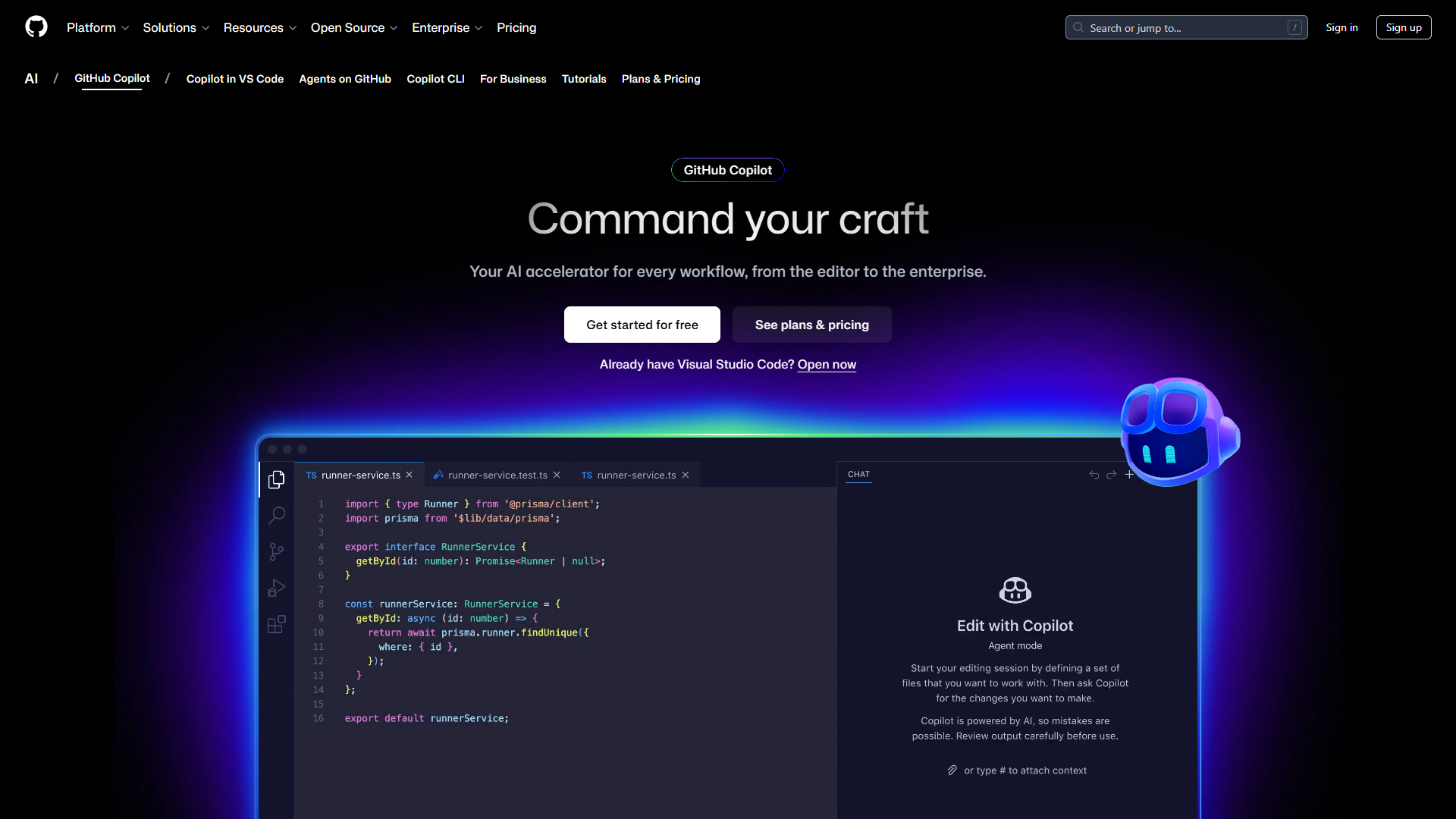
GitHub Copilot is Microsoft’s AI coding assistant powered by OpenAI Codex, now offering access to multiple frontier models including GPT-5, Claude Sonnet 4/4.5, and Gemini 2.5 Pro. Launched in 2021, it’s the most mature AI code assistant on the market with 1.8 million active users and adoption by over 50,000 organizations.
Pricing That Makes Sense
GitHub Copilot’s freemium model is the most generous in the category:
- Free: 2,000 code completions and 50 chat messages per month
- Pro ($10/month): Unlimited completions, 300 premium requests, multi-model access, CLI support
- Business ($19/user/month): All Pro features plus IP indemnity, admin controls, audit logs
- Enterprise ($39/user/month): 1,000 premium requests per user, custom knowledge bases, codebase training
The $10/month Pro plan is half the cost of Cursor Pro, and the free tier actually provides enough completions for casual developers — unlike most “freemium” tools that gatekeep aggressively.
Real ROI Numbers
GitHub’s official research study of 2,000 developers documented compelling productivity gains:
- 55% faster task completion on average
- 2+ hours saved per week for professional developers
- 88% report feeling more productive with Copilot
- 48x ROI multiplier based on developer hourly rates
For a developer earning $75/hour, saving 2 hours per week equals $7,800 annually in recovered productivity — a 780% ROI on the $120 annual Pro subscription. Even conservative estimates of 1 hour saved per week deliver 390% ROI.
What Makes GitHub Copilot Stand Out
The core strength is versatility. GitHub Copilot works inside your existing IDE without forcing you to switch editors. VS Code users, JetBrains fans, and Visual Studio developers all get first-class support. You can even use Copilot in the CLI for terminal commands and on GitHub Mobile for code reviews on the go.
The multi-model support on Pro tier is a game-changer. Need Claude for complex reasoning? Switch models mid-conversation. Want GPT-5 for speed? One click. This flexibility means you’re not locked into a single AI’s strengths and weaknesses — you can use the best model for each task.
The agent mode (currently in preview) lets Copilot plan, write, test, and iterate on code independently. It’s not as powerful as Cursor’s Composer yet, but it’s improving rapidly with Microsoft’s resources behind it.
Where It Falls Short
GitHub Copilot’s main limitation is that it’s reactive, not proactive. It provides excellent inline completions and chat assistance, but it doesn’t understand your entire codebase the way Cursor does. Multi-file refactoring requires manual iteration — ask for changes, review, ask for more changes, repeat.
The agent mode preview is also significantly less capable than Cursor’s parallel agent execution. You can’t spawn 8 agents working simultaneously on different parts of a feature. For complex full-stack work, this makes Cursor faster.
Cursor: The AI-First Insurgent
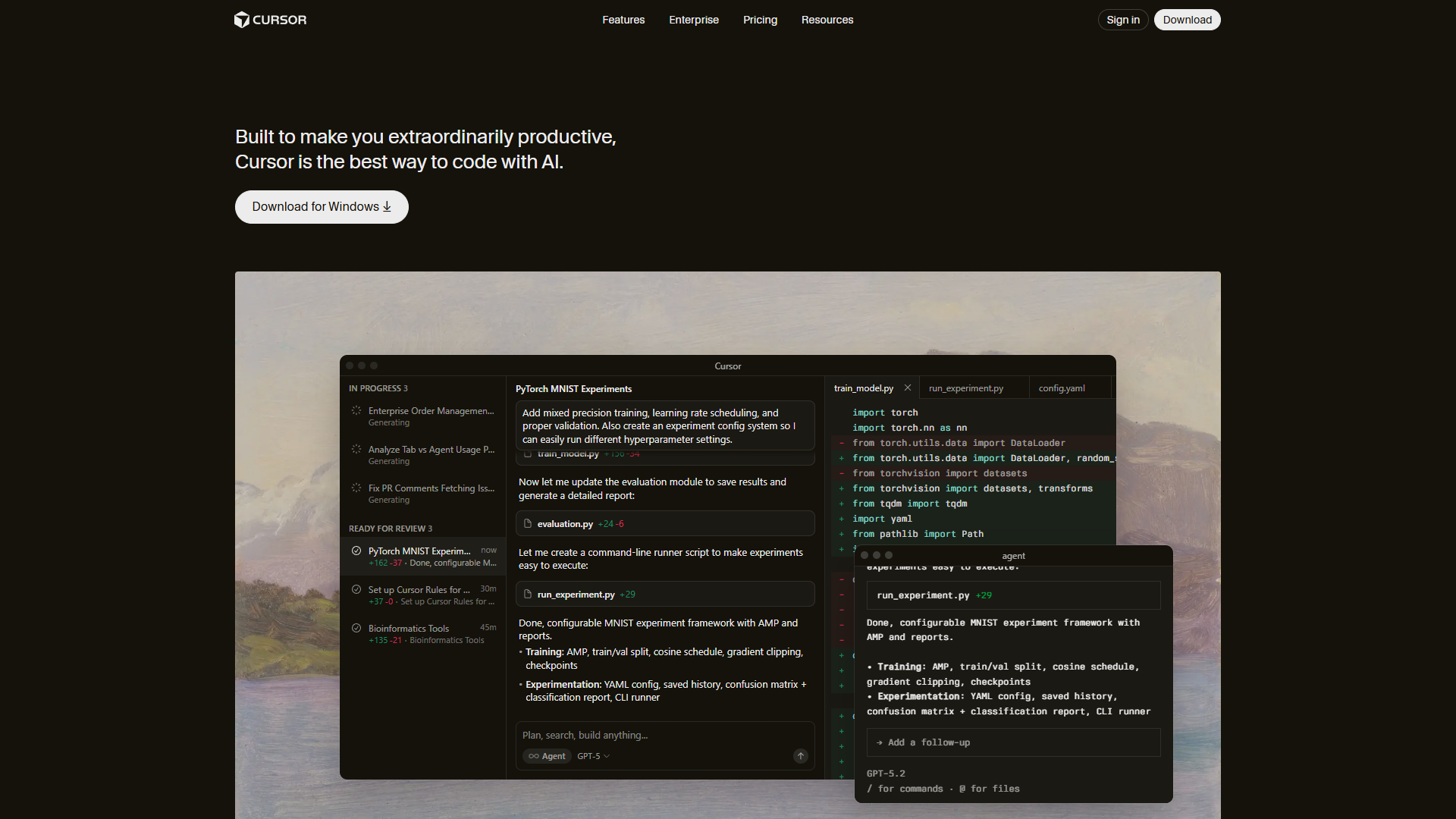
Cursor is a VS Code fork built specifically for AI-assisted development. Founded in 2023, it’s raised $900 million at a $9 billion valuation and reached $500 million ARR by June 2025 — the fastest growth trajectory of any developer tool in history. Over 50% of Fortune 500 companies now use Cursor.
Aggressive Pricing for Power Users
Cursor’s pricing reflects its positioning as a premium product:
- Hobby (Free): Limited agent requests and tab completions, one-week Pro trial
- Pro ($20/month): $20 API credit for agents, unlimited tab completions, all models
- Pro+ ($60/month): $70 API credit (3x Pro usage), frontier models, priority features
- Ultra ($200/month): $400 API credit (20x Pro usage), priority support
- Teams ($40/user/month): Centralized billing, usage analytics, SSO, privacy controls
For most developers, Pro is the sweet spot. Ultra is only worth it if you’re running multi-agent workflows 8+ hours daily and maxing out Pro’s API credits. The $200/month price tag makes sense for agencies billing $150+/hour, but individual developers should start with Pro.
The Productivity Multiplier
Cursor’s ROI metrics are different from GitHub Copilot’s because it targets different workflows:
- 25% time savings on debugging and refactoring tasks
- 30-50% reduction in development cycles for complex projects
- 20% more pull requests merged per week while maintaining quality
- Under 30 seconds to complete multi-file tasks with Composer (4x faster than GPT-5)
These numbers reflect Cursor’s strength in complex, multi-file operations where GitHub Copilot requires more manual iteration. For simple inline completions, the productivity difference is smaller.
Cursor’s Killer Features
The Composer model is Cursor’s proprietary AI specifically designed for low-latency agentic coding. When you ask Cursor to refactor a React component across 5 files, Composer understands the dependencies, makes coordinated changes, and shows you a diff in under 30 seconds. GPT-5 and Claude take 2+ minutes for similar tasks.
Parallel agent execution changes the game for complex features. Ask for a full-stack feature — Cursor spawns separate agents for frontend, backend, database migrations, tests, and documentation. Each works in an isolated git worktree to prevent merge conflicts. This level of automation has no equivalent in GitHub Copilot.
The Tab completion powered by Fusion (incorporating Supermaven technology) achieves 28% higher acceptance rates with 21% fewer distracting suggestions than previous models. It predicts where you’ll edit next and jumps your cursor there — it feels almost telepathic after a few weeks.
Deep codebase context is where Cursor truly shines. It indexes your entire project to understand patterns, avoid hallucinating filenames, and suggest changes that fit your architecture. This works best on codebases under 100K lines; larger projects may hit context limits.
Where Cursor Struggles
The biggest complaint from users is high memory consumption. Cursor uses 1-2GB more RAM than standard VS Code, and multi-agent mode can spike to 4GB+. On 8GB systems, expect slowdowns. Budget 16GB minimum for smooth operation.
Occasional bugginess after updates is a recurring theme. New releases sometimes break Tab completions or agent responses. The team fixes issues quickly, but if you need absolute stability, wait 2-3 days after major updates before upgrading.
Credit pool depletion frustrates heavy users. Pro’s $20 API credit lasts 40-60 Composer requests. If you’re running agents constantly, you’ll burn through this in 2-3 days. You can add more credits, but costs add up quickly — this is where Pro+ or Ultra make sense for full-time AI-assisted development.
Feature-by-Feature Breakdown
Code Completion Quality
Winner: Cursor (by a small margin)
Both tools provide excellent inline code completions, but Cursor’s Fusion model edges ahead with 28% higher acceptance rates. The difference is noticeable in how often you hit Tab to accept suggestions versus how often you ignore them. GitHub Copilot sometimes generates overly verbose suggestions that you need to trim; Cursor’s completions tend to match your intent more precisely.
That said, GitHub Copilot’s multi-model support means you can switch to Claude or Gemini if GPT-5 isn’t performing well for your use case. This flexibility partially offsets Cursor’s slight accuracy advantage.
Verdict: Cursor wins on raw acceptance rates, but GitHub Copilot’s model flexibility is valuable for edge cases.
IDE Integration & Compatibility
Winner: GitHub Copilot (decisively)
This is where GitHub Copilot’s versatility dominates. It works natively in VS Code, all JetBrains IDEs (IntelliJ, PyCharm, WebStorm, etc.), Visual Studio, Neovim, and even in the terminal via GitHub CLI. You can use it on GitHub Mobile for code reviews. This broad compatibility means you never need to change your workflow.
Cursor is a VS Code fork — full stop. If you’re a JetBrains user or prefer Visual Studio, Cursor isn’t an option. The VS Code compatibility is excellent (all extensions, keybindings, and settings transfer instantly), but the lack of alternative IDE support limits adoption for developers with established workflows outside VS Code.
Verdict: GitHub Copilot wins for developers using multiple IDEs or anything other than VS Code.
Multi-Model AI Support
Winner: Tie (different strengths)
Both tools offer access to frontier models: GPT-5, Claude Sonnet 4/4.5, Claude Opus 4.1/4.5, and Gemini 2.5/3 Pro. GitHub Copilot’s Pro tier ($10/month) includes 300 premium requests per month with multi-model access. Cursor’s Pro tier ($20/month) includes $20 of API credits that cover both model access and agent usage.
The difference is in the interface. GitHub Copilot lets you switch models mid-conversation in the chat panel — intuitive and fast. Cursor has an “Auto mode” that intelligently selects the best model for each task, which works well but feels less transparent about which model is actually responding.
Verdict: Tie. Both provide excellent multi-model support; choose based on whether you prefer manual control (Copilot) or automatic selection (Cursor).
Agent Capabilities & Automation
Winner: Cursor (not even close)
This is Cursor’s signature advantage. The Composer model completes multi-file tasks in under 30 seconds — 4x faster than GPT-5 or Claude for similar complexity. Ask it to refactor a component, add a feature across frontend and backend, or generate tests for 10 files, and Composer handles the coordination intelligently.
The parallel agent execution (up to 8 concurrent agents) has no equivalent in GitHub Copilot. Each agent works in an isolated git worktree, preventing merge conflicts. This makes Cursor exceptional for complex features that would normally require hours of manual work across multiple files.
GitHub Copilot’s agent mode is currently in preview and significantly less capable. It can plan and execute tasks, but it doesn’t support parallel execution or have the low-latency optimization of Composer. For true agentic workflows, Cursor is the only option.
Verdict: Cursor dominates agent-based workflows. If you do complex multi-file refactoring or full-stack feature development, this alone justifies the $20/month cost.
Codebase Understanding & Context
Winner: Cursor
Cursor indexes your entire codebase to provide project-wide context. It understands your architecture, naming conventions, and patterns to generate suggestions that fit seamlessly. This is why Cursor rarely hallucinates filenames or suggests non-existent functions — it actually knows what exists in your project.
GitHub Copilot provides context from the current file and open tabs, which works well for single-file tasks. But for multi-file operations, you need to manually include relevant code in the chat or rely on Copilot to infer context from your prompts. This requires more iteration.
Cursor’s context advantage is most apparent on codebases between 10K and 100K lines. Very large codebases (500K+ lines) may hit Cursor’s context limits, at which point the difference narrows.
Verdict: Cursor’s codebase indexing provides superior context awareness for mid-sized projects.
Team Features & Enterprise
Winner: GitHub Copilot (for enterprises)
GitHub Copilot Business ($19/user/month) and Enterprise ($39/user/month) provide robust admin controls, audit logs, usage metrics, and IP indemnity protection. The Enterprise tier includes custom knowledge bases and codebase training — you can teach Copilot your internal patterns and libraries.
Cursor Teams ($40/user/month) offers centralized billing, usage analytics, SSO, and privacy controls. The Enterprise tier adds audit logs and granular admin controls but doesn’t include custom model training or knowledge base features.
For large organizations with complex compliance requirements, GitHub Copilot Enterprise’s IP indemnity and custom training capabilities are more mature. Cursor is catching up rapidly (its $9 billion valuation funds aggressive feature development), but GitHub has the enterprise trust and compliance certifications today.
Verdict: GitHub Copilot Enterprise wins for organizations requiring IP protection and custom training. Cursor Teams works well for smaller teams prioritizing raw performance over compliance features.
Learning Curve & Onboarding
Winner: GitHub Copilot
GitHub Copilot requires almost no onboarding. Install the extension, sign in with your GitHub account, and start coding. Completions appear as ghost text — accept with Tab or ignore them. The chat interface is straightforward. Developers are productive within minutes.
Cursor has a steeper learning curve because it introduces new concepts: Composer mode, parallel agents, git worktrees, the distinction between Tab completions and agent requests. The VS Code compatibility helps (all shortcuts and extensions work), but you need to learn when to use Composer versus inline completions versus chat versus agents. Power users love this flexibility; newcomers find it overwhelming.
Verdict: GitHub Copilot is faster to learn and requires less cognitive overhead. Cursor rewards investment in learning its advanced features.
Pricing & Total Cost of Ownership
Individual Developers
GitHub Copilot: $10/month Pro ($120/year) for unlimited completions and 300 premium requests. The free tier (2,000 completions/month) is viable for casual developers coding less than 10 hours weekly.
Cursor: $20/month Pro ($240/year) for unlimited Tab completions and $20 API credit. Heavy users max out credits and need Pro+ ($60/month = $720/year) or Ultra ($200/month = $2,400/year).
TCO Analysis: For developers coding 20-40 hours weekly, GitHub Copilot costs $120/year versus Cursor Pro at $240/year — double the price. If you hit Cursor’s API limits and need Pro+, the gap widens to $720/year (6x Copilot’s cost).
Value Comparison: GitHub Copilot delivers 55% faster task completion for $120/year. Cursor delivers 25% time savings on specific tasks (debugging, refactoring) plus 4x speed advantage on multi-file operations for $240-$720/year. The value proposition depends on how often you do complex multi-file work.
Small Teams (5 developers)
GitHub Copilot Business: $19/user/month = $95/month or $1,140/year for 5 users
Cursor Teams: $40/user/month = $200/month or $2,400/year for 5 users
Savings: GitHub Copilot costs $1,260 less annually for a 5-person team. Both tools save far more than they cost (even conservative 20% productivity gains equal 8 hours per developer per week = $156,000/year in recovered time at $75/hour rates), but GitHub Copilot’s lower cost delivers better ROI for budget-conscious teams.
Medium Teams (20 developers)
GitHub Copilot Business: $19/user/month = $380/month or $4,560/year for 20 users
Cursor Teams: $40/user/month = $800/month or $9,600/year for 20 users
Savings: GitHub Copilot costs $5,040 less annually for a 20-person team. At this scale, the cost difference is significant enough to matter for CFOs evaluating ROI.
When Cursor Justifies Higher Cost: If your team does heavy full-stack development, frequent refactoring, or builds complex features requiring multi-file coordination, Cursor’s 4x faster agent performance may save enough additional time to justify the premium. A team shipping 20% more pull requests per week (Cursor’s documented metric) at $150K average developer salary equals $30K per developer annually in productivity — far exceeding the $480/year cost difference per seat.
Who Should Choose Which Tool?
Choose GitHub Copilot If You:
- Use multiple IDEs (JetBrains, Visual Studio, Neovim) and need consistent AI assistance everywhere
- Are budget-conscious and want the best value at $10/month with proven 55% productivity gains
- Work primarily on single-file tasks like writing functions, fixing bugs, or generating boilerplate
- Are part of the GitHub ecosystem and want native integration with GitHub.com, CLI, and Mobile
- Are a beginner or intermediate developer seeking the easiest onboarding and lowest learning curve
- Need enterprise features like IP indemnity, custom knowledge bases, and codebase training (Enterprise tier)
- Want the most versatile tool that works across desktop, CLI, mobile, and web interfaces
Choose Cursor If You:
- Do complex multi-file refactoring and need 4x faster task completion on coordinated changes
- Build full-stack features that require frontend, backend, database, and test changes working in parallel
- Are a VS Code user (or willing to switch) and want zero friction migrating extensions and settings
- Value cutting-edge AI capabilities and are willing to pay $20-$60/month for the most powerful agent execution
- Work on mid-sized codebases (10K-100K lines) where deep context awareness provides maximum value
- Are an experienced developer comfortable with steeper learning curves in exchange for more power
- Prioritize raw performance over cost and want the fastest multi-model execution available today
Team Size Recommendations
Solo developers & freelancers: GitHub Copilot Pro ($10/month) offers the best ROI. Use the free tier first to validate productivity gains.
Startups (2-10 developers): GitHub Copilot Business ($19/user/month) for versatility and cost control. Consider Cursor for senior engineers doing complex refactoring, with Copilot for junior engineers writing straightforward code.
Scale-ups (10-50 developers): GitHub Copilot Business for most developers. Evaluate Cursor Teams for frontend and backend teams doing heavy multi-file work. Run a 3-month pilot with 5-10 developers to measure PR throughput increase.
Enterprises (50+ developers): GitHub Copilot Enterprise for IP indemnity, compliance, and custom training. Cursor Enterprise for specialized teams (platform, infrastructure) requiring maximum agent performance.
The Hybrid Approach: Using Both Tools
Many teams (including mine) use both tools strategically:
GitHub Copilot for:
- Quick scripts and one-off tasks
- Debugging and fixing isolated bugs
- Working in non-VS Code editors (JetBrains, Visual Studio)
- Mobile code reviews on GitHub.com
- CLI commands and terminal assistance
Cursor for:
- Complex full-stack feature development
- Large-scale refactoring across 10+ files
- Multi-agent workflows for parallel implementation
- Projects requiring deep codebase understanding
- Rapid prototyping with Composer’s 4x speed advantage
This hybrid approach costs $30/month ($10 Copilot Pro + $20 Cursor Pro) but provides the best of both worlds. If your employer covers tool costs, this is the optimal setup for maximum productivity.
The Final Verdict
After six months of building production applications with both tools, here’s the bottom line on GitHub Copilot vs Cursor:
For most developers, GitHub Copilot is the right choice. The $10/month Pro plan delivers 55% faster task completion with proven ROI, works across all major IDEs, and requires minimal learning. The free tier is generous enough for casual developers. If you’re budget-conscious or work across multiple editors, Copilot is the obvious pick.
For developers doing complex multi-file work, Cursor justifies the $20/month premium. The 4x speed advantage on multi-file tasks, parallel agent execution, and deep codebase context provide capabilities Copilot can’t match. If you’re refactoring legacy code or shipping 20+ PRs weekly, Cursor’s gains exceed its cost.
Many developers use both: Copilot for versatility and quick tasks, Cursor for complex refactoring. This $30/month hybrid provides the best of both worlds.
My personal recommendation: Start with GitHub Copilot Pro for one month. Track how much time you save on multi-file tasks versus single-file work. If you spend 50%+ of your time on complex refactoring or full-stack development, add Cursor Pro and use both tools strategically. If most of your work is single-file tasks, bugs, and straightforward features, GitHub Copilot alone delivers excellent ROI.
In 2026, GitHub Copilot offers the best value for most developers while Cursor provides unmatched power for complex multi-file workflows. Choose based on your work patterns.
Related Reading
- Best AI Coding Assistants 2026
- AI Pair Programming Guide
- GitHub Copilot Complete Guide
- Best AI Code Editors 2025
External Resources
For official documentation and updates from these tools:
- GitHub Copilot — Official website
- Cursor — Official website