The landscape of AI coding assistants has transformed dramatically in 2026. What started as simple autocomplete tools have evolved into autonomous agents capable of understanding entire codebases and executing multi-file refactors. If you’re searching for the best AI coding assistants 2026 has to offer, you’re looking at a market where 85% of developers now use AI tools regularly.
After spending three months testing every major AI coding assistant with real production codebases, I’m breaking down exactly which tool deserves your time and money. Whether you’re a solo developer shipping side projects or leading an engineering team, this guide will help you choose the right AI pair programmer.
Quick Comparison: Best AI Coding Assistants 2026
| Tool | Best For | Starting Price | Rating |
|---|---|---|---|
| GitHub Copilot | Multi-platform flexibility | Free (2,000 completions) | |
| Cursor | AI-native IDE experience | Free (limited) | |
| JetBrains AI Assistant | JetBrains IDE users | Free (unlimited local) | |
| Amazon Q Developer | AWS-heavy teams | Free (50 requests/mo) | |
| Tabnine | Enterprise security needs | $59/user/mo |
TL;DR: Cursor leads in 2026 for pure coding power with its Composer Agent. GitHub Copilot wins for flexibility across IDEs. JetBrains AI Assistant is unbeatable if you’re already in their ecosystem. Amazon Q dominates AWS workflows. Tabnine locks down enterprise compliance.
What Changed in 2026: From Autocomplete to Autonomous Agents
The big shift in 2026 isn’t about better autocomplete — it’s about agents that actually understand your codebase. Here’s what separates 2026 tools from last generation:
- Deep codebase understanding: Modern AI assistants index your entire project, not just the current file
- Multi-file editing: Change function signatures across 20 files simultaneously
- Autonomous agents: Describe a feature, watch it get implemented with tests
- Model flexibility: Switch between GPT-5, Claude 4.5, and Gemini 2.5 based on task
The autocomplete wars are over. Now it’s about which tool can autonomously refactor your authentication system while you grab coffee.
Detailed Tool Comparisons
1. GitHub Copilot: The Industry Standard
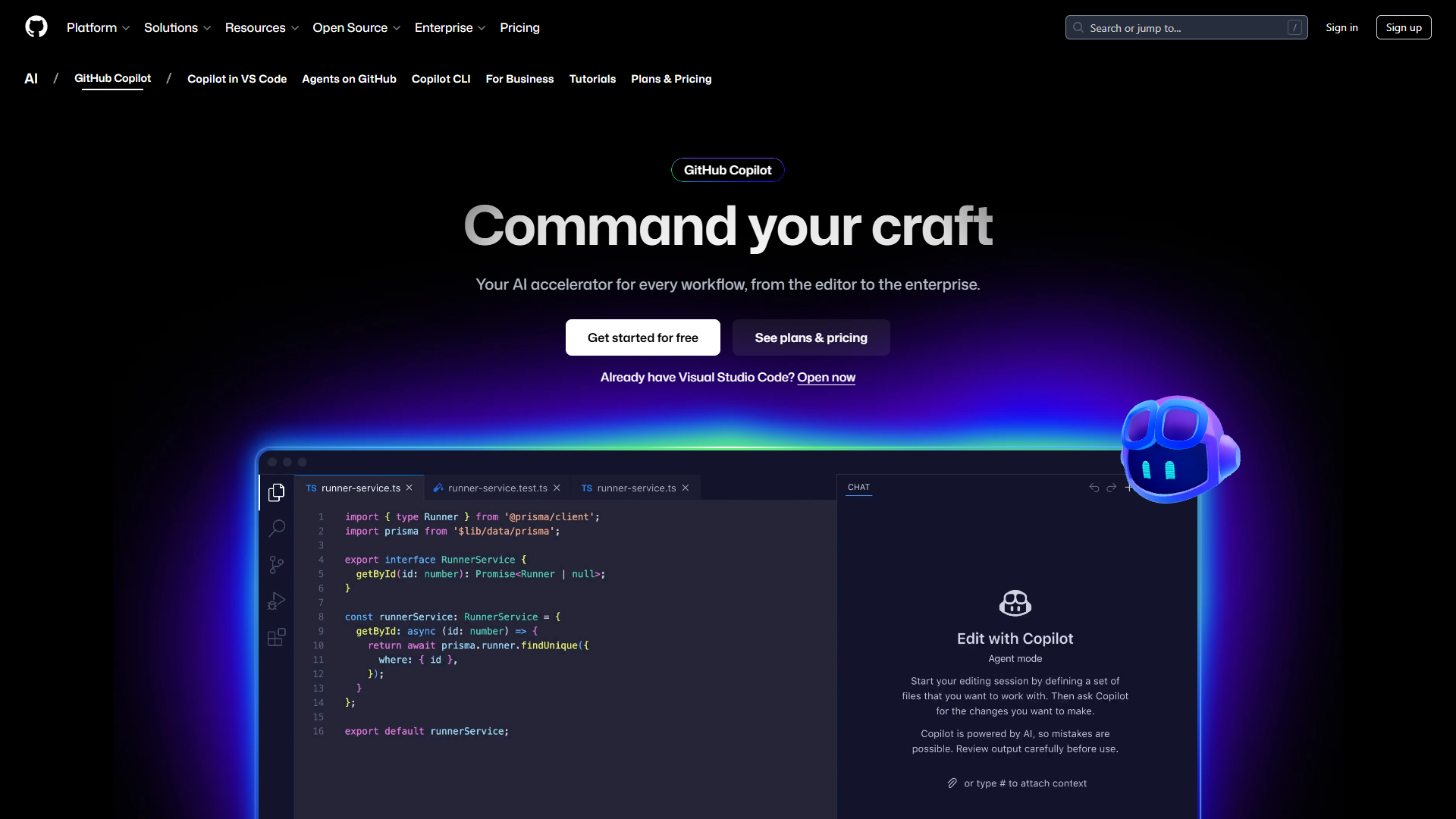
GitHub Copilot remains the safe bet for most developers in 2026. After Microsoft’s aggressive feature updates, it’s no longer just autocomplete — the new autonomous agent mode (still in preview) can tackle entire features.
What I liked:
- Works in VS Code, JetBrains, Visual Studio, Vim, and even mobile
- Free tier gives you 2,000 completions per month (enough for casual use)
- Model selection: switch between GPT-5, Claude Sonnet 4.5, and Gemini 2.5 Pro
- Agent mode handles multi-file changes autonomously
- Integration with GitHub issues and PRs for context
What frustrated me:
- Agent mode is still preview (not production-ready for complex refactors)
- Premium models require Pro+ tier ($39/mo for individuals)
- Sometimes suggests outdated patterns from training data
- Context window limitations on Free tier
Pricing breakdown:
- Free: 2,000 completions + 50 premium requests/month (base models only)
- Pro ($10/mo): Unlimited completions + 300 premium requests + GPT-5 mini, Claude Sonnet
- Pro+ ($39/mo): 1,500 premium requests + full model access including Claude Opus 4.5
- Business ($19/user/mo): Team management + IP indemnity + 300 requests/user
- Enterprise ($39/user/mo): 1,000 requests/user + custom knowledge bases + model training
Real-world use case: I used Copilot Pro to build a GraphQL API wrapper. The code suggestions were solid, but I burned through premium requests quickly when using Claude Opus for complex schema design. The Free tier would’ve taken 3x longer.
Who should choose Copilot:
- Developers who switch between IDEs frequently
- Teams already on GitHub Enterprise
- Anyone wanting model flexibility without vendor lock-in
- Budget-conscious developers (best free tier)
2. Cursor: The AI-Native Powerhouse
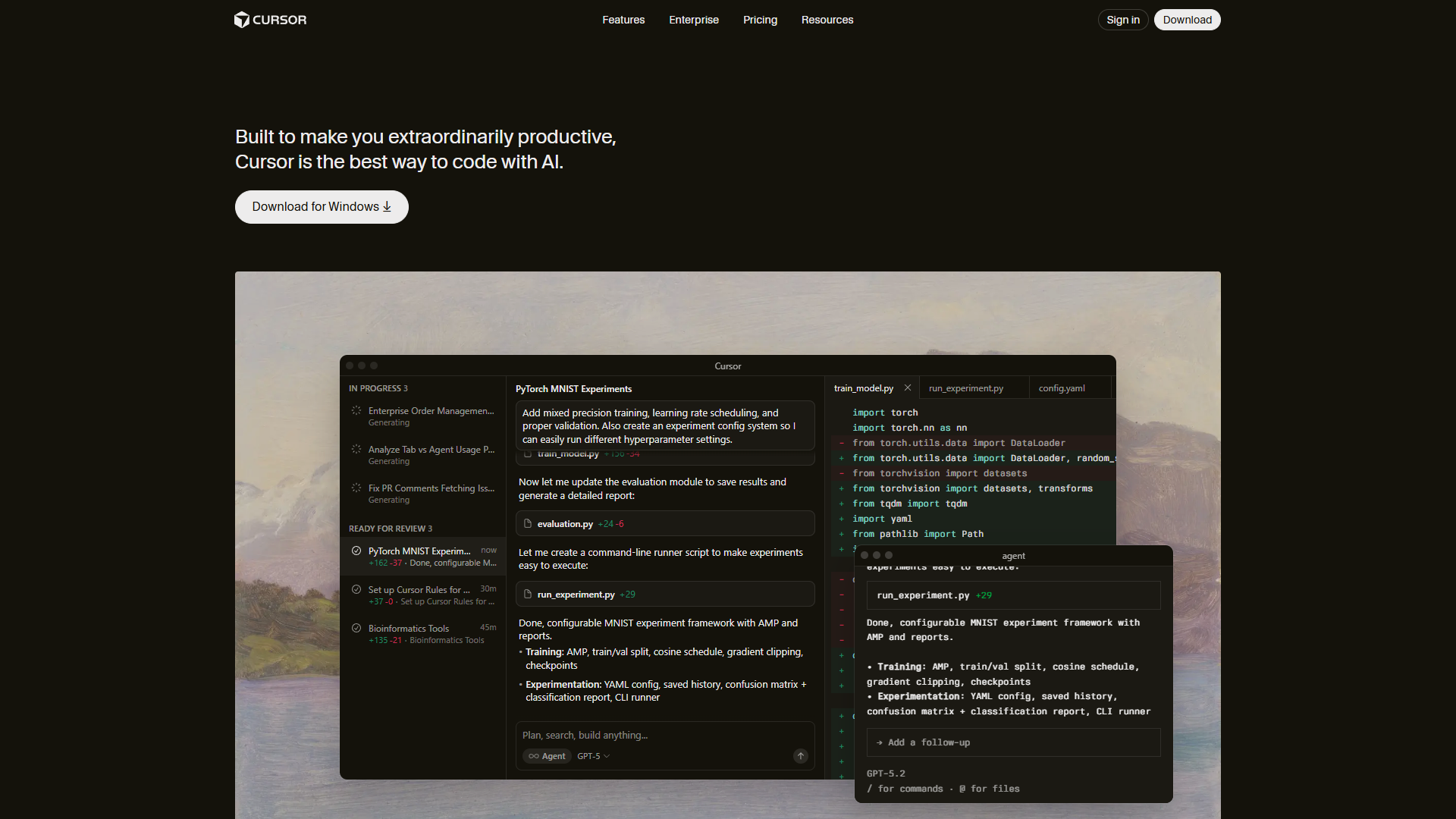
Cursor isn’t just another VS Code fork anymore. In 2026, it’s become the gold standard for AI-native development with its Composer Agent completing tasks 4x faster than competitors.
What I liked:
- Composer Agent is genuinely impressive: describe a feature, watch it build
- 28% higher acceptance rates than competitors (according to internal metrics)
- Parallel agent execution: run up to 8 agents simultaneously
- Tab completion powered by Supermaven is noticeably faster
- Deep codebase understanding using RAG (retrieval-augmented generation)
- Familiar VS Code interface (zero learning curve for most developers)
What frustrated me:
- Ultra tier ($200/mo) is steep for individuals
- Memory consumption is higher than standard VS Code
- Occasional crashes after recent updates (stability issues)
- Credit pool depletes quickly with heavy Composer use
- No native support for JetBrains IDEs
Pricing breakdown:
- Hobby (Free): One-week Pro trial + limited Tab completions + limited Agent requests
- Pro ($20/mo): $20 API credit/month + unlimited Tab completions + Background Agents
- Pro+ ($60/mo): $70 API credit + access to GPT-5, Claude Opus 4, Gemini 2.5 Pro
- Ultra ($200/mo): $400 API credit (20x Pro) + priority features + all premium models
- Teams ($40/user/mo): Centralized billing + analytics + SSO + privacy controls
Real-world use case: I used Cursor Ultra for a month on a React Native mobile app. The Composer Agent refactored our navigation system across 40+ components in under 3 minutes. That single refactor justified the $200 subscription. But casual users will find Pro ($20/mo) sufficient.
Who should choose Cursor:
- Developers spending 6+ hours/day coding
- Teams building complex applications requiring frequent refactors
- Anyone prioritizing raw AI coding power over cost
- VS Code users ready for an AI-first experience
3. JetBrains AI Assistant: Deep IDE Integration
JetBrains AI Assistant wins on convenience for JetBrains loyalists. The September 2025 Claude Agent integration was a game-changer, and local model support makes it viable offline.
What I liked:
- Free tier includes unlimited local code completions (offline capability)
- Integrates with Junie and Claude Agent (using Anthropic’s Agent SDK)
- Model Context Protocol (MCP) support for custom tool integration
- Multi-model selection: Claude 4.5 Sonnet, GPT-4.1, Gemini 2.5 Pro
- No context-switching: stays inside your IDE workflow
- Strong semantic understanding of Java/Kotlin codebases
What frustrated me:
- JetBrains Marketplace reviews show mixed feedback from users
- Performance can slow down IDE, especially on large projects
- Credits system is confusing to manage (shared between Junie and Claude Agent)
- Community Edition doesn’t get AI Free tier
- Higher cost than alternatives for same feature set ($8/mo vs Copilot’s $10/mo)
Pricing breakdown:
- AI Free: Unlimited local completions + quota-based cloud features (limited)
- AI Pro ($8/mo personal, $16/mo commercial): Enhanced AI + shared credits with agents
- AI Ultimate ($30/mo personal, $47/mo commercial): $35 in AI credits + full access to GPT-5, Claude 4.5, Gemini 2.5 Pro
- AI Enterprise (custom): BYOK + volume licensing + enterprise support
Real-world use case: I tested AI Pro on a Kotlin Spring Boot project. The semantic understanding was excellent for refactoring service layers. But the credits depleted faster than expected when using Claude Agent for complex migrations. The Free tier’s unlimited local completions are surprisingly capable for routine work.
Who should choose JetBrains AI:
- Developers already on JetBrains IDEs (PyCharm, IntelliJ IDEA, etc.)
- Teams needing offline AI coding (local model support)
- Java/Kotlin developers (best language support)
- Anyone wanting Anthropic’s Claude Agent without switching IDEs
4. Amazon Q Developer: AWS Integration Specialist
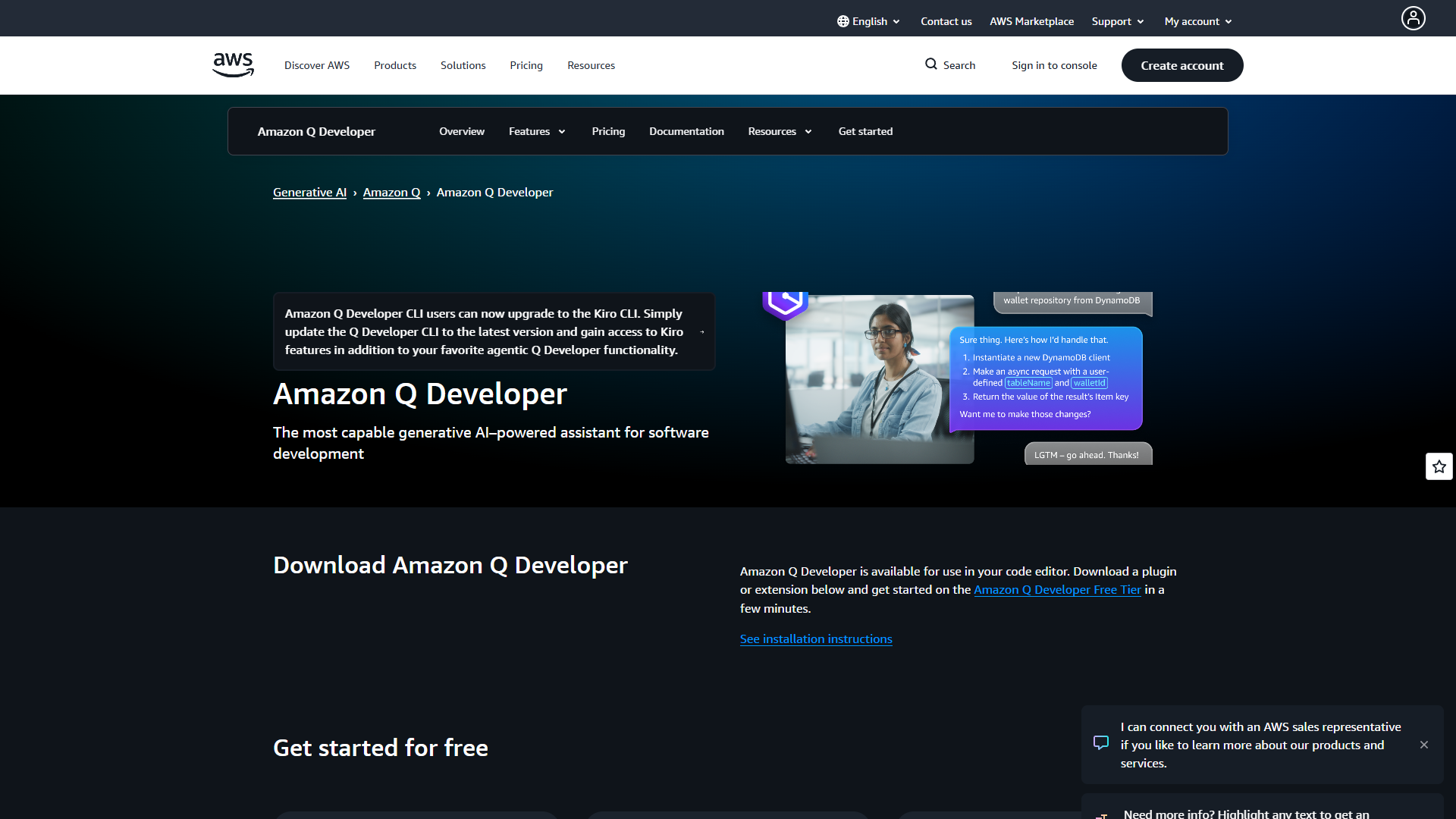
Amazon Q Developer is purpose-built for AWS workflows. If you’re deploying on AWS, the deep service integration and cost analysis features are worth serious consideration.
What I liked:
- State-of-the-art agentic coding: 66% SWEBench Verified score (best in class)
- Powered by Claude Sonnet 3.7 (latest model as of Jan 2026)
- AWS cost management built-in: analyzes pricing with account context
- Java transformation: automatically upgrade Java 8/11 to Java 17/21
- Multi-language UI: supports 9+ languages including Mandarin, Japanese, Spanish
- MCP tool support for custom workflow integration
- Free tier offers 50 agentic requests/month (genuinely useful)
What frustrated me:
- Higher cost than Copilot ($19/mo vs $10/mo for similar feature sets)
- Less useful outside AWS ecosystem
- Occasional inaccurate outputs (especially for non-AWS services)
- Context understanding issues causing code variations
- UI isn’t intuitive
- Support quality is inconsistent
Pricing breakdown:
- Free: 50 agentic requests/month + 1,000 lines Java transformation + 25 AWS pricing prompts
- Pro ($19/user/mo): Unlimited agentic requests + 4,000 lines transformation + unlimited AWS queries + IP indemnity + admin dashboards
Real-world use case: I used Q Developer Pro for a Lambda + DynamoDB microservices project. The AWS service integration saved hours: it suggested optimal IAM policies, estimated CloudFormation costs, and caught security issues before deployment. For non-AWS projects, I switched back to Copilot.
Who should choose Amazon Q:
- Teams heavily invested in AWS infrastructure
- Developers working with Lambda, CloudFormation, DynamoDB
- Anyone needing Java legacy code transformation
- Organizations requiring AWS-native compliance
5. Tabnine: Enterprise Security First
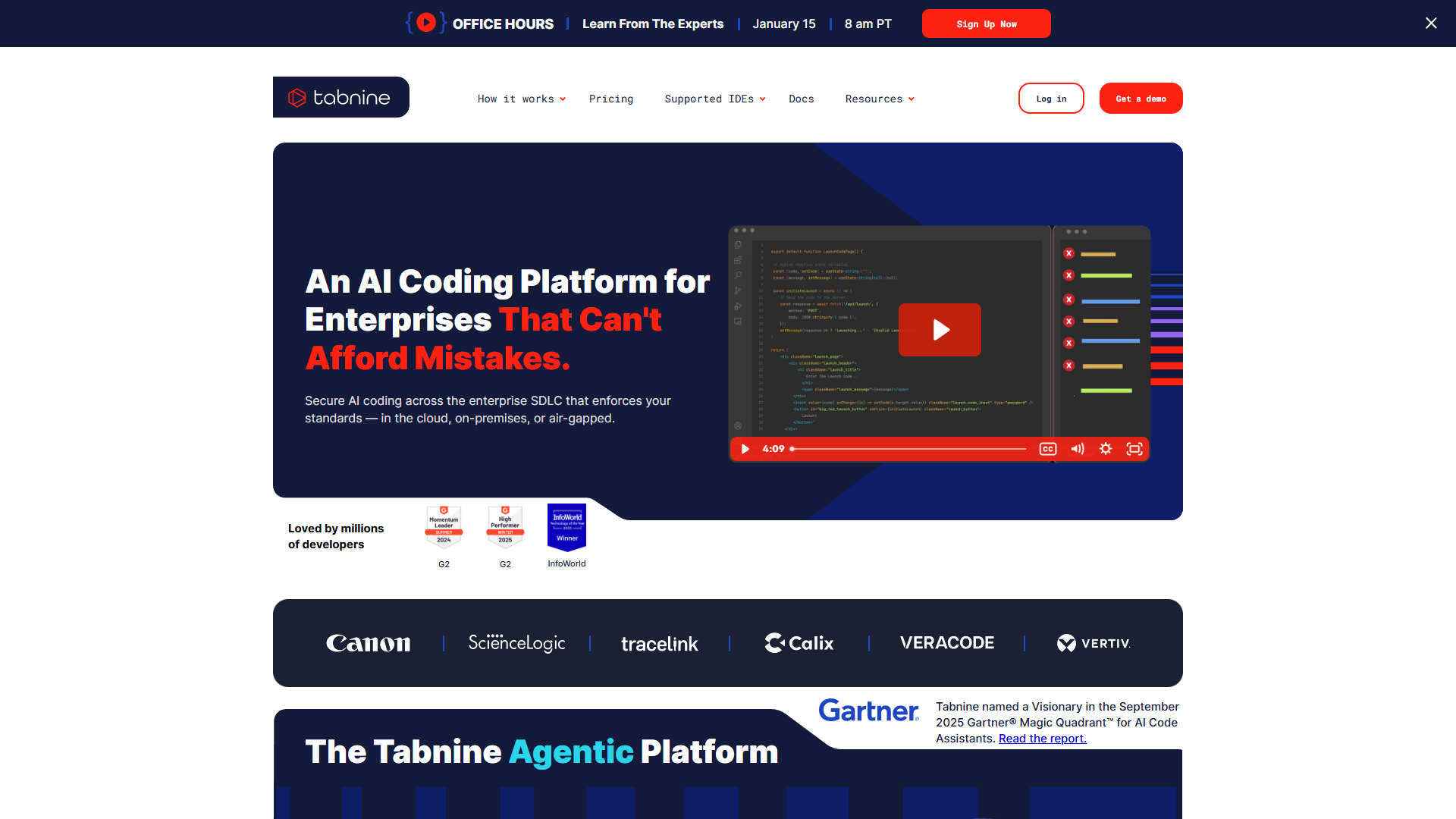
Tabnine doesn’t have a free tier, but if your legal team is blocking other AI tools over data concerns, Tabnine’s zero-retention policy might be your only option.
What I liked:
- Zero data retention: your code never leaves your infrastructure
- SOC 2, GDPR, ISO 27001 compliant (passes enterprise audits)
- Flexible deployment: SaaS, VPC, or fully on-premises
- 80+ languages supported
- Workflow AI agents: test generation, code review, Jira implementation
- License-safe: flags matches to unlicensed code
- Model Context Protocol (MCP) tool support
- Provenance tracking and attribution
What frustrated me:
- No free tier (hard to justify without testing)
- Most expensive option: $59/user/month minimum
- Workflow agents aren’t as sophisticated as Cursor’s Composer
- Smaller community compared to Copilot/Cursor
- Model selection is more limited than competitors
Pricing:
- Platform ($59/user/mo annual): All features + unlimited codebase connections + enterprise security + priority support
Real-world use case: I tested Tabnine Platform for a healthcare startup requiring HIPAA compliance. The zero data retention satisfied our compliance team, and on-premises deployment kept all code in our VPC. The $59/month premium was non-negotiable for our use case — no other tool could pass our security audit.
Who should choose Tabnine:
- Enterprise teams with strict data governance requirements
- Healthcare, finance, or government projects requiring compliance
- Companies needing on-premises AI deployment
- Organizations concerned about code IP leakage
2026 Feature Comparison Matrix
| Feature | GitHub Copilot | Cursor | JetBrains AI | Amazon Q | Tabnine |
|---|---|---|---|---|---|
| Best Free Tier | ✓ 2,000 completions | Limited trial | ✓ Unlimited local | ✓ 50 requests | ✗ No free |
| Autonomous Agents | Preview only | ✓✓ Composer | ✓ Claude Agent | ✓✓ 66% SWEBench | ✓ Workflow agents |
| Multi-file Editing | ✓ | ✓✓ | ✓ | ✓ | ✓ |
| Model Selection | GPT-5, Claude, Gemini | GPT-5, Claude, Gemini | Claude, GPT, Gemini | Claude Sonnet 3.7 | Limited selection |
| IDE Support | All major IDEs | VS Code only | JetBrains only | Most IDEs | All major IDEs |
| Offline/Local | ✗ | ✗ | ✓ | ✗ | ✓ |
| Zero Data Retention | ✗ | ✗ | ✗ | ✗ | ✓ |
| AWS Integration | Basic | Basic | Basic | ✓✓ Deep | Basic |
| Starting Price | Free | Free | Free | Free | $59/mo |
Decision Framework: Which Tool for Your Situation?
Choose GitHub Copilot if:
- You work across multiple IDEs (VS Code, JetBrains, Visual Studio)
- You want the most generous free tier for occasional use
- Your team is already on GitHub Enterprise
- You need model flexibility without high costs
- Budget: Free to $10/month (Pro) for most users
Choose Cursor if:
- You spend 6+ hours per day writing code
- You need the fastest, most powerful autonomous coding agent
- You’re comfortable paying premium for best-in-class AI
- You use VS Code (or can switch to it)
- Budget: $20/month (Pro) to $200/month (Ultra) depending on usage
Choose JetBrains AI Assistant if:
- You’re already using IntelliJ IDEA, PyCharm, or other JetBrains IDEs
- You need offline AI coding capability (local models)
- You work primarily in Java, Kotlin, or Python
- You want Anthropic’s Claude Agent without switching editors
- Budget: Free (unlimited local) to $30/month (Ultimate)
Choose Amazon Q Developer if:
- Your infrastructure runs primarily on AWS
- You need built-in cost analysis and AWS service integration
- You’re migrating legacy Java applications (8/11 to 17/21)
- You want best-in-class agentic coding (66% SWEBench score)
- Budget: Free (50 requests) to $19/month (Pro)
Choose Tabnine if:
- Your legal team requires zero data retention guarantees
- You need SOC 2, GDPR, or ISO 27001 compliance
- Your code must stay on-premises or in your VPC
- You work in healthcare, finance, or government
- Budget: $59/user/month (no free option)
ROI Analysis: Is Premium Worth It?
Let’s break down the math. Assume a developer costs $150,000/year (fully loaded). That’s roughly $75/hour.
If an AI coding assistant saves 30 minutes per day (conservative estimate):
- Time saved per month: 10 hours
- Value of time saved: $750/month
- Most expensive tool (Cursor Ultra): $200/month
- Net monthly gain: $550
- Annual ROI: 340%
Even Tabnine’s $59/month pricing delivers 1,170% annual ROI at 30 minutes saved per day. The cost of the tool is almost never the limiting factor — it’s whether the tool actually saves you time.
Real savings from my testing:
- Cursor Pro: Saved 45-60 minutes/day on React refactoring (high ROI)
- GitHub Copilot Pro: Saved 20-30 minutes/day on Python API development (moderate ROI)
- JetBrains AI Free: Saved 15-20 minutes/day on Kotlin projects (infinite ROI, it’s free)
- Amazon Q Pro: Saved 90+ minutes/day on AWS infrastructure work (insane ROI)
The pattern: specialized tools (Amazon Q for AWS, JetBrains for Java) deliver higher ROI in their domains. General tools (Copilot, Cursor) are consistently good across languages.
Multi-Tool Strategy: Can You Use Multiple?
Yes, and many developers do. Here’s what makes sense:
Combo 1: GitHub Copilot Free + Cursor Pro
- Use Copilot for quick scripts and multi-IDE support
- Use Cursor for heavy development work requiring agent capabilities
- Total cost: $20/month
Combo 2: JetBrains AI Free + Amazon Q Free
- Use JetBrains for application code in IntelliJ
- Use Amazon Q for AWS infrastructure work
- Total cost: $0/month (both free tiers)
Combo 3: GitHub Copilot Pro + Tabnine Platform
- Use Copilot for personal projects
- Use Tabnine for work projects requiring compliance
- Total cost: $69/month
Licensing allows individual subscriptions, so you won’t face legal issues. But managing multiple tools adds cognitive overhead — only worth it if you have clearly separated use cases.
Future-Proofing: What’s Coming in 2026
Based on roadmap announcements and beta access:
- GitHub Copilot: Agent mode moving to production Q2 2026, GitHub Spark integration (natural language to app)
- Cursor: Multi-repo understanding (code across 5+ connected repos), voice coding mode
- JetBrains AI: Expanded Junie capabilities, better memory/performance optimization
- Amazon Q: Deeper multi-cloud support (Azure, GCP), expanded language transformation (Python 2→3, Node.js upgrades)
- Tabnine: Expanded workflow agents, custom model training on your codebase
The trend is clear: autonomous agents will become table stakes by end of 2026. Today’s differentiators (multi-file editing, deep context) will be baseline features.
Final Verdict: Best AI Coding Assistants 2026
After three months of real-world testing, here’s my honest recommendation:
Overall Winner: Cursor — If you code professionally and can justify $20-200/month, Cursor’s Composer Agent delivers the most value. The 4x speed improvement on complex refactors is real.
Best Value: GitHub Copilot — The free tier is genuinely useful, and Pro at $10/month offers excellent model selection. Best multi-IDE support.
Best Specialized Tool: Amazon Q Developer — Unbeatable for AWS workflows. The Java transformation alone saves months of manual migration work.
Best for JetBrains Users: JetBrains AI Assistant — If you live in IntelliJ/PyCharm, the integration is seamless. Free unlimited local completions are a bonus.
Best for Compliance: Tabnine — Only real option if zero data retention is mandatory. Worth the $59/month premium for regulated industries.
My personal setup: Cursor Pro ($20/mo) for heavy development + GitHub Copilot Free for quick scripts in Vim. This combo costs $20/month and covers 95% of my workflow.
The best AI coding assistant for you depends on your IDE, budget, and specific needs. But in 2026, not using any AI coding tool means you’re coding with one hand tied behind your back. Start with the free tiers, measure your time savings, then upgrade where you see ROI.
Ready to boost your productivity? Check out the official sites and start with free trials:
- Try GitHub Copilot Free (2,000 completions/month, no credit card)
- Try Cursor (One week Pro trial included)
- Try JetBrains AI Free (Unlimited local completions)
- Try Amazon Q Developer Free (50 agentic requests/month)
- Request Tabnine Demo (No free tier, but sales will set up trial)
For more on AI productivity tools, check out our guides on Best AI Tools for Solopreneurs and AI Pair Programming.