



The best Replit alternatives in 2026 are Cursor for AI-powered local coding, GitHub Codespaces for full cloud development environments, and StackBlitz for instant browser-based JavaScript development - each replacing Replit’s browser IDE, Agent, or one-click deployment without the AI-credit ceilings or storage caps. This guide compares seven cloud IDEs and AI builders across pricing, features, and workflows so the right pick fits real project needs.
Replit made browser-based coding mainstream, but its move to usage-based AI credits and higher-priced tiers has pushed developers to explore replit alternatives that better match workflow, budget, or performance needs. Free options, open-source projects, github-native workspaces, and dedicated python environments are all covered below.
Editorial note: AI Productivity may earn a commission from links on this page; rankings are editorially independent. This comparison is based on each vendor’s current pricing and feature documentation, plus independent research - we did not run paid benchmarks.
Why Do Developers Switch from Replit?
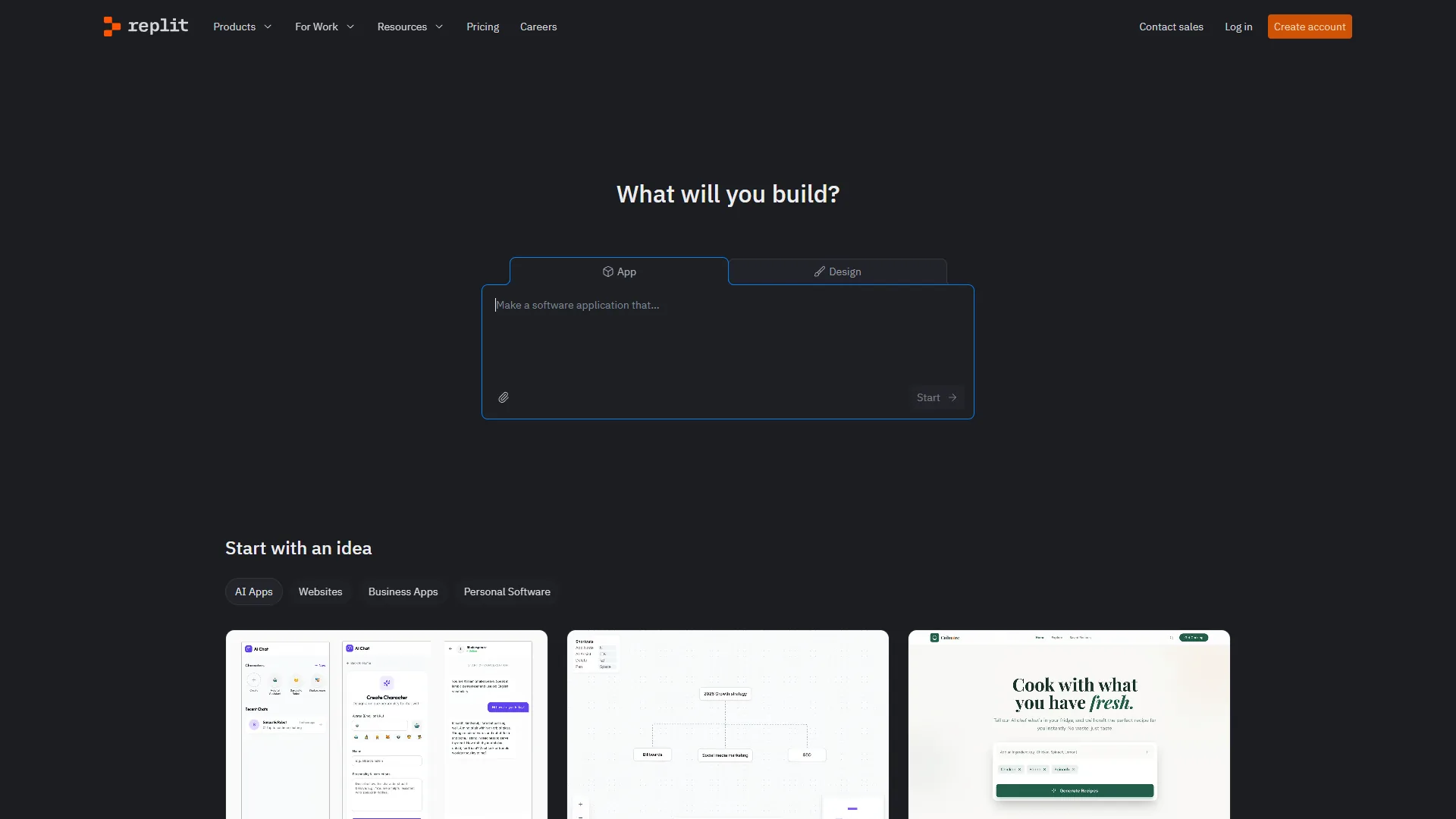
Developers switch from Replit primarily because AI credits run out fast, storage caps choke larger projects, and tier pricing scales aggressively at the team level. According to Replit’s own pricing page, “Core gives you around $25 per month in AI credits”, which heavy Agent users burn through in days.
- AI credits deplete fast - Core provides around $25 per month in AI credits; heavy Agent users hit surprise bills within days.
- Performance ceilings - The free tier caps storage at 2 GiB per app; Core only provides 4 vCPUs and 8 GiB RAM.
- Browser-only limitations - No offline access, no native file system integration, and visible latency on every keystroke.
- Pricing adds up - Core is $25 per month and the new Pro plan starts at $100 per month for teams (effective February 2026).
- Collaboration restrictions tightening - Free and Core users now get fewer collaborators per workspace.
Readers who hit those ceilings often want replit alternatives without AI agent overhead, replit alternatives free of charge, or replit alternatives github-native enough to fit existing repos.
TL;DR Comparison: Replit Alternatives at a Glance
This table summarizes seven replit alternatives in 2026 at a glance - Cursor and VS Code lead for local AI coding, GitHub Codespaces and Gitpod lead for cloud workspaces, and CodeSandbox, StackBlitz, and Codeanywhere fill the browser-IDE niche.
| Tool | Type | Starting Price | Best For | Rating |
|---|---|---|---|---|
| Replit | Cloud IDE | Free / $25/mo Core | Rapid prototyping, AI agents | |
| Cursor | Local IDE | Free / $20/mo Pro | Multi-file AI editing | |
| VS Code | Local IDE | Free | Extension ecosystem | - |
| GitHub Codespaces | Cloud Workspace | 120 free core-hours/mo | Full cloud dev environments | |
| CodeSandbox | Cloud IDE | Free / around $12/mo Pro | Frontend prototyping | N/A |
| StackBlitz | Browser IDE | Free / around $9/mo | WebContainer instant dev | N/A |
| Gitpod | Cloud Workspace | Free (50 hrs/mo) / $9/mo | Git-native cloud environments | N/A |
| Codeanywhere | Cloud IDE | Free trial / $12/mo | Budget cloud IDE | N/A |
1. Cursor - Best for AI-Powered Local Development
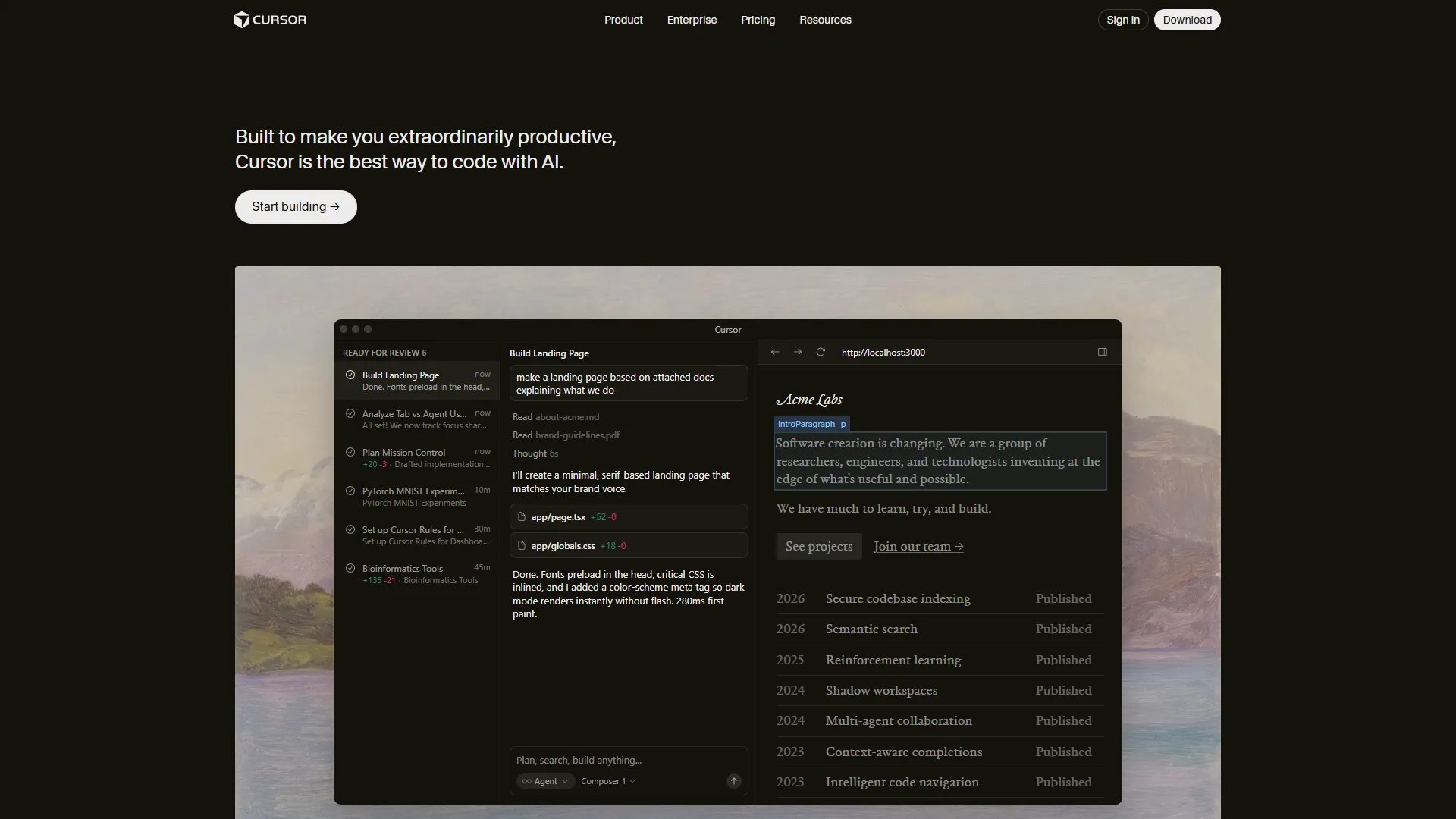
Pricing: Free (limited) / $20 per month Pro / $40 per month Business
Cursor is the strongest replit alternative for AI-powered local development. Built as a VS Code fork, it keeps full extension compatibility while adding AI features Replit’s browser-based environment cannot match for raw editing speed.
What Makes Cursor Stand Out
- Composer Mode edits multiple files simultaneously from a single natural-language prompt - users report refactoring 12-file Express APIs in under eight minutes.
- Codebase-aware context indexes the entire project so queries reference real code, not generic documentation.
- Multi-model access covers GPT-5, Claude, Gemini 2.5 Pro, and a proprietary Composer model without per-model credit accounting.
Where Cursor Falls Short vs Replit
Cursor is not ideal for browser-only workflows, mobile coding, or real-time multiplayer editing - all missing. There is no built-in deployment, no browser-based access without a desktop install, and no zero-setup experience comparable to Replit.
Best For: Professional developers who prioritize speed, multi-file AI editing, and local control. Cursor is the pick for building production code with the most powerful AI assistance available in a desktop IDE.
2. VS Code - Best Free IDE with AI Extensions

Pricing: Completely free (open source)
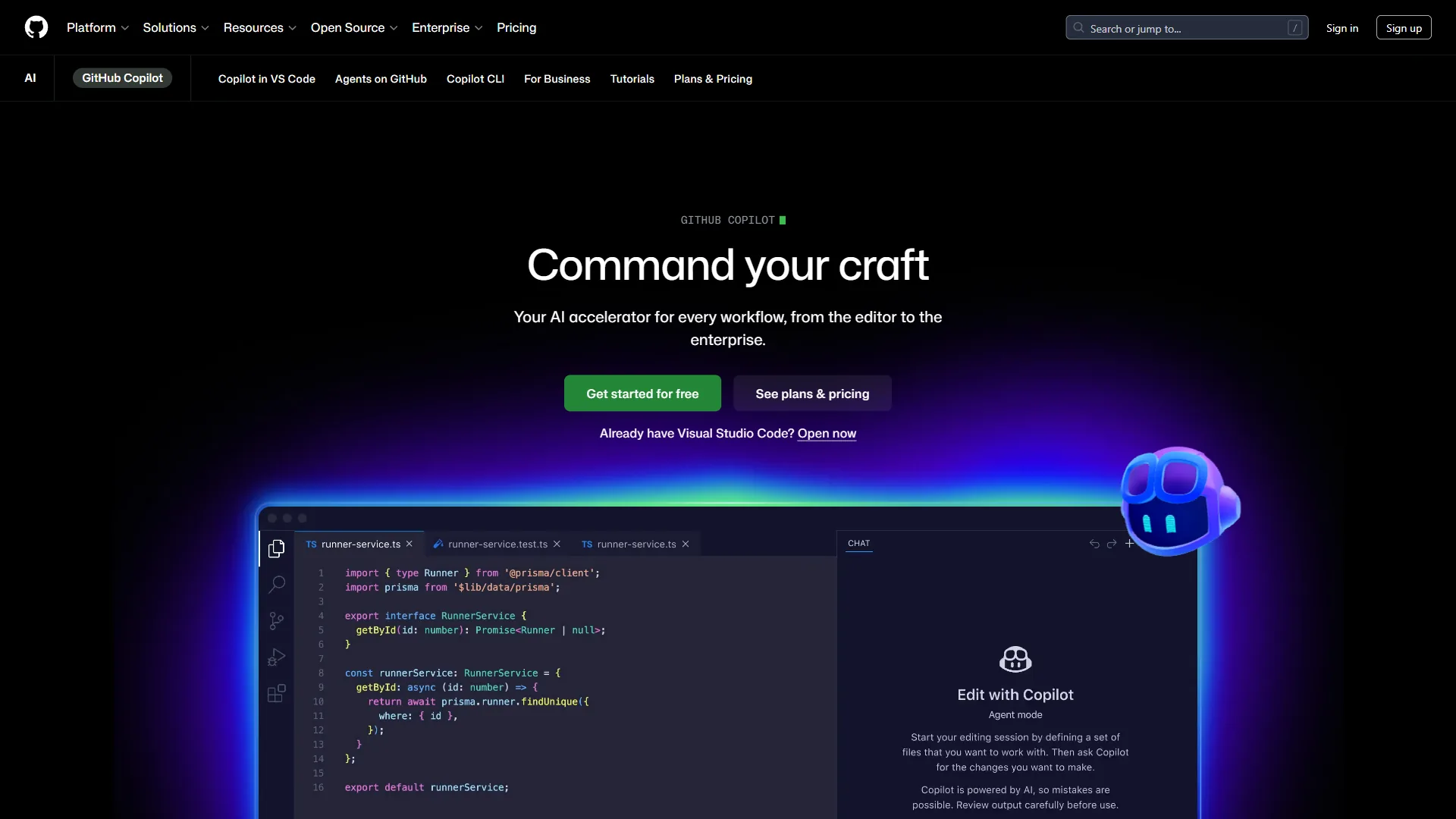
VS Code is the foundation Cursor was built on and the primary host for GitHub Copilot. On its own, it is the most popular code editor in the world - and with the right extensions, it becomes a capable replit alternative open-source enough to cost nothing.
What Makes VS Code Stand Out
- Extension ecosystem - Over 40,000 extensions including Dev Containers for cloud-like isolated environments and Live Share for collaborative editing.
- Remote development extensions handle SSH, WSL, and containers, bridging local IDE feel with cloud-like flexibility.
- Completely free with no credit systems, no tier limitations, and no surprise bills - Microsoft backs the project under an MIT license.
Where VS Code Falls Short vs Replit
VS Code is not ideal for users who want a fully assembled platform out of the box - the toolchain is built from extensions, which takes time. No AI is built in by default, no one-click deployment, and no browser access without additional setup (like code-server).
Best For: Developers who want maximum flexibility at zero cost. Pair VS Code with GitHub Copilot Free and a cloud deployment service for a capable replit alternative for $0.
3. GitHub Codespaces - Best for Full Cloud Development Environments
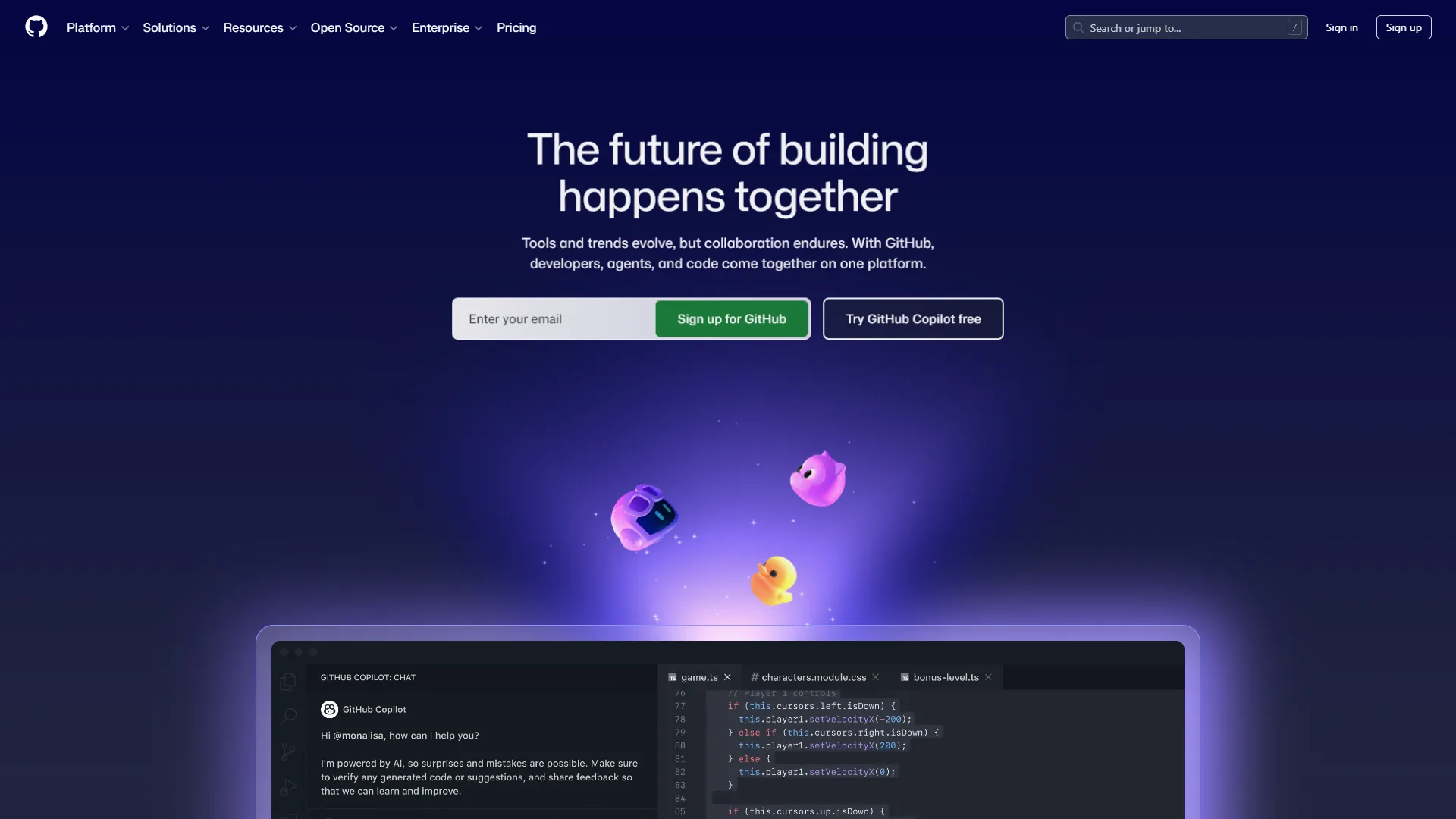
Pricing: 120 free core-hours/month, then $0.18/core-hour / $0.07/GB-month storage
GitHub Codespaces is the strongest replit alternative github-native enough to replace Replit for teams already on GitHub. It provides full cloud development environments powered by VS Code, accessible from any browser or local VS Code installation.
What Makes GitHub Codespaces Stand Out
- Dev container support via
devcontainer.jsoncodifies Python version, Node modules, database services, and dependencies so new teammates get identical environments in around 30 seconds. - Configurable machines range from 2-core to 32-core, billed only for active time.
- 120 free core-hours monthly - a 2-core machine yields 60 hours of active coding per month at no cost, more usable compute than Replit’s free tier.
Where GitHub Codespaces Falls Short vs Replit
GitHub Codespaces is not ideal for teams on GitLab or Bitbucket - the friction with non-GitHub repos is significant. There is no built-in AI coding agent comparable to Replit’s Agent and no integrated deployment.
Best For: Teams that want cloud development environments with GitHub-native workflows and reproducible setups across large teams.
4. CodeSandbox - Best for Frontend Prototyping and Sharing
CodeSandbox is the closest direct replit alternative for frontend prototyping and sharing, focused on browser-based React, Vue, and Next.js workflows. It spins up shareable cloud environments in seconds and adds Devboxes for full-VM backend work.
Pricing: Free (400 credits/mo) / around $12 per month Pro / around $119 per month Builder
What Makes CodeSandbox Stand Out
- Instant environments from any GitHub repository - CodeSandbox skips the “npm install and wait” cycle.
- Shareable sandboxes let reviewers, collaborators, or interviewers see code running via a single URL.
- Devboxes give root access for Docker, databases, and any system-level tooling, plus VS Code Desktop pairing.
Where CodeSandbox Falls Short vs Replit
CodeSandbox is not ideal for backend-heavy workflows that need autonomous AI agents or one-click production hosting - Replit’s Agent and deployment story is more polished. AI features lag behind Replit’s Agent and the template library is smaller.
Best For: Frontend developers who want browser-based coding with shareable environments. Particularly strong for code reviews, technical interviews, and JavaScript-heavy projects.
5. StackBlitz - Best for Instant Browser-Based JavaScript Development
StackBlitz is the fastest replit alternative for instant browser-based JavaScript development, running Node.js entirely in the browser via its WebContainer technology. No cloud VMs, no remote containers - the dev environment runs in the browser tab itself.
Pricing: Free / around $9 per month Personal / around $28 per month Teams
What Makes StackBlitz Stand Out
- WebContainer technology runs code in-browser at near-native speed with no server round-trip on file save or terminal command.
- Bolt.new integration is StackBlitz’s AI play - Bolt.new builds React, Next.js, and Astro apps from natural-language prompts, similar to Replit’s Agent but client-side.
- Offline capable - WebContainers keep working without an internet connection; no server-based cloud IDE matches this.
Where StackBlitz Falls Short vs Replit
StackBlitz is not ideal for Python, Go, Rust, or any non-JS/TS workflow - WebContainers cannot run them. There is no built-in deployment and the template ecosystem is smaller than Replit’s.
Best For: JavaScript and TypeScript developers who want the fastest possible browser-based development experience with offline access.
6. Gitpod - Best for Git-Native Cloud Workspaces
Gitpod is the leading replit alternative for git-native cloud workspaces, generating pre-configured development environments from any GitHub, GitLab, or Bitbucket branch in seconds. Every branch gets an isolated, ephemeral workspace.
Pricing: Free (50 hours/month) / $9 per month Personal / $18 per month Professional
What Makes Gitpod Stand Out
- Git-native workflow - Gitpod extends GitHub, GitLab, and Bitbucket rather than replacing them; every branch gets its own pre-built environment.
- Multi-provider support treats GitHub, GitLab, and Bitbucket as first-class citizens, unlike Replit’s GitHub-centric model.
- Flexible editor choice - VS Code in browser, VS Code Desktop connected to a cloud workspace, or JetBrains IDEs.
- Generous free tier - 50 hours of development time monthly; $9/month Personal undercuts Replit’s $25 Core tier.
Where Gitpod Falls Short vs Replit
Gitpod is not ideal for AI-first developers who want an integrated coding agent - there is no Replit Agent equivalent here. There is also no built-in deployment, and the 50-hour free cap fills up fast on full-time projects.
Best For: Teams that want standardized cloud development environments across multiple Git providers - particularly open-source projects.
7. Codeanywhere - Best Budget Cloud IDE
Codeanywhere is the strongest budget cloud IDE among replit alternatives in 2026, undercutting most competitors at around $9.60 per month annually for the Standard tier. Running since 2013, it covers cross-platform browser coding and remote server management.
Pricing: Free trial (20 hours) / $12 per month Standard / $29 per month Premium
What Makes Codeanywhere Stand Out
- Cross-platform access works from any browser, including tablets and Chromebooks.
- 75+ container templates cover Python, Node.js, PHP, Ruby, and Go - any stack online in under a minute.
- SSH and SFTP support lets Codeanywhere double as a lightweight server management tool.
- Affordable annual plans drop Standard to around $9.60/month and Premium to around $23/month.
Where Codeanywhere Falls Short vs Replit
Codeanywhere is not ideal for AI-driven workflows - capabilities are minimal compared to Replit’s Agent. The community is smaller, learning resources are thinner, and performance on lower-tier plans is noticeably sluggish.
Best For: Budget-conscious developers and students who need a browser-based IDE without the premium price tag.
Which Replit Alternative Fits Your Use Case?
Pick by primary workflow - Cursor for local AI coding, VS Code for free flexibility, GitHub Codespaces for cloud GitHub workflows, StackBlitz or CodeSandbox for browser JavaScript, Gitpod for multi-provider Git workspaces, Codeanywhere for budget, Replit for all-in-one with built-in AI.
- Most powerful AI in a local IDE: Cursor at $20 per month - Composer mode and codebase-aware context deliver AI assistance faster than Replit’s browser.
- Maximum flexibility for free: VS Code plus GitHub Copilot Free - zero cost, 40,000+ extensions.
- Full cloud dev with GitHub integration: GitHub Codespaces with 120 free core-hours monthly.
- Browser-based JavaScript projects: StackBlitz (around $9/month) for fastest browser editing with offline support, or CodeSandbox (around $12/month) for shareable environments.
- Reproducible cloud environments across Git providers: Gitpod at $9/month - git-native, multi-provider, cheaper than Replit Core.
- Cheapest possible cloud IDE: Codeanywhere at $12/month or around $9.60/month billed annually.
- Browser-based coding with built-in AI and deployment: Stick with Replit - no alternative matches its combination of Agent capabilities and one-click deployment in a single platform.
Frequently Asked Questions
Is There a Free Alternative to Replit?
Yes - several replit alternatives free of charge offer generous tiers: VS Code (completely free, open-source), GitHub Codespaces (120 free core-hours monthly), Gitpod (50 free hours/month), and StackBlitz and CodeSandbox (free plans for basic usage). The best free combination for most developers is VS Code paired with GitHub Copilot Free.
Which Replit Alternative Is Best for Learning to Code?
For beginners, VS Code with Python or JavaScript extensions is the most well-documented path. For a zero-setup browser environment, CodeSandbox and StackBlitz both work well for web development learning.
Can Replit Alternatives Handle Team Collaboration?
GitHub Codespaces is the strongest team-collaboration option, with organization-level environment management and shared devcontainer configurations. Gitpod handles git-native team workflows well, and VS Code Live Share provides Google Docs-style pair programming.
What Is the Best Replit Alternative for AI-Powered Coding?
Cursor is the most AI-capable replit alternative for local development; its Composer mode handles multi-file refactoring other tools struggle with. For AI inside any editor, GitHub Copilot at $10 per month delivers proven productivity gains. StackBlitz’s Bolt.new is the closest browser-based answer to Replit’s Agent for JavaScript projects.
Is a Cloud IDE Needed or Is a Local IDE Enough?
A local IDE like VS Code or Cursor paired with a cloud deployment service covers most professional workflows. Cloud IDEs (Replit, Codespaces, Gitpod) win when coding from multiple devices, onboarding teammates instantly, or guaranteeing consistent environments across a team.
The Bottom Line
The smartest 2026 setup pairs Replit for rapid prototyping with a local IDE like Cursor or VS Code for primary work - two specialized tools beat one all-in-one platform for most workflows.
Cursor wins for local AI assistance. VS Code wins on cost and extensibility. GitHub Codespaces wins for GitHub-native cloud environments. StackBlitz wins for latency-free JavaScript. Gitpod wins for multi-provider Git workflows. Codeanywhere wins on budget. Replit still wins when one-click deployment and built-in Agent matter more than anything else.
Related Reading
This guide is part of an AI-coding-tools series - the links below cover head-to-head reviews and broader category comparisons for further research.
- Replit Review - Full review of Replit cloud IDE and AI features
- Cursor Review - Cursor AI code editor review and pricing
- VS Code Review - VS Code editor features, extensions, and AI integrations
- GitHub Review - GitHub platform and Codespaces review
- GitHub Copilot - AI pair programming assistant for VS Code and IDEs
- Best AI Code Editors 2026 - Cursor, Windsurf, and Copilot compared
- Cursor vs Replit - Head-to-head comparison of AI-first IDE vs cloud coding platform
- Best AI Coding Assistants - AI pair programming tools ranked and reviewed
External Resources
These external resources are the official primary-source documentation referenced throughout this guide.