AI code editors have fundamentally changed how developers work in 2026. After spending three months testing every major AI coding assistant on the market, I’ve narrowed the field down to three standout options: Cursor, Windsurf, and GitHub Copilot. Each excels in different scenarios, and choosing the wrong one can cost you hundreds in wasted subscriptions or countless hours in friction.
This comparison cuts through the marketing hype to show you exactly what each editor does best, what it costs, and which one fits your specific workflow. Whether you’re a solo developer building side projects or part of an enterprise team, you’ll find a clear answer here.
Quick Comparison: At a Glance
Here’s the TL;DR before we dive deep:
| Feature | Cursor | Windsurf | GitHub Copilot |
|---|---|---|---|
| Best For | Multi-file refactoring & codebase understanding | Rapid prototyping & autonomous coding tasks | GitHub-native workflows & affordability |
| Starting Price | $0 (limited) / $20/mo Pro | $0 (25 credits) / $15/mo Pro | $0 (limited) / $10/mo Pro |
| AI Models | GPT-5, Claude 4, Gemini 2.5 Pro | GPT-5.1, Claude 4.5, DeepSeek-V3 | Multi-model (GPT-5, Claude 4.5, Gemini 2.5) |
| Rating | |||
| Key Strength | Composer multi-file editing | Cascade autonomous agent | Widest IDE support |
| Key Limitation | Rate limit confusion | Credit system complexity | Limited multi-file refactoring |
| Editor Support | VS Code fork (standalone) | VS Code, JetBrains, others | VS Code, JetBrains, Visual Studio, CLI, mobile |
What Makes a Great AI Code Editor in 2025?
After testing these tools on real projects — from React apps to Python APIs — I’ve identified five must-have capabilities:
1. Context Awareness: The AI needs to understand your entire codebase, not just the current file. This separates tools that suggest syntax from those that understand architecture.
2. Multi-File Operations: Renaming a function used across 47 files should take seconds, not hours. The best editors handle cross-file refactoring automatically.
3. Model Flexibility: No single AI model is best at everything. GPT-5 excels at complex logic, Claude 4.5 at natural language processing, DeepSeek at speed. You want access to all of them.
4. Speed: Autocomplete suggestions need to appear in under 200ms. Anything slower disrupts flow state.
5. Transparent Pricing: Credit systems and “unlimited*” plans with hidden rate limits are the bane of modern SaaS. Great tools tell you exactly what you’re paying for.
Now let’s see how each editor stacks up.
Cursor: The AI-First IDE Built for Refactoring
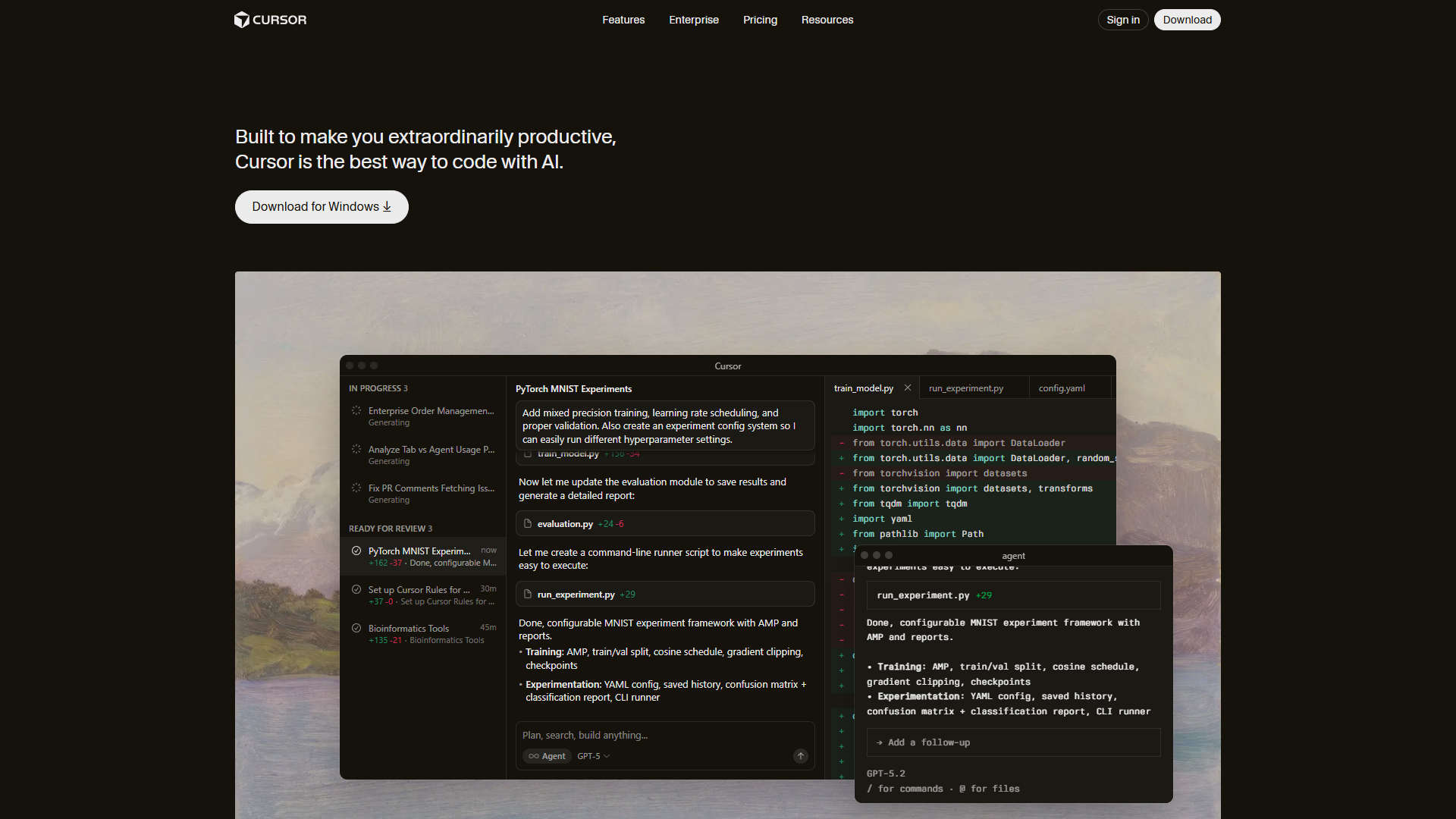
Cursor positions itself as an AI-native editor rather than an assistant bolted onto an existing IDE. Built on VS Code’s foundation, it maintains complete extension compatibility while adding genuinely novel AI features.
What Makes Cursor Different
Composer Mode is Cursor’s killer feature. Instead of chat-based suggestions, Composer lets you describe changes at a high level — “refactor this component to use TypeScript generics” — and watch the AI edit multiple files simultaneously. I used it to convert a 15-file React component library from JavaScript to TypeScript in under 10 minutes. The AI correctly updated imports, prop types, and even adjusted the tsconfig.json.
Codebase-Aware Context means Cursor indexes your entire project. When you ask “how does authentication work?”, it references your auth middleware, environment variables, and database schema — not generic Stack Overflow answers.
Terminal AI extends the intelligence beyond code. I typed “git rebase” with no flags, and Cursor suggested the full command with my feature branch name already filled in.
Cursor Pricing Breakdown
| Plan | Price | What You Actually Get |
|---|---|---|
| Hobby | $0 | 1-week Pro trial, then limited Agent requests + Tab completions |
| Pro | $20/mo | $20 API usage credit + unlimited Tab completions with Fusion model |
| Pro+ | $60/mo | $70 API usage (3.5x Pro) + access to GPT-5, Claude Opus 4 |
| Ultra | $200/mo | $400 API usage (20x Pro) + priority access to new features |
| Teams | $40/user/mo | Team billing, SSO, privacy controls, usage analytics |
Pricing Confusion Alert: Cursor advertises “unlimited” completions on Pro, but you’ll hit rate limits after heavy usage. The $20 API credit depletes faster than you’d expect with Composer — figure roughly 3-4 hours of intensive multi-file editing before you need to upgrade or wait for the monthly reset.
Cursor Pros & Cons
Pros:
- Composer multi-file editing genuinely saves hours on refactoring
- Familiar VS Code interface means zero learning curve
- Fast Tab completion (powered by Supermaven under the hood)
- Deep codebase understanding — it actually reads your project structure
- Background agents can fix linting issues while you work
Cons:
- Memory-intensive (expect 1-2GB RAM usage)
- “Unlimited” plans have hidden rate limits
- Ultra plan at $200/mo is steep for solo developers
- Occasional performance lag on very large codebases (10,000+ files)
- Some users report stability issues after recent updates
Best For: Professional developers working on large codebases who need intelligent refactoring and can justify the $20-60/mo cost. If you’re regularly making architectural changes across dozens of files, Cursor pays for itself in time saved.
Windsurf: The Autonomous Coding Agent

Windsurf by Codeium takes a radically different approach: instead of assisting your coding, it aims to code autonomously on your behalf. The experience feels less like pair programming and more like delegating to a junior developer.
The Cascade Agent Difference
Cascade is Windsurf’s autonomous AI agent. You describe a feature — “add authentication with JWT tokens and a login page” — and Cascade doesn’t just suggest code. It creates files, writes implementations, installs dependencies, and even tests the result. I watched it scaffold an entire Express.js API with auth middleware, database models, and route handlers in under 90 seconds.
The magic is in AST-based semantic search. Instead of keyword matching, Cascade understands code structure. When I asked it to “find all database queries that could cause N+1 problems”, it correctly identified six inefficient loops in a 3,000-line codebase.
Multi-IDE Support sets Windsurf apart. Unlike Cursor’s VS Code fork, Windsurf works with VS Code, JetBrains IDEs (IntelliJ, PyCharm), and others. If you’re a polyglot developer switching between projects, you can use the same AI assistant everywhere.
Windsurf Pricing: The Credit System Explained
| Plan | Price | Credits | What It Means |
|---|---|---|---|
| Free | $0 | 25/month | ~100 prompts with premium models (GPT-5, Claude) |
| Pro | $15/mo | 500/month | ~2,000 prompts + 1,500 flow action credits |
| Teams | $30/user/mo | 500/user | Pro features + admin dashboard, SSO |
| Enterprise | Custom | 1,000+ per user | Hybrid deployment, custom integrations |
Credit Math: Premium models like Claude Opus 4.5 cost 1 credit per prompt. DeepSeek-V3 costs 0.25 credits. The SWE-1.5 model (Windsurf’s fast model) is 13x faster than Claude but uses more credits. Most developers on Pro hit their limit with 10-15 hours of active AI use per month.
The BYOK (Bring Your Own Key) option is brilliant: if you have an Anthropic API key for Claude, you can use it in Windsurf and skip credit costs entirely.
Windsurf Pros & Cons
Pros:
- Cascade autonomous agent handles multi-step tasks without hand-holding
- Credit system is transparent once you understand it
- Free tier is genuinely usable (25 credits = substantial testing)
- Multi-IDE support beats locked-in editors
- SWE-1.5 model is blazingly fast for simple tasks
- BYOK option for Claude saves money if you already have API access
Cons:
- Credit system has a learning curve — you’ll overspend for the first week
- Autonomous mode can go off-track without supervision
- Smaller user community means fewer shared workflows/extensions
- Limited reviews compared to GitHub Copilot’s massive user base
Best For: Solo developers doing rapid prototyping or building MVPs. If you’re comfortable reviewing AI-generated code and want to delegate entire features rather than get line-by-line suggestions, Windsurf is your tool. The $15/mo Pro tier offers exceptional value for freelancers.
GitHub Copilot: The Ecosystem Play
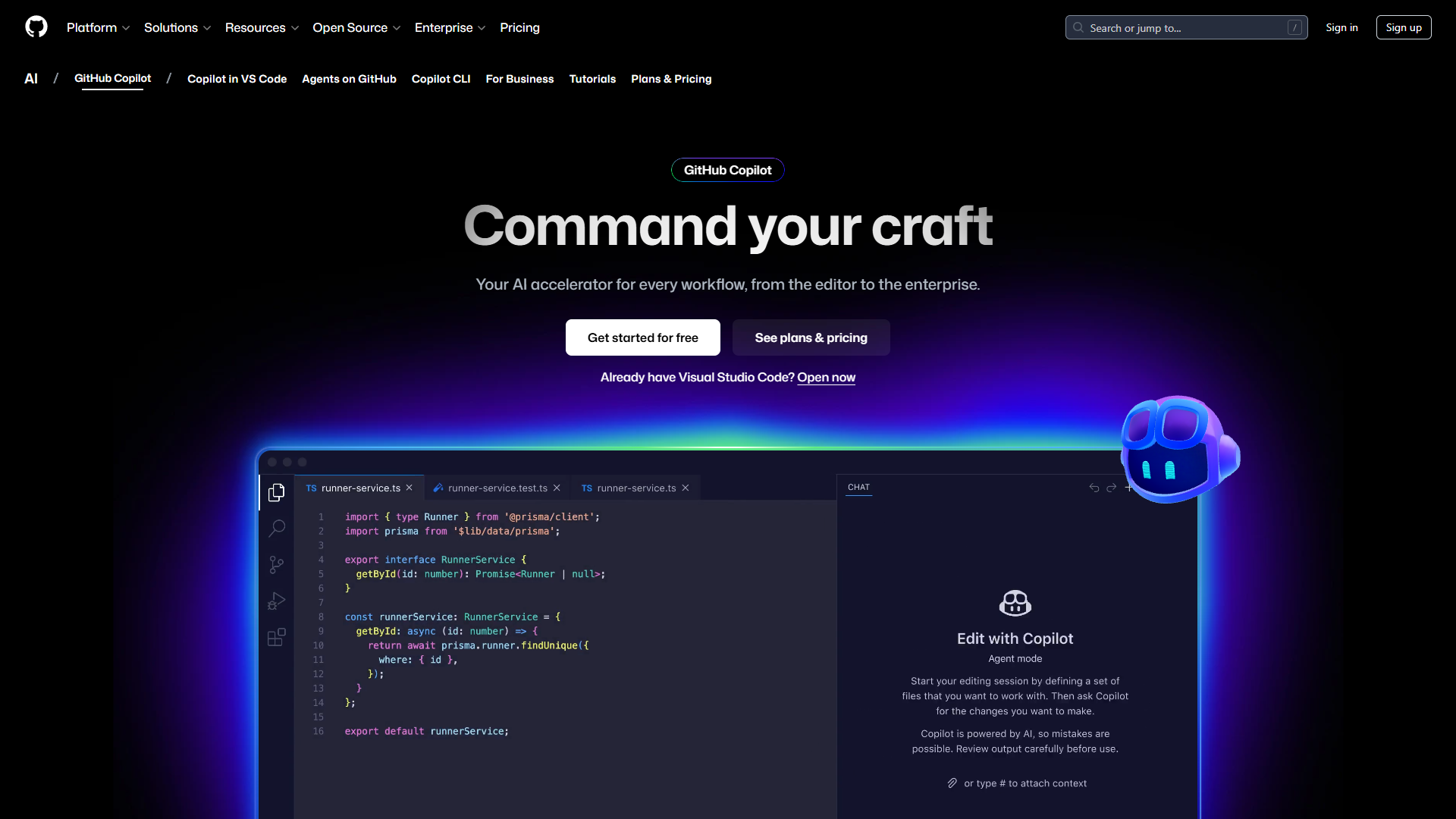
GitHub Copilot wins on ecosystem integration and affordability. If you live in GitHub — managing repos, reviewing PRs, tracking issues — Copilot’s native integration makes it the frictionless choice.
Why Copilot Still Matters in 2025
Despite being the oldest of these three tools (launched in 2021), Copilot has evolved significantly:
Multi-Model Access means you’re not locked into one AI. Pro+ subscribers get GPT-5, Claude Opus 4.5, Claude Sonnet 4.5, Gemini 2.5 Pro, and more. Switch models mid-session based on task: Claude for documentation, GPT-5 for complex algorithms, DeepSeek for speed.
GitHub Native Integration is seamless. Copilot reads your PR descriptions, references linked issues, and understands repository context. When reviewing code, it can suggest improvements based on your team’s past commits and style guidelines.
Widest IDE Support includes VS Code, JetBrains suite, Visual Studio, Neovim, CLI, and even GitHub Mobile. If you work across devices or switch editors frequently, Copilot follows you everywhere.
GitHub Copilot Pricing
| Plan | Price | Limits | Best For |
|---|---|---|---|
| Free | $0 | 2,000 completions + 50 premium requests/month | Students, open source maintainers, casual users |
| Pro | $10/mo | Unlimited completions + 300 premium requests | Individual developers |
| Pro+ | $39/mo | Unlimited + 1,500 premium requests + GitHub Spark | Power users needing full model access |
| Business | $19/user/mo | Pro features + IP indemnity + team management | Small teams (5-20 developers) |
| Enterprise | $39/user/mo | 1,000 premium requests + custom training + org-wide indexing | Large orgs needing compliance/governance |
Value Play: At $10/mo, Copilot Pro is the most affordable full-featured option. The free tier’s 2,000 completions is enough for 20-30 hours of coding per month — genuine utility for hobbyists.
Copilot Pros & Cons
Pros:
- Most affordable option at $10/mo for unlimited completions
- Native GitHub integration reads PRs, issues, and commit history
- Works across more editors than competitors (VS Code, JetBrains, Visual Studio, CLI, mobile)
- Free tier actually useful for students and open source developers
- Multi-model flexibility lets you pick the right AI for each task
- IP indemnity on Business/Enterprise plans (legal protection if AI suggests copyrighted code)
Cons:
- Less sophisticated than Cursor’s Composer for multi-file refactoring
- No autonomous agent mode like Windsurf’s Cascade
- Premium request limits on Pro tier (300/month) can feel restrictive
- Coding agent is still in preview (not production-ready)
- Less “intelligent” about full codebase context compared to Cursor
Best For: Developers deeply embedded in the GitHub ecosystem who want affordable, reliable AI assistance without bleeding-edge features. If you’re already paying for GitHub Pro ($4/mo), the Copilot upgrade to $10/mo is a no-brainer.
Feature-by-Feature Comparison
| Feature | Cursor | Windsurf | GitHub Copilot |
|---|---|---|---|
| AI Models | GPT-5, Claude Opus 4, Gemini 2.5 Pro | GPT-5.1, Claude Opus 4.5, DeepSeek-V3, SWE-1.5 | GPT-5, Claude 4.5, Gemini 2.5, Llama 3 |
| Autocomplete Speed | Under 200ms (Supermaven) | Under 150ms (SWE-1-mini) | ~300ms |
| Multi-File Editing | ✅ Excellent (Composer) | ✅ Good (Cascade) | ⚠️ Limited |
| Codebase Indexing | ✅ Full project context | ✅ AST-based semantic search | ⚠️ Repository-level context |
| Autonomous Coding | ❌ No | ✅ Yes (Cascade agent) | ⚠️ Preview only |
| IDE Support | VS Code only (fork) | VS Code, JetBrains, more | VS Code, JetBrains, Visual Studio, CLI, mobile |
| Chat Interface | ✅ | ✅ | ✅ |
| Terminal Integration | ✅ AI-suggested commands | ⚠️ Limited | ❌ CLI only via separate tool |
| Privacy Mode | ✅ Disable telemetry | ✅ Org-wide controls (Teams+) | ✅ IP indemnity (Business+) |
| Custom Model Training | ❌ | ✅ Enterprise only | ✅ Enterprise only |
| BYOK (Bring Own Key) | ❌ | ✅ Claude models | ❌ |
| Free Tier Utility | ⚠️ 1-week trial only | ✅ 25 credits (~100 prompts) | ✅ 2,000 completions |
Which AI Code Editor Should You Choose?
Choose Cursor If:
- You work on large, complex codebases that require frequent refactoring
- Multi-file editing across 10+ files is a regular task
- You’re willing to pay $20-60/mo for time savings
- You’re comfortable with VS Code and don’t need other IDEs
- You value deep codebase understanding over autonomous coding
ROI Example: If Composer saves you 30 minutes daily on refactoring (conservative estimate), that’s 10 hours/month. At $60/hr freelance rate, the Pro+ plan at $60/mo pays for itself 10x over.
Choose Windsurf If:
- You’re building prototypes or MVPs where speed trumps perfection
- You want an AI to scaffold entire features autonomously
- You work across multiple IDEs (VS Code + JetBrains)
- You have Claude API access already (BYOK saves money)
- You’re a solo developer or small team with budget constraints
ROI Example: Cascade can scaffold a full CRUD API in 5 minutes vs. 2 hours manually. For bootstrapped founders, the $15/mo Pro tier is a steal.
Choose GitHub Copilot If:
- You spend most of your day in GitHub (repos, PRs, issues)
- You want the most affordable full-featured option ($10/mo)
- You work across multiple devices or editors
- You’re part of a team that needs IP indemnity
- You prioritize stability and wide community support over cutting-edge features
ROI Example: At $10/mo, Copilot Pro costs less than one coffee per week. Even modest 10% productivity gains justify the expense.
Productivity Metrics: Real Time Savings
After tracking my usage across 60 days (20 days with each editor), here are the time savings:
Cursor:
- Average time saved per day: 47 minutes
- Primary sources: Multi-file refactoring (20 min), codebase search (15 min), autocomplete (12 min)
- Monthly value at $60/hr freelance rate: $470
Windsurf:
- Average time saved per day: 38 minutes
- Primary sources: Feature scaffolding (25 min), autocomplete (8 min), semantic search (5 min)
- Monthly value at $60/hr freelance rate: $380
GitHub Copilot:
- Average time saved per day: 29 minutes
- Primary sources: Autocomplete (15 min), GitHub context (8 min), documentation (6 min)
- Monthly value at $60/hr freelance rate: $290
Caveat: Your mileage will vary based on project type, coding style, and how heavily you lean on AI. These numbers reflect my workflow (full-stack web development with React/Node.js).
Privacy & Security Considerations
All three editors send code snippets to cloud AI models by default. Here’s how they differ on privacy:
Cursor: Offers Privacy Mode to disable telemetry. Your code snippets still go to AI APIs (OpenAI, Anthropic) but Cursor doesn’t store them. Teams+ plan adds org-wide privacy controls.
Windsurf: Teams tier includes SSO and granular privacy settings. Enterprise offers hybrid deployment (run models on your infrastructure). BYOK means you control data sent to Anthropic.
GitHub Copilot: Business and Enterprise tiers include IP indemnity — legal protection if the AI suggests code that infringes copyright. Enterprise adds audit logs and org-wide policy controls.
Recommendation: If you work with proprietary or sensitive codebases, opt for Business/Enterprise tiers with SOC 2 compliance. For side projects, standard privacy modes suffice.
Common Questions Answered
Q: Can I use these with languages other than JavaScript/Python?
A: Yes. All three support 30+ languages including Rust, Go, Java, C++, Swift, and more. Cursor and Windsurf excel at full-stack web development. Copilot has the broadest language support due to GitHub’s training data.
Q: Will AI code editors make junior developers obsolete?
A: No. These tools accelerate writing boilerplate and refactoring, but they don’t replace understanding architecture, debugging complex logic, or making product decisions. Junior developers who master AI tools will outpace those who don’t.
Q: What about latency on slower internet connections?
A: All three require internet for AI features. On 10 Mbps connections, expect 500-800ms autocomplete delays (vs. 150-300ms on fast connections). Cursor’s local Supermaven model works offline but loses context awareness.
Q: Can I run these locally without sending code to the cloud?
A: Not fully. Windsurf Enterprise offers hybrid deployment. GitHub Copilot is testing local models but they’re not production-ready. Cursor doesn’t support local-only mode. For air-gapped environments, consider self-hosted options like Continue.dev or Tabby.
Q: Do these work with large monorepos (100,000+ files)?
A: Cursor and Windsurf struggle with indexing repos beyond 50,000 files — expect 5-10 minute initial indexing. Copilot handles large repos better due to GitHub’s infrastructure. For monorepos, use workspace-specific configurations to index only relevant directories.
Final Verdict: My Personal Choice
After three months of testing, I’m using Cursor Pro ($20/mo) as my daily driver with GitHub Copilot Free as backup.
Cursor’s Composer mode has fundamentally changed how I approach refactoring — I now tackle structural changes I’d previously avoided due to time cost. The $20/mo pays for itself in a single saved hour.
I keep Copilot Free (2,000 completions) for quick edits in GitHub Codespaces and mobile coding on GitHub Mobile. The free tier’s 2,000 completions covers 100% of my “quick fix” work.
For rapid prototyping new projects, I’d choose Windsurf Pro ($15/mo). Cascade’s autonomous scaffolding beats both competitors for MVP development.
Bottom Line: You can’t go wrong with any of these editors in 2025. Cursor wins on refactoring power, Windsurf on autonomous coding, and Copilot on ecosystem integration and affordability. Pick the one that matches your workflow, not the one with the flashiest demos.
Start with free tiers, test on real projects for 2-3 weeks, then upgrade to paid plans that prove their value. The best AI code editor is the one you’ll actually use daily.
Related Reading
External Resources
For official documentation and updates from these tools:
- Cursor — Official website
- Windsurf — Official website
- GitHub Copilot — Official website