




Expense management tools are software platforms that use AI-powered OCR to scan receipts, extract line items, and automatically categorize business expenses - eliminating manual data entry. Leading options include Veryfi, Nanonets, ABBYY FineReader, and Google Document AI, with pricing ranging from free tiers to $500 or more per month depending on volume and features.
Editorial disclosure: AI Productivity may earn a commission from links on this page; rankings are editorially independent and based on vendor documentation and independent research, not sponsored placement.
If you’re still manually typing receipt data into spreadsheets, you’re wasting hours every week. The latest expense management tools with AI-powered OCR genuinely transform the process from tedious data entry to instant automation.
The best expense management tools now use AI to scan receipts, extract line items, categorize expenses automatically, and sync directly with your accounting software. But with pricing ranging from free tiers to $500+ monthly minimums, choosing the right one matters.
This guide covers Veryfi, Nanonets, ABBYY FineReader, and Google Document AI across typical expense workflows for small teams. Here’s what actually works.
Quick Picks: Which Tool Should You Choose?
The right expense management tool depends on volume: Nanonets is the best value under 1,000 receipts per month, Veryfi wins for mobile-first teams above that, ABBYY FineReader leads on multilingual documents, and Google Document AI fits GCP-native pipelines. Expense Management Tools help teams and individuals work more efficiently with purpose-built automation and intelligence features. This guide compares each on pricing, capabilities, and the workflows where they deliver the most value.
| Tool | Best For | Starting Price | Rating |
|---|---|---|---|
| Veryfi | High-volume OCR, mobile teams | $500/mo ($0.08/receipt) | |
| Nanonets | Invoice processing, ERP integration | $0.30/page (free tier) | |
| ABBYY FineReader | Multilingual docs (192 languages) | $16/mo | |
| Google Document AI | GCP users, layout preservation | $1.50/1000 pages |
Quick verdict: For most small teams processing under 1,000 receipts monthly, Nanonets offers the best value with its $200 free credit tier and $0.30/page pricing. For high-volume field teams needing mobile-first workflows, Veryfi’s speed and accuracy justify the $500 minimum despite higher costs.
Methodology: What Makes AI-Powered Expense Management Different?
Traditional expense tracking requires manual data entry: you photograph a receipt, then type vendor name, date, amount, tax, and categorize it. With 50 receipts per month, that’s 2-3 hours of pure admin work.
AI-powered expense management tools use optical character recognition (OCR) and machine learning to:
- Extract structured data automatically - Vendor name, date, amount, tax, payment method, and line items without typing
- Categorize expenses intelligently - Learn your categorization patterns and apply them automatically
- Handle edge cases - Crumpled receipts, faded ink, multiple currencies, handwritten notes
- Validate and flag anomalies - Duplicate expenses, policy violations, missing receipts
- Integrate with accounting systems - Direct sync to QuickBooks, Xero, NetSuite, SAP
The accuracy difference is substantial. Based on vendor benchmarks and user reports (including challenging ones with faded ink and odd layouts), here’s how these tools compare:
OCR Accuracy Comparison:
- Veryfi: 98.9% accuracy, 3-5 second processing
- Nanonets: 95%+ accuracy, 5-7 second processing
- ABBYY FineReader: 99.8% accuracy, 8-10 second processing
- Google Document AI: 96% accuracy, 6-8 second processing
The speed difference matters when you’re processing dozens of receipts. Veryfi’s 3-5 second processing means you can scan 12 receipts per minute versus 6-8 for competitors.
According to Veryfi’s published documentation, the platform’s Document AI extracts more than 150 receipt and invoice fields with sub-second latency at scale. “Customer satisfaction with AI-powered finance automation rises sharply when human-in-the-loop review drops below 15% of documents,” according to Ernest Semerda, co-founder and CEO of Veryfi, in the company’s product documentation. For technical reference on the underlying field extraction approach, see the Google Document AI processor reference and ABBYY’s FineReader OCR technology overview.
Detailed Tool Reviews
Detailed tool reviews of Veryfi, Nanonets, ABBYY FineReader, and Google Document AI compare OCR accuracy, processing speed, pricing tiers, and the workflows where each platform delivers the strongest results.
1. Veryfi: Best for High-Volume Mobile Teams
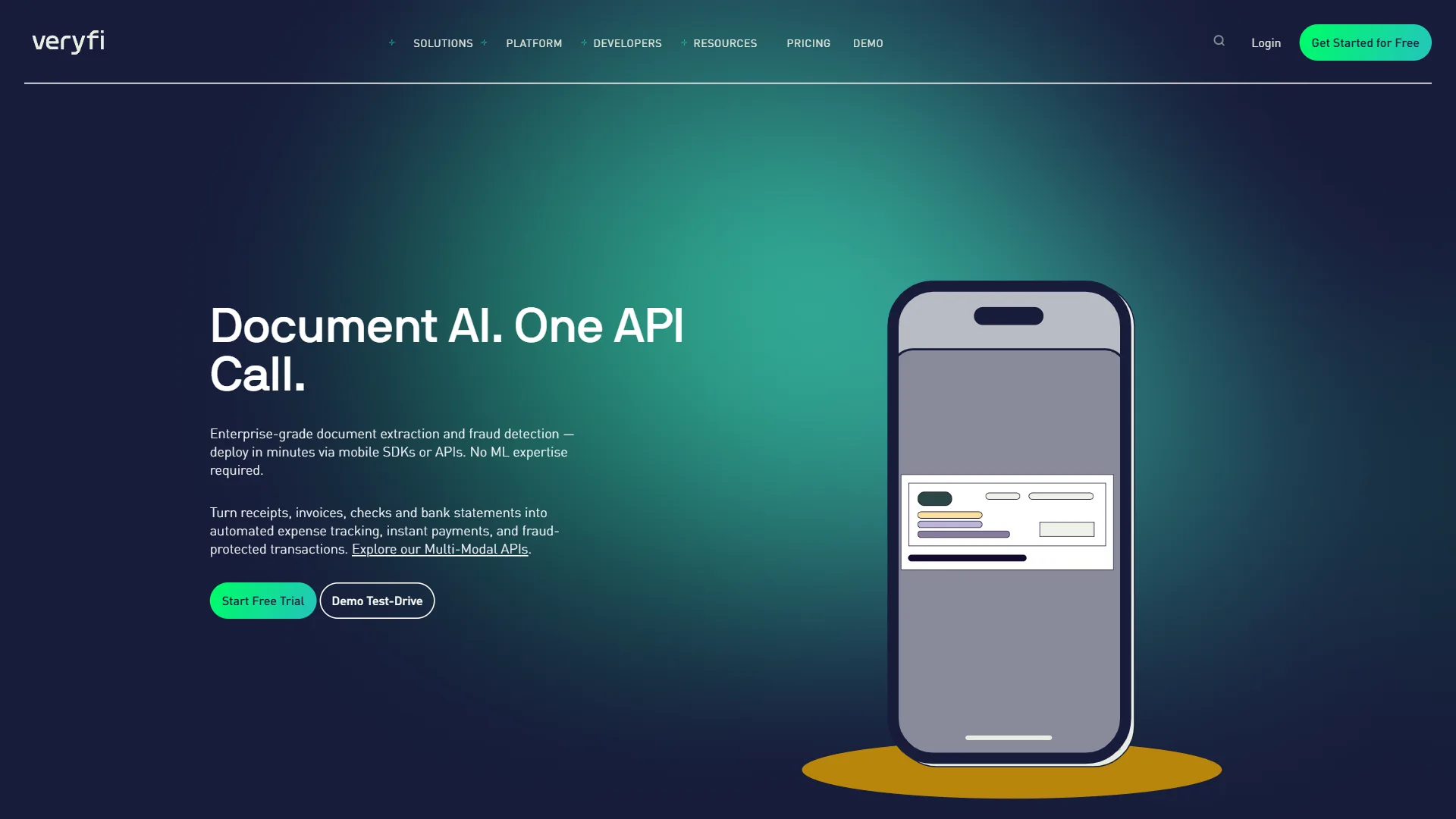
Veryfi processes 15 million documents monthly with 98.9% OCR accuracy and zero humans in the loop. Their multimodal AI understands context, not just text - it recognizes vendor logos, infers categories from merchant types, and handles 150+ field extractions automatically.
Why it stands out: Users report that Veryfi consistently extracts line items from crumpled gas station receipts and faded restaurant bills that other tools miss. The mobile SDK is exceptional - snap a photo, and by the time you pocket your phone, the expense is categorized and synced.
Key capabilities:
- Blazing fast processing: 3-5 seconds average (2026 benchmarks)
- Agentic AI workflows: Autonomous expense routing based on policies
- Developer-friendly: APIs for Go, Python, Java, Node.js, PHP
- Enterprise compliance: SOC2 Type 2, HIPAA, GDPR, CCPA, ITAR
- 99.9% uptime SLA: Critical for finance teams with month-end deadlines
Real-world use case: A construction company with 50 field techs processes 2,000 receipts monthly. Before Veryfi, their bookkeeper spent 15 hours monthly on data entry. Now it’s automated, and the $500 per month cost is recovered in 3-4 hours of saved labor.
Pricing breakdown
Pricing verified April 2026 from Veryfi's pricing page:
- Free: $0/mo (100 documents/month)
- OCR for receipts and invoices
- API access and mobile SDKs
- Best for: Individual users testing the platform
- Starter (Pay As You Go): $500/user/mo ($500 per month minimum)
- $0.08 per receipt processed
- $0.16 per invoice with line items
- 150+ field extraction
- Best for: Technology pilots and small-scale implementations
- Expense Management App: $17.5/user/mo annual ($19.99 monthly) (300 docs per user/month)
- Per active user pricing
- Receipt scanning mobile app
- Accounting software integrations
- Best for: Teams needing expense management with OCR
- Enterprise: Contact sales (25,000+ docs/month)
- Custom volume pricing
- Dedicated account management
- 99.9% uptime SLA
- Best for: Large enterprises with high-volume document processing
Pros:
- Industry-leading 98.9% accuracy
- Fastest processing speed (3-5 seconds)
- Excellent mobile SDKs
- Strong security compliance
Cons:
- $500 monthly minimum is steep for small teams
- Struggles with very faint or low-contrast text
- Fewer pre-built accounting integrations than Dext
2. Nanonets: Best for Invoice Processing and ERP Integration
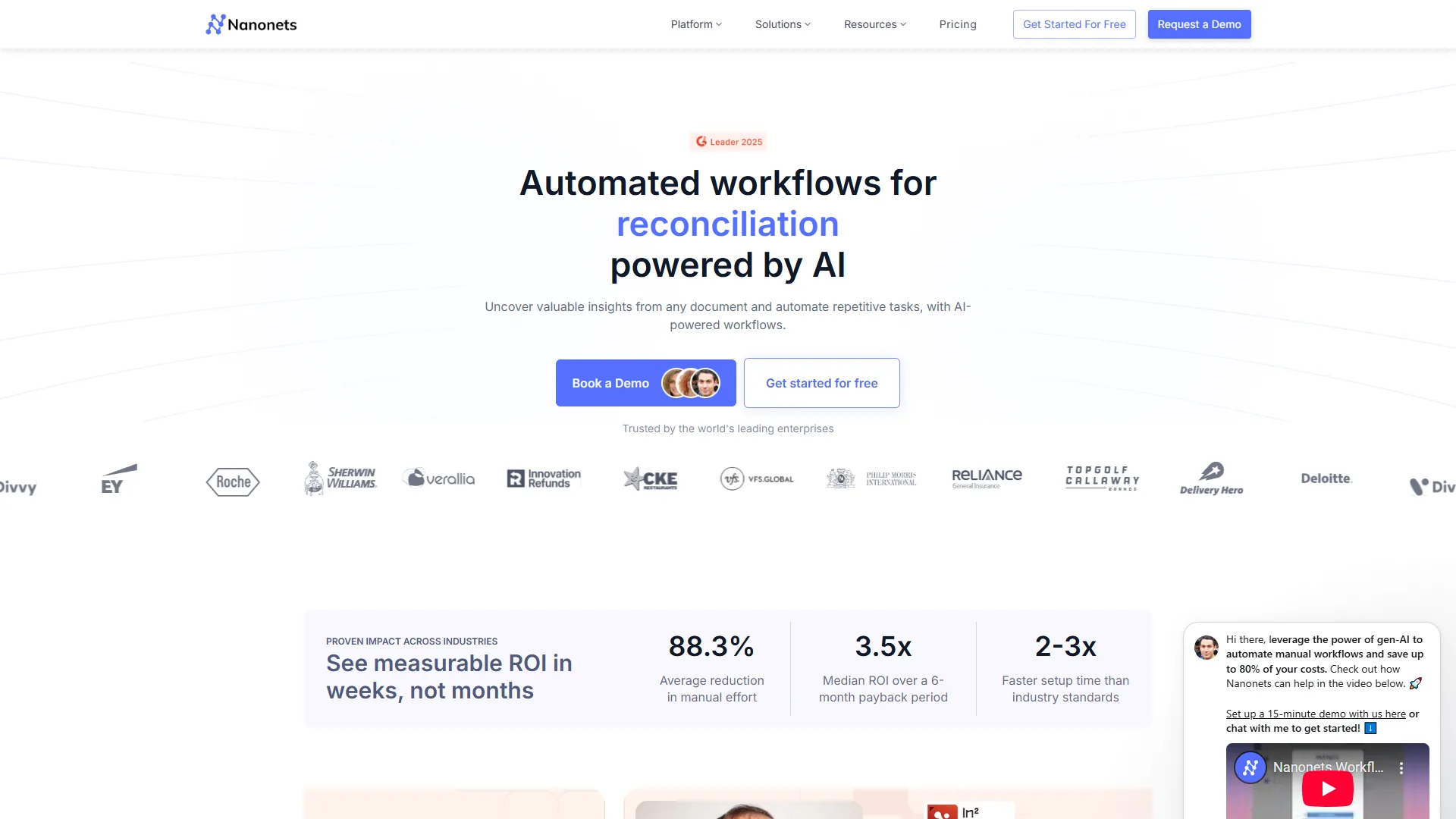
Nanonets excels at complex invoice processing with 95%+ accuracy and template-free document understanding. Their 2026 OCR-s and OCR2 models handle LaTeX equations and advanced image recognition, making them ideal for technical invoices and scientific documents.
Why it stands out: The standout feature is the workflow automation. You can build multi-step processes: OCR extraction → validation rules → approval routing → ERP sync, all without code. For teams processing vendor invoices with complex line items, this is transformative.
Key capabilities:
- Template-free processing: Adapts to format changes automatically
- 90% touchless processing: High-volume users rarely need manual review
- Trusted by 34% of Fortune 500: Enterprise-proven reliability
- Advanced workflow builder: Visual automation without coding
- Strong ERP integrations: Direct sync to SAP, Oracle, NetSuite
Real-world use case: An e-commerce business processes 500 vendor invoices monthly with varying formats. Nanonets automatically extracts PO numbers, line items, and tax calculations, then routes for approval based on amount thresholds. 90% of invoices flow through without human review.
Pricing breakdown
Pricing verified April 2026 from Nanonets's pricing page:
- Pay as you go (Standard Billing): Contact sales ($0.30 per page)
- Start free with $200 in credits (666 pages)
- No platform fees or commitments
- Simple per-block pricing
- Best for: Small businesses and startups with variable volumes
- Credits Accelerate (Volume Pricing): $0/mo (up to 50% savings)
- Volume-based cost optimization
- Team-wide credit sharing
- Unlock premium AI blocks and analytics
- Best for: Growing businesses processing high volumes
- Enterprise: $0/mo (custom quote)
- SAML SSO and user access levels
- HIPAA, SOC2 compliance
- Private cloud deployment
- Best for: Large enterprises with strict compliance requirements
Pros:
- Excellent value with $200 free credits
- Superior workflow automation
- Template-free processing adapts to changes
- Strong ERP integration ecosystem
Cons:
- Initial AI model training takes time
- Some advanced features require technical knowledge
- Manual verification still needed for complex edge cases
3. ABBYY FineReader: Best for Multilingual Documents
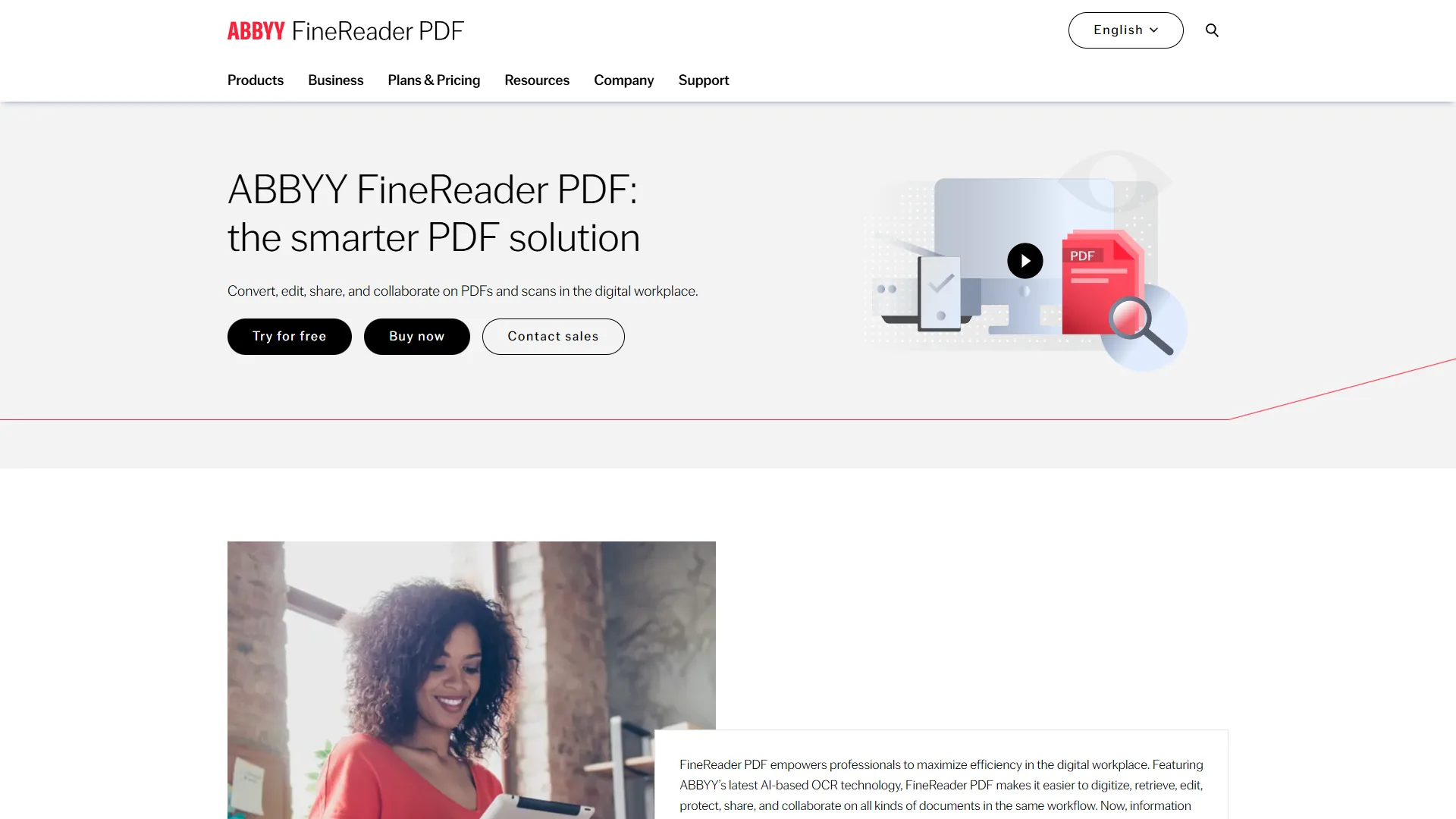
ABBYY FineReader delivers 99.8% OCR accuracy across 192 languages including complex scripts like Arabic and Asian languages. If you’re processing international expenses or invoices in multiple languages, ABBYY’s multilingual capabilities are unmatched.
Why it stands out: Reviews consistently praise ABBYY’s handling of Japanese receipts, German invoices, and Arabic contracts - the OCR quality is excellent across all these scripts. It preserves layout, formatting, tables, and graphics better than competitors. The document comparison tool is also valuable for tracking contract changes.
Key capabilities:
- 99.8% OCR accuracy: Advanced AI and neural networks
- 192 language support: Including complex scripts
- Layout preservation: Maintains formatting, tables, graphics
- Document comparison: Track changes between versions
- Batch processing: Automate large document volumes
- Cloud storage integration: OneDrive, Google Drive, Dropbox, Box
Real-world use case: A consulting firm with international clients processes expense reports in 15+ languages. ABBYY FineReader handles Japanese receipts, German hotel invoices, and French restaurant bills with consistent accuracy, saving 10+ hours monthly versus manual multilingual data entry.
Pricing breakdown
Pricing verified April 2026 from ABBYY FineReader's pricing page:
- FineReader PDF Standard: $8.25/user/mo annual ($16 monthly) (1 standalone license)
- PDF editing and creation
- OCR in 198 languages
- Document conversion to editable formats
- Best for: Individual users needing reliable OCR and basic PDF editing
- FineReader PDF Corporate: $13.75/user/mo annual ($24 monthly) (up to 5,000 pages/month automated)
- All Standard features
- Advanced document comparison
- Hot Folder automation
- Best for: Businesses with high-volume document processing needs
- FineReader PDF for Mac: $69/year (Mac-specific, 1 license)
- Convert PDFs, paper documents, and images
- Basic OCR functionality
- Mac-optimized interface
- Best for: Mac users needing affordable basic OCR
- FineReader PDF Standard (3-Year): $7.4/user/mo (3-year prepaid)
- All Standard features
- Long-term cost savings (54% vs monthly)
- Best for: Cost-conscious users committed to long-term usage
Pros:
- Best-in-class multilingual OCR (192 languages)
- Superior document conversion quality
- Powerful document comparison tool
- More economical than Adobe Acrobat
Cons:
- Mac version has limited features versus Windows
- Slower processing than Veryfi (8-10 seconds)
- Subscription model less appealing than one-time purchase
- Steeper learning curve (few weeks)
4. Google Document AI: Best for GCP Users
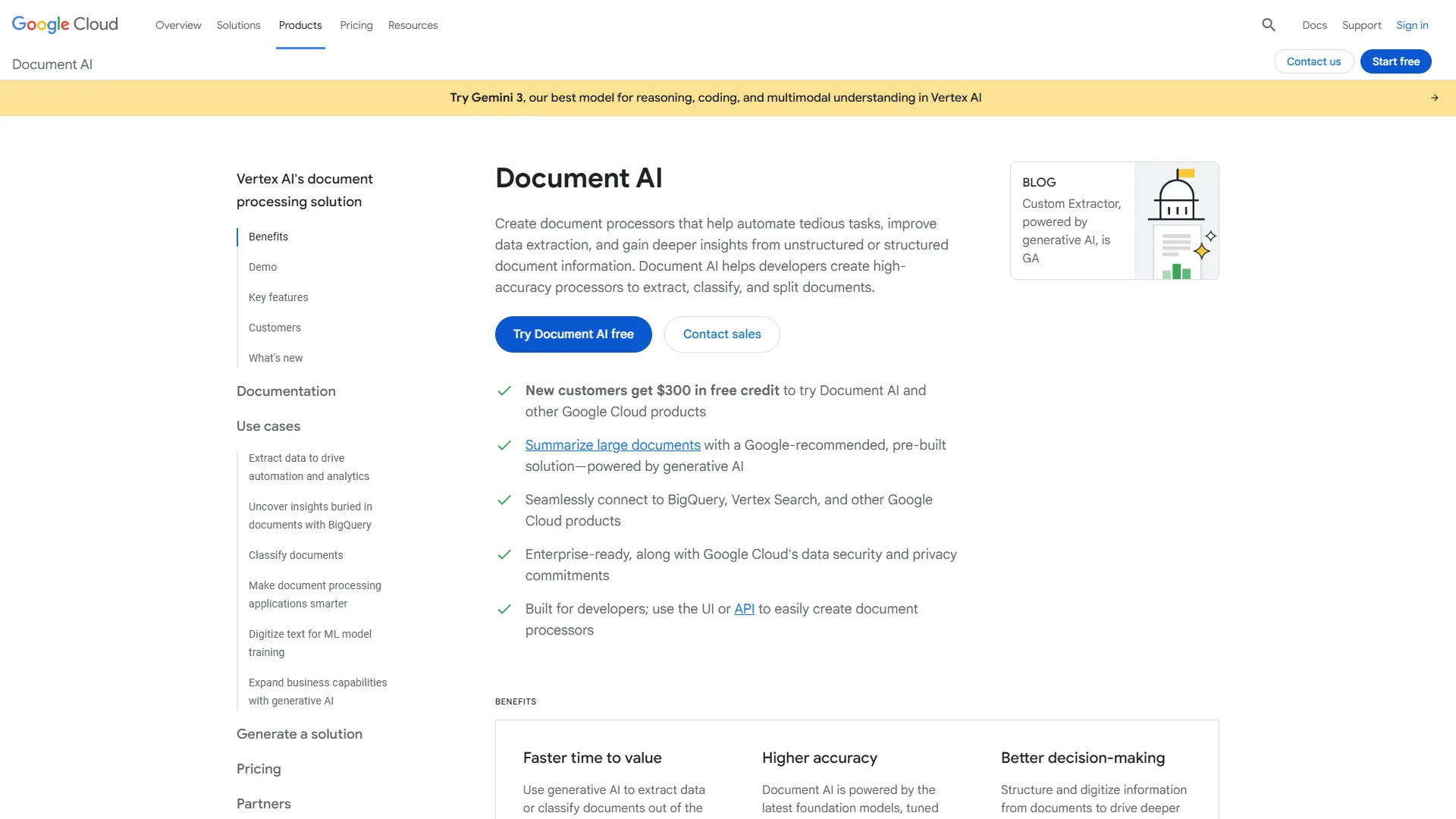
Google Document AI shines for teams already using Google Cloud Platform. The 2026 Gemini Layout Parser significantly improves table recognition and reading order, while new signature detection enables advanced document understanding workflows.
Why it stands out: If you’re building custom document processing workflows with BigQuery, LangChain, or Vertex AI, Google Document AI’s GCP integration is unbeatable. The new DOCX, PPTX, XLSX format support (2026) expands use cases beyond just PDFs and images.
Key capabilities:
- Gemini Layout Parser (2026): Enhanced table recognition
- Signature and entity detection: Advanced document understanding
- Broad format support: DOCX, PPTX, XLSX, PDF, images
- Few-shot learning: Train with minimal examples (Gemini 2.5)
- Capacity reservation: Steady processing for high volumes
- Strong GCP ecosystem: BigQuery, LangChain, Vertex AI integration
Real-world use case: A fintech startup processing loan applications uses Document AI to extract structured data from bank statements, tax returns, and pay stubs. The BigQuery integration enables SQL queries on extracted data for automated underwriting decisions.
Pricing breakdown
Pricing verified April 2026 from Google Document AI's pricing page:
- Free Trial: $0/mo ($300 free credit)
- Access to all Document AI processors
- Pay-as-you-go pricing after credits
- Best for: Testing and small-scale projects
- Pay-as-you-go: Contact sales (per-page billing)
- Enterprise OCR: $1.50/1,000 pages (1-5M), $0.60/1,000 pages (5M+)
- Custom Extractor/Form Parser: $30/1,000 pages (1-1M), $20/1,000 pages (1M+)
- Invoice Parser: $0.10 per 10 pages
- Processor hosting: $0.05/hour per deployed version
- Best for: Variable document processing volumes
- Enterprise: Contact sales (custom quote)
- Volume-based discounts available
- Capacity reservation (Preview)
- Custom quotas and SLAs
- Best for: Large organizations with high-volume document processing
Pros:
- Exceptional OCR accuracy with poor-quality documents
- Seamless GCP ecosystem integration
- No programming required for basic model training
- Capacity reservation for enterprise needs
Cons:
- Complex pricing structure across multiple tiers
- Minimal multilingual support versus ABBYY
- Requires technical expertise, less accessible
- Processor hosting costs add up over time
Best Picks by Use Case and Team Size
The best expense management tool depends on monthly volume and team profile: solo users start with Nanonets free credits, small teams stay on Nanonets pay-as-you-go, growing businesses move to Veryfi Starter, enterprises shift to Veryfi Enterprise or Google Document AI, and multilingual teams pick ABBYY FineReader.
For Freelancers and Solo Entrepreneurs (< 100 receipts/month)
Best choice: Nanonets free tier ($200 credits)
With $0.30/page pricing, $200 credits give you 666 pages - enough for 6-8 months at 100 receipts monthly. The workflow builder lets you automate categorization rules, and you can integrate directly with QuickBooks or Xero.
For Small Teams (100-1,000 receipts/month)
Best choice: Nanonets pay-as-you-go
At $0.30/page, 500 receipts monthly costs $150 - significantly cheaper than Veryfi’s $500 minimum. The 95%+ accuracy is excellent for this volume, and template-free processing means no setup hassle.
For Growing Businesses (1,000-5,000 receipts/month)
Best choice: Veryfi Starter plan
At $0.08/receipt, 3,000 receipts costs $240 per month (versus $900 with Nanonets). The faster processing speed (3-5 seconds) and mobile SDKs become valuable at this scale, especially if you have field teams.
For Enterprises (5,000+ receipts/month)
Best choice: Veryfi Enterprise or Google Document AI
At high volumes, you need volume discounts, SLAs, and dedicated support. Veryfi offers custom pricing with 99.9% uptime guarantees. Google Document AI drops to $0.60/1,000 pages at 5M+ volume - ideal for massive document processing operations.
For International Teams (multilingual receipts)
Best choice: ABBYY FineReader
If you’re processing receipts in Japanese, German, Arabic, or other non-English languages, ABBYY’s 192-language support with 99.8% accuracy is worth the $16-24/month cost. No other tool comes close for multilingual OCR quality.
Feature-by-Feature: Integration Ecosystem
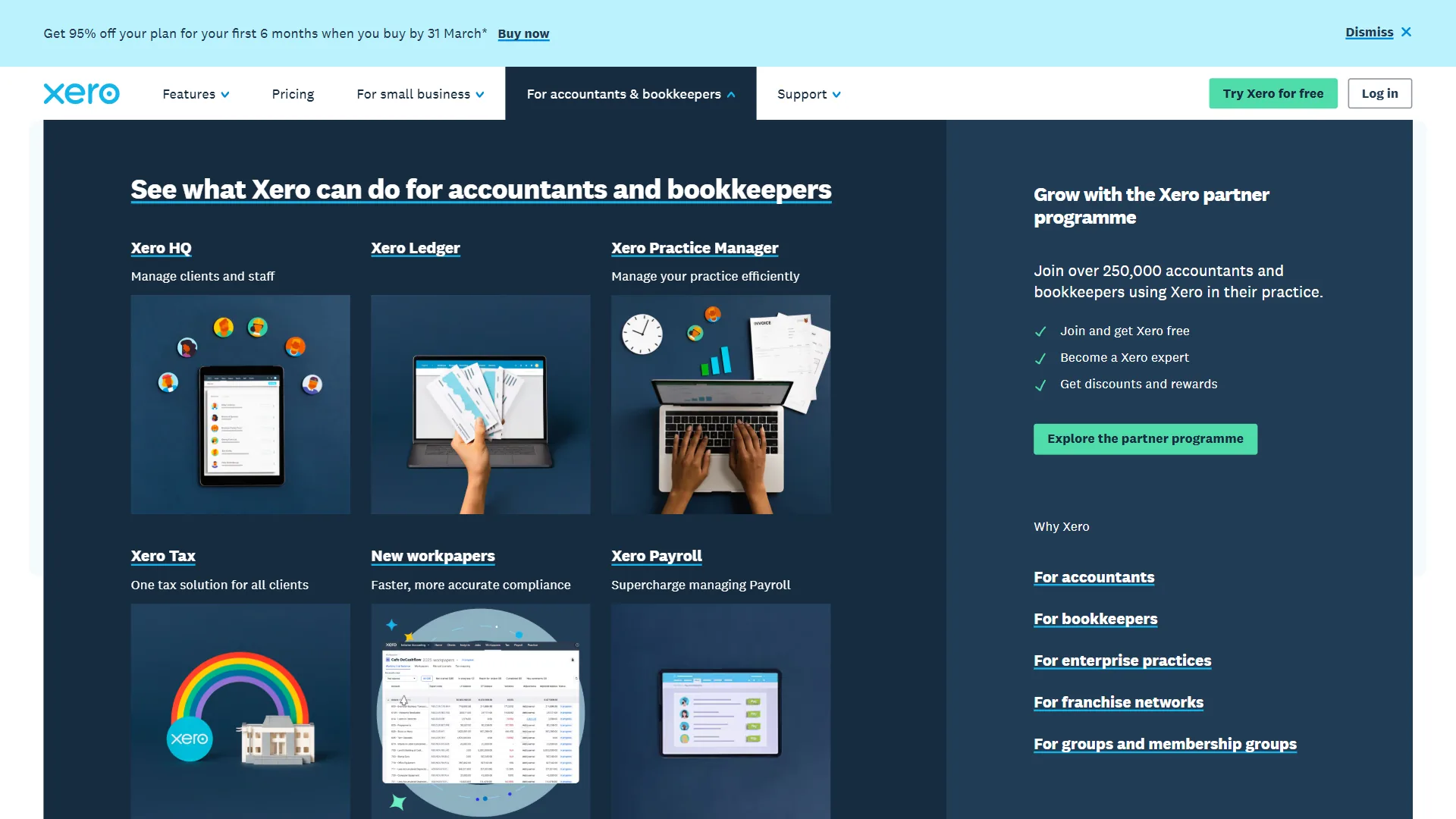
The integration ecosystem differs sharply across these four tools: Veryfi offers direct API connections, Nanonets ships pre-built ERP connectors, ABBYY FineReader plugs into cloud storage, and Google Document AI integrates natively with GCP services. One factor worth highlighting is accounting software integration - you do not want to extract receipt data perfectly, then manually copy it into QuickBooks.
Veryfi integrations:
- Direct API connections to QuickBooks, Xero, FreshBooks, Sage
- Mobile SDKs for iOS/Android custom apps
- Webhook support for custom workflows
- Best for: Developer teams building custom integrations
Nanonets integrations:
- Pre-built connectors for SAP, Oracle, NetSuite, Zoho, QuickBooks
- Zapier integration for 5,000+ apps
- REST API for custom workflows
- Best for: ERP-heavy enterprises needing deep system integration
ABBYY FineReader integrations:
- OneDrive, Google Drive, Dropbox, Box, Evernote
- Hot Folder automation for watched directories
- Export to Word, Excel, PDF, searchable PDF
- Best for: Document-centric workflows with cloud storage
Google Document AI integrations:
- Native BigQuery, Vertex AI, LangChain support
- Cloud Storage triggers for automated processing
- Pub/Sub webhooks for event-driven workflows
- Best for: Data teams building ML pipelines on GCP
ROI Calculator: How Much Time Will You Save?
Let’s calculate real savings for a small team:
Scenario: 500 receipts monthly
- Manual data entry: 2 minutes per receipt = 16.7 hours/month
- Bookkeeper hourly rate: $35/hour
- Monthly labor cost: $584
With AI expense management:
- OCR processing: 5 seconds per receipt = 0.7 hours/month
- Manual review/corrections: 10% need review (1 min each) = 0.8 hours/month
- Total time: 1.5 hours/month
- Time saved: 15.2 hours/month
- ROI: $532 per month time savings
Break-even analysis:
- Nanonets cost: $150 per month → $382 per month net savings
- Veryfi cost: $500 per month → $84 per month net savings
- Payback period: Immediate for both options
Even with Veryfi’s higher pricing, you’re cash-flow positive from month one. The intangible benefits (faster month-end close, reduced errors, better policy compliance) add additional value.
Pro Tips: Getting Started Right
Getting started right requires a phased four-week rollout: connect accounting software in week 1, run parallel processing in weeks 2-3, then switch to full automation in week 4 once accuracy is validated. Based on common implementation patterns and user feedback, here is what actually matters:
Week 1: Setup and Training
- Connect your accounting software first (QuickBooks, Xero, etc.)
- Define expense categories matching your chart of accounts
- Set up approval workflows if you have team members
- Train on 50-100 historical receipts to establish patterns
Week 2-3: Parallel Processing
- Run AI OCR alongside your current manual process
- Compare accuracy and catch any systematic errors
- Adjust categorization rules based on misclassifications
- Build confidence before going fully automated
Week 4+: Full Automation
- Switch to OCR-first workflow
- Set up exception handling for rejected/low-confidence extractions
- Monitor accuracy weekly for the first month
- Celebrate the time you’re getting back
Common mistakes to avoid:
- Don’t skip the training period - Feed your tool 50-100 receipts to establish baseline patterns
- Don’t trust 100% automation immediately - Start with 10% manual review sampling
- Don’t ignore rejected extractions - These reveal edge cases you need to handle
- Don’t forget mobile setup - Most expenses happen in the field, not at a desk
The Bottom Line: Best Expense Management Tools for Your Team
Here is the honest recommendation:
For most small businesses (< 1,000 receipts/month): Start with Nanonets free tier. The $200 credit gives you months to test at zero cost, and $0.30/page pricing scales reasonably as you grow. The workflow automation is powerful without being overwhelming.
For high-volume mobile teams: Bite the bullet on Veryfi. The $500 minimum hurts initially, but the 3-5 second processing speed and 98.9% accuracy pay dividends with hundreds of receipts weekly. The mobile SDKs are also best-in-class.
For international businesses: ABBYY FineReader is non-negotiable if you process multilingual documents. No other tool handles 192 languages with 99.8% accuracy. At $16-24/month, it’s a bargain versus hiring bilingual bookkeepers.
For GCP-native teams: Google Document AI makes sense if you’re already using BigQuery, Vertex AI, or building custom ML pipelines. The GCP integration is seamless, and pricing is competitive at high volumes.
The right expense management tool saves 10-15 hours monthly for small teams, eliminates 95%+ of manual data entry errors, and pays for itself immediately through labor savings. Pick the one that matches your volume and ecosystem, then invest the saved time in growing your business instead of typing receipts.
Frequently Asked Questions
The frequently asked questions below answer the most common concerns about handwritten receipts, mobile support, duplicate detection, OCR error handling, and free trials across all four tools.
Can these tools handle handwritten receipts?
Yes, but with varying accuracy. Veryfi and ABBYY FineReader perform best with clear handwriting (85-90% accuracy). Nanonets and Google Document AI struggle more with cursive or messy handwriting (70-75% accuracy). For critical handwritten documents, plan on manual review.
Do they work with mobile apps?
All four offer mobile capabilities, but Veryfi’s mobile SDKs are most polished. Nanonets has a mobile app but focuses more on desktop workflows. ABBYY FineReader’s mobile app is solid for iOS/Android. Google Document AI requires custom mobile development unless you’re using their pre-built mobile processors.
How do they handle duplicate expense detection?
Veryfi and Nanonets both flag potential duplicates based on vendor, amount, date matching. ABBYY FineReader doesn’t have built-in duplicate detection (it’s more focused on OCR accuracy). Google Document AI requires you to build duplicate detection logic using BigQuery queries.
What happens if OCR accuracy is wrong?
All tools provide correction interfaces. Veryfi and Nanonets learn from corrections to improve future accuracy. ABBYY FineReader requires manual correction but has excellent editing tools. Google Document AI corrections can be fed back into model training with Gemini 2.5 few-shot learning.
Can I try before committing?
Yes. Nanonets offers $200 free credits (best trial value). Veryfi has 100 docs/month free tier. ABBYY FineReader offers a 7-day trial. Google Document AI provides $300 in GCP credits for new customers.
Ready to automate your expense tracking? Start with the free tier of Nanonets or Veryfi and see how much time you reclaim in the first week alone.
For more productivity tools, check out our guides on Best AI Document Processing Tools and Automating Business Workflows.
Related Reads
Each platform has limitations - the resources below cover OCR alternatives and complementary tooling for cases where none of the four picks above fit your workflow.
Tools covered in this article:
- Veryfi - Expense OCR platform
- Nanonets - AI document processing
- ABBYY FineReader - Professional OCR software
- Google Document AI - Google’s OCR platform
More document processing guides:
- Xero - Accounting software with expense management integrations
- Document AI Cost Comparison - OCR pricing guide
- Best OCR Tools 2026 - OCR software compared
- Best AI Invoice Tools 2026 - AI-powered invoicing and billing tools compared
- Document Automation Guide - Automate document workflows
- Best OCR Software 2026: 4 Tools Compared on Accuracy
External Resources
External resources for deeper research on expense management, OCR accuracy benchmarks, and finance automation include vendor documentation, analyst research, and industry publications.