


Jibble is the best time tracking software for construction in 2026, the only free-forever platform with GPS verification, geofencing, kiosk mode, and facial recognition for unlimited crew users on a job site.
Introduction
Jibble is the best time tracking software for construction companies in 2026, the only tool here with GPS verification, geofenced job sites, kiosk mode, and facial recognition on a free forever plan for unlimited users. Picking time tracking software for construction is not the same exercise as picking one for an agency. Construction crews drive between job sites, lose cell signal in basements, share a tablet at the trailer, and feed timesheets straight into certified payroll. A general-purpose time clock built for a remote design team can fall apart the moment a foreman clocks in a framing crew with one bar of LTE.
This guide compares five tools chosen for how they behave in field conditions. BigTime is the better pick for architecture and engineering firms, while ClickUp and Monday handle office-side tracking inside their PM platforms.
Our analysis draws on current vendor documentation and independent research rather than sponsored placement. AI Productivity may earn a commission from links on this page; our rankings are editorially independent.
What Construction Crews Need from a Time Tracker
Office time tracking is mostly about billable hours, but construction time tracking has to solve several field problems at once - workflows the platforms that do it well borrow from Procore-style construction-native suites.
Multiple job sites. A single crew might touch three addresses in a week, so hours need to attach to the correct job for cost coding.
Location verification. GPS and geofencing stop buddy punching - one worker clocking in for another. A geofenced job site will not start a shift unless the phone is on site. “Every covered employer must keep certain records for each non-exempt worker,” according to the U.S. Department of Labor’s Wage and Hour Division, in its FLSA recordkeeping fact sheet - and a GPS-stamped punch is the cleanest way crews meet that bar. The U.S. Bureau of Labor Statistics tracks construction employment in its industry data series, with the sector consistently above 7 million workers in recent years - the bulk of them paid hourly and tracked via timesheet.
Certified payroll and labor law. Prevailing wage, Davis-Bacon reporting, and state overtime rules all assume your records export into payroll cleanly - a weekly hour summary by job code is the minimum.
How Do the Top Construction Time Tracking Tools Compare?
Here is the at-a-glance view of all five tools, ranked by construction fit, with the free and cheapest paid tiers side by side.
| Tool | Free Tier | Cheapest Paid | GPS | Kiosk Mode | Best For | User Review Aggregate |
|---|---|---|---|---|---|---|
| Jibble | Unlimited users free forever | Premium around $2.99/user/mo | Yes | Yes | Field crews, multi-site | 4.8 / 4.8 |
| BigTime | No (14-day trial) | Essentials around $20/user/mo | No | No | Architecture, engineering, PSA firms | 4.7 / 4.6 |
| ClickUp | Free forever (limited storage) | Unlimited around $7/user/mo | No | No | Crews already on ClickUp for PM | 4.7 / 4.6 |
| Monday.com | Up to 2 users free | Basic around $9/user/mo | No | No | Visual PM with time tracking column | 4.7 / 4.6 |
| Toggl Track | Up to 5 users free | Starter around $9/user/mo | No | No | Office and back-office staff | 4.6 / 4.7 |
Three of these five tools lack GPS, geofencing, or kiosk mode - fine for office-side teams, but be honest about which side of the field line you sit on. Confirm current numbers on the vendor pricing pages, since tiers shift quarterly.
1. Jibble - Best Overall for Construction Crews
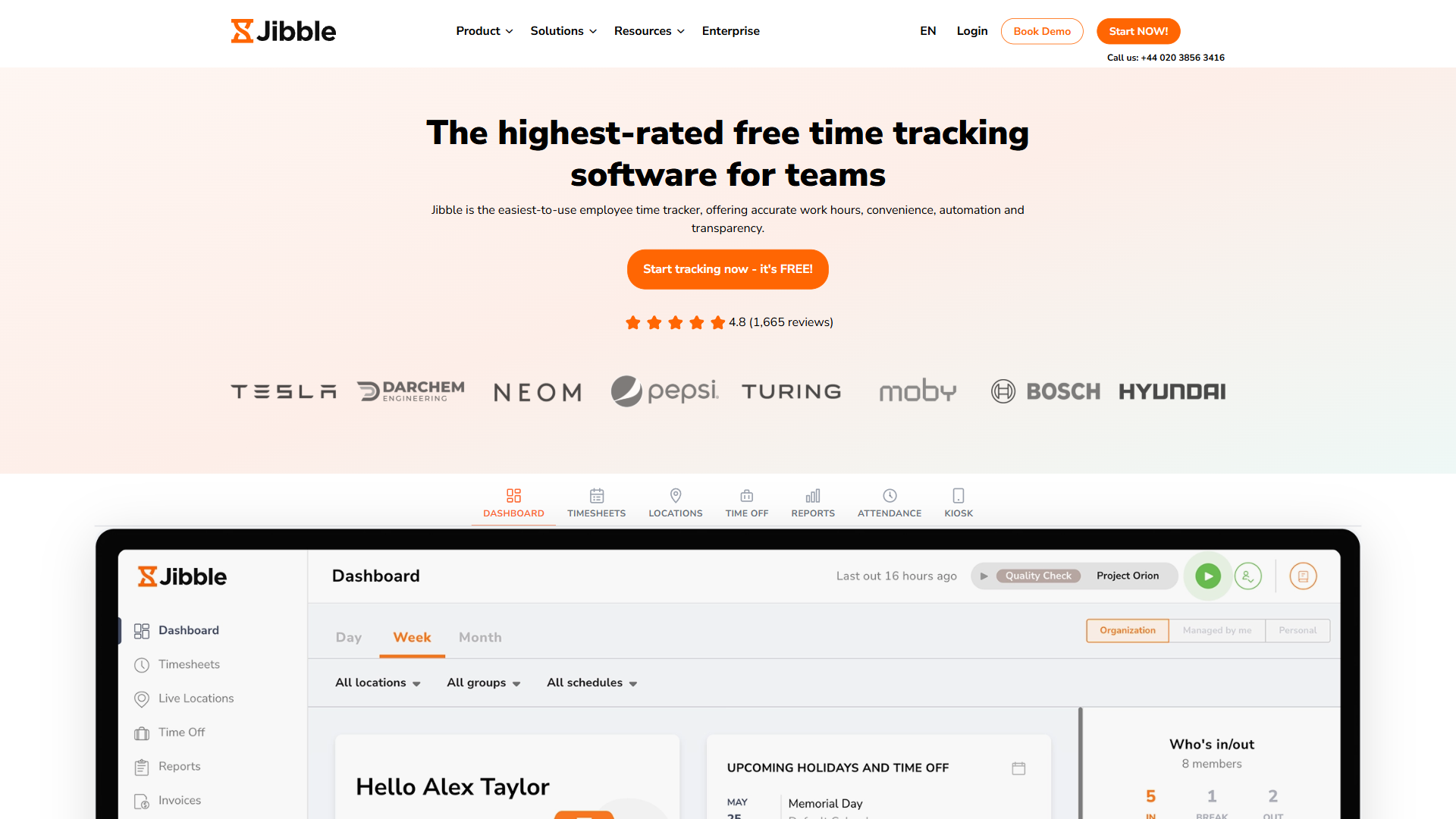
Jibble is the only tool on this list built for time-clock-from-the-field use cases. Every feature a construction crew needs - GPS coordinates on every punch, geofenced job sites, kiosk mode for the trailer tablet, facial recognition to stop buddy punching - is in the product, not bolted on as an integration.
The headline is the price. Jibble’s free forever plan covers unlimited users, unlimited time tracking, GPS, basic reports, and the mobile app at no charge - a complete time tracking system without paying a cent, and a genuinely usable tier rather than a 14-day trial.
Pros
- Free forever for unlimited users - rare for cost-conscious GCs
- GPS plus geofencing for job site verification
- Kiosk mode turns a shared tablet into a crew time clock with PIN or face scan
- Facial recognition prevents buddy punching
- Clean iOS and Android app, works as a contractor time clock
Cons
- Overtime rules, scheduled shifts, and payroll integrations need Premium
- Not a PM or invoicing tool - pair with a separate PM platform
- Reports are functional rather than beautiful
Pricing verified April 2026 from Jibble's pricing page:
- Free: $0/mo
- Unlimited users, core time tracking
- Premium: $4.49/user/mo annual ($5.99 monthly)
- Enhanced location, custom accrual rules
- Ultimate: $7.99/user/mo annual ($10.99 monthly)
- Unlimited management layers, advanced tracking
- Enterprise: Contact sales
- Everything in Ultimate
- Dedicated Enterprise Account Manager and onboarding support
- API access, SSO/SAML, audit logs, SLA
For solo contractors, small remodeling crews, mid-size GCs, and specialty work for trade contractors (electricians, plumbers, HVAC outfits), Jibble is the default recommendation when verified attendance from job sites matters. Start on the free plan; upgrade to Premium only for scheduled shifts or stricter compliance.
Not for: firms that need full PSA-style billing and project accounting in the same product.
2. BigTime - Best for Architecture, Engineering, and PSA-Style Firms
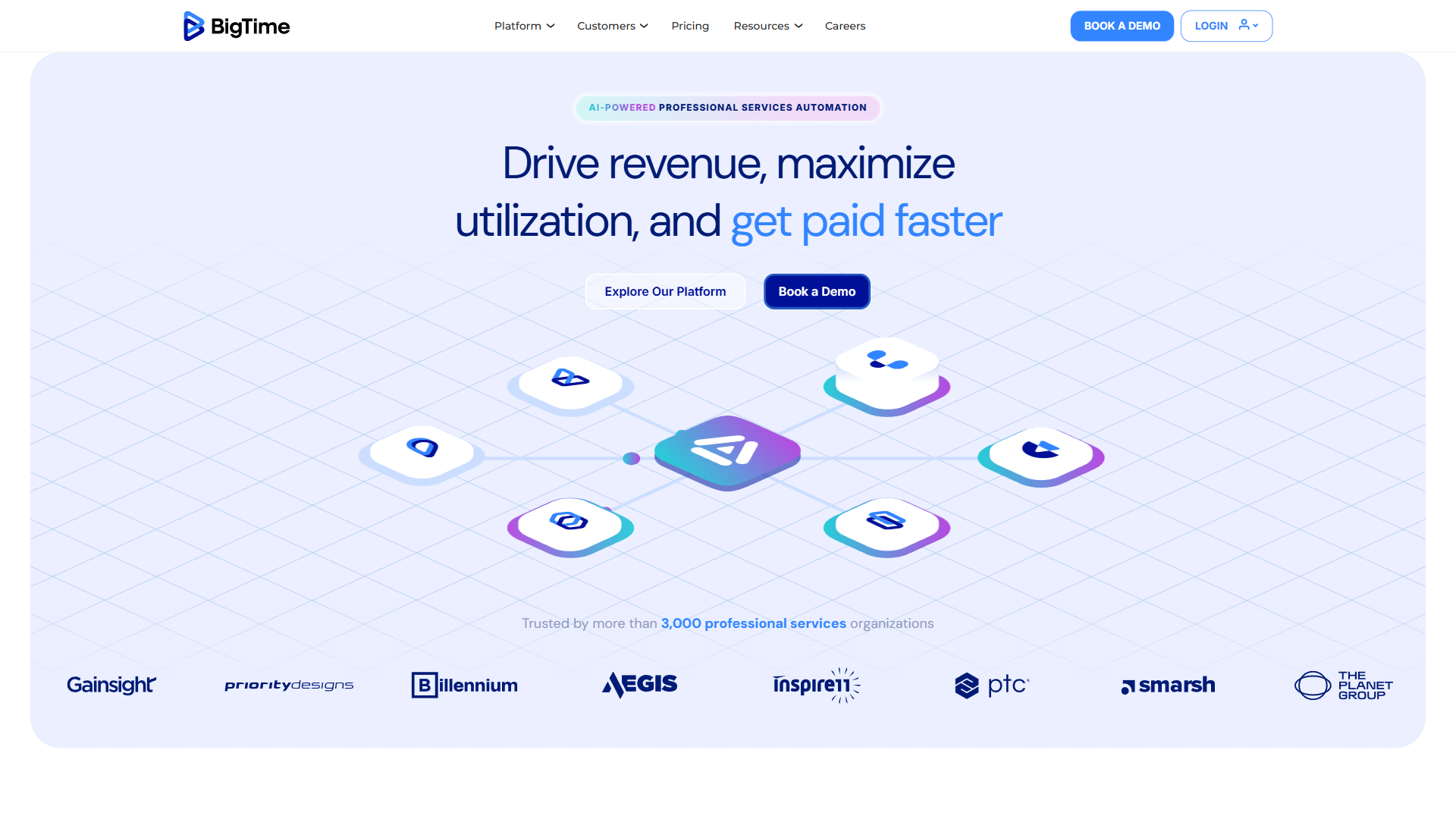
BigTime is a Professional Services Automation platform that treats time as the input to billing, project budgets, retainers, and resource allocation. If your construction-adjacent business is an architecture practice, engineering consultancy, or design-build outfit that bills clients by the hour, BigTime fits.
What BigTime does well is the back office. Tracked hours flow into invoicing rules, retainer drawdowns, and project profitability dashboards, and the QuickBooks and Sage integrations mean accounting does not have to re-enter timesheets.
Pros
- Purpose-built for billable-hours professional services workflows
- Budgets, retainers, and invoicing tied to tracked time
- AI forecasting flags budget overruns before the invoice
- Fits prevailing-wage contracts that map time to phase codes
Cons
- No free tier - 14-day trial only
- Weak for field crews - no GPS, geofencing, or kiosk
- Annual billing only
- Pricing climbs fast for resource allocation and multi-currency
Pricing verified April 2026 from BigTime's pricing page:
- Essentials: $20/user/mo
- Time & expense management
- Project portfolio management
- Billing & invoicing
- Advanced: $35/user/mo
- Everything in Essentials
- Multi-currency expense management
- Custom reporting
- Premier: $45/user/mo
- Everything in Advanced
- Multi-currency invoicing
- Custom cost & rate management
- Projector: $60/user/mo
- Multi-entity, multi-currency capabilities
- Powerful BI reporting
- Highly configurable workflows
Use BigTime if you are tracking hours so you can bill them, not so you can verify a crew showed up. For framing, drywall, and concrete crews, layer a field-first tool like Jibble underneath.
Not for: general contractors with field crews who need GPS-verified clock-ins.
3. ClickUp - Best Integrated Time Tracking + Project Management
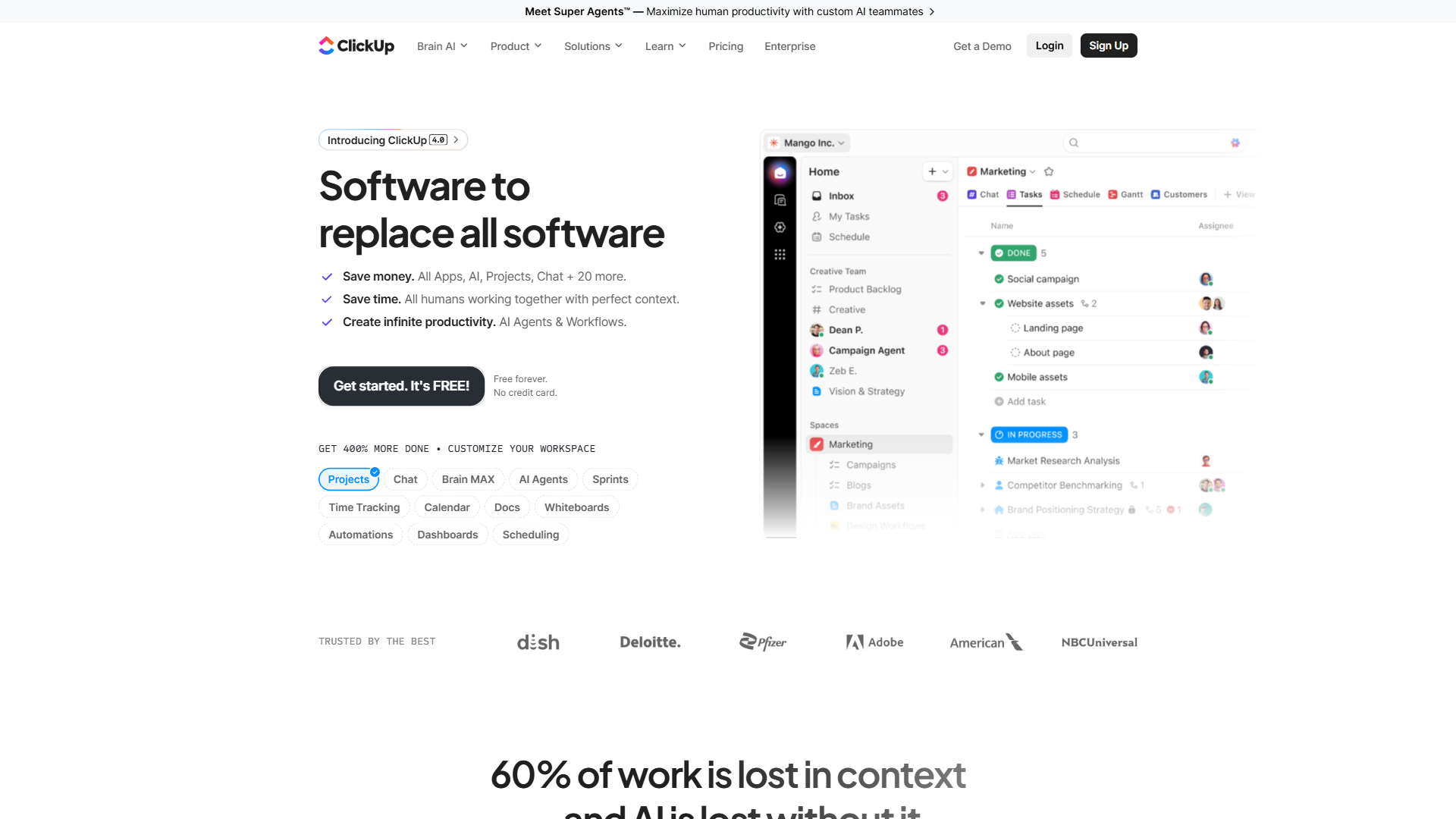
ClickUp is a project management platform with a competent built-in time tracker. The pitch for construction companies is consolidation - if you already run punch lists, RFIs, and submittals through ClickUp, the time tracking is right there on the task, with no second login or subscription.
ClickUp is the best integrated time tracking and project management tool for construction firms that already run punch lists and RFIs in one workspace. The free forever tier covers unlimited users with time tracking included, though storage and some advanced views are capped. For a small GC on ClickUp Unlimited or Business, adding time tracking is essentially zero marginal cost.
Pros
- Free forever tier includes time tracking
- Entries attach to tasks, milestones, and projects for clean cost coding
- Customizable statuses, fields, and automations
- Strong reporting once you build the dashboards
Cons
- No GPS, geofencing, or kiosk - not for field crews
- Overkill if you only need a time clock
- Configuration burden is real - expect hours of setup
- Mobile app is not a true field-first experience
Pricing verified April 2026 from ClickUp's pricing page:
- Free Forever: $0/mo (60MB storage, unlimited tasks, 1 form)
- Unlimited tasks
- Unlimited free plan members
- Kanban boards
- Unlimited: $7/user/mo annual ($10 monthly) (Unlimited storage, unlimited integrations, unlimited spaces/folders/forms)
- Everything in Free Forever
- Unlimited storage
- Unlimited integrations
- Business: $12/user/mo annual ($19 monthly) (5,000 automations/month, unlimited dashboards, advanced features)
- Everything in Unlimited
- Unlimited dashboards
- 5,000 automations per month
- Enterprise: Contact sales (250,000 automations/month, unlimited everything, enterprise-grade security)
- Everything in Business
- Enterprise permissions
- Unlimited custom roles
ClickUp is a great pick for construction firms whose crews are already inside the platform daily and do not need GPS-verified field hours. For a 30-person crew across five job sites, it is the wrong tool; for a 10-person hybrid office-and-site team, it works well.
Not for: field-only contractors who do not already run their PM in ClickUp, or teams needing audit-grade certified payroll exports - ClickUp’s time data does not format for WH-347 reporting.
4. Monday.com - Best for Visual Project Management with Time Tracking
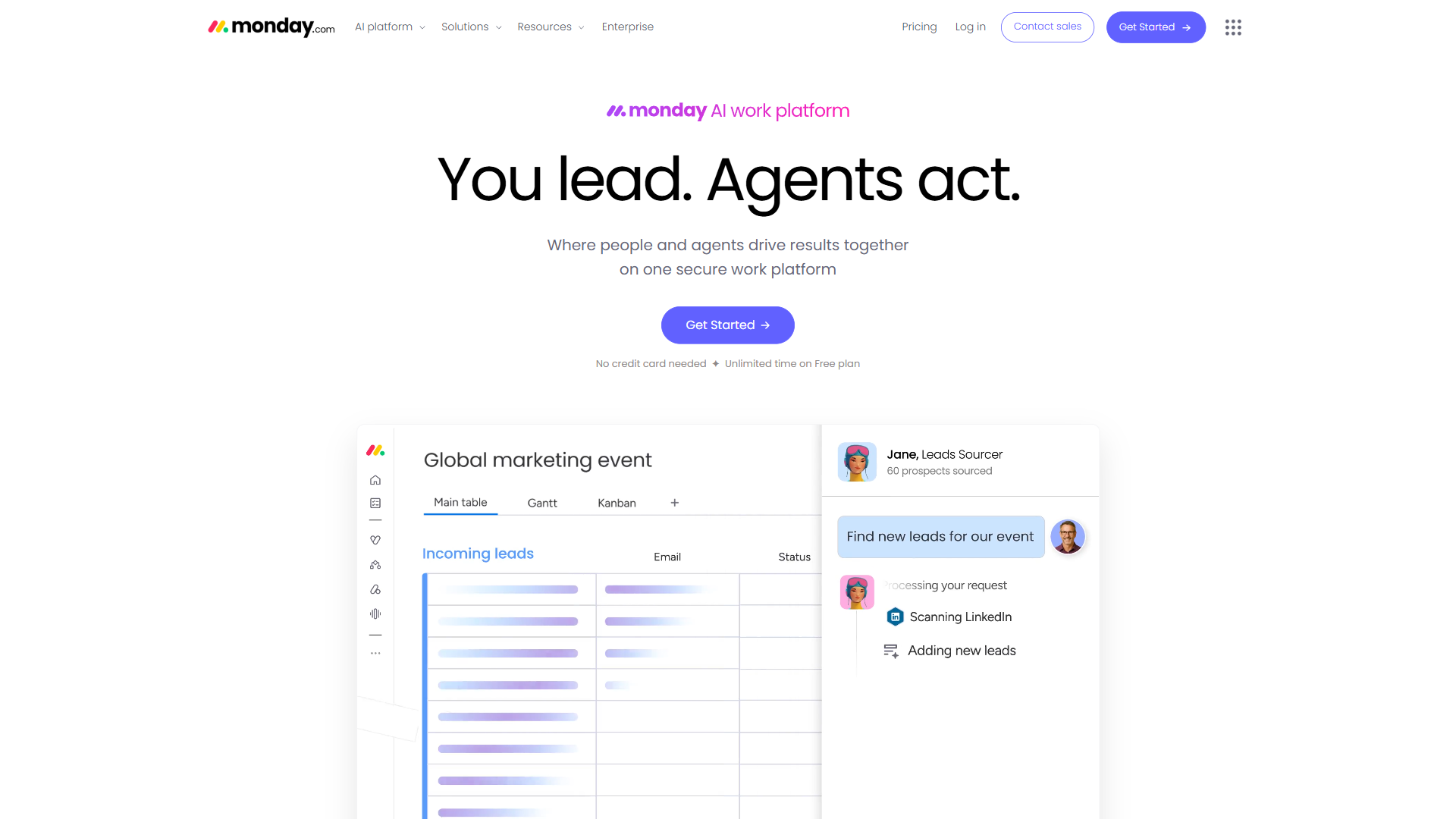
Monday.com takes a more visual approach. Construction templates ship out of the box for project schedules and subcontractor coordination, with time tracking as a column you add to any board.
The trade-off is that time tracking on Monday is a feature, not a product. It records hours against a row, not a full time clock with shift schedules, geofencing, or kiosk mode. For a project manager, that is fine; for a field crew, it falls short.
Pros
- Visual boards with construction-ready templates
- Automations trigger time entries, notifications, and status changes
- Time tracking column works for office tracking against tasks
- Fits office staff already living in Monday
Cons
- Time tracking is a column add-on, not a primary feature
- No GPS, kiosk, or geofencing
- Free tier capped at 2 users - unusable for any crew
- Time tracking requires Pro plan or above
Pricing verified April 2026 from Monday.com's pricing page:
- Free: $0/mo
- Up to 2 users
- Unlimited boards
- 500 MB storage
- Basic: $9/user/mo annual ($12 monthly)
- Unlimited viewers
- Unlimited docs
- 5 GB storage
- Standard: $12/user/mo annual ($14 monthly)
- Everything in Basic
- Timeline, Calendar, Gantt views
- Guest access
- Pro: $19/user/mo annual ($24 monthly)
- Everything in Standard
- Private boards
- Time tracking
- Enterprise: Contact sales
- Everything in Pro
- 250,000 automations/month
- 250,000 integrations/month
If your office team already runs projects through Monday and needs to log hours against board items, the built-in column gets you there. Do not run field crew clock-ins through Monday.
Not for: field crews of any size, since the 2-user free cap and absence of GPS rule it out for site-based work.
5. Toggl Track - Best Simple Time Tracker for Office Staff
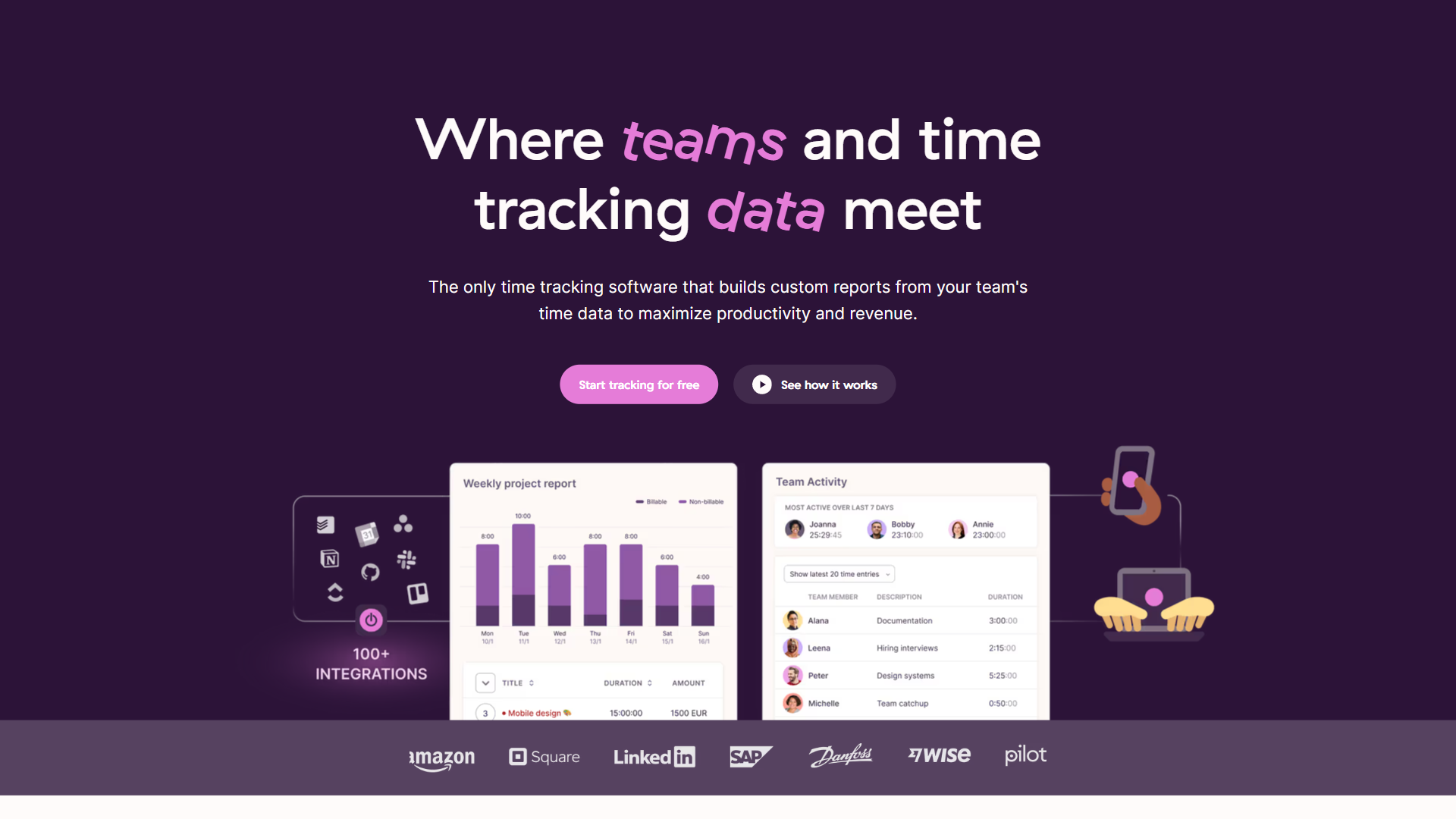
Toggl Track is the simplest tool on this list - one-click timer, clean reports, no setup overhead. The free plan covers up to 5 users, a comfortable fit for back-office staff: bookkeepers, estimators tracking time on bids, and office managers handling admin.
What Toggl is not, and never tried to be, is a field crew time tracker. No GPS, no kiosk mode, no facial recognition, no geofencing - it is a billable-hour time tracker, period.
Pros
- Dead simple - new users productive in under five minutes
- Free for up to 5 users with full tracking and basic reports
- Clean reports and exports for billing or payroll
- Browser, desktop, and mobile apps for one-click timers
Cons
- No GPS, kiosk, or geofencing - unsuited for field crews
- No PM, scheduling, or invoicing built in
- Billable rates and project budgets need paid Starter
Pricing verified April 2026 from Toggl Track's pricing page:
- Free: $0/mo
- Up to 5 users
- Unlimited projects and clients
- Manual and timer tracking
- Starter: $9/user/mo annual ($10 monthly)
- Billable rates
- Project estimates
- Saved reports
- Premium: $18/user/mo annual ($20 monthly)
- Fixed fee projects
- Profitability insights
- Time audits
- Enterprise: Contact sales
- Custom solutions
- Dedicated account manager
- Advanced security controls
For the office side of a construction business - estimator, bookkeeper, admin - Toggl Track is a great fit. Layer it alongside a field tool like Jibble rather than making it do both jobs.
Not for: anyone clocking in from a job site; no GPS, geofencing, or kiosk mode.
Which Time Tracking Features Matter Most for Construction?
Construction crews need five core time tracking features: GPS verification, kiosk mode, geofencing, facial recognition, and certified payroll exports - in that order of priority for field-heavy work. A feature is only worth paying for if it solves a problem your crews actually hit on a job site.
GPS verification is essential if your crews drive to multiple sites. GPS-stamped clock-ins prove a worker was on site when they say they were - the evidence labor lawyers cite when defending a wage claim. For a GC sending crews to five jobs a week, it is the difference between accurate cost coding and a guess.
Kiosk mode matters when crews share a device. If everyone has their own phone, every phone is a time clock app. If the whole crew punches in on one trailer tablet, you need kiosk mode with PIN or face scan - and only Jibble ships that out of the box.
Geofencing is useful but optional. It catches honest mistakes (starting a timer from home) and dishonest ones (buddy punching off-site). On a tight crew it is overhead; on a 40-person crew across projects, it pays for itself.
Facial recognition is a compliance feature, not a must-have. If your projects involve prevailing wage, federal contracts, or a high-claims-risk insurance carrier, the auditable photo log helps. Otherwise it is a bonus.
Certified payroll exports are essential for public-works contractors. If you bid on public projects, you need certified payroll reports that match the WH-347 format published by the U.S. Department of Labor. Jibble and BigTime both export the necessary fields; ClickUp, Monday, and Toggl do not.
What does not matter: AI scheduling, fancy dashboards, “intelligent” anything. A construction time clock has to work in a basement with one bar of signal.
The Bottom Line
Jibble wins for field crews and BigTime wins for billing-driven firms - that is the bottom line for choosing construction time tracking software in 2026. Jibble is the best time tracking software for most construction companies, the only field-first time tracker on this list with GPS, geofencing, kiosk mode, and a genuinely free unlimited-user plan. For architecture, engineering, and PSA-style firms, BigTime is a better match because the back-office billing pipeline matters more than verifying a crew showed up. For everyone else, decide whether you need field verification or office-style billable hours, then pick the tool that matches that side.
The decision tree by crew size:
Solo contractor or 1-3 person crew. Start with Jibble’s free forever plan - GPS-verified clock-ins, a free time tracking app for the field, and a clean weekly hour summary, with no reason to pay yet.
5-20 person crew working multiple job sites. Move up to Jibble Premium for scheduled shifts, automated overtime rules, payroll exports, and stricter compliance.
Office-based architecture, engineering, or construction management firm. BigTime is purpose-built for you - hours flow into invoices, retainers, and project budgets.
Already running ClickUp or Monday. Use the built-in time tracking; it will not have GPS, but consolidation is worth more than the missing features.
Office staff who need billable hour tracking. Toggl Track on the free plan handles up to 5 users.
Frequently Asked Questions
These answers cover the most common questions contractors ask when picking a time tracking app for construction, including the best time tracker software, cost ranges, and the free time keeping app for construction crews.
What is the best time tracking software for construction companies?
For most construction companies with field crews, Jibble is the best time tracking software for construction. It is the only tool with GPS verification, geofenced job sites, shared-device kiosk mode, and facial recognition, all on a free forever tier with unlimited users. Architecture and engineering firms billing by the hour are better served by BigTime.
Do construction companies need GPS-enabled time tracking?
GPS is essential for construction companies whose crews drive between multiple job sites in a week, because location-stamped clock-ins prevent buddy punching and ensure accurate per-job cost coding. For a single-shop fabricator whose crew is in the same building every day, GPS is a nice-to-have. For a GC running crews across multiple projects, it is a must.
How much does construction time tracking software cost?
Construction time tracking software ranges from free (Jibble’s unlimited-user plan or ClickUp’s free forever tier) to roughly $20 to $45 per user per month for full-featured platforms like BigTime. Most field-first tools sit in the $4 to $10 per user per month range on their paid tiers. Check the vendor pricing pages for current numbers.
Can you track construction labor costs with free software?
Yes - Jibble’s free forever plan supports unlimited users with GPS-verified clock-ins, project tagging for per-job hour totals, and basic reports that feed into manual payroll cost coding. For more advanced labor cost reporting (overtime rules, certified payroll exports, payroll integrations), upgrading to Jibble Premium or pairing with a dedicated payroll system is the typical next step.
What is the best free time tracking app for construction crews?
Jibble is the best free time tracking app for construction crews, because its free forever tier covers unlimited users with GPS clock-ins, geofencing, and kiosk mode at no cost. ClickUp also offers a free time tracking app free of charge for unlimited users, but it lacks GPS and geofencing, so it suits office-side tracking rather than field verification.
Related Reading
These guides extend this construction time tracking software comparison into adjacent buying decisions - the broader time tracking landscape, PM tools that pair with site-level tracking, and the small-business productivity stack around them.
- Jibble - free forever field time tracker with GPS and kiosk
- BigTime - PSA-style time tracking for architecture and engineering firms
- Toggl Track - simple time tracker for office and back-office staff
- ClickUp - project management with built-in time tracking
- Monday.com - visual project management with a time tracking column
- Best Time Tracking Tools 2026 - broader landscape across industries
- Best AI Tools for Small Business in 2026 - related productivity toolkit for the back office
- Best Project Management Tools 2026 - tools that pair with site-level time tracking
External Resources
These four primary sources document the federal, safety, and platform standards every construction time tracking software has to satisfy - Department of Labor recordkeeping, OSHA presence logs, and the leading construction PM platforms that integrate with timesheet exports.
- Procore - construction project management platform, often integrated alongside dedicated time trackers
- U.S. Department of Labor - Government Contracts - prevailing wage and Davis-Bacon recordkeeping requirements
- BuilderTrend - construction-specific PM platform with native time tracking
- OSHA Recordkeeping - injury, illness, and on-site presence record requirements