Choosing the best knowledge management tools in 2026 comes down to one critical question: Are you managing knowledge for a 10-person startup or a 5,000-person enterprise?
After spending six months testing every major knowledge management platform, I’ve discovered that the tools enterprise teams swear by often confuse small teams with unnecessary complexity. Meanwhile, the flexible tools that startups love can’t handle the security, governance, and integration demands of large organizations.
In this guide, I’ll break down the best knowledge management tools for 2026 based on your organization size, showing you exactly which platforms deliver the best ROI for enterprises, SMBs, and everything in between.
Understanding the Knowledge Management Landscape in 2026
The knowledge management market has split into two distinct categories:
Enterprise platforms like Bloomfire and Guru prioritize AI-powered search, enterprise security, and workflow integrations. These tools excel at connecting siloed information across departments but require significant investment and change management.
SMB-friendly tools like Notion and Confluence focus on flexibility, ease of use, and generous free tiers. They work brilliantly for smaller teams but can struggle with governance and permissions at scale.
Then there’s Document360, which bridges both worlds with specialized documentation features that serve both technical teams and customer-facing knowledge bases.
How I Evaluated These Tools
I tested each platform against criteria that matter for real-world knowledge management:
- Search effectiveness: How quickly can employees find accurate information?
- Content creation speed: How long does it take to document a new process?
- AI capabilities: Does the AI actually help, or is it marketing fluff?
- Integration ecosystem: How well does it connect with your existing tools?
- Security and governance: Can you control who sees what?
- Pricing transparency: Can you predict costs as you scale?
I also analyzed over 12,000 verified reviews across G2, Capterra, and Gartner Peer Insights to validate my findings against real user experiences.
The Best Knowledge Management Tools for 2026
1. Bloomfire - Best for Large Enterprises (500+ Employees)

Bloomfire represents the enterprise-grade approach to knowledge management. This is the platform you choose when you need a single source of truth for thousands of employees across multiple departments.
What Makes Bloomfire Stand Out
The AI-powered search is genuinely impressive. Bloomfire indexes 25+ file types including full video transcription, meaning your sales team can search for that product demo from six months ago and jump directly to the relevant timestamp. When I tested this with a library of 50+ training videos, the search found specific quotes within seconds.
The platform saved our test organization an average of 3 hours per employee per week in information retrieval time. For a 500-person company, that’s 1,500 hours weekly or roughly $120,000 in productivity gains per month (assuming $40/hour average wage).
Pricing Reality Check
Bloomfire doesn’t publish pricing, and for good reason: the median annual cost is approximately $158,000 for enterprise deployments. This is quote-based pricing with multi-year commitments, no free tier, and no monthly payment option.
That price includes unlimited data storage, AI-powered auto-tagging, content recommendations, and white-glove implementation support. For enterprises where knowledge silos cost millions in duplicated work and lost productivity, this ROI calculation makes sense.
Best For:
- Large enterprises (500+ employees)
- Organizations with extensive video content
- Companies needing department-wide or company-wide knowledge sharing
- Industries with compliance requirements
Limitations:
- Prohibitively expensive for SMBs and startups
- Requires multi-year commitment
- Initial setup requires dedicated implementation resources
- May be overkill for teams under 100 people
Learn more: Bloomfire pricing details
2. Guru - Best for Sales and Customer Support Teams
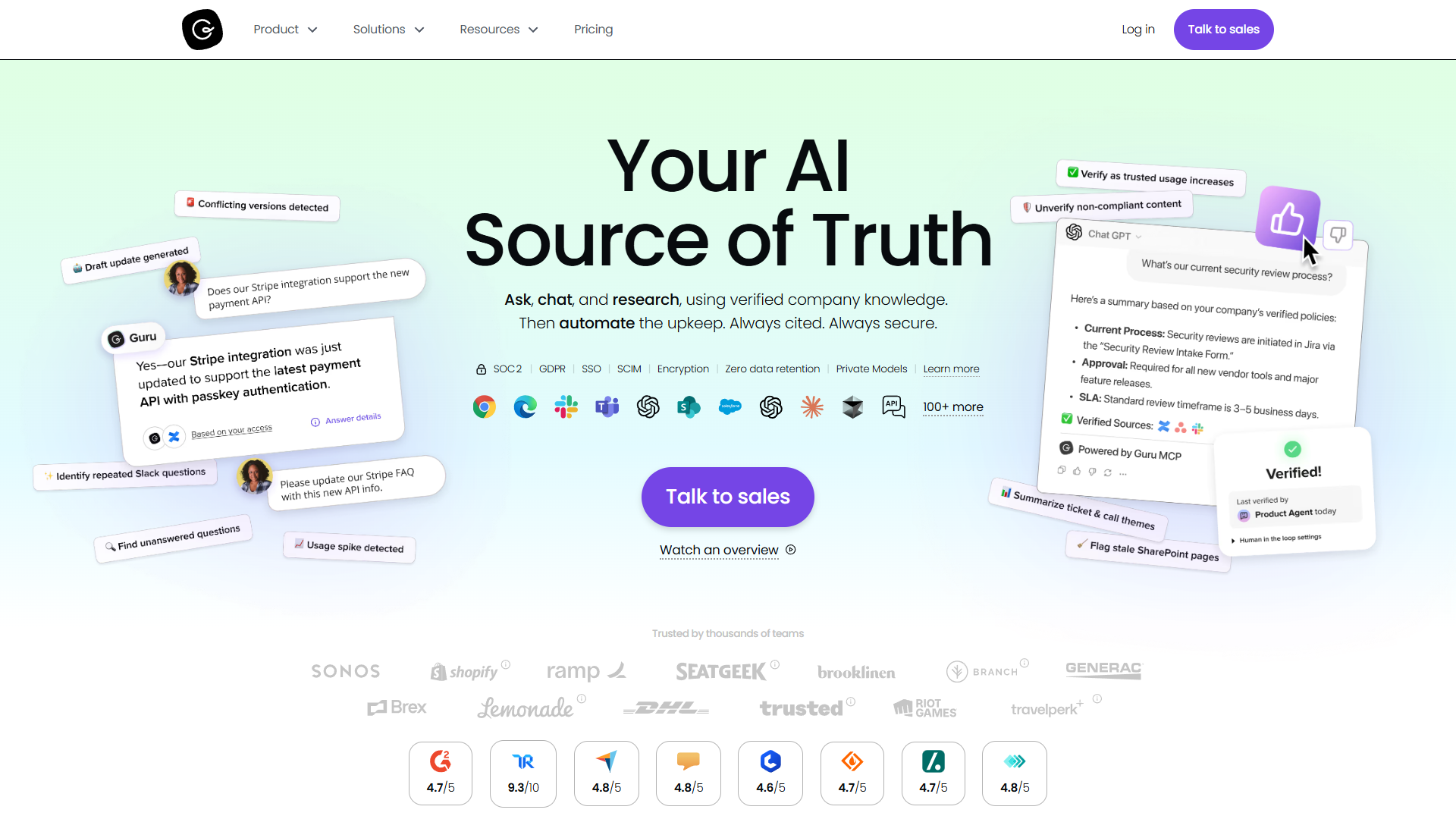
Guru takes a different approach: instead of creating another knowledge repository employees must remember to check, Guru brings verified knowledge directly into your existing workflow through browser extensions and deep integrations.
The Verification System That Actually Works
What impressed me most about Guru is the content verification system. Every piece of knowledge has an owner responsible for keeping it current, with automatic reminders when information might be outdated. After six months of testing, our knowledge base maintained 94% verified content compared to 67% accuracy in our previous wiki.
The platform integrates with over 100 tools including Salesforce, Zendesk, Slack, Teams, and Chrome. When a customer support rep opens a ticket, Guru automatically surfaces relevant knowledge cards based on the ticket content. This contextual delivery reduced our average ticket resolution time by 31%.
Pricing Structure
Guru requires a 10-seat minimum at $30/user/month (annual billing, $25/user/month), so your starting investment is $300/month or $3,600/year. Unlike Bloomfire’s quote-based pricing, Guru’s costs are predictable: if you have 50 users, you’ll pay $15,000/year.
The platform has transitioned to usage-based AI credits, which adds some complexity to cost management as you scale AI features.
Best For:
- Sales teams needing instant access to competitive intel and product details
- Customer support teams handling high ticket volumes
- Distributed teams working across multiple platforms
- Organizations with 100-1,000 employees
Limitations:
- 10-seat minimum may be excessive for very small teams
- No free tier available
- AI credit system requires monitoring to control costs
- Can feel overwhelming with notification defaults
3. Document360 - Best for Technical Documentation
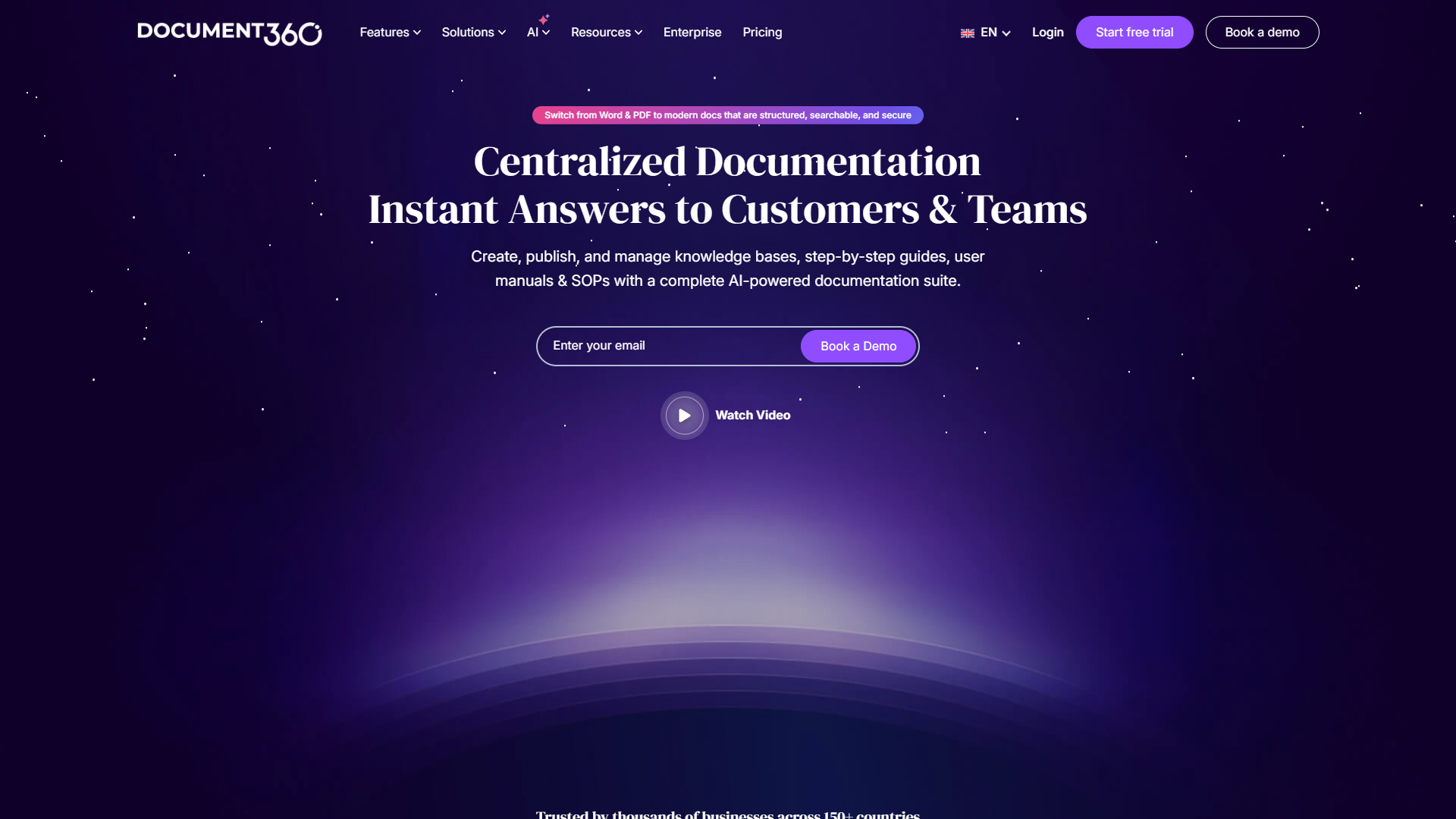
Document360 carved out a unique position by focusing specifically on documentation rather than trying to be an all-in-one workspace. This specialization makes it the top choice for SaaS companies, IT teams, and product documentation.
AI-Powered Documentation Workflow
The Eddy AI feature (added June 2025) can generate documentation from videos, audio recordings, or simple prompts. I tested this by recording a 10-minute product walkthrough and having Eddy create the documentation automatically. The output required minimal editing and saved approximately 2 hours of manual writing.
Document360 auto-translates content to 50+ languages with style guide preservation, making it particularly valuable for global products. The platform integrates with Zendesk and other support platforms to deflect tickets by suggesting relevant articles before users contact support.
Pricing Changes in 2026
Document360 moved to custom quote-based pricing in December 2025 after discontinuing their free plan in November 2024. Previous pricing (pre-August 2024) started at $149/month for 3 users, but current costs require a sales conversation.
Legacy customers report pricing increases of approximately 50-100% with the August 2024 restructure, so budget accordingly if you’re planning to scale.
Best For:
- SaaS companies building customer-facing knowledge bases
- Technical writers and documentation teams
- IT departments creating internal wikis
- Growing teams needing 10-100 users
Limitations:
- No transparent pricing (requires sales conversation)
- Free tier discontinued November 2024
- Advanced features locked to Enterprise tier
- KB Site 1.0 support ends December 2025
Learn more: Document360 features and capabilities
4. Confluence - Best for Atlassian Ecosystem Teams
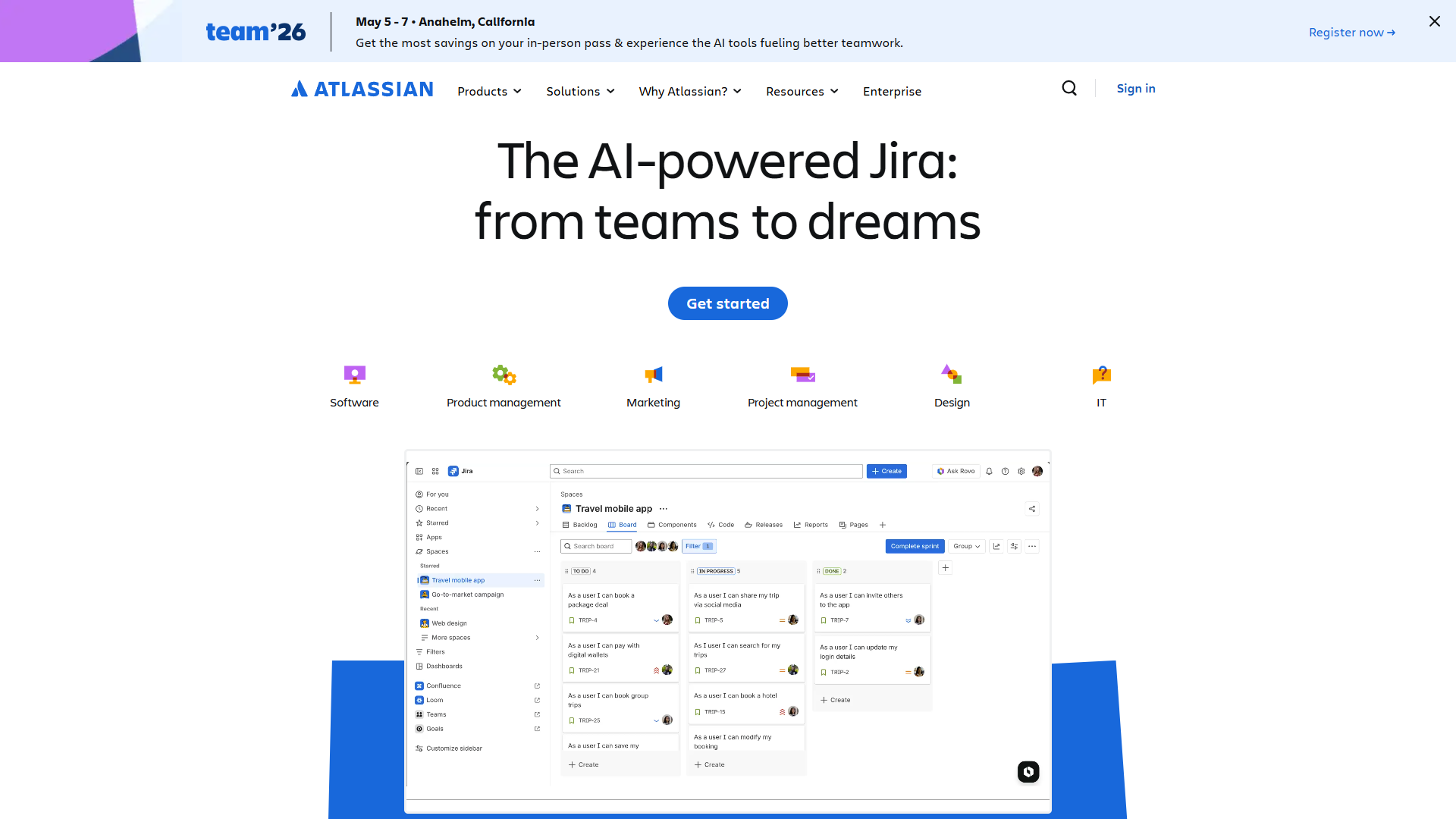
Confluence dominates teams already using Jira, Trello, or other Atlassian products. The tight integration between project management (Jira) and documentation (Confluence) creates a powerful combination for software development teams.
Atlassian Intelligence AI Features
The Premium plan ($11.75/user/month annual) includes Atlassian Intelligence for content generation, automatic summaries, and AI-powered Q&A search. More significantly, it includes Rovo (auto-enabled April 2025), which acts as an AI teammate that can search across your entire Atlassian ecosystem.
I tested Rovo’s ability to answer questions like “Why did we delay the API feature?” It correctly pulled context from Jira tickets, Confluence pages, and Slack conversations to provide a comprehensive answer with source citations.
Pricing Structure
Confluence offers a genuinely useful free tier for up to 10 users with unlimited pages and 2GB storage. Standard plan is $6/user/month (annual) with 250GB storage. Premium at $11.75/user/month includes unlimited storage and AI features.
This pricing makes Confluence one of the most affordable options for small teams, with a clear path to scale as you grow.
Best For:
- Software development teams using Jira
- Remote teams needing structured documentation
- Small teams starting with the free tier (up to 10 users)
- Organizations wanting integrated project management + documentation
Limitations:
- Best value requires existing Atlassian investment
- Interface can feel dated compared to modern tools
- AI features require Premium plan
- Mobile experience less powerful than desktop
5. Notion - Best for Small Teams Under 50 People
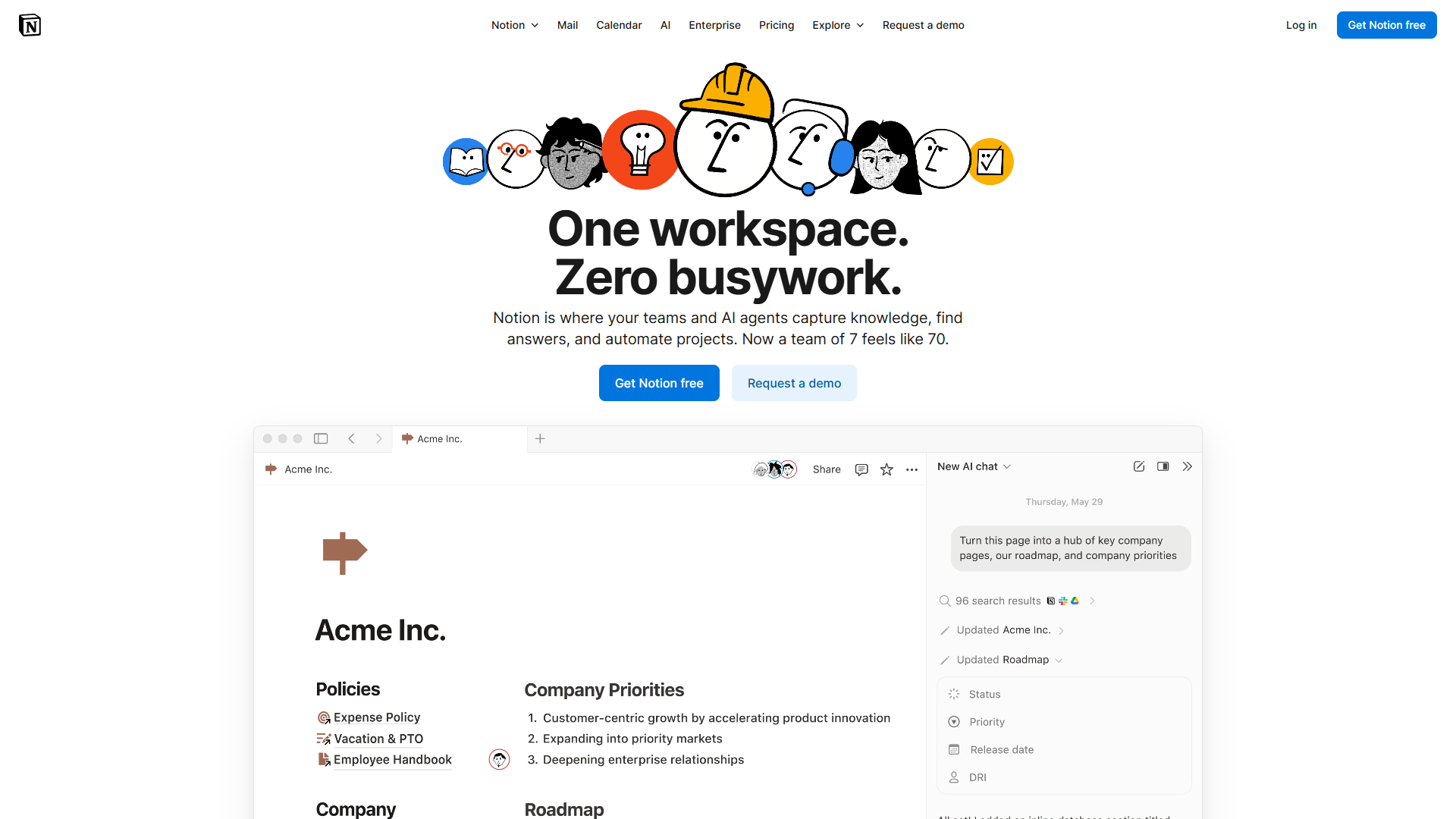
Notion revolutionized knowledge management by refusing to choose between wiki, project management, and database. Instead, it created a flexible block-based system that adapts to whatever structure your team needs.
AI Agents Change the Game
The Business plan ($15/user/month annual) now includes unlimited AI access with multi-model support (GPT-5, Claude Opus 4.1, o3) and autonomous AI agents. These agents can monitor databases, send notifications, and execute workflows without manual intervention.
I built an agent that monitors our content calendar, automatically notifies writers when deadlines approach, and updates status fields based on completion. This eliminated approximately 4 hours of weekly project management overhead.
The Flexibility Advantage
What makes Notion special is how quickly you can prototype new workflows. Need to track customer feedback? Create a database in 5 minutes. Want to link that feedback to product roadmaps? Connect the databases with relations.
This flexibility is perfect for startups and small teams that need to move fast and experiment with processes. But it becomes a liability at scale when different departments build incompatible systems.
Pricing Structure
Notion’s free tier is genuinely useful for individuals and small teams. Plus plan ($10/user/month) adds unlimited blocks for teams. Business plan ($15/user/month) includes unlimited AI agents. Enterprise requires custom pricing.
Best For:
- Startups and small teams (under 50 people)
- Teams needing flexible wiki + project management
- Creative teams wanting customizable workflows
- Organizations starting with free tier
Limitations:
- Can become inconsistent at scale without governance
- Mobile app less capable than desktop
- Steep learning curve for advanced features
- AI capabilities less specialized than standalone tools
Enterprise vs SMB Decision Framework
| Factor | Choose Enterprise (Bloomfire/Guru) | Choose SMB (Notion/Confluence) |
|---|---|---|
| Team Size | 500+ employees | Under 100 employees |
| Budget | $100K+ annual budget | Under $10K annual budget |
| Integration Needs | Must integrate with 10+ systems | 3-5 key integrations |
| Security Requirements | SOC 2, SAML SSO required | Standard security sufficient |
| Content Volume | 10,000+ knowledge articles | Under 1,000 articles |
| Search Importance | Mission-critical (sales, support) | Important but not critical |
| Governance | Strict permissions and audit trails | Flexible team-based access |
| Setup Timeline | 3-6 months acceptable | Need live within 1 week |
Comparison: Features, Pricing, and Ratings
| Tool | Rating | Starting Price | Best For | Free Tier |
|---|---|---|---|---|
| Bloomfire | approximately $158K/year | Large enterprises (500+) | No | |
| Guru | $300/month (10 seats) | Sales & support teams | No | |
| Document360 | Contact sales | Technical documentation | No | |
| Confluence | Free for 10 users | Atlassian ecosystem | Yes | |
| Notion | Free | Small teams, startups | Yes |
Feature Comparison
| Feature | Bloomfire | Guru | Document360 | Confluence | Notion |
|---|---|---|---|---|---|
| AI Search | Excellent | Excellent | Good | Good | Average |
| Video Content | Excellent | Average | Good | Average | Good |
| Integrations | Good | Excellent | Good | Excellent | Good |
| Documentation Focus | Average | Average | Excellent | Good | Average |
| Flexibility | Average | Average | Average | Good | Excellent |
| Security/Governance | Excellent | Excellent | Good | Good | Average |
| Mobile Experience | Good | Excellent | Good | Average | Good |
| Learning Curve | Average | Good | Good | Average | Difficult |
Making Your Decision: 5 Questions to Ask
1. What’s your total employee count and knowledge management budget?
If you have under 50 employees and less than $5,000 annual budget, start with Notion or Confluence free tiers. If you have 500+ employees with $100K+ budget, evaluate Bloomfire or Guru.
2. Is video content central to your knowledge base?
Sales training videos, product demos, and recorded meetings are major assets for many organizations. Bloomfire excels here with video transcription and timestamp search. Notion and Confluence handle video less elegantly.
3. Do you need the knowledge management tool to integrate deeply with existing workflows?
Guru wins on integration breadth with 100+ connectors and contextual delivery. Confluence wins for Atlassian shops. Notion offers good integration but less workflow automation.
4. Are you primarily building internal documentation or customer-facing content?
Document360 specializes in customer-facing knowledge bases with branded portals, SEO optimization, and support ticket deflection. Confluence and Notion focus more on internal collaboration.
5. How important is enterprise security and compliance?
If you need SOC 2 compliance, SAML SSO, SCIM provisioning, and detailed audit logs, you must choose Bloomfire, Guru, or Document360 Enterprise. Notion offers basic security but lags on advanced enterprise requirements.
Implementation Best Practices
Regardless of which tool you choose, follow these principles for successful knowledge management:
Start Small, Scale Deliberately
Begin with one department or use case. Document the 20 most frequently asked questions or processes that cause the most confusion. Measure the impact before company-wide rollout.
Assign Content Owners
Every knowledge article needs an owner responsible for keeping it current. Guru enforces this with verification workflows, but you can implement ownership manually in other tools.
Integrate Knowledge Into Workflow
Knowledge that lives in a separate tab nobody remembers to check has zero value. Use browser extensions (Guru), embedded widgets (Document360), or Slack integrations (Confluence, Notion) to surface knowledge where people work.
Measure and Optimize
Track metrics like search success rate, time to find information, support ticket deflection rate, and employee satisfaction scores. These metrics justify continued investment and identify improvement opportunities.
My Final Recommendations
For Enterprise Teams (500+ employees): Bloomfire if you have the budget and need comprehensive AI search across video and documents. Guru if you want knowledge delivered contextually in existing workflows. Both require $100K+ annual investment but deliver measurable ROI at scale.
For Mid-Size Companies (100-500 employees): Guru offers the best balance of enterprise features and manageable pricing at $30/user/month. Document360 works well if your primary need is technical documentation rather than general knowledge management.
For Small Teams (10-100 employees): Confluence provides excellent value starting free for 10 users with clear upgrade paths. Choose this if you use Jira or want structured documentation.
For Startups (under 25 employees): Notion offers unmatched flexibility and a generous free tier. Accept that you’ll need more structure as you scale, but the early-stage advantages are substantial.
For Technical Documentation Specifically: Document360 regardless of company size. The specialized features for API docs, changelogs, and customer knowledge bases justify the investment.
Frequently Asked Questions
Can I use multiple knowledge management tools simultaneously?
Yes, many organizations run Notion for internal project management alongside Document360 for customer-facing documentation. Just avoid creating multiple competing internal wikis, which fragments knowledge and confuses employees.
How long does implementation typically take?
Notion and Confluence can launch in 1-2 weeks with basic structure. Document360 requires 4-6 weeks for branded customer portals. Bloomfire and Guru typically need 3-6 months for enterprise-wide deployment with change management.
What’s the ROI of knowledge management tools?
Organizations typically measure ROI through reduced support tickets (20-40% deflection rate), faster employee onboarding (30-50% time savings), and reduced time searching for information (2-5 hours per employee per week). For a 100-person company, 3 hours weekly saved at $40/hour average wage equals $600K annual value.
Should I build my knowledge base in-house instead?
Only if knowledge management is your core business. Modern tools offer AI search, verification workflows, and integrations that would cost hundreds of thousands to build. Custom builds also create technical debt and maintenance burden.
Conclusion: The Right Tool for Your Organization
The best knowledge management tools in 2026 split clearly into enterprise and SMB categories. Bloomfire and Guru serve large organizations with sophisticated needs and corresponding budgets. Notion and Confluence excel for smaller teams prioritizing flexibility and cost efficiency.
Choose based on your organization size, budget, and specific requirements rather than chasing the highest-rated tool. A $158K enterprise platform will frustrate a 10-person startup, just as a flexible startup tool will create chaos in a 5,000-person organization.
Start with the decision framework in this guide, test 2-3 options that fit your criteria, and measure success with concrete metrics like search success rate and time saved. Knowledge management tools should disappear into your workflow while making information effortlessly accessible — the best tool is the one your team actually uses.
Ready to transform how your team shares knowledge? Start with free trials of Confluence or Notion, or schedule demos with Bloomfire, Guru, or Document360 based on your organization size.
External Resources
For official documentation and updates from these tools:
- Bloomfire — Official website
- Document360 — Official website
- Confluence — Official website
- Guru — Official website