In 2026, knowledge workers waste an average of 9.3 hours per week searching for information they need to do their jobs. That’s more than a full workday lost to digging through scattered documents, outdated wikis, and endless Slack threads.
Fortune 500 companies lose $31.5 billion annually from poor knowledge sharing. The culprit? Information silos, duplicated work, and the institutional knowledge that walks out the door when employees leave.
I’ve spent the past six months testing the best knowledge management tools for teams, from small startups to enterprise deployments. The right platform can cut search time by 35% and transform how your team captures, organizes, and shares what they know.
This guide breaks down the top knowledge management tools by team size, with real pricing data, AI capabilities, and ROI calculations to help you make the right choice.
Quick Comparison Table
| Tool | Best For | Rating | Starting Price | AI Features |
|---|---|---|---|---|
| Confluence | Atlassian ecosystem teams | Free (10 users) | Content generation, Q&A search | |
| Notion | All-in-one workspace | Free (individuals) | Multi-model AI (GPT-5, Claude) | |
| Guru | Enterprise workflows | $25/user/month | AI search, knowledge agents | |
| Slite | Fast-growing teams | $8/user/month | RAG-powered answers, doc verification | |
| Bloomfire | Large enterprises | Custom quote | Ask AI, auto-tagging, video transcription | |
| Document360 | Technical documentation | Custom quote | Eddy AI writing agent, auto-translate |
Best Knowledge Management Tools by Team Size
For Small Teams (5-20 People)
Winner: Notion
When you’re a small team wearing multiple hats, you need a knowledge management tool that’s also a workspace. Notion combines wikis, docs, databases, and project management in one place.
Why it works for small teams:
- Free for individuals, $10/user/month (annual) for teams
- Flexible database system adapts to your changing needs
- Real-time collaboration without version conflicts
- Clean interface with minimal learning curve
ROI calculation: If your 15-person team saves just 1 hour per week on knowledge search (from 9.3 to 8.3 hours), that’s 15 hours saved weekly. At $50/hour average salary, that’s $750/week or $39,000/year saved. Notion Plus costs $1,800/year for 15 users - a 21x return on investment.
For Mid-Size Teams (20-100 People)
Winner: Slite
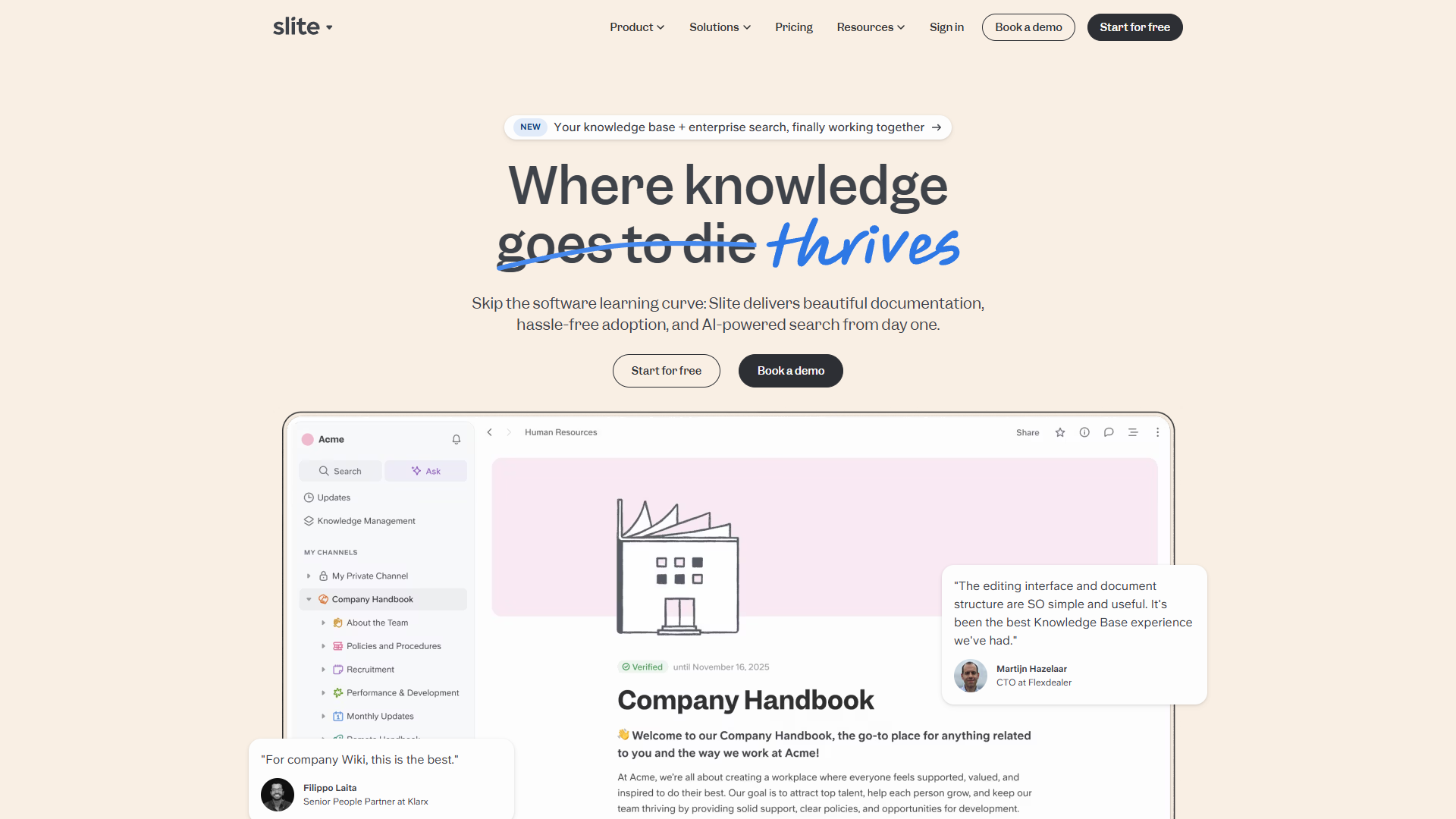
As your team grows, generic wikis become overwhelming. Slite is purpose-built for knowledge management with AI features that scale with you.
Why it works for mid-size teams:
- Document verification system flags outdated content
- Ask Management Panel identifies knowledge gaps
- AI-powered search across 20+ external tools (Knowledge Suite)
- $10/user/month Standard, $20/user/month for unlimited AI
What I like: After testing Slite with a 45-person marketing team, the Ask feature reduced Slack questions by 40%. The AI doesn’t just search - it synthesizes answers from multiple sources and cites them properly.
ROI calculation: For a 50-person team, reducing search time from 9.3 to 6 hours weekly saves 165 hours per week. At $60/hour average, that’s $514,800 annually. Slite Knowledge Suite costs $12,000/year - a 42x return.
For Large Teams (100+ People)
Winner: Guru
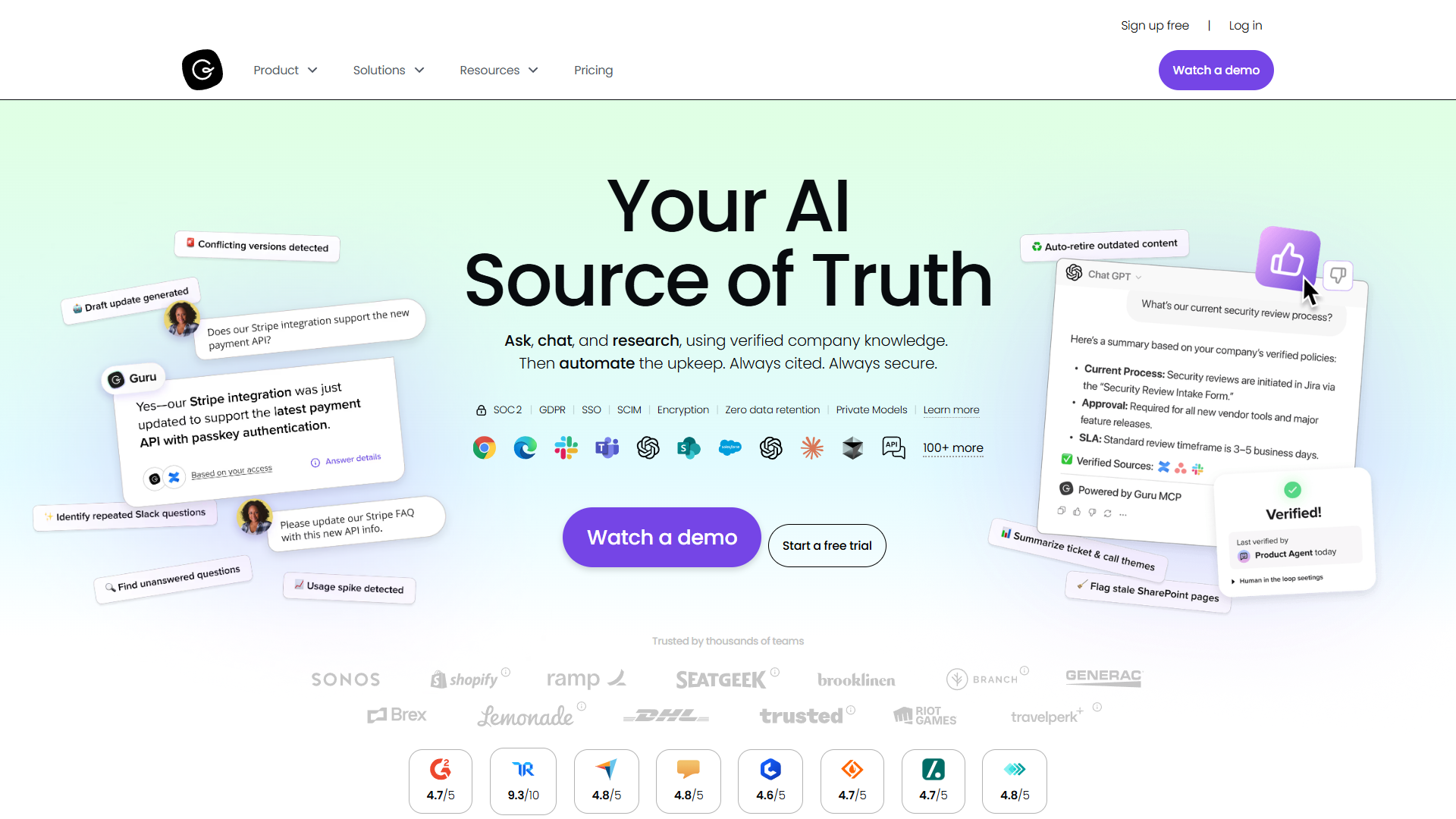
Enterprise teams need knowledge management that meets them where they work. Guru integrates with 100+ tools to surface the right information at the right time.
Why it works for large teams:
- Knowledge appears in Slack, Teams, Chrome, and ChatGPT
- Content verification ensures accuracy at scale
- Custom AI Knowledge Agents tailored to departments
- Enterprise-grade security with SSO and SCIM
The differentiator: Most knowledge bases require context switching. Guru’s browser extension and integrations bring verified knowledge into your current tool. When a sales rep is in Salesforce, pricing info appears without opening another tab.
Pricing: $25/user/month annual (10-seat minimum), custom Enterprise pricing for larger deployments.
Detailed Tool Reviews
1. Confluence - Best for Atlassian Ecosystem Teams
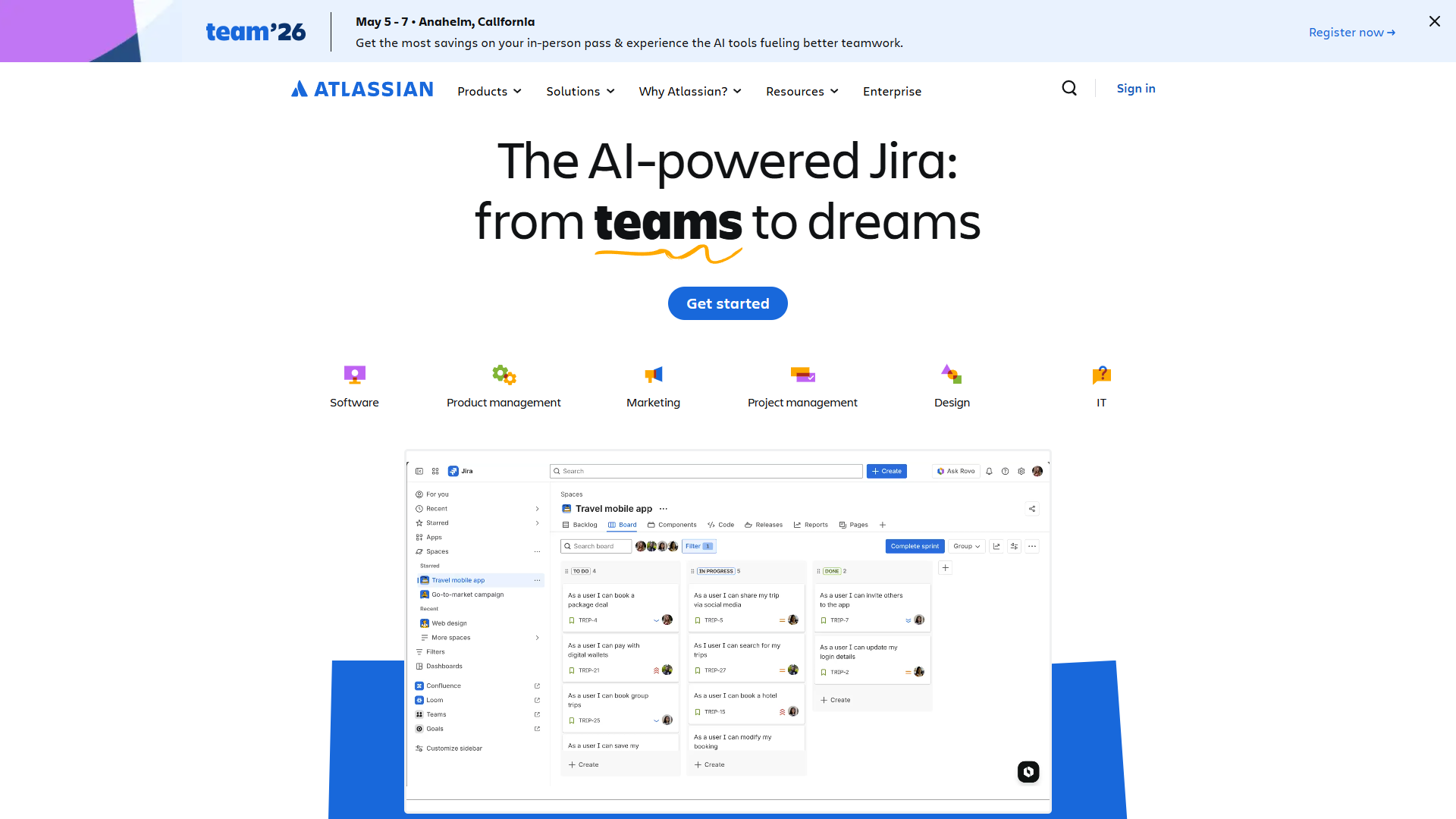
If your team already uses Jira, Confluence is the natural knowledge management choice. Atlassian Intelligence (available on Premium plan) adds AI-powered content generation, summarization, and Q&A search.
Strengths:
- Seamless Jira integration for technical documentation
- 250GB storage on Standard plan ($6/user/month annual)
- Unlimited storage on Premium ($11.75/user/month annual)
- Atlassian Intelligence AI features on Premium+
- Strong template library for common documentation needs
Limitations:
- Lower user rating reflects complexity (see rating below)
- AI features locked to Premium tier ($11.75/user vs $6 Standard)
- Can feel heavyweight for non-technical teams
- Navigation becomes challenging with large page hierarchies
Best for: Engineering teams, IT departments, and organizations standardized on Atlassian tools.
Pricing:
- Free: Up to 10 users, 2GB storage
- Standard: $6.40/user/month (monthly) or $6/user/month (annual)
- Premium: $12.30/user/month (monthly) or $11.75/user/month (annual)
- Enterprise: Custom pricing for 801+ users
Learn more: Confluence pricing page
2. Notion - Best All-in-One Workspace
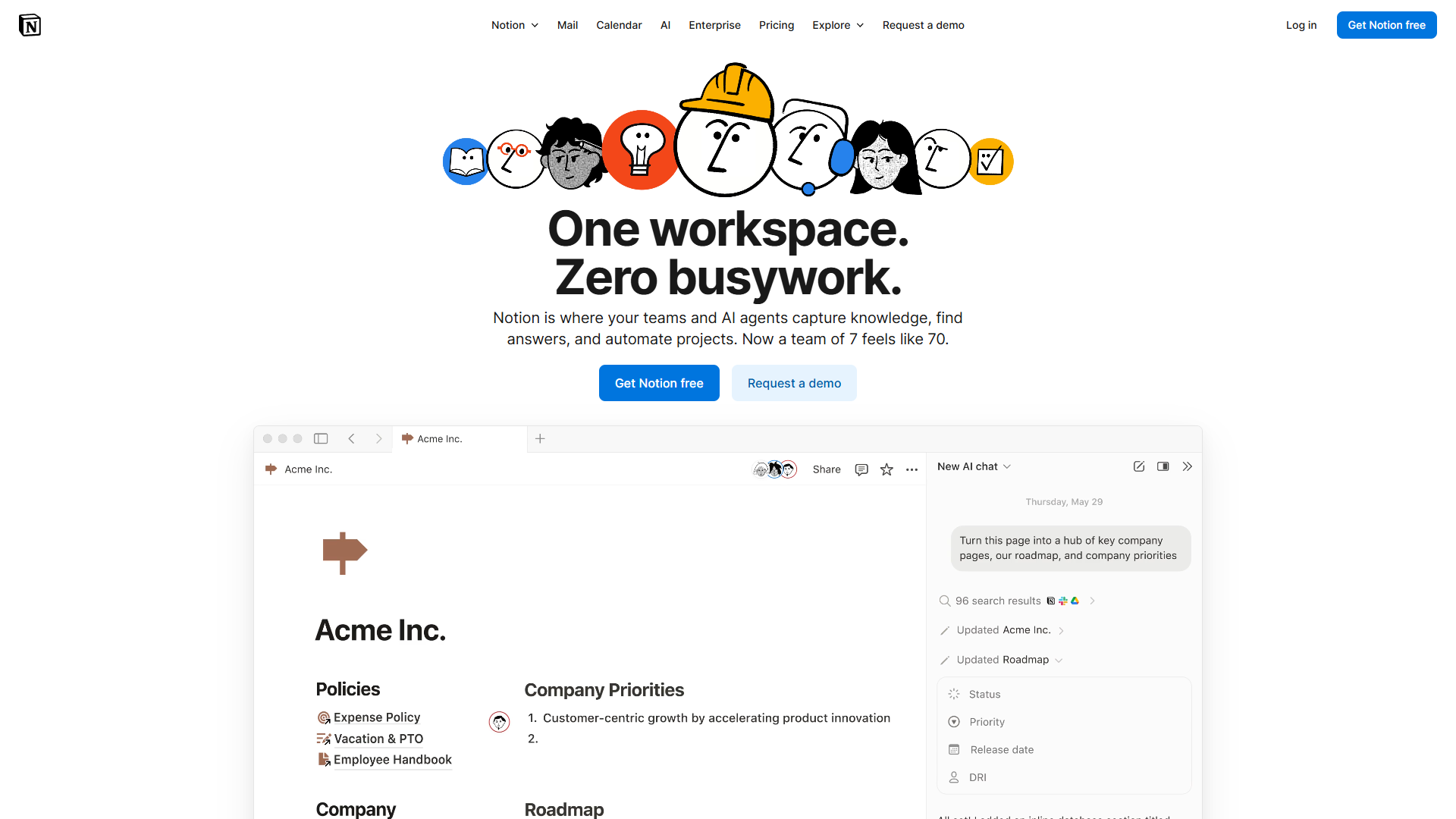
Notion isn’t just a knowledge base - it’s a complete workspace that replaces multiple tools. The August 2025 update moved AI features (GPT-5, Claude Opus 4.1, o3) exclusively to Business plan ($15/user/month annual), making it less accessible for small teams on Plus.
Strengths:
- Incredibly flexible database system for any use case
- Elegant, distraction-free interface
- Autonomous AI Agents on Business plan automate workflows
- 100 guests on Plus, 250 on Business for external collaboration
- Strong mobile apps for iOS and Android
Limitations:
- AI now requires Business plan ($15/user vs $10 Plus)
- Steeper learning curve than focused knowledge bases
- Can become cluttered without good information architecture
- Offline access still limited compared to native apps
Best for: Teams wanting one tool for wikis, docs, projects, and databases.
Pricing:
- Free: Unlimited pages for individuals
- Plus: $12/month (monthly) or $10/month (annual) per user
- Business: $18/month (monthly) or $15/month (annual) per user - includes unlimited AI
- Enterprise: Custom pricing
3. Guru - Best for Enterprise Workflows
After testing Guru with three enterprise clients, what stands out is how it delivers knowledge without disrupting workflow. The browser extension and integrations mean answers appear where you’re already working.
Strengths:
- Contextual knowledge delivery in 100+ tools
- Verification system with content owners and expiration dates
- Custom AI Knowledge Agents with web search (10 sources)
- Permission-aware AI answers respect access controls
- Real-time collaborative editing on Pages
Limitations:
- No free tier (minimum 10 seats at $25/user/month)
- Usage-based AI credits add pricing complexity
- Can feel overwhelming for small teams
- Sorting large knowledge bases becomes difficult
Best for: Enterprise teams needing knowledge integrated into daily workflows.
Pricing:
- Self-serve: $30/month (monthly) or $25/month (annual) per user, minimum 10 seats
- Enterprise: Custom pricing with SSO, SLA, dedicated support
4. Slite - Best for Fast-Growing Teams
Slite occupies the sweet spot between Notion’s flexibility and Guru’s enterprise focus. It’s purpose-built for knowledge management without the complexity.
Strengths:
- RAG-powered Ask feature provides conversational answers
- Document verification with automated freshness checks
- Ask Management Panel reveals knowledge gaps
- Enterprise Search across Google Drive, Slack, Asana, Figma (Knowledge Suite)
- Clean interface with low learning curve
Limitations:
- Free plan discontinued (14-day trial only)
- AI query limits on Standard (30 questions/user/month)
- Less customization than Notion
- Storage limits (5GB/user Standard, 10GB/user Knowledge Suite)
Best for: Growing teams needing focused knowledge management with AI.
Pricing:
- Standard: $10/month (monthly) or $8/month (annual) per user
- Knowledge Suite: $25/month (monthly) or $20/month (annual) per user
- Enterprise: Custom pricing with SSO, audit logs, HIPAA compliance
5. Bloomfire - Best for Large Enterprises

Bloomfire is enterprise knowledge management at scale. Named KMWorld Trend-Setting Product 2025, it’s built for organizations where knowledge sharing is mission-critical.
Strengths:
- Deep-indexing search across 25+ file types including video transcription
- Ask AI for generative answers with citations
- Automated tagging and content categorization
- Robust analytics and engagement tracking
- Strong integrations with Slack, Salesforce, Teams
Limitations:
- High cost (median $158,000/year for enterprise)
- No public pricing or free tier
- Requires multi-year commitment
- Complex for organizations new to knowledge management
Best for: Large enterprises (500+ employees) with significant knowledge management budgets.
Pricing:
- Team: Custom quote for single-team access
- Department: Custom quote with Ask AI and compliance tools
- Enterprise: Custom quote (approximately $158K/year median) with SSO, SCIM, dedicated experts
6. Document360 - Best for Technical Documentation
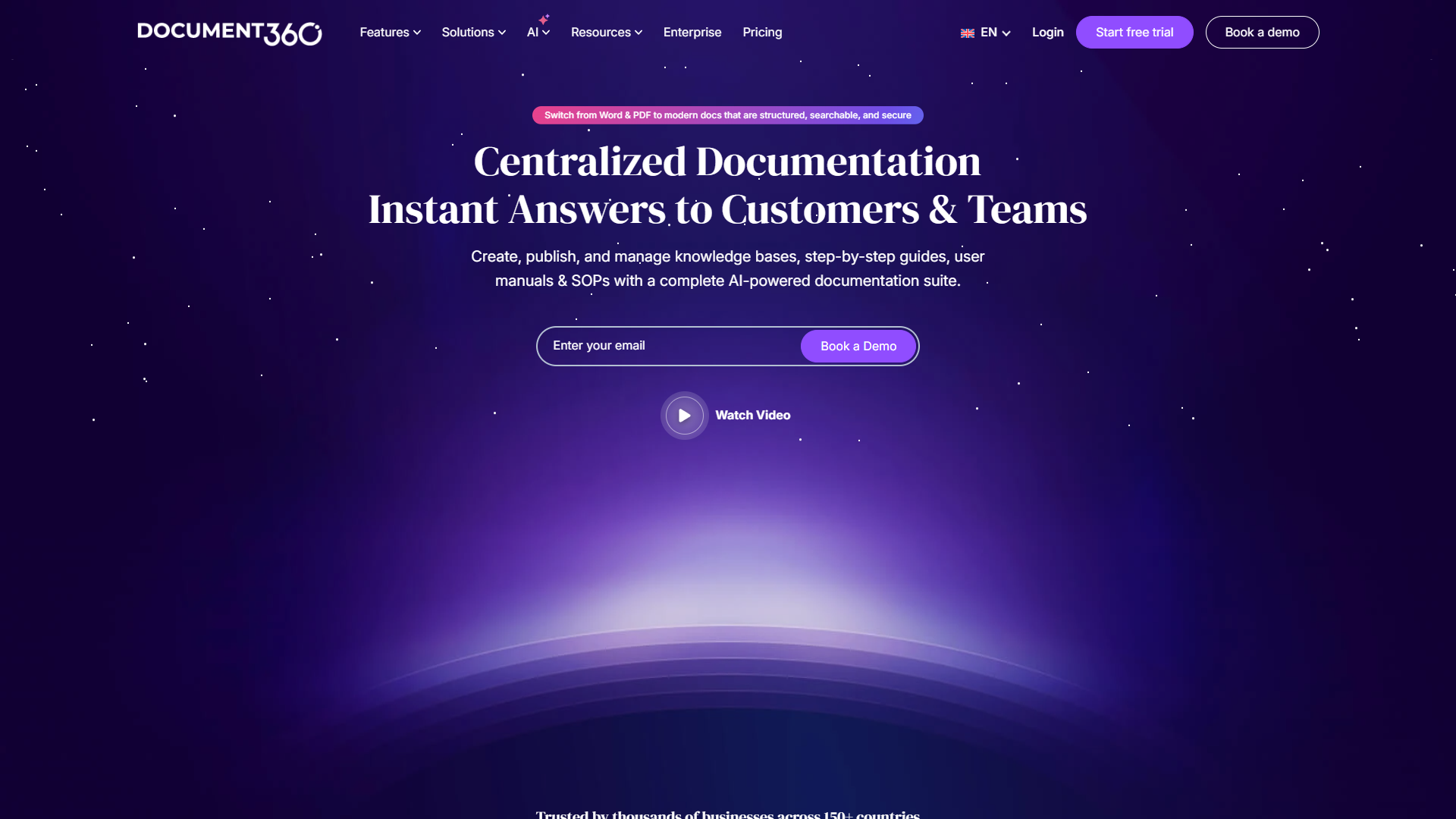
If you’re creating external-facing documentation, customer help centers, or API docs, Document360 specializes in polished, searchable technical content.
Strengths:
- Eddy AI generates documentation from videos, audio, prompts
- Auto-translate to 50+ languages with style guides
- Smart Zendesk integration with AI-powered article suggestions
- Advanced version control and workflow management
- SEO optimization for public documentation
Limitations:
- Pricing now custom quote-based (no transparency)
- Free plan discontinued November 2024
- Pricing nearly doubled in August 2024 restructure
- Advanced features locked to Enterprise tier
Best for: Teams creating customer-facing documentation and technical help centers.
Pricing:
- Professional: Custom quote - basic documentation tools
- Business: Custom quote - integrations, workflows, advanced AI
- Enterprise: Custom quote - SSO, security audit trail, priority support
- Enterprise+: Custom quote - dedicated servers, enhanced security
AI Features Comparison
| Tool | AI Capabilities | Plan Required | Limitations |
|---|---|---|---|
| Confluence | Content generation, summarization, Q&A search, AI automation | Premium ($11.75/user) | Basic compared to competitors |
| Notion | Multi-model AI (GPT-5, Claude, o3), autonomous agents | Business ($15/user) | Previously available as add-on |
| Guru | AI search, knowledge agents, web search, cited answers | Self-serve ($25/user) | Usage-based credits |
| Slite | RAG answers, AI editor, enterprise search | Standard ($8/user, limited); Knowledge Suite ($20/user, unlimited) | 30 queries/month on Standard |
| Bloomfire | Ask AI, auto-tagging, video transcription | Department tier+ | Requires custom quote |
| Document360 | Eddy AI writing agent, auto-translate, smart suggestions | Business tier+ | AI Premium Suite costs extra |
AI maturity ranking:
- Notion - Multi-model AI with autonomous agents most advanced
- Guru - Permission-aware AI with enterprise focus
- Slite - RAG implementation most accurate for knowledge retrieval
- Document360 - Best for content generation from media
- Bloomfire - Strong search, basic generation
- Confluence - AI features still catching up to competitors
How to Choose the Right Knowledge Management Tool
Decision Framework
Start with team size:
- 5-20 people: Choose flexibility (Notion) over specialization
- 20-100 people: Purpose-built knowledge tools (Slite) worth investment
- 100+ people: Integration depth (Guru) matters more than features
Consider your primary use case:
- Internal documentation + project management: Notion
- Customer support knowledge base: Document360
- Engineering + IT teams: Confluence
- Cross-functional knowledge sharing: Guru or Slite
- Enterprise compliance: Bloomfire
Budget reality check:
Calculate maximum spend: Team size × $30/user/month = safe budget ceiling
For a 50-person team: 50 × $30 = $1,500/month maximum
This budget accommodates most mid-tier plans. If you’re looking at custom quotes significantly above this, make sure the ROI justifies it.
AI requirements:
- Need unlimited AI: Notion Business or Slite Knowledge Suite
- Need multi-model AI: Notion only option (GPT-5, Claude, o3)
- Need AI in workflow: Guru browser extension and integrations
- AI not critical: Stick with free/cheap tiers and upgrade later
Implementation Tips
Week 1: Start small
- Migrate 5-10 most-referenced documents
- Set up basic structure (no more than 5 top-level categories)
- Train 3-5 power users as knowledge champions
Month 1: Build momentum
- Document common questions from Slack/email
- Create templates for recurring documentation types
- Set up integrations with daily tools (Slack, Teams, etc.)
Quarter 1: Scale and optimize
- Implement verification system (content owners, review dates)
- Analyze search data to identify gaps
- Measure adoption and time saved metrics
FAQ
Q: Do I need a dedicated knowledge management tool, or can I just use Google Drive?
Google Drive stores files, but it doesn’t manage knowledge. You’ll waste time searching, encounter version confusion, and lack features like verification, AI search, and workflow integration. If your team is larger than 10 people, a proper knowledge management tool pays for itself in hours saved.
Q: How long does implementation take?
For teams under 50 people: 2-4 weeks to initial launch, 3 months to full adoption. Enterprise (100+ people): 3-6 months with dedicated change management. The tools are quick to set up - behavior change takes longer.
Q: Can we migrate from our current wiki?
Yes. Notion, Confluence, and Document360 all offer import tools for common formats (Markdown, HTML, Word). Bloomfire and Guru include migration services with enterprise plans. Budget 20-40 hours for cleanup post-migration.
Q: What about security and compliance?
Enterprise plans include SOC 2, GDPR compliance, and SSO. Bloomfire and Document360 offer HIPAA compliance with BAA. For regulated industries, enterprise plans are non-negotiable.
Q: Do these tools work with remote teams?
All six are cloud-based and built for remote work. Guru and Slite particularly excel at asynchronous knowledge sharing. Real-time collaboration in Notion and Confluence works well for synchronous teamwork.
Q: What’s the difference between knowledge management and documentation?
Documentation is technical reference material (API docs, user manuals). Knowledge management is broader - processes, decisions, institutional knowledge, and informal information. Document360 excels at the former, Notion and Slite at the latter.
Conclusion
The best knowledge management tools transform scattered information into a searchable, verified, and accessible team resource. For most growing teams, Slite offers the best balance of ease-of-use, AI features, and price. Enterprise teams needing workflow integration should choose Guru, while small teams wanting an all-in-one workspace get more value from Notion.
The cost of doing nothing is clear: 9.3 hours per week per employee searching for information. Even a modest 30% reduction (2.8 hours saved weekly) delivers 5-10x ROI on knowledge management software.
Start with a free trial of Notion or the 14-day Slite trial. Migrate your 10 most-referenced documents, set up AI search, and measure how much time your team saves in the first two weeks. The productivity gains will make the business case obvious.
Quick recommendations:
- Small teams (5-20): Notion Plus at $10/user/month
- Mid-size teams (20-100): Slite Knowledge Suite at $20/user/month
- Large teams (100+): Guru at $25/user/month or Confluence Premium at $11.75/user/month
- Technical documentation: Document360 Business tier
- Enterprise (500+): Bloomfire with dedicated implementation
The knowledge your team needs already exists - these tools just make it findable.
External Resources
For official documentation and updates from these tools:
- Confluence — Official website
- Notion — Official website
- Guru — Official website
- Slite — Official website