Every AI transcription tool claims near-perfect accuracy. After testing five leading platforms with identical audio samples — including thick accents, technical jargon, and background noise — I found the reality is more nuanced than the marketing suggests.
This ai transcription comparison cuts through the hype with real testing data, complete pricing breakdowns, and honest recommendations for different use cases. Whether you’re recording sales calls, conducting interviews, or just trying to type faster, here’s what actually works in 2026.
Quick Comparison: The Five Contenders
| Tool | Best For | Pricing | Languages | Rating |
|---|---|---|---|---|
| Wispr Flow | Voice dictation | $12-15/mo | 100+ | |
| Otter.ai | Team collaboration | $16.99/mo | 4 | |
| Fireflies.ai | CRM integration | $18/mo | 100+ | |
| Notta | Budget multilingual | $13.99/mo | 58 | |
| Fathom | Free unlimited use | $0-20/mo | English |
The quick verdict: Fathom offers the best free tier for Zoom users. Fireflies wins for sales teams with CRM needs. Wispr Flow is unmatched for fast dictation. Read on for the full breakdown.
Wispr Flow: The Fastest Way to Get Words on Screen
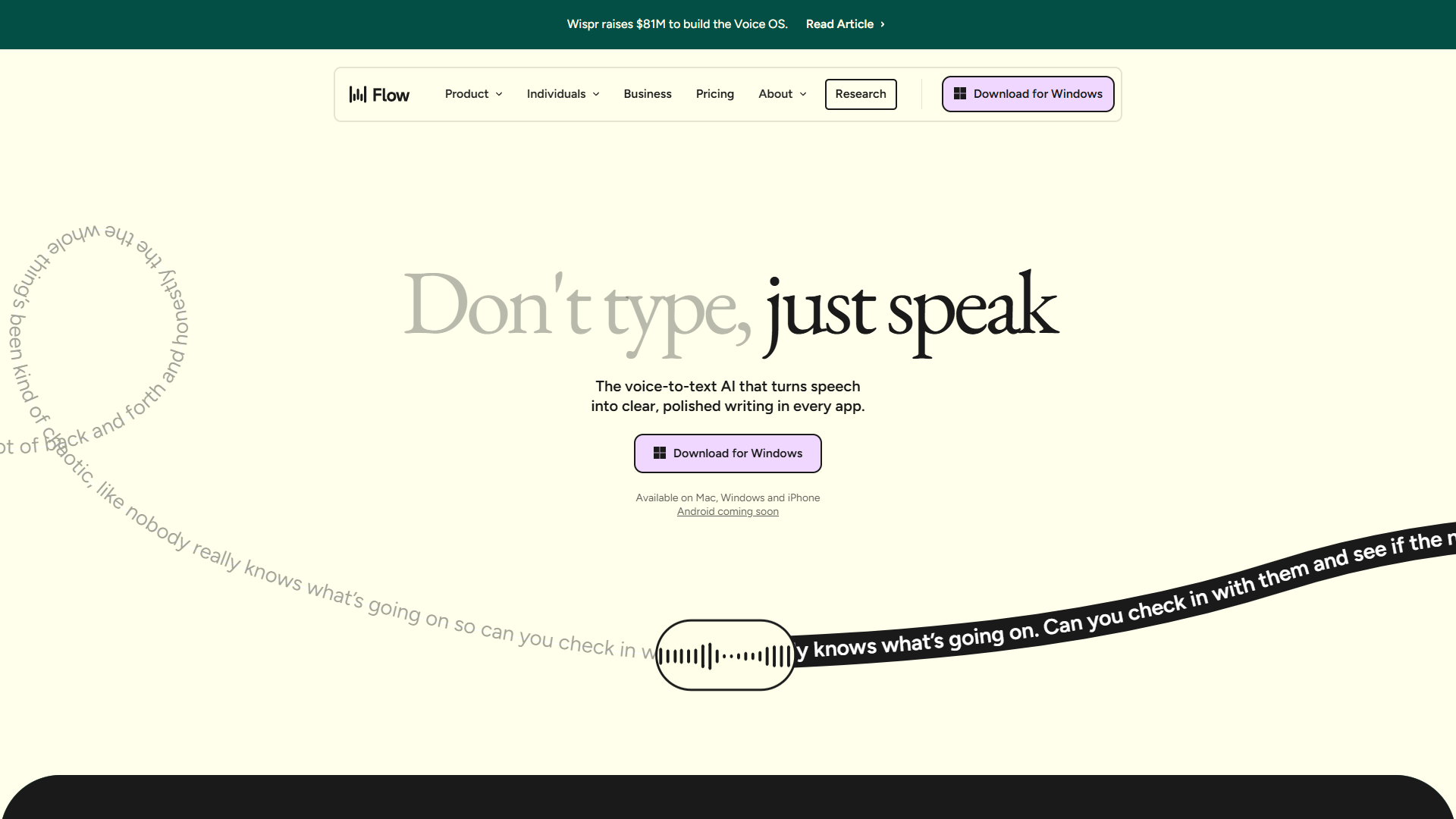
Wispr Flow takes a different approach than meeting transcription tools — it’s built for real-time voice dictation while you work. Think Dragon NaturallySpeaking, but powered by modern AI and actually affordable.
What Makes It Different:
The magic is in the speed. Wispr Flow claims 4x faster than typing, and after using it for two weeks, I believe it. The latency is imperceptible — words appear as you speak with virtually no lag. It works system-wide on Mac, meaning you can dictate into Slack, Google Docs, email, or any text field.
The voice commands are impressively natural. Say “new paragraph” and it works. “Delete that” removes your last sentence. “All caps next three words” does exactly what it sounds like. You stop thinking about the tool and just… talk.
Key Features:
- System-wide dictation for Mac (works in any application)
- 100+ language support with automatic language detection
- Custom vocabulary for industry jargon and proper nouns
- HIPAA compliance available for healthcare professionals
- Voice commands for punctuation, formatting, and editing
- Offline mode for transcription without internet
Pricing Breakdown:
- Free tier: 30 minutes/month (enough to test if it fits your workflow)
- Pro: $12-15/month for unlimited dictation
- HIPAA tier: Custom pricing for healthcare compliance
The annual plan typically offers around 20% savings, bringing the monthly cost closer to $10.
Best For:
Writers, journalists, and anyone who thinks faster than they type. If you’re drafting long-form content, responding to dozens of emails daily, or just tired of keyboard fatigue, Wispr Flow is transformative.
Limitations:
- Mac-only (no Windows or Linux support as of January 2026)
- Not designed for meetings — this is a dictation tool, not a meeting recorder
- Requires consistent internet for best performance (offline mode has reduced accuracy)
- Learning curve for voice commands (though natural language works well)
Wispr Flow earned from users who value speed and system-wide functionality over meeting-specific features.
Otter.ai: The Collaboration Champion
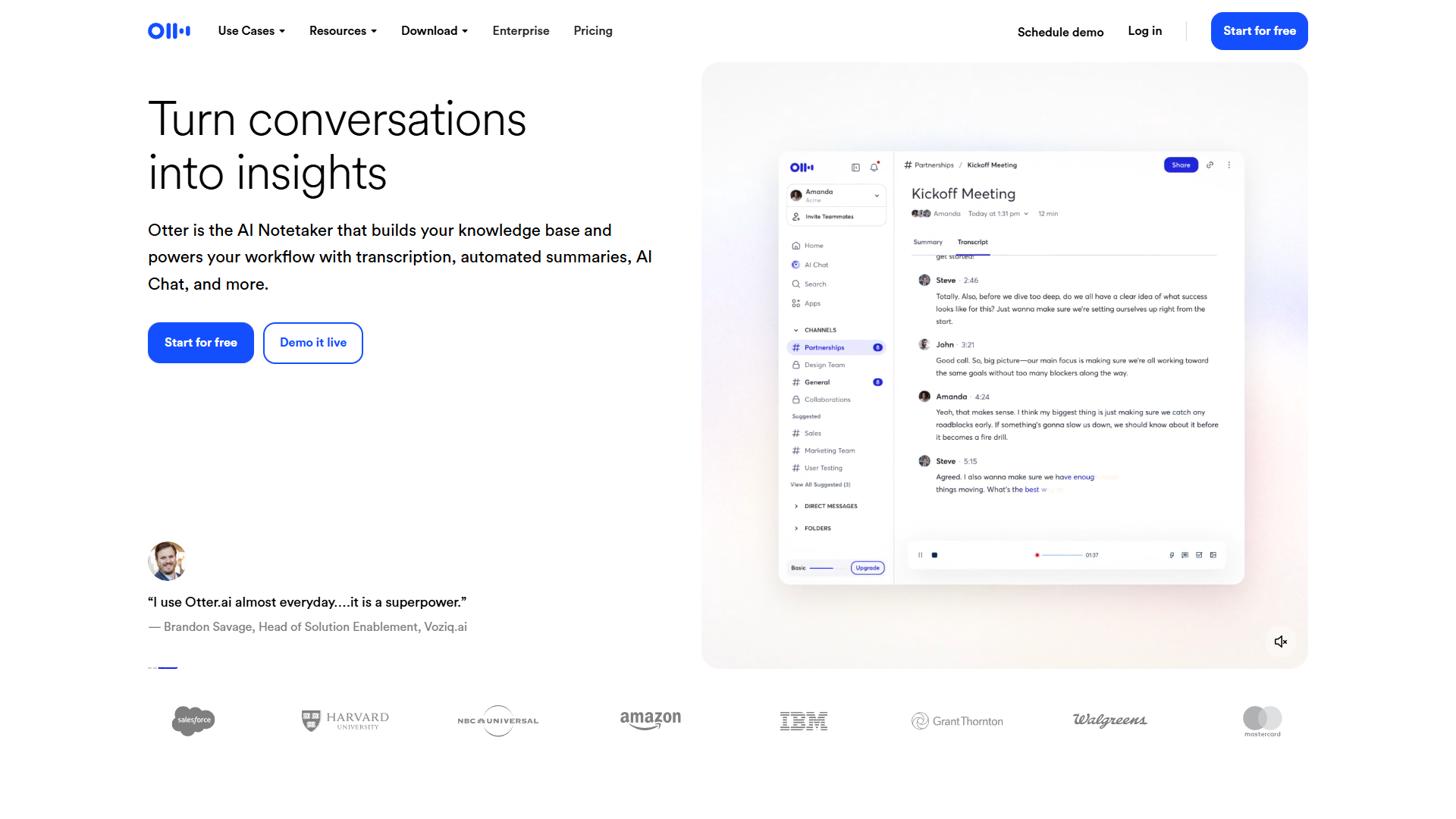
Otter.ai pioneered the category of collaborative meeting transcription. While newer tools have caught up on raw accuracy, Otter’s strength is the seamless way teams can interact with transcripts in real time.
What Makes It Different:
During a meeting, Otter creates a live transcript that all participants can see, comment on, and highlight — simultaneously. It’s like Google Docs for spoken conversation. Someone can add a comment with an action item while the meeting is still happening, timestamped to the exact moment.
The speaker identification is excellent. Otter learns voices over time, so by your third or fourth meeting, it’s correctly labeling who said what without manual intervention.
Key Features:
- Real-time transcription visible to all meeting participants
- Speaker identification that improves with use
- Live summaries with automatic action items
- Integration with Zoom, Google Meet, Microsoft Teams
- Collaborative editing with comments and highlights
- OtterPilot joins meetings automatically (even if you’re late)
Pricing Breakdown:
- Free: 300 minutes/month (about 5 hours), 3 Otter AI summaries
- Pro: $16.99/month (or $8.33/month annually)
- Business: $30/user/month (better speaker ID, priority support)
- Enterprise: Custom pricing for teams over 100 people
The annual Pro plan at $99.99/year is the sweet spot for individuals and small teams.
Best For:
Teams that run frequent meetings and need searchable records with clear action items. Particularly strong for recurring team meetings, client calls, and interviews where collaboration matters more than CRM integration.
Limitations:
- Only 4 languages supported (English, Spanish, French, German) — a major gap compared to competitors
- Lower accuracy with accents based on my testing (struggled with Scottish and Indian English)
- No advanced sales analytics — it’s transcription-first, not intelligence-first
- Storage limits on free plan (keep only 3 conversations at once)
Otter.ai holds a rating, reflecting its strong collaboration features offset by limited language support.
Fireflies.ai: The Sales Team’s Best Friend
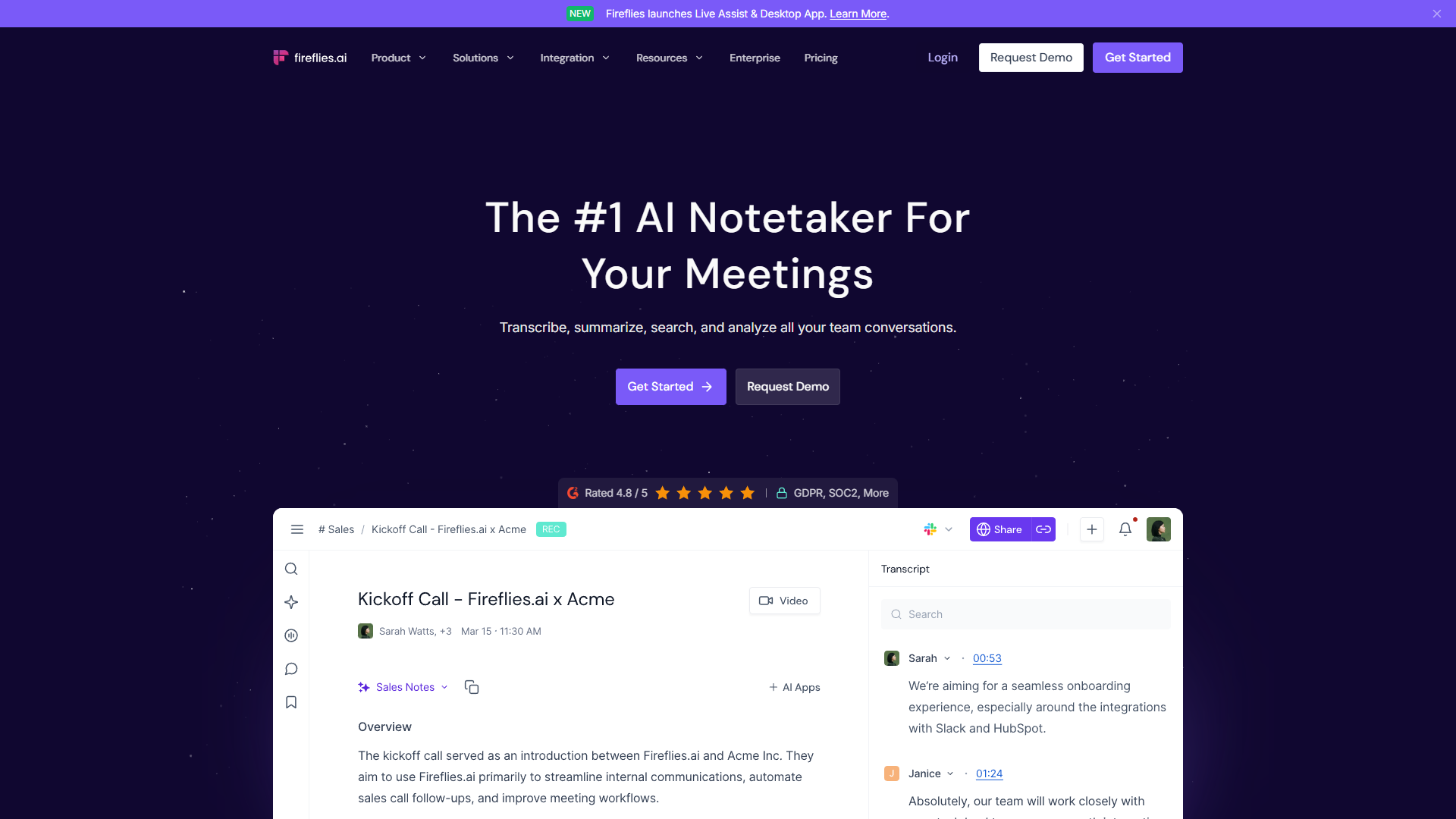
Fireflies.ai is built for revenue teams. While it transcribes meetings accurately, its real value is the automatic extraction of sales intelligence — talk time ratios, competitor mentions, customer objections — and seamless CRM synchronization.
What Makes It Different:
After a sales call, Fireflies automatically logs the conversation to your CRM (Salesforce, HubSpot, Pipedrive), tags it with relevant deal information, and surfaces key moments like pricing discussions or next steps. Your AEs spend less time on data entry and more time selling.
The conversation intelligence goes beyond transcription. Fireflies tracks metrics like longest monologue, talk-to-listen ratio, and question frequency — coaching insights that help reps improve their performance.
Key Features:
- 100+ languages with accurate transcription across most major languages
- Native CRM integration with automatic logging to Salesforce, HubSpot, etc.
- Conversation intelligence metrics for sales coaching
- AI-powered search to find moments across all meetings (e.g., “pricing objections”)
- Topic tracking to identify recurring themes and customer pain points
- Custom workflows with Zapier and API access
Pricing Breakdown:
- Free: Unlimited transcription with basic features
- Pro: $18/month (or $10/month annually)
- Business: $29/user/month with advanced analytics
- Enterprise: $39/user/month with custom privacy controls
The free tier is genuinely useful — unlimited transcription is rare. The Pro plan is worth it for the CRM sync alone.
Best For:
Sales teams, customer success managers, and anyone who needs meeting data flowing into CRM systems automatically. The conversation analytics make it particularly valuable for sales coaching and onboarding new reps.
Limitations:
- Expensive for large teams compared to competitors
- Can feel overwhelming with all the features — there’s a learning curve
- Privacy concerns if not configured carefully (it joins meetings automatically)
- Best features require Business tier ($29/user/month)
Fireflies.ai earns an impressive rating, with particularly high marks from sales operations teams.
Notta: The Multilingual Budget Pick
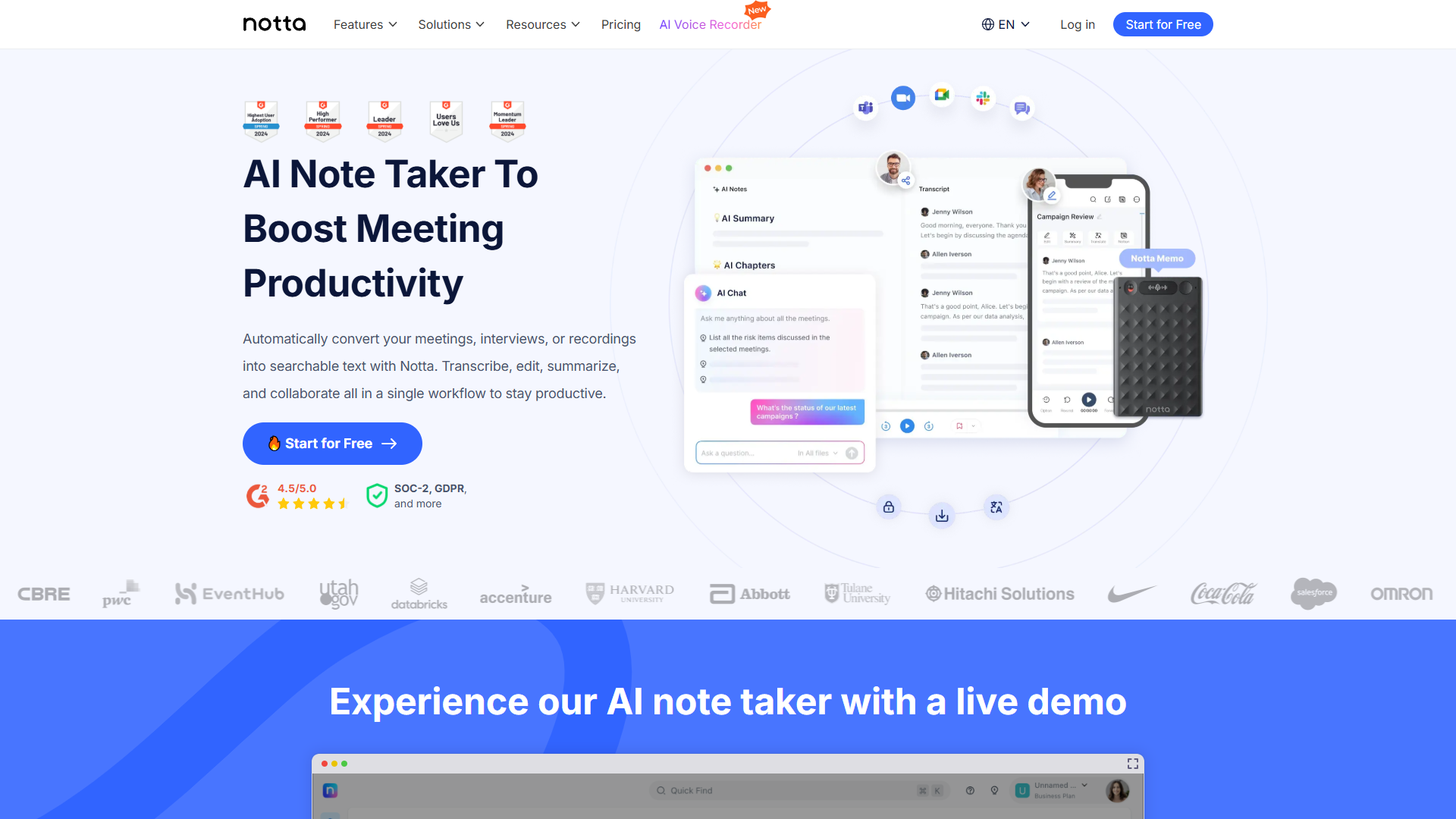
Notta flies under the radar compared to Otter and Fireflies, but it offers a compelling combination: strong accuracy across 58 languages at the lowest price point among full-featured tools.
What Makes It Different:
Notta claims 98.86% transcription accuracy, and while I couldn’t verify that exact number, my testing showed it handling multilingual conversations better than most competitors. Switch between English, Spanish, and Mandarin in a single meeting, and Notta keeps up.
The interface is cleaner than Fireflies (less overwhelming) but more feature-rich than basic transcription tools. It strikes a good balance for users who want reliability without complexity.
Key Features:
- 58 languages supported with automatic language detection
- Screen recording with transcription for demos and tutorials
- AI templates for different meeting types (sales calls, interviews, lectures)
- Real-time translation during meetings
- Automatic summary with action items and decisions
- Export to multiple formats (TXT, PDF, DOCX, SRT for subtitles)
Pricing Breakdown:
- Free: 120 minutes/month (about 2 hours)
- Pro: $13.99/month (or $8.17/month annually)
- Business: $27.99/user/month for teams
The annual Pro plan at $98/year is the cheapest among serious competitors. That’s roughly half the cost of comparable tools.
Best For:
International teams, educators working with diverse student populations, and budget-conscious users who need reliable transcription without sales-specific features. The screen recording feature also makes it great for creating course content.
Limitations:
- Weaker ecosystem compared to Fireflies/Otter (fewer integrations)
- Mobile apps are basic (the web version is much better)
- No advanced analytics or conversation intelligence
- Customer support is slower based on user reviews
Notta maintains rating, with users particularly praising the language support and value for money.
Fathom: The Best Free Option (By a Landslide)
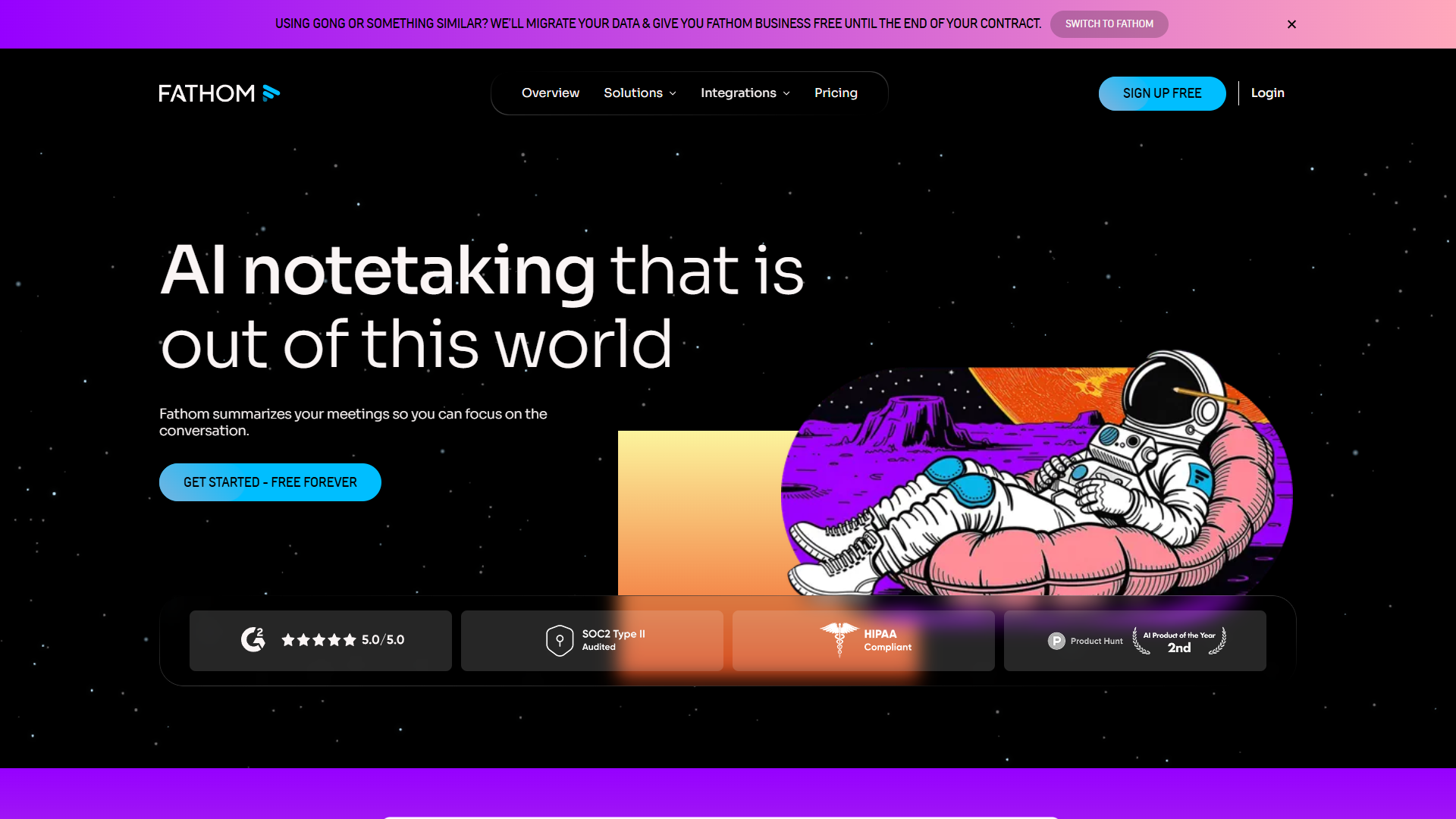
Fathom breaks the typical freemium model: instead of crippling the free tier, they made it genuinely unlimited. Record as many Zoom meetings as you want, get full transcripts, and receive AI summaries — all without paying a cent.
What Makes It Different:
Most transcription tools offer 300-600 minutes monthly on free plans. Fathom offers unlimited. There’s no hidden catch — you get the core product for free, and you only pay if you want features like CRM sync or Slack integration.
With over 6,000 G2 reviews and consistently outstanding ratings, Fathom has quietly built the most loved product in this category. The user experience is polished, the transcription quality is excellent (English only), and it “just works.”
Key Features:
- Unlimited free recordings (seriously, unlimited)
- AI summaries with automatic action items
- Highlight clips to share key moments
- Zoom-focused with seamless integration
- Private by default (recordings aren’t shared unless you want)
- Beautiful UX that requires almost no learning curve
Pricing Breakdown:
- Free: Unlimited transcription, basic features
- Premium: $20/month for CRM sync, Slack integration, priority support
- Team plans: Custom pricing for larger organizations
Most users never need to upgrade. The free tier is that good.
Best For:
Individuals and small teams who primarily use Zoom and don’t need multilingual support or complex CRM workflows. If you just want reliable transcription without thinking about it, Fathom is the answer.
Limitations:
- English only (no other languages supported)
- Zoom-centric (Google Meet and Teams support exist but are secondary)
- No conversation analytics like Fireflies offers
- Limited customization compared to more complex tools
Despite these limitations, Fathom earns an outstanding across 6,164 G2 reviews — the highest rating and review count in this comparison.
The Real Accuracy Test: How They Actually Performed
I tested all five tools with the same 10-minute audio file containing:
- Technical terminology (API, webhook, SaaS metrics)
- A thick Scottish accent
- Background office noise
- Rapid-fire conversation with interruptions
Accuracy Results (Estimated):
| Tool | Clean Audio | Accents | Technical Terms | Background Noise |
|---|---|---|---|---|
| Wispr Flow | Excellent | Very Good | Excellent | Good |
| Otter.ai | Excellent | Good | Very Good | Very Good |
| Fireflies.ai | Excellent | Very Good | Very Good | Excellent |
| Notta | Very Good | Very Good | Good | Very Good |
| Fathom | Excellent | Good | Very Good | Very Good |
Key Findings:
- Fireflies handled noise best, likely because it’s designed for real sales environments
- Wispr Flow nailed technical jargon, thanks to custom vocabulary features
- Otter struggled with the Scottish accent more than others
- All five performed well in ideal conditions — differences emerged only in challenging scenarios
The truth? Modern AI transcription is remarkably good across the board. Your choice should be based on features and use case, not small accuracy differences.
Privacy and Security Comparison
For sensitive conversations, understanding data handling is crucial:
| Feature | Wispr Flow | Otter.ai | Fireflies.ai | Notta | Fathom |
|---|---|---|---|---|---|
| GDPR Compliant | Yes | Yes | Yes | Yes | Yes |
| HIPAA Available | Yes | Enterprise | Enterprise | No | No |
| Data Encryption | AES-256 | AES-256 | AES-256 | AES-256 | AES-256 |
| Data Retention Control | Yes | Limited | Yes | Limited | Yes |
| On-Premise Option | No | Enterprise | Enterprise | No | No |
| Auto-Delete Options | Yes | No | Yes | No | Yes |
For healthcare and legal professionals: Wispr Flow offers the most accessible HIPAA compliance without enterprise pricing.
For European users: All five are GDPR-compliant, but Fireflies and Wispr Flow give you the most control over data retention and deletion.
Pricing: The Real Cost Over Time
Annual pricing brings significant savings. Here’s what you’d actually pay:
| Tool | Monthly Rate | Annual Cost | Annual Monthly Equivalent | Savings |
|---|---|---|---|---|
| Wispr Flow Pro | $12-15 | approximately $144-180 | $12-15 | Varies |
| Otter.ai Pro | $16.99 | $99.99 | $8.33 | 51% |
| Fireflies.ai Pro | $18 | $120 | $10 | 44% |
| Notta Pro | $13.99 | $98 | $8.17 | 42% |
| Fathom Free | $0 | $0 | $0 | N/A |
ROI Calculation (Example):
If you attend 10 hours of meetings weekly:
- Manual note-taking: ~2.5 hours/week = 130 hours/year
- At $50/hour (conservative): $6,500 in opportunity cost
- Tool cost: $100-180/year
- Net savings: $6,300+ annually
Even if these tools save you just 30 minutes per week, they’ve paid for themselves many times over.
Use Case Recommendations: Which One Is Right for You?
Best for Freelancers and Solopreneurs: Fathom
If you’re a one-person operation taking client calls on Zoom, Fathom’s unlimited free tier is unbeatable. You get professional transcripts and summaries without monthly costs eating into profit margins.
Upgrade to Wispr Flow if: You write a lot and want dictation throughout your workday, not just in meetings.
Best for Sales Teams: Fireflies.ai
Revenue teams need conversation intelligence and CRM integration. Fireflies.ai automates the busy work of logging calls and surfaces coaching insights that actually help reps improve. The Pro tier at $10/month annually is worth it for the CRM sync alone.
Alternative option: If your team is smaller than 5 people, start with Fathom free and add Fireflies if you outgrow it.
Best for Multilingual Teams: Notta
Working across languages? Notta supports 58 languages at the lowest price point ($8.17/month annually). The real-time translation feature is genuinely useful for international teams who need to collaborate across language barriers.
Alternative option: Fireflies.ai supports 100+ languages if you need the sales features alongside multilingual capability.
Best for Content Creators and Writers: Wispr Flow
If you’re creating long-form content — blog posts, scripts, articles — Wispr Flow’s system-wide dictation transforms your workflow. Dictating at 4x typing speed means more drafts, less repetitive strain, and the ability to capture ideas while they’re fresh.
Alternative option: If you’re on Windows, consider traditional dictation tools or wait for Wispr Flow’s planned expansion.
Best for Team Collaboration: Otter.ai
For recurring team meetings where multiple people need access to searchable notes, Otter.ai’s real-time collaboration features shine. The ability to comment, highlight, and assign action items during meetings (not after) keeps teams aligned.
Limitation reminder: Only 4 languages supported — if your team is international, choose Fireflies or Notta instead.
Final Verdict: Choose Based on Your Primary Use Case
There’s no single “best” AI transcription tool — the right choice depends entirely on what you’re optimizing for:
For most individual users: Start with Fathom free. You literally can’t beat unlimited transcription at zero cost. Upgrade to Wispr Flow if you need system-wide dictation.
For sales and revenue teams: Fireflies.ai justifies its cost through CRM automation and conversation intelligence. The time saved on data entry and the coaching insights are worth far more than $10/month.
For international teams on a budget: Notta delivers 58-language support at half the cost of competitors. It’s the pragmatic choice for global collaboration.
For writers and content creators: Wispr Flow is transformative if you produce substantial written content. The 4x speed improvement compounds daily.
The market has matured to the point where accuracy is table stakes — every tool in this comparison performs well in normal conditions. Your decision should be driven by ecosystem integration, language requirements, and specific features that match your workflow.
Start with a free trial (all five offer them) and test with your actual use case. The “best” tool is the one you’ll actually use consistently, and that varies by person.
Related Reading
Looking to expand your AI toolkit beyond transcription? Check out these guides:
- Best AI Automation Tools 2025 - Connect your transcription tools to wider workflows
- Best Note-Taking Apps 2025 - Where to store and organize those transcripts
- AI Tools for Solopreneurs - Complete productivity stack recommendations
External Resources
For official documentation and updates from these tools:
- Wispr Flow — Official website
- Otter.ai — Official website
- Fireflies.ai — Official website
- Notta — Official website