


Claude code prompts are structured instructions designed to help Claude Code generate precise, functional code that fits your existing architecture. A Claude code prompts generator or a well-maintained prompts folder can organize these instructions around frameworks like CRISP - covering Context, Requirements, Integration, Style, and Parameters - so developers reduce repeated iterations and improve first-attempt accuracy when building features like API endpoints.
The difference between frustrating AI interactions and productive coding sessions often comes down to how you communicate with your AI assistant. Much like the Claude Code system prompt leaked examples that revealed how structured instructions shape model behavior, well-crafted prompts make Claude Code respond dramatically better, and mastering these techniques can transform your development workflow. Similar prompt-engineering principles apply across editors like Cursor and assistants like GitHub Copilot, but Claude Code’s CLI surface and 200K context window reward different prompt patterns than the inline-completion model.
This guide distills proven prompt engineering strategies into an actionable Claude code prompts list and prompt template patterns specifically optimized for Claude Code’s unique capabilities.
Why Prompt Engineering Matters for Coding
Claude Code Prompts covers the strategies and tools that deliver real productivity gains in this space. The difference between frustrating AI interactions and productive coding sessions often comes down. This guide walks through the practical steps from setup through advanced optimization.
Traditional prompt engineering focuses on chat interfaces. Coding prompts are different. You’re not asking for essays or summaries - you’re requesting precise, functional code that integrates with existing systems, follows specific patterns, and handles edge cases correctly.
Poor prompts lead to:
- Code that works but doesn’t fit your architecture
- Missing error handling and edge cases
- Wrong assumptions about your codebase
- Repeated iterations to get what you wanted
Good prompts produce:
- Code that slots cleanly into your project
- Comprehensive error handling
- Correct assumptions based on provided context
- First-attempt accuracy
What Is the CRISP Framework for Claude Code Prompts?
A useful framework called CRISP organizes coding prompts around five dimensions:
C - Context: Relevant code, files, and project information R - Requirements: What the code should do I - Integration: How it connects with existing code S - Style: Coding conventions and patterns to follow P - Parameters: Constraints, limitations, and edge cases
Let’s see this in action.
Example: Creating an API Endpoint
Weak prompt:
Create an endpoint to update user profilesCRISP prompt:
Context: Our Express API uses TypeScript with Zod validation.
See existing endpoints in src/routes/users.ts for patterns.

Requirements: Create a PATCH endpoint for /users/:id that
updates firstName, lastName, and avatarUrl fields.

Integration: Use our existing UserService.updateUser() method
and requireAuth middleware. Return the updated user object.

Style: Follow our existing route patterns with try-catch blocks
and consistent error responses using ApiError class.

Parameters: Only allow users to update their own profile
(req.user.id must match :id param). avatarUrl must be a
valid URL or null.
The second prompt gives Claude Code everything it needs to produce code that fits your project perfectly.
What Are the Best Context Loading Strategies for Claude Code?
Claude Code’s 200K token context window is powerful but requires strategy - Anthropic’s long-context guidance covers when to paste files versus reference them. Here’s how to maximize its effectiveness.
Strategy 1: Direct File References
Instead of describing code, show it:
Read src/services/UserService.ts and create a similar
service for Products with CRUD operations following
the same patterns.
Claude Code can read files directly, giving it perfect context rather than relying on your descriptions.
Strategy 2: Pattern Imitation
Point to examples of what you want:
Following the pattern in src/components/UserCard.tsx,
create a ProductCard component that displays product
name, price, image, and an "Add to Cart" button.
Strategy 3: Architecture Context
For complex tasks, provide system-level understanding:
Our app uses:
- Next.js 14 App Router
- Prisma ORM with PostgreSQL
- tRPC for type-safe API calls
- Tailwind CSS for styling
- Zustand for client state

Create a checkout flow with these technologies.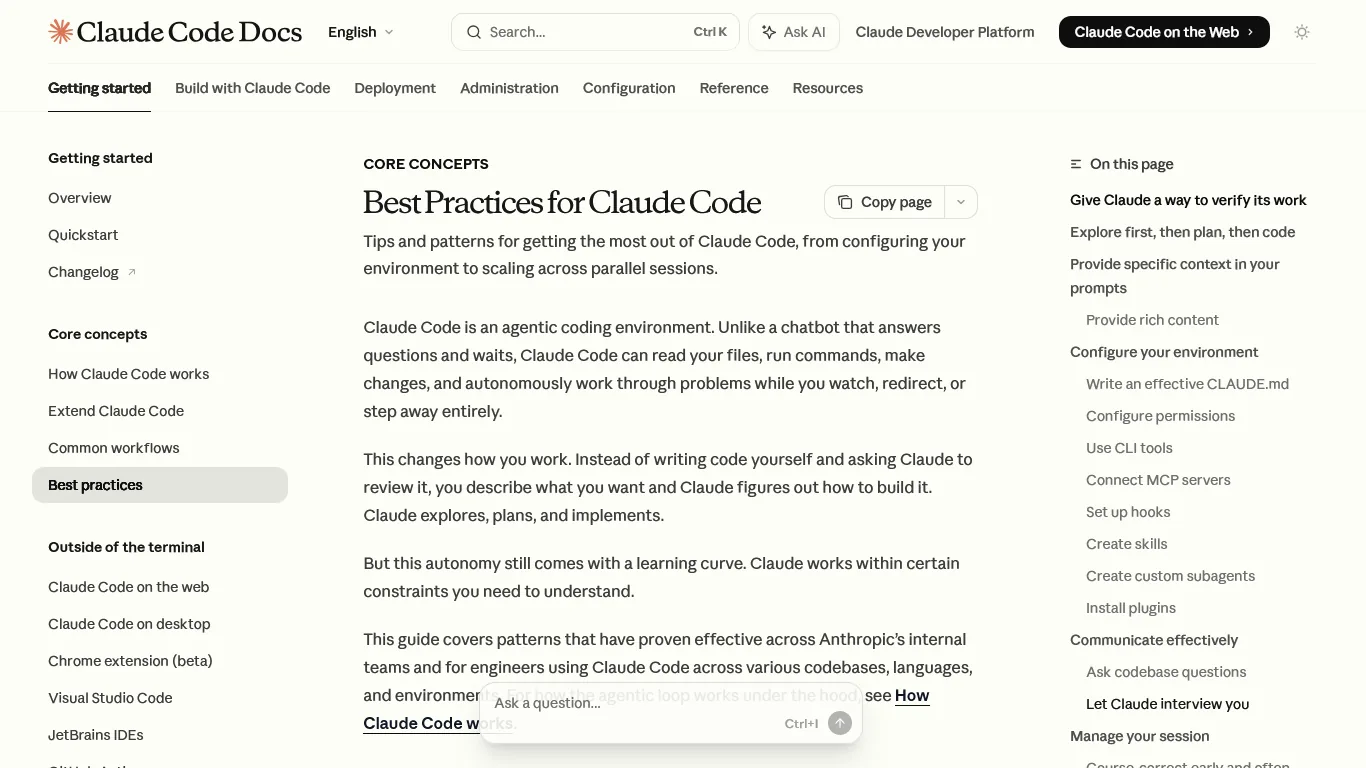
Specificity Techniques
Vague prompts produce generic code. Here’s how to be specific without being verbose.
Name Names
Bad:
Create a function to process the dataGood:
Create processOrderItems() that takes Order[] and returns OrderSummarySpecify Types
Bad:
Handle the input correctlyGood:
Accept string | string[] input, normalize to string[]Define Behavior
Bad:
Handle errors appropriatelyGood:
Throw ValidationError for invalid input, return null for not found, log and rethrow for unexpected errorsShow Don’t Tell
Bad:
Use modern JavaScript featuresGood:
Use async/await, optional chaining, nullish coalescingIteration Refinement
Getting perfect code on the first try is rare. Effective iteration is a skill.
Additive Refinement
Build on what works:
That looks good. Now add:
1. Input validation for email format
2. Rate limiting of 5 requests per minute
3. Logging for failed attempts
Specific Corrections
Point to exact issues:
Line 23: the error handling swallows the original error.
Preserve the stack trace by using: throw new ApiError(message, { cause: err })

Line 45: this creates N+1 queries. Batch the lookups using:
WHERE id IN (${ids.join(',')})
Constraint Addition
Add requirements you forgot:
This needs to work with Node 18 LTS. Replace:
- Array.prototype.at() with bracket notation
- String.prototype.replaceAll() with replace(/pattern/g, replacement)
Multi-File Operations
Claude Code excels at changes spanning multiple files. Here’s how to orchestrate them.
Explicit File Lists
Update the following files to add soft delete to User model:

1. prisma/schema.prisma - add deletedAt DateTime? field
2. src/services/UserService.ts - filter deleted users by default
3. src/routes/users.ts - add DELETE endpoint that soft deletes
4. src/middleware/auth.ts - reject deleted users
5. tests/user.test.ts - add tests for soft delete behavior
Dependency Order
When files depend on each other, specify order:
Make these changes in order (later files depend on earlier):

1. First: Update src/types/product.ts with new ProductVariant type
2. Then: Update src/services/ProductService.ts to use ProductVariant
3. Finally: Update src/routes/products.ts with new endpoints
Rollback Points
For risky changes:
Before making changes, show me the git diff preview.
After I approve, apply the changes and commit with message:
"feat: add product variants support"
Debugging Prompts
Debugging requires a different approach than generation.
Reproduce First
I'm seeing "TypeError: Cannot read property 'id' of undefined"
when calling /api/orders/123

Relevant context:
- Request has valid auth token
- Order 123 exists in database
- Error occurs at OrderService.ts:47

Read the files and identify the root cause before suggesting fixes.
Hypothesis Testing
I suspect the issue is race condition in the caching layer.
Add console.logs to track:
1. When cache is read
2. When cache is written
3. The order of async operations

Don't fix anything yet - I need to understand the timing first.
Explain Then Fix
This function sometimes returns undefined:

[paste function]

First, explain every code path that could return undefined.
Then suggest the minimal fix.
Test Generation Prompts
AI-generated tests are valuable but require guidance.
Coverage Direction
Generate tests for calculateShipping() covering:
1. Happy path: valid address, standard items
2. Edge cases: zero items, max weight limit
3. Error cases: invalid address, unsupported country
4. Boundary cases: exactly at weight thresholds
Test Style
Write tests using:
- Jest with describe/it blocks
- Testing Library for React components
- MSW for API mocking
- Our test utilities in tests/helpers/

Follow AAA pattern (Arrange, Act, Assert) with clear comments.
Fixture Generation
Create realistic test fixtures for:
- 10 users with varied profiles
- 5 products across different categories
- 3 orders with different statuses

Make them diverse but realistic - no obviously fake data
like "test@test.com" or "Product 1".
Advanced Techniques
Chain of Thought for Complex Logic
I need an algorithm to optimize delivery routes.

Before writing code:
1. List the constraints (max stops, time windows, vehicle capacity)
2. Describe 2-3 possible algorithms with tradeoffs
3. Recommend one based on our scale (50-200 deliveries/day)
4. Then implement with clear comments explaining the approach
Socratic Debugging
My auth system is rejecting valid tokens. Instead of fixing it,
ask me questions to understand:
- What I've already tried
- What logs/errors I'm seeing
- What changed recently

Help me find the root cause myself.
Constraint-Based Design
Design a notification system with these constraints:
- Must work offline (queue notifications)
- Must dedupe identical notifications within 5 minutes
- Must support urgency levels (show immediately vs batch)
- Must integrate with both push and email

Show me the type definitions first. I'll approve before implementation.
Anti-Patterns to Avoid
Knowing what not to do is just as important as crafting effective claude code prompts. Here are patterns that consistently produce poor results.
The Kitchen Sink
Don’t stuff everything into one prompt:
Bad:
Create a full e-commerce system with products, cart, checkout,
payments, orders, shipping, returns, reviews, wishlists,
notifications, and admin dashboard.
Better: Break into focused tasks and build incrementally.
The Mind Reader
Don’t expect Claude to know your preferences:
Bad: “Make it better”
Good: “Reduce function complexity by extracting helpers, add JSDoc comments, and improve variable names”
The Copy-Paste Dump
Don’t paste entire files without guidance:
Bad: [paste 500 lines] “Fix the bug”
Good: [paste relevant section] “Line 47-52 throws on empty input. Add null check.”
The Assumption Trap
Don’t assume context carries over:
Bad: “Now do the same for orders”
Good: “Apply the same soft-delete pattern from User to Order, updating OrderService.ts and routes/orders.ts”
Claude Code-Specific Tips
Use Autonomous Mode
Claude Code can run commands and verify its work:
Create the API endpoint, write tests, run them, and fix any
failures. Show me the final passing test output.
Use CLAUDE.md
Create a CLAUDE.md file in your project root with:
- Architecture overview
- Coding conventions
- Common patterns
- File organization
Claude Code reads this automatically.
Embrace Multi-Turn
Build complex features incrementally:
Turn 1: “Create the database schema” Turn 2: “Now create the service layer” Turn 3: “Add the API routes” Turn 4: “Generate comprehensive tests” Turn 5: “Add error handling throughout”
Each turn builds on verified work.
Measuring Your Claude Code Prompts Improvement
Track your prompt engineering progress:
- First-attempt success rate: How often does the first response work without modification?
- Iteration count: How many back-and-forths until you get what you want?
- Integration effort: How much manual adjustment after AI generates code?
- Bug rate: How often does AI-generated code have defects?
As your prompts improve, all these metrics should improve.
Common Pitfalls and Recovery Patterns
Even seasoned developers hit the same prompt-engineering snags. Knowing the recovery pattern saves a lot of wasted iterations.
Pitfall 1: Context that drifts mid-session. After 30+ turns the model can lose track of constraints you set early. The fix is a context refresh - paste the original requirements block again before issuing the next change. Pair that habit with a CLAUDE.md project file so persistent conventions survive across sessions.
Pitfall 2: Conflicting code patterns in your repo. If your codebase has two ways to handle errors, the model will pick one at random. Resolve it explicitly: “We use Result-style returns, not try/catch, for service-layer functions. Ignore the older try/catch pattern in src/legacy/.” If you’re auditing where conventions diverge, our code review checklist walks through the typical hotspots.
Pitfall 3: Tests that pass but don’t actually test. AI-generated tests can be tautological - asserting that a function returned what was just mocked. Always spot-check at least one test by changing the implementation and confirming it fails. The best AI coding assistants comparison covers how different tools handle test generation quality.
Pitfall 4: Premature optimization. The model will gladly add memoization, batching, or caching when you mention performance. Save those for after the feature works correctly - benchmark first, optimize second.
Conclusion
In 2026, writing effective claude code prompts is a learnable skill that compounds over time. The techniques in this guide - CRISP framework, context loading, specificity, and iteration strategies - will help you get better results with Claude Code immediately.
Start by improving your most common prompts. Create templates for repeated tasks. Build a personal library of effective prompts. With practice, you’ll spend less time explaining and more time building.
The AI is only as good as the instructions it receives. Master the art of instruction, and you master the tool.
Frequently Asked Questions
What makes a good Claude Code prompt?
Effective Claude Code prompts follow the CRISP framework - Context, Requirements, Integration, Style, and Parameters. Providing relevant code, project architecture, coding conventions, and edge cases upfront leads to first-attempt accuracy, clean integration with existing systems, and comprehensive error handling rather than repeated back-and-forth iterations. The strongest prompts also point to specific files Claude Code can read directly, rather than describing them in prose.
How are coding prompts different from regular AI prompts?
Unlike chat-focused prompt engineering, coding prompts require precision. You are requesting functional code that integrates with existing systems, follows specific patterns, and handles edge cases correctly - not essays or summaries. The stakes are higher because poor prompts produce code that works but does not fit your architecture or misses critical error handling. Coding prompts also benefit from explicit type signatures, named functions, and references to existing patterns the model can imitate.
What is the CRISP framework for Claude Code?
CRISP stands for Context (relevant code and project info), Requirements (what the code should do), Integration (how it connects with existing code), Style (coding conventions to follow), and Parameters (constraints and edge cases). Applying all five elements consistently helps Claude Code produce accurate, well-fitted results from the first attempt. Most prompt failures trace back to a missing CRISP element - usually Integration or Style, which is where generic-looking code creeps in.
Should I break large coding tasks into smaller prompts?
Yes - a sequential, turn-by-turn approach works well. For example: create the database schema first, then the service layer, then API routes, then tests, then error handling. Breaking complex work into focused steps gives Claude Code clearer targets and reduces wrong assumptions about your codebase. Each turn also acts as a checkpoint where you can verify the output before building on it, which is far cheaper than untangling a flawed monolithic generation.
What is a CLAUDE.md file and why use one?
A CLAUDE.md file lives in your project root and gives Claude Code persistent context about your project. It typically includes an architecture overview, coding conventions, common patterns, and file organization. Loading this context upfront reduces repeated explanations and helps Claude Code make correct assumptions across every session. Teams treat CLAUDE.md as living documentation - update it whenever a convention changes so every future session inherits the latest standards.
Want to learn more about Claude Code?
Related Guides
- Claude Code Hooks Deep Dive - Automate pre/post tool execution workflows
- Claude Code Skills Tutorial - Build reusable skill modules
- Claude Code Simplifier Pre-Commit Hook - Auto-clean code before every commit
- Building MCP Servers Guide - Connect Claude Code to external data
- ChatGPT Prompts 2026 - Compare prompt techniques across AI assistants
External Resources
- Anthropic Prompt Engineering Guide - Official techniques from Claude’s creators
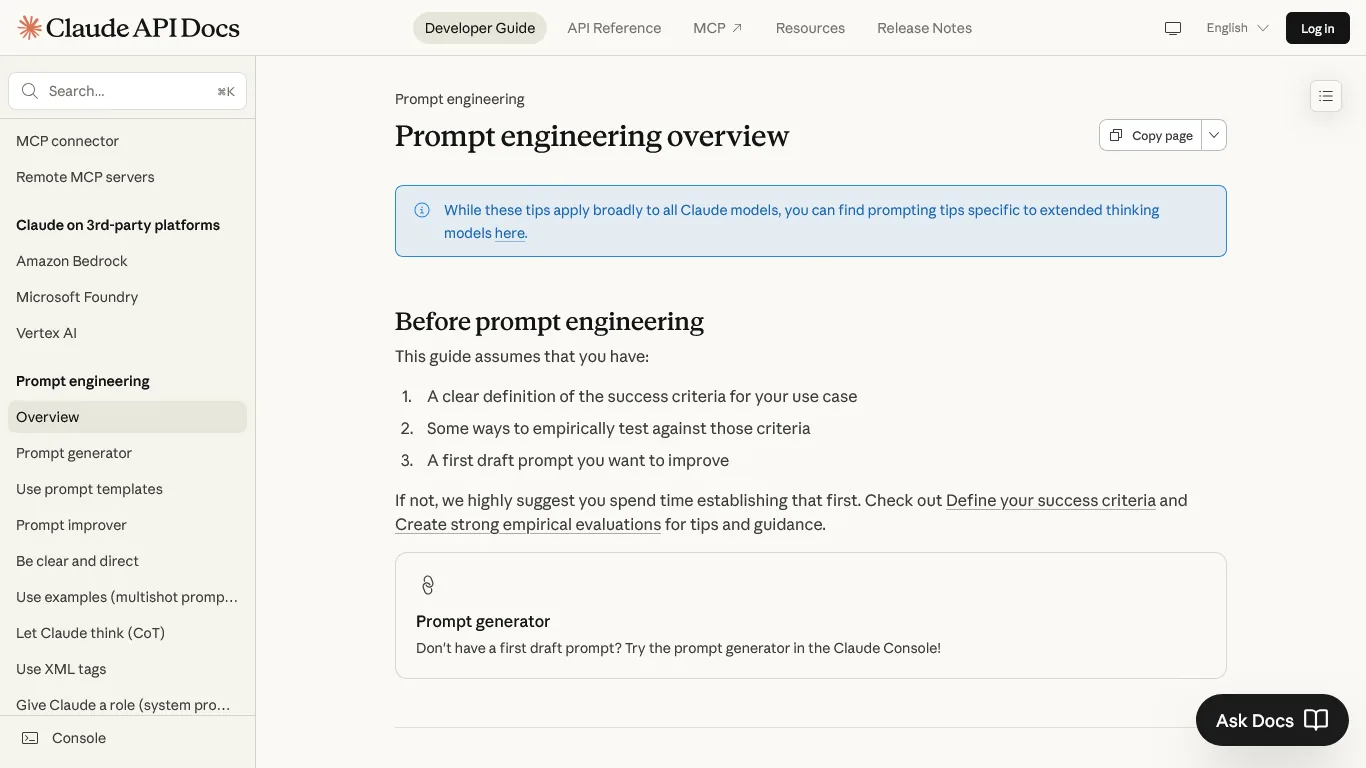
- Claude Code Best Practices - Anthropic’s recommended workflows
- Claude Code Documentation - Complete reference for all features
Related Guides
- AI Agent Orchestration: Patterns That Scale in 2026
- AI Productivity Trends 2026: 6 Real Shifts, No Hype
- Building AI First Workflows: A Practitioner's 2026 Guide
- Building Mcp Servers Guide: 2026 Walkthrough for Teams
- ChatGPT Custom GPTs Guide - Save 130+ Hours a Year
- Claude Code Hooks Guide: PreToolUse, PostToolUse, Stop
- Claude Code Simplifier Pre-commit Hook: Complete 2026 Guide
- Claude Code Skills Tutorial: 2026 Walkthrough for Teams
- Claude Code Tips and Tricks (2026): 10 Power Workflows
- Claude Code Ultraplan & Plan Mode: Complete Guide (2026)