





Salesforce native sales tools are applications built directly on the Salesforce platform - not bolted-on integrations - that automatically log activities, maintain a single source of truth for data, and eliminate context switching for reps. Unlike basic integrations that sync data periodically and require manual logging, native tools live inside Salesforce and use its APIs, permissions, and architecture.
Most sales tools claim to “integrate” with Salesforce, but in reality they are bolted-on solutions that require constant syncing, manual logging, and workarounds. True salesforce native sales tools - built directly on the platform - drive higher adoption, cleaner data, and better rep productivity. This guide breaks down what “native” really means, reviews the top salesforce native sales tools, and shows you how to build a stack reps will actually use.
Methodology: What “Salesforce-Native” Really Means
Salesforce-native means a tool is built directly on the Salesforce platform using its APIs, data model, and permissions - not a separate app that syncs data through middleware. Our analysis draws on current vendor documentation, customer case studies, and pricing pages rather than sponsored placement, and AI Productivity may earn a commission from links on this page - our rankings stay editorially independent.
Native vs. Integration: The Critical Difference
A Salesforce-native tool is built on the Salesforce platform using its APIs and architecture:
- Automatic activity logging - calls, emails, and meetings sync in real-time without manual steps
- Single source of truth - data lives in Salesforce, not a separate database
- No context switching - reps work inside Salesforce without jumping between platforms
- Unified permissions - Salesforce admins control access from one place
- Native field mapping - custom objects and fields work without middleware
A basic integration requires separate logins, syncs on 5-15 minute delays, forces reps into external platforms, often fails to sync custom fields, and creates conflicts when records update simultaneously.
Teams commonly waste 8-10 hours per week on manual logging with integrated tools. When OrthoFX implemented Revenue.io, reps saved 8 hours per week and saw a 60% productivity boost. If you are weighing Salesforce against other CRM options, our Salesforce alternatives guide covers the leading competitors.
Revenue.io: The #1 Salesforce-Native Dialer
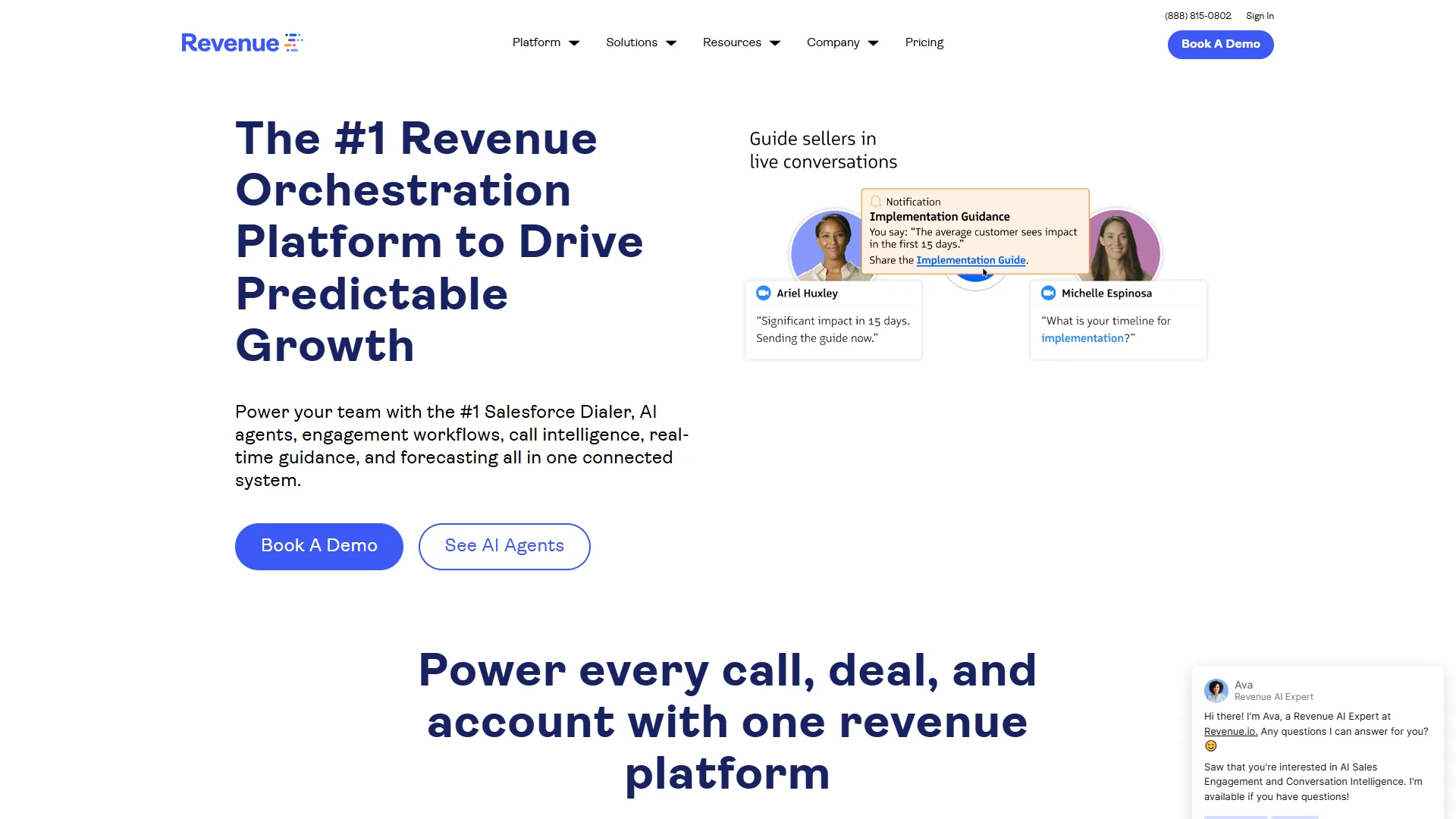
Revenue.io is the #1 Salesforce-native dialer because its RingDNA platform runs entirely inside Salesforce, logs every call and email automatically, and bundles AI coaching with conversation intelligence in one unified app. According to OrthoFX VP of Revenue Operations John Schneider, in a Revenue.io case study, “Our reps now save eight hours every week on activity logging alone, and we saw a sixty percent productivity boost across the team.” Among the major sales engagement platforms, Revenue.io stands out as the most comprehensive Salesforce-native solution.
Why Revenue.io Dominates the Native Space
Revenue.io is a complete sales engagement platform built specifically for Salesforce teams. Four things set it apart:
1. True Native Architecture - Operates entirely within Salesforce: zero sync delays, 100% automatic activity logging, custom fields mapped without middleware, single sign-on with unified permissions.
2. AI Sales Agents - Call scoring against your methodology, follow-up email generation from conversation context, forecasting assistance, and meeting prep. These agents pull context directly from CRM data. When NFI Industries implemented them, they saw 8X more conversations and 10X more meetings with decision makers.
3. Real-Time AI Coaching - Battle cards, objection prompts, and competitive intelligence appear live in the Salesforce interface, reducing ramp time by ~40% and lifting win rates on competitive deals.
4. Guided Selling with AI Cadences - Tells reps the next action across email, phone, LinkedIn, and meetings. Cadences adapt to prospect behavior, pull Salesforce context, and provide channel-specific coaching.
Key Features and Capabilities
Dialer: one-click dialing from any Salesforce page, local presence (30-40% higher connect rates), voicemail drop (saves 5-8 hours/week on high-volume teams), call queuing for power dialers.
Conversation Intelligence: automatic recording and transcription across phone, Microsoft Teams, Zoom, and Google Meet; AI summaries with next steps; scorecards against your methodology; talk-time and engagement metrics; searchable transcripts.
Revenue Intelligence: opportunity scorecards, risk flags from conversation and engagement patterns, forecast-accuracy dashboards, manager coaching workflows with call reviews.
Pricing and ROI
Revenue.io uses custom pricing starting around $95 per user per month, with final costs depending on team size and required features. While this is higher than basic dialers ($30-50/month), the ROI typically justifies the investment within 2-3 months.
Real ROI Examples:
| Field | Value |
|---|---|
| OrthoFX | 8 hours saved per rep per week, 60% productivity boost |
| NFI Industries | 8X conversation increase, 10X more decision-maker meetings |
| HPE | 400% opportunity increase in target accounts |
Calculating ROI for a 20-person sales team, the time savings alone (8 hours × 20 reps × $50/hour) deliver $32,000 per month in value - a 5X return on the platform investment.
What Are the Limitations to Consider?
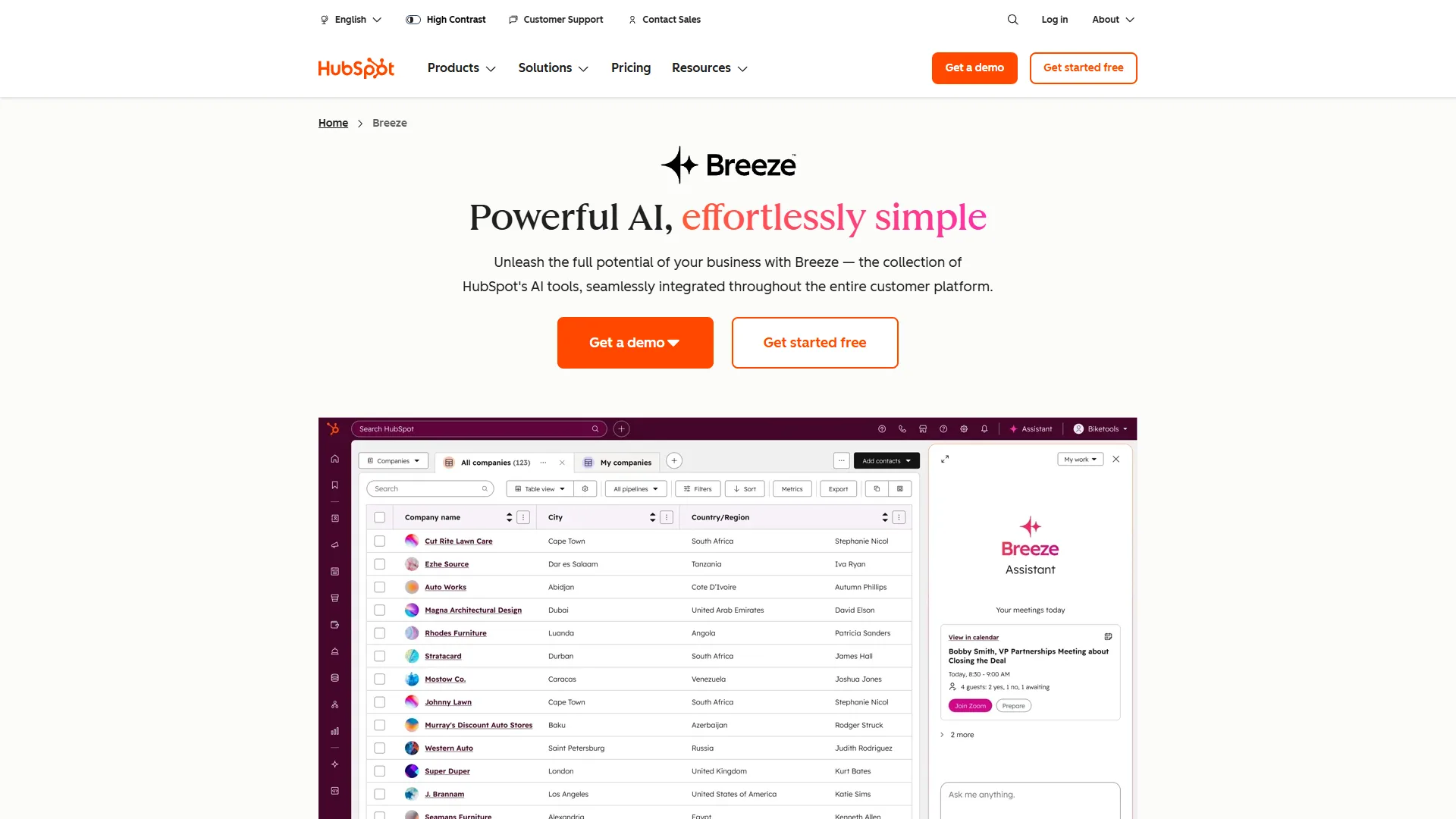
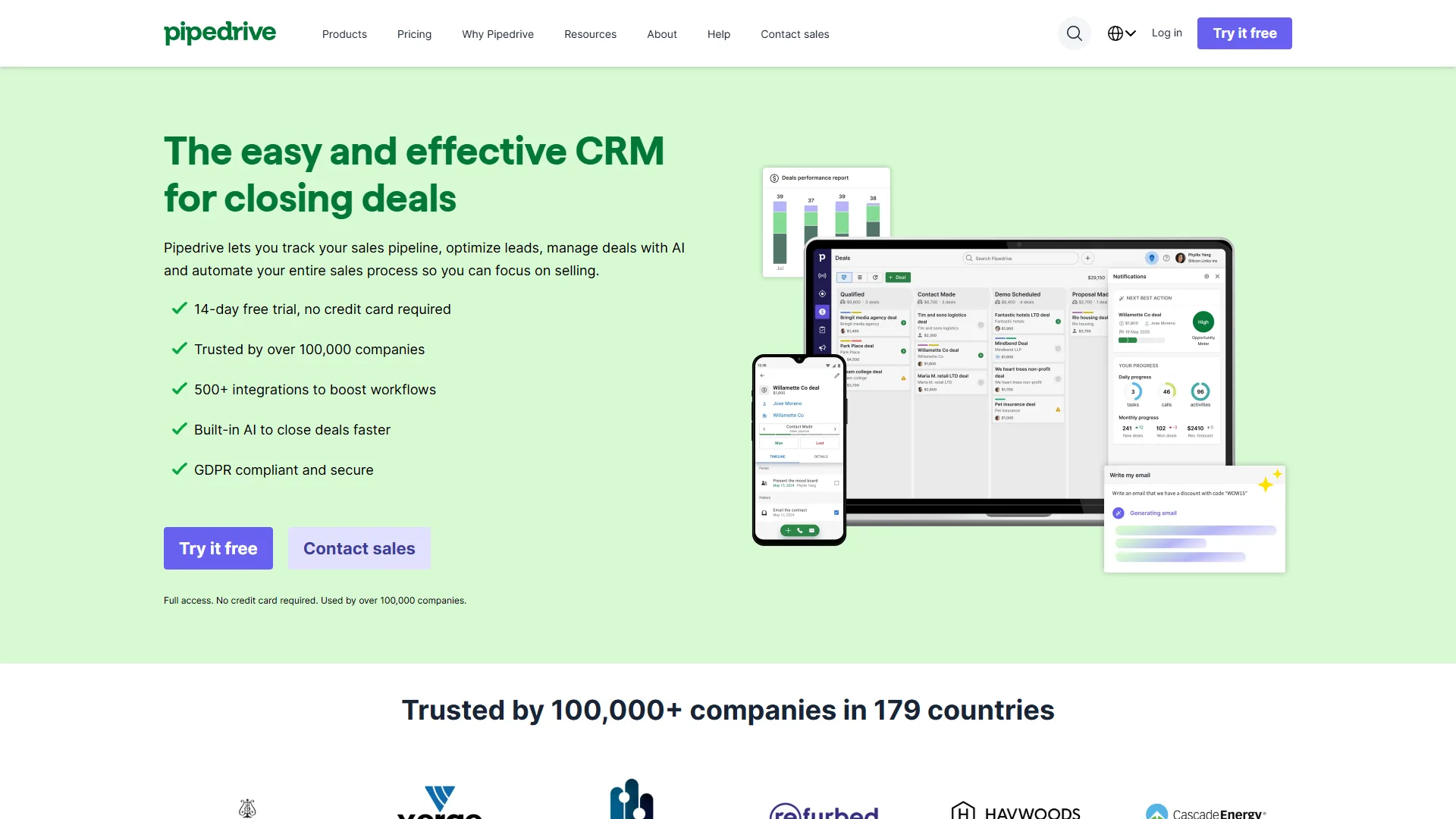
Revenue.io’s biggest limitation is also its greatest strength: it only works with Salesforce. If you’re using HubSpot, Pipedrive, or other CRMs, you’ll need to look elsewhere.
Other considerations:
- Dialer interface can feel clunky - Some users report needing to re-login frequently in the dialer window
- Contact search lacks auto-complete - Unlike SalesLoft or Outreach, searching contacts doesn’t provide predictive suggestions
- Activity logging at contact level - Logs to contacts rather than opportunities, which some teams find limiting
- Mandatory call dispositioning - Can slow workflow for high-volume teams
For most Salesforce teams, these limitations are minor compared to the benefits of true native integration.
Other Essential Salesforce Native Sales Tools
Other essential Salesforce-native sales tools include Salesforce Sales Cloud with Einstein AI, Salesforce CPQ for quote generation, Pardot for marketing automation, and conversation-intelligence platforms like Gong, Salesloft, and Outreach. While Revenue.io provides the most comprehensive native platform, you will want additional tools to round out your sales stack.
Salesforce Sales Cloud with Einstein AI
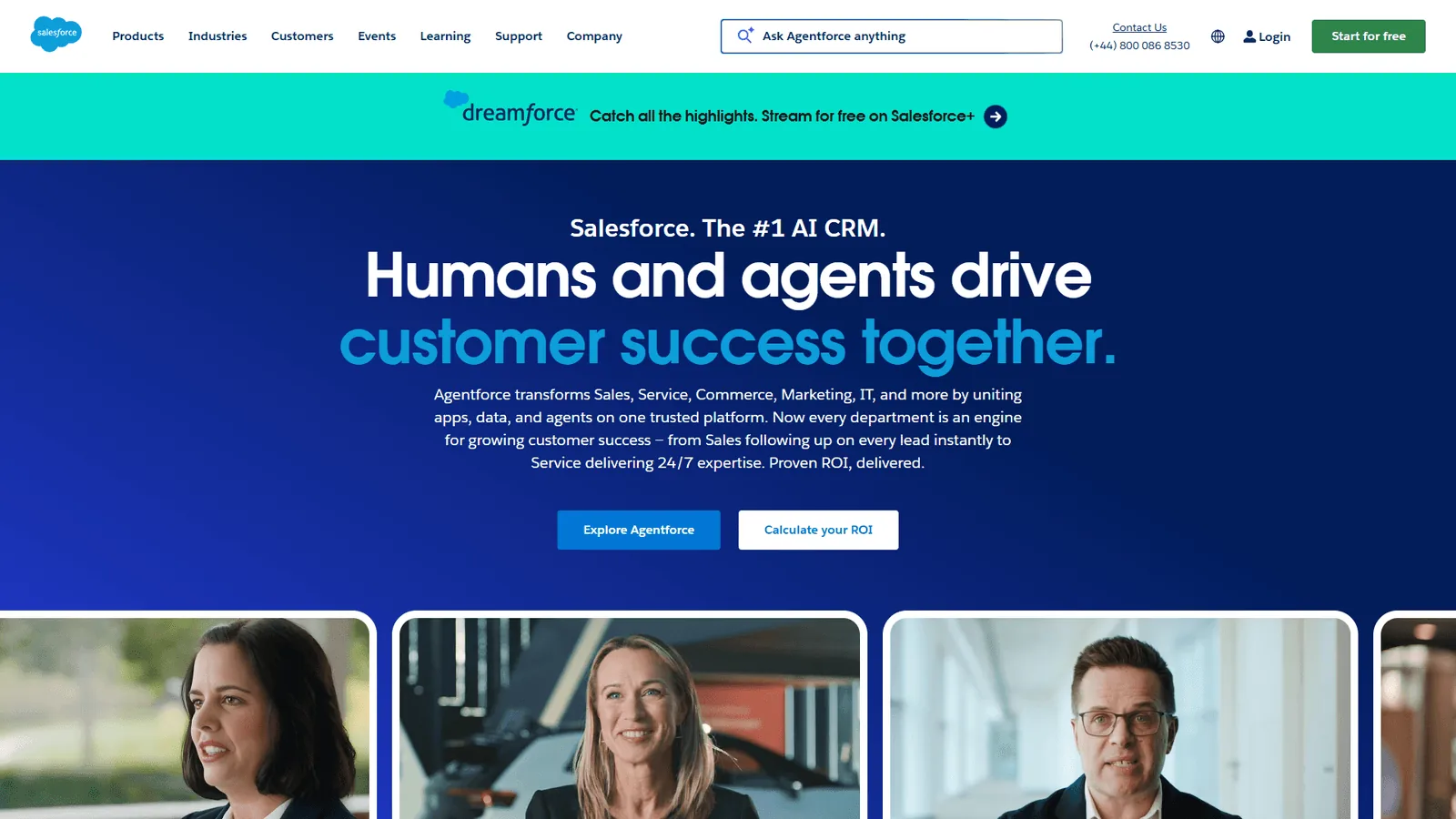
The foundation of any Salesforce sales stack is Sales Cloud itself, which now includes impressive AI capabilities through Einstein:
Einstein Lead Scoring - Automatically prioritizes leads based on conversion probability using historical data patterns. B2B SaaS teams report a 35% improvement in lead conversion rates by focusing reps on high-probability opportunities.
Einstein Opportunity Insights - Flags at-risk deals based on engagement patterns, relationship strength, and historical win/loss data. The key advantage: these insights use your entire Salesforce dataset, not just conversation data.
Einstein Activity Capture - Automatically logs emails and meetings from Gmail or Outlook to Salesforce. While not as comprehensive as Revenue.io’s activity logging, it’s included with Sales Cloud Enterprise and works well for email-heavy teams.
Pricing: Sales Cloud Professional starts at $80 per user/month, with Einstein features available in Enterprise ($165 per user/month) and Unlimited ($330 per user/month) editions.
Salesforce CPQ for Quote Generation
For teams selling complex products with multiple configurations, Salesforce CPQ (Configure, Price, Quote) is the native solution for generating accurate quotes.
Key advantages over third-party quoting tools:
- Prices and configurations stay in sync with product catalog
- Approval workflows integrate with Salesforce approval processes
- Quote history links directly to opportunities
- Custom pricing rules based on deal size, industry, or relationship
CPQ shines for enterprise sales teams with complex pricing models. However, the implementation can take 3-6 months and requires significant Salesforce expertise.
Pardot for Marketing Automation
Pardot (now called Marketing Cloud Account Engagement) provides marketing automation that’s fully integrated with Sales Cloud.
Native advantages:
- Lead scoring syncs directly to Salesforce lead records
- Campaign members automatically sync with Salesforce campaigns
- Form submissions create or update Salesforce leads without middleware
- Email engagement data appears in lead and contact activity timelines
For B2B teams running nurture campaigns, having marketing automation data directly in Salesforce eliminates the “black box” problem where sales and marketing operate on different data.
Pricing: Starts at $1,250/month for up to 10,000 contacts.
Conversation Intelligence Alternatives
If you need conversation intelligence but aren’t ready for the full Revenue.io platform, consider these Salesforce-integrated options:
Gong - The market leader in conversation intelligence, with medium-level Salesforce integration. While not fully native (data lives in Gong’s database), the integration is robust enough for most teams. Gong excels at deal intelligence and competitive analysis across your entire call library.
Limitation: Requires separate login, and some data syncing is required. Pricing starts around $1,200/user/year.
Sales Engagement Platform Alternatives
Salesloft and Outreach are the two major alternatives to Revenue.io for sales engagement.
Key differences from Revenue.io:
- Support multiple CRMs (not just Salesforce)
- More polished user interfaces with better search and navigation
- Activities log to both contacts and opportunities
- More flexible cadence building with branching logic
Trade-off: Neither is truly Salesforce-native. They sync data bidirectionally but maintain separate databases, which introduces sync delays and potential conflicts. For teams that plan to switch CRMs or run multiple systems, this flexibility is valuable. For committed Salesforce teams, Revenue.io’s native approach is superior.
Pricing: Both start around $100-125/user/month.
How to Evaluate Salesforce-Native vs Integration Tools
Evaluating Salesforce-native versus integration tools comes down to four factors: data integrity needs, user adoption priorities, total cost of ownership, and your long-term CRM strategy. When deciding between native and integrated solutions, consider these factors:
1. Data Integrity Requirements
Choose native if:
- Your forecasting depends on accurate, real-time activity data
- You have complex custom objects that need to sync seamlessly
- Your team frequently works with custom fields or advanced Salesforce features
- You’ve experienced data conflicts or sync issues with previous integrations
Integration works if:
- You primarily track standard objects (leads, contacts, opportunities)
- Your team can tolerate 5-15 minute sync delays
- You have dedicated RevOps resources to manage middleware and troubleshoot sync issues
2. User Adoption Priorities
Native tools typically see 30-40% higher adoption rates because reps don’t need to context-switch. If you’ve struggled with tool adoption in the past, native solutions reduce friction significantly.
Red flag scenarios for integrations:
- Reps currently ignore tools that require separate logins
- Your team has low CRM hygiene (many missed activity logs)
- Onboarding takes 4+ weeks due to tool complexity
3. Budget and Pricing Models
Native tools often cost 20-40% more than basic integrations, but typically deliver higher ROI through:
- Reduced implementation time (native tools often deploy in 1-2 weeks vs. 4-8 weeks for complex integrations)
- Lower ongoing maintenance costs
- Higher productivity gains from eliminated context-switching
Calculate your true total cost including:
- Per-user licensing
- Implementation and customization fees
- Ongoing admin time for middleware management
- Rep time lost to manual logging and context-switching
4. Future CRM Strategy
The biggest downside of native tools: vendor lock-in. If there is any chance you will migrate to HubSpot, Pipedrive, or another CRM in the next 2-3 years, tools like Salesloft or Outreach that support multiple platforms are the safer bet.
However, if you’re committed to Salesforce (as most enterprise teams are), native tools provide significantly better experiences.
Step-by-Step: How to Build a Salesforce Sales Stack
Here is a recommended approach to building a Salesforce-native sales stack based on team size and budget:
Startup/SMB Stack (5-20 reps, under $150k sales budget)
Core Tools:
- Salesforce Sales Cloud Professional ($80 per user/month)
- Revenue.io for dialing and basic conversation intelligence (approximately $95 per user/month)
- Einstein Activity Capture (included with Enterprise tier, $165 per user/month)
Total cost: approximately $175-260/user/month
Why this stack: Covers essential dialing, activity logging, and basic AI capabilities. Revenue.io provides the highest-value native integration at this stage.
Mid-Market Stack (20-100 reps, $150k-$1M sales budget)
Core Tools:
- Salesforce Sales Cloud Enterprise with Einstein ($165 per user/month)
- Revenue.io with full platform ($120-150/user/month)
- Pardot for marketing automation (team license starting $1,250/month)
- Salesforce CPQ if selling complex products (custom pricing)
Total cost: approximately $285-315/user/month + team licenses
Why this stack: Adds sophisticated marketing automation and quoting capabilities. Einstein AI provides lead scoring and opportunity insights. Revenue.io’s full platform includes guided selling and AI agents.
Enterprise Stack (100+ reps, $1M+ sales budget)
Core Tools:
- Salesforce Sales Cloud Unlimited ($330 per user/month) with all Einstein features
- Revenue.io full platform ($150+/user/month with volume pricing)
- Pardot Advanced ($4,000/month) or Marketing Cloud
- Salesforce CPQ with advanced approvals
- Gong for enterprise-wide conversation intelligence ($100 per user/month)
- Custom Salesforce development for unique workflows
Total cost: approximately $580+/user/month + custom development
Why this stack: Combines Revenue.io’s native sales engagement with Gong’s superior conversation intelligence library. Einstein Unlimited provides maximum AI capabilities. Custom development optimizes Salesforce for your exact sales process.
Stack Implementation Tips
Phase your rollout:
- Month 1: Implement core CRM (Sales Cloud) and get data clean
- Month 2: Add dialer/engagement platform (Revenue.io) with pilot team
- Month 3: Roll out to full sales team, optimize cadences
- Month 4: Layer in conversation intelligence and AI features
- Month 5+: Add marketing automation and specialized tools
Avoid the “big bang” approach of implementing everything simultaneously. Teams that try this often end up with poor adoption across all tools. Sequential rollouts give reps time to adapt and allow you to optimize each tool before adding complexity.
Final Verdict
The final verdict is that Revenue.io is the top Salesforce-native sales platform for committed Salesforce teams, while Salesloft and Outreach remain the better picks for multi-CRM environments. Based on research across multiple sales organizations, here is the bottom line on salesforce native sales tools:
For committed Salesforce teams: Native tools are worth the premium. The combination of automatic activity logging, zero sync delays, and seamless data flow typically delivers 30-40% higher ROI than integrated alternatives. Revenue.io provides the most comprehensive native platform, covering dialing, engagement, conversation intelligence, and AI coaching in one unified solution.
For multi-CRM environments: Consider Salesloft or Outreach instead. While you’ll sacrifice some native benefits, the flexibility to work across multiple CRMs is valuable if your organization uses different systems by division or geography.
Start with the dialer: If you’re unsure where to begin, implement Revenue.io’s RingDNA Dialer first. The productivity gains from local presence dialing, voicemail drop, and automatic activity logging typically pay for themselves within 60-90 days. You can add AI agents and conversation intelligence later as your team sees value.
The sales technology landscape is crowded with tools claiming to boost productivity. The difference with truly native Salesforce solutions is that they eliminate friction rather than adding it. When your tools live where your data lives, reps spend more time selling and less time managing their tech stack.
Ready to test a Salesforce-native sales platform? Start with Revenue.io’s free trial and experience the difference native integration makes for activity logging, dialing efficiency, and AI-powered coaching.
Frequently Asked Questions
Frequently asked questions about Salesforce-native sales tools cover CRM compatibility, minimum team size, required Sales Cloud edition, implementation time, and how Einstein AI overlaps with Revenue.io.
Q: Can I use Revenue.io with HubSpot or Pipedrive?
No, Revenue.io is Salesforce-only. If you use other CRMs, consider Salesloft or Outreach instead.
Q: What’s the minimum team size for Revenue.io? Revenue.io works for teams of 5+ sales reps. Smaller teams will find the pricing difficult to justify compared to basic dialers like JustCall or AirCall.
Q: Do I need Sales Cloud Enterprise for native tools? Not necessarily, but Enterprise tier ($165 per user/month) includes Einstein features that significantly enhance native tools. Professional tier ($80 per user/month) works with Revenue.io but lacks Einstein AI.
Q: How long does implementation take? Revenue.io typically deploys in 1-2 weeks for standard implementations. Custom cadence building and AI training add another 2-4 weeks. Compare this to 6-8 weeks for complex integrated solutions.
Q: Will Einstein AI replace Revenue.io? No - they serve complementary roles. Einstein provides CRM-level intelligence (lead scoring, opportunity insights), while Revenue.io provides sales execution tools (dialing, cadences, conversation intelligence). Most high-performing teams use both.
Related Reads
Related reads cover every tool reviewed in this guide alongside broader CRM comparisons for teams weighing alternatives. Tools covered in this article (with each tool’s tradeoffs and limitations):
- Revenue.io - Salesforce-native sales platform
- HubSpot - All-in-one CRM and marketing platform
- Pipedrive - Sales-focused CRM
- Salesforce - Enterprise CRM platform
More CRM guides:
- Best CRM Software 2026 - CRM platforms compared
- Pipedrive vs HubSpot - CRM comparison
- Best Sales Engagement Platforms 2026 - Sales engagement tools
External Resources
External resources include official vendor documentation, independent research firm coverage, and primary-source case studies for each platform in this guide. For official documentation and updates:
- Revenue.io official site - Vendor documentation and case studies
- Salesforce AppExchange - Verified native app marketplace
- Salesforce Sales Cloud documentation - Official Sales Cloud and Einstein AI documentation
- Gartner Sales Force Automation Magic Quadrant - Independent analyst coverage