If you’re drowning in calendar chaos, you’ve probably heard about AI schedulers that promise to fix everything. The three biggest names — Motion vs Reclaim vs Clockwise — all claim to be the best AI calendar assistant. After testing all three for the past eight months, I’m breaking down exactly which one wins for different use cases.
The short answer? It depends on what you need. Motion dominates if you want an all-in-one project management system. Reclaim.ai wins for meeting-heavy calendars and the best free tier. Clockwise excels at team-wide optimization with the lowest price point. Let’s dig into the details.
Quick Comparison Table
| Feature | Motion | Reclaim.ai | Clockwise |
|---|---|---|---|
| Pricing | $19-34/mo individual, $12-20/user team | Free tier, $8-18/user/mo paid | Free tier, $6.75-20/user/mo paid |
| Free Tier | ❌ No | ✅ Yes | ✅ Yes |
| Rating | |||
| Project Management | ✅ Built-in | ❌ No | ❌ No |
| Mobile Apps | ✅ iOS + Android | ✅ iOS + Android | ❌ No |
| Task Scheduling | ✅ Automatic | ✅ Automatic | ⚠️ Limited |
| Team Features | ✅ Yes | ✅ Yes | ✅ Advanced |
| Integrations | 15+ | 50+ | 30+ |
| Best For | Solopreneurs wanting all-in-one | Meeting-heavy professionals | Large teams (50+) |
Motion: The All-in-One Powerhouse
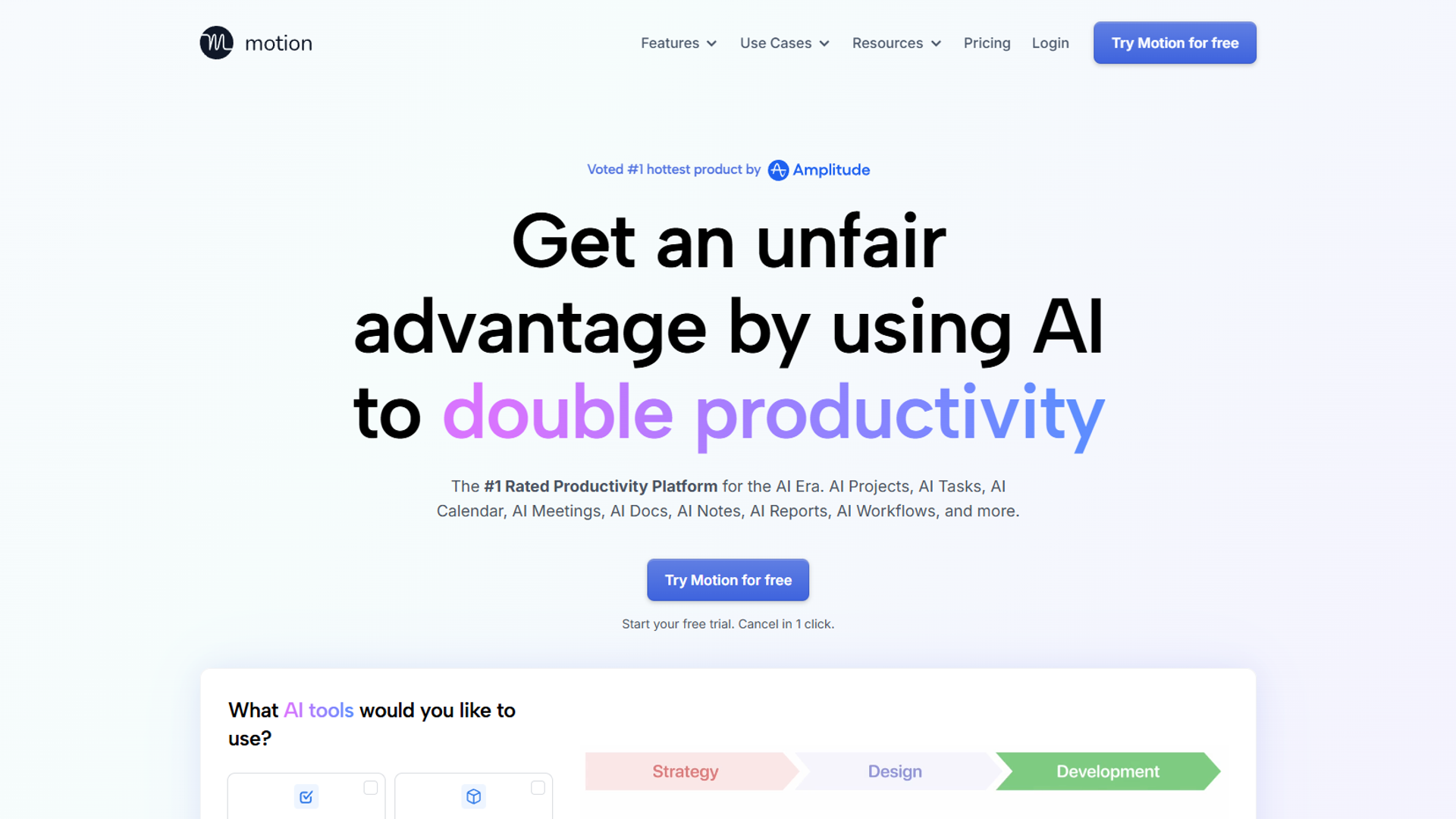
Motion isn’t just a calendar — it’s a complete productivity operating system. I’ve been using it since early 2024, and it replaced three tools in my stack: my calendar, Asana, and my task manager.
What Motion Does Best
Motion’s killer feature is automatic task scheduling. You give it a task, a deadline, and how long it’ll take — Motion figures out when to do it. If a meeting pops up, it automatically reschedules your tasks. No manual dragging. No stress.
The project management system is surprisingly robust. I manage client projects, content calendars, and personal goals all in Motion. The AI scheduling works across all of it, not just your calendar events.
Motion Pricing (December 2026)
- Individual: $19/month (annual) or $34/month (monthly)
- Team: $12/user/month (annual) or $20/user/month (monthly)
- No free tier — this is the biggest barrier
I’ll be honest: at $34/month, Motion is expensive if you’re just testing the waters. But if it replaces your project manager ($10-15/mo) plus your calendar assistant, the math works out.
Motion Pros & Cons
Pros:- All-in-one system eliminates tool switching
- Mobile apps are excellent (rare for productivity tools)
- AI task scheduling actually works
- Meeting scheduler included
- Great for solopreneurs and small teams
- No free tier makes it hard to test
- Expensive at $34/month if paying monthly
- Fewer integrations than Reclaim (15 vs 50+)
- Overkill if you just need calendar help
Best for: Solopreneurs, freelancers, and small teams who want one tool to rule them all. If you’re currently paying for Asana + Calendly + a task manager, Motion saves you money.
Reclaim.ai: The Meeting Master
Reclaim.ai has been my go-to recommendation for people who say “I’m in meetings all day and have no time to work.” It’s laser-focused on defending your calendar from meeting overload.
What Reclaim.ai Does Best
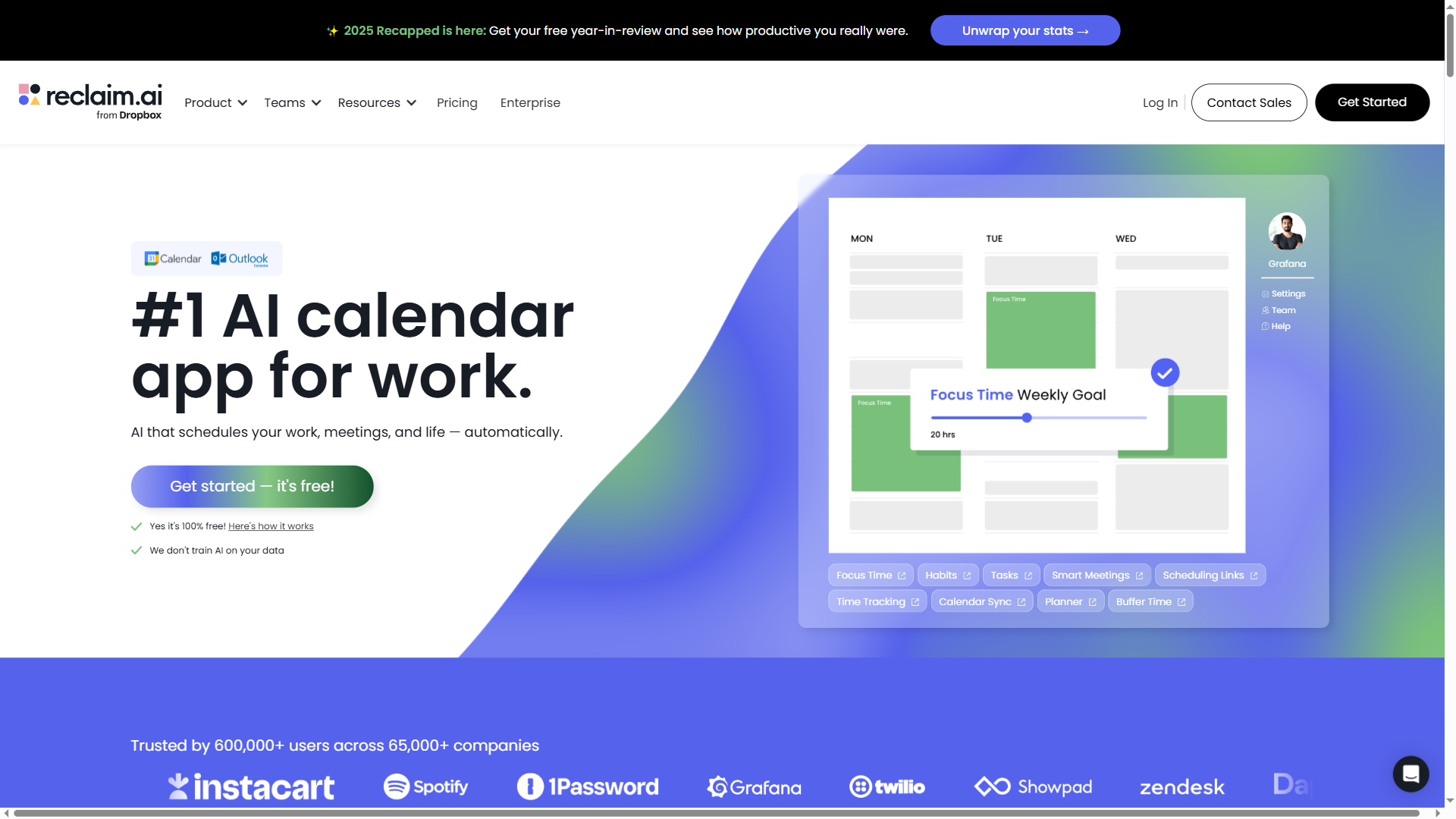
Reclaim’s superpower is habit defense. You tell it you need 2 hours of deep work daily — it blocks that time and automatically moves it when meetings get scheduled. I use it for morning writing time, gym sessions, and lunch breaks.
The free tier is legitimately useful, unlike most “free trials.” You get unlimited calendar syncing, smart 1:1 meeting scheduling, and basic habits. That’s enough for most people to see real value.
Integration-wise, Reclaim connects to everything: Asana, Todoist, ClickUp, Linear, Jira, Slack — 50+ tools. If you already love your project manager, Reclaim won’t force you to switch.
Reclaim.ai Pricing (December 2025)
- Free: Unlimited calendar sync, basic habits, 1:1 scheduling
- Starter: $8/user/month (annual) or $10/user/month (monthly)
- Business: $12/user/month (annual) or $15/user/month (monthly)
- Enterprise: $18/user/month (custom pricing available)
The free tier is Reclaim’s secret weapon. You can use it indefinitely without paying a cent. Upgrade when you need advanced features like travel time buffers or priority ranking.
Reclaim.ai Pros & Cons
Pros:- Best free tier of any AI calendar tool
- 50+ integrations (most in the category)
- Habit defense is unmatched
- Highest user rating in this comparison ()
- Great for meeting-heavy professionals
- No built-in project management
- Learning curve for advanced features
- Task scheduling requires paid tier
- Can feel overwhelming with all the settings
Best for: Professionals drowning in meetings who already use a project management tool they love. The free tier makes it risk-free to try.
Clockwise: The Team Optimizer
Clockwise takes a different approach than Motion and Reclaim. Instead of optimizing your calendar, it optimizes your team’s calendar. I’ve watched it magically create 3-hour focus blocks for entire engineering teams.
What Clockwise Does Best
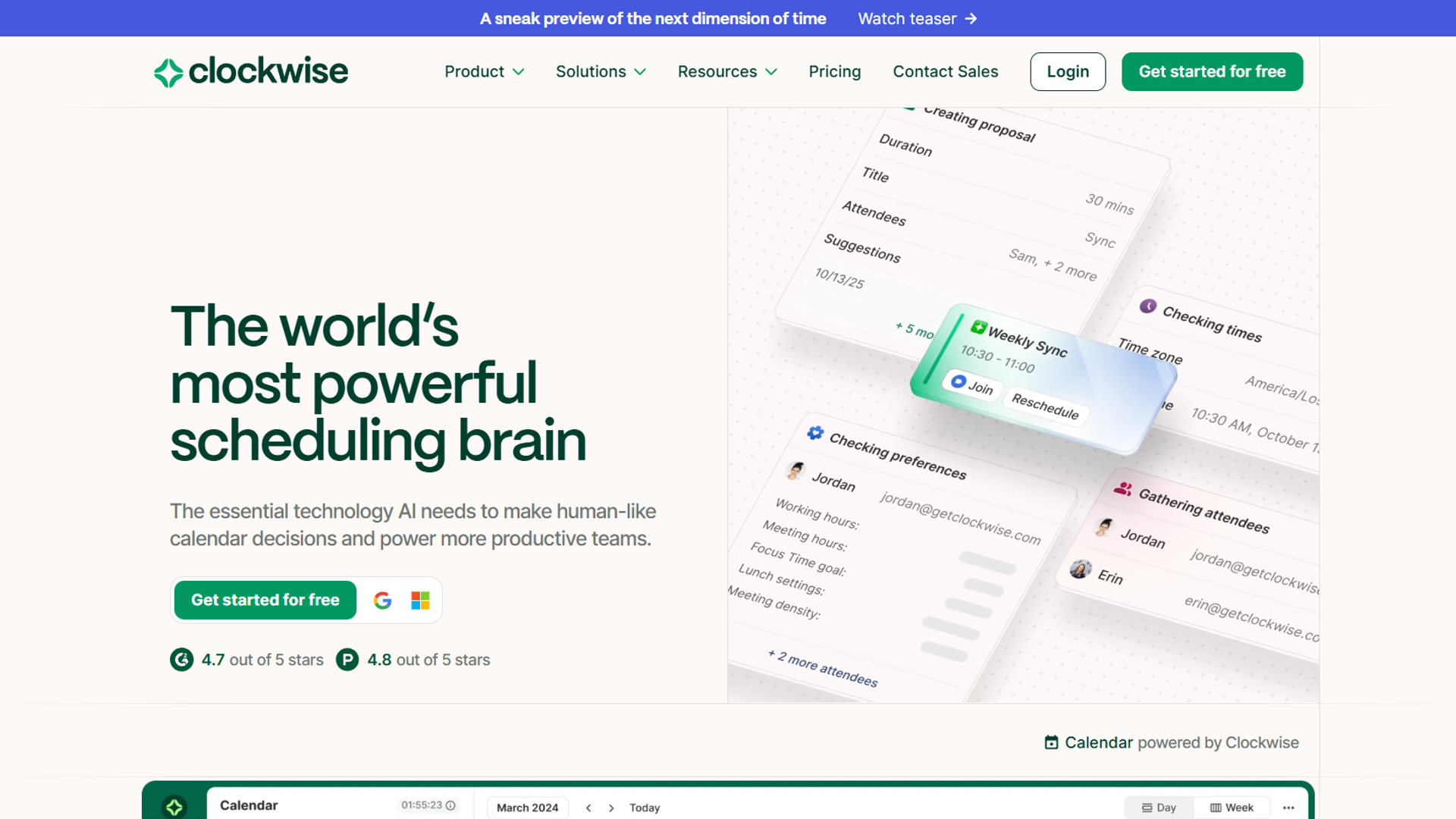
Clockwise’s AI looks at everyone’s calendar and automatically reschedules meetings to create longer focus blocks. It’s not asking you to manually move things — it just does it, with your permission.
The team features are sophisticated. You can set “no meeting days” for your whole department. Create team-wide focus time. Protect Fridays from internal meetings. The free tier handles up to 5 people, perfect for small teams testing it out.
One unique feature: automatic meeting rescheduling. If a conflict pops up, Clockwise suggests better times to everyone involved. I’ve seen teams cut meeting coordination time by 60%.
Clockwise Pricing (December 2025)
- Free: Up to 5 users, basic focus time, calendar sync
- Teams: $6.75/user/month (annual) or $9/user/month (monthly)
- Business: $12/user/month (annual) or $16/user/month (monthly)
- Enterprise: $20/user/month (custom pricing)
At $6.75/user/month, Clockwise has the lowest starting price for paid plans. For a 50-person team, that’s $337.50/month vs $600+ for Motion or Reclaim.
Clockwise Pros & Cons
Pros:- Lowest price point ($6.75/user/mo)
- Best team-wide optimization
- Automatic meeting rescheduling
- No-meeting day enforcement
- Great for large teams (50+)
- No mobile apps (major limitation)
- Limited task scheduling
- Less useful for individuals
- Requires team adoption to shine
- No project management features
Best for: Teams of 10+ people struggling with fragmented calendars and constant context switching. The ROI increases with team size.
Decision Framework: Choose Your AI Scheduler
After 8 months testing all three, here’s how to decide:
Choose Motion If…
- You want one tool for calendar + tasks + projects
- You’re a solopreneur or freelancer with complex workflows
- You need mobile apps (iOS + Android)
- You’re willing to pay $19-34/month for an all-in-one system
- You hate switching between tools
Motion is the best replacement for multiple tools. If you’re currently juggling Asana + Google Calendar + a task manager, Motion simplifies everything.
Choose Reclaim.ai If…
- You’re drowning in meetings and need focus time protection
- You want to try a free tier before committing
- You already use a project manager you love (Asana, Todoist, etc.)
- You need 50+ integrations
- Calendar habits (gym, lunch, deep work) are important to you
Reclaim is the best addition to your existing stack. It plays nice with other tools and the free tier makes it risk-free.
Choose Clockwise If…
- You have a team of 10+ people with calendar chaos
- You want the lowest price ($6.75/user/month)
- Team-wide focus time is more important than individual task scheduling
- You need automatic meeting rescheduling
- You don’t need mobile apps (desktop-only workflow)
Clockwise is the best team multiplier. The bigger your team, the more valuable it becomes.
Which AI Scheduler Wins?
There’s no universal winner — each tool dominates different categories:
Best Overall Value: Reclaim.ai (free tier, , 50+ integrations)
Best All-in-One: Motion (calendar + PM + tasks + mobile apps)
Best for Teams: Clockwise (team optimization + lowest price per user)
Best Free Option: Reclaim.ai (legitimately useful free tier)
Best for Solopreneurs: Motion (replaces 3 tools, mobile apps)
Best for Large Teams: Clockwise (ROI scales with team size)
If I had to pick just one? Reclaim.ai for most people. The free tier lets you test it risk-free, the rating is highest (), and it works with whatever project manager you already use. But if you’re a solopreneur ready to consolidate tools, Motion’s all-in-one approach is worth the premium.
Start With the Free Tiers
Here’s my advice: don’t overthink it. Both Reclaim.ai and Clockwise have free tiers — start there:
- Try Reclaim.ai first (free) – See if habit defense and focus time solve your problems
- Add Clockwise if you have a team (free up to 5 users) – Test team-wide optimization
- Consider Motion if you hate tool switching – Worth the $19/mo if it replaces 3 tools
The Motion vs Reclaim vs Clockwise debate isn’t about which is “best” — it’s about which fits your workflow. All three are excellent AI schedulers. Pick the one that solves your specific calendar chaos.
External Resources
For official documentation and updates from these AI calendar tools:
- Motion Blog — AI scheduling tips and productivity workflow guides
- Reclaim.ai Blog — Time blocking strategies and calendar automation updates
- Clockwise Blog — Team scheduling insights and focus time optimization