







The best free SEO tools in 2026 are Google Search Console, Ahrefs Webmaster Tools, Google Trends, Semrush’s free tier, and Screaming Frog - together they cover keyword research, site audits, backlink monitoring, content optimization, and rank tracking at $0 with no credit card. For a single-site owner or freelancer, those free tiers handle 70-80% of what top SEO tools deliver - the remaining 20% matters only once you scale.
This guide organizes the stack by workflow stage - Audit, Research, Optimize, and Monitor - and compares it against paid alternatives. Every free tier has documented limitations, noted in each section. Our analysis draws on current vendor documentation, pricing pages, and independent research rather than sponsored placement; AI Productivity may earn a commission from links on this page, and our rankings are editorially independent.
Best Free SEO Tools: Comparison Table
Seven free SEO tools cover the full workflow: Ahrefs Webmaster Tools handles site audits, Semrush delivers keyword data, Google Search Console reports performance, and Screaming Frog crawls technical issues. The table below lists each free tier’s limits and the paid tool it stands in for. Each pick is actually free that anyone can use without a credit card. None of these free tiers suit agencies running 5+ client sites with daily reporting on hundreds of keywords - those teams still need paid plans.
| Tool | Free Tier Limits | Best Free Feature | Replaces (Paid) |
|---|---|---|---|
| Ahrefs Webmaster Tools | Verified domains only | Site Audit + Backlink Checker | Screaming Frog ($259/yr) |
| Semrush | 10 requests/day | Domain Analytics | Moz Pro ($99/mo) |
| MarketMuse | 10 queries/month | Content Intelligence | Frase ($15/mo) |
| Google Search Console | Unlimited (own sites) | Performance Reports | Rank trackers ($49+/mo) |
| Google Trends | Unlimited | Trend Comparison | Exploding Topics ($39/mo) |
| Ubersuggest | 3 searches/day | Keyword Ideas | KWFinder ($29/mo) |
| Screaming Frog | 500 URLs | Technical Site Crawl | Sitebulb ($13.50/mo) |
Stage 1: Site Audit - Find What’s Broken
The best free site-audit tools are Ahrefs Webmaster Tools, Google Search Console, and Screaming Frog - each crawls your pages, flags technical issues, and produces a prioritized fix list at no cost.
Ahrefs Webmaster Tools - Best Free Site Audit
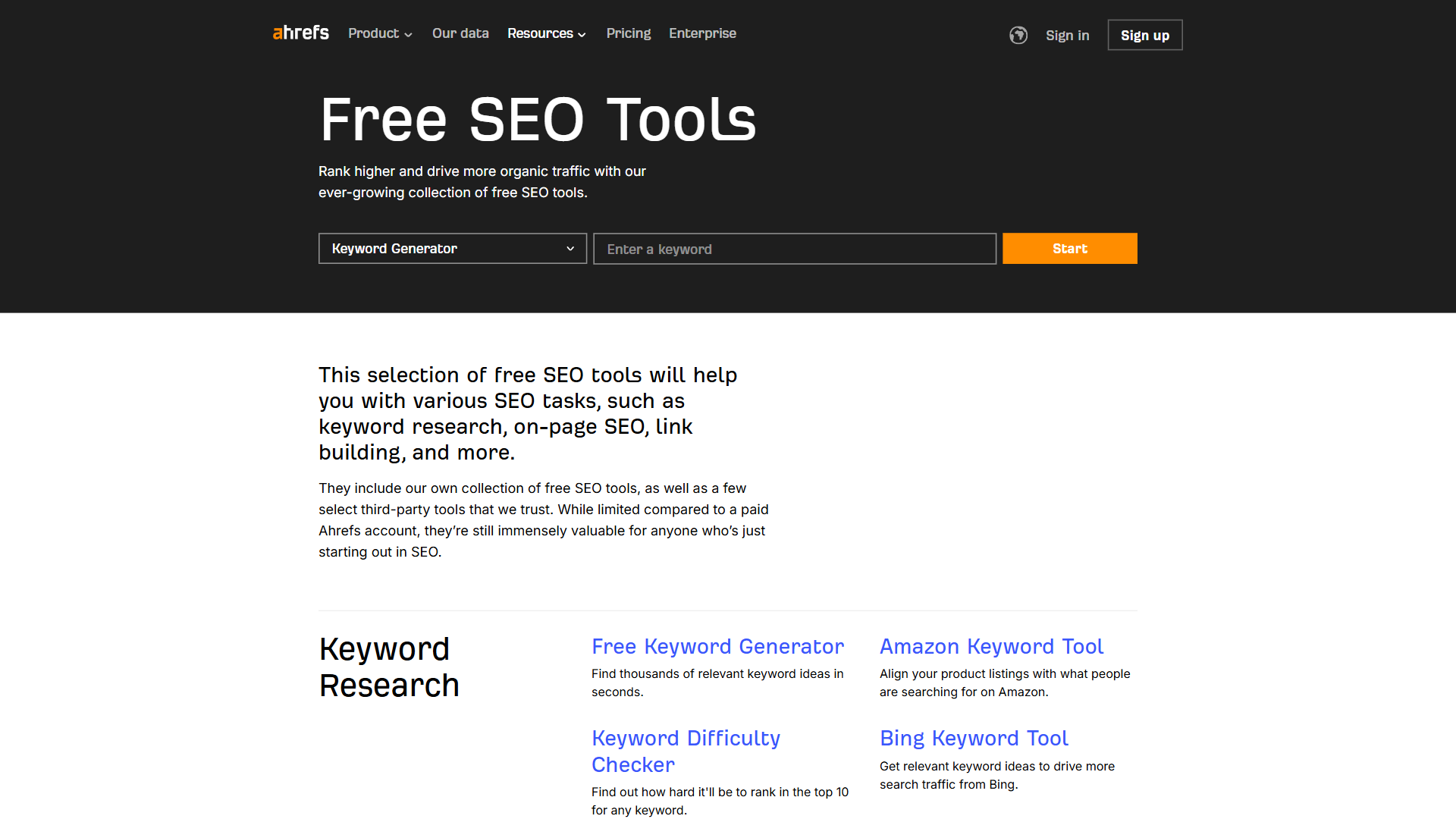
Ahrefs Webmaster Tools is the best free site-audit tool - a generous toolset for sites you own and verify through DNS or HTML upload.
What you get for $0: Site Audit (100+ technical checks for crawlability, indexability, page speed), Backlink Checker (top 100 backlinks with referring domains), Site Explorer for verified domains, and 40+ free AI writing tools for meta descriptions, titles, and outlines. The Site Audit alone replaces tools costing $20-50 per month - catching broken links, redirect chains, missing alt text, duplicate content, and orphan pages.
Limitation: You cannot research competitor sites - strictly for your own properties. For competitor backlink data, use paid Ahrefs plans or Semrush’s free tier.
Google Search Console - The Baseline Everyone Needs
Google Search Console is mandatory - Google telling you directly what works and what does not.
Key free features: Performance reports (clicks, impressions, CTR, average position per query), Index coverage (pages Google cannot crawl or will not index), Core Web Vitals scores for mobile and desktop (see Google’s Core Web Vitals reference for thresholds), and URL inspection for testing page indexing.
Search Console is the foundation of any SEO stack because its data comes straight from Google. “Search Console tools and reports help you measure your site’s Search traffic and performance, fix issues, and make your site shine in Google Search results,” states Google’s official Search Console documentation. Third-party tools only estimate search volume and rankings.
Pro tip: Export Search Console data monthly - Google retains only 16 months, so a spreadsheet of your top 50 queries preserves trends the window hides.
Screaming Frog SEO Spider (Free Version)
Screaming Frog’s free version crawls up to 500 URLs per project - enough for a complete technical audit of small sites. The free crawl covers broken links (4xx/5xx), page titles and meta descriptions (missing, duplicate, too long), header tag hierarchy issues, image alt text, redirect chains, response codes, and canonical tags. Once your site exceeds 500 pages, you need the paid version ($259 per year) or Ahrefs Webmaster Tools.
Stage 2: Keyword Research - Find What to Target
Keyword research is where free tools feel most limited - paid platforms like Ahrefs and Semrush have massive databases, so free alternatives require cross-referencing multiple sources for reliable data.
Semrush Free Tier - Best Free Keyword Data
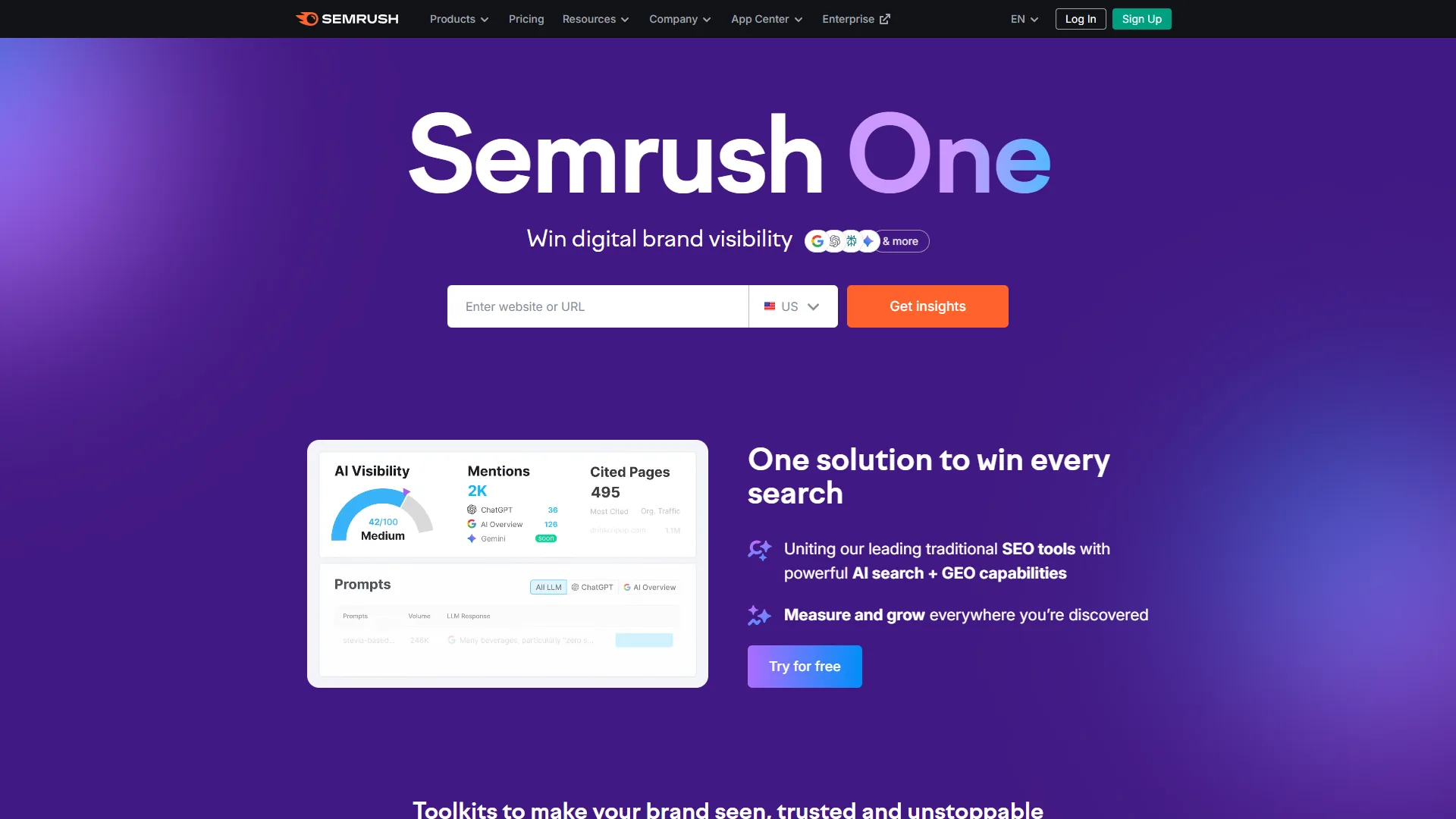
Semrush’s free tier gives 10 domain analytics and 10 keyword analytics requests per day. Make it work by batching - spend 15 minutes each morning running your 10 lookups on a focused topic cluster. Teams often hitting the limits should review Semrush alternatives before paying.
What you get for $0: search volume estimates per keyword, keyword difficulty scores, basic SERP analysis showing who ranks, a competitor-research domain overview (10 lookups/day), and a basic SEO site checker. The free-tier difficulty scores use the same algorithm as the Pro plan ($139.95 per month) - not watered-down data, just less of it.
Strategic approach: Use your 10 daily requests to validate keywords already shortlisted through Search Console or Google Trends, not for discovery.
Who it’s not for: Semrush’s free tier does not suit research at scale - 10 lookups per day is fine for solo bloggers but useless for a 100-keyword cluster. Skip free keyword research if you publish more than four pieces a week.
Google Trends - Unlimited Trend Intelligence
Google Trends is the most underrated free SEO tool - it gives no search volume but shows direction and seasonality. Best use cases: seasonal planning (publish 4-6 weeks before peak), keyword comparison for momentum, geographic targeting, and spotting rising queries before traditional keyword tools surface them. Google Trends works well as a first filter before spending limited Semrush or Ubersuggest lookups - a topic with declining interest over 12 months is rarely worth writing about.
Ubersuggest Free Tier
Neil Patel’s Ubersuggest gives three free searches per day - shallower than Semrush or Ahrefs, but enough for keyword ideas and basic competitor analysis.
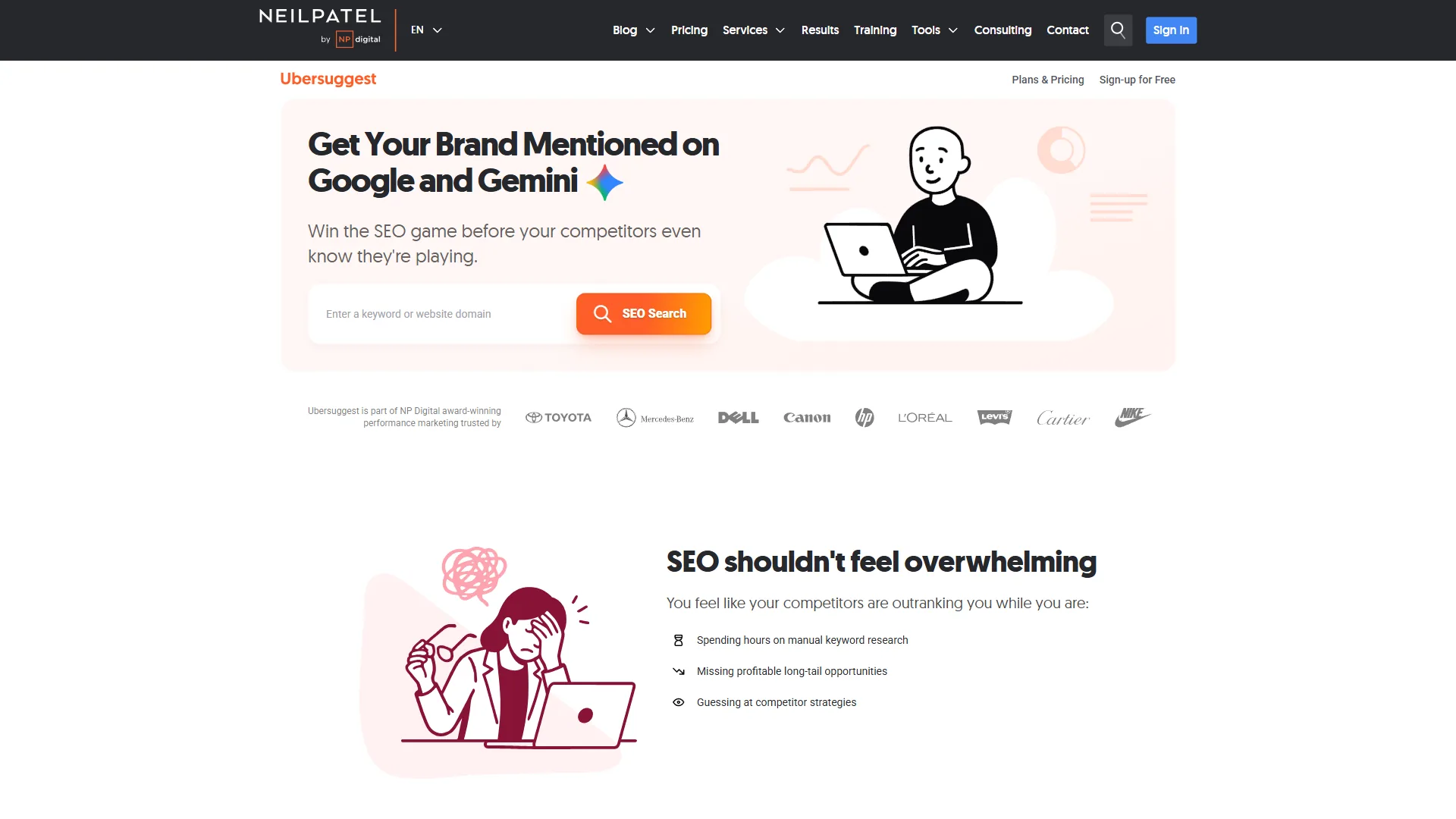
Three daily searches return keyword suggestions with volume, CPC, and competition data; content ideas showing top-performing articles; and a basic domain overview. Ubersuggest is better for content ideation than serious research - its volume estimates can be off by 30-50% versus Semrush. Brainstorm clusters here, then validate them in Semrush’s free tier.
Stage 3: Content Optimization - Write What Ranks
Writing content that satisfies search intent requires more than guessing - free optimization tools help you structure content and cover the subtopics top-ranking pages include.
MarketMuse Free Tier - AI Content Intelligence
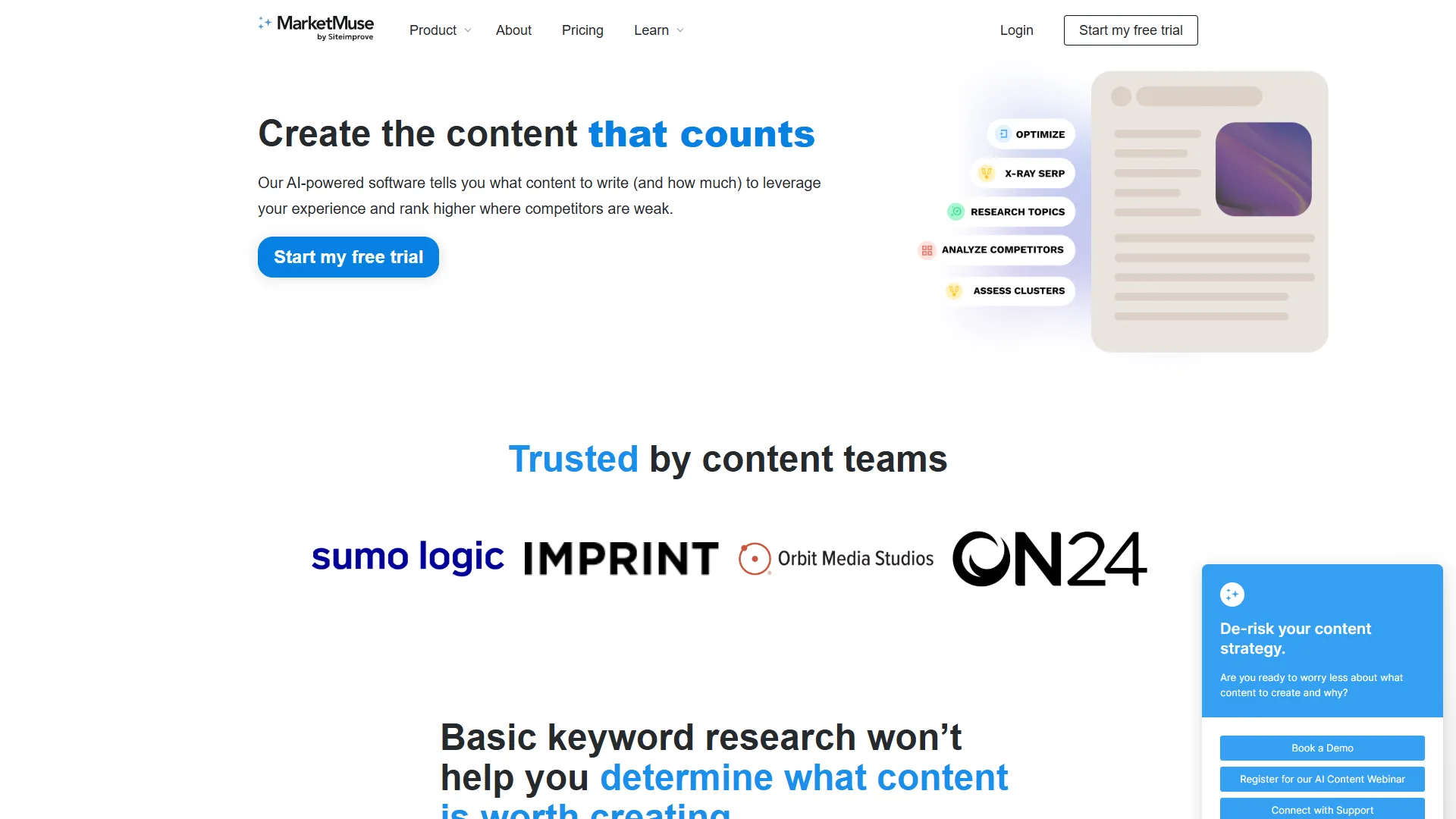
MarketMuse’s free plan gives 10 content queries per month - each returns AI-powered analysis: topic modeling, NLP-based keyword suggestions, and a snapshot of what top-ranking content covers.
What you get for $0: 10 content intelligence queries per month, basic SERP data for target keywords, limited keyword research, and a 7-day Optimize plan trial with signup. Save your 10 queries for cornerstone content - at two posts per month, use 5 queries per post for a data-backed structure without paying $99 per month.
Limitation: The free plan includes zero content briefs and zero tracked topics - you see the data but cannot generate structured briefs or monitor topic authority over time.
Surfer SEO and Clearscope - Trial Options
Neither Surfer SEO nor Clearscope offers a permanent free tier - Surfer SEO has a 7-day money-back guarantee (from $99 per month) and Clearscope requires a demo request for pricing from $170 per month.
Both are worth testing during their trials - the Surfer SEO vs Clearscope breakdown compares them head to head. For a purely free workflow, MarketMuse’s 10 monthly queries and the Google-native tools below are your best options.
Google’s Free Content Tools
Google itself provides several free content-optimization tools: Google NLP API Demo (limited free tier) analyzes entities and sentiment to show how Google interprets your content, Google’s “People Also Ask” offers unlimited keyword expansion, and Google Autocomplete suggestions reflect real search behavior.
Free content optimization workflow: research the target keyword in Semrush free tier (volume + difficulty), check Google PAA for subtopic ideas, run the topic through MarketMuse (1 of 10 monthly queries), outline content covering every subtopic, then check readability with the free Hemingway Editor web app. This workflow lacks Surfer SEO’s real-time content scoring but covers 80% of the optimization work at zero cost.
Who it’s not for: Free content optimization does not suit teams shipping more than 10 posts per month or agencies needing shareable briefs. For continuous draft grading, paid Surfer SEO or Clearscope is the only realistic option.
How Do You Monitor SEO Progress for Free?
Free SEO monitoring runs on three permanently free products: Google Search Console for rankings, Ahrefs Webmaster Tools for backlinks, and Google Analytics 4 for traffic. Publishing content is only half the job; tracking it catches issues before they tank your traffic.
Google Search Console (Again) - Rank Tracking
Search Console doubles as a free rank tracker - its Performance report shows average position per query, updated daily with a 2-3 day lag.
Setup: go to Performance > Search Results, filter by query for your target keywords, set a 28-day comparison, and export to CSV for historical tracking. This is less polished than dedicated rank trackers like SE Ranking, but it is accurate Google data covering your entire keyword portfolio - not just the 50-100 keywords a paid starter plan tracks. See SE Ranking vs Ahrefs vs Moz for a deeper comparison.
Ahrefs Backlink Checker - Monitor Your Link Profile
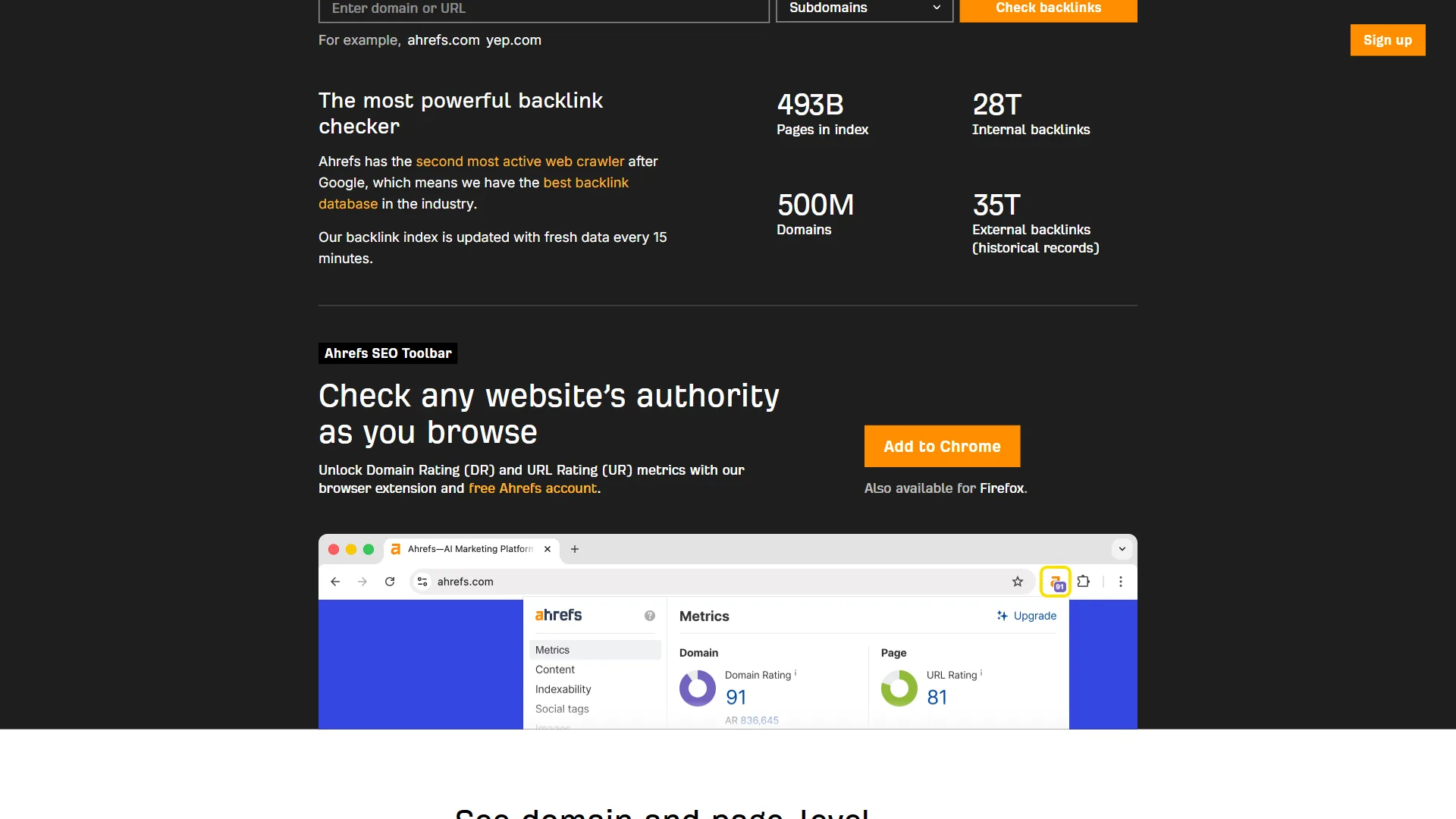
Ahrefs’ free Backlink Checker (no account needed, at ahrefs.com/backlink-checker) shows the top 100 backlinks for any domain - combine it with Ahrefs Webmaster Tools to monitor your own link profile.
Monthly routine: check Ahrefs Webmaster Tools for new and lost backlinks, review referring domain quality (DR scores), identify spammy links that need disavowing, then track competitor backlinks via the free Backlink Checker (top 100).
Google Analytics 4 - Traffic and Behavior
GA4 is free, powerful, and confusing. The official GA4 setup guide covers initial configuration; for SEO monitoring you need only three reports: organic traffic trend (Acquisition > Traffic Acquisition, filtered to Organic Search), landing page performance (Engagement > Landing Pages), and conversion tracking via events for form submissions or signups. Pair GA4 with Search Console for the complete picture - Search Console shows which queries bring visitors, GA4 shows what they do after.
Who it’s not for: Free monitoring does not suit teams needing polished client-facing dashboards or daily rank snapshots on competitor domains. Search Console exports and GA4 reports look raw next to a Semrush dashboard, and GA4 costs most teams 10-15 hours of setup before yielding useful insight.
How Do You Build a Free SEO Stack?
A free SEO stack combines five products by job: Google Search Console and Google Analytics 4 for daily monitoring, Semrush’s free tier and Google Trends for research, and Ahrefs Webmaster Tools plus Screaming Frog for monthly audits. No paid tools required for a single-site owner.
Daily: Google Search Console for performance and Google Analytics 4 for traffic. Research days (batch your lookups): Semrush free tier (10 keyword lookups), Google Trends for trend analysis, and Ubersuggest (3 searches) for ideation. Monthly audits: Ahrefs Webmaster Tools for site health and backlinks, Screaming Frog for technical crawls on sites under 500 pages, and MarketMuse (10 queries) for content intelligence. As-needed: Google PageSpeed Insights for Core Web Vitals and the Schema.org Markup Validator for structured data testing.
Which Browser Extensions Are Worth Installing?
Four free browser extensions speed up daily SEO work: SEOquake (by Semrush) for SEO metrics on any page, Ahrefs SEO Toolbar for quick backlink and on-page data, Detailed SEO Extension for a clean overview of meta tags, headers, and schema, and Keywords Everywhere (limited free) for related keywords and trend data on SERPs.
Who it’s not for: A free stack does not suit agencies with 5+ client sites - cross-tool context-switching and quota juggling drain hours a single paid suite would save. The gaps (no white-label reports, no client logins, no audit history) make professional reporting painful; Ahrefs alternatives covers paid options worth weighing.
When to Upgrade to Paid Tools
The upgrade trigger is consistent quota exhaustion: paid SEO tools become necessary when you manage 3+ sites, track 100+ keywords daily, or publish 10+ optimized pieces a month. An honest assessment:
You need paid tools when managing 3+ websites, tracking 100+ keywords with daily position updates, running competitive backlink analysis at scale, creating 10+ optimized pieces per month, or reporting to clients who expect polished dashboards.
You can stay free when running a single blog or small business site, publishing 2-4 articles per month, focused on local SEO with limited competition, or learning SEO before committing budget.
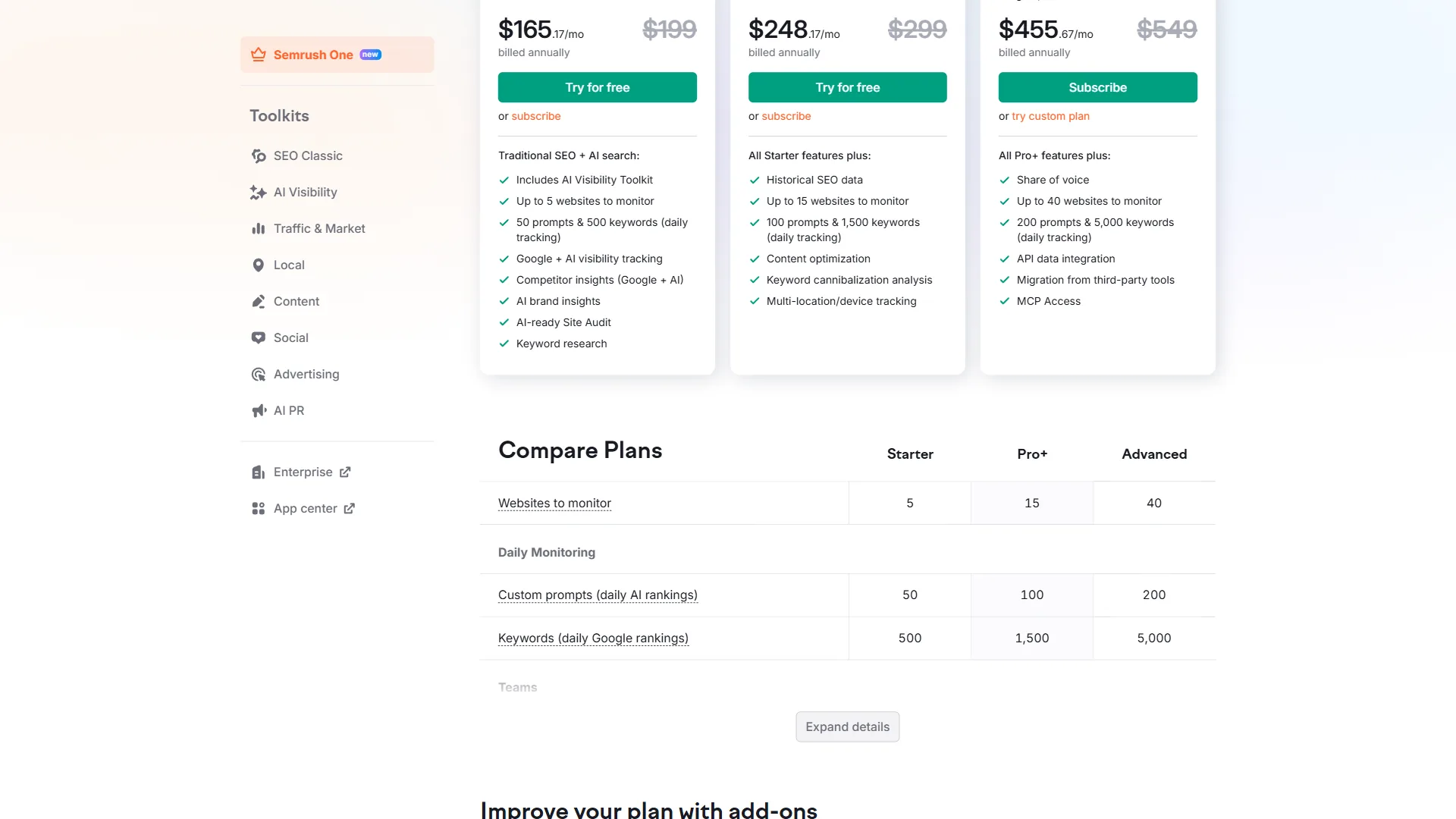
The smart upgrade path: consistently hitting daily limits is your signal to upgrade. The jump from free to Semrush Pro ($139.95 per month) is steep, so Ahrefs Starter ($29 per month) bridges the gap; weigh Ahrefs alternatives before locking into one ecosystem.
The Bottom Line
A free SEO stack delivers professional results for a single-site owner or small business - Google Search Console, Ahrefs Webmaster Tools, and Google Trends are permanently free, while MarketMuse and Semrush add limited free tiers for content intelligence and keyword validation. The workflow matters more than the tools: a disciplined practitioner using free tools outperforms someone who pays for Semrush Pro but logs in twice a month. When you do hit the ceiling, upgrade strategically - start with the cheapest tier that removes your specific bottleneck.
FAQ
Q: What free SEO tools do I actually need to start?
The core free stack is Google Search Console for performance monitoring, Ahrefs Webmaster Tools for site audit and backlinks, Google Trends for keyword direction, Semrush free tier for keyword validation, and Screaming Frog for technical crawls on sites under 500 pages.
Q: How much can free SEO tools replace paid platforms?
For a single-site owner or freelancer, free tiers handle 70-80% of what a paid SEO suite does. The remaining 20% matters only when you scale to multiple sites, hundreds of keywords, or 10+ optimized pieces per month.
Q: What are the limits of Semrush’s free tier?
Semrush’s free tier gives 10 domain analytics and 10 keyword analytics requests per day. Its keyword difficulty scores use the same algorithm as the Pro plan - the data is not watered down, you simply get less of it.
Q: When should I upgrade from free SEO tools to a paid plan?
Upgrade when you manage 3+ websites, track 100+ keywords with daily updates, run competitor backlink analysis at scale, or create 10+ optimized pieces per month. Ahrefs Starter at $29 per month is a cost-effective first step.
Related Reading
Related guides cover the paid SEO platforms and head-to-head comparisons that complement a free stack:
- Ahrefs Review, Semrush Review, Surfer SEO Review, and MarketMuse Review - Full tool reviews with pricing and ratings
- Best SEO Tools - Top SEO platforms across every budget and team size
- Best AI SEO Tools 2026 - Comparison of MarketMuse, Surfer SEO, Semrush, and Ahrefs
- Semrush vs Ahrefs - Head-to-head comparison of the two SEO giants
- Topic Authority SEO Strategy - Build topical authority for better rankings
External Resources
External resources include the official free tools referenced throughout this guide, linked directly to their vendor pages:
- Google Search Console - Free search performance monitoring from Google
- Ahrefs Webmaster Tools - Free site audit and backlink tools for verified sites
- Google Trends - Free trend analysis and keyword comparison