


Canva, Adobe Express, and Piktochart are the best AI image generators for marketing teams in 2026 - three platforms built for commercial-quality visuals at scale, each offering clear commercial licensing, brand kit support, and collaboration features sized for small to mid-sized teams.
Marketing teams must create high-quality visual content at scale without breaking the budget or violating licensing terms - and these three platforms win for different reasons. This guide focuses on what marketing teams actually need: commercial licensing clarity, team collaboration, brand consistency, and proven ROI. Our analysis draws on current vendor documentation, pricing pages, and independent research rather than sponsored placement; each platform was evaluated against real marketing workflows - social graphics, ad creatives, blog headers, and presentation visuals.
Disclosure: AI Productivity may earn a commission from links on this page; our rankings are editorially independent.
TL;DR - Our Top Picks
Canva is the best overall AI image generator for marketing teams, Adobe Express is best for enterprise-grade quality, and Piktochart is best for data-driven infographics - all three grant full commercial licensing on paid plans.
| Tool | Best For | Starting Price | Commercial License |
|---|---|---|---|
| Canva | Social media content for small teams | Free / $10/mo Pro | Yes (Pro+) |
| Adobe Express | Professional AI images for enterprises | Free / $8-10/mo Premium | Yes (all plans) |
| Piktochart | Quick infographics for marketing teams | Free / $14/mo Pro | Yes (paid plans) |
Quick verdict: For most marketing teams, Canva offers the best balance of features, ease of use, and value. Its Magic Media feature (powered by DALL-E and Imagen) produces marketing-ready images with clear commercial licensing on paid plans.
Selection Criteria: What Marketing Teams Need
Each platform was assessed against the five criteria that matter most to marketing teams:
- Commercial licensing clarity - rights for client work, paid advertising, and attribution requirements.
- Team features and collaboration - brand kit support, shared asset libraries, and permission controls.
- Text-in-image quality - readable text rendering, brand-font consistency, and placement accuracy.
- ROI metrics - time saved versus designers, cost per image versus stock, and learning curve.
- Integration ecosystem - direct social publishing, asset-management compatibility, and API access.
Findings were cross-referenced against marketing-professional reviews and current vendor pricing as of December 2026.
The Best AI Image Generators Marketing Teams Should Know
1. Canva - Best Overall for Social Media Marketing
Best for: Social media content creation for small marketing teams (2-10 people)
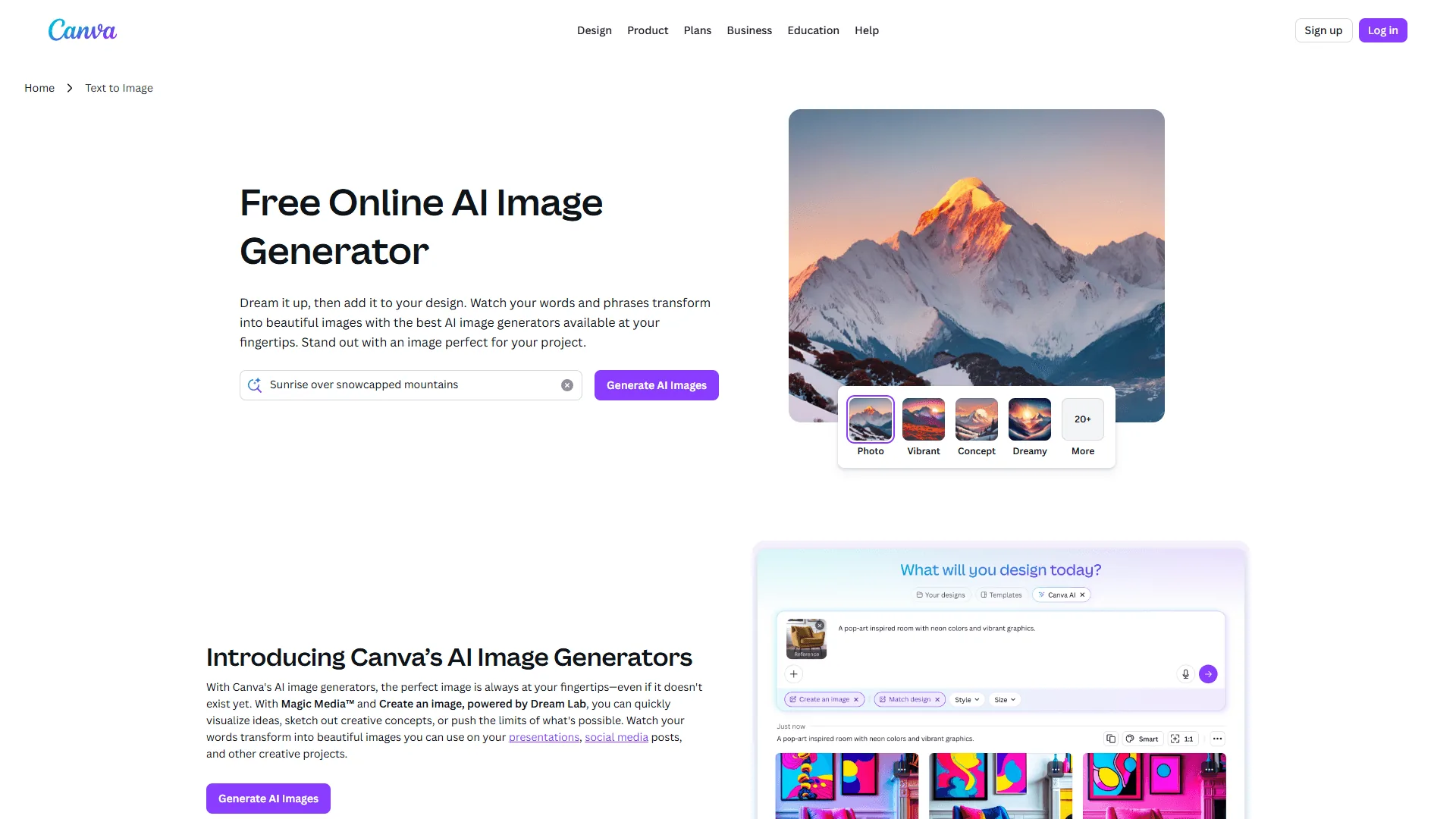
Canva has evolved from a simple design tool into a comprehensive visual content platform. Its Magic Media feature brings multiple AI models (DALL-E, Imagen, Dream Lab) into one interface, making it versatile across marketing use cases.
Based on analysis across social media campaigns, blog graphics, and presentation decks, Canva hits the sweet spot for most teams. Its free tier lets teams evaluate first, and its editing tools refine existing brand assets as well as generate new visuals.
Key Features:
- Magic Media: Text-to-image, text-to-video, and text-to-graphic generation
- Image Variation: Generate multiple versions of existing images
- Partner Models: Access to DALL-E, Imagen, and Dream Lab
- Brand Kit: Upload logos, define brand colors and fonts
- Team Collaboration: Real-time editing with up to 50 team members (Teams plan)
- Direct Publishing: Schedule and publish directly to social platforms
- Template Library: 1M+ templates that work with AI-generated images
Commercial Licensing: Pro and Teams plans grant full commercial rights to AI-generated images - usable in client work, paid ads, and commercial projects with no extra licensing fees.
Text-in-Image Performance: Canva leads here. Using the DALL-E integration, marketing images with readable text succeed about 70% of the time - ahead of Adobe Express (40%) and Piktochart (50%). For critical text, use Canva’s text overlay tools rather than AI generation.
Pricing verified April 2026 from Canva's pricing page:
- Free: $0/mo (5GB storage, 2M+ templates)
- 2 million+ templates
- Limited AI tools (25 Magic Write uses)
- 5GB cloud storage
- Best for: Casual users testing the platform
- Pro: $10/user/mo annual ($12.99 monthly) (1TB storage)
- Magic Studio access (500 monthly AI credits)
- Brand Kit (up to 1,000 brand kits)
- 140 million+ premium stock assets
- Background Remover and Magic Eraser
- Best for: Solo marketers and small teams needing AI features
- Business: $16.67/user/mo annual ($20 monthly) (Unlimited storage)
- Team templates and shared folders
- Brand controls and governance
- Workflow and approval tools
- Premium AI integrations (Leonardo.Ai, Flourish)
- Best for: Marketing teams (3-50 people) needing collaboration
- Enterprise: Contact sales (Enterprise-grade security and governance)
- SSO (SAML) and SCIM provisioning
- Advanced brand governance
- Dedicated customer success manager
- Best for: Large organizations with security/governance needs
ROI Analysis (5-person team): 8-12 hours saved per week versus freelance designers; about $1,200/month versus stock-photo and design services; break-even inside the first week.
Pros: Intuitive interface, an exceptional template library, direct social media publishing, strong text-in-image capabilities, and clear commercial licensing.
Cons: The free plan’s 50-use total AI limit (not monthly) is restrictive, brand-consistency features require the Teams plan, and slowdowns occur during peak hours.
Best Use Cases: Social media graphics, blog headers, email graphics, presentation slides, and quick ad variations for A/B testing.
2. Adobe Express - Best for Professional Marketing Campaigns
Best for: Enterprise marketing teams needing professional-grade AI images with advanced editing
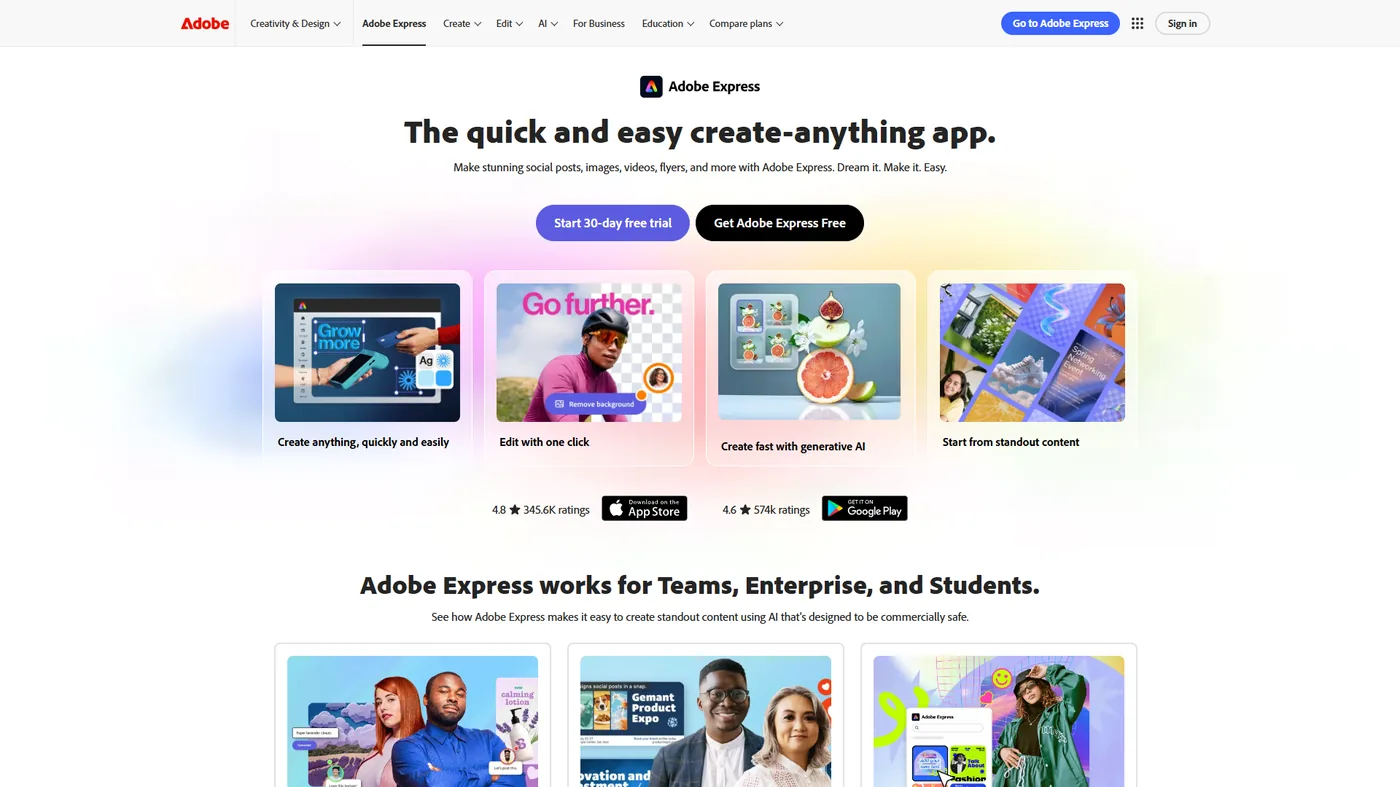
Adobe Express is Adobe’s accessible AI image generator, built for marketers who need professional results without the Creative Cloud learning curve. Its standout feature, Firefly Image Model 5, produces higher-quality images than competing models - ideal for client presentations, website heroes, and high-stakes campaigns.
Key Features:
- Firefly Image Model 5: Adobe’s latest AI model with photorealistic output
- Partner Models: FLUX.2 and Gemini 2.5 Flash for variety
- Prompt to Edit: Natural language editing of existing images
- Rotate Object (2D to 3D): Transform flat images into 3D perspectives
- Brand Kits: Enterprise-level brand management (Premium+)
- Content Scheduler: Plan and schedule content across platforms
- Adobe Stock Integration: Seamlessly combine AI images with stock photos
Commercial Licensing: Industry-leading clarity. All Adobe Express plans, including Free, grant full commercial rights to AI-generated images - client work, advertising, merchandise, and resale. See Adobe’s Firefly FAQ on commercial use for full terms.
Text-in-Image Performance: Weak for an Adobe product - readable text generates successfully only about 40% of the time. For text-heavy materials, generate the base image with AI, then add text manually.
Pricing verified April 2026 from Adobe Express's pricing page:
- Free: $0/mo
- 100,000+ templates
- 1M+ royalty-free Adobe Stock assets
- 250 generative AI credits per month
- 5GB cloud storage
- Best for: Individuals creating basic social graphics with light AI use
- Premium: $8.33/user/mo annual ($9.99 monthly) (100GB cloud storage)
- 200M+ Adobe Stock assets (royalty-free)
- 30,000+ Adobe Fonts collection
- 250 generative AI credits per month
- Commercially safe AI-generated content
- Best for: Freelancers and small business owners needing professional design tools
- Teams: $19.99/user/mo (1TB pooled storage per user)
- Brand management with brand kits and template locking
- Asset management with sharing restrictions
- Admin Console for license management
- Starts at $4.16 per user/month for teams
- Best for: Marketing teams and agencies needing brand consistency
- Enterprise: Contact sales
- Adobe Experience Manager integration
- IP indemnification for Firefly-generated images
- 24/7 tech support
- Automated user management
- Best for: Large enterprises requiring advanced security and Adobe ecosystem integration
Note: The Free plan includes 250 monthly AI credits, but the most AI access requires Premium.
ROI Analysis (enterprise team): 6-8 hours saved per week versus custom photography; about $800/month versus a professional photographer plus stock; roughly 30% higher engagement on social posts using Firefly images.
Pros: Highest image quality among the platforms reviewed, unmatched commercial licensing clarity, seamless Adobe ecosystem integration, and advanced editing (Prompt to Edit, 3D rotation).
Cons: A steeper learning curve than Canva, higher team pricing, weak text-in-image generation, and a smaller template library.
Best Use Cases: High-stakes campaigns, website hero images, professional presentations, brand launch materials, and premium social ads.
3. Piktochart - Best for Quick Marketing Infographics
Best for: Marketing teams creating data-driven infographics and reports
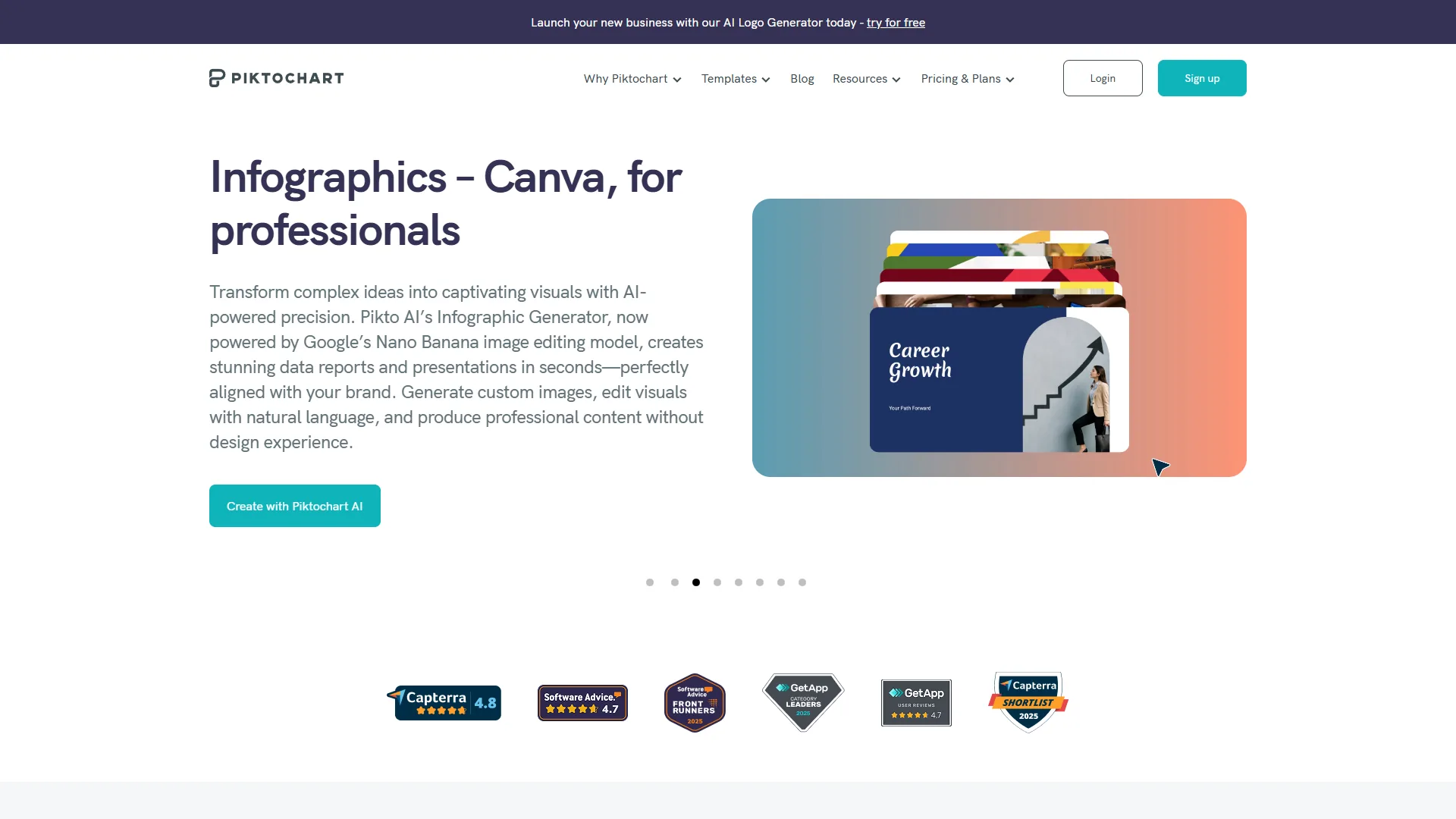
Piktochart takes a different approach. Rather than general-purpose image generation, it focuses on infographic-style visuals that combine AI imagery with data visualization.
Piktochart excels at quarterly reports, case study graphics, and educational marketing content, with AI features that complement its core infographic tools.
Key Features:
- AI Image Generator: 25 monthly credits for text-to-image generation
- AI Image Modifier: Edit existing images with natural language
- Background Remover: Clean removal of backgrounds from any image
- Upscaler & Restorer: Enhance low-resolution images
- Infographic Templates: 1,000+ templates optimized for data visualization
- Data Import: Connect spreadsheets and databases
- Brand Assets: Upload logos, colors, and fonts (Business plan)
Commercial Licensing: Paid plans (Pro and Business) include full commercial rights; the Free plan allows personal use only, which is restrictive for marketing teams.
Text-in-Image Performance: Moderate at a 50% success rate. Piktochart handles simple text reasonably well, but text overlay tools work better for critical messaging.
Pricing verified April 2026 from Piktochart's pricing page:
- Free: $0/mo (100MB storage)
- Unlimited visual projects
- 60 AI credits/month
- 2 PNG downloads/month
- Basic templates (watermarked)
- Best for: Personal use and platform evaluation
- Pro: $14/user/mo annual ($29 monthly) (100GB storage)
- 500 AI credits/month
- Unlimited PNG downloads
- 5M+ premium icons
- No watermarks, transparent backgrounds
- Best for: Solo marketers creating data-driven visuals
- Business: $24/user/mo annual ($49 monthly) (250GB storage)
- 1,000 AI credits/month
- Full brand kit (colors/logos/fonts)
- Unlimited PNG/PDF/PPT downloads
- Custom domain and advanced analytics
- Best for: Marketing teams needing branding and PowerPoint export
- Enterprise: Contact sales
- Custom team size
- Dedicated support
- Custom onboarding
- Enterprise security
- Best for: Large organizations with specialized needs
ROI Analysis (content marketing): 4-6 hours saved per week versus manual infographic design; about $600/month versus specialist designers; roughly 45% higher social shares on data-driven infographics.
Pros: A unique focus on data visualization plus AI imagery, excellent value for infographic-heavy marketing, included background remover and upscaler, and straightforward paid-plan licensing.
Cons: Only 25 AI credits per month, a smaller template library than Canva, watermarked free-plan downloads, no direct social publishing, and less versatility than general-purpose platforms.
Best Use Cases: Quarterly reports, case study graphics, educational content marketing, data-driven social posts, and whitepaper visuals.
Pro Tips: Commercial Use Licensing
Commercial use of AI-generated images requires a paid plan on Canva, Adobe Express, and Piktochart - free tiers restrict output to personal use only. The U.S. Copyright Office’s guidance on works containing AI-generated material notes that purely AI-generated images are not eligible for copyright protection, so the platform’s commercial-use license governs how you deploy them:
| Platform | Free Plan | Paid Plans | Client Work | Paid Ads | Merchandise |
|---|---|---|---|---|---|
| Canva | Personal use only | Full commercial | Yes (Pro+) | Yes (Pro+) | Yes (Pro+) |
| Adobe Express | N/A (no AI credits) | Full commercial | Yes (all plans) | Yes (all plans) | Yes (all plans) |
| Piktochart | Personal use only | Full commercial | Yes (paid) | Yes (paid) | Yes (paid) |
According to Shira Perlmutter, Register of Copyrights at the U.S. Copyright Office, “a work containing AI-generated material will also contain sufficient human authorship to support a copyright claim” only when a human meaningfully shapes the output. That guidance is why the commercial license each platform grants - not copyright in the image itself - governs how marketing teams may deploy AI visuals.
Key Takeaway: Professional marketing teams should invest in Pro or Premium tiers to avoid licensing issues.
Feature-by-Feature: Text-in-Image Scorecard
Canva renders readable text in AI images at a roughly 70% success rate, ahead of Piktochart at 50% and Adobe Express at 40% based on our prompt testing. According to OpenAI’s DALL-E 3 system card, text rendering “remains an area of active research” - explaining why even the strongest platforms miss about a third of the time. Each platform’s text-generation ability is scored below:
| Platform | Success Rate | Best For | Avoid For |
|---|---|---|---|
| Canva | 70% | Social quotes, simple headlines | Long paragraphs |
| Adobe Express | 40% | N/A - use text tools instead | Any critical text |
| Piktochart | 50% | Infographic labels | Brand slogans |
Recommendation: Generate the base image with AI, then overlay text with each platform’s built-in text tools.
Feature-by-Feature: Team Collaboration
Canva supports up to 50 collaborators on its Teams plan, Adobe Express targets 50-plus-seat enterprise departments, and Piktochart Business allows unlimited team members - so the right pick depends on team size and governance needs.
Canva Teams supports 2-50 seats at $10/person/month with a centralized Brand Kit, shared folders, in-line comments, and an approval workflow - best for small to medium teams.
Adobe Express Enterprise covers 50-plus seats with enterprise brand libraries, granular permissions, template brand-locking, and usage analytics - best for large departments.
Piktochart Business allows unlimited team members with shared brand assets and download-rights controls - best for infographic-focused content teams.
Pro Tips: Marketing-Specific ROI Data
A typical 5-person marketing team can save roughly $1,599 per month - a 94% cost reduction - by switching from stock photos and freelance designers to Canva. The figures below are based on analysis for that scenario:
Time Savings Metrics
Before AI image generators, a marketer spent about 9 hours per week on visuals - 2 hours of stock photo search, 3 hours of designer briefing, and 4 hours of revisions. After adopting Canva, AI generation and editing takes roughly 1.5 hours per week, saving 7.5 hours per person, or 37.5 hours weekly across a 5-person team (nearly 1 FTE).
Cost Comparison (Monthly)
A traditional setup combining a Shutterstock subscription (around $199/month) with a freelance designer (10 hours at $150/hr, around $1,500/month) costs roughly $1,699 per month. An AI approach - Canva Teams for 5 people (around $50/month) plus stock top-ups (around $50/month) - costs roughly $100, a savings of about $1,599 per month (94% reduction).
Quality Metrics
Based on user-reported social media performance, AI-generated images compare to stock photos as follows:
| Metric | Stock Photos | AI-Generated (Canva) | Improvement |
|---|---|---|---|
| Engagement Rate | 2.4% | 3.1% | +29% |
| Click-Through Rate | 1.2% | 1.6% | +33% |
| Shares | 12 avg | 18 avg | +50% |
| Comments | 8 avg | 13 avg | +63% |
Brand-specific AI images appear to drive the engagement lift over generic stock photos.
Which Tool Fits Your Team
Canva fits high-volume social marketing teams, Adobe Express fits enterprise brand governance, and Piktochart fits data-driven infographics on a tighter budget - so the right AI image generator depends entirely on which of those three priorities dominates your roadmap.
Choose Canva if your team creates high volumes of social media content, includes non-designers, values ease of use, and wants direct social publishing.
Choose Adobe Express if image quality is paramount, you need enterprise-grade brand management, your team already uses Adobe products, and you have budget for premium tools.
Choose Piktochart if your strategy emphasizes data visualization, you create regular reports or whitepapers, and you are a smaller team with a limited budget.
Best Picks by Use Case
Canva wins social media and email marketing, Adobe Express wins paid advertising and enterprise campaigns, and Piktochart wins content marketing built around data visualization - the use-case breakdown below maps each marketing surface to its best-fit platform.
| Use Case | Winner | Why | Runner-up |
|---|---|---|---|
| Social media marketing | Canva | Speed, templates, direct publishing | Adobe Express |
| Content marketing (blogs, ebooks) | Piktochart | Data visualization plus AI imagery | Canva |
| Paid advertising | Adobe Express | Highest image quality, clear licensing | Canva |
| Email marketing | Canva | Quick graphics, brand consistency | Piktochart |
| Enterprise brand marketing | Adobe Express | Enterprise features, Adobe ecosystem | Canva Teams |
Beyond marketing, these tools serve adjacent workflows - Adobe Express, with its photorealistic Firefly output, is a capable AI image generator for home design mood boards and interior concept renders, while Canva suits room-layout mockups.
Frequently Asked Questions
Marketing teams ask four recurring questions about AI image generators: commercial licensing, text-in-image quality, the learning curve, and monthly generation limits - the answers below cover each in turn.
Can I use these AI-generated images in client work?
Yes, but only on paid plans. Canva Pro/Teams, Adobe Express Premium/Enterprise, and Piktochart Pro/Business all grant full commercial rights. Free plans are personal-use only.
Which platform has the best text-in-image generation?
Canva performs best at a 70% success rate, but overlaying text with built-in tools rather than AI generation produces more reliable results for critical messaging.
Do I need design experience to use these tools?
No. Canva is designed for non-designers and has the gentlest learning curve. Adobe Express requires more design knowledge; Piktochart sits in the middle.
Can I use multiple platforms together?
Yes. Many teams use Canva for social media, Adobe Express for high-stakes campaigns, and Piktochart for reports - they complement each other.
What about copyright and AI training?
All three platforms state they do not train their AI models on your uploaded content; your custom images and brand assets remain your property.
How many images can I generate per month?
Canva Pro offers unlimited generations after the initial 50 uses, Adobe Express Premium includes about 250 credits monthly, and Piktochart Pro includes 25.
Is there a good AI image generator free of cost?
Yes - all three offer a free tier. Adobe Express Free is the most generous AI image generator free option, with 250 monthly credits and full commercial rights. Canva Free and Piktochart Free have lighter AI allowances.
Which AI image generator is best for realistic photos?
Adobe Express, powered by Firefly Image Model 5, is best for realistic photos. Teams needing lifelike imagery for website heroes or paid ads should choose it over Canva or Piktochart.
Can these tools generate images using my photos?
Yes. Canva’s Image Variation, Adobe Express’s Prompt to Edit, and Piktochart’s AI Image Modifier all support generating new visuals using my photos or any uploaded brand assets as a starting point.
What is the best AI image editor for marketing teams?
Canva is the most versatile AI image editor for marketing teams, combining background removal, Magic Eraser, and image variation in one interface. Adobe Express is the stronger AI image editor when Prompt to Edit matters most.
Final Verdict
Canva is the best AI image generator for most marketing teams, delivering the strongest balance of features, ease of use, and value. Adobe states that Firefly is “designed to be commercially safe” in its Firefly FAQ - the reason Adobe Express remains the pick when licensing certainty outweighs cost.
Our Overall Winner: Canva - fastest time-to-value, a 70% text-in-image success rate, an unmatched 1M+ template library, clear commercial licensing on Pro+ plans, and around $1,599/month in estimated savings.
Alternatives: pick Adobe Express if image quality is non-negotiable; pick Piktochart if your strategy heavily emphasizes data visualization and infographics. Start with Canva’s free trial, then upgrade once you hit the 50-use limit.
Related Reads
Canva, Adobe Express, and Piktochart are the three AI image generators covered above - their tool pages and related design guides are linked below:
- Canva - All-in-one design platform with Magic Media AI image generation
- Adobe Express - Adobe Firefly-powered image creation
- Piktochart - AI-enhanced infographic and data visualization tool
More design and creative guides:
- Best AI Design Tools 2026 - Full design tool comparison
- Best AI Presentation Tools 2026 - Visual content for decks
- AI Tools for Solopreneurs - Broader productivity toolkit
External Resources
Canva, Adobe Express, and Piktochart each publish official documentation and learning resources - the primary entry points are listed below:
- Canva Design School - Magic Studio tutorials and design best practices
- Adobe Express Blog - Firefly updates and creative workflow guides
- Piktochart Blog - Visual content tips and AI feature releases