


The best AI tools for notaries are Calendly for appointment scheduling, Notion for document and client tracking, and Reclaim.ai for calendar optimization - a stack that saves mobile notaries 8 or more hours a week for around $42 per month. Each offers a free starter plan, so you can build it without upfront risk.
Mobile notaries and signing agents juggle more moving parts than most professionals - travel logistics, compliance documentation, appointment coordination, and client communication compete for attention while you perform notarizations. Double-booking a signing against a RON session, missing availability requests, and falling behind on journal entries are the everyday failure points these tools address.
This guide is based on current vendor documentation, published pricing pages, and independent research rather than sponsored placement. AI Productivity may earn a commission from links on this page; our rankings remain editorially independent.
TL;DR: The Best AI Tools for Notaries in 2026
Calendly, Notion, and Reclaim.ai are the three best AI tools for notaries in 2026. The stack covers scheduling, document tracking, and calendar optimization for mobile signing agents.
For appointment scheduling: Calendly ($0-20/month) - Eliminates scheduling chaos with buffer time settings and automated confirmations
For document and client tracking: Notion ($0-18/month) - AI-powered workspace for signing logs, client databases, and compliance templates
For calendar optimization: Reclaim.ai ($0-18/month) - AI that protects travel time and prevents burnout from back-to-back signings
Why Notaries Need Specialized AI Tools
Notaries need specialized AI tools because notary work is mobile, compliance-bound, and client-scheduled rather than desk-based. Generic productivity apps are not built for those conditions, and notary work differs from desk-based roles in five concrete ways:
- Mobile signings require travel buffer - You cannot schedule back-to-back appointments 30 miles apart, a problem covered in our AI scheduling assistants guide
- RON sessions need tech prep time - Launching platforms, testing audio and video, preparing documents
- Compliance is non-negotiable - Journal entries, certificate tracking, and state-specific requirements
- Irregular hours - Signings happen when clients are available, not 9-to-5
- Client communication overload - Confirmation texts, directions, and document reminders
The AI tools below solve these problems without requiring you to become a tech expert. “Remote online notarization allows a Notary and a signer in different locations to complete a notarization using audio-visual technology,” according to the National Notary Association, a format that adds platform setup and tech-prep time desk-based scheduling tools never account for. This is why AI tools for notary entrepreneurs are transforming notary work in 2026.
Limitations and who it’s not for: None of these tools replace your physical journal in states that require ink-and-paper records, your E&O insurance, or your commission. Skip this stack if you do fewer than five signings a month - the time savings will not justify around $42 per month in subscriptions.
1. Calendly: End the Scheduling Chaos
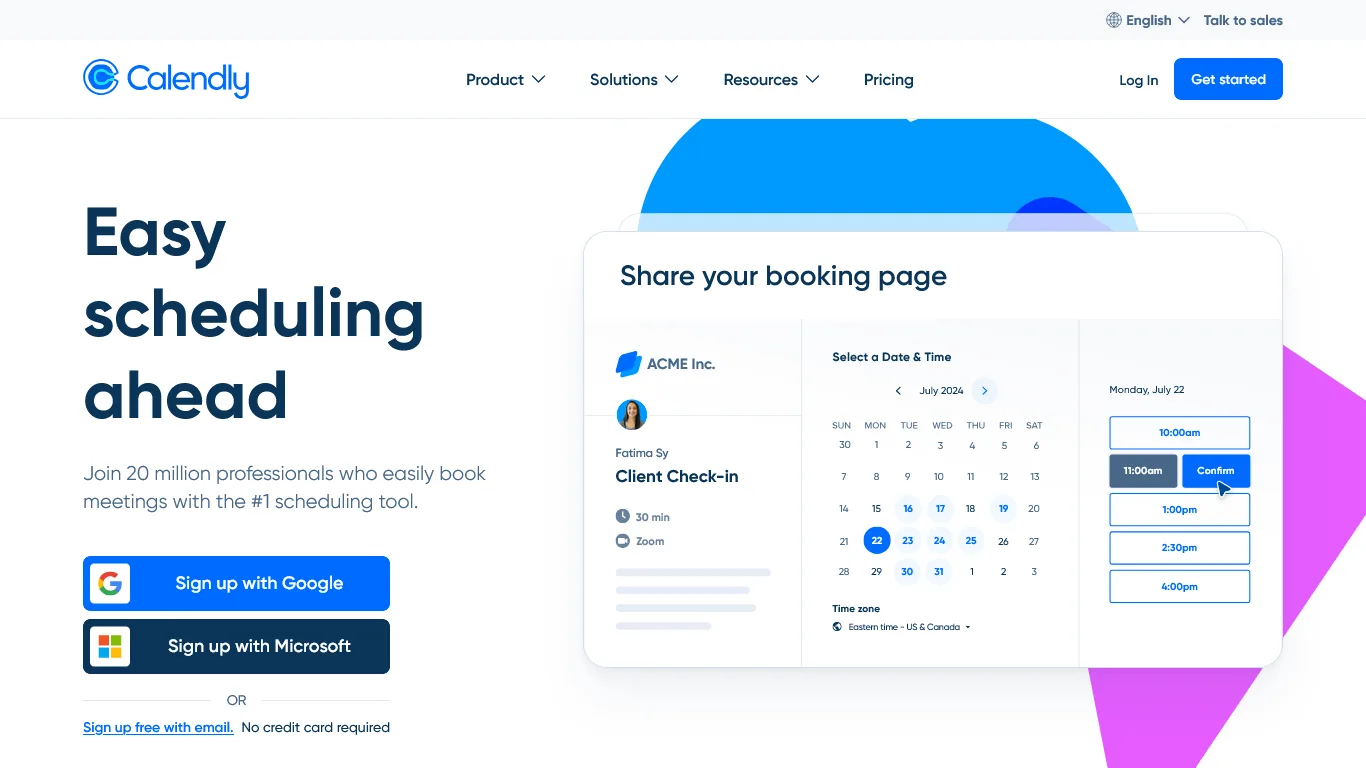
Calendly eliminates scheduling chaos for notaries by letting clients self-book around your travel buffers. Its features suit mobile notaries who lose 20 minutes per booking to text back-and-forth on availability.
Why Calendly is Essential for Notaries
Travel Buffer Time
Travel buffers make Calendly indispensable for mobile notaries (see the official Calendly buffer settings documentation). You can set a 30-60 minute before-event buffer for travel, a 15-30 minute after-event buffer for paperwork, and a minimum scheduling notice to block same-day bookings when you need prep time.
Location-Based Event Types and Reminders
Create separate booking pages for mobile signings (with your service radius), RON sessions (no travel buffer), and office appointments - each with its own duration, pricing, and buffers. Calendly’s workflow automation sends confirmation emails with location requirements, a 24-hour reminder listing documents, and a 1-hour reminder with directions, cutting no-shows and late arrivals.
Payment Collection
For general notary work, collect payment when clients book through Calendly’s native payment collection, which integrates with Stripe, PayPal, and Square. This removes awkward payment conversations at the signing table.
Calendly Pricing for Notaries
| Plan | Monthly Cost | Best For |
|---|---|---|
| Free | $0 | Basic scheduling, 1 event type |
| Standard | $12/month | Solo notaries, multiple event types, buffers |
| Teams | $20/month | Notary services with multiple signing agents |
Recommendation: Standard plan for active notaries - separate event types for mobile versus RON signings plus automated reminders pay for themselves immediately.
ROI Calculation for Notaries
- Scheduling time saved: 20 min/day × 5 days × $50/hour = $83/week
- No-show reduction: 2 saved trips/month × $75 average fee = $150 per month
- Cost: around $12 per month
- Monthly ROI: $480 in saved time and revenue
Limitations and who it’s not for: Skip Calendly if your work comes almost entirely from signing services that dispatch their own appointments. The main drawbacks are no native travel-time calculation (you set buffers manually) and a one-event-type limit on the free tier.
Notion transforms notary record-keeping with AI-powered search. Paper journals and spreadsheets work for a few signings a week, but as volume grows, finding a signing from three months ago becomes a nightmare.
What Makes Notion Essential for Notaries
Digital Signing Journal
Create a database capturing everything your state requires: date, time, and location; signer information and ID details; document types and fees; and any notes. The AI feature that changes everything is natural-language search - ask Notion to find “all signings for John Smith in Q4” or “refinance signings over $200” and get instant results, powered by Notion AI’s natural language Q&A.
Client Database with History
For repeat clients like title companies and signing services, track contact preferences, signing volume, payment terms, and special instructions. Before accepting an assignment, ask Notion “What is my history with ABC Title?” and see everything - including the time they paid 60 days late.
Document Templates and Checklists
Store invoice templates, W-9 forms, service agreements, and state-specific certificates; Notion AI also drafts professional emails and custom invoices. Build templates per signing type: loan signing (initial docs, sign docs, notarize, return), RON compliance (platform verification, ID authentication, recording), and state-specific requirements (journal entries, bond, commission).
Notion Pricing for Notaries
| Plan | Monthly Cost | Best For |
|---|---|---|
| Free | $0 | Testing the platform, basic tracking |
| Plus | $12/month (annual) | Solo notaries, standard features |
| Business | $18/month (annual) | Full AI features, advanced search |
Recommendation: Start with Free to build your journal and client database, then upgrade to Business when you want AI-powered questions about your data.
ROI Calculation for Notaries
- Journal entry time saved: 5 min/signing × 30 signings = 2.5 hours
- Record lookup time saved: 15 min/week × 4 weeks = 1 hour
- Invoice creation time saved: 10 min/week = 40 min
- Total time value at $50/hour: $208 per month
- Cost: around $18 per month
- ROI: 11x return
Limitations and who it’s not for: Notion is not certified for HIPAA, so notaries handling protected health information should keep PII out of it entirely. The drawbacks include a real learning curve - expect a week to feel comfortable - and limited offline support for signings in dead zones. Skip Notion if you only need a simple journal log.
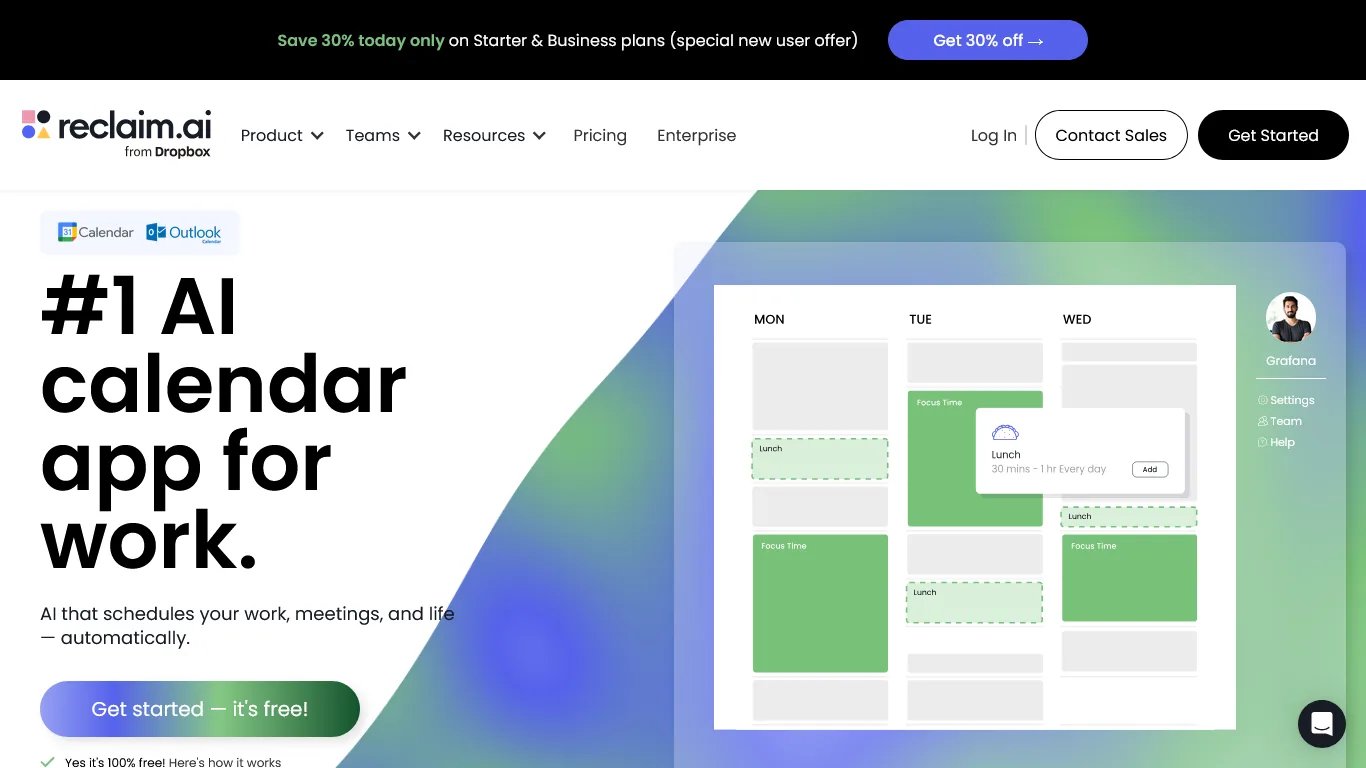
Reclaim.ai is an AI calendar assistant that prevents notary burnout from overbooking. It catches the situation where you accept three Saturday signings, then realize two are on opposite sides of town.
Why Reclaim.ai is Essential for Notaries
Automatic Travel Time Blocking
Reclaim.ai automatically blocks travel time between appointments based on its smart scheduling engine, factoring in your home or office location, appointment locations, and real-time traffic. If you have a 2pm signing in the north of town and a 4pm in the south, Reclaim blocks the travel time so nothing else gets scheduled there.
Smart Buffer Zones, Rescheduling, and Analytics
Beyond travel, Reclaim protects meal times, personal commitments, and decompression time so you avoid burnout from 8-hour signing marathons. When conflicts arise its AI suggests alternatives (“Move the 3pm to 4:30pm to avoid rush hour”), and workload analytics surface patterns: which days are overbooked versus underutilized, time spent traveling versus signing, and work-life balance.
Reclaim.ai Pricing for Notaries
| Plan | Monthly Cost | Best For |
|---|---|---|
| Free | $0 | Basic smart scheduling, 1 calendar |
| Starter | $12/month | Solo notaries, priority scheduling |
| Business | $18/month | Advanced analytics, multiple calendars |
Recommendation: Start with Free to experience travel-time blocking, then upgrade to Starter for more control over buffer zones and scheduling priorities.
ROI Calculation for Notaries
- Prevented double-bookings: 2/month × $150 lost fee = $300 per month
- Reduced travel time: 1 hour/week × $50/hour = $200 per month
- Burnout prevention: roughly $100 per month in avoided mistakes
- Cost: around $12 per month
- Monthly ROI: $588 saved
Limitations and who it’s not for: Skip Reclaim.ai if you primarily use Outlook - Google Calendar integration is more mature than Microsoft 365 support. Cons include auto-rescheduling that can confuse clients who pin specific time slots, and no multi-stop route optimization (it estimates one travel leg at a time).
| Feature | Calendly | Notion | Reclaim.ai |
|---|---|---|---|
| Primary Use | Appointment booking | Document/client management | Calendar optimization |
| Best For | Client self-scheduling | Compliance tracking | Preventing overbooking |
| Travel Buffers | Manual setting | N/A | Automatic |
| AI Features | Routing, suggestions | Q&A, search, drafting | Smart scheduling |
| Mobile App | Yes | Yes | Yes |
| Rating | |||
| Starting Price | Free | Free | Free |
Selection Criteria: Building Your Notary AI Stack
A complete notary AI stack pairs Calendly, Notion, and Reclaim.ai so each tool owns one workflow the others do not. Calendly handles client-facing booking, Notion stores records and compliance, and Reclaim.ai protects travel-aware calendar blocks. Here is how they work together across a typical day:
Daily Workflow
Morning (15 min vs 45): Check Reclaim.ai for today’s schedule, review Notion for client notes, confirm Calendly sent reminders. During signings: use the Notion mobile app for quick journal entries. Evening (10 min vs 30): complete Notion journal entries and review tomorrow in Reclaim.
Integration Points
All three tools connect seamlessly: Reclaim sees Calendly appointments and protects travel time, you can embed a calendar view in Notion for one-dashboard visibility, and Zapier automates workflows using prebuilt Calendly to Notion templates.
Pricing Comparison: AI Stack vs Traditional Approach
A full notary AI stack costs around $42 per month on standard plans, replacing phone tag, paper journals, and manual calendar coordination with three integrated tools.
| Need | Traditional Approach | Cost | AI Solution | Cost |
|---|---|---|---|---|
| Scheduling | Phone/text back-and-forth | Your time | Calendly | $12/mo |
| Record keeping | Paper journal + spreadsheets | Time + supplies | Notion | $18/mo |
| Calendar management | Manual coordination | Stress + mistakes | Reclaim.ai | $12/mo |
| Total | Hours/week + errors | $42/mo |
The math: Around $42 per month saves 8 or more hours weekly. At a $50/hour rate, that is $1,600 per month in time value - a 38x return.
Next Steps: Your First Week
Setup takes about one week for the full notary AI stack. Configure Calendly on days 1-2, build Notion on days 3-4, set up Reclaim.ai on days 5-6, and test the workflow end to end on day 7.
Days 1-2: Calendly - Connect Google or Outlook, create event types (Mobile Signing 60 min + 45 min buffer, RON 45 min, Office 30 min), set your service area, build reminders.
Days 3-4: Notion - Create a signing journal database with your state’s required fields, a client database for repeat customers, and invoice and checklist templates.
Days 5-6: Reclaim.ai - Connect your calendar, set working hours and location, configure travel-time preferences, block personal commitments and buffer zones.
Day 7: Test - Book a test appointment through Calendly, run the full workflow end to end, and adjust buffer times.
Pro Tips: Advanced Workflows for Established Notaries
Established notaries gain the most value from Notion templates covering RON session prep, multi-state commission tracking, and signing-service relationship management. These workflows compound as volume grows.
RON Session Optimization
For Remote Online Notarization (check your state’s RON authorization status): build a Notion pre-session checklist (credentials ready, ID authenticated, documents reviewed, recording tested, backup connection), and set Calendly RON event types with no travel buffer, a 15-minute pre-session buffer, and an automated email carrying the platform link.
Multi-State Compliance Tracking
If commissioned in multiple states, use Notion to track commission expiration reminders, state-specific journal requirements, fee structures, and bond and E&O insurance renewals.
Signing Service Relationship Management
Track title-company and signing-service relationships in Notion - assignment volume, payment terms, contact preferences, and rate negotiations - then ask Notion “Which signing services pay within 30 days in my preferred area?”
Bonus Tips: Common Questions from Notaries
Notaries most often ask four questions about this AI stack. Signing-service-dispatched appointments, Notion data security, comparisons to notary-specific software, and last-minute request handling are answered below.
Q: Can I use these tools for loan signing appointments scheduled by others?
Yes. Even when signing services dispatch your appointments, you can add them to your calendar so Reclaim protects travel time, track them in Notion, and reserve Calendly for your direct clients.
Q: Is client information secure in Notion?
Notion uses AES-256 encryption and offers SOC 2 Type 2 compliance, with additional security features on Business plans. Many notaries still keep minimal PII in Notion and reference their physical journal for sensitive ID details.
Q: What about notary-specific software like NotaryGadget or Notary Assistant?
Those tools serve different purposes - primarily document management and fee calculation - and the AI tools here complement them rather than replace them. The American Society of Notaries offers additional resources on technology for notary practices.
Q: How do I handle last-minute signing requests?
Set Calendly’s minimum scheduling notice to your comfort level - many notaries use 2-4 hours - and Reclaim shows which slots work without conflicts.
The Bottom Line
AI tools for notaries deliver 8 or more hours saved per week for around $42 per month on standard plans. Calendly automates scheduling, Notion handles compliance and client tracking, and Reclaim.ai optimizes your calendar - together cutting stress from scheduling conflicts and keeping digital records organized.
All three tools offer free tiers, so you can start building your system today with no investment beyond your time.
FAQ
This FAQ covers which AI tools to choose, why generic apps fall short, how Calendly handles scheduling, and the specific challenges mobile signing agents face.
Q: What are the best AI tools for notaries in 2026?
Three AI tools stand apart for mobile signings and RON sessions: Calendly ($0-20/month) for appointment scheduling with buffer time, Notion ($0-18/month) for signing logs and compliance templates, and Reclaim.ai ($0-18/month) for calendar optimization and travel-time protection.
Q: Why do notaries need specialized AI tools instead of generic productivity apps?
Notary work differs from desk-based roles in fundamental ways. Mobile signings require travel buffer, RON sessions need tech prep time, compliance demands journal entries and state-specific records, and signings happen on irregular hours when clients are available - conditions generic productivity apps do not account for.
Q: How does Calendly help notaries manage scheduling?
Calendly lets clients self-schedule while you control availability and buffer times, eliminating the back-and-forth where a client texts for availability, you quote three times, and 20 minutes evaporate booking one signing. Automated confirmations cut further communication overhead.
Q: What specific challenges do mobile notaries and signing agents face?
Mobile notaries and signing agents juggle travel logistics, compliance documentation, appointment coordination, and client communication while trying to actually perform notarizations. Common failure points include double-booking in-person signings against RON sessions, unanswered availability requests, and falling behind on journal entries.
Q: Are any of these AI tools for notaries free?
Yes. Calendly, Notion, and Reclaim.ai each offer a no-cost starter plan, so the core AI tools for notaries free of charge are enough to run a low-volume practice or remote notary services side business. Calendly Free covers basic scheduling, Notion Free handles your signing journal and acts as an informal AI notary assistant for natural-language record lookup, and Reclaim.ai Free provides travel-time blocking. The free tiers suit notaries doing fewer than 20 signings a month, after which the paid plans pay for themselves.
Related Reads
Related guides cover AI productivity for adjacent professional-services roles and detail the tradeoffs of each platform:
- AI Scheduling Assistants: The Complete Guide
- AI Tools for Insurance Agents - AI tools for mobile professionals
- AI Tools for Event Planners - Scheduling and coordination stack for busy planners
- Calendly Review - Smart scheduling with buffer time management
- Notion Review - AI-powered document and client tracking
- Reclaim.ai Review - AI calendar optimization for mobile professionals
External Resources
External resources from official bodies provide authoritative guidance, training, and state-specific compliance rules for notarial practice:
- National Notary Association (NNA) - Professional standards, training, and state-specific compliance resources
- Notary Laws by State - Quick reference for state-specific requirements