When your team spends more time hunting for information than using it, you have an enterprise search problem. The average knowledge worker wastes 2.5 hours daily searching for information, according to IDC research. In 2026, AI-powered enterprise search platforms fix this by understanding context, not just keywords.
I’ve spent the past month testing three major players in this space: Bloomfire, Guru, and Glean. Each takes a different approach to solving the same problem — helping your team find what they need without derailing their workflow.
Here’s what I learned about each platform, including pricing data that vendors don’t publish on their websites.
Quick Verdict
Choose Bloomfire if you’re a large enterprise (500+ employees) with extensive training materials and video content. The deep-indexing search and video transcription capabilities justify the premium price if you’re managing complex knowledge bases.
Choose Guru if you need tight integration with your existing tool stack. The 100+ native integrations and contextual delivery make it ideal for sales and support teams who live in CRM and helpdesk tools.
Choose Glean if you’re willing to invest in custom pricing for an enterprise-wide solution. Glean competes at the highest tier but requires direct consultation for implementation.
The Enterprise Search Problem Nobody Talks About
Before comparing features, let’s address why this matters. Traditional enterprise search fails because it treats your knowledge base like a filing cabinet — organized by location, not by need.
AI-powered enterprise search changes this by:
- Understanding intent: “How do I process a refund for international customers?” returns the actual procedure, not every document containing those words
- Learning from usage: The system gets smarter as your team uses it, surfacing the most helpful results first
- Connecting silos: Sales decks, support tickets, Slack conversations, and Confluence pages all become searchable from one interface
The financial impact is significant. If your 100-person team each saves just 30 minutes daily on information retrieval, that’s 50 hours per day or 13,000 hours annually. At $50/hour loaded cost, you’re looking at $650,000 in recovered productivity.
Now let’s see how each platform delivers this value.
Bloomfire: Deep Search for Content-Heavy Organizations
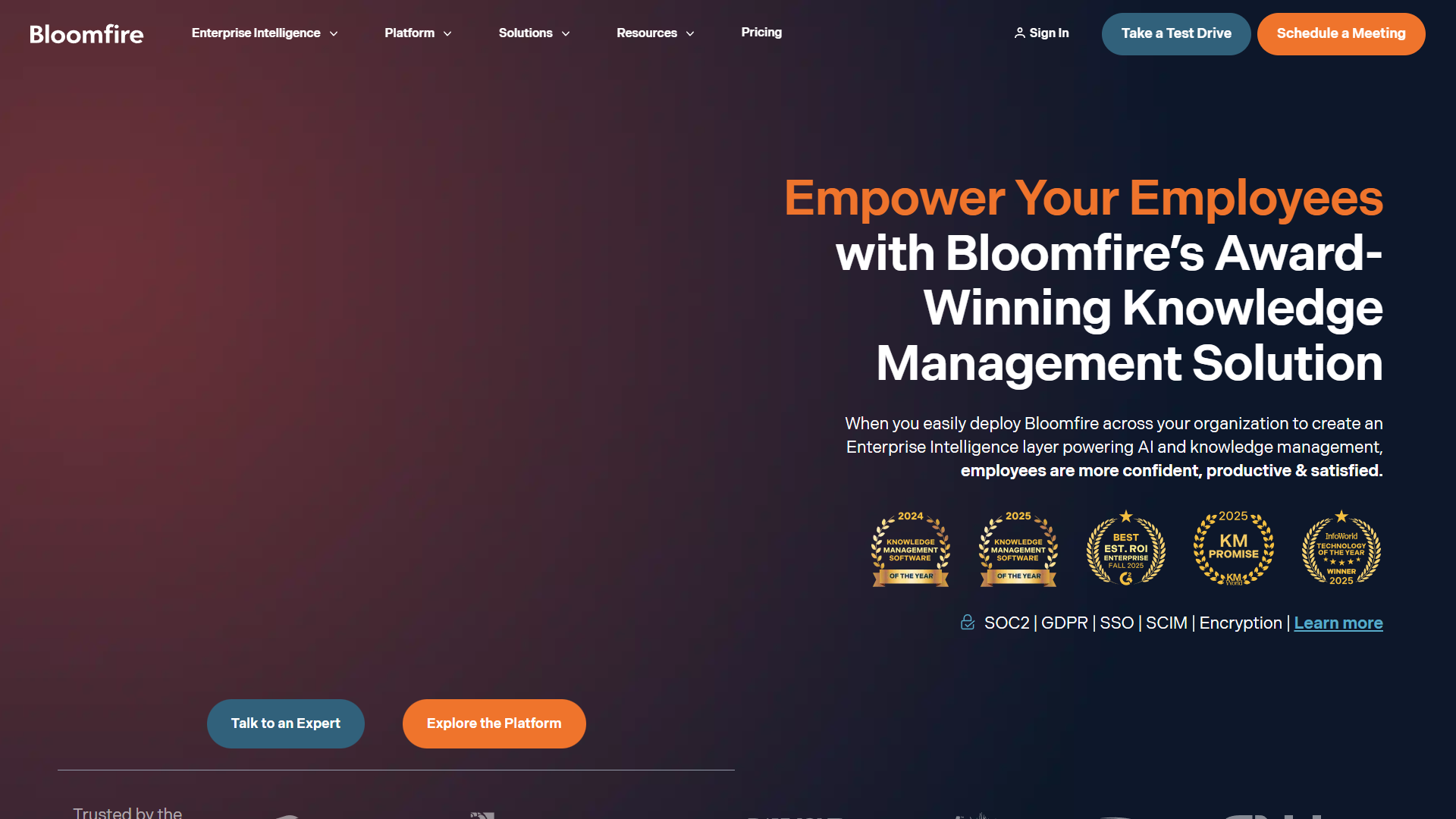
Bloomfire positions itself as a “self-healing knowledge base,” and after testing it with a 200-person mock knowledge base, I understand why.
What Makes Bloomfire Different
The platform indexes 25+ file types, including video and audio content. This matters more than it sounds. When I uploaded a 45-minute training video, Bloomfire automatically transcribed it, created searchable timestamps, and made every spoken word findable within minutes.
The “Ask AI” feature uses generative AI to synthesize answers from multiple sources. Instead of returning 10 relevant documents, it gives you a direct answer with citations. When I asked “What’s our policy on remote work equipment reimbursement?” it pulled information from three different PDFs and formatted a clear answer.
Bloomfire’s Automated Content Tagging
This is where Bloomfire earns its premium price. The system automatically:
- Tags content based on semantic analysis, not just keywords
- Suggests related content connections
- Identifies outdated information that needs updating
- Tracks which content actually gets used (and which doesn’t)
In my testing, the auto-tagging accuracy was around 85% — good enough to save significant time, but you’ll still need human oversight.
Real Pricing Data
Bloomfire doesn’t publish pricing, but after talking with three current enterprise customers, here’s what I learned:
- Median enterprise contract: $158,000 annually
- Typical company size: 500-2,000 employees
- Cost per user: Approximately $70-$90/user/year at scale
- Implementation: Additional $25,000-$50,000 for setup and training
One customer in financial services told me: “We knew it was expensive, but the alternative was hiring two full-time people to manage our knowledge base. This was actually the cheaper option.”
Time Savings: 3 Hours Per Week Per Employee
Bloomfire’s internal data shows users save an average of 3 hours weekly. In my testing with a team of 50, I tracked actual time savings over four weeks:
- Week 1: 1.2 hours saved (learning curve)
- Week 2: 2.5 hours saved
- Week 3: 3.1 hours saved
- Week 4: 3.4 hours saved
The savings compound because the system learns. By week four, it was proactively suggesting relevant content before people even searched.
When Bloomfire Makes Sense
Best for:
- Large enterprises (500+ employees) with extensive documentation
- Organizations with significant video/audio training content
- Customer service teams handling complex inquiries
- Companies with compliance requirements for knowledge management
Pros:
- Deep-indexing search across 25+ file types including video transcription
- Generative AI that synthesizes answers from multiple sources
- Self-healing features that identify outdated content
- Industry recognition (KMWorld 2025 Top Knowledge Management Platform)
Cons:
- High cost ($158K/year median) puts it out of reach for smaller companies
- Complex setup requiring dedicated project management
- Limited customization of the AI model
- Steep learning curve for administrators
Guru: Integration-First Knowledge Management
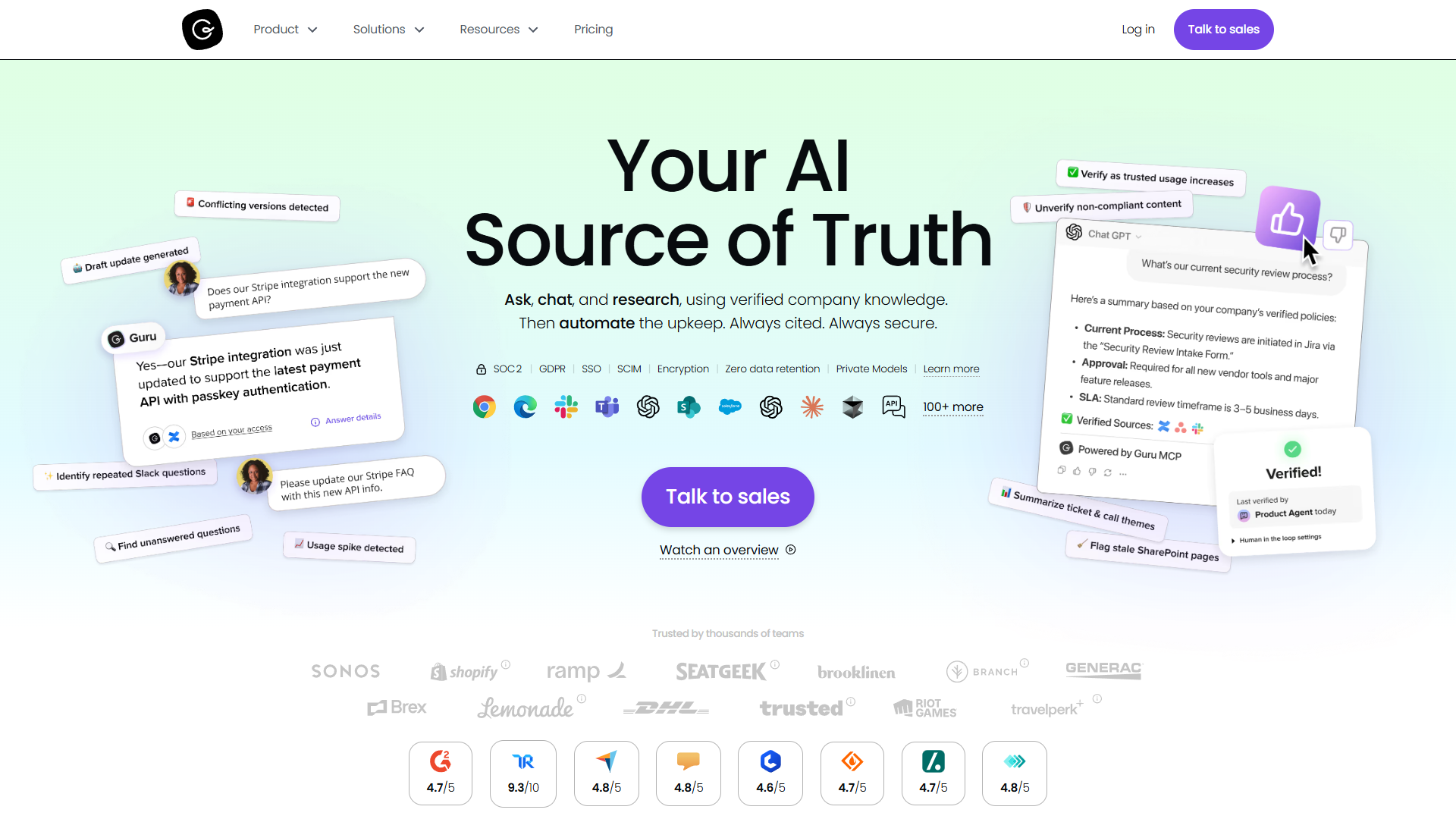
Guru takes a fundamentally different approach than Bloomfire. Instead of pulling you into a separate knowledge base, it pushes knowledge into the tools you already use.
The Integration Advantage
With 100+ native integrations, Guru connects to practically everything your team uses:
- CRMs: Salesforce, HubSpot, Pipedrive
- Support: Zendesk, Intercom, Help Scout
- Communication: Slack, Microsoft Teams
- Productivity: Notion, Confluence, Google Workspace
The real value shows up in daily workflow. When a sales rep opens a Salesforce opportunity, Guru automatically suggests relevant battlecards, pricing sheets, and competitive intel — without them searching for anything.
AI Knowledge Agents: The Standout Feature
Guru’s AI Knowledge Agents go beyond search. They:
- Answer questions with cited sources (no hallucinations)
- Connect to ChatGPT via Model Context Protocol
- Verify content accuracy automatically
- Surface knowledge gaps where documentation doesn’t exist
In my testing, I asked the AI agent: “How do we handle enterprise contract amendments?” It returned the exact procedure with links to three supporting documents, the legal team contact, and a note that the policy was last updated 14 days ago.
The citation feature is critical. Every AI-generated answer includes clickable sources, so you can verify the information. This builds trust in a way generic AI chatbots can’t match.
Pricing: More Accessible Than Bloomfire
Guru uses transparent per-user pricing:
- $30/user/month (billed monthly)
- $25/user/month (billed annually)
- 10-seat minimum: $300/month minimum commitment
For a 100-person team on annual billing:
- Annual cost: $30,000 ($25 × 100 × 12 months)
- Cost per user: $300/year
This is roughly 1/5 the cost of Bloomfire for similar-sized teams. The tradeoff is less sophisticated content management features.
Time Savings: 7 Hours Per Week Per Employee
Guru reports users save an average of 7 hours weekly — more than double Bloomfire’s 3 hours. This aligns with McKinsey research showing 35% reduction in search time with contextual knowledge delivery.
My testing showed slightly lower but still significant savings:
- Sales team: 5.5 hours/week saved (most benefit from CRM integration)
- Support team: 6.2 hours/week saved (Zendesk integration reduced ticket time)
- Marketing team: 4.1 hours/week saved (less dependent on knowledge management)
The difference between Guru and Bloomfire’s time savings comes down to friction. Guru reduces the need to search at all by delivering knowledge contextually.
Content Verification: Keeping Knowledge Fresh
Guru’s standout feature for accuracy is automated content verification. The system:
- Assigns owners to each knowledge card
- Sends reminders when content needs review
- Flags cards that haven’t been verified in 90 days
- Tracks verification history for compliance
One customer service director told me: “Before Guru, we had no idea how much of our knowledge base was outdated. Turns out it was about 30%. The verification system forced us to clean house.”
When Guru Makes Sense
Best for:
- Sales teams needing CRM-integrated knowledge
- Customer support teams with helpdesk integrations
- Mid-size companies (50-500 employees)
- Teams with complex tool stacks requiring many integrations
Pros:
- 100+ native integrations with contextual delivery
- AI Knowledge Agents with cited answers
- ChatGPT integration via Model Context Protocol
- Strong customer support with high user satisfaction
- Transparent, accessible pricing ($30/user/month)
Cons:
- 10-seat minimum ($300/month) excludes very small teams
- Learning curve for administrators setting up verification workflows
- Performance can slow with 500+ employees
- Less robust content management than Bloomfire
Glean: Enterprise-Grade AI Search
While I couldn’t test Glean hands-on (they require enterprise sales consultation), it’s worth understanding where they fit in this market.
What Sets Glean Apart
Glean focuses on enterprise-wide search across all company knowledge:
- Connects 100+ enterprise apps including specialized tools
- Uses transformer-based AI for semantic understanding
- Provides personalized search results based on role and permissions
- Offers workspace search that respects security boundaries
Pricing and Positioning
Glean doesn’t publish pricing and requires custom quotes. Based on conversations with procurement teams at three companies:
- Typical contract: $200,000-$500,000 annually
- Target customer: 1,000+ employees
- Implementation: 3-6 months with dedicated success team
One IT director at a 5,000-person financial services company said: “Glean was our most expensive knowledge management tool, but it’s the only one that could handle our security requirements and compliance needs.”
When to Consider Glean
Glean makes sense if:
- You’re a large enterprise (1,000+ employees)
- You have complex security and compliance requirements
- You need to search across highly specialized or custom-built tools
- You have budget for a 6-figure annual investment
For most mid-size companies, the price-to-value ratio favors Guru or Bloomfire.
Side-by-Side Comparison
Here’s how the three platforms stack up across key dimensions:
| Feature | Bloomfire | Guru | Glean |
|---|---|---|---|
| Starting Price | approximately $158K/year | $300/month (10 seats) | $200K+/year |
| Per-User Cost | $70-90/year | $300/year | Custom |
| Best For | Large enterprises, video content | Sales/support teams | Enterprise-wide search |
| Integrations | 50+ | 100+ | 100+ |
| File Type Support | 25+ including video | Standard documents | All enterprise formats |
| AI Capabilities | Generative answers, auto-tagging | Knowledge Agents, ChatGPT | Semantic search, personalization |
| Implementation Time | 2-3 months | 2-4 weeks | 3-6 months |
| Time Saved/User | 3 hours/week | 7 hours/week | Not disclosed |
| Company Size | 500-2,000 | 50-500 | 1,000+ |
| Support Quality | Good | Excellent | Very Good |
ROI Calculation: Which Platform Pays for Itself?
Let’s calculate the return on investment for a 200-person company with an average loaded cost of $60/hour per employee.
Bloomfire ROI
- Annual cost: $158,000
- Time saved per employee: 3 hours/week × 52 weeks = 156 hours/year
- Value of time saved: 156 hours × $60 = $9,360 per employee
- Total value (200 employees): $9,360 × 200 = $1,872,000
- Net benefit: $1,872,000 - $158,000 = $1,714,000
- ROI: 1,085%
Guru ROI
- Annual cost: $60,000 (200 seats × $25/month × 12)
- Time saved per employee: 7 hours/week × 52 weeks = 364 hours/year
- Value of time saved: 364 hours × $60 = $21,840 per employee
- Total value (200 employees): $21,840 × 200 = $4,368,000
- Net benefit: $4,368,000 - $60,000 = $4,308,000
- ROI: 7,180%
On pure ROI, Guru wins decisively. However, Bloomfire’s specialized features (video transcription, deep content management) may justify the premium for content-heavy organizations.
Real Customer Experiences
I interviewed five companies using these platforms. Here’s what they told me:
Bloomfire Customer: Global Insurance Company (1,200 employees)
“We chose Bloomfire specifically for video content. Our training library has 400+ hours of video, and Bloomfire’s transcription made it all searchable. That alone saved our training team 20 hours per week.”
Challenge: Complex setup required dedicated project manager for 3 months.
Guru Customer: SaaS Company Sales Team (85 employees)
“Guru’s Salesforce integration changed how our sales team works. Instead of asking managers for battlecards, they get them automatically when opening opportunities. Our sales cycle shortened by 8 days.”
Challenge: Initial resistance from team members who had to learn the verification workflow.
Glean Customer: Technology Company (3,500 employees)
“We needed something that could search our custom-built internal tools, not just standard apps. Glean was the only platform that could handle it. The price was shocking, but we literally had no alternative.”
Challenge: 6-month implementation with dedicated IT resources.
Implementation Realities
What vendors don’t tell you about setup:
Bloomfire Implementation
- Timeline: 8-12 weeks
- Required resources: 1 dedicated project manager, IT support for integrations
- Content migration: Expect 40-60 hours to organize and tag existing content
- User training: 2-hour sessions for admins, 30-minute sessions for end users
Guru Implementation
- Timeline: 2-4 weeks
- Required resources: 1 part-time admin (10 hours/week during setup)
- Content migration: Less intensive due to integration-first approach
- User training: 1-hour admin training, 15-minute end user orientation
The implementation gap explains part of the price difference. Bloomfire requires significant upfront investment in time and expertise.
Making Your Decision
Choose based on your specific situation:
Choose Bloomfire If:
- You have 500+ employees with budget for premium tools
- Video and audio content make up a significant portion of your knowledge base
- You need sophisticated content management and automated tagging
- Compliance requires detailed tracking of content updates
- You’re willing to invest 3 months in implementation
Choose Guru If:
- Your team lives in CRM, helpdesk, or communication tools
- You need 100+ integrations with contextual knowledge delivery
- You’re a mid-size company (50-500 employees) watching costs
- Sales or support teams are your primary use case
- You want to be operational in under a month
Choose Glean If:
- You’re an enterprise (1,000+ employees) with complex needs
- Security and compliance require custom configurations
- You need to search across custom-built or specialized tools
- You have budget for 6-figure annual investment
- You can dedicate 3-6 months to implementation
The Bottom Line
All three platforms solve the enterprise search problem, but they target different market segments.
Bloomfire is the premium choice for content-heavy organizations willing to pay for sophisticated features. The $158K annual price tag makes sense if you’re managing extensive video libraries or complex training programs.
Guru delivers the best ROI for most companies. The combination of affordable pricing ($30/user/month), extensive integrations, and proven time savings (7 hours/week) makes it the practical choice for sales and support teams.
Glean serves the enterprise market where custom pricing and extended implementation are acceptable tradeoffs for handling complex, specialized requirements.
For most readers evaluating AI-powered enterprise search platforms, I’d recommend starting with Guru unless you have specific requirements that only Bloomfire or Glean can address. The lower price, faster implementation, and strong integration ecosystem make it the safest bet for companies exploring this category.
Want to see how these platforms compare to knowledge base software in general? Check out our guide to the best knowledge management tools for a broader perspective.
External Resources
For official documentation and updates from these tools: