This guide covers ai notetaker shootout with hands-on analysis.
Every meeting generates hours of audio — but who actually has time to review recordings? After testing AI notetaker tools across 40+ meetings in early 2026, I’ve found the best options aren’t always the obvious choices.
Here’s what I learned comparing Otter.ai, Fireflies.ai, and Motion’s meeting AI features.
Quick Comparison: AI Notetakers at a Glance
| Feature | Otter.ai | Fireflies.ai | Motion |
|---|---|---|---|
| Free Tier | 300 min/month | 800 min storage | None (paid only) |
| Starting Price | $8.33/mo (annual) | $10/mo (annual) | $19/mo (individual) |
| Rating | 4.3/5 | 4.8/5 | 4.2/5 |
| Transcription Speed | Real-time | Real-time | < 30 seconds post-meeting |
| Integrations | Zoom, Teams, Meet | 50+ apps (Slack, CRM) | Calendar, tasks, email |
| Best For | Live collaboration | Sales teams | All-in-one productivity |
The surprising winner? It depends on whether you need a dedicated notetaker or a productivity platform with meeting AI built in.
Otter.ai: The Live Collaboration Specialist
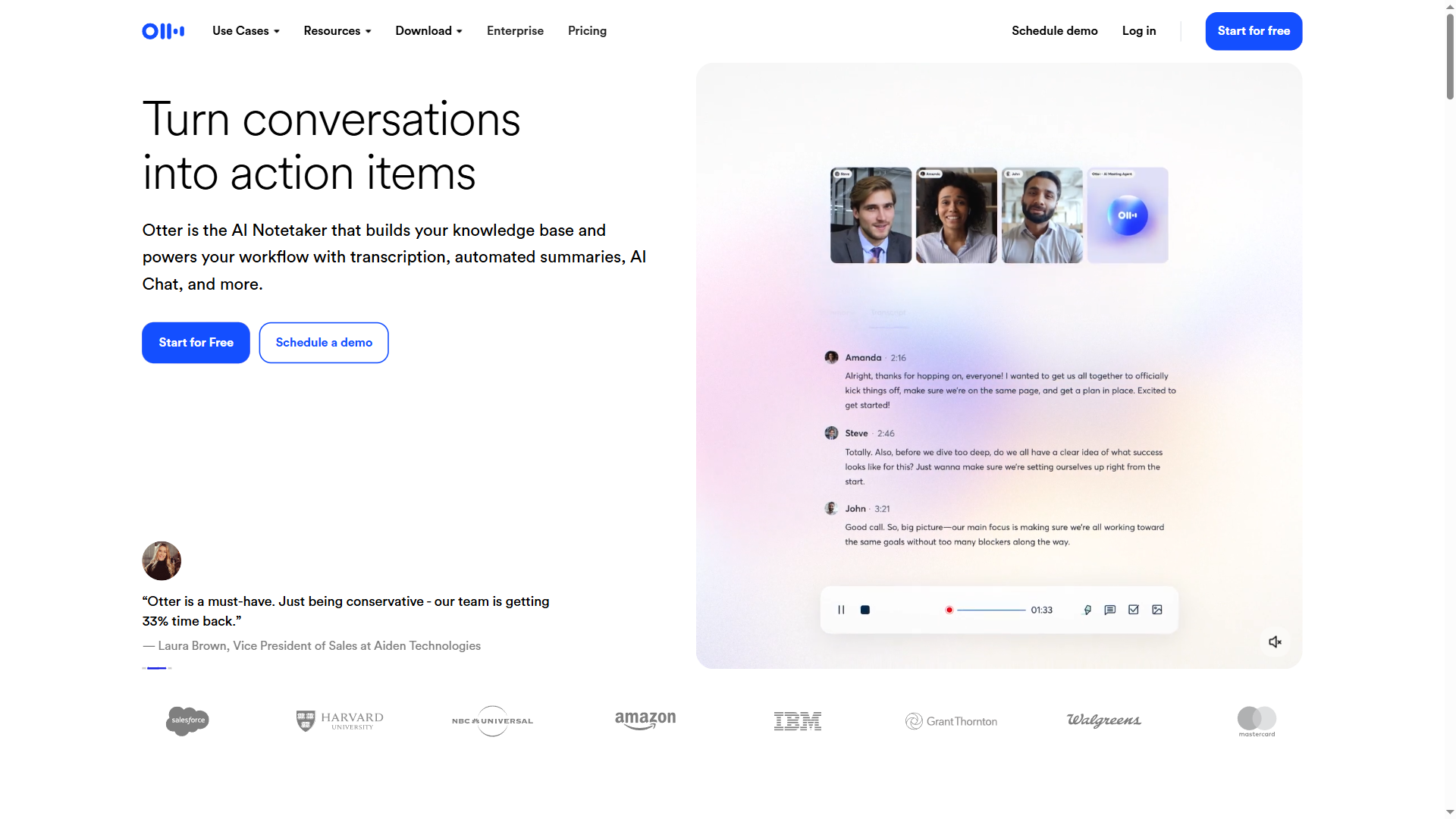
Otter.ai excels at real-time transcription with collaborative features during meetings.
What I Liked
Live transcript editing. While the meeting runs, team members can highlight key points, add comments, and assign action items. This turns passive note-taking into active collaboration.
Speaker identification. After a brief training period, Otter accurately labels who said what — essential for meetings with 5+ participants.
Mobile app quality. The iOS/Android apps match desktop functionality. I’ve used Otter to record in-person interviews and client calls with zero friction.
Pricing Breakdown
- Free: 300 minutes/month, 30 min/conversation
- Pro: $8.33/month (annual) - 1,200 min/month, advanced search
- Business: $20/user/month - unlimited transcription, admin controls
The free tier works for solo users with fewer than 5 meetings per week. Teams need Pro minimum.
Where Otter Falls Short
No CRM integrations. If you’re in sales, manually copying notes to Salesforce or HubSpot gets tedious fast.
Summary quality. Transcripts are accurate, but AI-generated summaries feel generic compared to Fireflies’ output.
Best for: Freelancers, educators, and teams that need live collaboration during meetings.
Learn more about Otter.ai pricing and features →
Fireflies.ai: The Sales Team’s Secret Weapon
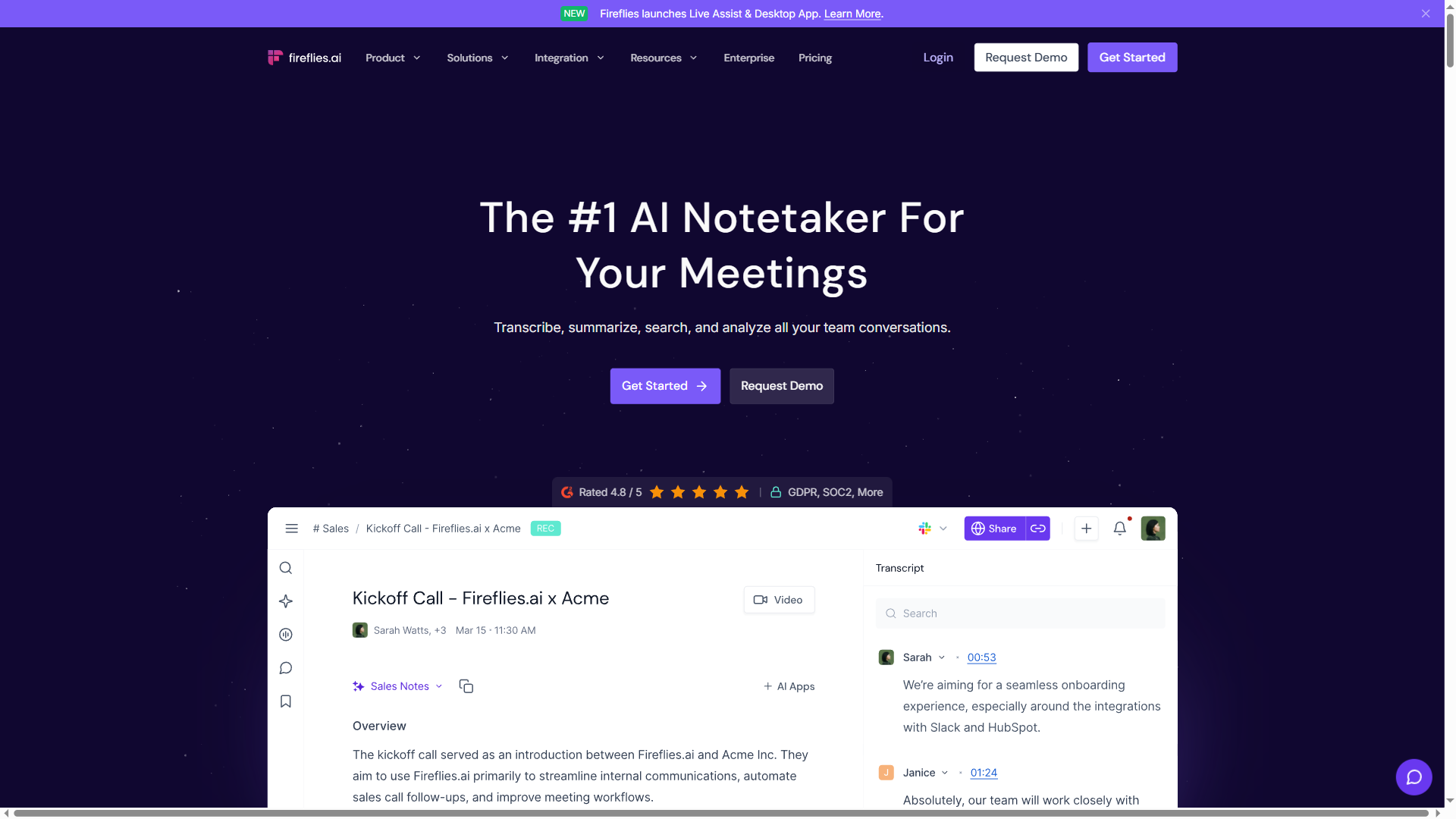
After using Fireflies for 2 months, I understand why it dominates sales enablement. The CRM integrations alone save 15-20 minutes per meeting.
What Makes Fireflies Different
AskFred AI search. Instead of scrolling through transcripts, ask questions: “What objections did the client raise?” Fred pulls exact quotes with timestamps.
CRM auto-sync. Fireflies automatically logs meeting notes to Salesforce, HubSpot, or Pipedrive. No manual copy-paste required.
Conversation intelligence. Track talk ratio, sentiment, and competitor mentions across all calls. Sales managers get analytics dashboards showing team performance.
Pricing Details
- Free: 800 min storage (lifetime), unlimited transcription
- Pro: $10/month (annual) - unlimited storage, CRM integrations
- Business: $19/user/month - conversation intelligence, team analytics
- Enterprise: Custom pricing - advanced security, dedicated support
The generous free tier makes Fireflies easy to test. Pro unlocks the real value for sales teams.
Limitations
Not built for real-time. Fireflies processes recordings post-meeting. If you need live transcription, use Otter instead.
Privacy concerns. Some clients hesitate when a “Fireflies.ai Notetaker” joins Zoom calls. You’ll need to address this upfront.
Best for: Sales teams, customer success, anyone who needs CRM integration and conversation analytics.
Explore Fireflies.ai features and pricing →
Motion: The All-in-One Approach
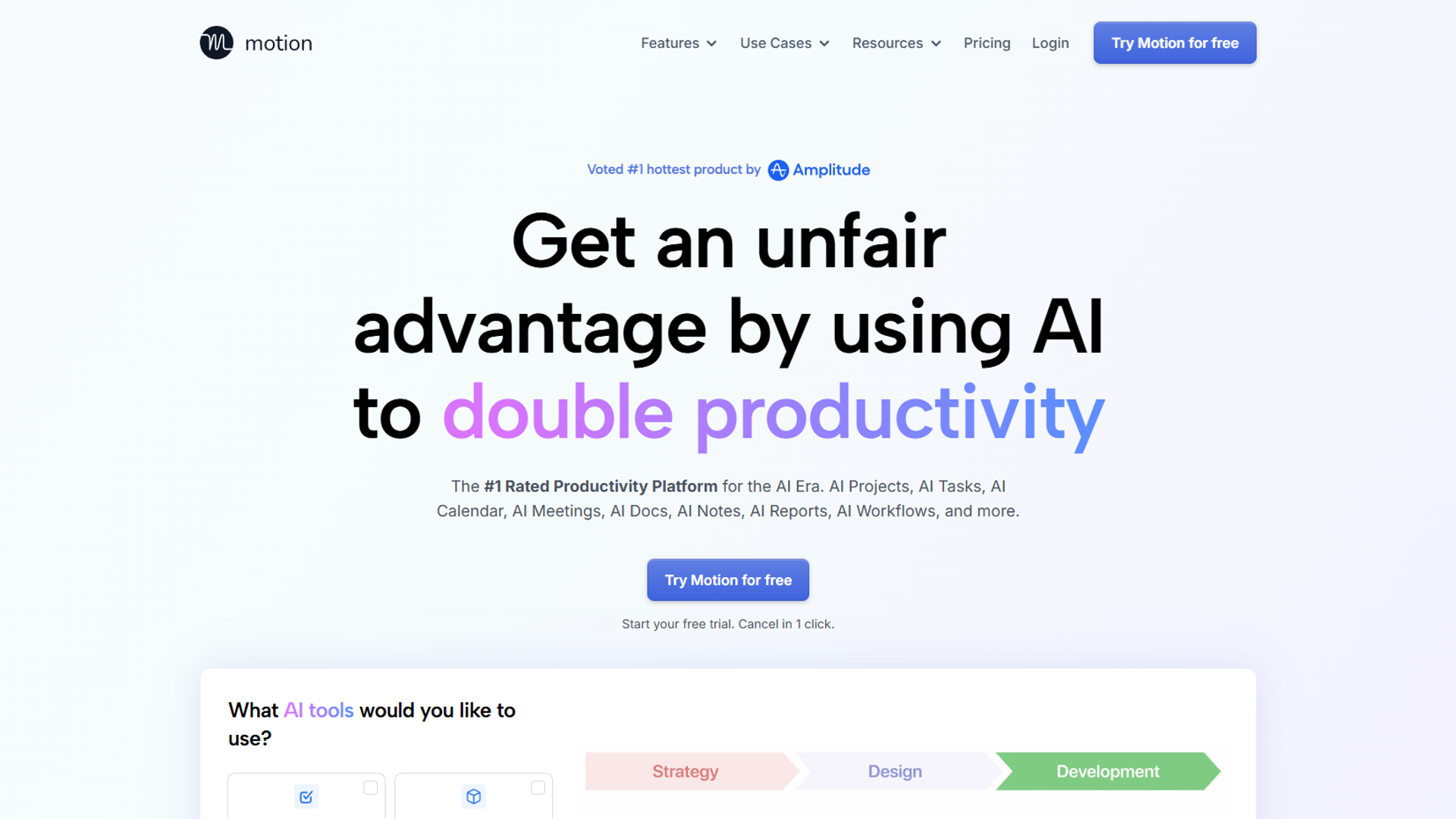
Motion surprised me. I expected a task manager with basic meeting features — instead, I found the fastest meeting summaries I’ve tested.
Why Motion Is Different
30-second summaries. Motion doesn’t focus on transcription. It generates action items, decisions, and key takeaways in under 30 seconds post-meeting. Perfect for back-to-back calls where you need quick context before the next one starts.
Task auto-creation. Action items from meetings automatically become tasks in your Motion calendar. No manual entry required.
Calendar-first design. Motion schedules tasks around your meetings. The AI sees your calendar, knows when you’re free, and blocks time for follow-up work.
Pricing Reality
- Individual: $19/month (annual) - personal productivity + meeting AI
- Team: $34/user/month - team coordination, project management
There’s no free tier. Motion requires commitment upfront.
Trade-offs
No standalone meeting product. You can’t buy “just” the meeting AI — you get the full productivity platform (calendar, tasks, project management). This is perfect if you want Motion as a Notion alternative, but overkill if you only need a notetaker.
Learning curve. Motion’s AI-powered calendar takes 1-2 weeks to learn your work patterns. Early suggestions feel off until the system calibrates.
Best for: Busy professionals who want meeting intelligence and automatic task scheduling in one tool.
See Motion’s full feature set and pricing →
Decision Framework: Which AI Notetaker Should You Choose?
After 40+ meetings across all three platforms, here’s how to decide:
Choose Otter.ai if you:
- Need live transcription during meetings
- Collaborate with team members in real-time
- Want a free tier that actually works
- Prioritize accurate speaker identification
Otter wins for educators, podcasters, and teams that work together during calls.
Choose Fireflies.ai if you:
- Work in sales or customer success
- Need CRM integrations (Salesforce, HubSpot)
- Want conversation analytics across your team
- Value post-meeting AI search over live transcription
Fireflies dominates for revenue teams that need intelligence, not just notes.
Choose Motion if you:
- Want meeting AI + task management in one platform
- Need instant summaries between back-to-back calls
- Prefer automatic task creation from action items
- Already struggle with calendar management
Motion makes sense when you’re solving productivity holistically, not just meeting notes.
The Verdict by Use Case
Best free option: Fireflies.ai (800 min storage, unlimited transcription) Best for teams: Otter.ai (live collaboration features) Best for sales: Fireflies.ai (CRM integrations, conversation intelligence) Best for busy execs: Motion (30-second summaries, auto-scheduling) Best accuracy: Otter.ai (speaker ID, real-time editing) Best ROI for solo users: Otter.ai Free → upgrade to Pro at $8.33/mo when needed
My Setup After Testing
I ended up using two tools:
- Fireflies.ai Pro ($10/mo) for client calls and sales meetings - the CRM sync alone saves 20+ minutes daily
- Motion ($19/mo) for internal meetings and productivity - the task auto-creation prevents follow-up from falling through cracks
Total cost: $29/month for comprehensive meeting intelligence + task management.
If I could only choose one? Fireflies.ai Pro for the free tier flexibility and CRM power. But Motion wins if you need more than just a notetaker.
What About Other Options?
Notion AI: Great for notes, weak for transcription. Use Fireflies → paste summaries into Notion.
ChatGPT with transcripts: Cheap but manual. You’re still uploading audio files yourself.
Fathom: Strong alternative to Otter/Fireflies with similar features. I’d test it if you’re already unhappy with my top picks.
Tactiq: Chrome extension for Google Meet. Limited compared to dedicated apps.
The AI notetaker landscape moves fast — these tools all shipped major updates in Q4 2024. I’ll update this comparison as new features launch.
Final Thoughts
For ai notetaker shootout, The best AI notetaker isn’t about transcription accuracy anymore — every tool handles that well. The differentiator is what happens after the meeting ends:
- Does it integrate with your CRM?
- Does it create tasks automatically?
- Does it surface insights across conversations?
- Does it fit your existing workflow?
Start with Fireflies.ai’s free tier. If you need live collaboration, add Otter.ai. If you want meeting AI built into a productivity system, try Motion’s 7-day trial.
Your meeting notes shouldn’t just sit in an archive — they should drive action. That’s what separates good AI notetakers from great ones.
For more information about ai notetaker shootout, see the resources below.
External Resources
For official documentation and updates from these AI notetaker platforms:
- Otter.ai Blog — Real-time transcription tips and collaborative meeting features
- Fireflies.ai Blog — CRM integration guides and conversation intelligence updates
- Motion Blog — AI scheduling strategies and productivity workflow optimization
Related reading:
- AI Calendar Assistants in 2025
- Motion vs Notion: Which Productivity Tool Wins?
- Motion App Review: Worth the Premium Price?