Stable Diffusion changed everything when it launched in 2022. For the first time, anyone could run a state-of-the-art image generation model on their own computer, completely free. No subscriptions, no usage limits, no corporate terms of service deciding what you can create.
Three years later, the ecosystem has exploded. ComfyUI replaced AUTOMATIC1111 as the interface of choice. Civitai hosts over 100,000 custom models. And with Stable Video Diffusion and newer models, video generation is now accessible to hobbyists. If you tried Stable Diffusion in 2023 and bounced off, it’s time to revisit.
This tutorial walks you through everything: installation options, ComfyUI basics, custom models, LoRAs, ControlNet, and video generation. By the end, you’ll have a working setup and understand the workflows that professionals use.
Why Stable Diffusion Over Midjourney or DALL-E?
Before diving into setup, let’s address why you’d choose Stable Diffusion over simpler alternatives like Midjourney or DALL-E 3.
| Factor | Stable Diffusion | Midjourney | DALL-E 3 |
|---|---|---|---|
| Cost | Free (local) or approximately $0.40/hr (cloud) | $10-60/month | $20/month (ChatGPT Plus) |
| Privacy | 100% local, data never leaves your machine | Cloud-based | Cloud-based |
| Customization | Full control: custom models, LoRAs, ControlNet | Limited style references | Minimal |
| NSFW/Unrestricted | No content filters | Strict policies | Strict policies |
| Learning Curve | Steep | Easy | Very easy |
| Best For | Power users, developers, specific styles | Quick beautiful images | Conversational generation |
Choose Stable Diffusion if you:
- Want complete creative freedom without content restrictions
- Need to generate hundreds or thousands of images
- Have a specific style that requires custom training
- Value privacy and local processing
- Enjoy tinkering and optimizing workflows
Stick with Midjourney/DALL-E if you:
- Need beautiful images fast with minimal setup
- Prefer paying monthly over hardware investment
- Don’t require custom models or advanced techniques
Installation Options: Local vs Cloud
Your hardware determines which path to take. Stable Diffusion requires a decent GPU for reasonable performance.
Hardware Requirements
| Setup | Minimum | Recommended |
|---|---|---|
| VRAM | 6GB (slow, limited) | 12GB+ (RTX 3060/4070 or better) |
| RAM | 16GB | 32GB |
| Storage | 50GB free | 200GB+ (models are large) |
Reality check: If you have an RTX 3060 12GB or better, local installation is worth it. If you’re on a laptop GPU, integrated graphics, or Mac (even M1/M2), cloud services are more practical.
Option 1: Local Installation with ComfyUI
ComfyUI is a node-based interface that’s become the standard for serious Stable Diffusion users. It’s more powerful than AUTOMATIC1111 and allows visual workflow creation.
Step 1: Install ComfyUI
# Clone the repository
git clone https://github.com/comfyanonymous/ComfyUI.git
cd ComfyUI

# Create virtual environment (recommended)
python -m venv venv
source venv/bin/activate  # On Windows: venv\Scripts\activate

# Install PyTorch with CUDA support
pip install torch torchvision torchaudio --index-url https://download.pytorch.org/whl/cu121

# Install ComfyUI dependencies
pip install -r requirements.txt
Step 2: Download a Model
Download Stable Diffusion 3.5 Medium (the best balance of quality and speed) from Hugging Face:
# Place in ComfyUI/models/checkpoints/
# File: sd3.5_medium.safetensors (~5GB)
Step 3: Launch ComfyUI
python main.py
# Opens at http://127.0.0.1:8188
Option 2: Cloud GPU Services
No GPU? Cloud services provide pre-configured environments at hourly rates.
| Service | Cost | Setup Time | Best For |
|---|---|---|---|
| RunPod | $0.40-0.80/hr | 5 min | Most popular, ComfyUI templates |
| Vast.ai | $0.20-0.50/hr | 10 min | Budget option, variable quality |
| Google Colab | Free-$10/mo | 15 min | Testing, limited runtime |
| ThinkDiffusion | $0.50/hr | Instant | Zero setup, browser-based |
RunPod Quick Start:
- Create account at runpod.io
- Select “Templates” and search “ComfyUI”
- Choose a GPU (RTX 4090 recommended for speed)
- Deploy and access via browser
Cloud costs add up. At 20 hours/month usage, you’re paying $8-16/month, which approaches Leonardo AI subscription prices. But you get full customization that managed platforms can’t match.
ComfyUI Basics: Your First Workflow
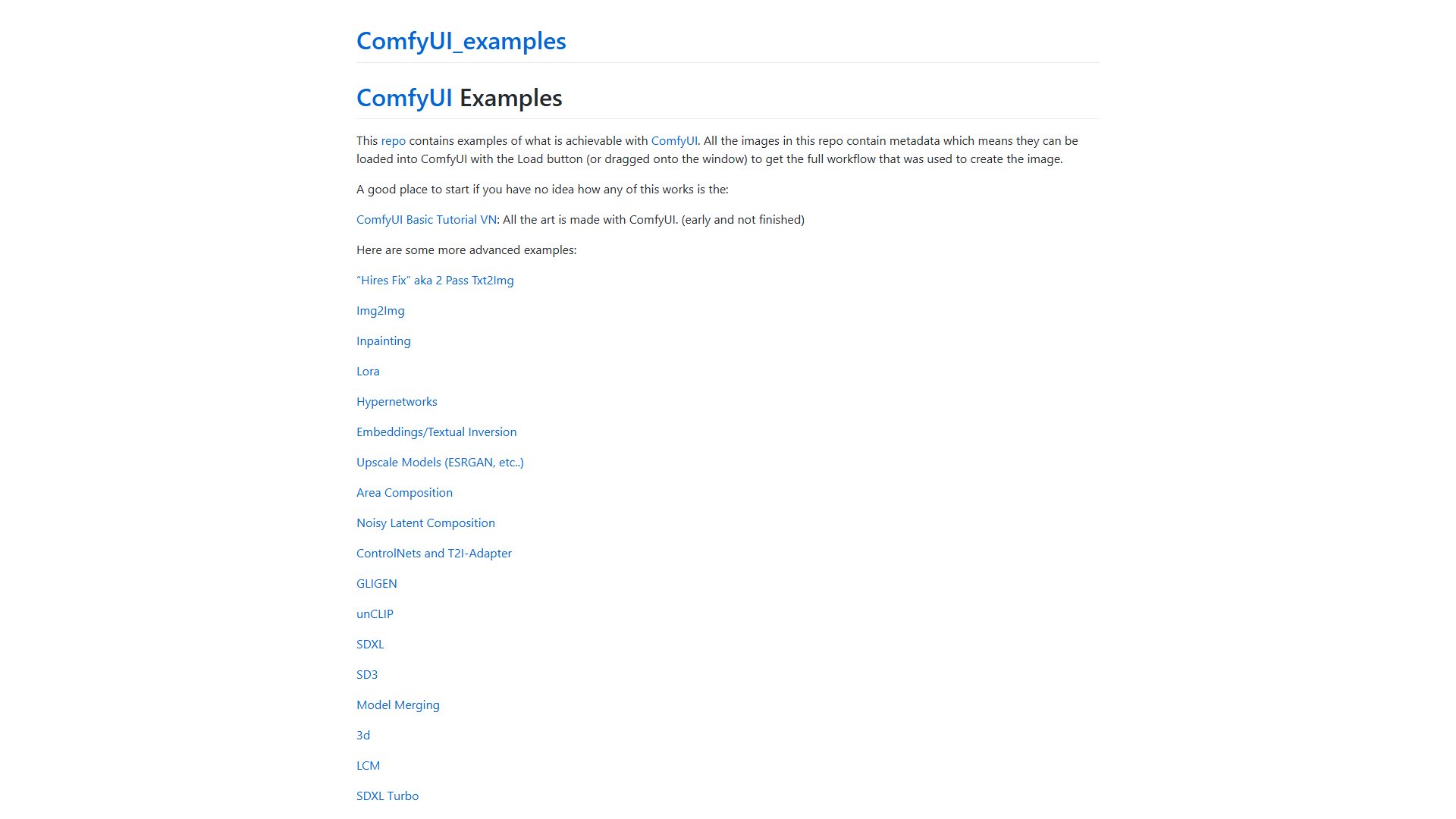
ComfyUI uses a node-based system where you connect components visually. Think of it like wiring a synthesizer: data flows from left to right through nodes.
Core Nodes You’ll Use
| Node | Purpose |
|---|---|
| Load Checkpoint | Loads your SD model (.safetensors file) |
| CLIP Text Encode | Converts text prompts to embeddings |
| KSampler | The actual image generation (denoising) |
| VAE Decode | Converts latent space to viewable image |
| Save Image | Outputs final image |
Basic Text-to-Image Workflow
- Load Checkpoint → Connect MODEL, CLIP, VAE outputs
- CLIP Text Encode (Positive) → Your main prompt
- CLIP Text Encode (Negative) → What to avoid
- Empty Latent Image → Set resolution (1024x1024 for SD3.5)
- KSampler → Connect all inputs, set steps (20-30), CFG scale (4-7)
- VAE Decode → Converts to RGB image
- Save Image → Outputs to ComfyUI/output/
Example Prompt:
Positive: "a majestic owl perched on ancient ruins, golden hour lighting,
photorealistic, 8k detail, volumetric fog, depth of field"

Negative: "blurry, low quality, text, watermark, distorted, deformed"
Key Settings:
- Steps: 20-30 (more = better quality, slower)
- CFG Scale: 4-7 for SD3.5 (controls prompt adherence)
- Sampler: euler, dpmpp_2m_sde (experiment to find preference)
- Scheduler: karras or normal
Using Custom Models from Civitai
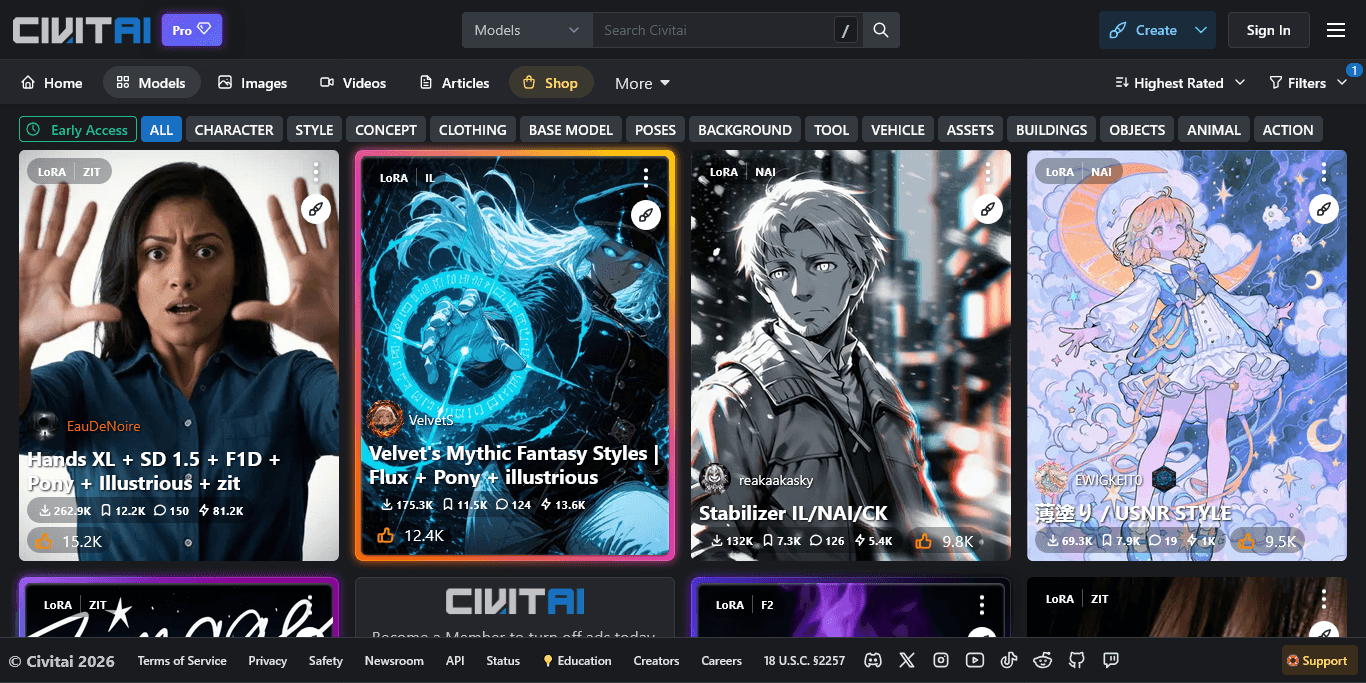
Civitai is the community hub for Stable Diffusion models. Over 100,000 checkpoints, LoRAs, and embeddings are available, from photorealistic to anime to specific art styles.
Finding the Right Model
Popular Model Types:
| Type | Examples | Best For |
|---|---|---|
| Photorealistic | Juggernaut XL, RealVisXL | Product photos, portraits |
| Anime/Illustration | Pony Diffusion, Animagine | Anime art, character design |
| Artistic | DreamShaper, SDXL Unstable | Creative, painterly styles |
| Specialized | Architecture, Fashion | Industry-specific needs |
Installing Civitai Models
- Find a model on civitai.com (check for SDXL or SD3.5 compatibility)
- Download the .safetensors file
- Place in
ComfyUI/models/checkpoints/ - Reload ComfyUI (Ctrl+R) or restart
- Select in Load Checkpoint node
Pro Tip: Read the model card. Creators specify optimal settings (CFG scale, samplers, trigger words) that dramatically improve results.
LoRA and ControlNet: Advanced Techniques
LoRAs and ControlNet transform Stable Diffusion from “generic image generator” to “precision creative tool.”
LoRA (Low-Rank Adaptation)
LoRAs are small adapter files (10-200MB) that modify model behavior without changing the base model. Use them to add:
- Styles: Specific artistic styles, lighting, compositions
- Characters: Consistent characters across images
- Concepts: Objects, poses, environments
Using LoRAs in ComfyUI:
- Download LoRA from Civitai
- Place in
ComfyUI/models/loras/ - Add “Load LoRA” node after Load Checkpoint
- Connect MODEL and CLIP through the LoRA node
- Set strength (0.5-1.0 typical)
Example: Using a “cinematic lighting” LoRA at 0.7 strength adds Hollywood-style lighting to any prompt.
ControlNet: Precise Composition Control
ControlNet lets you guide image generation using reference images. Instead of hoping the AI positions elements correctly, you specify exact poses, edges, or depth maps.
ControlNet Types:
| Type | Input | Use Case |
|---|---|---|
| Canny Edge | Line drawing/edges | Maintain structure from sketch |
| Depth | Depth map | Control 3D positioning |
| OpenPose | Pose skeleton | Character poses |
| Scribble | Rough sketch | Quick concept art |
| IP-Adapter | Reference image | Style transfer |
Basic ControlNet Workflow:
- Install ControlNet models from Hugging Face
- Add “Load ControlNet Model” node
- Add “Apply ControlNet” node
- Connect your preprocessed image (edge detection, pose extraction)
- Connect to KSampler conditioning
This technique is essential for professional work where specific compositions are required.
Video Generation with Stable Video Diffusion
Stable Diffusion isn’t just for images anymore. Stability AI’s video models enable short-form video generation.
Current Video Models (2026)
| Model | Input | Output | Best For |
|---|---|---|---|
| Stable Video Diffusion | Single image | 2-4 sec clip | Image animation |
| Stable Video 4D 2.0 | Image | Multi-view video | 3D object rotation |
| Stable Virtual Camera | 2D video | Immersive video | Adding camera motion |
Image-to-Video Workflow
- Generate or select a high-quality image
- Use SVD model in ComfyUI (requires separate download)
- Set motion parameters (motion bucket, fps)
- Generate frames (14-25 typical)
- Export as video
Hardware Note: Video generation is significantly more VRAM-intensive. Expect 12GB+ for basic SVD, 24GB+ for higher quality.
For more accessible video generation, consider dedicated platforms like Runway or HeyGen which offer more polished workflows at the cost of flexibility.
Tips for Better Results
After thousands of generations, these practices consistently improve output quality.
Prompt Engineering
Structure your prompts:
[Subject], [Style/Medium], [Lighting], [Quality Keywords], [Artist Reference]

Example: "portrait of a cyberpunk hacker, digital painting,
neon rim lighting, intricate details 8k, in the style of Simon Stalenhag"
Quality boosters that work:
- “highly detailed, 8k, intricate”
- “professional photography, DSLR”
- “masterpiece, best quality” (for anime models)
- Specific lighting: “golden hour, studio lighting, volumetric”
Negative prompts matter:
"blurry, low quality, text, watermark, signature, worst quality,
jpeg artifacts, deformed, distorted, extra limbs"
Workflow Optimization
- Start low, scale up: Generate at 512x512 first, upscale winners
- Use Hi-Res Fix: Two-pass generation for sharper large images
- Batch generate: Create 4-8 variations, pick the best
- Save workflows: ComfyUI saves workflows in image metadata
Common Mistakes to Avoid
| Mistake | Solution |
|---|---|
| CFG scale too high | SD3.5 works best at 4-7, not 7-12 like older models |
| Wrong resolution | Match model’s training resolution (1024x1024 for SDXL/SD3.5) |
| Ignoring model cards | Read recommended settings on Civitai |
| Too many LoRAs | Stack 1-3 max, reduce strength when combining |
| Skipping negative prompts | Always specify what to avoid |
Stable Diffusion vs Alternatives Comparison
How does Stable Diffusion stack up against commercial alternatives for different use cases?
- Stable Diffusion: — Free, unlimited, full control
- Midjourney: — Best aesthetics, $10/mo
- DALL-E 3: — Best text rendering, pay-per-use
- Leonardo AI: — Best free cloud option
| Use Case | Best Choice | Why |
|---|---|---|
| Quick beautiful images | Midjourney | Aesthetic defaults, minimal prompting |
| Conversational generation | DALL-E 3 | Natural language understanding |
| Specific style consistency | Stable Diffusion | Custom models, LoRAs |
| High volume generation | Stable Diffusion | No per-image costs |
| Video generation | Runway or SD | Depends on control needs |
| Managed custom training | Leonardo AI | Guided workflow, no setup |
Getting Started Checklist
Ready to begin? Here’s your action plan:
Week 1: Setup
- Assess hardware (GPU VRAM check)
- Install ComfyUI locally or sign up for RunPod
- Download SD 3.5 Medium checkpoint
- Generate first images with basic workflow
Week 2: Exploration
- Browse Civitai for models matching your needs
- Try 2-3 different checkpoints
- Experiment with LoRAs
- Practice prompt engineering
Week 3: Advanced
- Install ControlNet models
- Create pose-controlled generations
- Try image-to-video with SVD
- Build and save custom workflows
The learning curve is real, but the payoff is complete creative control. Unlike subscription services that can change policies or pricing overnight, your local Stable Diffusion setup is yours forever.
For more AI image generation techniques, see our guides on custom model training and AI image generation tips.
Related Reading
- Best AI Image Generators for Professional Marketing in 2026
- How to Train Custom AI Models for Brand Consistency
- Best AI Image Generators 2026: Leonardo vs Midjourney vs DALL-E
- Midjourney vs DALL-E 3: Complete Comparison for 2026
- 10 Prompt Engineering Tips for Better AI Images
External Resources
For official documentation and updates from these tools:
- Stable Diffusion — Official website
- Midjourney — Official website
- DALL-E 3 — Official website
- Leonardo AI — Official website