In 2026, if you’ve ever generated AI images for your brand, you know the struggle: one generation looks perfect, the next looks like it came from a completely different universe. Your logo style shifts. Color palettes drift. That signature aesthetic you spent months developing? Gone in three prompts.
The problem isn’t the AI — it’s that generic models like DALL-E 3 and Midjourney are trained on billions of diverse images. They’re jacks-of-all-trades but masters of none, especially when it comes to your specific brand identity.
Custom AI models solve this by learning your unique visual language. Instead of describing your brand style in every prompt (and hoping the AI interprets it correctly), you train a model on your existing assets. The result? Consistent, on-brand visuals every time — whether you’re creating social media graphics, product mockups, or marketing campaigns.
This guide covers everything you need to know: when custom training is worth it versus prompt engineering, which tools offer the best training workflows, and a step-by-step process with real cost breakdowns. By the end, you’ll know exactly how to maintain brand consistency at scale without hiring a full design team.
Understanding Custom AI Models vs Prompt Engineering
Before investing time and money in custom training, it’s critical to understand when you actually need it. Many brands can achieve 80% consistency with advanced prompt engineering alone.
Prompt Engineering: The Fast Route
Prompt engineering means crafting detailed text descriptions that guide AI models toward your desired output. With tools like DALL-E 3 or Midjourney, you can specify:
- Style descriptors: “minimalist vector illustration”, “watercolor painting”, “isometric 3D render”
- Color schemes: “muted earth tones with coral accents”, “vibrant neon cyberpunk palette”
- Composition rules: “centered subject on white background”, “rule of thirds with negative space”
- Reference artists: “in the style of Wes Anderson”, “inspired by Studio Ghibli”
When it works: If your brand style can be described in words and existing in popular visual cultures (e.g., “Scandinavian minimalism”, “retro 80s neon”), prompts can get you 90% there.
When it fails: Complex proprietary styles, specific logo variations, custom illustration techniques, or niche aesthetics that aren’t well-represented in training data. If you find yourself writing 200-word prompts and still getting inconsistent results, it’s time for custom training.
Custom Model Training: The Precision Route
Custom training involves fine-tuning an AI model on a curated dataset of your brand assets — typically 10-200 images depending on the approach. The model learns the visual patterns, color relationships, composition rules, and stylistic elements that define your brand.
Three main approaches:
-
LoRA (Low-Rank Adaptation): Lightweight fine-tuning that creates a small “adapter” file (10-200MB) you can plug into base models. Fast to train (20-60 minutes), works with Stable Diffusion.
-
DreamBooth: Deeper fine-tuning that teaches the model new concepts or subjects. Better for specific objects/characters but requires more compute (2-4 hours on GPU).
-
Full Fine-Tuning: Retraining entire model layers. Most powerful but requires enterprise resources (cloud GPUs, ML expertise). Not practical for most brands.
When you need it: Your brand has a distinctive visual identity not easily described in prompts, you’re generating 100+ images monthly, or you need pixel-perfect consistency across campaigns.
Three Approaches Compared: Decision Framework
Choosing the right path depends on your budget, technical skills, and volume needs. Here’s how the three main approaches stack up:
| Approach | Best For | Monthly Cost | Technical Skill | Training Time | Consistency | Tools |
|---|---|---|---|---|---|---|
| Prompt Engineering | Simple styles, low volume (under 50 images/mo) | $10-60 | Low | None | 75-85% | DALL-E 3, Midjourney |
| Managed Training | Mid-volume (50-500 images/mo), non-technical teams | $30-90 | Low-Medium | 30-90 min | 90-95% | Leonardo AI, Adobe Firefly |
| Self-Hosted Fine-Tuning | High volume (500+ images/mo), technical teams | $0-50 (compute only) | High | 1-4 hours | 95-98% | Stable Diffusion + LoRA |
Decision Tree
Start here: Are you generating fewer than 50 images per month?
- Yes → Try prompt engineering first. Use Midjourney’s
--styleparameter or DALL-E 3’s natural language understanding. - No → Continue below.
Can your style be described in words? (e.g., “flat design with geometric shapes”)
- Yes → Prompt engineering may suffice. Test for 2 weeks before investing in training.
- No → Custom training recommended.
Do you have ML engineering resources?
- Yes → Stable Diffusion LoRA training offers maximum control and lowest long-term cost.
- No → Managed platforms like Leonardo AI provide guided workflows without code.
Budget over $30/month?
- Yes → Leonardo AI Artisan plan ($30/mo) includes custom model training.
- No → Adobe Firefly ($9.99/mo) offers Style Reference (per-generation, not persistent models).
Best Tools for Brand-Consistent AI
Here’s a detailed comparison of the top platforms for training custom models, with real pricing and capability breakdowns.
Leonardo AI: Best Managed Solution
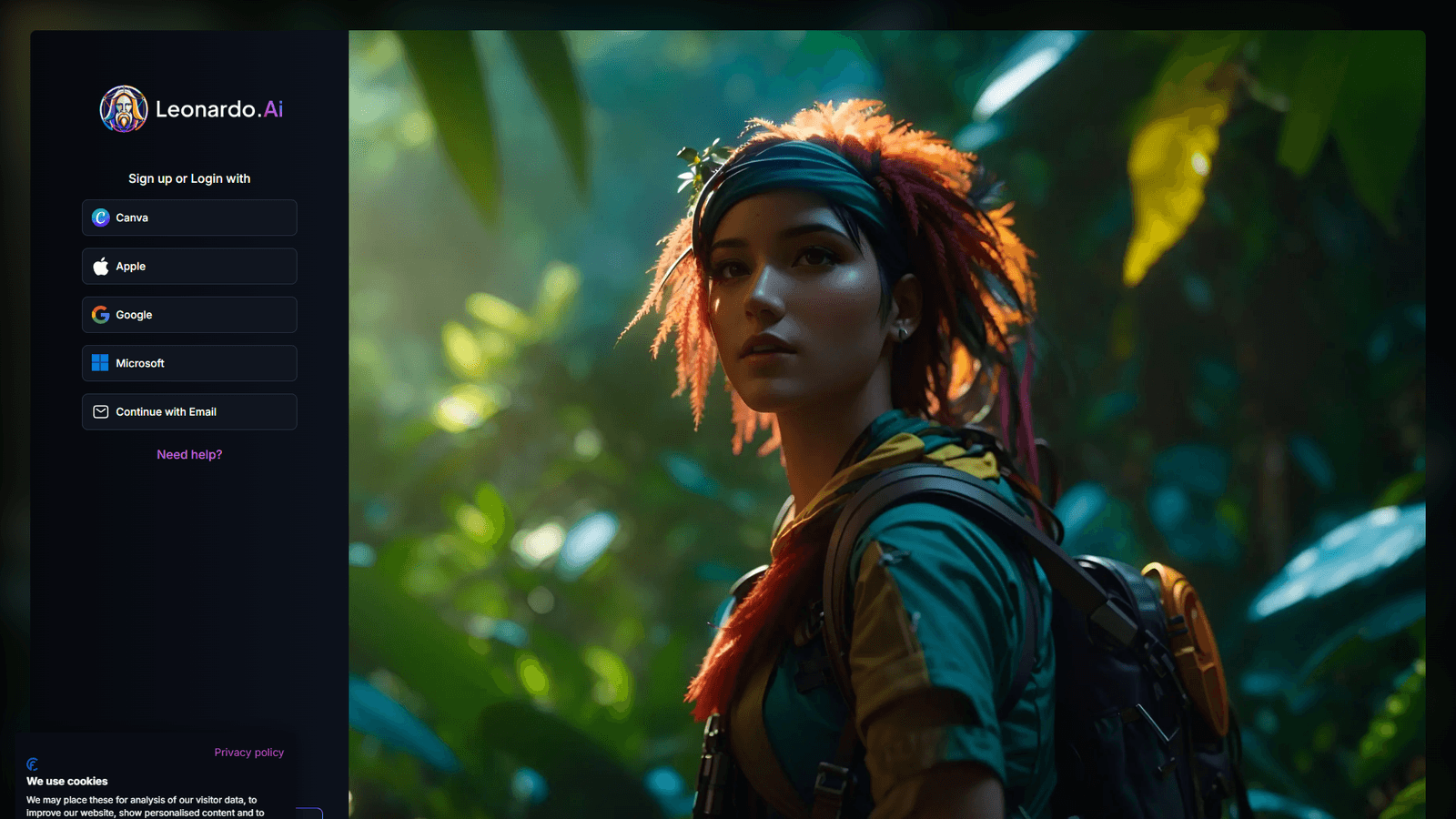
Leonardo AI strikes the best balance between ease-of-use and training power. Their Artisan plan ($30/mo) includes full custom model training with a guided workflow.
Training workflow:
- Upload 10-20 curated brand images
- Select training style (photography, illustration, 3D, etc.)
- Wait 30-60 minutes for training
- Generate unlimited images with your custom model
Pros:
- No coding or ML knowledge required
- Fast training (30-60 minutes)
- Unlimited generations once trained
- Built-in upscaling and background removal
- API access for automation
Cons:
- $30/mo minimum for training features
- Limited to 20 images per training dataset
- Less control than self-hosted solutions
Best for: Small to mid-size brands generating 50-500 images monthly who want a turnkey solution.
Adobe Firefly: Best for Adobe Ecosystem
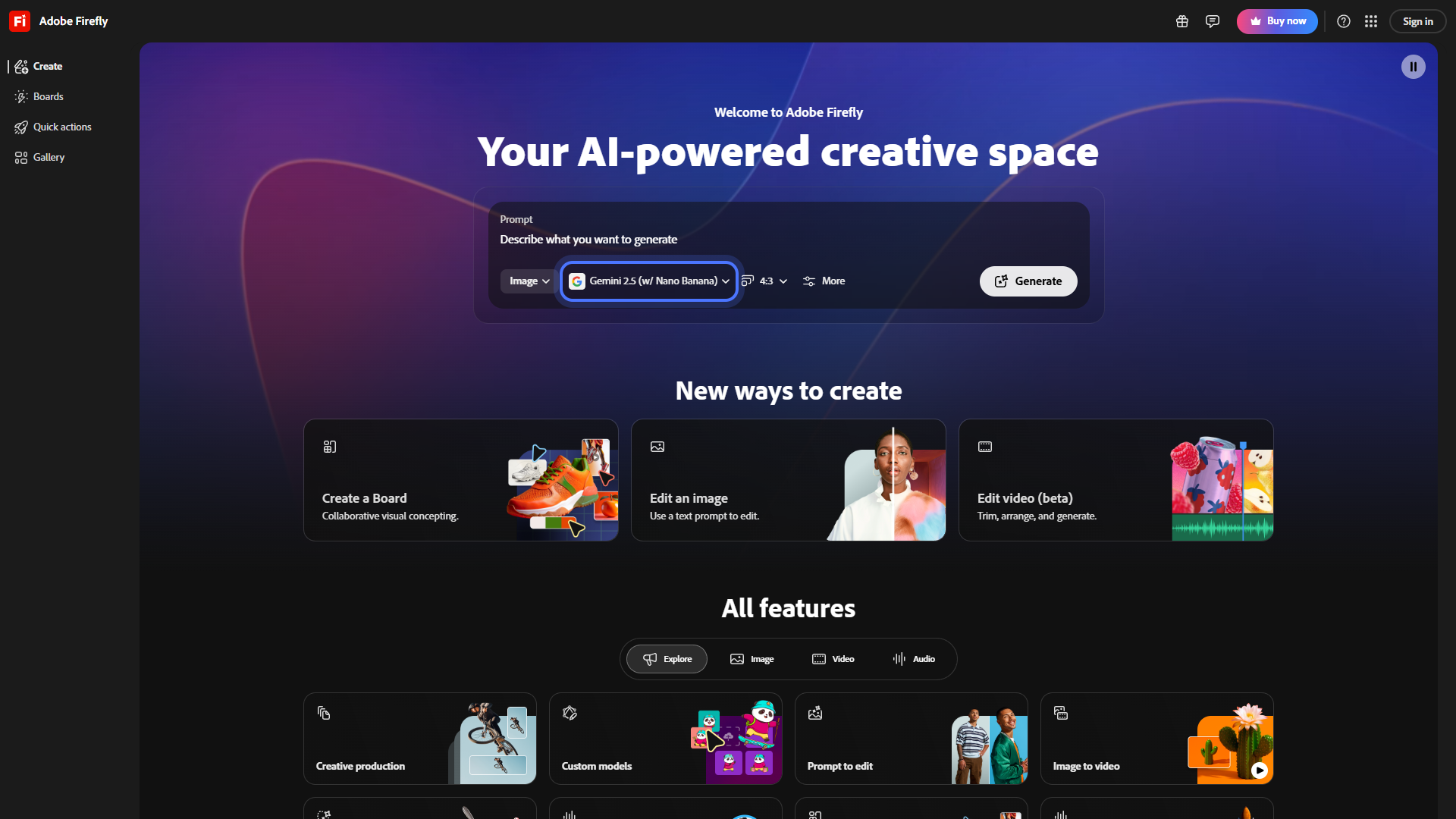
Adobe Firefly doesn’t offer true custom model training, but its Style Reference feature achieves similar results by analyzing reference images on each generation.
How it works:
- Upload 1-3 reference images per generation
- Firefly analyzes style, color, and composition
- Applies those patterns to your prompt
- Reference images don’t persist — you upload each time
Pros:
- Only $9.99/mo for Premium plan
- Seamless integration with Photoshop, Illustrator
- Commercial-safe output (Adobe indemnifies you)
- No training time required
Cons:
- Not true custom training — reference images don’t persist
- Must upload references for every generation
- Less consistent than persistent custom models
- Limited API access
Best for: Adobe Creative Cloud users who need occasional brand-consistent images and want legal safety for commercial use.
Midjourney: Best Personalization System
Midjourney doesn’t offer custom model training, but its Personalization feature creates a style profile based on your image ratings.
How it works:
- Rate 200+ images on Midjourney’s website
- The system learns your aesthetic preferences
- Use
--pflag to apply your personalization to any prompt - Refine over time with more ratings
Pros:
- No training dataset required
- Evolves as you rate more images
- Works across all prompts automatically
- Highest base image quality
Cons:
- Not true brand training — learns your taste, not specific styles
- Requires Pro plan ($60/mo) for personalization
- Can’t upload your own training images
- Less consistency than LoRA models
Best for: Creative professionals who want personalized outputs based on aesthetic preferences rather than specific brand assets.
Stable Diffusion: Most Powerful (But Technical)
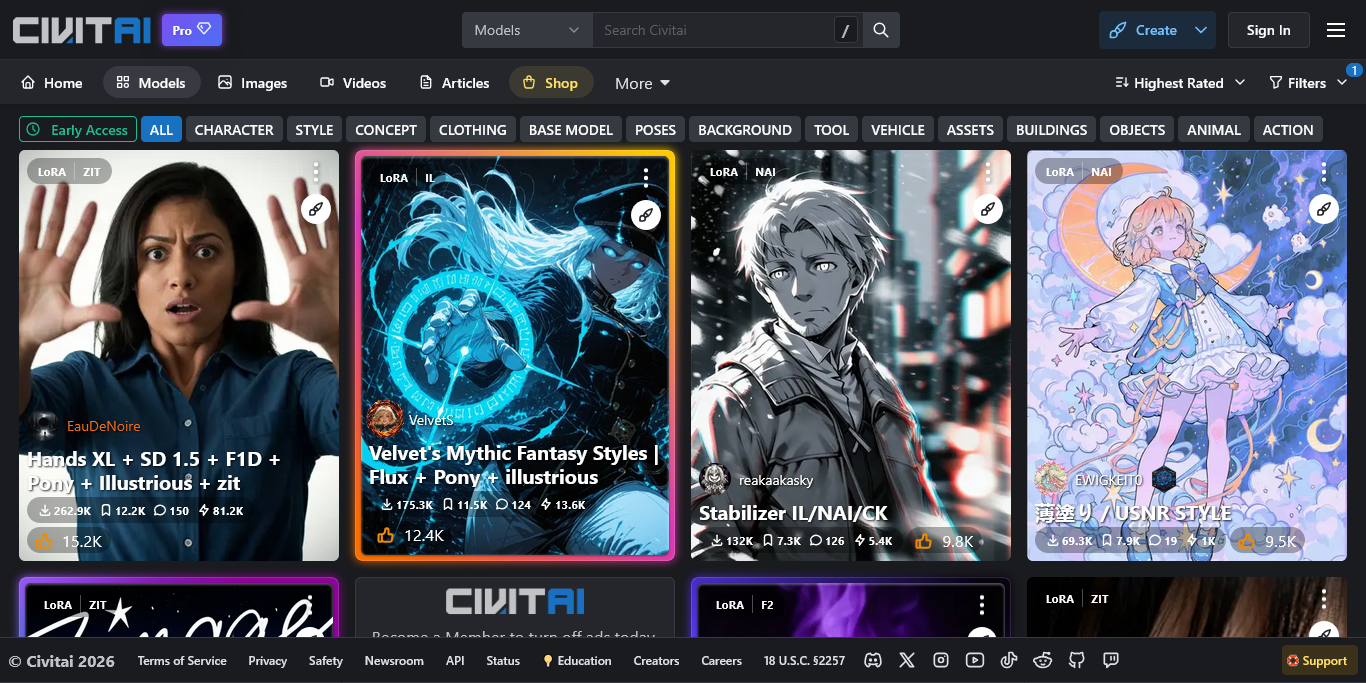
Stable Diffusion with LoRA training offers maximum control and the lowest long-term cost — but requires technical expertise.
Training workflow:
- Prepare dataset (20-100 images) with captions
- Set up training environment (local GPU or cloud)
- Run training script (1-4 hours depending on hardware)
- Export LoRA file (10-200MB)
- Load LoRA into any SD-compatible UI (Automatic1111, ComfyUI)
Pros:
- Complete control over training parameters
- Lowest cost ($0 if you have local GPU, $5-20/mo for cloud)
- Can combine multiple LoRAs for complex styles
- Active community sharing techniques
Cons:
- Requires ML/Python knowledge
- Time-consuming setup (4-8 hours first time)
- Need GPU (RTX 3060+ recommended or cloud compute)
- More troubleshooting than managed platforms
Best for: Technical teams, agencies, or high-volume users (500+ images/mo) who want maximum flexibility and lowest per-image cost.
DALL-E 3: Not Recommended for Custom Training
DALL-E 3 doesn’t support custom model training or fine-tuning. While it excels at prompt understanding, it’s not suitable for brands requiring consistent custom styles.
Use it for: One-off creative exploration or when you need realistic images from complex natural language prompts. Not for brand consistency workflows.
Step-by-Step Training Workflow (Leonardo AI Example)
Here’s a detailed walkthrough using Leonardo AI’s managed training. The principles apply to other platforms with slight variations.
Step 1: Curate Your Training Dataset (2-4 hours)
The quality of your training data determines everything. Don’t rush this step.
Selection criteria:
- Consistency is key: All images should share the same style, color treatment, and composition approach
- High quality only: 1024x1024px minimum, no compression artifacts, no watermarks
- Diverse subjects: Train on different subjects in your style (not 20 photos of the same product)
- Clear examples: Each image should be a perfect example of your brand aesthetic
Optimal dataset size:
- Illustration/Art styles: 15-30 images
- Photography styles: 20-40 images
- Logo/Icon systems: 10-15 images
- 3D renders: 15-25 images
Common mistakes:
- Mixing styles (e.g., including both minimalist and detailed illustrations)
- Including images with text/logos (model may replicate as garbled text)
- Low resolution images (causes blurry outputs)
- Too similar images (model overfits, lacks generalization)
Step 2: Prepare and Label (30-60 minutes)
Image preparation:
- Resize all images to 1024x1024px (square aspect ratio)
- Remove backgrounds if applicable (use Leonardo AI’s built-in tool)
- Crop to focus on subject, minimize dead space
- Rename files descriptively:
brand-illustration-01.png, notIMG_5342.png
Captioning (optional but recommended): Some platforms like Stable Diffusion require text captions for each image. If using Leonardo AI, this is optional — but adding captions improves training accuracy.
Example caption: minimalist vector illustration of a coffee cup, flat design, warm earth tones, white background
Step 3: Upload and Configure Training
In Leonardo AI:
- Navigate to Training & Datasets
- Click Create New Model
- Upload your 10-20 curated images
- Select model type:
- General: Best for diverse styles
- Photography: For photo-realistic brand imagery
- Illustration: For vector, drawn, or painted styles
- 3D: For rendered objects
- Set training resolution (512px for speed, 768px for quality)
- Add model name and description
- Click Start Training
Training time: 30-60 minutes depending on dataset size and server load.
Step 4: Test and Iterate (1-2 hours)
Once training completes, generate 20-30 test images with varied prompts:
Test prompts should cover:
- Different subjects (product, person, abstract concept)
- Different compositions (portrait, landscape, close-up)
- Different lighting (bright, moody, natural)
- Different contexts (indoor, outdoor, studio)
Evaluation criteria:
- Does it maintain color palette across generations?
- Are composition rules consistent?
- Does it handle new subjects well, or only replicate training images?
- Can you control details with prompts, or does style override everything?
If results are inconsistent:
- Retrain with more curated images
- Remove outlier images from dataset
- Adjust training settings (increase resolution, more training steps)
Step 5: Refine Your Prompts
Custom models still need good prompts — they just require less style description.
Before custom training:
minimalist vector illustration of a laptop, flat design, warm earth tones with coral accents,
geometric shapes, Scandinavian aesthetic, white background, isometric perspective
After custom training:
laptop, isometric perspectiveThe model already knows your minimalist style, color palette, and aesthetic. Your prompts focus on subject and composition.
Pro tip: Use negative prompts to avoid unwanted elements:
Prompt: laptop, isometric perspective
Negative: realistic, photo, detailed, text, watermark
Step 6: Integrate into Workflow
Most platforms offer multiple ways to use your custom models:
Leonardo AI:
- Web interface: Select your custom model from dropdown
- API: Reference model ID in API calls for automation
- Batch generation: Upload CSV of prompts for bulk processing
Automation opportunities:
- Connect to Zapier/Make.com for triggered generation
- Generate social media graphics from RSS feeds
- Create product mockups from e-commerce inventory
- Auto-generate email header images from campaign data
ROI Analysis: Is Custom Training Worth It?
Let’s run the numbers for a mid-size brand generating 200 images per month.
Scenario 1: Human Designer
Costs:
- Freelance designer: $50-150/hour
- 10 minutes per image (including revisions)
- 200 images × 10 min = 33 hours/month
- Total: $1,650-4,950/month
Scenario 2: Generic AI (Prompt Engineering Only)
Costs:
- Midjourney Pro: $60/month
- 5 minutes per image (prompt refinement, regenerations)
- 200 images × 5 min = 16 hours of designer time
- Designer at $75/hour: $1,200/month
- Total: $1,260/month
Consistency: 75-85% (requires frequent prompt adjustments)
Scenario 3: Custom Trained Model
Costs:
- Leonardo AI Artisan: $30/month
- Training time: 4 hours (one-time setup)
- 1 minute per image (minimal prompt adjustments)
- 200 images × 1 min = 3.3 hours of designer time
- Designer at $75/hour: $250/month
- Total: $280/month
Consistency: 90-95% (minimal corrections needed)
Savings Breakdown
Custom training saves $980/month ($11,760/year) compared to generic AI prompting, and $1,370-4,670/month compared to human designers.
Break-even point: After the first month. Even accounting for 4 hours of training setup, you’re ahead by month two.
When it’s NOT worth it:
- Generating fewer than 30 images/month (prompt engineering is faster)
- Constantly changing brand styles (retraining costs add up)
- No in-house design team to curate training data quality
When it’s ESSENTIAL:
- 100+ images/month at scale
- Multi-channel campaigns requiring perfect consistency
- Product lines with thousands of SKUs needing mockups
- Social media teams posting daily
Conclusion: Start Small, Scale Smart
Custom AI model training isn’t a replacement for brand strategy — it’s an accelerator. The brands seeing the biggest wins follow this pattern:
-
Start with prompt engineering for 2-4 weeks. Document what works, what doesn’t, and where inconsistencies appear.
-
Identify your consistency gaps. If you’re spending more time correcting AI outputs than creating them, custom training will pay off.
-
Choose the right platform based on technical resources and volume:
- Non-technical teams under 500 images/mo → Leonardo AI
- Adobe Creative Cloud users → Adobe Firefly Style Reference
- Technical teams over 500 images/mo → Stable Diffusion LoRA
-
Curate training data ruthlessly. 15 perfect examples beat 50 mediocre ones every time.
-
Iterate quickly. Train, test 20 images, refine dataset, retrain. The first training rarely nails it.
The goal isn’t perfection — it’s consistent, on-brand output that maintains your visual identity at scale. With the right custom model, you can generate hundreds of branded assets monthly while spending less time on corrections and more time on creative strategy.
Ready to train your first custom model? Start with Leonardo AI’s free tier (no credit card required) and upload 10 brand images. You’ll know within an hour whether custom training is worth scaling up.
External Resources
For official documentation and updates from these tools:
- Leonardo AI — Official website
- Midjourney — Official website
- DALL-E 3 — Official website
- Adobe Firefly — Official website