This guide covers mlops tools with hands-on analysis.
Here’s an uncomfortable truth: 87% of machine learning projects never make it to production.
Not because the models don’t work. Not because the data science team lacks talent. But because there’s a massive gap between a Jupyter notebook that works on your laptop and a production system serving millions of predictions per day.
That gap is called MLOps, and it’s the difference between “look at this cool model I trained” and “this model is saving us $2 million annually.”
I’ve watched talented data scientists spend months perfecting models only to see them gather dust because nobody could deploy them reliably. I’ve also seen average models deliver tremendous business value because they were production-ready from day one.
This guide will show you how to bridge that gap with the right tools, processes, and mindset.
What is MLOps (and Why Traditional DevOps Isn’t Enough)
When exploring mlops tools, consider the following.
MLOps is DevOps for machine learning. But it’s not just applying the same practices — ML introduces unique challenges that standard CI/CD pipelines can’t handle.
Traditional software is deterministic. If the code doesn’t change, the output doesn’t change. Machine learning is probabilistic and data-dependent. Your model can degrade silently even if you haven’t touched a single line of code.
Here’s what makes ML different:
Data versioning isn’t optional. Your model is a function of both code and data. You need to version training datasets, feature engineering pipelines, and even the random seeds used for splitting.
Testing requires domain expertise. Unit tests can’t catch a model that’s technically correct but biased against certain demographics. You need statistical tests, fairness metrics, and business-logic validation.
Deployment is continuous. Models need retraining as data distributions shift. What worked last quarter might fail this quarter.
Monitoring is complex. You’re not just watching for uptime — you’re tracking prediction drift, feature drift, data quality issues, and model performance degradation.
The MLOps market is growing at 39.7% CAGR through 2030 because companies are finally realizing: a model that never ships is worth exactly zero dollars.
The MLOps Maturity Levels (Where Are You?)
Google’s MLOps maturity model defines three levels. Most teams are at Level 0, wondering why they can’t ship models faster.
Level 0: Manual Process
This is where most data science teams start. Every step is manual:
- Data scientists train models in notebooks
- Someone manually extracts the model file
- DevOps manually deploys it to production
- Monitoring happens through ad-hoc queries and Slack alerts
Pain points: Takes weeks to ship model updates. No reproducibility. Models break silently in production. Can’t scale beyond a handful of models.
Level 1: ML Pipeline Automation
You’ve automated model training and deployment. Features are engineered programmatically. Models are versioned in a registry. Deployment happens through scripts or CI/CD.
What changes: Training is reproducible. You can retrain models automatically. Feature engineering is code, not manual SQL queries.
What’s missing: Deployment is still manual or semi-manual. Monitoring exists but isn’t integrated into the training loop. Models aren’t retrained automatically when performance degrades.
Level 2: CI/CD Pipeline Automation
This is the gold standard. Everything is automated:
- Code commits trigger training pipelines
- Models are tested automatically (statistical tests, A/B tests, bias checks)
- Deployment happens automatically if tests pass
- Monitoring triggers retraining when drift is detected
- Feature engineering, model training, and serving are all versioned together
Reality check: Very few companies operate at Level 2 for all their models. It’s a target, not a requirement. Start with your most critical models and build from there.
Essential Tool Categories (Build Your Stack)
You don’t need every tool. But you do need coverage across these categories.
1. Experiment Tracking
The problem: You’ve trained 47 different model variations. Which hyperparameters produced the best validation accuracy? What dataset version was that? Nobody knows.
The solution: Experiment tracking tools log every training run automatically — parameters, metrics, artifacts, even the environment.
Top choices:
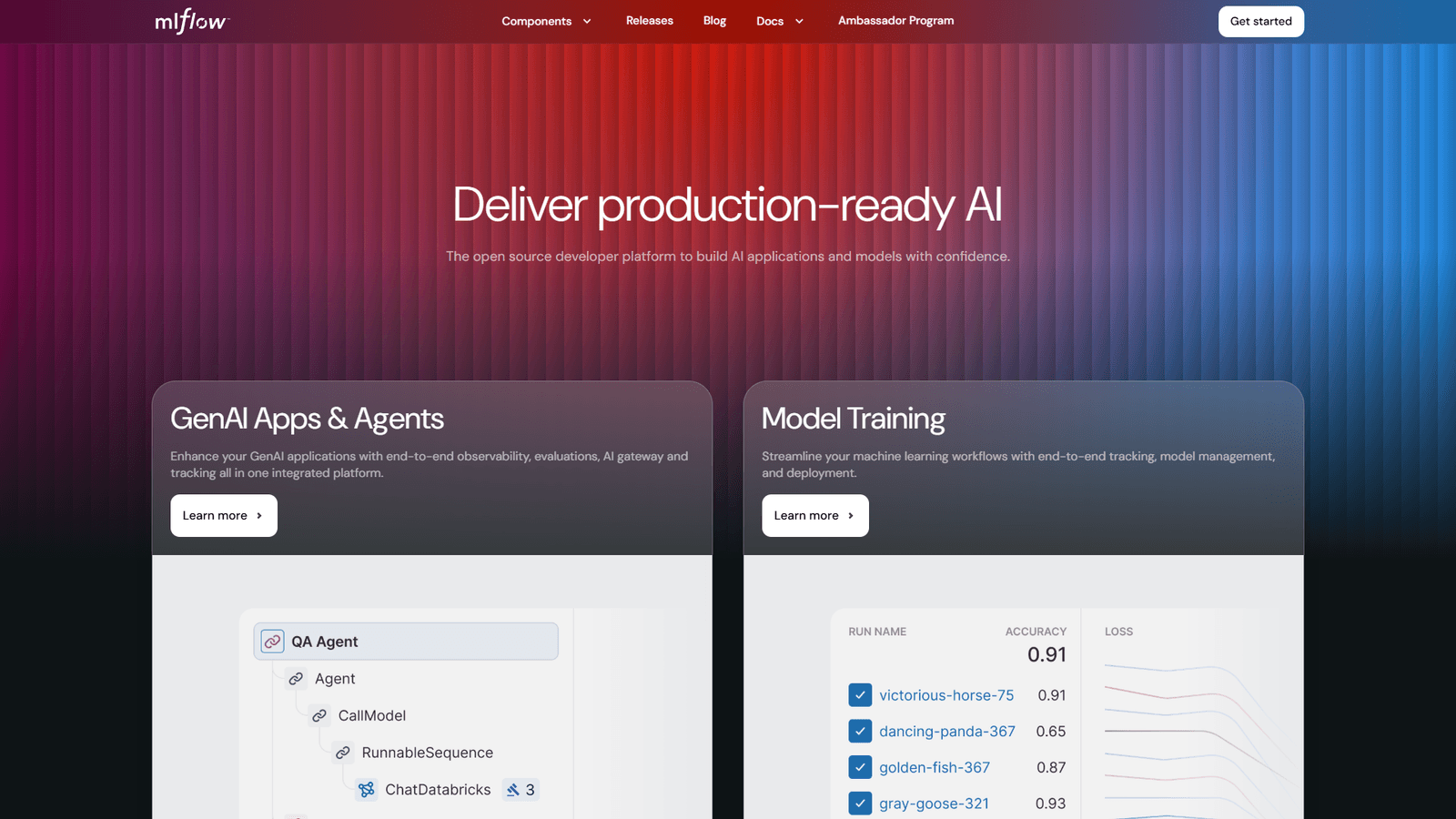
- MLflow (open-source standard, integrates with everything)
- Weights & Biases (beautiful dashboards, great for research teams)
- Neptune.ai (enterprise features, team collaboration)
What to log:
- Hyperparameters (learning rate, batch size, architecture)
- Metrics (accuracy, precision, recall, AUC)
- Artifacts (model files, confusion matrices, feature importance plots)
- Dataset versions (hash or DVC pointer)
- Environment (Python version, library versions, hardware)
I’ve seen teams waste weeks trying to reproduce a “good” model because they didn’t log the random seed. Track everything. Storage is cheap; rebuilding trust in your models isn’t.
2. Workflow Orchestration
The problem: Your ML pipeline has 12 steps: data extraction, cleaning, feature engineering, training, validation, deployment. Running them manually is error-prone and slow.
The solution: Workflow orchestration tools define pipelines as code, handle dependencies, and retry failed steps automatically.
Top choices:
- Metaflow (Netflix’s tool, great developer experience)
- Kubeflow (Kubernetes-native, scales to large teams)
- Apache Airflow (battle-tested, great for complex DAGs)
- Prefect (modern alternative to Airflow, better error handling)
When to use orchestration: If your pipeline has more than three steps, or if you’re retraining models automatically, you need orchestration. Otherwise, a bash script might be fine.
3. Data Versioning
The problem: Your model performs 5% worse than last week. Is it a code change? A hyperparameter change? Or did the training data change?
The solution: Version your datasets like you version code. Track which data produced which model.
Top choice: DVC (Data Version Control) — it works with Git and doesn’t store large files in your repo. Instead, it stores pointers and keeps data in S3, GCS, or Azure Blob.
What to version:
- Raw training data
- Processed datasets
- Train/validation/test splits
- Feature stores
4. Model Registry
The problem: You have 23 model files scattered across S3 buckets, local machines, and Google Drive. Which one is currently in production?
The solution: A centralized registry that tracks model versions, metadata, lineage, and deployment status.
Top choices:
- MLflow Model Registry (integrates with MLflow tracking)
- Databricks Unity Catalog (enterprise governance, access control)
- Vertex AI Model Registry (GCP-native)
- SageMaker Model Registry (AWS-native)
Key features:
- Stage management (staging → production → archived)
- Model lineage (which data and code produced this model?)
- Access control (who can promote models to production?)
- A/B testing support (champion vs. challenger)
5. Model Serving
The problem: Your model needs to serve 10,000 predictions per second with sub-100ms latency. A Flask app on EC2 won’t cut it.
The solution: Specialized model serving platforms that handle batching, caching, GPU management, and autoscaling.
Top choices:
- Seldon Core (Kubernetes-native, multi-framework)
- BentoML (fast deployment, great developer experience)
- TensorFlow Serving (optimized for TensorFlow models)
- NVIDIA Triton (multi-framework, GPU optimization)
Deployment patterns:
- Batch inference: Process millions of records overnight
- Real-time API: Serve predictions on-demand via REST/gRPC
- Edge deployment: Run models on devices (mobile, IoT)
- Streaming: Process events from Kafka/Kinesis in real-time
6. Monitoring and Observability
The problem: Your model is deployed. Predictions are flowing. But accuracy has dropped 15% and nobody noticed for three weeks.
The solution: Continuous monitoring for model performance, data drift, and infrastructure health.
Top choices:
- Prometheus + Grafana (infrastructure metrics, custom dashboards)
- WhyLabs (ML-specific monitoring, drift detection)
- Evidently (open-source drift detection, visual reports)
- Datadog (full-stack observability, ML integrations)
What to monitor:
- Prediction drift: Is the distribution of predictions changing?
- Feature drift: Are input features seeing different distributions?
- Target drift: Is the actual outcome distribution shifting?
- Data quality: Missing values, outliers, schema changes
- Performance metrics: Latency, throughput, error rates
- Business metrics: How many predictions led to conversions?
Set alerts for drift thresholds. When drift exceeds 10%, trigger a retraining pipeline automatically.
Version Control for ML (It’s Not Just Git)
You need to version three things simultaneously: code, data, and models.
Code Versioning (Standard Git)
This is the easy part. Your training scripts, preprocessing code, and deployment configs all go in Git.
Best practices:
- Use feature branches for experiments
- Tag releases that go to production
- Store configuration in YAML files (not hardcoded)
- Include requirements.txt or poetry.lock
Data Versioning (DVC or Similar)
Large datasets don’t belong in Git. Use DVC to track data alongside code without bloating your repo.
# Initialize DVC
dvc init

# Track a dataset
dvc add data/training.csv
git add data/training.csv.dvc .gitignore

# Push data to remote storage
dvc push

# Someone else can pull the exact dataset
dvc pull
DVC creates .dvc files that Git tracks. The actual data lives in S3/GCS/Azure.
Model Versioning (Model Registry)
Every trained model gets registered with metadata:
- Training dataset version (DVC hash)
- Code commit (Git SHA)
- Hyperparameters
- Validation metrics
- Training timestamp
When a model goes to production, you mark it in the registry. When it needs rollback, you promote the previous version. No more “which model file are we running again?”
CI/CD Pipelines for ML (Automate Everything)
Traditional CI/CD tests code. ML CI/CD tests code, data, and models.
Continuous Integration for ML
Every commit triggers automated tests:
Code tests:
- Unit tests for preprocessing functions
- Integration tests for the full pipeline
- Linting and type checking
Data tests:
- Schema validation (column types, ranges)
- Statistical tests (distribution shifts)
- Data quality checks (null rates, duplicates)
Model tests:
- Minimum accuracy threshold
- Bias/fairness metrics
- Inference latency benchmarks
If tests pass, trigger a training job. If training succeeds and metrics meet thresholds, promote the model to staging.
Continuous Deployment for ML
Deployment isn’t “copy the model file to production.” It’s a multi-stage process:
1. Staging deployment
- Deploy to staging environment
- Run integration tests against real data
- Validate predictions match expected ranges
2. Canary deployment
- Route 5% of traffic to the new model
- Compare predictions and performance to the current model
- If metrics look good, increase to 50%
3. Full deployment
- Route 100% of traffic
- Mark model as “production” in registry
- Archive the old model (don’t delete — you might need rollback)
4. Monitoring
- Track performance metrics continuously
- Alert on anomalies
- Trigger retraining if drift exceeds thresholds
Example: GitHub Actions for ML
name: ML Pipeline

on:
  push:
    branches: [main]

jobs:
  test:
    runs-on: ubuntu-latest
    steps:
      - uses: actions/checkout@v2
      - name: Run data quality tests
        run: pytest tests/test_data_quality.py
      - name: Run model tests
        run: pytest tests/test_model.py

  train:
    needs: test
    runs-on: ubuntu-latest
    steps:
      - name: Train model
        run: python train.py
      - name: Log to MLflow
        run: mlflow run . --experiment-name production

  deploy:
    needs: train
    runs-on: ubuntu-latest
    steps:
      - name: Deploy to staging
        run: ./deploy_staging.sh
      - name: Run integration tests
        run: pytest tests/test_integration.py
      - name: Deploy to production
        run: ./deploy_production.sh
This pipeline runs on every commit. Tests → Train → Deploy. Fully automated.
Model Deployment Strategies (Choose Wisely)
Different use cases need different deployment patterns.
Batch Inference
When to use: You need predictions for millions of records, but not in real-time. Examples: customer churn predictions, email personalization, fraud risk scores for nightly review.
How it works:
- Scheduled job (daily, hourly) pulls new data
- Model processes all records in batch
- Predictions stored in database/warehouse
- Applications query pre-computed predictions
Pros: Simple, cost-effective, high throughput Cons: Predictions can be stale
Real-Time API
When to use: You need predictions immediately. Examples: credit approval, recommendation engines, fraud detection during checkout.
How it works:
- Model deployed as REST/gRPC API
- Application sends request → receives prediction in milliseconds
- Autoscaling handles traffic spikes
Pros: Always fresh predictions Cons: More complex infrastructure, higher cost
Streaming
When to use: Processing continuous data streams. Examples: anomaly detection in IoT sensor data, real-time bidding, live event analysis.
How it works:
- Model consumes from Kafka/Kinesis stream
- Processes events in real-time
- Emits predictions to downstream consumers
Pros: Low latency, handles high volume Cons: Complex to debug and monitor
Edge Deployment
When to use: Latency is critical or connectivity is unreliable. Examples: mobile apps, autonomous vehicles, IoT devices.
How it works:
- Model optimized and compressed (quantization, pruning)
- Deployed directly to device
- Predictions run locally, no internet required
Pros: Ultra-low latency, works offline Cons: Limited model complexity, hard to update
Champion/Challenger Pattern (Always Be Testing)
Never deploy a model blindly. Use the Champion/Challenger pattern to compare models in production.
How it works:
- Current model (Champion) serves most traffic
- New model (Challenger) serves a small percentage (5-10%)
- Track metrics for both models
- If Challenger outperforms Champion, promote it
- If Challenger underperforms, discard it
What to compare:
- Prediction accuracy (if you have ground truth labels)
- Business metrics (conversion rate, revenue, engagement)
- Latency and resource usage
- User feedback or A/B test results
This pattern catches issues that offline validation misses. A model can have great validation accuracy but terrible production performance if training data doesn’t match production data.
Databricks MLOps: End-to-End Platform
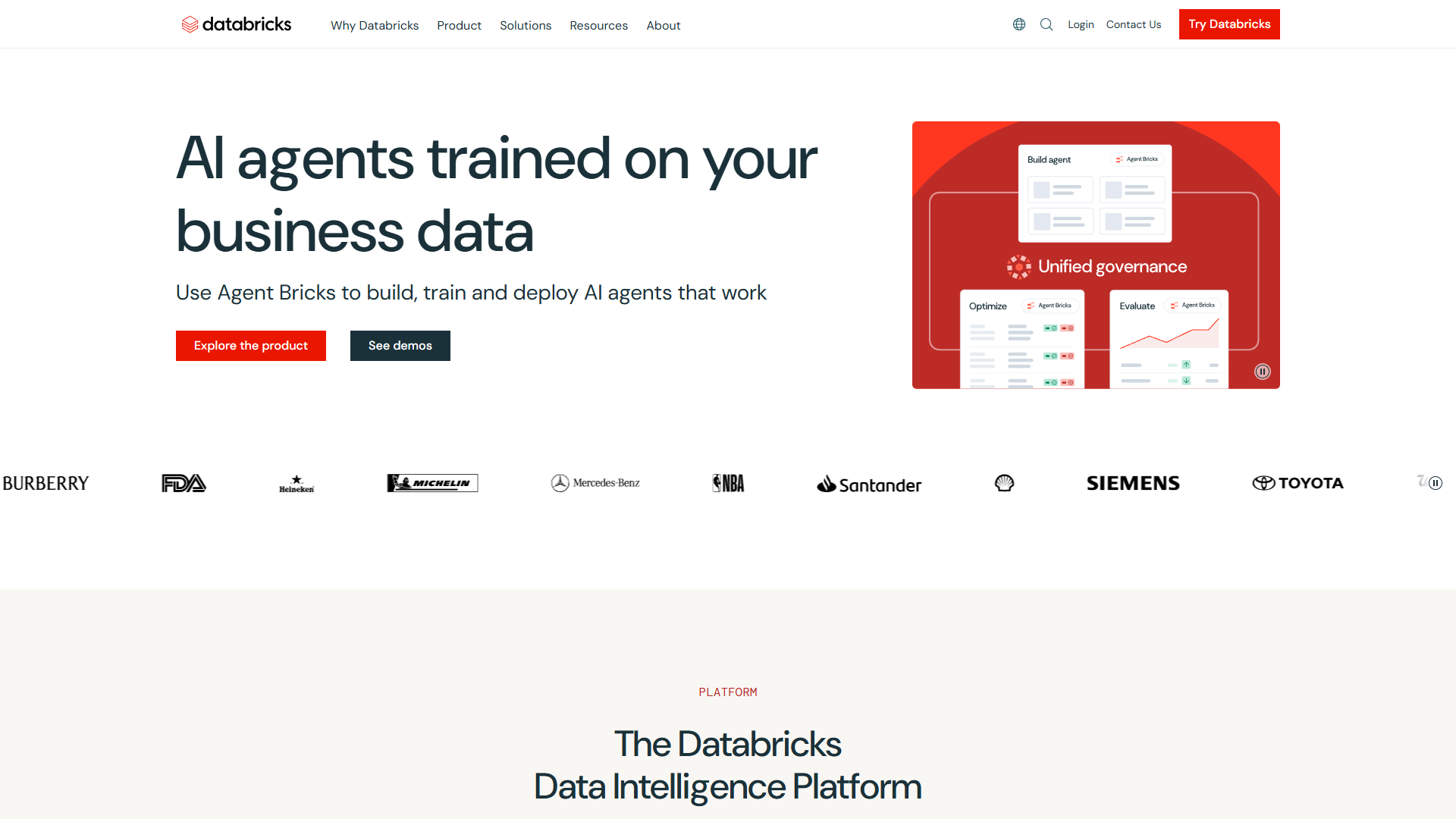
If you want a unified platform that handles everything, Databricks is the strongest option.
Why Databricks for MLOps
Integrated workflow: Data prep, feature engineering, model training, deployment, and monitoring all in one platform. No duct tape required.
MLflow 3.0 built-in: Experiment tracking and model registry are native. Every training run is logged automatically. Models are versioned by default.
Unity Catalog: Enterprise-grade governance for data and models. Track model lineage, set access controls, audit usage. Required for regulated industries.
Automated pipelines: Define training and deployment workflows that run on schedule or trigger automatically when data changes.
Champion/Challenger built-in: A/B test models in production without custom infrastructure. Route traffic, compare metrics, promote winners.
Real-World ROI
Forrester’s Total Economic Impact study found Databricks delivers 417-482% ROI over three years by:
- Reducing time-to-production from months to weeks
- Eliminating data engineering bottlenecks
- Enabling data scientists to focus on modeling, not infrastructure
- Improving model performance through faster iteration
When to Choose Databricks
Good fit if:
- You’re building multiple models (not just one)
- Your team includes data engineers and data scientists
- You need governance and compliance features
- You’re using Azure, AWS, or GCP
Skip if:
- You’re running one simple model
- You prefer best-of-breed tools over integrated platforms
- You need on-premises deployment (Databricks is cloud-only)
Getting Started with Databricks MLOps
- Set up workspace: Create clusters for development and production
- Configure MLflow: Enable experiment tracking and model registry
- Build training pipeline: Use Databricks Notebooks or Jobs
- Register models: Store trained models in Unity Catalog
- Deploy: Use Databricks Model Serving or export to your infrastructure
- Monitor: Set up dashboards and alerts for drift detection
Their MLOps Maturity Model guide walks through progression from manual to fully automated workflows.
Monitoring and Drift Detection (Keep Models Healthy)
Deployment isn’t the finish line. It’s the starting line for monitoring.
Types of Drift
Data drift: Input feature distributions change over time. Example: customer age distribution shifts because you launched in a new market.
Concept drift: The relationship between features and target changes. Example: fraud patterns evolve as criminals adapt.
Prediction drift: Model outputs shift even though inputs haven’t changed much. Often an early warning sign.
Detection Strategies
Statistical tests:
- Kolmogorov-Smirnov test for continuous features
- Chi-squared test for categorical features
- Population Stability Index (PSI) for overall drift
Visual monitoring:
- Distribution plots comparing training vs. production data
- Time series of prediction confidence scores
- Correlation matrices to detect relationship changes
Business metrics:
- Does the model still drive conversions?
- Are users complaining about recommendations?
- Has customer satisfaction dropped?
When to Retrain
Set thresholds based on your use case:
- High stakes (credit scoring, medical): Retrain when drift exceeds 5%
- Medium stakes (recommendations): Retrain when drift exceeds 10-15%
- Low stakes (content ranking): Retrain when business metrics decline
Automate retraining when thresholds are breached. Don’t wait for quarterly review meetings.
2026 Trends: What’s Next for MLOps
1. AgentOps for LLM Systems
As more companies deploy LLM-based agents, they need MLOps practices adapted for generative AI:
- Tracking prompt versions and model temperatures
- Monitoring output quality (coherence, factuality, safety)
- Detecting prompt injection attacks
- Managing agent behavior and goal achievement
Tools like LangSmith and Weights & Biases are adding AgentOps features.
2. Policy-as-Code for Governance
Compliance requirements (GDPR, AI Act, industry regulations) are forcing teams to codify policies:
- Which features can be used for which models?
- What bias thresholds must models meet?
- Who can promote models to production?
Tools like Fiddler and Arthur AI help implement policy-as-code.
3. Edge Computing for Real-Time AI
5G and improved hardware are enabling complex models at the edge:
- Autonomous vehicles running perception models locally
- Retail stores doing inventory analysis in-store
- Manufacturing using computer vision for quality control
This requires MLOps practices that work in disconnected environments.
4. Hyper-Automation
The goal: models that retrain and deploy themselves when performance degrades, without human intervention.
We’re seeing early examples:
- Google AutoML retrains models automatically
- AWS SageMaker Autopilot handles feature engineering
- Databricks AutoML generates and compares candidate models
Within 2-3 years, “set it and forget it” ML will be realistic for standard use cases.
Getting Started: Your MLOps Roadmap
Don’t try to implement everything at once. Here’s a realistic progression:
Phase 1: Track and Version (Weeks 1-4)
Implement:
- Experiment tracking with MLflow
- Model registry (MLflow or cloud-native)
- Code versioning with Git
- Basic monitoring (uptime, latency)
Outcome: You can reproduce any model you’ve trained. You know which model is in production.
Phase 2: Automate Training (Weeks 5-8)
Implement:
- Workflow orchestration (Metaflow, Airflow, or Kubeflow)
- Automated data quality tests
- CI/CD for model training (GitHub Actions or similar)
- Data versioning with DVC
Outcome: Training is reproducible and automated. Data changes trigger retraining.
Phase 3: Automate Deployment (Weeks 9-12)
Implement:
- Model serving infrastructure (Seldon, BentoML, or cloud-native)
- Canary deployments
- Integration tests for production
- Rollback procedures
Outcome: New models deploy automatically if they pass tests. You can roll back in minutes.
Phase 4: Continuous Monitoring (Weeks 13-16)
Implement:
- Drift detection (Evidently, WhyLabs, or custom)
- Champion/Challenger A/B testing
- Automated alerts for performance degradation
- Retraining triggers based on monitoring
Outcome: Models stay healthy in production. Retraining happens automatically when needed.
Phase 5: Scale and Govern (Ongoing)
Implement:
- Feature stores for reusable features
- Model governance and access control
- Cost optimization (spot instances, model compression)
- Team collaboration workflows
Outcome: You’re running dozens of models efficiently with proper governance.
For more productivity insights, explore our guides on Best Workflow Automation Tools 2025, Best Ai Automation Tools 2025, Best Ai Automation Tools 2025.
The Real Reason MLOps Matters
Here’s what I’ve learned after helping multiple teams implement MLOps:
The goal isn’t “Level 2 maturity” or “100% automation.” The goal is shipping models that create value.
A manually deployed model that drives $500K in annual savings beats a perfectly automated model that never ships.
Start with the pain points that cost you the most:
- If models take forever to deploy → automate deployment
- If models break silently → implement monitoring
- If experiments aren’t reproducible → add tracking
- If data quality is inconsistent → add data tests
MLOps is a journey, not a destination. The team that ships a working model today beats the team that’s still building the perfect infrastructure six months from now.
Focus on velocity first, perfection later. Your first deployed model won’t have perfect monitoring, automated retraining, and policy-as-code governance. That’s fine. Ship it, learn from production, and iterate.
The 13% of ML projects that make it to production don’t get there because they have perfect MLOps. They get there because someone decided “good enough to ship” beats “perfect someday.”
Build your MLOps practice incrementally. Automate what hurts the most. And above all: ship models that create value.
That’s the difference between data science as R&D and data science as a business function.
For more information about mlops tools, see the resources below.
External Resources
For official documentation and updates:
- Databricks — Official website
- OpenAI — Additional resource