


An AI content repurposing workflow lets one well-researched blog post fuel a month of social content - if you have the right system to break it apart.
Introduction
An AI content repurposing workflow is a repeatable system that turns one anchor asset - typically a long-form video, podcast, or pillar blog - into 10 platform-specific outputs in roughly 90 minutes of human time. Our analysis draws on current vendor documentation and pricing pages rather than sponsored placement. AI Productivity may earn a commission from links on this page; rankings stay editorially independent.
A 2,000-word blog post contains 30-50 quotable ideas and enough narrative material to power a podcast episode, a YouTube video, a tweet thread, and a stack of social graphics. The bottleneck has never been raw material - it has been the human time required to repackage it for each platform. AI changes that math. Pew Research’s 2024 digital news report documents how audience attention has fragmented across short-video, social, and email channels - the structural reason a single format no longer reaches a full audience.
What is AI Content Repurposing?
AI content repurposing is the process of taking one piece of long-form content and using artificial intelligence to convert it into multiple shorter formats optimized for different platforms. The standard stack combines a transcription engine, a video clipping AI, a graphics generator, and a large language model for text adaptation.
Human attention fragments differently on each platform - a reader on a laptop is not the same person scrolling vertical video on a phone. AI lets you serve both audiences from the same source material without a five-person content team.
Tools like Opus Clip, Descript, and Canva handle video clipping, transcription-based editing, and visual generation. Pair them with a general-purpose LLM (Claude or ChatGPT) for text adaptation and you cover roughly 90% of the workflow without custom code.
What Is the 1:10 Content Repurposing Framework?
The 1:10 framework breaks every long-form anchor asset into 10 derivative formats. Not all 10 will fit every piece - a technical tutorial may not deserve a Pinterest pin - but the menu forces deliberate choices about which platforms each idea belongs on. According to Ross Simmonds, founder of Foundation Marketing, “The smartest content marketers create one piece of content and distribute it across every channel where their audience already spends time” - the principle that the highest leverage in content is repackaging proven assets rather than producing more originals.
| # | Format | Source | Tool | Time |
|---|---|---|---|---|
| 1 | Vertical Shorts (TikTok/Reels/YT Shorts) | Long video | Opus Clip | 10 min |
| 2 | Horizontal social clips | Long video | Descript | 15 min |
| 3 | Tweet/X thread | Blog post | LLM + manual edit | 20 min |
| 4 | LinkedIn carousel | Blog post | Canva + LLM | 25 min |
| 5 | Email newsletter | Webinar | LLM + light edit | 15 min |
| 6 | Quote graphics | Podcast | Canva Magic Resize | 10 min |
| 7 | Blog post | YouTube video | Descript transcript + LLM | 30 min |
| 8 | Pinterest pins | Blog post | Canva templates | 10 min |
| 9 | SlideShare deck | Webinar | Canva + LLM | 30 min |
| 10 | Email sequence | Long form | LLM atomic-idea extraction | 25 min |
The total comes in under three hours of focused human time per anchor asset, with most of the manual work concentrated in quality control rather than production.
Format 1: Long Video → Vertical Shorts (Opus Clip)
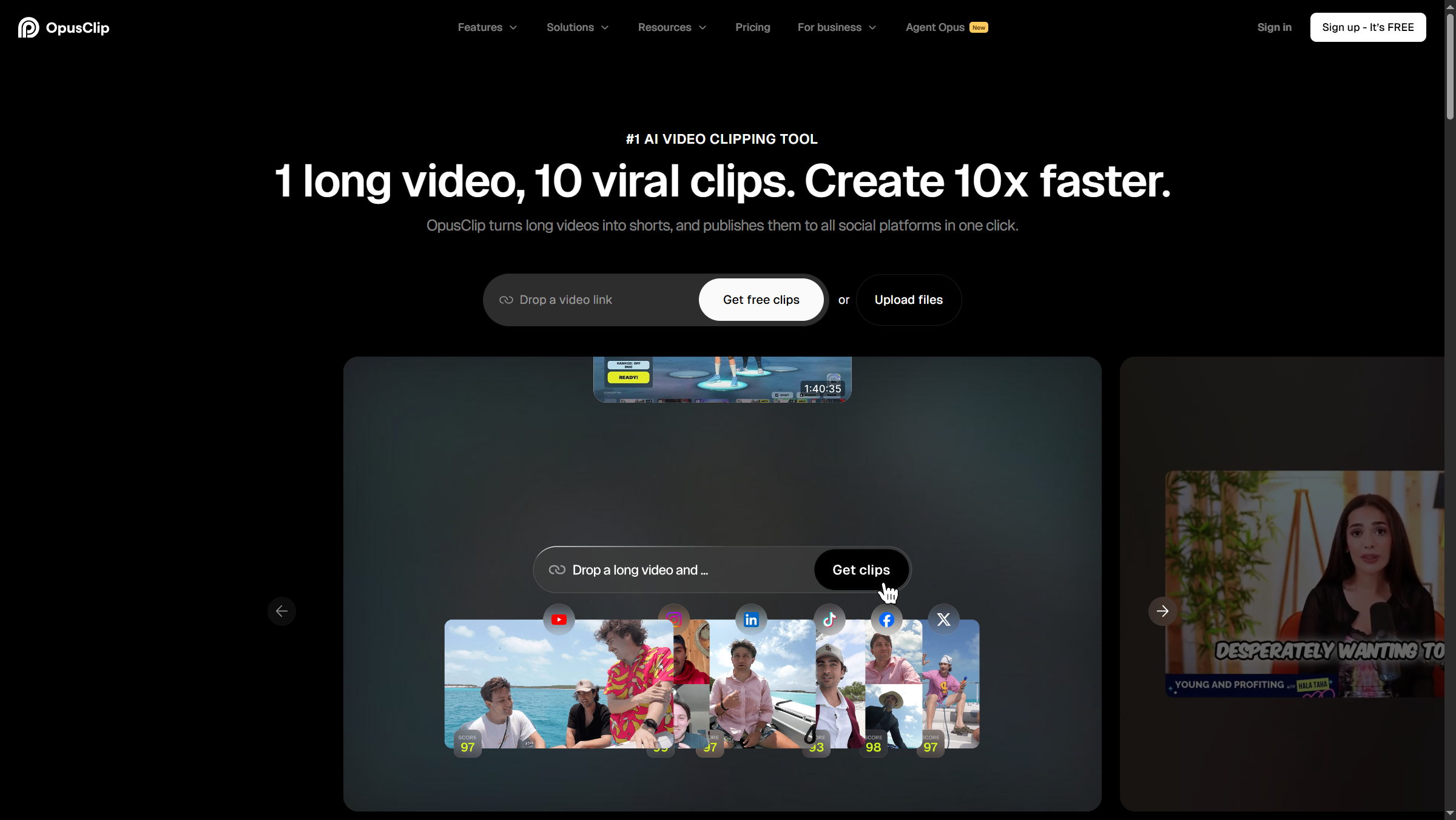
The highest-impact repurposing move in 2026 is taking a 30-60 minute video (podcast episode, livestream, webinar, YouTube interview) and letting AI extract the moments that work as vertical clips. Opus Clip dominates this category among creators who post daily Shorts and Reels.

How it works: upload your video (or paste a YouTube URL), pick a target clip length, and Opus Clip’s ClipAnything AI scores each potential clip on a “ClipScore” - its prediction of viral potential. The tool also handles vertical reframing, captions, and basic B-roll suggestions.
Pricing reality check: the Free tier (60 credits/month) burns out analyzing one or two long videos. The Starter tier removes the watermark and bumps you to 150 credits - the cheapest practical entry point. The annual Pro plan effectively gives you 300 credits per month and is the best value if you commit for a year.
Pricing verified April 2026 from Opus Clip's pricing page:
- Free: $0/mo
- 60 credits/month
- Watermark on clips
- Basic AI captions
- Starter: $15/user/mo
- 150 credits/month
- No watermark
- 1 brand template
- Pro: $14.5/user/mo annual ($29 monthly)
- 3,600 credits/year (annual) or 300/month
- 2 brand templates
- 6 social connections
- Business: Contact sales
- Everything in Pro
- Priority processing
- API access
Format 2: Long Video → Social Media Clips (Descript)
Descript repurposes long videos into horizontal social clips by letting editors cut through highlighting transcript text, not by scrubbing a timeline. For horizontal clips destined for LinkedIn, Twitter/X, and YouTube native, Descript flips the model: instead of letting AI guess which moments are clip-worthy, you read the transcript and select clips by highlighting text. Delete a sentence in the transcript, the corresponding audio and video disappear from the timeline.
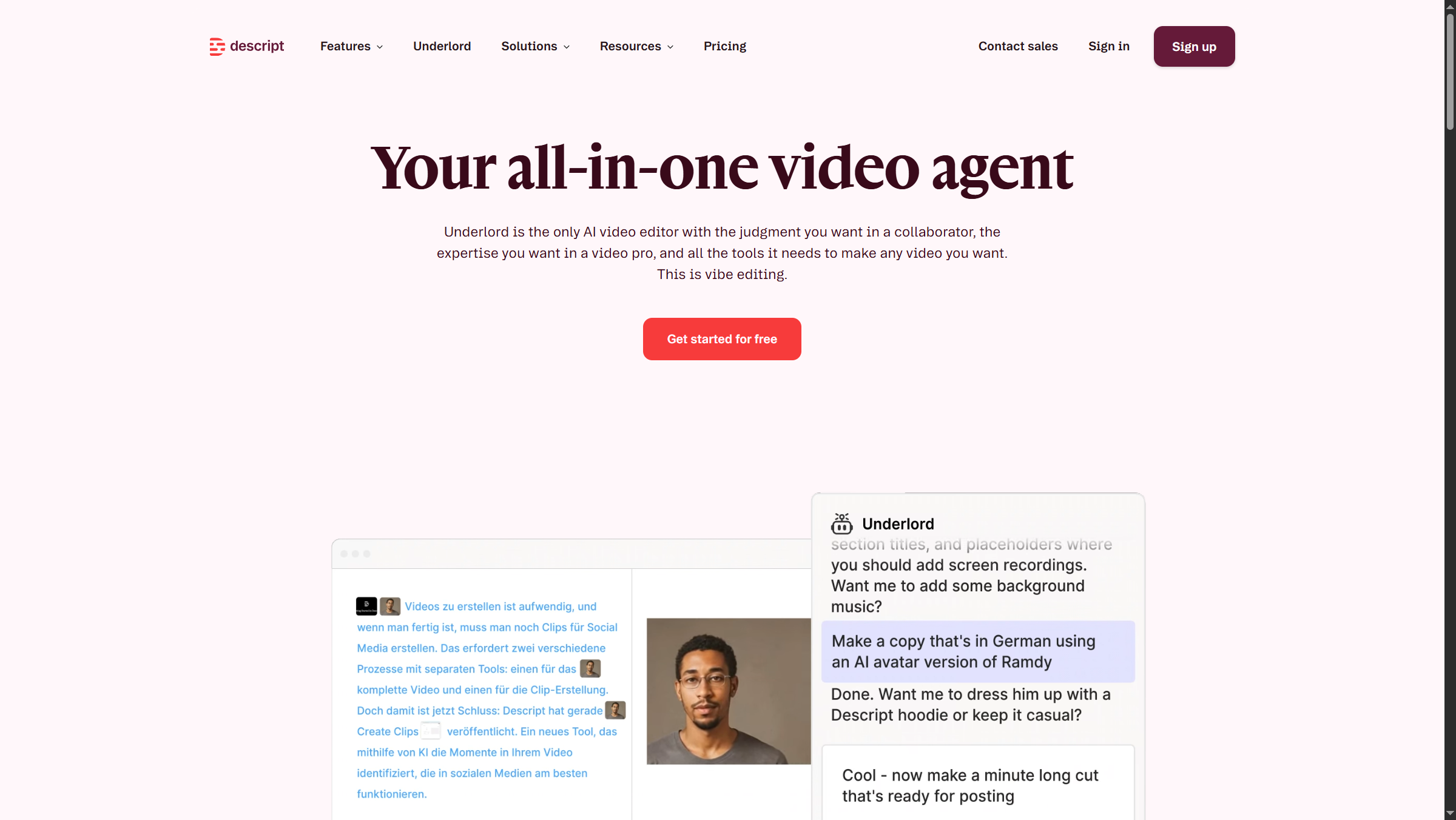
The Underlord AI assistant (Descript’s AI feature, available on Creator plans and above) handles the second-most painful chore: removing filler words, awkward pauses, and misspoken sentences automatically. On an hour-long podcast, Underlord saves 30-45 minutes of manual cleanup.
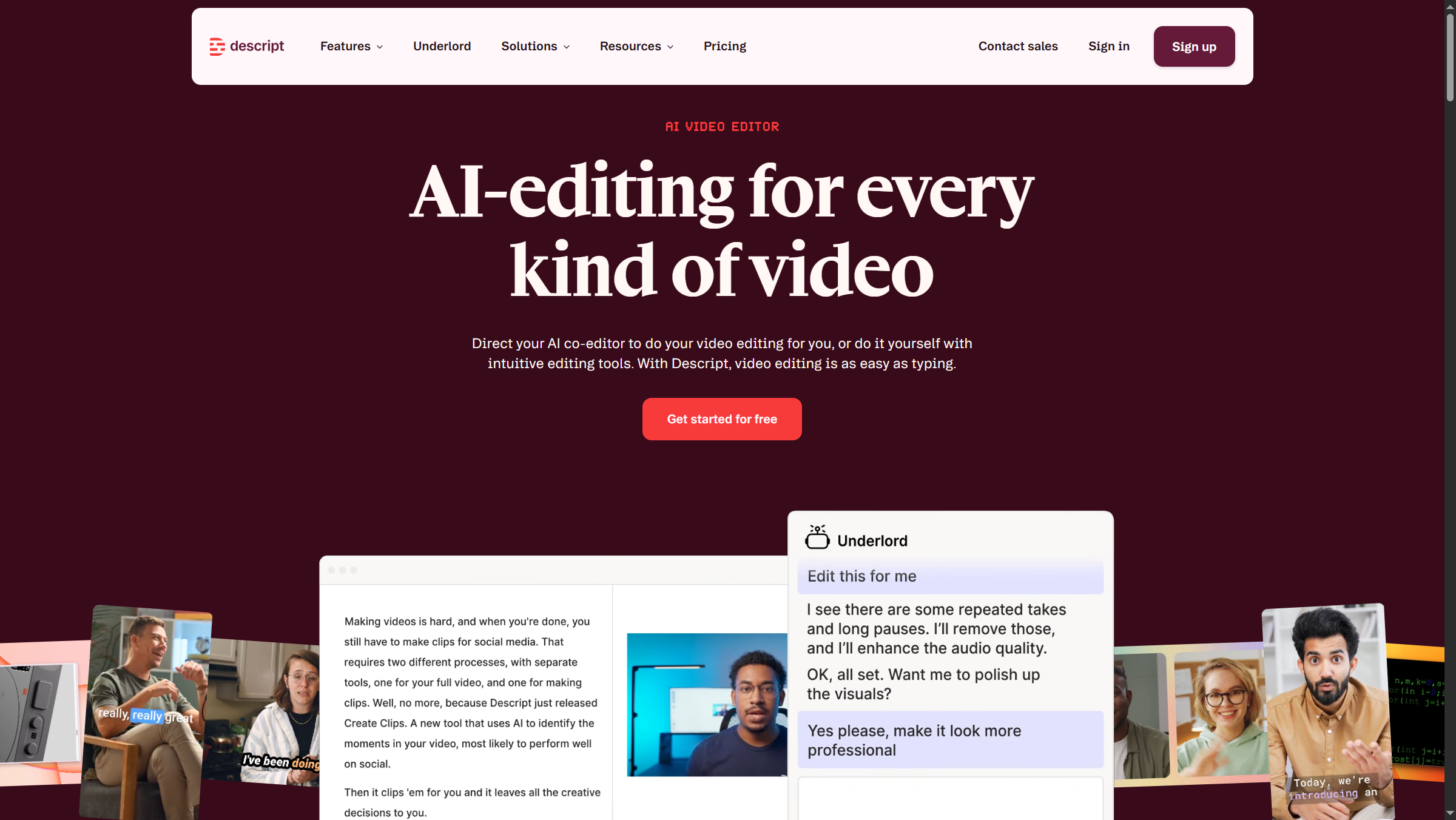
Pricing reality check: the Free tier (60 minutes/month, 100 one-time AI credits) is exploration only - the credits are total, not monthly, so they evaporate fast. The Hobbyist annual tier is the realistic floor for an active podcaster, but most repurposing workflows need the Creator annual tier for full Underlord features and 4K exports.
Pricing verified April 2026 from Descript's pricing page:
- Free: $0/mo
- 60 minutes media/month
- 100 one-time AI credits
- 720p export with watermark
- Hobbyist: $16/user/mo annual ($24 monthly)
- 10 media hours/month
- 400 AI credits/month
- Watermark-free 1080p exports
- Creator: $24/user/mo annual ($35 monthly)
- 30 media hours/month (+5 bonus)
- 800 AI credits/month (+500 bonus)
- Watermark-free 4K exports
- Business: $50/user/mo annual ($65 monthly)
- 40 media hours/month (+10 bonus)
- 1500 AI credits/month (+1000 bonus)
- 4K exports
- Enterprise: Contact sales
- All Business features
- Advanced Security and SSO/SCIM
- Custom AI credits/media minutes
Format 3: Blog Post → Tweet Thread
A blog-to-tweet-thread workflow uses an LLM to draft 8 standalone tweets from one post, then manual edits to fix hook decay in the back half. The LLM does most of the work but rarely produces a thread that posts as-is. Save this prompt as a workflow template:
“Convert the following blog post into an 8-tweet thread. Each tweet must stand alone (no ‘continued in next tweet’). Tweet 1 must hook with a contrarian claim or specific number from the post. Use line breaks for readability. No emojis unless the original used them. Final tweet must include a soft CTA back to the original post. Source: [paste blog].”
What AI got wrong: across multiple LLMs, the most common failure is “hook decay” - tweets 5-8 lose energy and read like outline summaries. Always edit the back half manually. The second failure is fabricated statistics; if a tweet contains a number, verify it appears in the source.
Format 4: Blog Post → LinkedIn Carousel (Canva)
A LinkedIn carousel repurposes a blog post into a 7-slide PDF built in Canva, then Magic Resize spreads the same design across Instagram, Twitter/X, and Pinterest with one click. LinkedIn carousels (multi-slide PDFs) consistently outperform single-image posts for B2B content. Canva ships dozens of carousel templates, and Magic Resize is the killer feature - design once at LinkedIn dimensions and reformat into Instagram carousel, Twitter image, and Pinterest pin in one click.
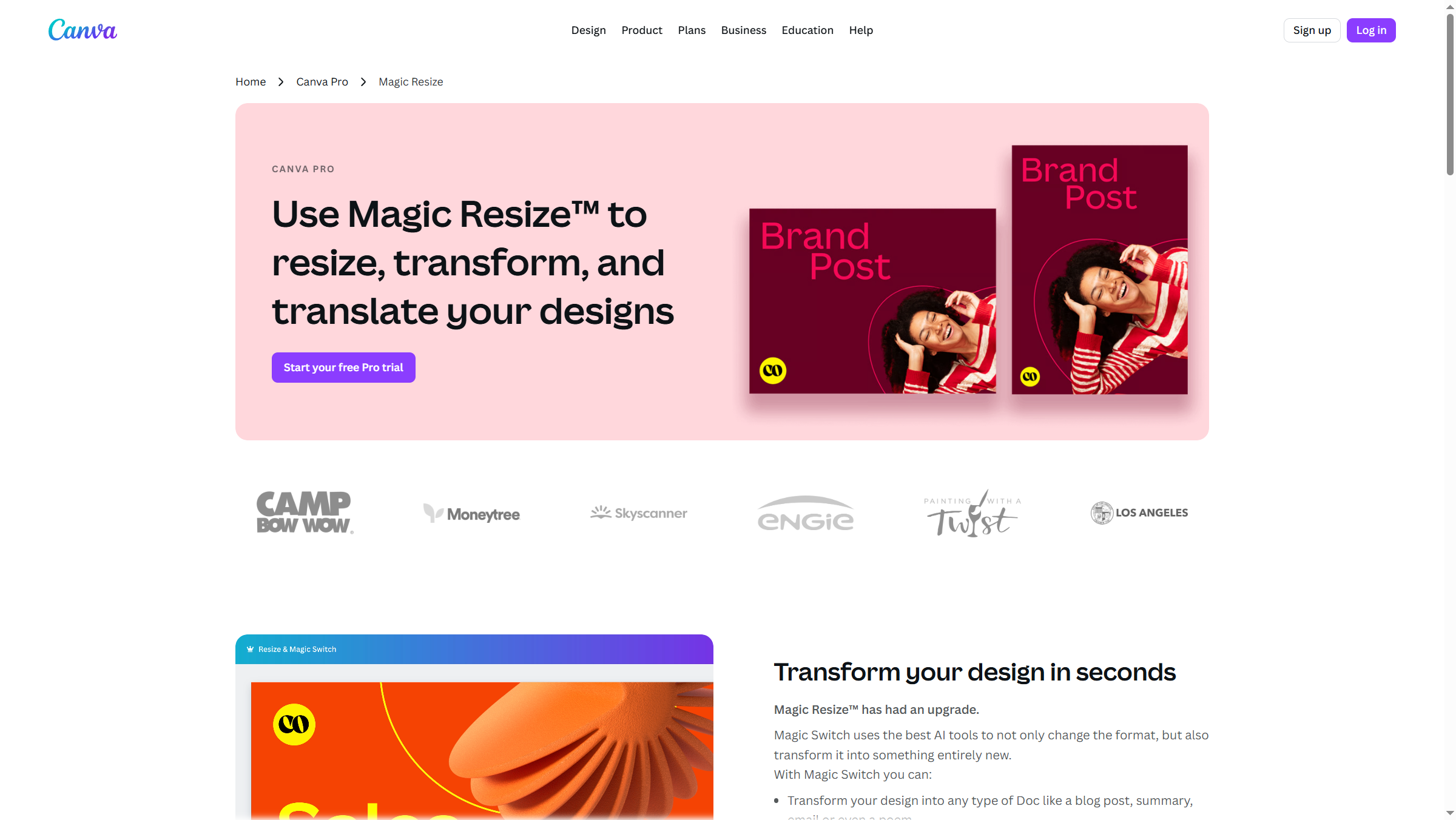
Workflow: ask an LLM to extract 7 atomic ideas from your blog post (one per slide). Drop each idea into a Canva carousel template (slide 1 = hook, slides 2-6 = ideas, slide 7 = CTA). Magic Resize generates the other platform versions. Total time: roughly 25 minutes for a finished carousel set.
Pricing reality check: Free tier works for one-off graphics, but the 25 Magic Write cap kills repurposing workflows that touch dozens of pieces. Pro annual is the must-have entry tier - Magic Resize alone is worth the price.
Pricing verified April 2026 from Canva's pricing page:
- Free: $0/mo (5GB storage, 2M+ templates)
- Basic editor with drag-and-drop
- 2 million+ templates
- Stock photos and graphics
- Pro: $10/user/mo annual ($12.99 monthly) (1TB storage, 140M+ premium assets)
- 1TB cloud storage
- 140 million+ premium stock images, videos, and music
- Premium templates and fonts
- Business: $16.67/user/mo annual ($20 monthly) (Unlimited storage, team collaboration, premium AI integrations)
- All Pro features
- Unlimited storage
- Team templates and shared folders
- Enterprise: Contact sales (Enterprise-grade security and governance)
- All Business features
- SSO (SAML) and SCIM provisioning
- Audit logs and activity tracking
Format 5: Webinar → Email Newsletter
A webinar-to-email workflow compresses a 6,000-word transcript into a 600-word recap by transcribing in Descript, summarizing with an LLM, and finishing with a manual voice pass. A 45-minute webinar yields roughly 6,000 words of transcript - too long for an email but perfect raw material. Transcribe with Descript, feed the transcript to an LLM with a “summarize into a 600-word newsletter, lead with the most actionable insight, include 3 bullet takeaways, end with a replay link” prompt, then do a manual voice-consistency pass. Untouched LLM newsletters read like SEO blog posts and underperform.
Format 6: Podcast → Quote Graphics (Canva Magic Resize)
A podcast-to-quote-graphics workflow extracts 5-10 quotable sentences from a transcript, drops them into a Canva quote template, and uses Magic Resize to fan out Instagram square, Instagram story, Twitter/X, and LinkedIn variants - roughly 40 graphics per hour from one podcast.
The trick is quote selection. Try: “Extract the 10 most quotable single sentences from this transcript - lines that work standing alone. Prioritize specific numbers, contrarian claims, or vivid metaphors over abstract advice.”
Format 7: YouTube Video → Blog Post
A YouTube-to-blog workflow turns an unscripted video into a 1,500-word post by transcribing in Descript and using an LLM to restructure the transcript - replacing a 4-hour writing session with a 30-minute editing pass. The transcript-first pipeline flips the usual order: film unscripted, transcribe with Descript, then let an LLM restructure the transcript into a publishable post.
Prompt: “Convert this video transcript into a 1,500-word blog post. Add an intro paragraph, structure with H2 headings, smooth out spoken-word filler, and preserve all specific examples and numbers.” Either Claude or ChatGPT handles this well - Claude produces tighter prose, ChatGPT produces more SEO-friendly headings.
Format 8: Blog Post → Pinterest Pins
Pinterest is the most underused repurposing target for B2B content - most marketers assume it is only for recipes and home decor. It is also a search engine where listicle and “how-to” content drives traffic for years. Canva ships thousands of Pinterest pin templates - design 5 pins per blog post (different headlines, colors, image angles) and pin them across 60 days. These visual assets keep generating clicks long after the social-media half-life expires.
Format 9: Webinar → SlideShare Deck
SlideShare itself is largely deprecated, but the format - a 20-30 slide PDF with one idea per slide - lives on as LinkedIn document posts and gated lead magnets. Feed the webinar transcript to an LLM: “Convert into a 25-slide deck outline, one core idea per slide, max 15 words per slide.” Drop into a Canva template, export as PDF.
Format 10: Long Form → Email Sequence
A long-form-to-email-sequence workflow extracts every distinct idea from a pillar piece and turns each one into a 250-word drip email - a 3,000-word post typically yields 12-15 emails. Each email is short (200-300 words), focuses on one idea, and links back to the full piece.
Prompt template: “Extract every standalone idea from this article. For each idea, draft a 250-word email with: subject line under 50 chars, opening hook tied to the reader’s pain, the idea itself with one concrete example, and a CTA linking back to the source piece.”
How Much Does an AI Content Repurposing Workflow Cost?
Here is the actual math for a creator running this workflow once per week with one anchor asset (a 45-minute podcast episode):
| Cost line | Tool | Monthly cost |
|---|---|---|
| Video clipping | Opus Clip Pro (annual) | approximately $14.50 |
| Transcription + editing | Descript Creator (annual) | approximately $24.00 |
| Graphics | Canva Pro (annual) | approximately $10.00 |
| LLM (text adaptation) | ChatGPT Plus or Claude Pro | approximately $20.00 |
| Total monthly stack cost | combined four tools | approximately $68.50 |
That is roughly $17 per anchor asset, which produces 30-50 derivative pieces. At $0.40-$0.50 per finished asset, the unit economics work even for solo creators - the marginal cost per asset stays under a dollar whether you start on free trials or jump to the paid stack.
Time math: 90 minutes per week of focused human time produces enough content to publish daily across five platforms - versus the 15-20 hours per week required to create the same volume manually.
Quality Control: When AI Gets It Wrong
Roughly 10-20% of AI repurposing output is unusable as-is. Common failure modes to watch for:
Fabricated statistics. LLMs invent plausible-sounding numbers. If a repurposed post says “studies show 73% of marketers…” and you cannot find that exact figure in your source, kill it.
Hook decay in threads. Tweets 5-8 of an LLM-generated thread tend to read like outline summaries, not standalone posts. Always edit the back half manually.
Voice drift in long sequences. Email sequences generated in one shot drift away from your voice by email 5 or 6. Generate in batches of 3 and reset the voice prompt between batches.
Visual misalignment. Canva Magic Resize occasionally crops text awkwardly going from 1:1 to 9:16. Preview every resized version before scheduling.
Out-of-context clips. Opus Clip’s ClipScore optimizes for engagement signals, not narrative coherence. Watch every clip end-to-end before approving.
The rule of thumb experienced repurposers cite: AI does 80-90% of the production work, but the human still owns the final 10-20% that determines whether the output represents the brand correctly.
Frequently Asked Questions
What is the best AI tool for content repurposing in 2026?
There is no single best tool - repurposing spans video, audio, text, and graphics. The current consensus stack is Opus Clip for vertical video, Descript for transcription-based audio and video editing, Canva for graphics with Magic Resize, and a general LLM (ChatGPT or Claude) for text adaptation. Most professional repurposing workflows use 3-4 tools in combination.
How much time does an AI content repurposing workflow actually save?
Manually producing the 10 derivative formats from one anchor asset takes 15-20 hours. With the AI-assisted workflow above, the same output takes 90 minutes to 3 hours of human time, with most of that spent on quality control rather than production. Cost per finished asset typically lands between $0.40 and $0.50 once you have a paid tool stack in place.
Can I run this workflow on free plans only?
Partially. Free plans are useful for evaluating each tool, but every free tier has limits that block a real recurring workflow within one or two anchor assets. Opus Clip’s 60 credits/month, Descript’s one-time 100 AI credits, and Canva’s 25 Magic Write uses all run out fast. Expect to pay $50-$70 monthly for a serious stack.
Will Google penalize repurposed content for duplication?
Repurposed content posted to different platforms (a tweet from a blog, a TikTok from a podcast) is not duplicate content in the SEO sense - it lives in different systems. Where you do need to be careful is republishing the same blog post on Medium, LinkedIn Articles, and your own site simultaneously. Use canonical tags or stagger publication - see Google Search Central’s canonicalization guidance for the correct rel="canonical" pattern.
Does AI-repurposed content perform as well as original content?
Creators who switch to AI-assisted repurposing generally see comparable or better performance per asset, mainly because they are publishing 5-10x more total assets. Individual asset quality may be slightly lower than hand-crafted content, but reach gains from higher publication volume more than compensate.
The Bottom Line
The ai content repurposing workflow has shifted from a competitive advantage in 2023-2024 to a baseline expectation in 2026. Creators not running some version of this stack are being out-published 5-10x by creators who are. The good news: the tool stack has stabilized. Opus Clip, Descript, Canva, and a general LLM cover roughly 90% of the workflow at under seventy dollars per month combined.
If you are starting from zero, the cheapest realistic entry point is Opus Clip Starter for video clipping, Canva Pro annual for graphics, and a Claude or ChatGPT subscription for text adaptation. That entry-level stack costs roughly forty-five dollars per month and covers 6-7 of the 10 formats above. Add Descript Creator annual once you are producing podcast or talking-head video regularly.
The biggest mistake is treating this as a one-time setup. The creators winning in 2026 are not necessarily the ones producing the most original content - they are the ones who built repeatable systems for getting 10 outputs from 1 input.
Related Reading
Related reading on this site covers the four tools in the repurposing stack and adjacent workflows for podcasters, content creators, and blog-to-video pipelines.
- Opus Clip - Full review of the leading vertical-video clipping tool
- Descript - Text-based audio and video editor
- Canva - Graphics and Magic Resize for multi-platform repurposing
- Best AI Podcast Editing Tools - Deeper coverage for podcast-first creators
- AI Tools for Content Creators - Broader content-creator stack beyond repurposing
- AI Transcription Comparison - Compare transcription engines that feed text-based editing workflows
- Fliki Blog to Video Guide - Step-by-step walkthrough for the blog-to-video format above
External Resources
External resources include the primary vendor blogs and an industry overview that informed this workflow.
- Opus Clip Blog - Official guides on AI video clipping workflows
- Descript Blog - Tutorials on transcription-based editing
- Kaltura’s Content Repurposing Guide - Industry-perspective overview of multi-format content strategy