Voice dictation has evolved from an accessibility feature into a productivity multiplier. Modern AI-powered dictation tools deliver 4x faster text creation than typing, with automatic punctuation, filler word removal, and context-aware formatting. For knowledge workers spending hours daily on emails, documentation, and content creation, the right dictation tool pays for itself within the first month.
After testing the leading voice dictation platforms across real workflows, here’s what matters and which tools deliver the best results in 2026.
Quick Comparison: Best Voice Dictation Tools
| Tool | Rating | Starting Price | Best For |
|---|---|---|---|
| Wispr Flow | Free / $12/mo | AI-powered dictation | |
| Dragon NaturallySpeaking | N/A | $150-500 one-time | Professional accuracy |
| Apple Dictation | N/A | Free (built-in) | Casual Apple users |
| Google Voice Typing | N/A | Free (built-in) | Quick browser use |
What Makes a Great Voice Dictation Tool in 2026?
The landscape has evolved significantly from simple speech-to-text. Here’s what separates modern dictation tools from basic alternatives:
AI Auto-Editing: The best tools automatically add punctuation, remove filler words (“um,” “uh”), and format text based on context. This eliminates manual cleanup that wastes time.
Speed and Latency: Modern dictation should feel instantaneous — sub-1 second latency keeps up with natural speech. Any noticeable delay breaks your flow.
Context Awareness: Smart tools adapt formatting based on where you’re typing. Emails get different treatment than code comments or formal documents.
Voice Commands: Beyond dictation, the best tools let you edit, navigate, and control applications using voice commands. This eliminates the keyboard-microphone switching that slows workflows.
Privacy and Security: For enterprise use, HIPAA compliance, SOC 2 certification, and data retention controls matter significantly.
1. Wispr Flow: Best AI-Powered Dictation
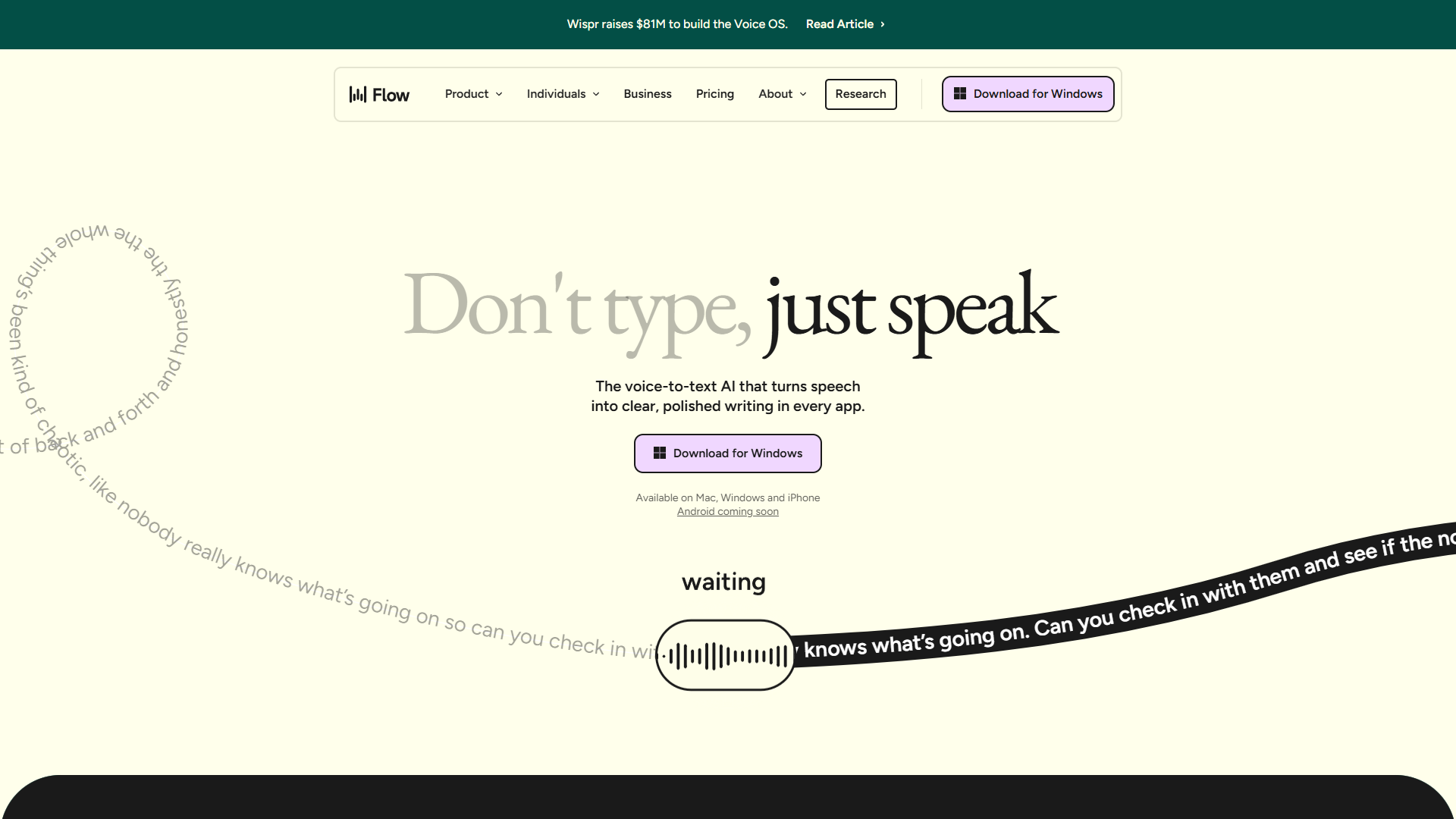
Wispr Flow leads the modern dictation revolution with AI-powered features that go far beyond speech-to-text. The tool delivers 4x faster text creation than typing, with automatic punctuation, filler word removal, and context-aware formatting that adapts to your writing style.
What sets Flow apart is Command Mode — voice-driven text editing that lets you revise entire paragraphs without touching the keyboard. Speak naturally, and Flow handles the cleanup automatically.
Key Features:
- 4x faster dictation speed compared to typing
- AI auto-editing with punctuation and filler word removal
- Command Mode for voice-driven text editing and rewriting
- Context-aware formatting adapts to emails, messages, formal documents
- Support for 100+ languages with automatic detection
- Works seamlessly across all applications
- Whisper mode for quiet dictation in shared environments
- SOC 2 Type II, ISO 27001, and HIPAA compliance
Pricing:
- Flow Basic (Free): 2,000 words/week on Mac/Windows, 1,000 on iPhone
- Flow Pro: $12/mo - Unlimited words, Command Mode, priority support
- Flow Enterprise: Custom pricing - SSO, zero data retention, compliance
Pros:
- Industry-leading accuracy that keeps up with natural speech
- AI auto-editing eliminates manual cleanup entirely
- Command Mode transforms voice editing workflows
- Enterprise-grade security for regulated industries
- Works universally across all applications
Cons:
- Requires internet connection (cloud processing)
- Resource intensive (up to 800MB RAM)
- Free tier limited for daily professional use
- Occasional server delays during peak times
Best For: Knowledge workers, writers, and professionals who spend 3+ hours daily on text creation. If you value speed and automatic cleanup over offline capability, Wispr Flow delivers the best modern dictation experience.
2. Dragon NaturallySpeaking: Best Professional Accuracy
Dragon has dominated professional dictation for decades, and the latest versions maintain excellent accuracy for specialized vocabularies. Legal, medical, and technical professionals often prefer Dragon for its domain-specific language models.
The one-time purchase model appeals to users who prefer owning software outright rather than paying subscriptions.
Key Features:
- Professional-grade accuracy for specialized vocabularies
- Custom vocabulary training for technical terminology
- Deep learning speech recognition
- Local processing option (no cloud required)
- Microsoft Office integration
- Text-to-speech for document review
Pricing:
- Dragon Home: $150 one-time - Personal use
- Dragon Professional: $500 one-time - Business features
- Dragon Legal/Medical: Custom pricing - Specialized vocabularies
Pros:
- Exceptional accuracy for professional vocabularies
- One-time purchase eliminates subscription fatigue
- Works offline with local processing
- Decades of refinement for specialized industries
- Comprehensive voice command system
Cons:
- Higher upfront cost than subscription alternatives
- Outdated interface compared to modern tools
- No AI auto-editing or context awareness
- Limited mobile support
- Learning curve for voice commands
Best For: Legal, medical, and technical professionals who need specialized vocabulary support and prefer one-time purchases over subscriptions. Dragon remains the standard for industries requiring precise terminology recognition.
3. Apple Dictation: Best Free Built-In Option
Apple Dictation comes free with every Mac, iPhone, and iPad. While it lacks advanced features, the accuracy has improved dramatically with on-device neural processing. For casual users who occasionally need voice input, the built-in option works well.
Key Features:
- Free and built-in on all Apple devices
- On-device neural processing for privacy
- Automatic punctuation and capitalization
- Offline mode available
- System-wide keyboard shortcut activation
Pricing:
- Free: Included with macOS and iOS
Pros:
- Completely free with no subscriptions
- Privacy-focused on-device processing
- Works offline without internet
- Improving accuracy with each OS update
- Simple one-button activation
Cons:
- No AI auto-editing or filler word removal
- Limited customization options
- No voice command editing capabilities
- Apple ecosystem only
- Accuracy lags behind dedicated tools
Best For: Casual Apple users who occasionally need dictation without installing additional software. For serious productivity gains, dedicated tools like Wispr Flow deliver significantly better results.
4. Google Voice Typing: Best for Quick Browser Use
Google Voice Typing provides decent dictation in Google Docs and Chrome-based applications. It’s free, requires no installation, and works well for quick text input when you’re already in Google’s ecosystem.
Key Features:
- Free in Google Docs and Chrome
- Real-time transcription
- Support for multiple languages
- No software installation required
- Integrates with Google Workspace
Pricing:
- Free: Included with Google accounts
Pros:
- Completely free with no limits
- Works directly in browser without installation
- Decent accuracy for general dictation
- Supports multiple languages
- Integrates naturally with Google Docs
Cons:
- Browser-only — doesn’t work in other applications
- No advanced editing or formatting features
- Requires internet connection
- Privacy concerns with cloud processing
- No voice commands for editing
Best For: Users who primarily work in Google Docs and need occasional dictation without additional software. For comprehensive dictation across all applications, dedicated tools provide superior experiences.
Which Voice Dictation Tool Should You Choose?
For AI-powered productivity: Wispr Flow ($12/mo). The 4x speed boost, AI auto-editing, and Command Mode justify the subscription for daily text creators.
For professional accuracy: Dragon NaturallySpeaking ($150-500). Specialized vocabularies and one-time purchase appeal to legal, medical, and technical professionals.
For casual free use: Apple Dictation (free) for Apple users, Google Voice Typing (free) for browser-based work.
For privacy-focused users: Consider offline alternatives like Superwhisper or Apple Dictation that process locally without cloud transmission.
Feature Comparison Table
| Feature | Wispr Flow | Dragon | Apple Dictation | Google Voice |
|---|---|---|---|---|
| AI Auto-Editing | Yes | No | Limited | No |
| Voice Commands | Command Mode | Extensive | Basic | None |
| Offline Mode | No | Yes | Yes | No |
| Languages | 100+ | Limited | System | Many |
| Starting Price | Free/$12/mo | $150 | Free | Free |
| Enterprise Security | HIPAA/SOC 2 | Yes | Apple Security |
Real-World ROI: Is Voice Dictation Worth It?
Let’s quantify the productivity impact with real numbers:
Without Voice Dictation (Typing):
- Average typing speed: 40 words per minute
- 2,000-word document: ~50 minutes
With Voice Dictation (Wispr Flow):
- Average speaking speed: 150+ words per minute
- 2,000-word document: ~15 minutes (with editing)
Time Saved Per Document: 35 minutes
For knowledge workers writing 25+ emails and documents weekly, that translates to:
- Weekly time saved: 14+ hours
- Monthly time saved: 56+ hours
- Annual value at $75/hour: $50,400
Even accounting for learning curve and occasional corrections, the ROI on a $12/month dictation tool is substantial for anyone spending significant time on text creation.
Tips for Voice Dictation Success
Regardless of which tool you choose, these practices maximize dictation productivity:
Speak Naturally: Modern AI handles natural speech better than the choppy, deliberate style older dictation required. Just talk as you normally would.
Use a Quality Microphone: A decent USB microphone ($50-100) dramatically improves accuracy. Built-in laptop microphones work but introduce more errors.
Minimize Background Noise: Quiet environments produce better results. If you work in shared spaces, consider tools with whisper mode like Wispr Flow.
Learn Voice Commands: Invest time learning your tool’s editing commands. The productivity gains from voice editing compound over time.
Create Custom Vocabulary: Add technical terms, names, and industry jargon to your tool’s custom dictionary for improved accuracy.
For more productivity insights, explore our guides on Best Ai Voice Generators 2025. If you need meeting transcription rather than active dictation, check out Fireflies.ai or Otter.ai.
Final Verdict
For best voice dictation tools, For most professionals in 2026, Wispr Flow at $12/month delivers the best combination of speed, accuracy, and modern AI features. The 4x productivity boost and automatic cleanup pay for the subscription many times over for anyone spending significant time on text creation.
Dragon NaturallySpeaking remains relevant for specialized industries requiring precise terminology recognition and offline capability. The one-time purchase appeals to users who dislike subscriptions.
Built-in options (Apple Dictation, Google Voice Typing) work fine for occasional use but lack the advanced features that make dedicated tools transformative for daily workflows.
Start with free tiers to test your workflow, then upgrade when you hit limitations. The key insight: voice dictation isn’t just faster typing — it fundamentally changes how you create content when the tool is good enough to trust.
For more information about best voice dictation tools, see the resources below.
External Resources
For official documentation and updates:
- Wispr Flow — Official website
- OpenAI — Additional resource