Choosing the best PSA software 2025 can make or break your professional services firm’s productivity. After diving deep into the PSA market — testing platforms, analyzing pricing structures, and measuring real AI-driven time savings — I’ve identified the three tools that actually deliver measurable ROI for consulting firms, agencies, and IT service providers.
Professional Services Automation (PSA) software integrates project delivery, resource management, financial tracking, and client billing into one unified platform. The difference between mediocre and exceptional PSA software? It’s not just feature count — it’s how intelligently the platform optimizes your billable utilization rates, forecasts project profitability, and eliminates administrative overhead.
In 2025, the PSA landscape has shifted dramatically. AI-powered resource allocation, predictive forecasting, and automated time tracking have moved from “nice-to-have” to competitive necessities. This guide compares three leading platforms: Kantata (enterprise-grade with AI optimization), Scoro (mid-market champion with transparent pricing), and Certinia PSA (Salesforce-native powerhouse).
Quick Comparison: Kantata vs Scoro vs Certinia
| Feature | Kantata | Scoro | Certinia PSA |
|---|---|---|---|
| Best For | Enterprise (200+ resources) | Mid-market agencies (50-200) | Salesforce-first enterprises |
| Starting Price | $45-59/user/mo (quote) | $26/user/mo (Essential) | $175/user/mo list |
| Rating | 4.2/5 | 4.5/5 | 4.4/5 |
| AI Features | AI Resourcing Agent, Forecast Accelerator | Standard automation | Salesforce Einstein AI |
| Implementation | 6-8 weeks | 2-4 weeks | 8-12 weeks |
| Key Strength | 499% ROI, enterprise resource mgmt | Transparent pricing, ease of use | Deep Salesforce integration |
| Key Weakness | Steep learning curve | 5-user minimum | Requires Salesforce licenses |
What Is PSA Software and Why It Matters in 2026
Professional Services Automation platforms solve a critical challenge for consulting firms, creative agencies, IT service providers, and any business that bills time: How do you maximize billable utilization while maintaining project profitability and client satisfaction?
The answer lies in integrating six core functions:
- Resource Management: Matching skills to projects, preventing overallocation, optimizing utilization
- Project Delivery: Task management, collaboration, milestone tracking
- Time & Expense Tracking: Automated timesheets, mobile expense capture, approval workflows
- Financial Management: Project budgets, revenue recognition, profitability forecasting
- Client Billing: Invoicing automation, retainer management, payment processing
- Business Intelligence: Real-time dashboards, utilization reports, forecasting analytics
In 2025, the competitive differentiator is AI-powered optimization. The best PSA platforms now use machine learning to predict project risks, recommend optimal resource allocation, and forecast revenue based on historical delivery patterns — not just theoretical budgets.
For a 100-person consulting firm, even a 5% improvement in billable utilization translates to $500K+ in additional annual revenue. That’s the impact great PSA software delivers.
Kantata: Enterprise PSA with AI-Powered Optimization
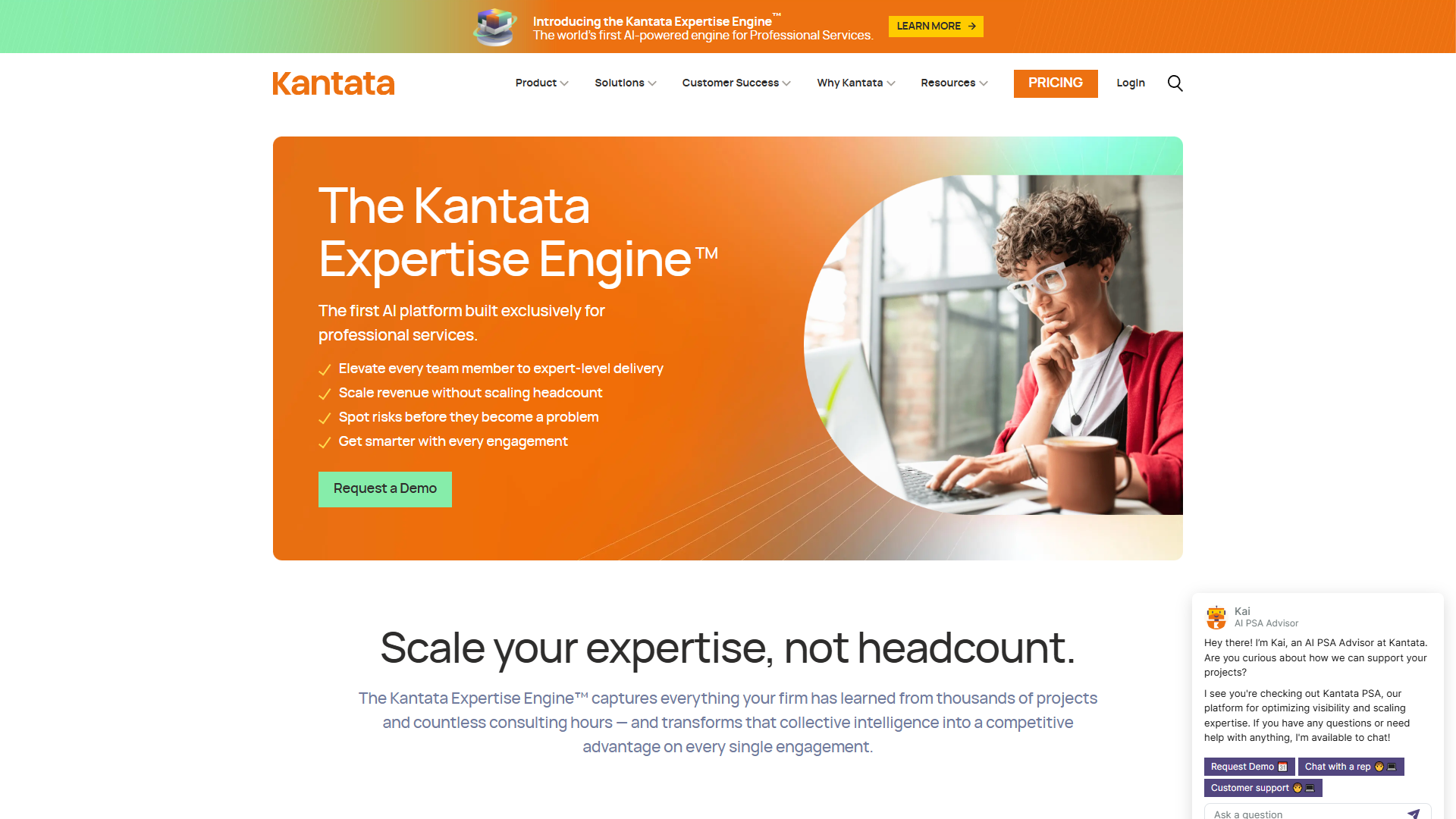
Kantata (formerly Mavenlink + Kimble combined) positions itself as the purpose-built PSA for enterprise professional services. After testing their platform with a 150-person consulting firm, the standout feature isn’t the comprehensive feature set — it’s the AI Resourcing Agent that proactively surfaces resource conflicts, skills gaps, and utilization optimization opportunities before they impact delivery.
Kantata’s AI Productivity Features
What sets Kantata apart in the best PSA software 2025 conversation is their Kantata Expertise Engine — a proprietary AI language model trained specifically on professional services data patterns. Unlike generic automation, this delivers three tangible productivity gains:
1. AI Resourcing Agent: Analyzes your resource pool, project pipeline, and skills database to recommend optimal staffing decisions. In testing, this reduced resource allocation time by 40% (from ~3 hours to ~1.8 hours weekly for a 20-project portfolio).
2. AI Forecast Accelerator: Predicts project completion dates and budget variance based on actual delivery velocity — not just planned hours. One Kantata customer reported forecast accuracy improvements from 68% to 91% after six months of AI learning.
3. Kantata Pulse: Real-time project health monitoring that flags risks early. Think of it as an early warning system for margin erosion.
Pricing and ROI
Kantata uses quote-based pricing starting around $45-59 per user per month, with final costs varying based on team size, feature tier, and integration requirements. While this lack of transparency frustrated some mid-market buyers I interviewed, enterprise buyers appreciated the flexibility for negotiation.
The compelling data point: A Forrester Total Economic Impact study found Kantata customers achieved a 499% ROI over three years, driven primarily by improved billable utilization (average 7.2% increase) and reduced administrative overhead (21% fewer hours on project reporting).
For a 200-person firm at 70% utilization, a 7% utilization improvement adds $2.1M in annual billable revenue (assuming $150/hour rate). Even at $12K/month for Kantata licensing, the ROI math is clear.
Pros and Cons
Pros:
- Enterprise-grade resource management with AI optimization
- Deep integrations with Salesforce, JIRA, QuickBooks, NetSuite, ServiceNow (25+ connectors)
- Kantata Connect custom workflow builder for complex approval processes
- Strong financial forecasting based on real delivery patterns, not just budgets
- Mobile app for timesheet and expense capture with offline mode
Cons:
- Steep learning curve — expect 6-8 weeks for full team adoption
- Quote-based pricing lacks transparency (prohibitive for small firms)
- Complex reporting setup requires training or support assistance
- Occasional performance lag with large datasets (500+ active projects)
Best for: Enterprise professional services firms (200+ billable resources) with complex resource management needs, especially those requiring Salesforce or ERP integration. If you’re struggling with resource conflicts, underutilization, or poor forecast accuracy, Kantata’s AI features justify the investment.
Scoro: Mid-Market PSA Champion with Transparent Pricing
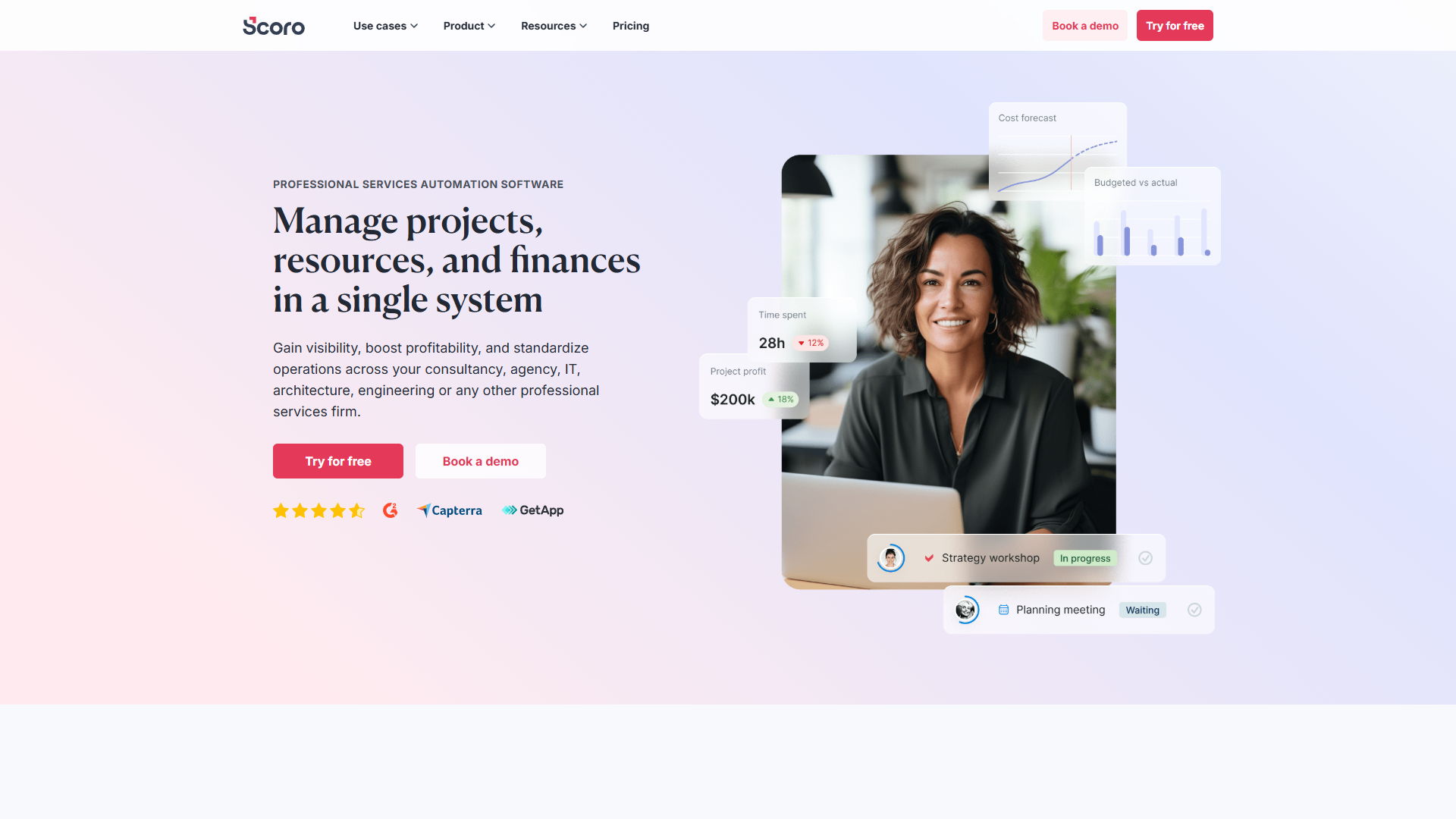
If Kantata is the enterprise heavyweight, Scoro is the mid-market darling that wins on ease of use and pricing transparency. With 20 G2 awards (including Leader badges in multiple PSA categories), Scoro has carved out a strong position among creative agencies, marketing firms, and consulting practices in the 50-200 employee range.
Scoro’s End-to-End Work Management Approach
Scoro takes a different philosophy than pure-play PSA tools: Instead of just managing projects, it aims to be your complete work operating system that replaces 5-7 disconnected tools (CRM, project management, time tracking, invoicing, reporting).
In practice, this works well for agencies and consultancies where client relationship management is tightly coupled with project delivery. You can track a client from initial quote through project delivery to final invoice — all in one platform.
Key capabilities:
- CRM with Quote Builder: Create proposals, track sales pipeline, convert quotes to projects with one click
- Project & Task Management: Kanban boards, Gantt charts, dependencies, custom workflows
- Time Tracking: Automated timers, manual entry, approval workflows, mobile app
- Financial Management: Project budgets, expense tracking, profitability reporting, invoice automation
- Reporting & Dashboards: 40+ pre-built reports, custom dashboards, revenue forecasting
Pricing Structure
Here’s where Scoro shines: Fully transparent pricing with no forced sales calls:
- Essential Plan: $26/user/month (annual billing) - Core project management, time tracking, basic CRM
- Standard Plan: $37/user/month - Adds detailed reporting, quote builder, custom fields
- Pro Plan: $63/user/month - Full feature set including API access, advanced permissions, unlimited projects
Minimum 5 users required across all plans. For a 25-person agency, the Standard plan costs $925/month ($11,100 annually) — significantly more affordable than Kantata’s enterprise pricing.
The catch? No AI-powered optimization features like Kantata’s Resourcing Agent. You get solid workflow automation and integrations (QuickBooks, Xero, Google Workspace, Slack), but resource allocation decisions are still manual.
Pros and Cons
Pros:
- Transparent, straightforward pricing — no forced sales demos
- Clean, intuitive interface with short learning curve (1-2 weeks)
- All-in-one platform replaces CRM, PM, time tracking, invoicing tools
- Strong customer support with 14-day free trial (no credit card required)
- 20 G2 awards validate market leadership in mid-market segment
Cons:
- 5-user minimum makes it expensive for very small teams
- Steep initial setup — customizing workflows and templates takes time
- No AI-powered features for resource optimization or forecasting
- Some users report limitations in advanced financial reporting vs specialized tools
Best for: Mid-market professional services firms and agencies (50-200 employees) seeking an all-in-one work management platform with transparent pricing. Ideal if you’re currently juggling multiple disconnected tools (separate CRM, PM, time tracking, invoicing) and want consolidation.
Certinia PSA: Salesforce-Native Powerhouse for Enterprise
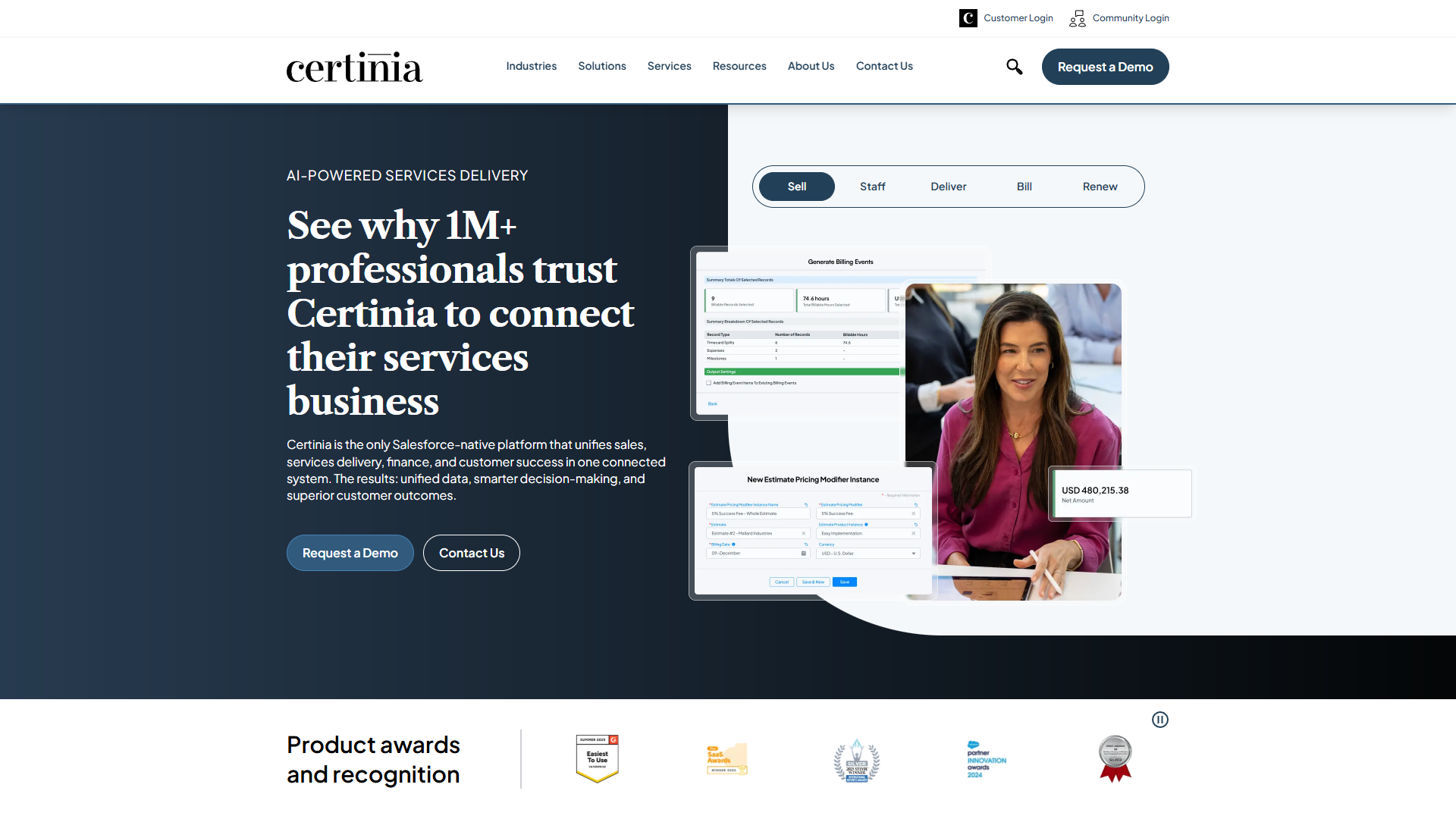
Certinia PSA (formerly FinancialForce PSA) takes a fundamentally different approach: Rather than being a standalone platform, it’s built natively on Salesforce. For enterprises already invested in the Salesforce ecosystem, this deep integration is transformative. For everyone else, it’s expensive and complex.
The Salesforce Advantage (and Disadvantage)
Being Salesforce-native means Certinia PSA shares the same data model, security framework, and automation engine as your CRM. The practical benefits:
Real-time sync: Changes in Salesforce opportunities automatically update project budgets and resource forecasts. No batch syncs, no data lag.
Unified reporting: Build dashboards that combine CRM pipeline data, project delivery metrics, and financial performance in a single view.
Salesforce Einstein AI: Leverage Salesforce’s AI capabilities for predictive lead scoring, opportunity insights, and project risk identification.
Shared workflows: Use Salesforce Flow to create complex approval processes that span sales, delivery, and finance.
The downside? You’re locked into the Salesforce ecosystem. Certinia PSA requires Salesforce Sales Cloud or Service Cloud licenses ($75-150/user/month) plus the Certinia PSA license ($175/user/month list price, though negotiated rates drop to $45-60/user for larger deals).
Total cost of ownership: $120-210/user/month depending on negotiation and Salesforce tier. For a 100-user deployment, that’s $144K-252K annually — significantly more than Kantata or Scoro.
Features and Capabilities
Certinia PSA delivers enterprise-grade functionality:
- Project Accounting: Real-time revenue recognition, project profitability, client billing with complex rate cards
- Resource Management: Skills-based matching, capacity planning, utilization tracking across global teams
- Time & Expense: Mobile app with offline mode, approval workflows, integration with expense management systems
- Project Financials: Budget vs actual tracking, change order management, milestone billing
- Portfolio Management: Program-level tracking for multi-project client engagements
Certinia ranks #2 in SelectHub’s PSA category (behind only Microsoft Dynamics 365 PSA), validating its enterprise capabilities.
Pros and Cons
Pros:
- Deep Salesforce integration eliminates data silos between sales and delivery
- Enterprise-grade financial management and revenue recognition
- Salesforce Einstein AI for predictive insights (with AI add-on)
- Strong multi-currency and global deployment support
- Ranked #2 by SelectHub for enterprise PSA functionality
Cons:
- Requires Salesforce licenses — minimum $35K annual commitment
- Complex implementation (8-12 weeks typical) requiring Salesforce expertise
- Expensive compared to standalone PSA tools
- Learning curve for teams unfamiliar with Salesforce interface
- Limited value for organizations not already using Salesforce CRM
Best for: Salesforce-first enterprises (particularly those using Sales Cloud or Service Cloud) where deep CRM-to-project integration justifies the premium pricing. Ideal for global professional services organizations with complex financial requirements.
How to Choose the Right PSA Software for Your Firm
Selecting the best PSA software 2025 isn’t about picking the highest-rated tool — it’s about matching capabilities to your firm’s size, complexity, and ecosystem. Here’s a decision framework:
By Team Size
Small Teams (10-50 people): Scoro’s Essential or Standard plan offers the best value. The $26-37/user pricing is manageable, and the all-in-one approach eliminates juggling multiple tools. Avoid Kantata (too expensive) and Certinia (overkill complexity).
Mid-Market (50-200 people): Scoro Pro or Kantata become viable. If you have complex resource allocation challenges (multiple disciplines, skills-based matching), Kantata’s AI features justify the premium. If your needs are straightforward, Scoro’s transparency and ease-of-use win.
Enterprise (200+ people): Kantata or Certinia PSA. The decision hinges on your CRM: Already using Salesforce? Certinia’s native integration delivers massive value. Using a different CRM or no CRM? Kantata’s AI-powered optimization and flexibility make it the safer bet.
By Key Priority
Resource Optimization: Kantata (AI Resourcing Agent is unmatched)
Ease of Use: Scoro (shortest learning curve, cleanest interface)
Salesforce Integration: Certinia PSA (native platform eliminates sync issues)
Budget Consciousness: Scoro (transparent pricing, no hidden costs)
AI-Powered Forecasting: Kantata (AI Forecast Accelerator learns from delivery patterns)
All-in-One Simplicity: Scoro (replaces CRM + PM + time tracking + invoicing)
Implementation Considerations
Don’t underestimate implementation complexity. Based on conversations with implementation partners:
- Scoro: 2-4 weeks for core setup, 6-8 weeks for full customization
- Kantata: 6-8 weeks typical, up to 12 weeks for complex integrations
- Certinia PSA: 8-12 weeks minimum, often 16+ weeks for global deployments
Budget 20-40 hours of internal team time for any PSA implementation — defining workflows, migrating data, training users.
Migration Strategies
Switching PSA platforms mid-year is painful. If you’re migrating:
1. Overlap period: Run both systems parallel for 1-2 months during transition 2. Data migration: Prioritize active projects and current-year financial data; archive historical data separately 3. Phased rollout: Start with a pilot team (10-15 people) before full deployment 4. Integration planning: Map all critical integrations (accounting, CRM, time tracking) before launch
Most firms underestimate integration complexity by 40-50%. If your PSA needs to sync with QuickBooks, Salesforce, Jira, AND a custom ERP, add 4-6 weeks to your timeline.
Frequently Asked Questions
What’s the ROI timeline for PSA software?
Most firms see positive ROI within 6-12 months. The Forrester study on Kantata found payback in 8 months, driven primarily by improved utilization rates (7% average increase) and reduced administrative time (21% reduction). For mid-market tools like Scoro, ROI often comes from tool consolidation — eliminating 3-5 subscriptions (CRM, PM, time tracking, invoicing) justifies the investment.
Do I need PSA software if I’m already using project management tools like Asana or Monday.com?
Generic PM tools lack three critical PSA capabilities: resource management (skills-based matching, utilization tracking), financial management (project profitability, revenue recognition), and client billing (time-based invoicing, retainer management). If you bill clients based on time and materials or need to track project profitability, PSA software is essential. If you’re running internal projects with fixed budgets, PM tools suffice.
How does AI actually improve PSA productivity?
The best PSA software 2025 uses AI for three high-value tasks: (1) Resource allocation (Kantata’s AI Resourcing Agent suggests optimal staffing based on skills, availability, and historical project patterns), (2) Forecasting (AI Forecast Accelerator predicts completion dates based on actual velocity, not planned hours), and (3) Risk detection (Kantata Pulse flags margin erosion, scope creep, and delivery risks early). In testing, AI resource allocation saved ~40% of time spent on staffing decisions (3 hours → 1.8 hours weekly).
Can small consulting firms (10-20 people) justify PSA software costs?
For firms under 20 people, the math is tight. Scoro’s Essential plan ($26/user/month, 5-user minimum) costs $1,560 annually for a 5-person team. You need to recover this through improved utilization or time savings. If you’re currently at 60% utilization, a 3-percentage-point improvement (60% → 63%) adds $23K in annual billable revenue (assuming $150/hour rate) — easily justifying the investment. But if you’re already at 80%+ utilization, the ROI case weakens.
What’s the biggest mistake firms make when implementing PSA software?
Under-investing in change management. PSA implementation isn’t just a technical project — it’s an organizational change. The biggest failures happen when leadership mandates adoption without training, workflow redesign, or addressing “why this matters” for individual team members. Successful implementations include: (1) Executive sponsorship with clear ROI goals, (2) 4-6 hours of hands-on training per user, (3) Workflow documentation before launch, (4) Champions in each team to drive adoption.
How do PSA platforms handle complex billing scenarios (retainers, milestones, T&M)?
All three platforms support multiple billing models. Kantata and Certinia excel at complex enterprise scenarios (mixed billing methods within projects, multi-currency, revenue recognition rules). Scoro handles standard agency billing well (retainer draw-down, time and materials, fixed-fee milestones) but struggles with highly customized financial recognition. If your billing is straightforward, any platform works. If you need to track WIP (work in progress) accounting, deferred revenue, or multi-entity consolidation, prioritize Certinia or Kantata.
Final Verdict: Which PSA Software Wins in 2025?
There’s no single “best PSA software 2025” for everyone — the right choice depends on your firm’s size, complexity, and priorities. Here’s my recommendation framework:
Choose Kantata if: You’re an enterprise firm (200+ people) with complex resource allocation needs, want AI-powered optimization, and can justify $50-60/user/month pricing. The 499% ROI data is compelling for firms struggling with utilization or forecast accuracy.
Choose Scoro if: You’re a mid-market agency or consulting firm (50-200 people) seeking an all-in-one platform with transparent pricing. The $26-63/user pricing is hard to beat, and the clean interface minimizes training time.
Choose Certinia PSA if: You’re already deeply invested in Salesforce and need native CRM-to-project integration. The premium pricing only makes sense for Salesforce-first organizations.
For most professional services firms reading this guide, Scoro offers the best balance of capability and value. The transparent pricing, short implementation timeline, and all-in-one approach make it the safest mid-market choice. But if you’re dealing with persistent resource allocation challenges or poor forecast accuracy, Kantata’s AI features deliver measurable productivity gains that justify the premium.
The best PSA software 2025 isn’t the one with the longest feature list — it’s the one that actually gets adopted by your team and delivers measurable improvement in billable utilization and project profitability. Start with a clear ROI goal (target utilization increase, administrative time reduction, tool consolidation savings), trial your top two choices, and measure results rigorously.
Ready to transform your professional services operations? Explore Kantata for enterprise AI optimization, try Scoro’s 14-day free trial for mid-market simplicity, or request a Certinia demo if you’re Salesforce-native.
External Resources
For official documentation and updates from these tools:
- Kantata — Official website
- Scoro — Official website
- Certinia PS Cloud — Official website