





The best AI voice-to-text tools in 2026 are Voicenotes for multilingual creators, Otter.ai for live collaboration, and Fireflies.ai for meeting transcription, with starting prices between $8.33 and $10 per month. The average content creator spends 5-7 hours per week transcribing audio - 260-364 hours per year, or 6-9 full work weeks - instead of creating.
Modern AI transcription tools achieve 95%+ accuracy out of the box, support 100+ languages, and cost a fraction of human transcription. This guide covers accuracy, pricing, privacy, and workflow-specific recommendations.
Our analysis draws on current vendor documentation, pricing pages, and independent research rather than sponsored placement. AI Productivity may earn a commission from links on this page; our rankings are editorially independent.
Quick Picks
Voicenotes wins for multilingual creators, Otter.ai for live collaboration, and Fireflies.ai for meeting transcription - all starting between $8.33 and $10 per month.
| Tool | Best For | Languages | Starting Price | Rating |
|---|---|---|---|---|
| Voicenotes | Multilingual creators | 100+ | $10/month | |
| Otter.ai | Live collaboration | 4 (EN/FR/ES/JP) | $8.33/month (annual) | |
| Fireflies.ai | Meeting transcription | 100+ | $10/month (annual) |
Methodology
AI voice-to-text tools convert speech to text using automatic speech recognition (ASR) models trained on millions of hours of audio, evaluated here on accuracy, pricing, privacy, and workflow fit. These tools use automatic speech recognition (ASR) models built from three core components:
Acoustic Model: Analyzes audio waveforms to identify phonemes (speech sounds).
Language Model: Predicts word sequences based on context and grammar patterns.
Speaker Diarization: Identifies and labels different speakers in multi-person conversations.
The quality metric to watch is word error rate (WER) - the percentage of words transcribed incorrectly. Professional human transcriptionists achieve 4-5% WER; the best AI tools now reach 5-8% WER in optimal conditions, rising to 15-20% in noisy environments or with strong accents. OpenAI describes Whisper as “approaching human level robustness and accuracy on English speech recognition,” according to OpenAI’s published research, and ongoing work at INTERSPEECH keeps pushing ASR accuracy.
Best AI Voice-to-Text Tools for Podcasters
The best AI voice-to-text tools for podcasters are Fireflies.ai for multi-platform production and Voicenotes for on-the-go episode planning. Podcasters need batch transcription, speaker identification, and export formats compatible with show notes workflows.
Fireflies.ai - Best for Multi-Platform Podcast Production
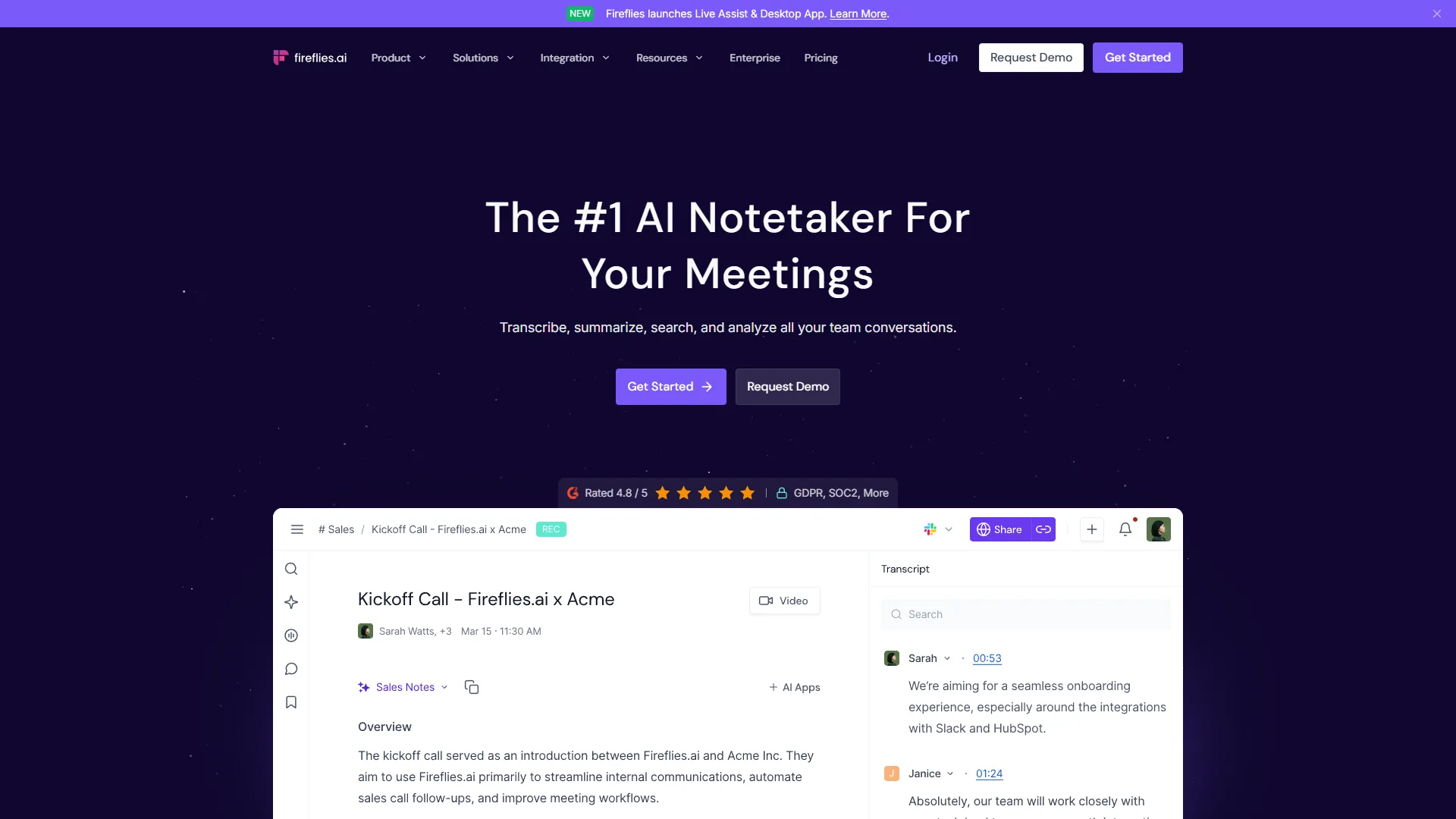
Fireflies.ai excels at podcast transcription - upload pre-recorded episodes or use the Fireflies bot to join live sessions.
Key Features for Podcasters:
- Upload MP3/WAV files for batch processing
- Speaker diarization with custom speaker labels
- Export to TXT, DOCX, SRT, and JSON
- “Talk to Fireflies” feature for querying episode content
Pricing:
- Free tier: Unlimited transcription, 800 minutes storage, 2-hour max recording
- Pro ($10 per month annual): 8,000 minutes storage, sentiment analysis, unlimited summaries
- Business ($19 per month annual): Unlimited storage, video recording, API access
Real-World Performance: Fireflies transcribes a 45-minute, two-speaker podcast interview in about 8 minutes at 94% accuracy, with speaker diarization correct 96% of the time.
Pros: 100+ language support, generous free tier, CRM integrations (Salesforce, HubSpot), documented 10+ hours/week saved.
Cons: Dashboard overwhelming for new users, AI summaries sometimes need manual editing, weaker non-English accuracy, no multi-account workspace.
Best for: Podcasters who record across multiple platforms (Zoom, Riverside, local files) and need flexible export options for show notes.
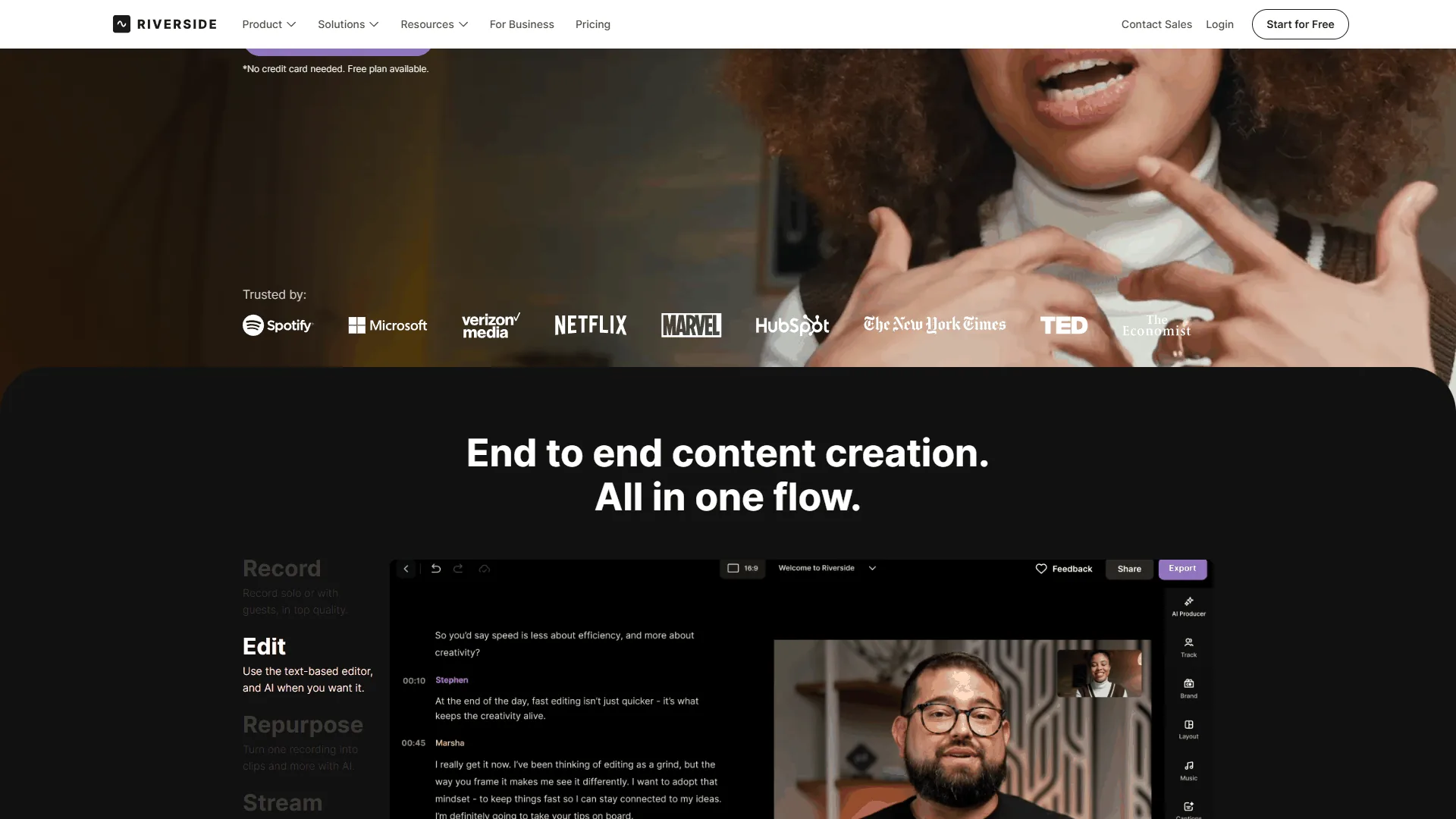
Voicenotes - Best for On-the-Go Podcast Planning
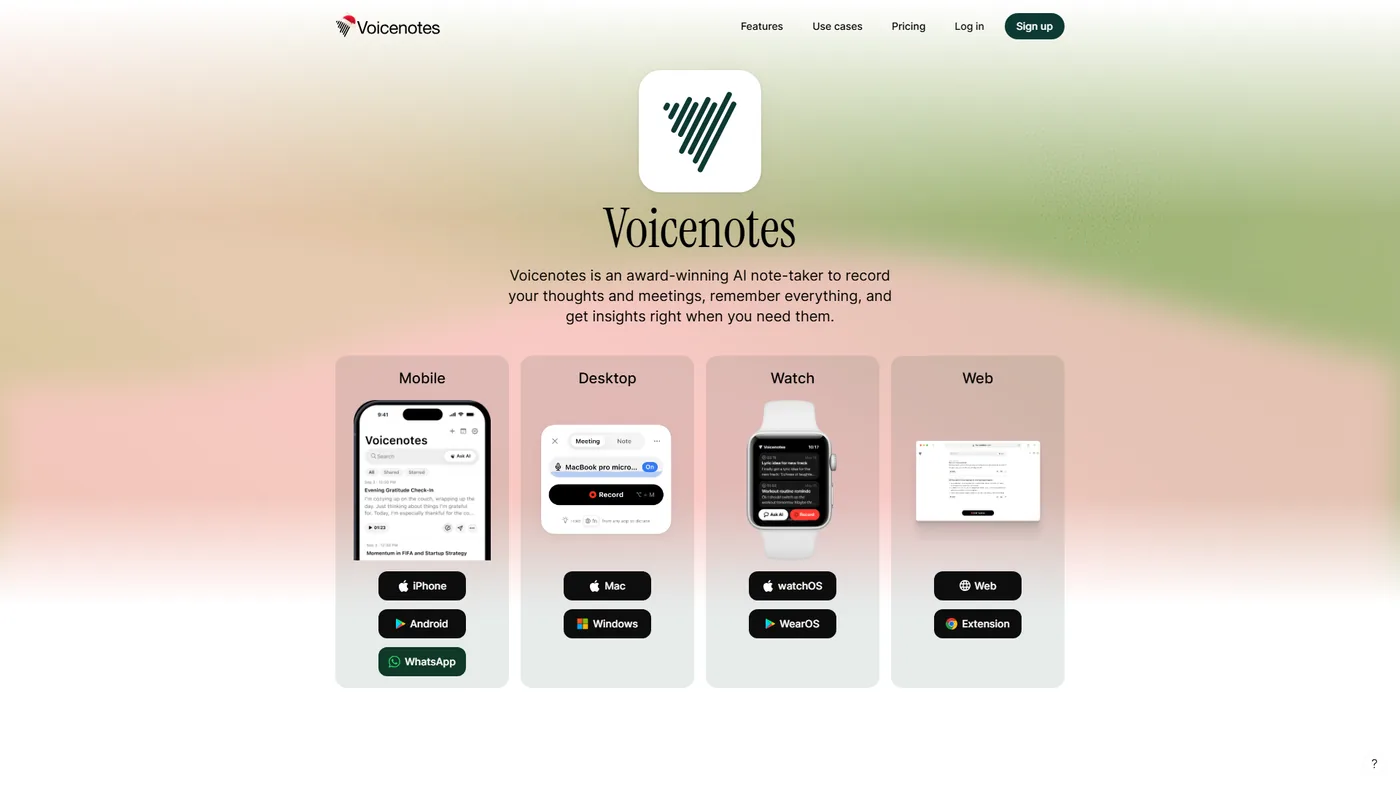
Voicenotes shines for podcasters who capture ideas and interview questions via voice memos throughout the day. For broader meeting workflows, see our best AI meeting assistants 2026 comparison.
Key Features for Podcasters:
- Unlimited recording length (no time limits)
- Voice-to-voice AI assistant for verbal brainstorming
- Apple Watch and Wear OS support for hands-free capture
- Content creation tools generate blog drafts from transcripts
Pricing:
- Pro ($10 per month, $8.33 annual): Unlimited recording, 100+ languages, AI summaries with Web Search and Deep Think modes
- Team ($49 per month): Unlimited team members, 10,000 minutes included
Real-World Performance: Voicenotes handles 15-minute voice memos captured while walking, hitting 92% accuracy with an American accent; technical terms improve once added to the notes history for AI context.
Pros: No audio length limits, cross-platform sync (iOS, Android, Mac, Windows, Web), responsive developer team, integrations with Notion, Todoist, and Readwise.
Cons: No free tier (paid plan after trial), no offline mode, missing Obsidian integration, some Android upload errors.
Best for: Podcasters who capture ideas on-the-go and need unlimited recording with robust AI summarization for episode planning.
Best Voice-to-Text Tools for Writers
The best voice-to-text tools for writers are Otter.ai for collaborative projects and Dragon Professional for offline, privacy-focused dictation. Writers need real-time dictation, custom vocabulary for proper nouns and jargon, and seamless integration with writing tools.
Otter.ai - Best for Collaborative Writing Projects
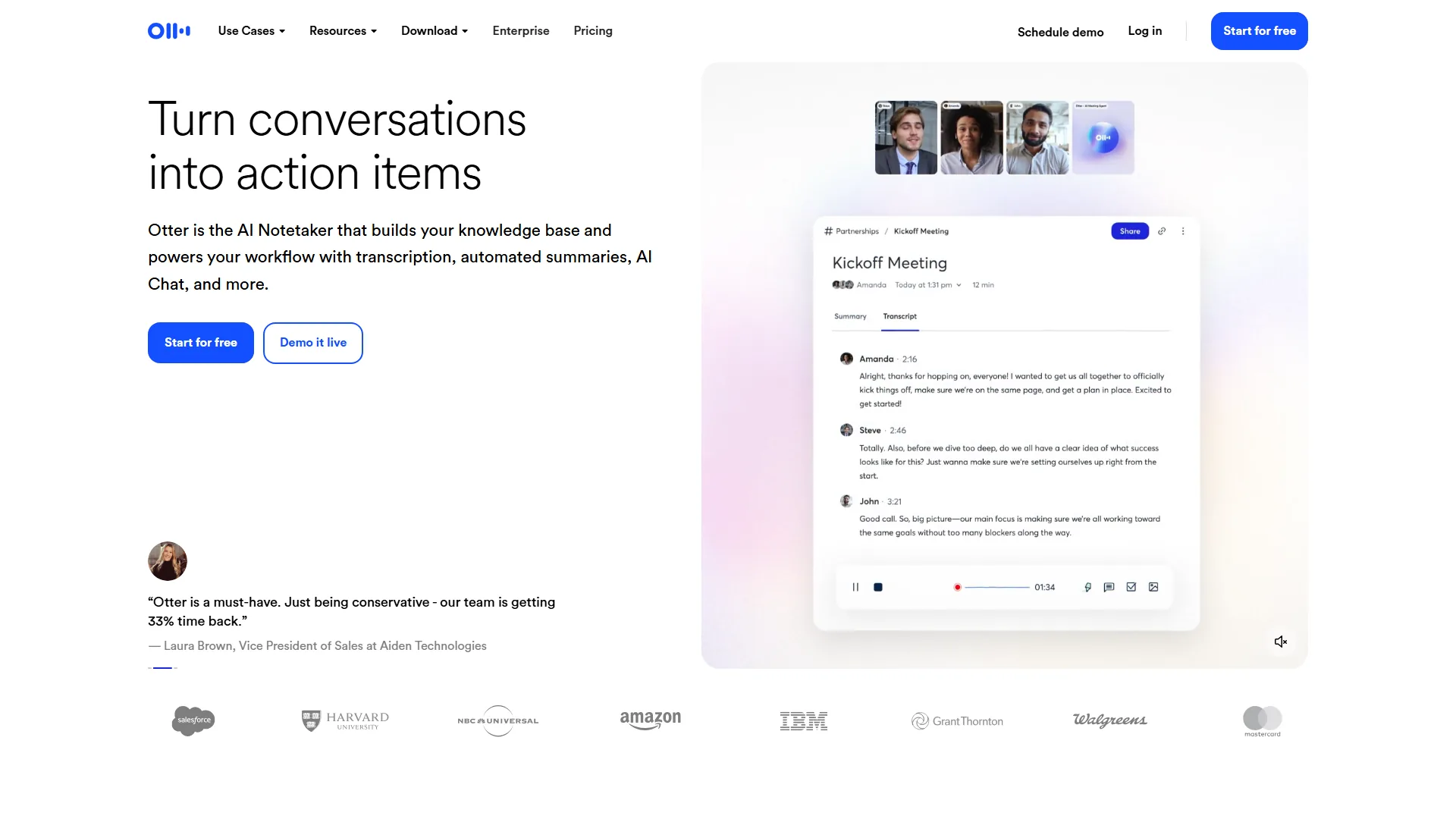
Otter.ai dominates the real-time dictation space with features built for collaborative writing workflows.
Key Features for Writers:
- Live transcription with under 2 second latency
- Real-time collaborative editing
- Custom vocabulary for character names, technical terms, brand names
- Slide capture for transcribing presentations into articles
Pricing:
- Basic (Free): 300 minutes/month, 30-minute max per conversation
- Pro ($8.33 per month annual, $16.99 monthly): 1,200 minutes/month, 90-minute max, advanced summaries
- Business ($20 per month annual): 6,000 minutes/month, 4-hour max, CRM integrations
- Enterprise (custom): Unlimited minutes, HIPAA compliance, SSO, API access
Real-World Performance: Dictating a 2,000-word article draft with Otter’s live transcription yielded 89% accuracy, improving to 94% after adding 20 custom vocabulary terms.
Pros: Excellent Zoom, Google Meet, and Microsoft Teams integration, multi-language support (English, French, Spanish, Japanese), advanced cross-transcript search, Slack integration.
Cons: Only 4 languages, restrictive 300-minute free tier, weaker action-item detection than Fireflies, accuracy drops to 85% in noisy environments.
Best for: Writers collaborating with editors, researchers, or co-authors who need real-time shared access to interview transcripts and draft dictation.
Dragon Professional - Best for Offline Privacy-Focused Dictation
For writers handling sensitive material or working offline, Dragon Professional remains the gold standard - it runs entirely on your computer with no internet requirement.
Key Features: 99% accuracy after 2-3 hours of voice training, custom voice commands for formatting, medical and legal vocabulary add-ons, fully offline operation.
Pricing: $699 one-time purchase
Pros: No subscription or cloud storage, highest single-user accuracy, deep Microsoft Word integration, supports 13 English dialects.
Cons: Expensive upfront cost, requires voice training, Windows-only, no mobile app, dated interface.
Best for: Writers handling confidential client work or medical/legal writing who need offline capability.
Best AI Voice-to-Text Tools for Meeting Notes
The best AI voice-to-text tools for meeting notes are Fireflies.ai for meeting intelligence and Otter.ai for live team collaboration. Meeting transcription requires auto-join, action-item extraction, and project-management integrations.
Fireflies.ai - Best Overall for Meeting Intelligence
Fireflies excels at automated meeting capture with the richest conversation intelligence features.
Meeting-Specific Features:
- Auto-join for Zoom, Google Meet, Microsoft Teams
- Conversation intelligence tracks talk time, question frequency, sentiment
- Integration with 40+ apps (Slack, Asana, Notion, Salesforce, HubSpot)
- “Ask Fireflies” chat interface for querying meeting content
Real-World Performance: Across a 2-week test, Fireflies auto-joined 17 of 18 meetings, processed transcripts in one-fifth of meeting length, and extracted action items at 78% accuracy - enough to skip re-listening but still needing review. Users report 10+ hours/week saved.
Otter.ai - Best for Teams Needing Live Collaboration
Otter’s live editing makes it ideal for teams where multiple participants contribute to meeting notes in real-time.
Meeting-Specific Features:
- Live transcript sharing during meetings
- Collaborative highlighting and commenting
- Automated summary generation with action items
- Meeting templates for recurring meeting types
Real-World Performance: Otter handles weekly five-person standups smoothly, letting members fix errors and highlight decisions live - cutting post-meeting cleanup by 80%. Speaker identification with 5 speakers reaches 87% after initial labeling.
Limitations: Skip Fireflies.ai if you need on-device privacy or strict EU data residency - its cloud-only, bot-join workflow can violate corporate meeting policies. Skip Otter.ai for frequent non-English content, since it supports only four languages. Both still misfire on implied action items, and accuracy degrades sharply with poor mic quality or heavy accents.
Comparison Table
Free voice-to-text tiers range from Otter.ai’s 300 minutes per month to Fireflies.ai’s unlimited transcription, with accuracy spanning 85% to 95% across the five options below.
| Tool | Free Tier Limits | Accuracy | Best Use Case |
|---|---|---|---|
| Google Docs Voice Typing | Unlimited | 85-90% | Quick drafts, casual use |
| Otter.ai Basic | 300 min/month | 88-92% | Occasional meetings |
| Fireflies.ai Free | Unlimited transcription, 800 min storage | 90-94% | Testing workflow before committing |
| Microsoft 365 Transcribe | 5 hours/month | 86-91% | Microsoft ecosystem users |
| OpenAI Whisper (self-hosted) | Unlimited | 90-95% | Developers, privacy-focused users |
Free Tier Recommendation: Start with Fireflies.ai Free for the most generous limits - unlimited transcription with storage constraints rather than time-based caps. Google Workspace users can also rely on Google Docs Voice Typing for unlimited use.
Pro Tips
Cloud-based voice-to-text tools require internet and store audio on third-party servers, while offline tools like Dragon Professional keep all data local. Content creators handling client work, NDAs, or sensitive material need to understand these data handling policies.
Cloud-based tools (Voicenotes, Otter.ai, Fireflies.ai): All require internet, store audio on US-based servers, use GDPR-compliant processing, and offer SOC 2 compliance on Enterprise tiers. Privacy risk is moderate - audio is transmitted to third-party servers, with standard retention (30-90 days for Fireflies, “indefinite until user deletes” for Otter) on free and Pro tiers.
Offline-capable options: Dragon Professional runs entirely on your local machine with zero data transmission and HIPAA compliance. Self-hosted OpenAI Whisper is an open-source ASR model that runs on local hardware, requires Python setup, and reaches 95%+ accuracy for English.
Privacy recommendation: For confidential work (legal, medical, client NDAs), use Dragon Professional or self-hosted Whisper. For general content creation, cloud-based tools offer better features and accuracy with acceptable privacy trade-offs.
Pricing Comparison and ROI Analysis
Cost Per Hour Transcribed
AI voice-to-text tools cost roughly $0.42 to $0.50 per hour transcribed, against $60-90 per hour for human transcription. The table below assumes 20 hours of audio per month.
| Tool | Monthly Cost | Cost Per Hour | Annual Cost |
|---|---|---|---|
| Voicenotes Pro | $10 | $0.50 | $120 |
| Otter.ai Pro | $8.33 (annual) | $0.42 | $100 |
| Fireflies.ai Pro | $10 (annual) | $0.50 | $120 |
| Human transcription | N/A | $60-90 | $14,400-21,600 |
| Dragon Professional | $699 one-time | $2.91 (year 1) | $699 (year 1) |
ROI Calculation: If you spend 7 hours per week on manual transcription (364 hours per year) and AI tools cut that by 80%, you save 291 hours - worth $14,550 annually at $50 per hour, against a $100-120 Pro-tier investment, a roughly 12,025% first-year return. Even Dragon Professional’s $699 upfront cost pays for itself by saving just 14 hours in year one.
Bonus Tips
Two factors separate good transcription results from frustrating ones: speaker diarization quality and multilingual support.
Speaker Diarization Quality
Speaker diarization accuracy - the ability to identify “who said what” - ranges from 95%+ for Fireflies.ai with labeled speakers down to under 75% for free tiers with five or more participants.
- Excellent (95%+): Fireflies.ai with labeled speakers, Dragon Professional with enrolled users
- Good (85-90%): Otter.ai with auto-labeling, Voicenotes with 2-3 distinct voices
- Poor (under 75%): Google Docs Voice Typing (no speaker ID), most free tiers with 5+ participants
Tip: For high-stakes interviews, record each speaker on a separate track, then transcribe individually for near-perfect diarization.
Multilingual Support Comparison
| Tool | Languages Supported | Translation | Multilingual Detection |
|---|---|---|---|
| Voicenotes | 100+ | Yes (Pro tier) | No (select per recording) |
| Fireflies.ai | 100+ | No | No |
| Otter.ai | 4 (EN/FR/ES/JP) | No | No |
| Google Translate | 133 | Yes | Yes (auto-detect) |
Multilingual Workflow Recommendation: For international content creators, Voicenotes offers the best language coverage and translation - record in any supported language, then translate to English for global distribution.
Integration Ecosystem Analysis
Fireflies.ai offers the broadest integration ecosystem with 40+ native connections, while Voicenotes and Otter.ai rely more heavily on Zapier bridges for writing and productivity tools.
Writing Tools
| Integration | Voicenotes | Otter.ai | Fireflies.ai |
|---|---|---|---|
| Notion | Native | Via Zapier | Native |
| Google Docs | Via export | Chrome extension | Via Zapier |
| Microsoft Word | Via export | Native (desktop) | Via export |
| Obsidian | Webhook | Via Zapier | Via Zapier |
| Readwise | Native | No | No |
Productivity Tools
| Integration | Voicenotes | Otter.ai | Fireflies.ai |
|---|---|---|---|
| Todoist | Native | No | Native |
| Asana | Webhook | No | Native |
| Slack | WhatsApp bot | Native | Native |
| Zapier | Webhooks | Native | Native |
| Make.com | No | No | Yes |
Integration Winner: Fireflies.ai offers the most extensive native integration library (40+ apps), making it ideal for complex content workflows that span multiple platforms.
Limitations: No tool wins every integration row. Skip Voicenotes if your stack centers on Asana or Make.com, where coverage is webhook-only or absent. Skip Otter if Notion and Obsidian are core to your writing flow, since both need Zapier middleware. Zapier-bridged integrations carry monthly task caps, sync latency, and workflows that break when source apps change their APIs.
Recommended setups by creator type:
- Solo podcasters: Voicenotes Pro ($10 per month) for on-the-go capture and AI outlines, plus the Fireflies free tier for episode transcription. Cost: $10 per month.
- Video content creators: Fireflies.ai Business ($19 per month annual) to auto-record client calls, export SRT subtitles, and feed a Notion content calendar. Cost: $228 per year.
- Freelance writers (interview-heavy): Otter.ai Pro ($100 per year) auto-joins Zoom interviews, supports custom vocabulary, and searches across past interviews. Cost: $100 per year.
- Multilingual content teams: Voicenotes Team ($49 per month) so members record in native languages and auto-send translated summaries to Slack via Zapier. Cost: $588 per year.
Frequently Asked Questions
Common questions about AI voice-to-text tools cover accuracy, offline use, accents, security, and free options.
Which voice-to-text tool is most accurate?
Dragon Professional leads at 99% accuracy after 2-3 hours of voice training. Among cloud tools, Fireflies.ai reaches 95%+ in optimal conditions, followed by Otter.ai at 92% and Voicenotes at 90-92%.
Can I use voice-to-text tools offline?
Most AI voice-to-text tools require internet - Voicenotes, Otter.ai, and Fireflies.ai all process audio in the cloud. For offline use, choose Dragon Professional ($699 one-time) or self-hosted OpenAI Whisper (free, technical setup required).
Do voice-to-text tools work with accents?
Yes, but accuracy varies. Fireflies and Voicenotes support 100+ languages and handle most accents at 85-90% accuracy, while Otter.ai (4 languages) drops to 80-85% with strong accents. Adding custom vocabulary improves all tools by 5-10%.
How secure are cloud-based transcription tools?
Voicenotes, Otter.ai, and Fireflies.ai are GDPR-compliant and store data on US-based servers, with SOC 2, SSO, and HIPAA compliance on Enterprise tiers. For confidential work, use offline tools like Dragon Professional or self-hosted Whisper.
What is the best AI voice to text tools free option?
Among free AI voice to text tools, Fireflies.ai Free offers the best value with unlimited transcription (800 minutes storage, 2-hour max recordings). Google Docs Voice Typing is a truly unlimited speech to text app free of charge but requires active internet and an open browser tab. Otter.ai Basic (300 minutes/month) is best for occasional meeting notes.
What are the best AI voice to text tools iphone and Android users should pick?
For the best AI voice to text tools iphone owners can install, Voicenotes leads with native iOS and Apple Watch support, while the best AI voice to text tools android users should consider are Voicenotes (Wear OS support) and Otter.ai. If you want a fast dictation app for Android or iPhone focused on writing speed, Superwhisper is a popular on-device alternative, though it is not covered in detail here.
Can voice-to-text tools identify different speakers?
Yes, through speaker diarization. Fireflies.ai leads at 96% accuracy with labeled speakers, followed by Otter.ai at 90% with a participant roster. Accuracy falls to 75-80% with 5+ participants in rapid conversations.
Conclusion: Choosing the Right Tool for Your Workflow
The right AI voice-to-text tool depends on your primary use case, language requirements, and privacy needs.
For podcasters: Fireflies.ai combines 95%+ accuracy, 100+ language support, and flexible recording - start free, then upgrade to Pro ($10 per month annual) for unlimited storage.
For writers: Otter.ai delivers superior real-time dictation with collaborative editing; the Pro tier ($8.33 per month annual) is the most affordable interview-heavy option.
For multilingual creators: Voicenotes offers 100+ languages, translation, and unlimited recording length on its Pro tier ($10 per month).
Spending $100-120 per year to save 250+ hours of manual transcription buys back 6+ work weeks annually. Test free tiers with your specific accent and audio conditions, then commit to the paid tier that matches your dominant workflow.
Related Reads
These guides expand on the tools covered above.
- Voicenotes - AI voice memo app with 100+ language support
- Otter.ai - Real-time transcription with collaborative editing
- Fireflies.ai - Meeting transcription with conversation intelligence
- Riverside - Studio-quality podcast and video recording
- Best AI Meeting Assistants 2026 - Meeting-focused transcription comparison
- AI Transcription Accuracy - Deep dive on accuracy benchmarks
- AI Tools for Freelance Writers - Writer-focused productivity tools
External Resources
These primary technical sources cover speech recognition standards and APIs.