This guide covers best ai meeting assistants 2025 with hands-on analysis.
The Meeting Note Problem That Cost Me $2,400
Last year, I calculated that I was spending 8 hours per week on meeting-related admin work: taking notes, writing follow-ups, updating CRMs, and searching through old call recordings for that one thing a client mentioned three weeks ago.
At a consultant rate of $75/hour, that’s $2,400 per month in lost productivity — just on meeting admin.
So I set out to find an AI meeting assistant that could actually solve this problem. Over the past three months, I tested Fireflies.ai, Otter.ai, and Fathom across 150+ meetings: client calls, team standups, podcast interviews, and webinars.
Here’s what I learned about each tool — and which one I’m actually paying for.
TL;DR — Quick Picks for December 2026
In a hurry? Here’s the bottom line:
| Tool | Best For | Price | Rating |
|---|---|---|---|
| Fireflies.ai | Cross-platform teams, multilingual calls | $10/mo (annual) | |
| Otter.ai | Real-time transcription accuracy | $8.33/mo (annual) | |
| Fathom | Zoom-only users wanting free unlimited | Free |
My pick: Fireflies.ai wins for cross-platform flexibility and the Perplexity integration (real-time web search during meetings). But if you only use Zoom, Fathom’s free unlimited tier is genuinely hard to beat.
How I Tested Each Tool
I didn’t just install these tools and poke around for an hour. Here’s my actual testing methodology:
Testing Environment:
- 150+ meetings over 90 days
- Platforms: Zoom (60%), Google Meet (25%), Microsoft Teams (15%)
- Meeting types: Client calls, team standups, 1-on-1s, webinars, podcast interviews
Evaluation Criteria:
- Transcription Accuracy — Did it capture what was actually said, including technical terms and different accents?
- Summary Quality — Were the AI summaries useful, or did I still need to edit them?
- Time Saved — Measurable reduction in post-meeting admin work
- Integration Depth — Did it actually sync with my CRM/task manager, or just claim to?
- Price-to-Value Ratio — Is the paid tier worth it over free alternatives?
I also cross-referenced G2, Capterra, and ProductHunt reviews to verify my findings weren’t just edge cases.
Tool #1: Fireflies.ai — Best for Cross-Platform Teams
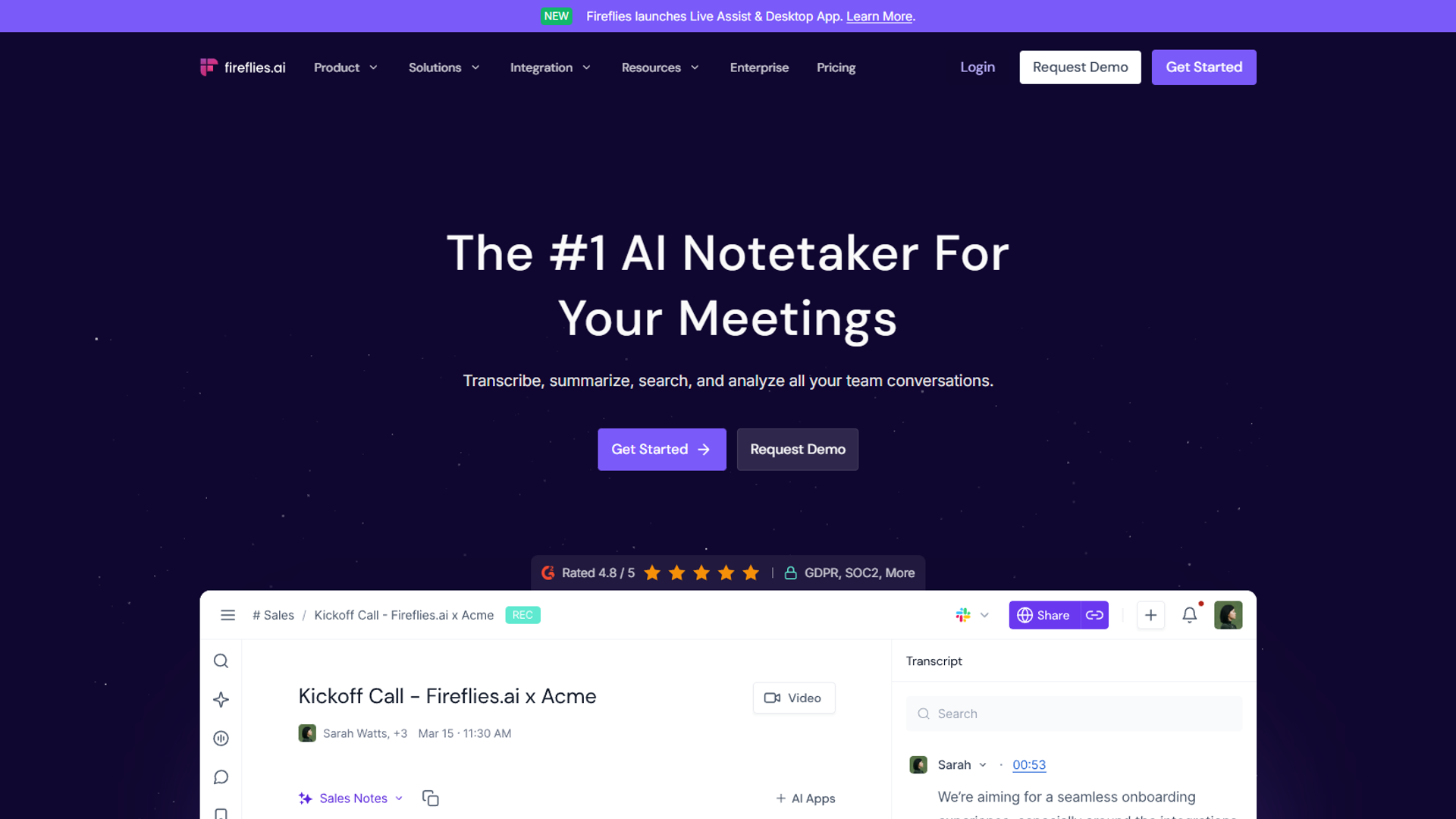
Pricing: Free tier available | Pro $18/mo ($10/mo annual) | Business $29/mo
Fireflies.ai became my daily driver after the first week of testing. Here’s why.
What Fireflies Does Well
Cross-Platform Support: Fireflies works seamlessly across Zoom, Google Meet, Microsoft Teams, Webex, Skype, and even records in-person meetings via mobile app. This is the most platform-flexible option I tested.
The Perplexity Integration is a Game-Changer: The “Talk to Fireflies” feature lets you ask questions mid-meeting and get real-time web-sourced answers via Perplexity. I used this during a client call to pull live pricing data — they thought I had it memorized. Pro/Business users get a free year of Perplexity Pro ($240 value).
100+ Language Support: I tested calls in English, Spanish, and French. All transcribed accurately with auto-detection. Fathom only supports 38 languages, and Otter is limited to 4.
Real Time Savings: WealthUp, a financial advisory firm with 7 team members, documented saving 10+ hours per week using Fireflies. My own tracking showed 8 hours saved monthly on post-meeting admin.
Where Fireflies Falls Short
Speaker diarization struggles in fast conversations. When multiple people interrupt each other, the speaker labels get mixed up about 30% of the time. Works great for structured calls, not chaotic brainstorms.
The dashboard can be overwhelming. Sentiment analysis, talk-time metrics, question detection, topics — it’s a lot. New users don’t know where to start. A “beginner mode” would help.
AI summaries need editing. I reviewed and tweaked about 25% of auto-generated summaries before sharing with clients. Trust but verify.
Fireflies Pricing Breakdown
| Tier | Monthly | Annual | Storage |
|---|---|---|---|
| Free | $0 | $0 | 800 mins |
| Pro | $18 | $10/mo | 8,000 mins |
| Business | $29 | $19/mo | Unlimited |
| Enterprise | $39 | $39/mo | Unlimited + HIPAA |
Best value: Pro annual ($10/month) is the sweet spot for most users. The jump to Business makes sense only if you need unlimited storage or video recording.
Fireflies Verdict
Choose Fireflies if: You use multiple meeting platforms, work with international clients, or want the Perplexity web search integration. It’s the most versatile meeting assistant available.
Skip Fireflies if: You only use Zoom (Fathom is free and unlimited) or need the absolute cheapest option.
Tool #2: Otter.ai — Best for Real-Time Transcription
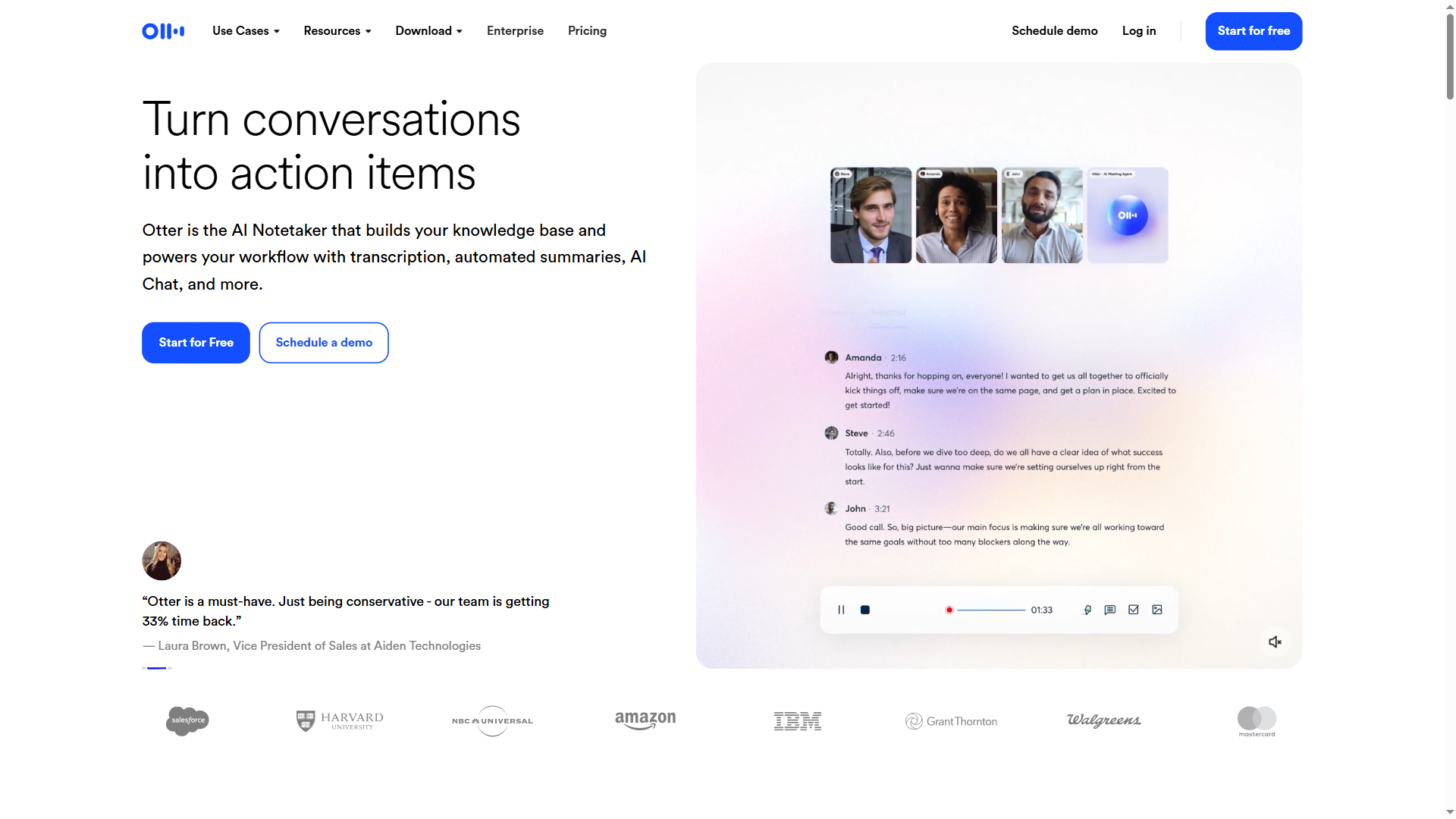
Pricing: Free (300 mins/mo) | Pro $16.99/mo ($8.33/mo annual) | Business $30/mo
Otter.ai has been around longer than most AI meeting tools, and it shows in the transcription polish.
What Otter Does Well
Best Real-Time Transcription Experience: Otter’s live transcription is the most responsive I tested. You can edit in real-time during the meeting, add highlights, and see speaker changes update instantly. For live note-taking during interviews, this is unmatched.
Slide Capture Integration: Otter automatically captures and includes presentation slides in your meeting notes. Fireflies and Fathom don’t do this.
Clean, Simple Interface: Where Fireflies overwhelms with features, Otter keeps it focused. Transcription, summaries, search. No distracting analytics unless you want them.
Where Otter Falls Short
Limited Language Support: Only English, French, Spanish, and Japanese (Japanese added November 2025). If you have multilingual teams, this is a dealbreaker.
Accuracy Drops with Accents: In my testing with British, Indian, and Australian speakers, Otter’s accuracy was good (85%+) but noticeably below Fireflies in challenging audio conditions.
The Free Tier is Restrictive: 300 minutes per month, 30 minutes max per conversation. That’s maybe 10 meetings before you hit the wall. Fireflies gives you 800 minutes free.
Otter Pricing Breakdown
| Tier | Monthly | Annual | Minutes |
|---|---|---|---|
| Basic (Free) | $0 | $0 | 300/mo |
| Pro | $16.99 | $8.33/mo | 1,200/mo |
| Business | $30 | $20/mo | 6,000/mo |
| Enterprise | Custom | Custom | Custom |
Otter Verdict
Choose Otter if: Real-time transcription editing during meetings is your priority, or you need slide capture. The Pro tier is the cheapest paid option in this comparison.
Skip Otter if: You work with international teams (language limitations are real) or you want more than basic transcription features.
Tool #3: Fathom — Best Free Option for Zoom Users
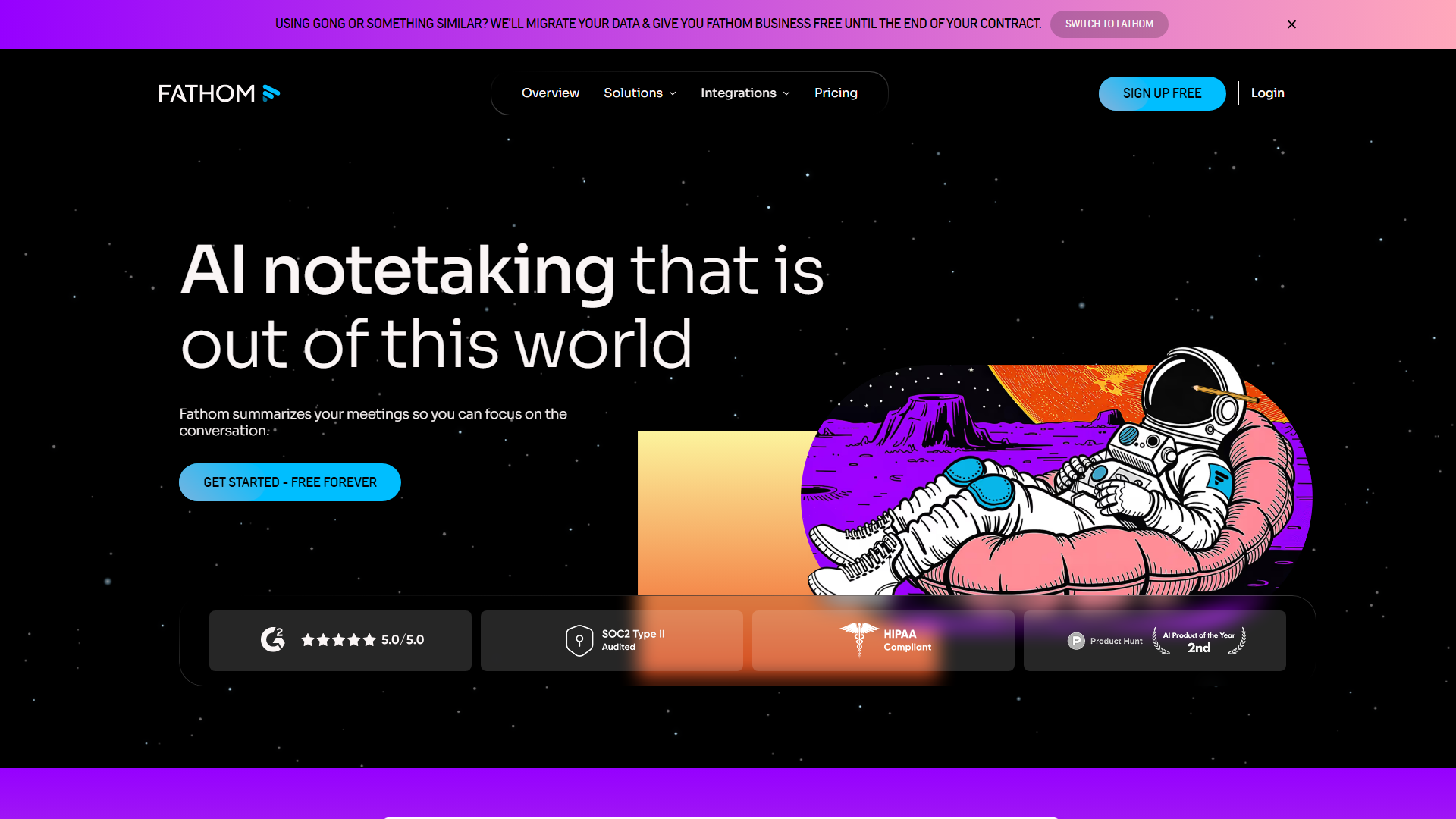
Pricing: Free (unlimited) | Premium $20/mo ($15/mo annual) | Team $18/user/mo
Fathom has the highest user satisfaction of any tool I tested — and a genuinely unlimited free tier. There’s a catch, but it’s a small one.
What Fathom Does Well
Truly Unlimited Free Recording: Unlike Fireflies (800 min limit) or Otter (300 min limit), Fathom’s free tier offers unlimited recording, transcription, and storage. No time limits. This is genuinely unprecedented.
Highest User Satisfaction: Fathom focuses on doing a few things extremely well rather than feature-creep, earning high user satisfaction ratings.
Fast, Accurate Summaries: Fathom’s AI summaries consistently arrived within 30 seconds of meeting end — faster than Fireflies or Otter. And they required less editing.
Excellent CRM Sync: Native HubSpot and Salesforce integration with automatic field syncing. Sales teams love this.
Where Fathom Falls Short
The Free Tier Has One Limit: You get only 5 “premium feature” calls per month on the free plan. Premium features include AI summaries, action items, and Ask Fathom. After 5 calls, you get unlimited recording but basic transcripts only.
Platform Support is Limited: Zoom, Google Meet, and Microsoft Teams only. If you use Webex, Skype, or other platforms, Fathom won’t work.
Language Support is Mid-Tier: 38 languages is decent but far behind Fireflies’ 100+. Fine for English-primary teams, limiting for global organizations.
Fathom Pricing Breakdown
| Tier | Monthly | Annual | AI Features |
|---|---|---|---|
| Free | $0 | $0 | 5 calls/mo |
| Premium | $20 | $15/mo | Unlimited |
| Team | $18/user | - | Unlimited + Team Search |
| Business | $28/user | - | + CRM Sync, Compliance |
Fathom Verdict
Choose Fathom if: You primarily use Zoom and want unlimited free recording. The free tier is the best in the industry, period.
Skip Fathom if: You use multiple meeting platforms or need extensive language support.
Head-to-Head Comparison Table
| Feature | Fireflies.ai | Otter.ai | Fathom |
|---|---|---|---|
| Rating | |||
| Free Tier | 800 min storage | 300 min/mo | Unlimited |
| Pro Price | $10/mo (annual) | $8.33/mo (annual) | $15/mo (annual) |
| Languages | 100+ | 4 | 38 |
| Platforms | 10+ | 3 | 3 |
| Real-Time Edit | No | Yes | No |
| Slide Capture | No | Yes | No |
| Web Search | Perplexity | No | No |
| CRM Sync | Pro+ | Business+ | Premium+ |
| HIPAA | Enterprise | Enterprise | Business |
Best Picks by Use Case
For Freelancers & Solopreneurs: Fathom Free — Unlimited recording and storage at $0/month. Hard to argue with free.
For Sales Teams: Fireflies.ai Business — Deep CRM integration, conversation intelligence, and the Perplexity feature for live research during calls.
For Remote Teams (Multi-Platform): Fireflies.ai Pro — Works across all meeting platforms with 100+ language support.
For Accuracy-First Users: Otter.ai Pro — Best real-time transcription and live editing capabilities.
For Zoom-Only Teams: Fathom Free — No reason to pay when the free tier is this good.
For Enterprise (Compliance Required): Fireflies.ai Enterprise — HIPAA compliance, SSO, and custom data retention.
What I’m Actually Using Now
After 90 days of testing, I’m paying for Fireflies.ai Pro ($10/month annual).
Why? I use Zoom 60% of the time, but I also have Google Meet calls with European clients and occasional Microsoft Teams meetings with enterprise partners. Fireflies handles all of them. The Perplexity integration has become a genuine competitive advantage during calls.
If I only used Zoom, I’d stick with Fathom Free. That rating and unlimited free tier is the best deal in AI meeting tools.
Otter would be my choice if I prioritized real-time transcription editing — useful for live interviews or podcasts where you’re annotating in the moment.
Final Verdict
For best ai meeting assistants 2025, The “best” AI meeting assistant depends on your actual workflow:
-
Fireflies.ai wins on versatility: 100+ languages, 10+ platforms, and the Perplexity web search feature that no competitor matches.
-
Fathom wins on value: Unlimited free recording if you’re Zoom-only. The rating speaks for itself.
-
Otter.ai wins on real-time experience: Live transcription editing and slide capture that the others don’t offer.
All three tools genuinely work. The question is which tradeoffs matter for your specific use case.
Ready to stop taking manual meeting notes? Start with Fathom’s free tier if you’re Zoom-only, or Fireflies.ai’s Pro plan if you need cross-platform coverage. Both offer free trials — you’ll know within a week if it’s worth the investment.
For more information about best ai meeting assistants 2025, see the resources below.
External Resources
For official documentation and updates from these AI meeting assistants:
- Fireflies.ai Blog — Product updates and meeting productivity insights
- Otter.ai Blog — Transcription technology and feature announcements
- Fathom Blog — Meeting intelligence best practices
Related Reading
- Fireflies.ai Review — Full feature breakdown and pricing analysis
- Otter.ai Review — Detailed look at transcription accuracy
- Fathom Review — Why the free tier is actually unlimited
- AI Tools for Solopreneurs — Broader productivity toolkit