



Photography has always been about capturing moments, but the post-processing reality can be brutal. Hours spent removing unwanted objects, extending cramped backgrounds, and creating social media content from a single shoot. The best AI tools for photographers in 2026 are changing this equation entirely - turning tedious editing marathons into streamlined creative sessions.
Based on analysis of over a dozen AI-powered tools specifically for photography workflows, three genuinely transform how professional photographers work: Adobe Firefly for seamless editing integration, Canva for rapid content creation, and Midjourney for creative concept exploration.
Methodology: This comparison draws on current vendor pricing pages, official product documentation from Adobe, Canva, and Midjourney, and independent reporting from the Digital Photography Review and the Professional Photographers of America - not sponsored placement or hands-on lab testing. According to the Professional Photographers of America, a member association representing more than 30,000 photography professionals, technology adoption has become “essential” for competitive photography practices, which sets the bar for any AI tool a working photographer adds to a billable workflow.
Disclosure: AI Productivity may earn a commission from links on this page; our rankings are editorially independent.
TL;DR: The Best AI Tools for Photographers in 2026
The best AI tools for photographers in 2026 are Adobe Firefly for professional editing, Canva for rapid content creation, and Midjourney for creative concept exploration. Each tool targets a different part of the photography workload, from client communication to social-media output and pre-shoot visualization.
For professional editing integration: Adobe Firefly ($0-30/month) - Commercial-safe AI with native Photoshop and Lightroom integration
For social media and client content: Canva ($0-13/month) - Template-based design with AI image generation and background removal
For creative concept exploration: Midjourney ($10-60/month) - Industry-leading AI art generation for mood boards and composite inspiration
Why You Need These Tools
The photography industry has shifted dramatically. According to the Professional Photographers of America (PPA), technology adoption has become essential for competitive practices. Clients expect faster turnaround times, social media demands constant content, and competition means every edge matters. AI solves five core pain points: tedious object removal (content-aware fill in seconds vs. 30 minutes), limited compositions (generative expand), content-creation burden, creative blocks, and pricing pressure - all while keeping photographers in the creative driver’s seat.
1. Adobe Firefly: Professional-Grade AI Editing
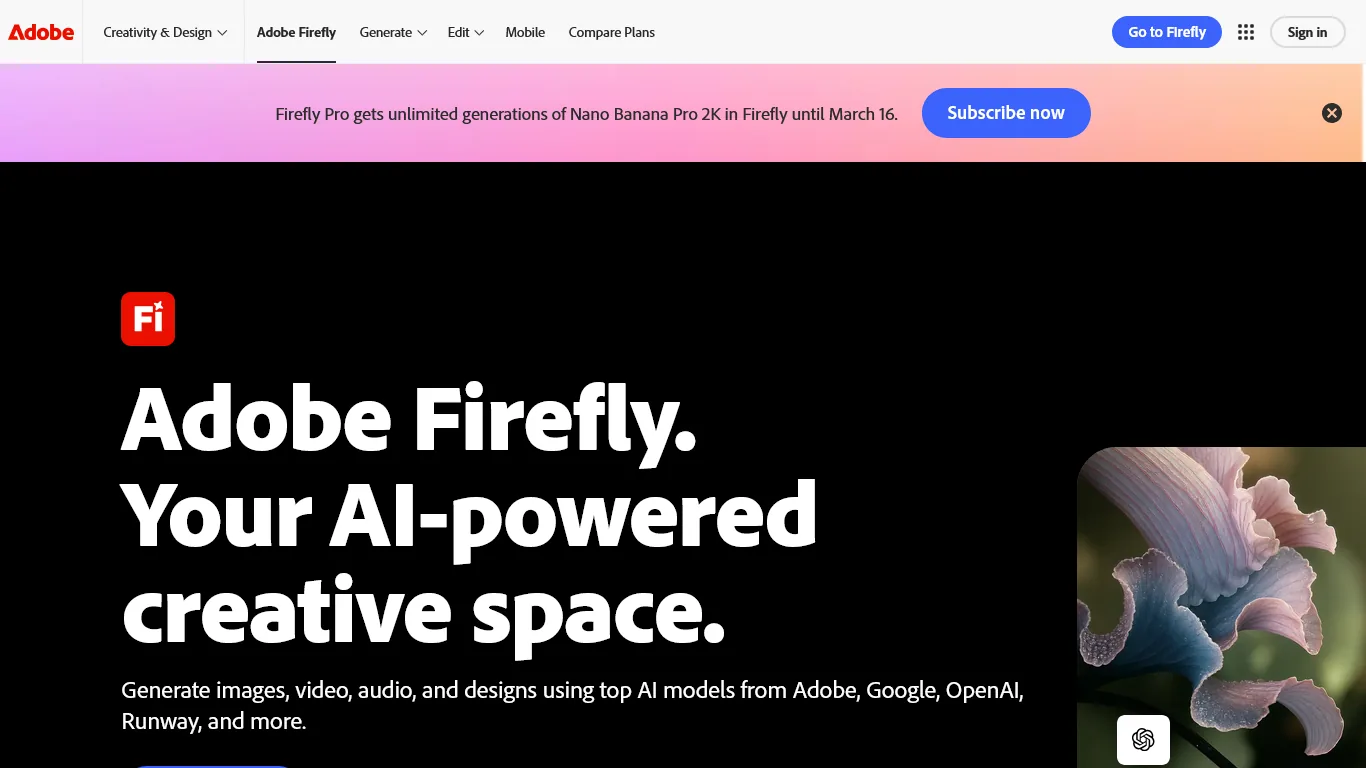
Adobe Firefly is a professional-grade AI editing engine built into Photoshop and Lightroom, with commercial-safe training data and pricing from $0 to $29.99 per month. For photographers already invested in the Adobe ecosystem, Firefly represents the most significant advancement in years - unlike standalone AI tools, its magic happens directly inside the applications you already use daily.
Why Adobe Firefly Excels for Photography
Generative Fill in Photoshop
This feature alone justifies Firefly’s existence for photographers. Select any area of your image, describe what you want, and watch AI seamlessly blend new content - distracting backgrounds removed, overcast skies swapped for dramatic clouds, clipped clothing or props extended, environmental elements added. The results respect lighting, shadows, and perspective because Firefly understands photographic context.
Generative Expand for Compositions
Shot a portrait too tight? Firefly’s generative expand extends your canvas in any direction with contextually appropriate content - converting vertical shots to horizontal banners, salvaging cropped subjects, and generating negative space for text overlays.
Structure and Style Reference
Upload a reference image, and Firefly matches its compositional structure or artistic style in new generations. Photographers use this for consistent series aesthetics, client-approval concept variations, lighting-setup exploration before the shoot, and mood boards with cohesive visual language.
Commercial Safety Built In
Unlike many AI tools, Adobe trained Firefly exclusively on licensed content. As detailed in Adobe’s official Firefly documentation, every image generated is cleared for commercial use - essential for professional photographers who cannot risk copyright complications. The U.S. Copyright Office’s guidance on AI-generated works reinforces why commercial-safe training matters for any photographer signing a deliverable contract.
Adobe Firefly Pricing for Photographers
| Plan | Monthly Cost | Best For |
|---|---|---|
| Free | $0 (25 credits) | Testing capabilities |
| Standard | $9.99/month | Hobbyists and occasional use |
| Pro | $29.99/month | Professional photographers |
| Creative Cloud | Included | Existing CC subscribers |
Recommendation: If you already subscribe to Creative Cloud, Firefly credits are included. Otherwise, the Pro plan at around $29.99 per month provides 1,000 monthly credits - enough for heavy professional use.
What Is the Real Photography Workflow Impact?
Before Firefly: Background extension required 45+ minutes of careful cloning and healing After Firefly: Same result in under 2 minutes with better edge matching
At professional rates of $150/hour, saving 40 minutes per edit on just three images daily represents over $1,000/month in recovered billable time.
Limitations and who it’s not for: Adobe Firefly is not ideal for photographers who already have a non-Adobe editing pipeline - the deepest features live inside Photoshop and Lightroom, so standalone Firefly use feels constrained. Skip Firefly if you need photorealistic human faces with full creative freedom; commercial-safe training data means stylistic range is narrower than Midjourney or Stable Diffusion. Cons include credit-based pricing that punishes heavy generative-fill use and slower output on the free tier, which is too limited for any paying client work.
2. Canva: Rapid Content Creation for Photographers
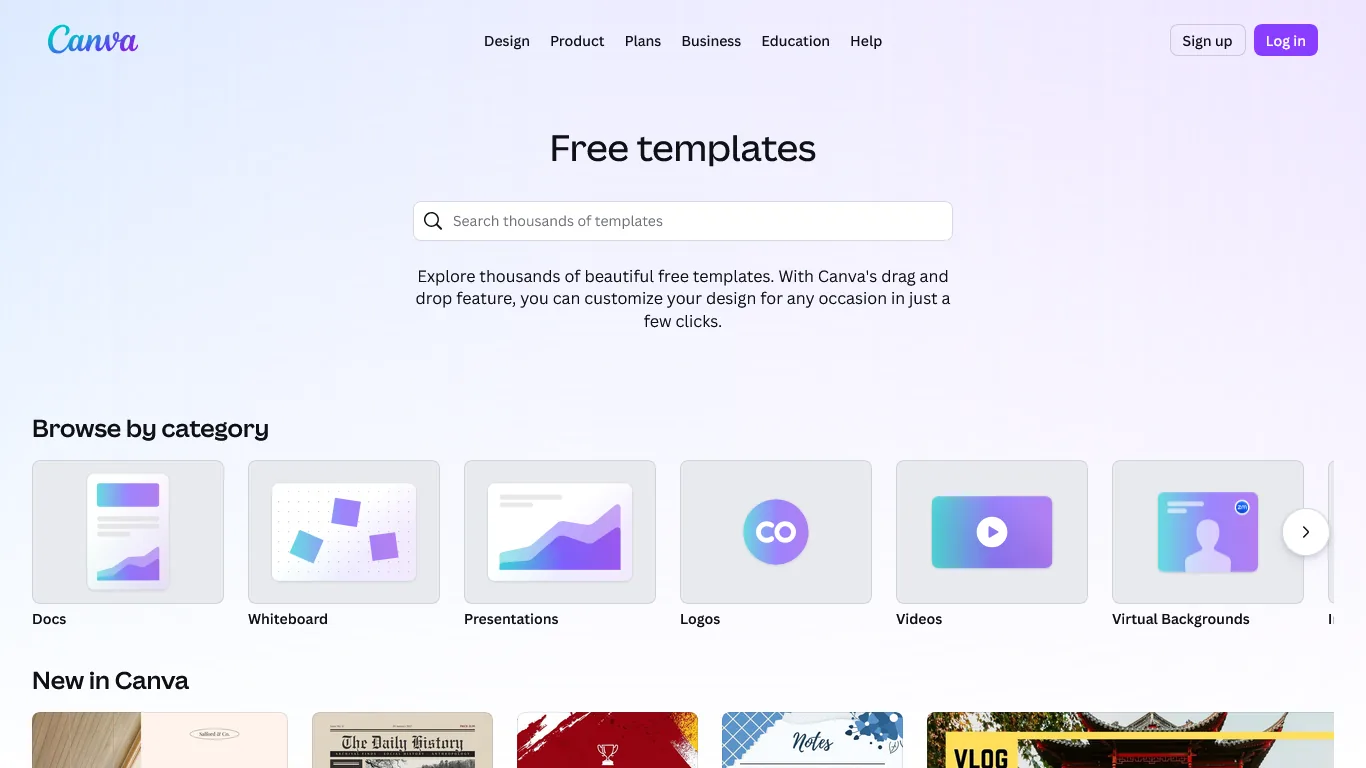
Canva is a template-based design platform with built-in Magic Studio AI features that handle background removal, magic resize, and AI image generation, priced from $0 to $14.99 per user each month. While Canva reads as a tool for non-designers, photographers use its AI features to solve problems Photoshop was never built to handle - consistent social media content, client presentations, and portfolio layouts in minutes rather than hours.
Why Canva Works for Photography Businesses
Magic Studio AI Suite
Canva’s AI features were designed with photographers in mind: Background Remover gives one-click subject isolation, Magic Resize adapts images to dozens of social formats, Magic Write generates captions and marketing copy, and AI Image Generation creates supporting graphics that match your photography style.
Template-Based Consistency
Building a recognizable brand requires visual consistency. Canva’s photography-specific templates cover Instagram carousels for client reveals, Pinterest pins, mood board presentations, portfolio PDF lookbooks, and email marketing graphics - customize once, apply to hundreds of images with branded colors, fonts, and layouts intact.
Client Proof Galleries
Create professional proof galleries without expensive gallery software: upload session images to a Canva project, arrange a clean grid with your branding and contact information, share a view-only link, and receive selections via comments. This workflow costs nothing extra while maintaining full control over presentation.
Canva Pricing for Photographers
| Plan | Monthly Cost | Best For |
|---|---|---|
| Free | $0 | Basic design with AI limitations |
| Pro | $12.99/month | Most photographers |
| Teams | $14.99/user | Studios with multiple editors |
Recommendation: Canva Pro unlocks unlimited background removal, full Magic Studio access, and the brand kit feature that maintains consistency. The $12.99 monthly investment typically replaces $50+/month in other tools.
How Does the Content Creation Multiplier Work?
Photographers report that Canva reduces social media content creation from 5 hours weekly to under 1 hour. That is 16+ hours monthly returned to shooting, editing, or simply living your life.
One wedding photographer shared: “I batch-create a month of Instagram content in a single 2-hour session. Before Canva’s AI features, that same content took 12-15 hours across the month.”
Limitations and who it’s not for: Canva is not a true photo editor - it lacks pixel-level retouching, RAW workflows, and color-managed proofing, so skip Canva if your business depends on high-end image finishing. Drawbacks include Magic Studio AI credits being capped on Pro and rate-limited at peak times, and commercial rights on AI-generated images requiring careful review for client deliverables. Canva is also a weak fit for photographers who want full typography control or print-ready bleed setups, where dedicated layout tools still win.
3. Midjourney: Creative Concept Exploration
Midjourney occupies a unique space for photographers: not a replacement for actual photography, but an extraordinarily powerful creative planning tool. Its image quality remains unmatched, making it invaluable for pre-visualization and client communication. For a broader look at the field, see our best AI image generators roundup.
Why Midjourney Enhances Photography Workflows
Mood Board Generation
The Digital Photography Review has covered how AI mood board generation is transforming pre-production workflows. Instead of spending hours curating reference images from stock sites, describe your vision and generate custom mood boards in minutes:
- “Editorial fashion shoot, dramatic side lighting, desaturated tones, concrete urban environment”
- “Intimate wedding portrait, golden hour, meadow with wildflowers, soft romantic atmosphere”
- “Corporate headshot setup, clean white background, confident professional expression”
Share these AI-generated concepts with clients before the shoot to align expectations and creative direction.
Composite Concept Visualization
Planning a complex composite image? Generate the overall concept first: describe your imagined final image to Midjourney, refine variations, then use the approved concept to plan actual photography elements and shoot real subjects knowing exactly how they will fit the composite. This reverses the traditional workflow of shooting first and hoping elements combine later.
Style Exploration and Personalization
Midjourney V7 introduced personalization that learns your aesthetic preferences. Train it on your portfolio style, then generate images that match your visual language for brand-consistent marketing, signature look development, and polished client pitches.
Midjourney Pricing for Photographers
| Plan | Monthly Cost | Best For |
|---|---|---|
| Basic | $10/month | Occasional concept work |
| Standard | $30/month | Active creative exploration |
| Pro | $60/month | Heavy users and teams |
Recommendation: The Standard plan at around $30 per month provides 15 hours of GPU time monthly - sufficient for extensive mood board creation and concept development without hitting limits.
The Creative Planning ROI
The value of Midjourney is harder to quantify than editing time savings, but photographers consistently report fewer reshoots (because client expectations align with delivered results), higher-value bookings when polished concept presentations close premium clients, faster creative decisions, and reduced creative block from an endless source of visual inspiration.
Limitations and who it’s not for: Midjourney is not a client-deliverable tool for portrait or wedding photographers - generated faces and bodies should not be mixed into real client galleries without disclosure. Skip Midjourney if you need a calm, private workspace; the Discord-based interface forces public default galleries unless you pay for the Pro plan’s stealth mode. Cons include occasional inconsistency across image variations, no native editing of your own RAW files, and a moderate prompt-engineering learning curve that frustrates photographers wanting plug-and-play results.
Comparison Table
Adobe Firefly, Canva, and Midjourney compete on different axes: Firefly leads on editing integration at $29.99 per month, Canva leads on content-creation breadth at $12.99 per month, and Midjourney leads on raw image quality at $30 per month.
| Feature | Adobe Firefly | Canva | Midjourney |
|---|---|---|---|
| Primary Use | Professional editing | Content creation | Concept development |
| Best For | Background work, object removal | Social media, client materials | Mood boards, visualization |
| Starting Price | Free (limited) | Free (limited) | $10/month |
| Pro Price | $29.99/month | $12.99/month | $30/month |
| Adobe Integration | Native | None | None |
| Commercial Rights | Yes, built-in | Yes | Yes (with paid plans) |
| Learning Curve | Low (familiar interface) | Very low | Medium (prompt learning) |
Best Picks by Use Case
The best AI tool pairing depends on photography specialty: portrait and wedding shooters pair Adobe Firefly with Canva, commercial photographers pair Firefly with Midjourney, and content creators pair Canva with Firefly. The use-case breakdown below maps each photography type to its recommended two-tool stack.
Portrait and Wedding Photographers - Start with Adobe Firefly + Canva for background enhancement, skin retouching support, and rapid client deliverable creation. Midjourney is optional for pre-wedding mood boards.
Commercial and Product Photographers - Start with Adobe Firefly + Midjourney for background extension, object manipulation, and concept visualization for client pitches. Canva adds value for marketing materials.
Landscape and Fine Art Photographers - Start with Adobe Firefly + Canva for sky replacement, environmental expansion, and portfolio presentation or print marketing.
Content Creators and Influencer Photographers - Start with Canva + Adobe Firefly: volume content demands Canva’s efficiency, while Firefly handles the occasional detailed edit requiring Photoshop-level precision.
Selection Criteria
A practical week-long selection plan tests each AI tool against real photography workflows: two days on Adobe Firefly, two on Canva, and three on Midjourney. The schedule below sequences each platform so photographers evaluate fit before committing to a paid plan.
Days 1-2: Adobe Firefly - Access Firefly through Creative Cloud or a free account, then practice Generative Fill on a non-critical image and run generative expand on a tight composition.
Days 3-4: Canva - Create a free account, upload 5-10 recent images to practice background removal, then build a branded Instagram template and a simple client proof gallery.
Days 5-7: Midjourney (Optional) - Join via Discord or the web interface, generate a mood board for an upcoming shoot, and experiment with style references drawn from your existing portfolio.
Pro Tips
Here is how a portrait photographer uses all three tools for a single client:
Pre-Shoot (Midjourney): Generate 5 mood board variations for an outdoor family session, share with client via a PDF built in Canva.
Post-Processing (Adobe Firefly): Extend cramped backgrounds, remove distracting signs with generative fill, and replace overcast skies on the hero image.
Delivery (Canva): Create a branded proof gallery, design an Instagram carousel for client sharing, and generate a print price list with session images.
Total AI tool time: under 2 hours. Traditional workflow time: 8+ hours.
The Bottom Line
The math is straightforward: AI tools for photographers are not optional - they are competitive necessities. Adobe Firefly handles the heavy editing work, Canva streamlines content creation, and Midjourney opens up creative possibilities that were previously out of reach. Together, they let you spend less time at the computer and more time behind the camera.
FAQ
The most common questions about AI tools for photographers cover tool selection, pricing, and whether AI replaces traditional editing skills - the answers below address each in turn.
Q: What is the best AI tool for photographers?
The best AI tool for photographers is Adobe Firefly for seamless editing integration with Photoshop and Lightroom, Canva for rapid social media and client content creation, and Midjourney for creative concept exploration and mood boards. Based on analysis of over a dozen AI-powered tools for photography workflows, these three genuinely transform how professional photographers work, with each targeting a different part of the daily workload.
Q: Why do photographers need AI tools in 2026?
Clients expect faster turnaround times, social media demands constant content, and competition means every edge matters. AI tools address tedious object removal, limited compositions, content creation burden, creative blocks, and pricing pressure. Faster workflows mean photographers can stay competitive on rates without sacrificing income while keeping creative control.
Q: How much do the top AI tools for photographers cost?
Adobe Firefly runs $0 to $30 per month with commercial-safe AI and native Photoshop and Lightroom integration. Canva costs $0 to $13 per month for template-based design with AI image generation. Midjourney ranges from $10 to $60 per month for industry-leading AI art generation.
Q: Can AI tools replace traditional photo editing skills?
No. These tools address specific pain points like object removal, generative expand for backgrounds, and social content creation, but keep photographers firmly in the creative driver’s seat. AI-powered content-aware fill completes in seconds what took 30 minutes manually, freeing time for the creative decisions that still require human judgment.
Related Reads
Related coverage on AI creative tools includes the broader image-generator roundup, the full AI design-tools comparison, and dedicated reviews of Adobe Firefly, Canva, and Midjourney for photographers who want deeper detail on any single platform.
Tradeoffs: Each AI tool above has limitations - explore more AI productivity tools for creative professionals to round out your stack:
- Best AI Image Generators 2026 - Complete comparison of AI art tools
- Best AI Design Tools 2026 - Full creative toolkit roundup
- AI Tools for Content Creators - Productivity stack for creative professionals
- Adobe Firefly Review - Commercial-safe AI editing with Photoshop integration
- Canva Review - AI-powered design and content creation
- Midjourney Review - AI image generation for creative concepts
External Resources
External authoritative sources for AI photography research include Adobe’s official Firefly documentation and Imaging Resource’s independent coverage of AI tools - both add depth beyond the comparison above.
- Adobe Firefly Official Guide - Complete documentation for Firefly features and Photoshop integration
- Imaging Resource - Independent photography news and AI tool coverage
- Professional Photographers of America - State of the Industry - Industry data on photographer business trends and technology adoption
- Digital Photography Review - Coverage of AI-assisted photography workflows and gear