




AI tools for financial advisors are software platforms that automate research, meeting transcription, compliance documentation, and practice management tasks for independent practitioners. The top picks in 2026 - Claude, Otter.ai, and Notion - cost under $100 per month combined and can reclaim 10 to 19 hours of administrative work each week.
Our analysis draws on current vendor pricing pages, public documentation, and independent research rather than sponsored placement; AI Productivity may earn a commission from links on this page, but the rankings are editorially independent. According to Michael Kitces, founder of Kitces.com and head of planning strategy at Buckingham Wealth Partners, “Technology is reshaping financial planning faster than any other change in the past two decades.”
Independent financial advisors and finance professionals across solo practices face a brutal time crunch. Between client meetings, compliance documentation, market research, and practice management, the average advisor spends 40% or more of their workday on administrative tasks rather than relationship-building.
The right AI tools for financial advisors can reclaim those hours without the enterprise price tag, and free AI tools for finance work make evaluation easy. Based on analysis of platforms commonly used by practicing advisors, three essential tools deliver real ROI for independent practitioners as AI tools for financial advisors free of long-term lock-in - all for under $100 per month combined.
TL;DR: The Best AI Tools for Financial Advisors in 2026
The best AI tools for financial advisors in 2026 are Claude, Otter.ai, and Notion, for under $55 per month combined. Each tool targets different parts of the daily workload, from client communication to document processing and analysis.
| Tool | Purpose | Monthly Cost | Time Saved |
|---|---|---|---|
| Claude | Research, analysis, compliance drafting | $0-20 | 5-10 hrs/week |
| Otter.ai | Meeting transcription, client notes | $0-17 | 3-5 hrs/week |
| Notion | Client database, practice management | $0-18 | 2-4 hrs/week |
Total investment: $0-55/month for the essential stack
Total time savings: 10-19 hours per week
Bottom line: At $150-300/hour, that is $1,500-5,700 in recaptured billable time weekly.
Selection Criteria
Selection criteria for advisor AI tools require sub-$100 monthly pricing, compliance-supporting features, and daily-use practicality. Enterprise platforms like Salesforce Financial Services Cloud or Orion run $500-2,000+ per month and work for large RIAs, while independent advisors benefit from a leaner stack built for investment research and free AI tools for finance and accounting tasks.
The tools in this guide were selected based on three criteria:
- Affordable for independents - Under $100 per month total
- Compliance-friendly - Features that support documentation and CYA requirements
- Actually useful - Not just impressive demos, but tools advisors will use daily
Here is a walkthrough of each tool and exactly how it fits into a financial advisory practice.
1. Claude: Your AI Research Partner for Client Preparation
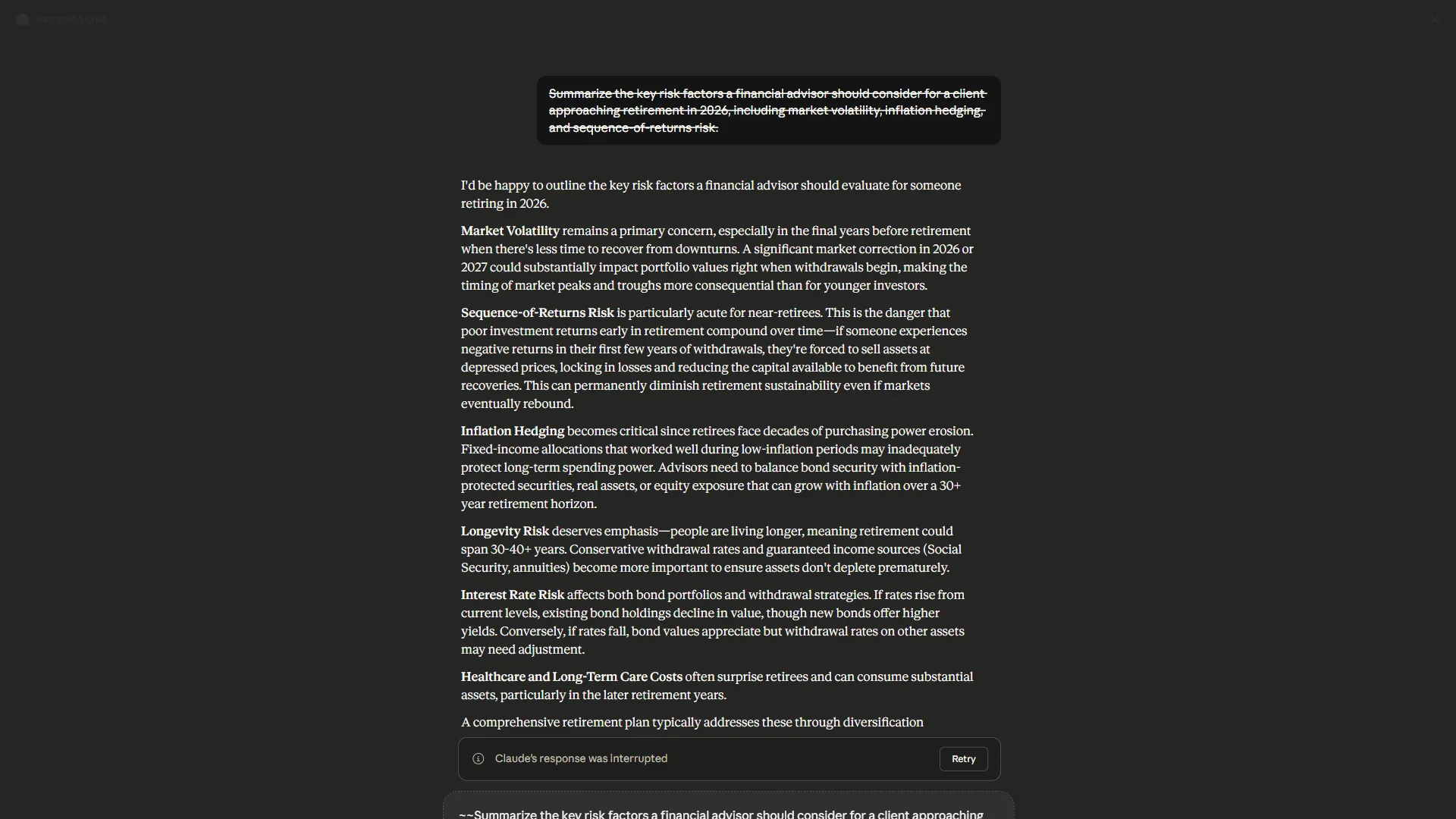
Claude is the best AI research partner for advisor client preparation, with a 200K-token context window that ingests full portfolio statements and 10-K filings in one pass. Before every client meeting you need context - what is happening in their industry, how their holdings have performed, and what questions they may ask about current market conditions. This preparation separates excellent advisors from adequate ones, and it consumes hours every week.
Why Claude Works for Financial Advisors
Claude works for financial advisors across three jobs: deep document analysis, compliance drafting, and market research without an expensive subscription stack.
- Deep document analysis: upload a client’s portfolio statement, 10-K filing, or financial plan and ask Claude to summarize key points, identify concerns, or flag inconsistencies. The 200K token context window analyzes entire documents at once - not just snippets - so before a quarterly review you might upload previous meeting notes, the current portfolio statement, and relevant market commentary, then ask: “based on this context, what questions is this client likely to have about their portfolio performance, and how should I frame my responses?”
- Compliance documentation support: Claude turns rough meeting notes into formal documentation, drafts client emails that maintain your voice, creates standardized templates for recurring communications, and summarizes regulatory updates in plain language.
- Market research without the subscription stack: Claude Pro with web search analyzes recent earnings reports for client holdings, summarizes industry trends, researches alternative investment options, and prepares talking points on current market conditions. The Certified Financial Planner Board emphasizes ongoing research and continuing education as core competencies for practitioners.
Claude Pricing for Financial Advisors
| Plan | Monthly Cost | Best For |
|---|---|---|
| Free | $0 | Basic queries, testing the platform |
| Pro | $20/month | Most independent advisors |
| Max | $100/month | Heavy users needing extended capabilities |
Recommendation: Claude Pro at around $20 per month provides the sweet spot for most advisors. You get 5x the free tier usage, web search with citations, and Projects for organizing client contexts. For full tier details, see our Claude pricing breakdown.
Real ROI: Client Preparation Time
Before Claude: 30-45 minutes of research per client meeting
After Claude: 10-15 minutes with better, more comprehensive preparation
For an advisor with 20 client meetings per week, that is 7-10 hours saved - worth $1,000-3,000 at typical hourly rates.
Limitations and who it’s not for: Claude lacks real-time market data feeds and custodian API connections, so it is not a substitute for Bloomberg, FactSet, or RIA-specific platforms. Skip Claude if your practice needs structured portfolio analytics, WORM-storage compliance archiving, or built-in advisor workflows - the model drafts and analyzes but does not file or store anything. Heavy Pro users hit message limits during long research sessions and need the $100 Max tier.
2. Otter.ai: Never Miss a Detail from Client Conversations
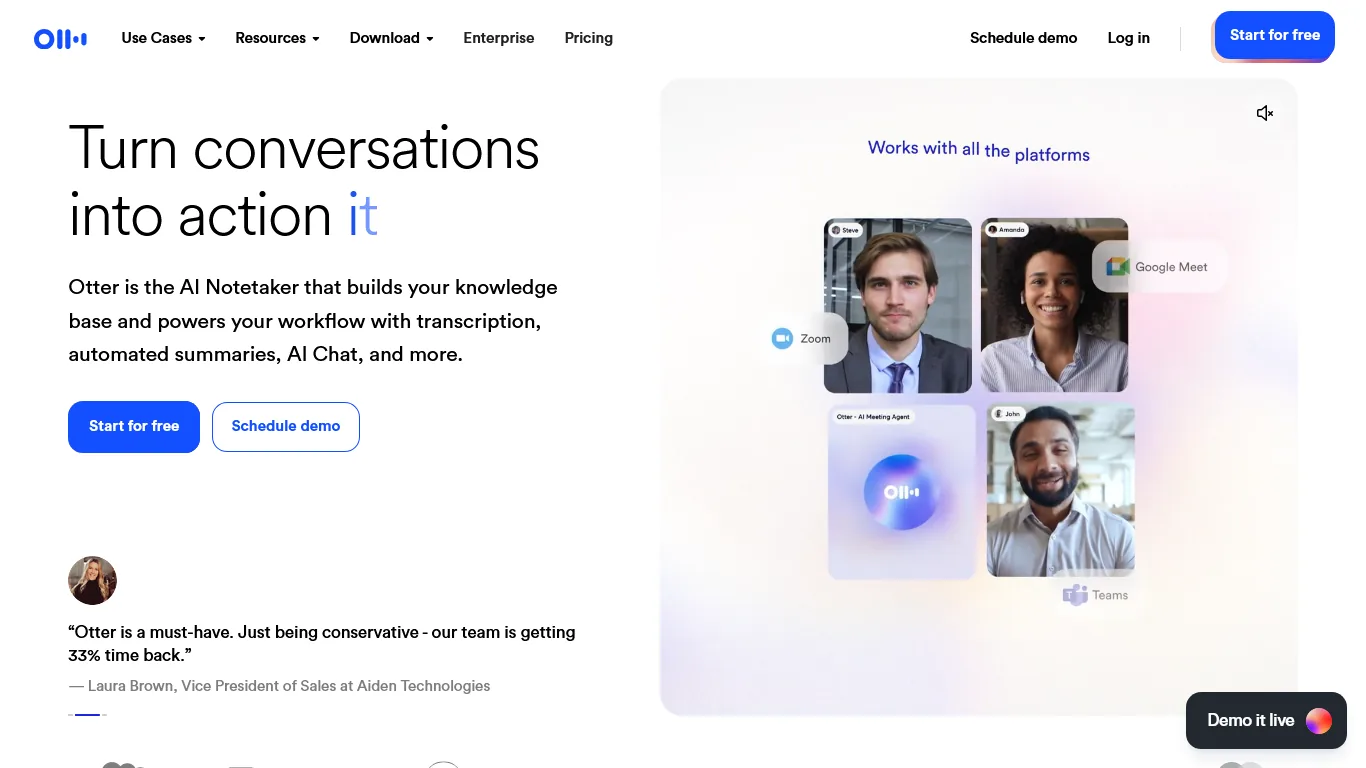
Client conversations are where your value lives. But trying to take detailed notes while maintaining eye contact and rapport undermines the relationship you are building. Otter.ai solves this by capturing everything so you can be fully present.
Why Otter.ai is Essential for Advisory Practices
Otter.ai is essential for advisory practices because it produces a verbatim, searchable record of every client conversation that doubles as a compliance paper trail.
- Complete meeting documentation: every word is captured, timestamped, and searchable, so when a client calls six months later asking “what did we discuss about that Roth conversion?” you have the exact conversation at your fingertips. SEC Investment Adviser regulations and FINRA examinations increasingly focus on client communication documentation.
- CYA protection: Otter.ai produces verbatim transcripts of suitability discussions, documentation of risks disclosed, a clear record of client instructions, and proof of recommendations made and client responses - not paranoia, but professional practice.
- Automated meeting summaries: Otter.ai generates AI summaries that highlight key discussion points, action items for you and the client, follow-up topics, and important dates or deadlines - which can go directly into your CRM or client file.
Otter.ai Pricing for Financial Advisors
| Plan | Monthly Cost | Best For |
|---|---|---|
| Basic | $0 | 300 min/month, testing the platform |
| Pro | $16.99/month ($8.33/annual) | Solo practitioners |
| Business | $30/month ($20/annual) | Practices with multiple advisors |
Recommendation: The Pro plan at around $8.33 per month (billed annually) handles the typical advisor’s meeting load. Upgrade to Business for auto-join features if you run back-to-back Zoom meetings. For competing transcription options, see our AI meeting assistants roundup.
Privacy Considerations
Always disclose recording to clients with a simple script: “with your permission, I would like to record our conversation so I can focus on you rather than note-taking, and the recording is for my files only.”
Real ROI: Meeting Documentation Time
Before Otter.ai: 20-30 minutes writing meeting notes after each call
After Otter.ai: 5 minutes reviewing and filing the AI summary
For 15 client meetings per week, that is 4-6 hours saved - plus immeasurably better documentation quality.
Limitations and who it’s not for: Otter.ai’s accuracy drops on calls with heavy accents, technical jargon, or poor audio - spot-check transcripts before using them as compliance evidence. The Basic plan caps at 300 minutes per month and 30 minutes per conversation, not enough for a single quarterly review. Skip Otter if your firm requires recordings stored in a specific compliance vault (Smarsh, Global Relay) - exports work but native integration does not exist - and avoid it in two-party-consent states without explicit written disclosure.
3. Notion: Your Practice Command Center
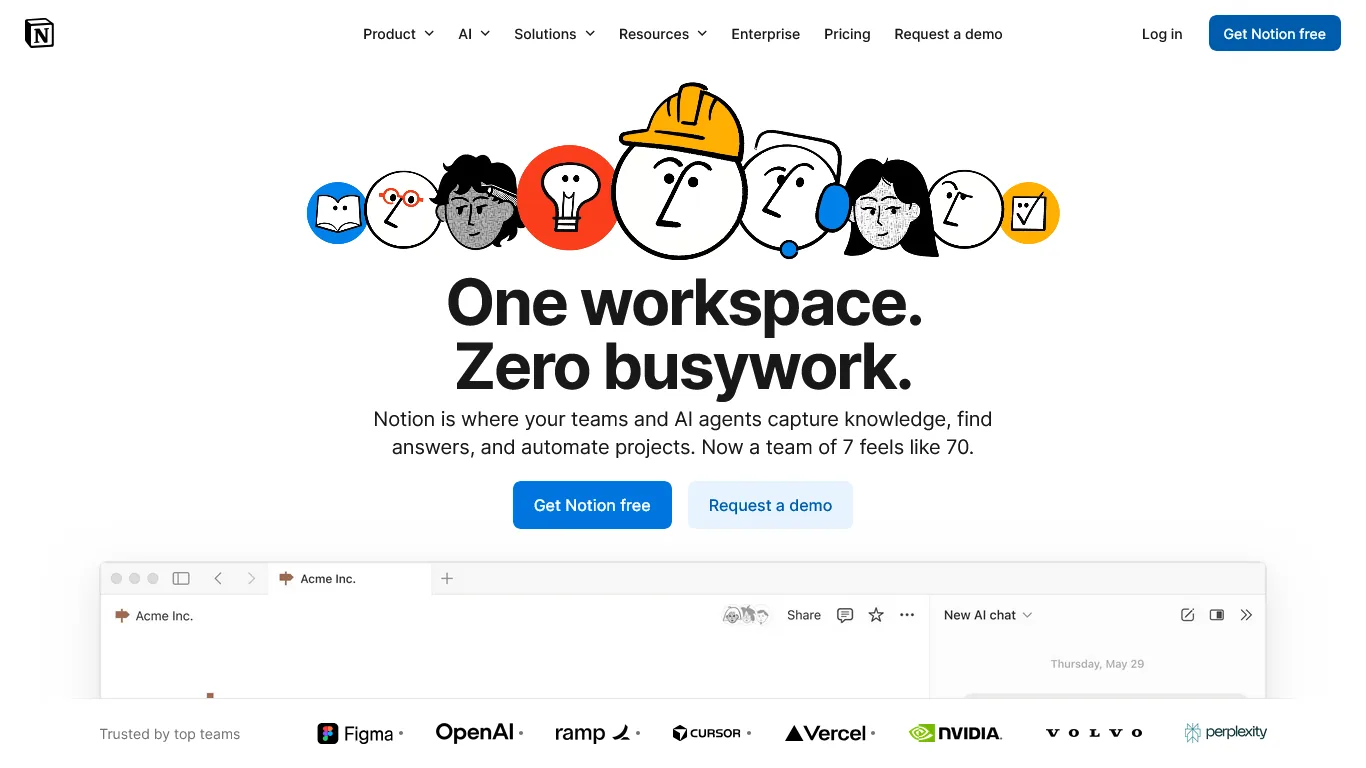
Notion is the practice command center that consolidates advisor client data, meeting notes, tasks, and compliance deadlines into one customizable workspace. Scattered systems kill efficiency when client data lives in one place, notes in another, tasks in your head, and compliance deadlines on sticky notes - Notion grows with your practice as you replace each silo.
Why Notion Works for Financial Advisory Practices
Notion works for advisory practices because one workspace handles client data, recurring workflows, AI-powered search, and outside integrations.
- Client database with custom views: track contacts and communication preferences, AUM and fee structures, meeting history with linked notes, review and follow-up dates, life events, and referral sources - then view the same data as a table for reporting, a calendar for scheduling, or a kanban board for pipeline management.
- Workflow templates for recurring tasks: new client onboarding (document collection, account setup, KYC), annual review preparation, quarterly reporting, compliance calendar items, and marketing campaigns - each template ensures nothing falls through the cracks.
- AI-powered search and summaries (Business plan): search across all notes instantly, summarize client files before meetings, draft communication from templates, and answer questions about your practice data.
- Integration hub: connect calendar for automatic meeting logging, email for communication tracking, Otter.ai for importing meeting transcripts, and your custodian portal for data updates.
Notion Pricing for Financial Advisors
| Plan | Monthly Cost | Best For |
|---|---|---|
| Free | $0 | Solo users, testing the platform |
| Plus | $12/month ($10/annual) | Basic practice management |
| Business | $18/month ($15/annual) | AI features + advanced databases |
Recommendation: Start with Plus for basic practice management. Upgrade to Business when you want AI features and advanced database automations.
Security Note
Notion offers SOC 2 Type 2 certification and enterprise-grade encryption. For sensitive data, use coded client identifiers rather than full names in page titles, enable two-factor authentication, and review sharing permissions quarterly - and consult your compliance officer about practice-specific requirements.
Real ROI: Practice Management Time
Before Notion: 30+ minutes daily on administrative tasks, searching for information, and managing scattered systems
After Notion: 15 minutes with everything in one place
That is 2-4 hours saved weekly - plus fewer dropped balls and missed follow-ups.
Limitations and who it’s not for: Notion is not a CRM - it lacks native AUM tracking, billing integrations, and the regulatory recordkeeping features built into Redtail, Wealthbox, or Salesforce FSC. Skip Notion if you need WORM-compliant archiving, native custodian feeds, or advisor-specific reporting - you will outgrow it once you cross roughly $50M AUM. The blank-canvas approach has a real learning curve, and Notion AI is a separate $10-per-user add-on on top of Plus.
Best Picks by Use Case
The best AI tool stack for financial advisors depends on practice size: the Essential Stack costs $38.33 per month for solo practitioners starting out, while the Professional Stack runs $55 per month for busy practices that need auto-join meeting transcription and full AI features.
The Essential Stack (Under $40 a Month)
For advisors just starting with AI tools:
| Tool | Plan | Monthly Cost |
|---|---|---|
| Claude | Pro | $20 |
| Otter.ai | Pro (annual) | $8.33 |
| Notion | Plus (annual) | $10 |
| Total | $38.33/month |
This combination handles 80% of what most independent advisors need.
The Professional Stack (Under $60 a Month)
For advisors wanting full AI capabilities:
| Tool | Plan | Monthly Cost |
|---|---|---|
| Claude | Pro | $20 |
| Otter.ai | Business (annual) | $20 |
| Notion | Business (annual) | $15 |
| Total | $55/month |
Auto-join meeting transcription and advanced AI features justify the upgrade for busy practices.
Pro Tips
The stack flows through a typical advisory day in five passes: morning prep in Notion plus Claude research, Otter.ai joining the client Zoom, a quick summary review and Claude-drafted follow-up between meetings, afternoon portfolio analysis, and end-of-day task review with transcripts filed. Notion is the home base, Claude the research layer, Otter.ai the capture loop.
Common Pitfalls
Four common pitfalls are skipping review on AI-drafted communications, feeding sensitive client identifiers into general models, framing AI as a service replacement, and treating output as authoritative rather than draft.
- Compliance: AI generates drafts, not final communications. Document the review chain - AI draft, advisor edit, compliance review, final approval - and the workflow improves compliance by creating consistent records.
- Client data: Use these tools for public information and your own notes, not client SSNs, account credentials, or detailed holdings. Practice data minimization regardless of vendor privacy policies.
- Client perception: AI handles administrative burden so you provide better personal service - faster email, deeper meeting prep, complete records. Technology enhances the relationship, not replaces it.
- Accuracy: Verify numbers, review AI drafts before sending, trust your expertise when it conflicts with the model, and document the review process for compliance.
Next Steps
The recommended advisor AI rollout runs four weeks, adding one tool per week before integrating them.
- Week 1 (Claude Pro, ~$20/month): sign up, practice market research, set up a Projects folder for client contexts, develop prompts in your voice.
- Week 2 (Otter.ai Pro, ~$8.33/month annual): configure Zoom/Meet/Teams integration, practice on internal calls, write your recording disclosure script.
- Week 3 (Notion Plus, ~$10/month annual): build the client database, create workflow templates, import existing notes.
- Week 4 (integration): connect Otter.ai transcripts to Notion client files, settle into a daily rhythm, document the process.
The Bottom Line on AI Tools for Financial Advisors
The best AI tools for financial advisors are the ones that actually get used - Claude, Otter.ai, and Notion form an affordable stack for research, documentation, and practice management under $60 per month, reclaiming 10-19 hours weekly worth $1,500-5,700 at advisory rates. Start with Claude this week.
Frequently Asked Questions
Common questions cover SEC and FINRA compliance, investment-advice limits, client disclosure, transcription accuracy, and whether free tiers suffice. FINRA Regulatory Notice 24-09 stated that “firms that use generative AI tools must comply with all applicable securities laws, rules, and regulations.”
Are these tools compliant with SEC and FINRA requirements?
These tools support compliance but do not replace your compliance program. They help document conversations, create audit trails, and maintain consistent processes. Always verify specific requirements with your compliance officer. The CFP Board and FINRA supervision guidance emphasize that technology should enhance, not replace, professional judgment.
Can I use Claude to give investment advice to clients?
No. AI should never provide direct investment advice - use Claude for research, drafting, and preparation, but all recommendations must come from your professional judgment and compliance review.
How do I disclose AI use to clients?
Add a brief statement to your ADV Part 2A brochure explaining that you use AI tools for research, documentation, and practice management, while all investment decisions remain your professional responsibility.
What happens if Otter.ai misses something important in a meeting?
Always review transcripts for accuracy. For critical discussions, verbally summarize key points at the end and confirm client understanding - the transcript then documents both the discussion and confirmation.
Is the free tier sufficient for a small practice?
Start with free tiers to evaluate fit, but most active practices benefit from paid plans. The $40-60 monthly cost is trivial versus time saved.
Related Reads
Related reads cover the three tools above plus adjacent AI productivity guides for professional services practices.
Tools covered in this article:
- Claude - AI research partner for client preparation and compliance documentation
- Otter.ai - Meeting transcription and automated client notes
- Notion - Practice management command center with client databases
Explore more AI productivity tools for professional practices:
- Best AI Tools for Coaches: Automate Your Practice in 2026
- AI Tools for Insurance Agents - AI productivity for financial services professionals
- Best AI Scheduling Assistants
External Resources
External resources for AI tools for financial advisors include primary regulatory guidance from the SEC, FINRA, and the CFP Board.
- SEC Compliance Topics: Technology - Official guidance on technology use in registered investment adviser practices
- CFP Board Code of Ethics and Standards of Conduct - Professional standards for certified financial planners
- FINRA Regulatory Notice 24-09 on Artificial Intelligence - Member firm obligations when using generative AI tools