This guide covers cflow vs kissflow vs pipefy with hands-on analysis.
Choosing between Cflow, Kissflow, and Pipefy feels like comparing three different philosophies of workflow automation. After spending weeks testing all three platforms, I can tell you the “best” choice depends entirely on your team size, budget, and what you’re actually trying to automate.
Here’s the short version: Pipefy wins for small teams thanks to its free tier. Cflow hits the sweet spot for mid-sized companies (20-100 users) with straightforward approval workflows. Kissflow targets enterprises willing to pay premium prices for a polished platform.
But the details matter. Let me break down exactly what I found.
Quick Verdict
| Tool | Best For | Starting Price |
|---|---|---|
| Cflow | SMB approval workflows | $11/user/month |
| Kissflow | Enterprise work platform | $1,500/month flat |
| Pipefy | Budget-conscious teams | Free (10 users) |
Bottom line: If you’re a team of 10 or fewer, start with Pipefy’s free tier. For 20-100 users needing structured approvals, Cflow offers the best value. Only consider Kissflow if you need an enterprise-grade platform and have the budget to match.
The Pricing Reality Check
Let’s address the elephant in the room first — these tools have radically different pricing structures that will eliminate options for many teams before features even matter.
Cflow Pricing
Cflow uses per-user pricing with a 10-user minimum:
- Joy Plan: $11/user/month (annual) — 10-20 users, 10 workflows max
- Bliss Plan: $16/user/month (annual) — 20+ users, 50 workflows
- Zen Plan: Custom pricing — 100+ users, unlimited workflows, AI features
The catch? That 10-user minimum means you’re paying at least $110/month even if you only have 5 people. The AI features (Seyarc AI) are locked behind the Zen tier plus additional add-on fees.
Kissflow Pricing
Kissflow takes a flat-rate approach that surprises many buyers:
- Basic Plan: $1,500/month — Covers 10-30 users
- Enterprise Plan: Custom pricing — Unlimited users
Yes, you read that right. $1,500/month minimum. This isn’t per-user pricing — it’s a flat fee that includes 10-30 users. For larger organizations, this can actually be more economical than per-seat models, but it prices out smaller teams entirely.
Pipefy Pricing
Pipefy offers the most accessible entry point:
- Starter (Free): 10 users, 5 processes, 15 automation jobs/month
- Business: $20-25/user/month — Unlimited workflows, 300 automation jobs
- Enterprise: $24-30/user/month — SSO, advanced security
- Unlimited: Custom pricing — Everything unlimited
The free tier is genuinely usable for small teams with basic needs. You get real automation, not just a demo.
Price Comparison by Team Size
| Team Size | Cflow | Kissflow | Pipefy |
|---|---|---|---|
| 5 users | $110/mo (forced 10 min) | $1,500/mo | Free |
| 15 users | $165/mo | $1,500/mo | $300/mo |
| 30 users | $330/mo | $1,500/mo | $600/mo |
| 50 users | $550/mo | Custom | $1,000/mo |
| 100 users | $1,100/mo | Custom | $2,000/mo |
The pattern is clear: Pipefy wins for small teams, Cflow becomes competitive at 30+ users, and Kissflow only makes sense at scale where the flat rate becomes economical.
Feature Deep Dive
Cflow: The Approval Workflow Specialist
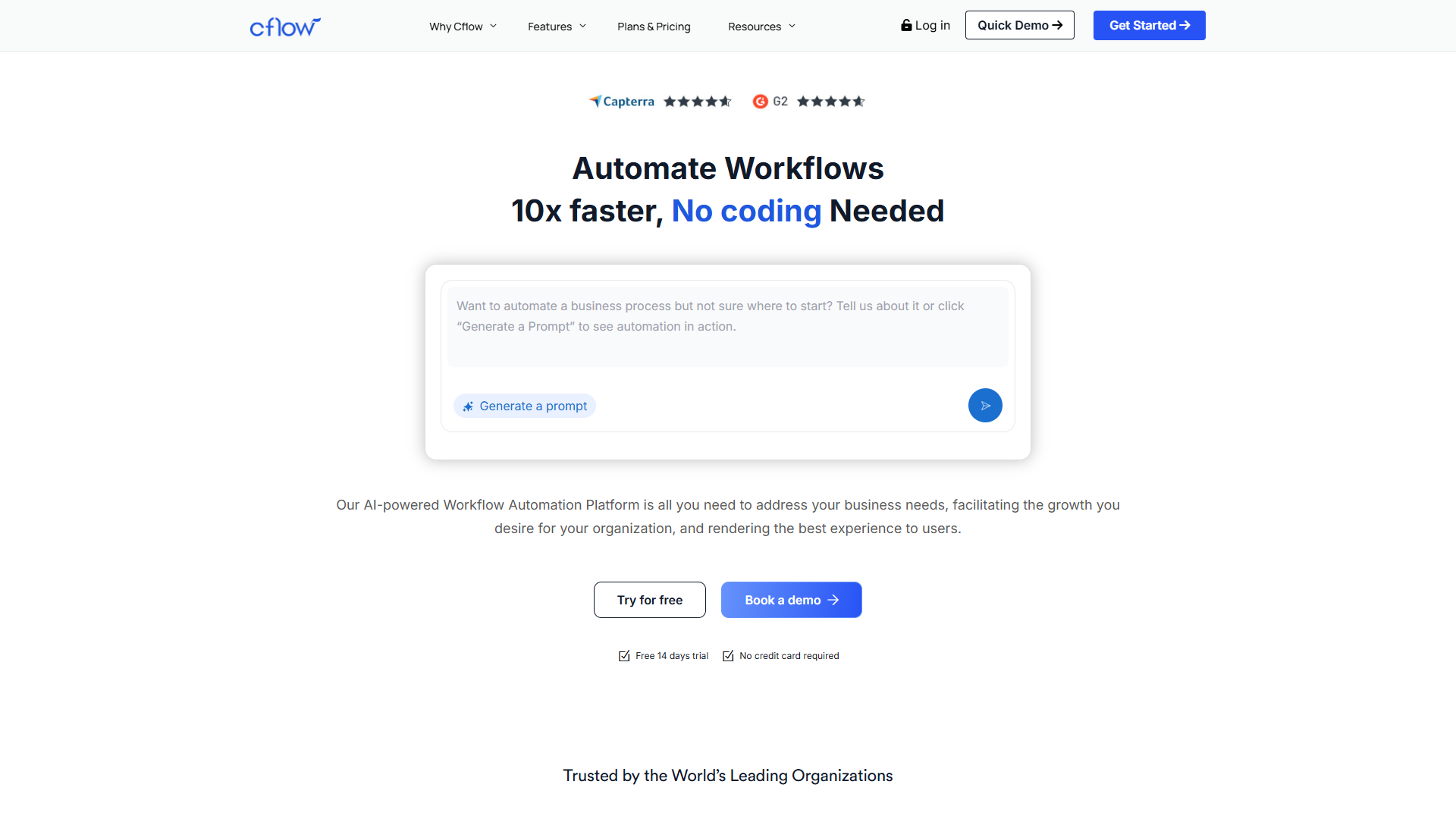
Cflow positions itself as a no-code workflow automation platform, and it delivers on that promise for structured processes. The visual workflow builder is genuinely intuitive — I had a purchase approval workflow running within an hour of signing up.
What Cflow does well:
- Visual workflow builder — Drag-and-drop interface requires zero coding. Business users can genuinely build their own processes.
- Pre-built templates — Ready-made workflows for HR, Finance, Procurement, and IT save significant setup time.
- Seyarc AI — Natural language workflow creation where you describe what you need and the system builds it. Only available on Zen tier as a paid add-on.
- 1000+ integrations — Via Zapier connector, plus native API access on all plans.
Where Cflow falls short:
- 10-user minimum — Forces small teams into paying for seats they don’t need.
- AI behind paywall — The most compelling features require Zen tier plus additional fees.
- Mobile app issues — Multiple reviews mention bugs and limited mobile functionality.
- Limited for complex BPM — Fine for approval workflows, but not suited for sophisticated process modeling.
Rating:
Best for: Mid-sized teams (20-100 users) in Finance, HR, or Procurement who need structured approval workflows without hiring developers.
Kissflow: The Enterprise Work Platform
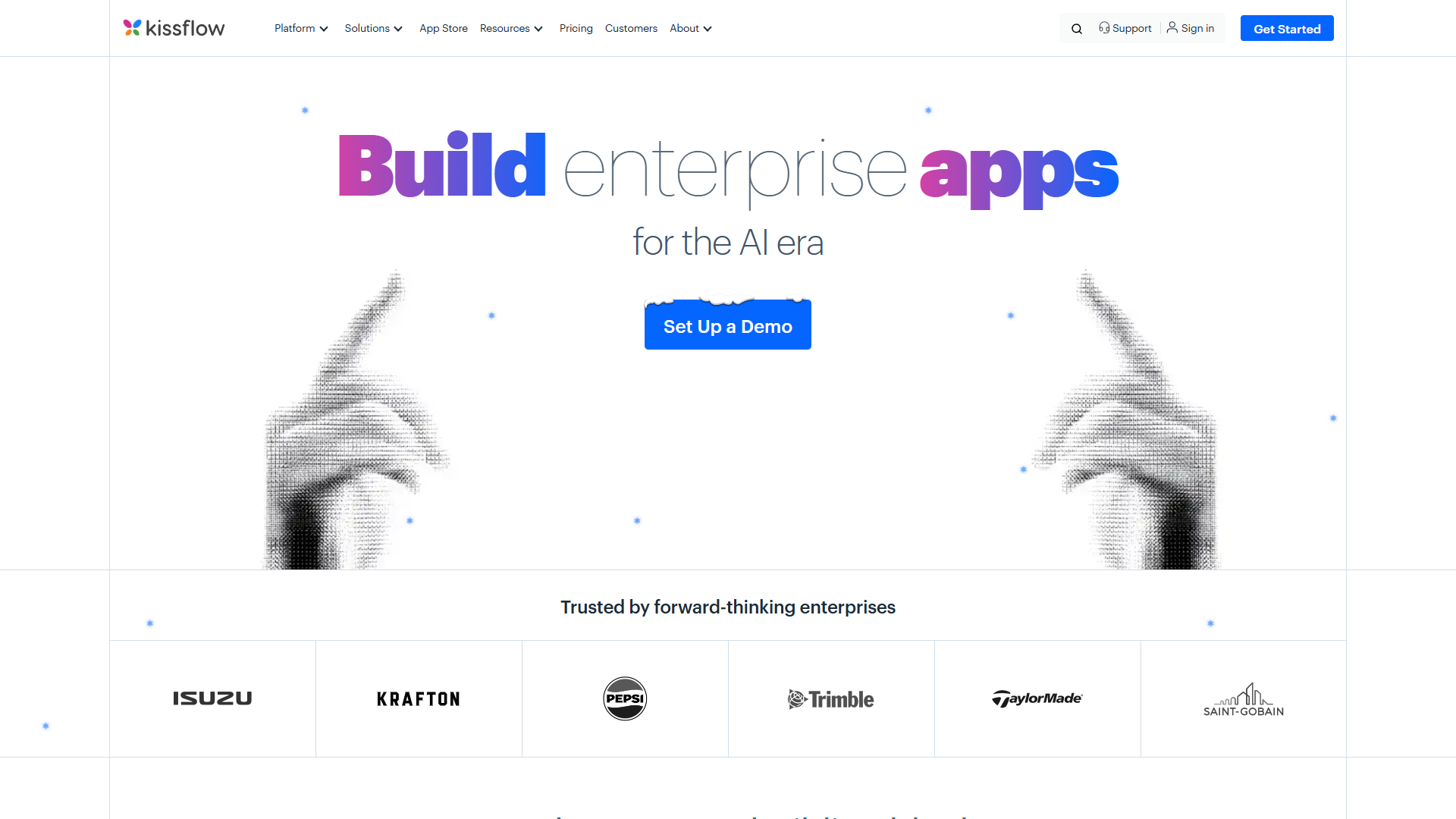
Kissflow isn’t just a workflow tool — it’s a broader work platform combining process automation, project management, and case management. This ambition shows in both the feature set and the price tag.
What Kissflow does well:
- Modern, polished interface — The UI feels contemporary and well-designed. Users consistently praise the experience.
- No-code app builder — Create custom business applications without developers using drag-and-drop forms and logic.
- Project + case management — Beyond workflows, Kissflow handles projects, cases, and boards in one platform.
- 300+ native integrations — Strong connector library for enterprise tools.
- Citizen developer friendly — Designed for business users to build their own solutions.
Where Kissflow falls short:
- Premium pricing — $1,500/month minimum prices out most small businesses.
- Limited reporting — Analytics and reporting capabilities don’t match the price point.
- Occasional glitches — Users report software stability issues in reviews.
- Learning curve — Advanced features take time to master despite the no-code positioning.
Rating:
Best for: Mid-market to enterprise organizations (100+ users) who need a unified work platform and have budget to match.
Pipefy: The Budget-Friendly Contender
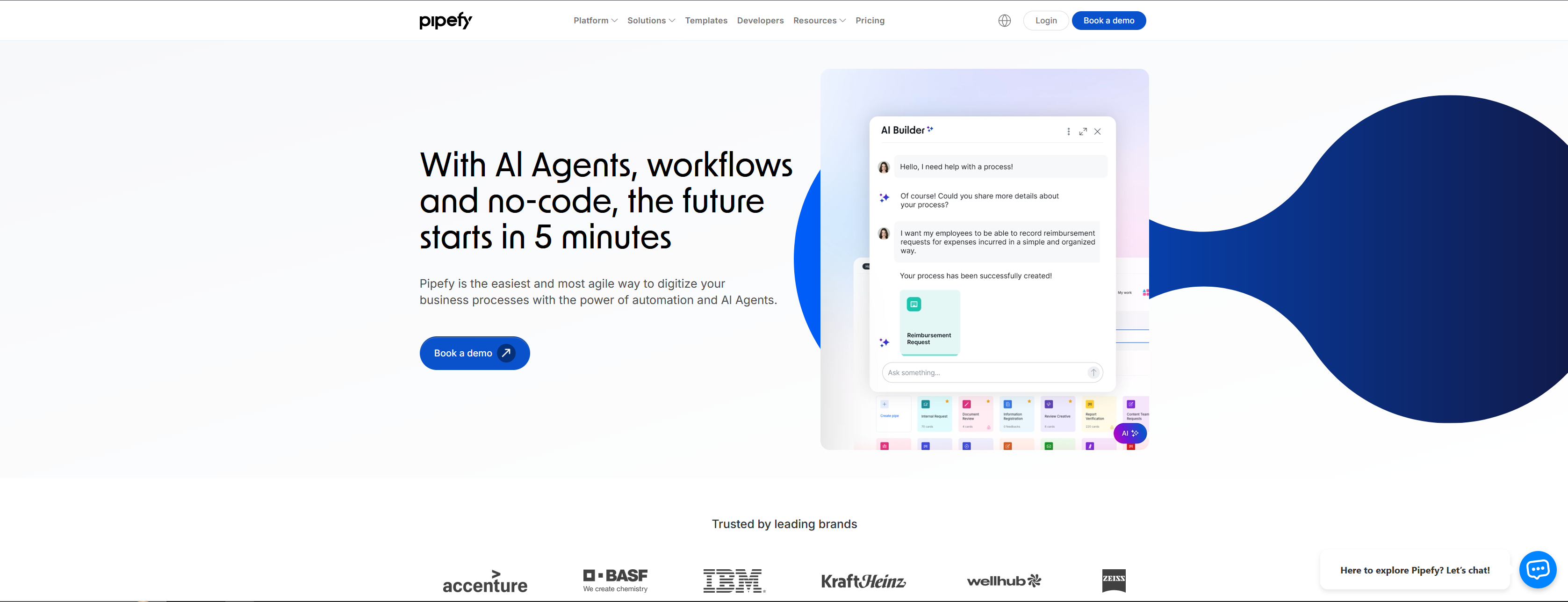
Pipefy takes a different approach — accessible pricing with a genuinely usable free tier. For small teams and startups, this makes it the obvious starting point.
What Pipefy does well:
- Free tier that works — 10 users, 5 processes, and 15 automation jobs monthly. Real functionality, not a demo.
- AI features included — AI Co-pilot, AI Agents, and AI Automation are part of the platform, not locked behind enterprise pricing.
- Visual pipe builder — Kanban-style process builder is intuitive for teams familiar with Trello or similar tools.
- 300+ connectors — Solid integration library including native connections to common business tools.
- Templates library — Pre-built processes for HR onboarding, procurement, IT requests, and more.
Where Pipefy falls short:
- Inflexibility — The structured “pipe” concept doesn’t suit highly dynamic or creative workflows.
- Reporting limitations — Analytics could be more robust, especially on lower tiers.
- Mobile app — Like its competitors, the mobile experience needs work.
- Automation limits — Free tier caps at 15 jobs/month; you’ll hit limits quickly with active processes.
Rating:
Best for: Small teams, startups, and budget-conscious organizations who want to automate HR, procurement, or IT processes without significant upfront investment.
Head-to-Head Feature Comparison
| Feature | Cflow | Kissflow | Pipefy |
|---|---|---|---|
| Free Tier | No (14-day trial) | No (14-day trial) | Yes (10 users) |
| Visual Builder | Drag-and-drop | Drag-and-drop | Kanban-style pipes |
| AI Features | Zen tier add-on | AI suggestions | All tiers (credits) |
| Mobile App | Basic | Good | Basic |
| Integrations | 1000+ via Zapier | 300+ native | 300+ native |
| Project Mgmt | No | Yes | Limited |
| SSO | Zen tier only | Enterprise | Enterprise |
| API Access | All plans | All plans | All plans |
| Templates | 50+ | 200+ | 100+ |
Which Tool Should You Choose?
After testing all three extensively, here’s my recommendation framework:
Choose Pipefy if:
- Your team has 10 or fewer users
- Budget is a primary concern
- You need basic workflow automation for HR, procurement, or IT
- You want to test without financial commitment
- AI features matter but you can’t afford enterprise pricing
Choose Cflow if:
- Your team has 20-100 users
- You primarily need approval workflows (purchase orders, leave requests, expense reports)
- You want per-user pricing that scales reasonably
- You value visual workflow design for non-technical users
- Natural language workflow creation appeals to you (and you can afford Zen tier)
Choose Kissflow if:
- You’re an enterprise with 100+ users
- You need a unified platform for workflows, projects, and cases
- $1,500+/month fits your budget
- Modern UI and user experience are priorities
- You have citizen developers who’ll build multiple applications
The Honest Truth
None of these tools are perfect. Cflow’s 10-user minimum is frustrating for small teams. Kissflow’s pricing is genuinely prohibitive for most businesses. Pipefy’s free tier has real limitations that push growing teams to paid plans quickly.
If I were starting a company today with 5-10 people, I’d begin with Pipefy’s free tier and see how far it takes me. At 20+ employees with regular approval workflows, I’d strongly consider Cflow’s Bliss plan. And only if I were running a 100+ person organization with serious budget would Kissflow enter the conversation.
The workflow automation space is competitive, and all three platforms are actively improving. What matters most is matching the tool to your current needs — not the features you might need someday.
Final Verdict
For cflow vs kissflow vs pipefy, For small teams (under 20 users): Pipefy wins hands down. The free tier is genuinely functional, and even the paid plans are more affordable than competitors.
For mid-sized teams (20-100 users): Cflow offers the best balance of features and value. The visual workflow builder is excellent for approval-heavy processes.
For enterprises (100+ users): Kissflow justifies its premium pricing with a comprehensive work platform — if you’ll actually use the project and case management features alongside workflows.
The best workflow tool is the one your team will actually use. Start with free trials, build a real workflow that matters to your business, and see which interface clicks with your users. That hands-on experience will tell you more than any comparison article.
For more information about cflow vs kissflow vs pipefy, see the resources below.
External Resources
For official documentation and updates from these workflow automation tools:
- Cflow Blog — Workflow automation tips and Seyarc AI feature updates
- Kissflow Resources — No-code platform guides and digital workplace insights
- Pipefy Blog — Process automation strategies and AI feature releases