Version control stopped being optional years ago. In 2026, the question isn’t whether you need version control — it’s which platform best fits your workflow. With AI-powered coding assistants now integrated directly into these platforms, the choice affects your entire development productivity.
After testing the major platforms across real development workflows, here’s what matters and which tools deliver the best experience.
Quick Comparison: Best Version Control Tools
| Tool | Rating | Starting Price | Best For |
|---|---|---|---|
| GitHub | Free / $4/user/mo | AI-powered development | |
| GitLab | N/A | Free / $29/user/mo | Complete DevOps platform |
| Bitbucket | N/A | Free / $3/user/mo | Atlassian ecosystem |
What Makes a Great Version Control Platform in 2026?
The landscape has evolved significantly. Here’s what separates modern version control platforms from basic Git hosting:
AI Integration: GitHub Copilot changed expectations. Modern platforms now offer AI-powered code completion, code review suggestions, and automated security scanning.
CI/CD Capabilities: Built-in continuous integration and deployment pipelines eliminate the need for separate Jenkins or CircleCI setups.
Security Features: Secret scanning, dependency alerts, and code analysis catch vulnerabilities before they reach production.
Collaboration Tools: Pull request workflows, code review features, and team management determine how efficiently teams work together.
Ecosystem & Integrations: The best platforms connect with your existing tools — IDEs, project management, deployment targets.
1. GitHub: Best for AI-Powered Development
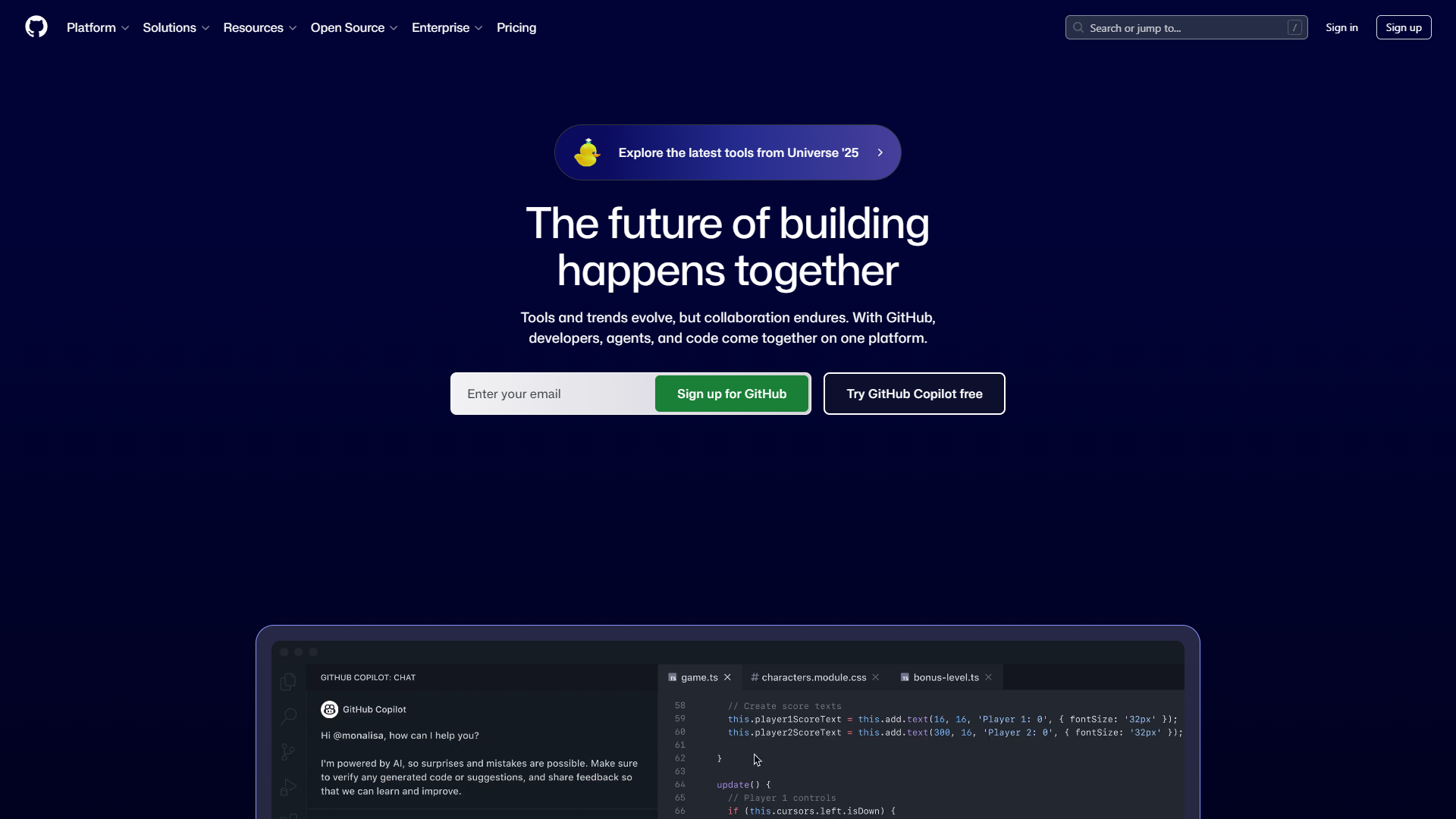
GitHub dominates with 100 million developers and the largest open-source ecosystem. But the real story in 2026 is Copilot integration — AI-powered code completion that saves 50% coding time according to research studies.
The platform combines version control, CI/CD via GitHub Actions, and Advanced Security into a comprehensive development environment. Most developers already have GitHub accounts, making collaboration friction-free.
Key Features:
- GitHub Copilot AI-powered code completion and chat
- GitHub Actions for CI/CD with 15,000+ marketplace actions
- Advanced Security with secret scanning and CodeQL analysis
- Pull requests with required reviewers and protected branches
- Codespaces cloud development environments
- Integration with the Microsoft/Azure ecosystem
Pricing:
- Free: Unlimited public/private repos, 2,000 Actions minutes/month
- Team: $4/user/mo - Protected branches, required reviewers
- Enterprise: $21/user/mo - SAML SSO, advanced auditing, 99.9% SLA
- Copilot: $10-19/user/mo (separate subscription)
Pros:
- Largest developer community and open-source ecosystem
- Copilot AI integration is industry-leading
- Generous free tier for individuals and open source
- GitHub Actions eliminates need for separate CI/CD tools
- Extensive third-party integrations
Cons:
- Copilot requires separate subscription ($10-19/mo extra)
- Git learning curve challenges beginners
- Enterprise costs add up at $21/user/mo + Copilot
- Not a complete DevOps platform like GitLab
Best For: Teams wanting the largest community, AI-powered development with Copilot, and the Microsoft/Azure ecosystem. If you’re building open-source or need extensive third-party integrations, GitHub is the default choice.
2. GitLab: Best Complete DevOps Platform
GitLab positions itself as the complete DevOps platform — version control, CI/CD, security, monitoring, and project management in one application. If you want everything integrated without stitching together multiple tools, GitLab delivers.
The self-hosted option appeals to enterprises with strict compliance requirements. You can run GitLab on your infrastructure with full control over your code and data.
Key Features:
- Built-in CI/CD with Auto DevOps
- Complete issue tracking and project management
- Container registry and Kubernetes integration
- Security scanning (SAST, DAST, dependency scanning)
- Self-hosted or SaaS deployment options
- GitLab Duo AI features (code suggestions, chat)
Pricing:
- Free: 5 users, 10GB storage, 400 CI/CD minutes
- Premium: $29/user/mo - Merge request approvals, 10,000 CI minutes
- Ultimate: $99/user/mo - Advanced security, compliance
Pros:
- Most complete all-in-one DevOps platform
- Self-hosted option for compliance requirements
- Built-in issue tracking competes with Jira
- Auto DevOps simplifies CI/CD setup
- Single application reduces tool sprawl
Cons:
- Higher starting price than GitHub ($29/mo vs $4/mo)
- AI features less mature than GitHub Copilot
- Smaller community than GitHub
- Self-hosting requires infrastructure management
Best For: Organizations wanting a complete DevOps platform in one application, especially those with self-hosting requirements or compliance needs. GitLab excels when you want to consolidate tools.
3. Bitbucket: Best for Atlassian Teams
Bitbucket makes sense when your team already lives in Jira, Confluence, and Trello. The native integrations between Atlassian products create a seamless workflow — link commits to Jira tickets, reference Confluence docs, track everything together.
The pricing is competitive at $3/user/month for the Standard tier, making it attractive for teams already invested in Atlassian.
Key Features:
- Deep Jira and Confluence integration
- Bitbucket Pipelines for CI/CD
- Pull request workflows with merge checks
- Code insights and security scanning
- Atlassian ecosystem integration
- Data Center option for self-hosting
Pricing:
- Free: 5 users, unlimited private repos
- Standard: $3/user/mo - Enhanced review workflows
- Premium: $6/user/mo - Required merge checks, deployment permissions
- Data Center: Self-hosted pricing
Pros:
- Best-in-class Jira and Confluence integration
- Competitive pricing ($3/user/mo)
- Familiar for Atlassian ecosystem users
- Bitbucket Pipelines included in price
- Data Center option for self-hosting
Cons:
- No AI coding assistant like Copilot
- Smaller community than GitHub or GitLab
- Less feature-rich than GitLab’s DevOps platform
- Third-party integrations limited outside Atlassian
Best For: Teams heavily invested in Jira, Confluence, and the Atlassian ecosystem. If you’re already paying for Atlassian tools, Bitbucket provides the tightest integration.
Which Version Control Tool Should You Choose?
For AI-powered development: GitHub + Copilot. The 50% coding time savings and industry-leading AI features justify the Copilot subscription cost.
For complete DevOps: GitLab Premium/Ultimate. One platform handles version control, CI/CD, security scanning, and project management without tool sprawl.
For Atlassian teams: Bitbucket Standard. The Jira integration alone saves hours of manual ticket linking, and pricing is competitive.
For open source: GitHub Free. The community, discoverability, and sponsorship features make GitHub the obvious choice for public projects.
Feature Comparison Table
| Feature | GitHub | GitLab | Bitbucket |
|---|---|---|---|
| AI Code Assistant | Copilot (excellent) | Duo (good) | None |
| Built-in CI/CD | Actions | GitLab CI | Pipelines |
| Free Tier | Generous | Limited | Limited |
| Self-Hosting | Enterprise only | All tiers | Data Center |
| Issue Tracking | Basic | Comprehensive | Via Jira |
| Security Scanning | Advanced Security | Built-in | Add-on |
| Starting Paid Price | $4/user/mo | $29/user/mo | $3/user/mo |
Making the Switch
Already using one platform and considering a switch? Here’s what to expect:
GitHub migrations take 1-2 weeks for small organizations. GitHub provides tools to import repos, commit history, issues, and pull requests from GitLab or Bitbucket. The GitHub CLI supports bulk migrations, and most teams report minimal disruption when moving from other Git hosts.
GitLab migrations preserve full history including CI/CD pipelines if moving to GitLab from GitHub or Bitbucket. GitLab’s importer handles repositories, issues, merge requests, and even CI/CD configurations when possible. The main effort involves recreating environment-specific variables and secrets.
Bitbucket migrations are smoothest when adopting Jira simultaneously — the integration benefits compound. If you’re already using Jira for project management, the automatic commit-to-ticket linking starts working immediately after migration.
Real-World Considerations
Beyond features and pricing, consider these practical factors:
Team Experience: If your developers already know GitHub (most do), switching to GitLab or Bitbucket introduces unnecessary friction. The productivity loss during transition rarely justifies marginal feature differences.
Existing Toolchain: Evaluate your current CI/CD, project management, and deployment tools. GitHub integrates best with the Microsoft ecosystem, GitLab replaces most external tools, and Bitbucket assumes Atlassian tools handle adjacent concerns.
Growth Trajectory: Enterprise features like SAML SSO and advanced auditing become essential at scale. GitHub and GitLab both offer enterprise tiers with compliance features, while Bitbucket’s enterprise story relies on Atlassian’s broader platform.
Open Source vs Private: If you maintain public repositories alongside private code, GitHub’s network effects matter significantly. Contributors expect to find projects on GitHub, and the platform’s discoverability drives open-source adoption.
Cost at Scale: Calculate total cost of ownership including per-user fees, CI/CD minutes, storage, and any required add-ons. A 50-developer team pays $2,400/year for GitHub Team versus $17,400/year for GitLab Premium — a meaningful difference that compounds annually.
Final Verdict
For best version control tools, For most development teams in 2026, GitHub remains the default choice. The combination of the largest community, Copilot AI integration, generous free tier, and extensive integrations is unmatched. Teams already using Microsoft/Azure have even stronger reasons to standardize on GitHub.
GitLab makes sense for organizations wanting everything in one platform — especially those with self-hosting requirements or comprehensive security compliance needs. The higher price ($29/user/mo) buys real value in reduced tool complexity.
Bitbucket wins specifically for Atlassian-invested teams. If Jira is your project management source of truth, the native integration eliminates friction that costs hours weekly.
Start with free tiers on any platform — all three offer enough for small teams to evaluate properly before committing.
For more information about best version control tools, see the resources below.
External Resources
For official documentation and updates: