Managing social media across multiple platforms without a scheduling tool is a recipe for burnout. The best social media scheduling tools in 2026 go beyond basic post scheduling — they use AI to optimize timing, generate content variations, and analyze what’s actually working.
After testing the leading platforms across real social campaigns, here’s what delivers results and where each tool excels.
Quick Comparison: Best Social Media Scheduling Tools
| Tool | Rating | Starting Price | Best For |
|---|---|---|---|
| FeedHive | $19/mo | AI content creation | |
| Buffer | Free / $6/mo | Simple scheduling | |
| Hootsuite | $99/mo | Enterprise teams |
What Makes a Great Social Media Scheduler?
The scheduling landscape has evolved significantly. Here’s what separates effective tools from basic calendar apps:
AI-Powered Features: The best tools now generate post variations, suggest optimal timing, and even create content from scratch. Manual scheduling alone isn’t competitive anymore.
Multi-Platform Support: You need coverage for the platforms that matter to your audience — Instagram, LinkedIn, X/Twitter, TikTok, Facebook, and Pinterest at minimum.
Analytics That Drive Action: Vanity metrics are useless. Look for tools that show which content types drive engagement and when your audience is most active.
Team Collaboration: Approval workflows, content calendars, and role-based permissions matter for agencies and marketing teams.
Content Recycling: Evergreen content should automatically recirculate without manual re-scheduling.
1. FeedHive: Best for AI Content Creation
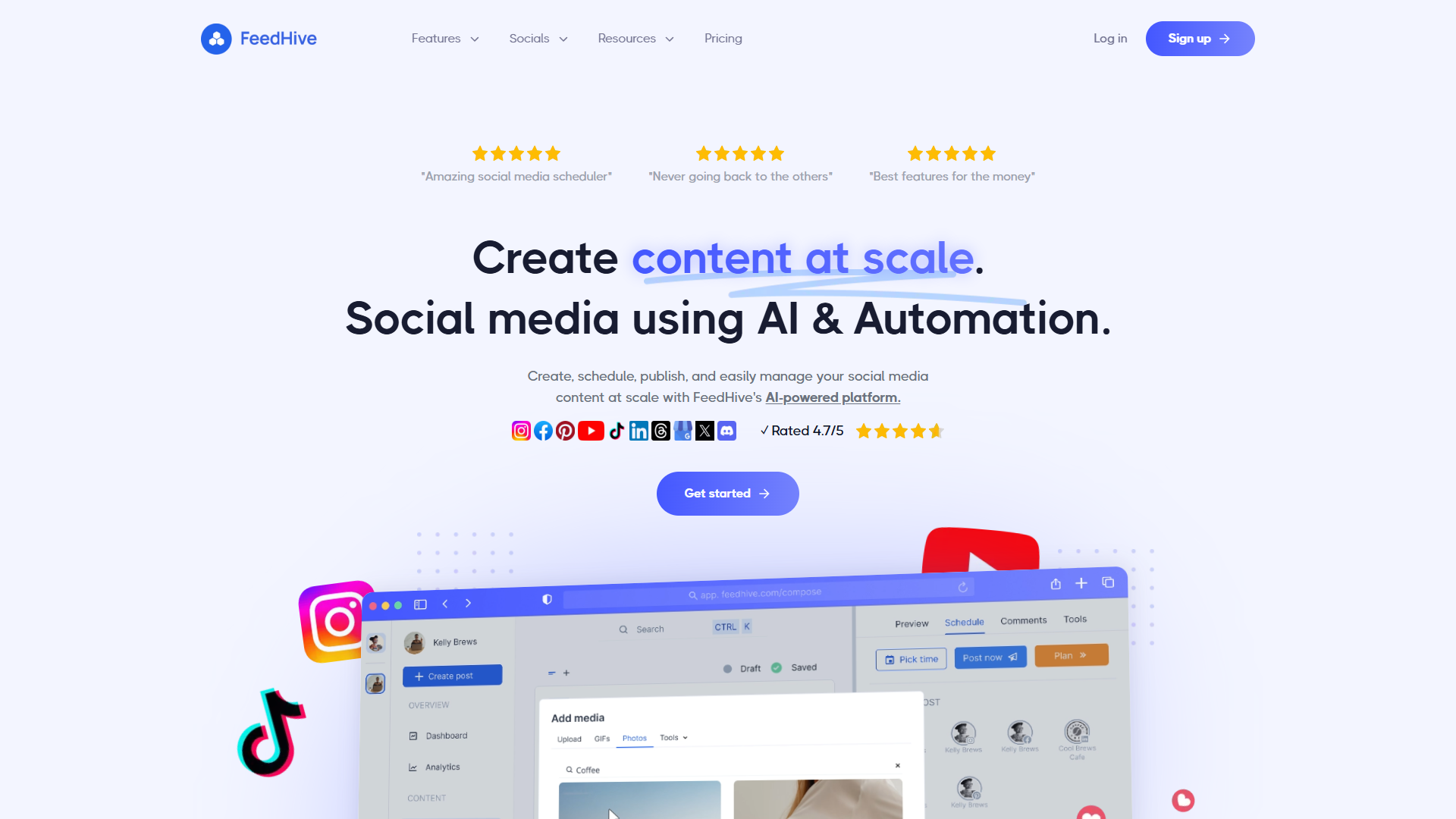
FeedHive leads the AI-powered scheduling revolution. The AI Writing Assistant doesn’t just suggest hashtags — it generates complete post variations, adapts content for different platforms, and predicts performance before you publish.
The standout feature is conditional posting: set rules like “if engagement drops below X, automatically recycle this evergreen post.” This automation saves hours of manual optimization.
Key Features:
- AI Writing Assistant for content generation
- Conditional posting with engagement triggers
- Auto-hashtag and emoji suggestions
- Performance predictions before publishing
- Content recycling for evergreen posts
- Multi-platform scheduling (Instagram, X, LinkedIn, TikTok, Facebook)
Pricing:
- Creator: $19/mo - 4 social accounts, 500 posts/month
- Brand: $29/mo - 10 accounts, unlimited posts
- Business: $99/mo - 25 accounts, team features
- Agency: $299/mo - 100 accounts, white-label
Pros:
- Best-in-class AI content generation
- Conditional posting automates optimization
- Performance predictions help prioritize content
- Excellent X/Twitter thread support
- Competitive pricing for features offered
Cons:
- Newer platform with smaller user base
- Analytics less comprehensive than Hootsuite
- Limited integrations compared to established tools
- Learning curve for AI features
Best For: Content creators and small teams who want AI to handle content optimization. If you’re tired of manually testing posting times and formats, FeedHive automates the optimization process.
2. Buffer: Best for Simple Scheduling
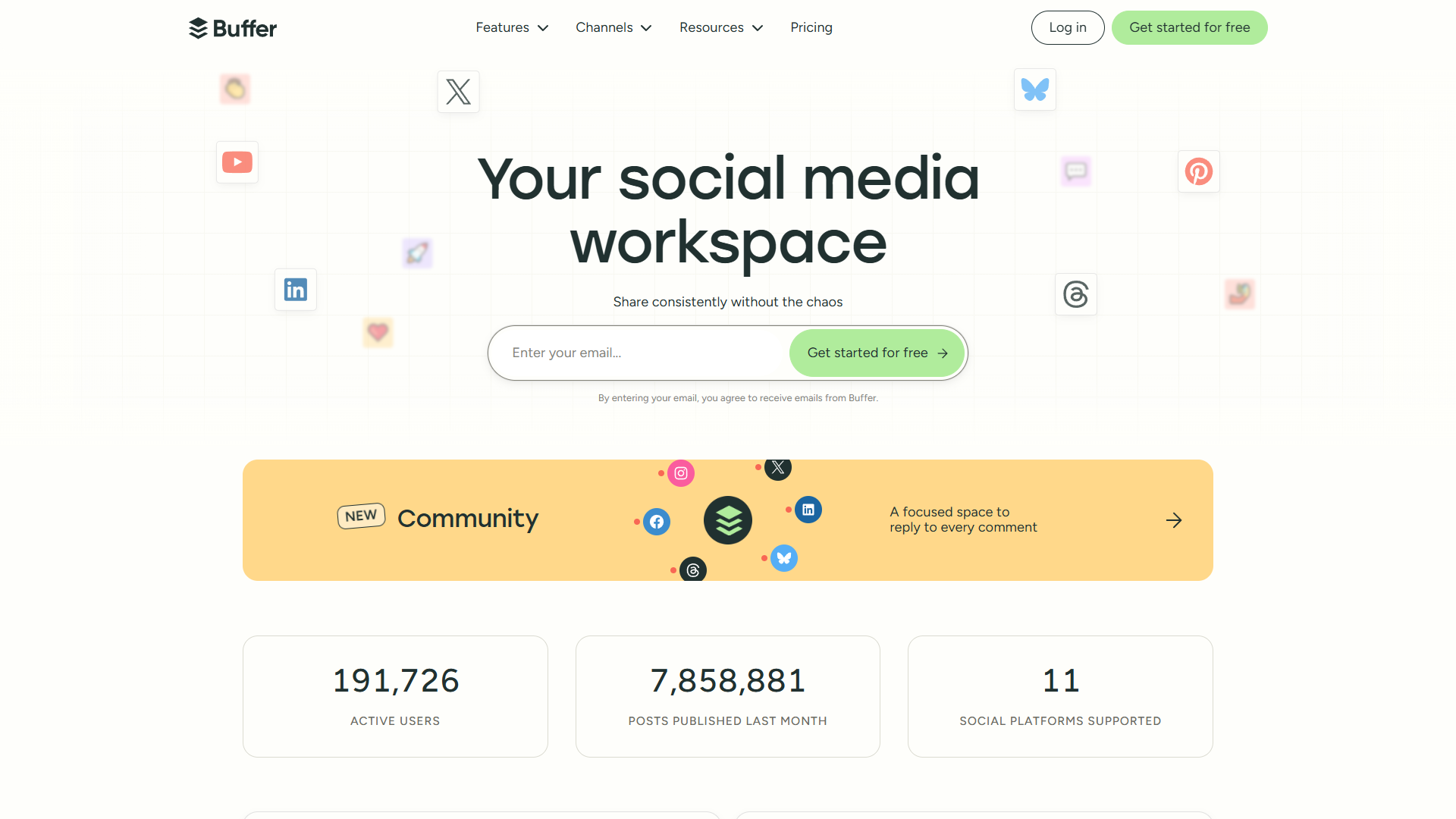
Buffer built its reputation on simplicity, and it remains the most intuitive scheduling tool available. If you want to schedule posts without wrestling with complex features, Buffer delivers.
The free tier is genuinely useful (3 channels, 10 scheduled posts), making it perfect for individuals and small businesses testing social media management.
Key Features:
- Clean, intuitive scheduling interface
- Basic AI Assistant for caption suggestions
- Link shortening with analytics
- Optimal timing suggestions
- Browser extension for quick sharing
- Instagram first comment scheduling
Pricing:
- Free: 3 channels, 10 scheduled posts
- Essentials: $6/mo per channel - Unlimited posts
- Team: $12/mo per channel - Collaboration features
- Agency: $120/mo - 10 channels included
Pros:
- Simplest interface in the category
- Generous free tier for testing
- Per-channel pricing scales affordably
- Reliable scheduling without glitches
- Fast mobile app for on-the-go posting
Cons:
- AI features basic compared to FeedHive
- Analytics limited on lower tiers
- No conditional posting or automation
- Content recycling requires manual setup
Best For: Individuals and small businesses who value simplicity over advanced features. If you just need reliable scheduling without the complexity, Buffer delivers.
3. Hootsuite: Best for Enterprise Teams

Hootsuite targets enterprise teams with complex approval workflows, compliance requirements, and multi-brand management. The platform handles social listening, employee advocacy, and advertising alongside scheduling.
The pricing reflects enterprise positioning — $99/month minimum puts it out of reach for small teams, but enterprises get features like advanced analytics, social listening, and dedicated support.
Key Features:
- Social listening and monitoring
- Employee advocacy programs
- Advanced analytics with custom reports
- Approval workflows for compliance
- Social advertising management
- 200+ app integrations
Pricing:
- Professional: $99/mo - 1 user, 10 accounts
- Team: $249/mo - 3 users, 20 accounts
- Enterprise: Custom pricing - Unlimited users
Pros:
- Most comprehensive enterprise feature set
- Social listening included in all plans
- Strong compliance and approval workflows
- Employee advocacy tools
- Extensive integration library
Cons:
- Expensive for small teams ($99/mo minimum)
- Interface feels dated compared to competitors
- AI features lag behind FeedHive
- Steep learning curve for full feature set
Best For: Enterprise marketing teams managing multiple brands with compliance requirements. If you need social listening, employee advocacy, and approval workflows in one platform, Hootsuite delivers enterprise-grade capabilities.
Which Tool Should You Choose?
For AI-powered automation: FeedHive ($19/mo). The AI content generation and conditional posting features are unmatched at this price point.
For simple scheduling: Buffer (Free or $6/mo). No learning curve, reliable scheduling, and a generous free tier make it perfect for individuals and small teams.
For enterprise teams: Hootsuite ($99/mo+). Social listening, compliance workflows, and employee advocacy justify the premium for large organizations.
Feature Comparison Table
| Feature | FeedHive | Buffer | Hootsuite |
|---|---|---|---|
| AI Content Generation | Excellent | Basic | Good |
| Conditional Posting | Yes | No | Limited |
| Social Listening | No | No | Yes |
| Free Tier | No | Yes | No |
| Team Collaboration | Yes | Yes | Yes |
| Content Recycling | Automated | Manual | Manual |
| Starting Price | $19/mo | Free | $99/mo |
Final Verdict
For most creators and small businesses in 2026, FeedHive at $19/month delivers the best value. The AI features genuinely save time, and conditional posting automates what used to require constant manual attention.
Buffer remains the best choice for anyone who just wants simple, reliable scheduling without complexity. The free tier is perfect for testing, and per-channel pricing keeps costs predictable.
Hootsuite makes sense only for enterprise teams with compliance requirements, multi-brand management, and social listening needs. The $99/month minimum prices out most small teams.
Start with Buffer’s free tier to test your workflow, then upgrade to FeedHive when you’re ready for AI-powered optimization.
External Resources
For official documentation and updates from these tools: