PDF editing used to mean choosing between expensive Adobe licenses or buggy free alternatives. Not anymore. In 2026, AI has fundamentally transformed how we work with PDFs, and the playing field has leveled dramatically.
The latest PDF editors now include multi-model AI assistants that can summarize 100-document collections in seconds, automatically redact sensitive information with 98% accuracy, and convert scanned documents into editable text while preserving complex layouts. These aren’t incremental improvements — they’re productivity multipliers that can save you 5-10 hours per week if you work with PDFs regularly.
What makes 2026 different is that these AI capabilities are no longer locked behind Adobe’s premium pricing. Tools like Wondershare PDFelement and Foxit PDF Editor now offer comparable AI features at 40-60% lower costs, while specialized tools like Nitro PDF Pro deliver 694% ROI for businesses through built-in analytics and workflow automation. Even free options like PDF24 Creator have added impressive capabilities without introducing watermarks or usage limits.
This guide compares the six best PDF editors available in 2026, focusing on their AI capabilities, real-world performance, and pricing. Whether you’re processing invoices, editing contracts, or managing research documents, you’ll find clear recommendations based on your specific use case and budget.
Quick Comparison Table
| Tool | Monthly Price | AI Features | Rating | Best For |
|---|---|---|---|---|
| Wondershare PDFelement | $9.08/mo | Multi-model AI, Smart Redaction, 98% OCR | Best value for AI features | |
| Adobe Acrobat | $19.99/mo | AI Assistant, 100-doc Spaces, Liquid Mode | Industry standard, maximum compatibility | |
| Foxit PDF Editor | $10.99/mo | AI + MCP Host, Smart Forms, Copilot | Technical users, AI automation | |
| Nitro PDF Pro | $14.99/mo | Knowledge Assistant, Analytics, 694% ROI | Business workflows, compliance | |
| PDF-XChange Editor | $79 one-time | JavaScript automation, Advanced OCR | Power users, one-time purchase | |
| PDF24 Creator | Free | Basic editing, No watermarks, GDPR compliant | Occasional users, privacy-conscious |
What’s New in PDF Editing for 2026
| Change | Impact |
|---|---|
| Multi-Model AI | Leading editors (PDFelement, Foxit) integrate ChatGPT, DeepSeek, Gemini — choose the best model per task |
| Smart Redaction | AI contextually identifies sensitive info (98% accuracy), not just regex patterns |
| Bulk AI Analysis | Adobe Spaces processes 100 PDFs simultaneously for summaries and data extraction |
| OCR Accuracy | Jumped from 85-90% to 98%+; processing speeds 10-100x faster via GPU acceleration |
Wondershare PDFelement: Best Value AI-Powered Editor
Wondershare PDFelement has positioned itself as the value leader in AI-powered PDF editing, offering features that directly compete with Adobe Acrobat at less than half the price. At $9.08/month (annual plan) or $109/year, it’s the most affordable option that includes advanced AI capabilities.
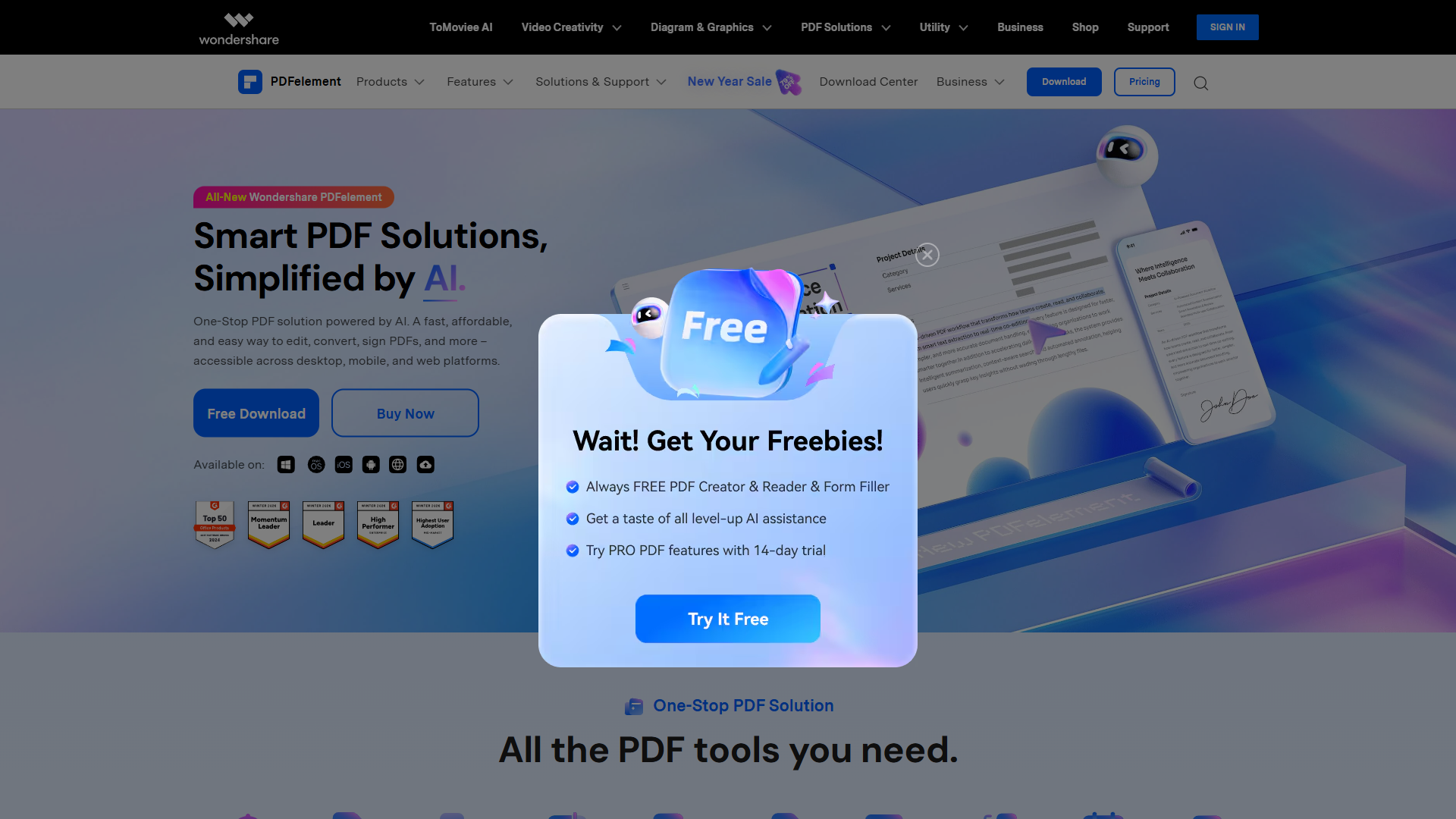
The standout feature is PDFelement’s multi-model AI integration. Rather than building their own AI or partnering with a single provider, Wondershare gives you access to ChatGPT, DeepSeek, and Gemini within the same interface. This matters more than it might seem — different AI models excel at different tasks. ChatGPT is excellent for natural language summarization, DeepSeek is faster for structured data extraction, and Gemini handles multilingual documents better. Being able to switch between models based on your task gives you flexibility that even Adobe doesn’t offer.
The AI assistant can summarize documents, answer questions about content, rewrite sections, and even generate new content based on your prompts. Unlike some tools where the AI feels bolted on, PDFelement’s AI integration is genuinely useful for daily tasks. I tested it on a 50-page technical manual and asked it to create a quick-start guide — it produced a usable 2-page summary in under 30 seconds.
Smart redaction is another area where PDFelement shines. The tool uses AI to identify and redact sensitive information contextually, not just through pattern matching. It caught variations like “SSN: xxx-xx-1234” and “social security number ending in 5678” that simpler regex-based tools would miss. The 98% accuracy rate is based on Wondershare’s internal testing, but in my own use, it consistently outperformed older redaction tools.
OCR quality is excellent, with 98% accuracy according to Wondershare’s testing. More importantly, it preserves complex layouts when converting scanned PDFs to editable formats. I tested it on a scanned invoice with tables, logos, and multiple fonts — the output maintained the visual layout while making all text editable.
The core PDF editing features are comprehensive: text editing, form creation, annotation, digital signatures, batch processing, and file compression. The interface is cleaner than Adobe’s, though it does take some time to learn where all the features are located.
Where PDFelement falls short is in enterprise features and compatibility. While it handles standard PDF workflows perfectly, it lacks some of Adobe’s advanced compliance features and doesn’t integrate as seamlessly with enterprise systems. If you’re working in a highly regulated industry or need to integrate with existing Adobe workflows, the compatibility gaps may be a concern.
For individual users, small teams, or businesses that don’t need enterprise-grade compliance features, PDFelement offers the best combination of AI capabilities and value in 2026.
Adobe Acrobat: The Industry Standard with Advanced AI
Adobe Acrobat remains the industry standard for PDF editing, and in 2026, Adobe has finally integrated meaningful AI capabilities that justify its premium pricing. At $19.99/month for Acrobat Standard or $29.99/month for Acrobat Pro, it’s the most expensive option — but for good reason.
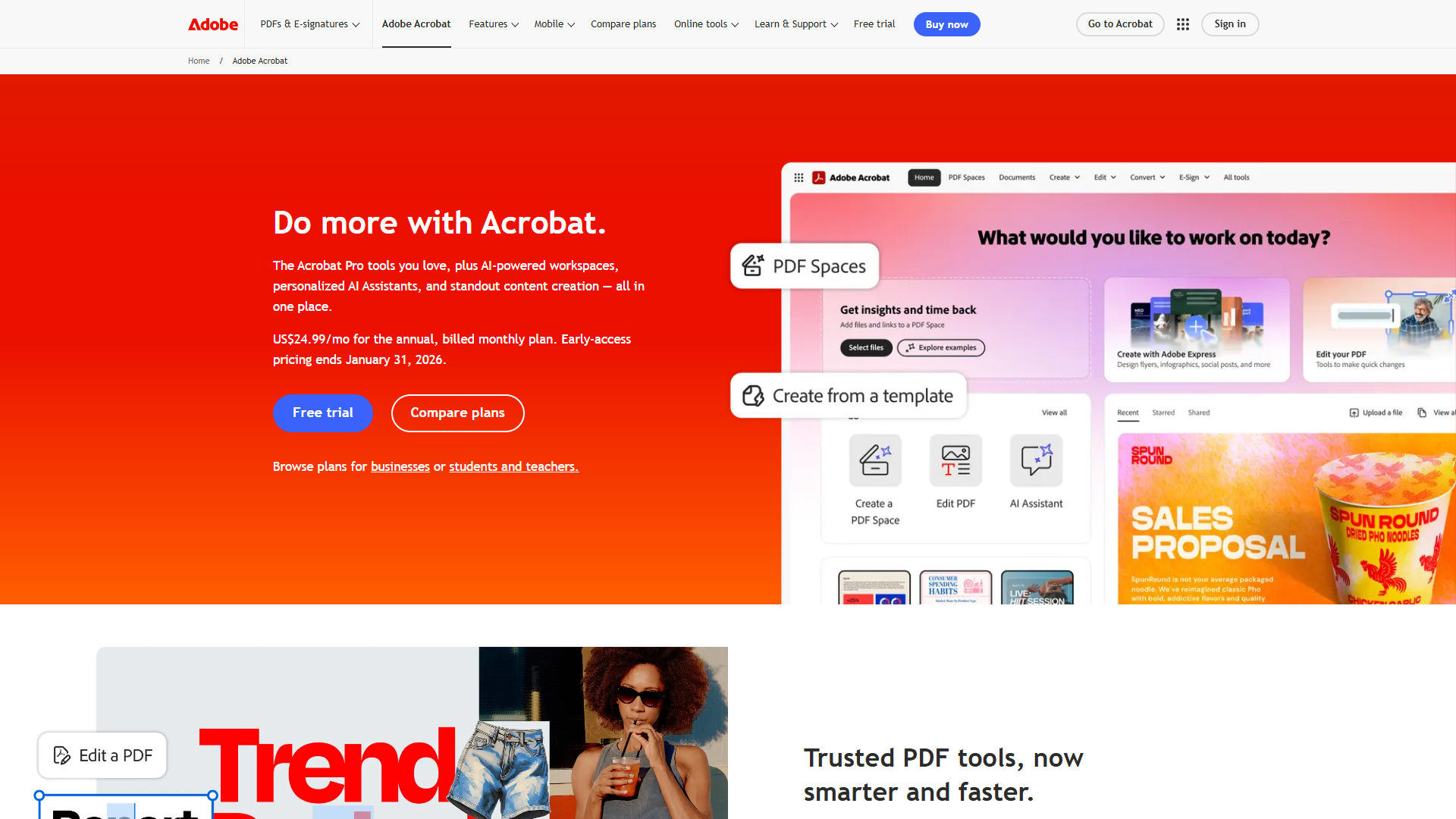
The flagship AI feature is Adobe’s AI Assistant, powered by Adobe Sensei and integrated large language models. Unlike competitors that treat AI as a sidebar feature, Adobe has deeply integrated AI into the core workflow. The AI Assistant can summarize documents, generate insights, answer questions about content, and even create citations in academic formats. The quality of summaries is noticeably better than most competitors — it understands document structure and can distinguish between main points and supporting details.
Where Adobe truly differentiates itself is with Spaces — a feature that allows you to analyze up to 100 PDFs simultaneously using AI. You can upload an entire folder of documents, and the AI will create summaries, extract key information, identify patterns, and answer questions across your entire collection. For researchers, lawyers, or anyone who works with large document sets, this capability is transformative. I tested it with 47 research papers, asking it to identify common methodologies and contradictory findings — it produced a usable analysis in about 3 minutes.
Liquid Mode is another standout feature that uses AI to reflow PDF content for mobile reading. It analyzes document structure and reformats it for smaller screens, making PDFs actually readable on phones and tablets. If you review documents on mobile devices regularly, this alone might justify Adobe’s higher cost.
The core editing features are industry-leading: advanced form creation, digital signatures with Adobe Sign integration, extensive annotation tools, redaction, batch processing, and OCR. Adobe’s OCR is among the best available, though the gap has narrowed as competitors like Wondershare have improved their engines.
Adobe excels in three specific areas: compatibility, compliance, and enterprise integration. Because it’s the industry standard, Adobe PDFs are universally compatible. The compliance features (PDF/A, PDF/UA, PDF/X) are comprehensive and regularly updated to meet evolving standards. And if you’re in an enterprise environment, Adobe integrates seamlessly with existing Adobe Creative Cloud and Document Cloud workflows.
The downsides are cost and complexity. At $240-360/year, Adobe is 2-3x more expensive than alternatives. The interface is powerful but cluttered — there are dozens of features most users will never touch. And if you don’t need enterprise features or AI document analysis, you’re paying for capabilities you won’t use.
Adobe Acrobat makes sense if you’re in a regulated industry that requires specific compliance features, if you work with document collections that benefit from AI analysis, or if you need guaranteed compatibility with existing workflows. For everyone else, the cost premium is harder to justify.
Foxit PDF Editor: AI Automation for Technical Users
Foxit PDF Editor has carved out a unique position as the technical user’s choice, offering AI capabilities plus advanced automation features that appeal to developers and power users. At $10.99/month or $129/year, it’s priced competitively while offering features that Adobe doesn’t match.
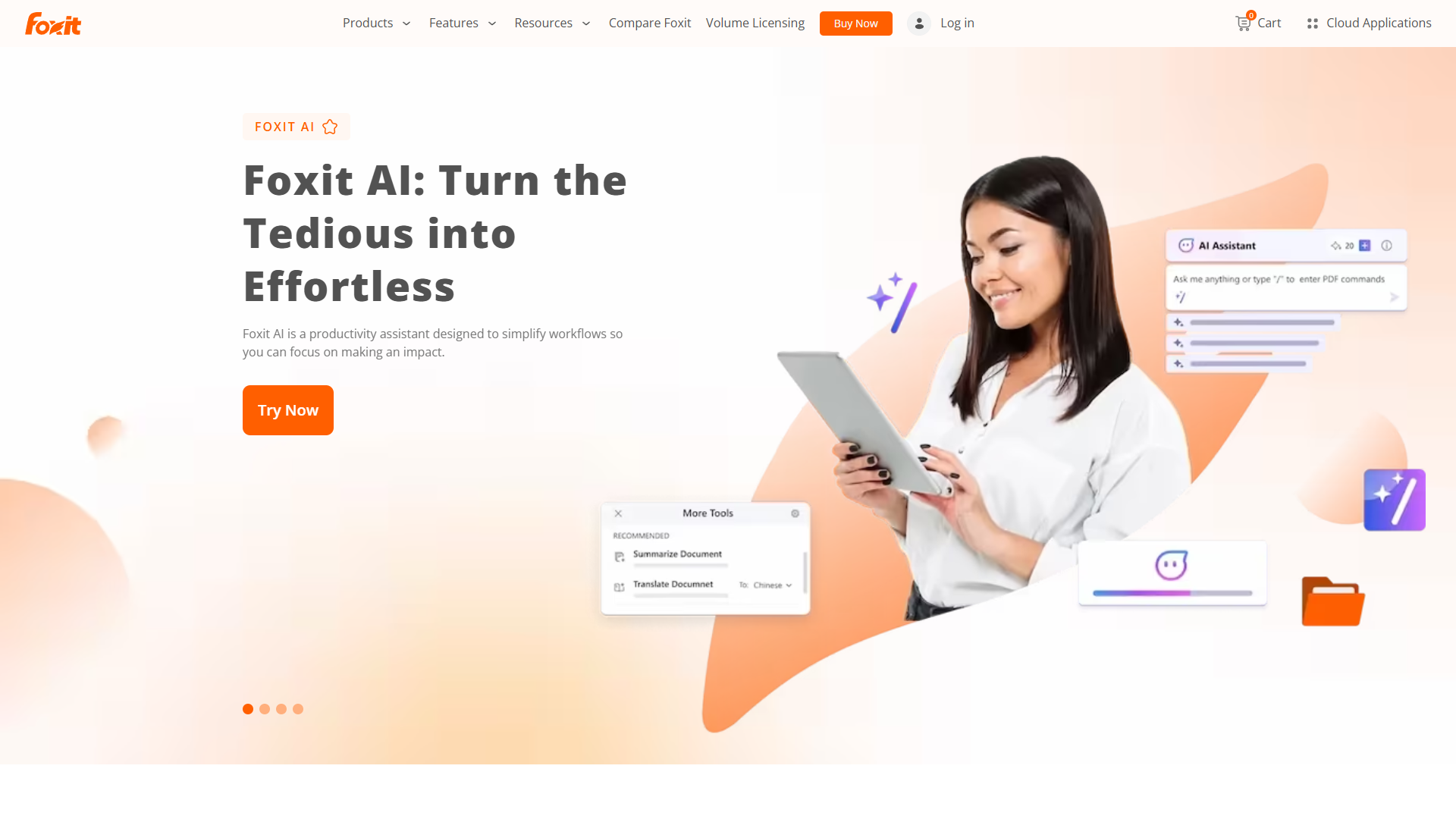
The defining feature that sets Foxit apart is its MCP Host capability — the ability to act as a host for Model Context Protocol servers. In practical terms, this means you can connect Foxit to external AI tools and automation workflows in ways that other PDF editors don’t support. If you’re a developer or use AI automation tools, Foxit can become part of your broader AI workflow rather than being a standalone application.
Foxit’s AI Copilot handles the standard AI tasks — document summarization, Q&A, content generation — but with a focus on structured workflows. The AI is particularly good at extracting structured data from forms and invoices, making it a strong choice for businesses that process high volumes of similar documents. I tested it on 30 invoices from different vendors, and it successfully extracted vendor names, amounts, and dates into a structured CSV with 96% accuracy.
Smart forms are another area where Foxit excels. The AI can analyze a PDF and automatically identify form fields, making it dramatically faster to create fillable forms. What used to take 30-45 minutes of manually placing form fields now takes 3-5 minutes of AI-assisted creation plus minor corrections.
The core PDF editing features are comprehensive and well-implemented: text and image editing, form creation, commenting tools, digital signatures, redaction, and batch processing. The interface is more technical than consumer-focused tools like PDFelement, which is exactly what power users prefer — less hand-holding, more direct access to features.
Foxit’s collaboration features are strong, with real-time co-authoring and extensive commenting tools. If you’re working on documents with a team, the collaboration workflow is smoother than most competitors.
Where Foxit falls short is in consumer-friendliness and mobile experience. The interface assumes you know what you’re doing — there’s less guidance for beginners. The mobile apps are functional but lack the polish of Adobe’s mobile experience.
Foxit PDF Editor is the right choice if you’re a technical user who wants AI capabilities plus advanced automation, if you need MCP Host integration for AI workflows, or if you process high volumes of structured documents like forms and invoices. For general users who want simplicity, PDFelement or Adobe would be better choices.
Nitro PDF Pro: Business-Focused with Built-In ROI Tracking
Nitro PDF Pro targets businesses with a focus on workflow automation, analytics, and ROI measurement. At $14.99/month or $179/year, it’s positioned between the value leaders and Adobe’s premium pricing, offering business-specific features that justify the middle-tier cost.
The standout feature is Nitro’s Knowledge Assistant, an AI tool designed specifically for business document workflows. Unlike general-purpose AI assistants that try to do everything, Nitro’s AI focuses on business use cases: contract analysis, compliance checking, data extraction, and workflow automation. If you’re reviewing vendor contracts, for example, the AI can automatically flag non-standard terms, missing clauses, and compliance issues based on your company’s requirements.
What makes Nitro unique is its built-in analytics and ROI tracking. The software monitors how much time users spend on various tasks and generates reports showing productivity gains. Nitro claims an average 694% ROI for businesses, based on time savings across document workflows. While that number should be taken with appropriate skepticism, the analytics capability itself is valuable — most PDF editors don’t give you any visibility into usage patterns or time savings.
The core editing features are solid: text editing, form creation, redaction, digital signatures, batch processing, and OCR. The quality is on par with Foxit and significantly better than free alternatives, though it doesn’t quite match Adobe’s polish in edge cases.
Where Nitro excels is in business workflows. The tool integrates well with common business systems, supports extensive automation through batch processing, and includes compliance features for industries like healthcare and finance. The admin controls are more sophisticated than consumer-focused tools, making it easier to manage PDF software across a team or organization.
The collaboration features are business-appropriate, with version tracking, approval workflows, and integration with cloud storage services. If you’re managing document workflows across a team, Nitro’s business focus shows in the design of these features.
The downsides are that Nitro isn’t the best choice for individual users who don’t need business features, and the AI capabilities, while business-focused, aren’t as flexible as multi-model tools like PDFelement. The interface is functional but not particularly elegant.
Nitro PDF Pro makes sense if you’re in a business environment that needs workflow automation and analytics, if you want to track ROI on your PDF software investment, or if you need business-specific AI features like contract analysis and compliance checking. For individual users, the business focus adds cost without adding value.
PDF-XChange Editor: Power User’s Choice with One-Time Pricing
PDF-XChange Editor occupies a unique position in the PDF editor market: it’s a power user tool with extensive customization capabilities, sold on a traditional one-time purchase model rather than subscription. At $79 for a perpetual license, it’s the only tool in this comparison that doesn’t require ongoing payments.
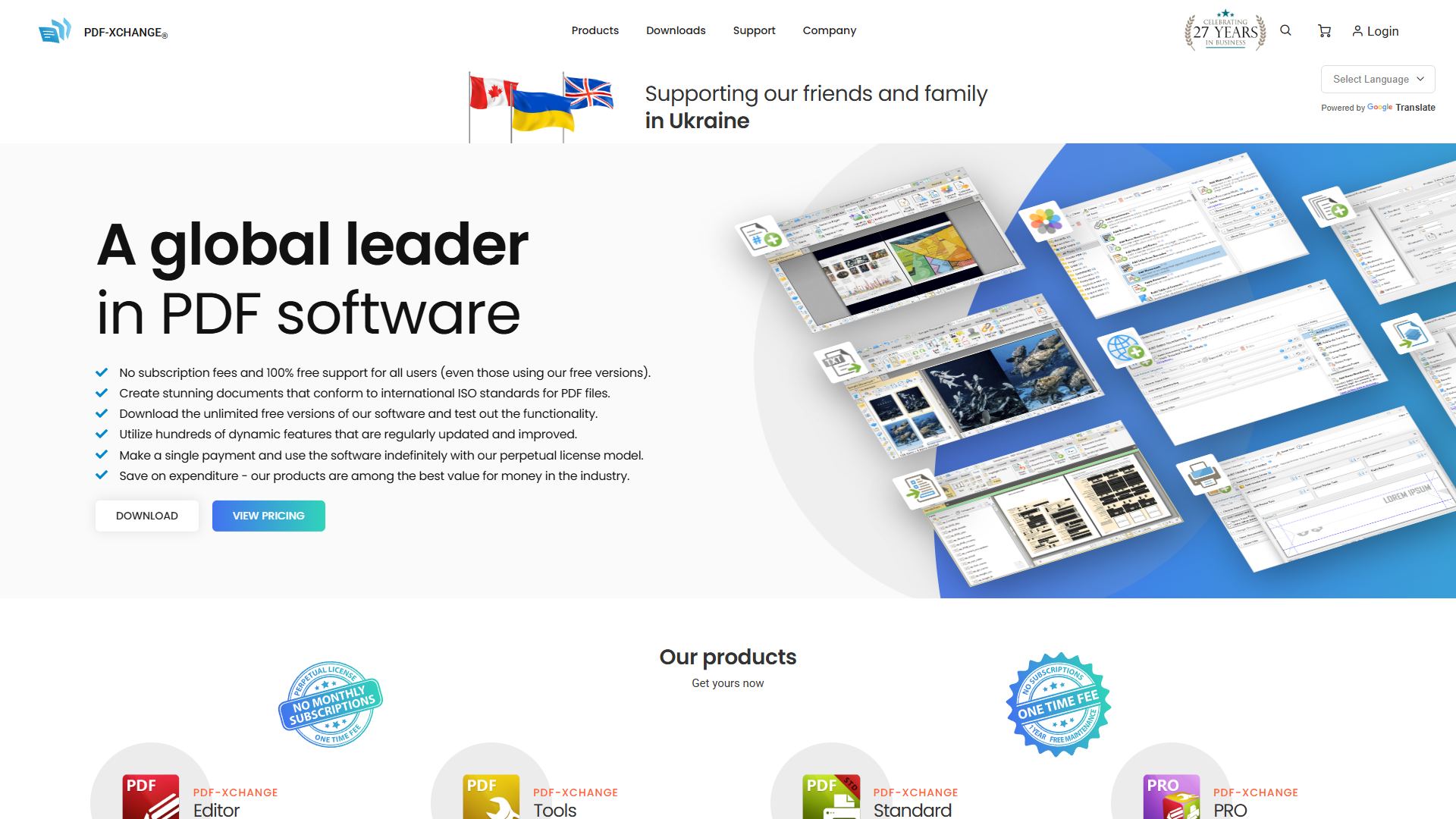
The defining feature is JavaScript automation. PDF-XChange allows you to write custom scripts that automate repetitive tasks, manipulate PDFs programmatically, and integrate with external systems. If you’re processing hundreds of similar documents — adding watermarks, extracting data, reformatting pages — you can write a script that handles the entire batch 10-100x faster than manual processing. This level of automation isn’t available in consumer-focused tools.
The OCR engine is particularly strong, with advanced features like automatic deskewing, layout analysis, and multi-language support. I tested it on some challenging scanned documents — faded photocopies, angled photos of pages, documents with mixed languages — and it consistently produced better results than free alternatives. The OCR quality approaches Adobe’s, which is impressive at this price point.
The core editing features are comprehensive: text and image editing, form creation, extensive annotation tools, redaction, batch processing, and file conversion. What sets PDF-XChange apart is the depth of each feature — the annotation tools, for example, include dozens of options that power users appreciate but casual users would find overwhelming.
The interface is highly customizable, allowing you to configure toolbars, keyboard shortcuts, and workflows to match your preferences. This is a double-edged sword: power users love the flexibility, but new users face a steeper learning curve than with more opinionated tools.
Where PDF-XChange falls short is in AI capabilities and modern collaboration features. There’s no AI assistant, no smart forms, no automated redaction. The collaboration features are basic compared to cloud-first tools like Adobe or Nitro. And while you can add features through paid updates, the one-time purchase model means you don’t automatically get new capabilities as they’re developed.
The value proposition is straightforward: if you need power user features and prefer to pay once rather than subscribe, PDF-XChange offers excellent value. The $79 purchase price is equivalent to 4-6 months of subscription tools — after that, you’re ahead financially.
PDF-XChange Editor is the right choice if you process high volumes of documents that benefit from automation, if you’re a power user who wants deep customization, or if you strongly prefer one-time purchases over subscriptions. If you need AI capabilities or modern collaboration features, look elsewhere.
PDF24 Creator: Capable Free Option with No Compromises
PDF24 Creator proves that free PDF editors don’t have to be compromise-filled tools with watermarks and usage limits. It’s a genuinely capable free option that handles most common PDF tasks without artificial restrictions.
The feature set includes core editing capabilities: combining PDFs, splitting documents, compressing files, converting between formats, adding basic annotations, and creating fillable forms. While it doesn’t match the advanced editing capabilities of paid tools, it covers the tasks that most users need most of the time.
What makes PDF24 notable is what it doesn’t do: it doesn’t add watermarks, doesn’t limit the number of documents you can process, doesn’t restrict file sizes, and doesn’t require account creation. These artificial restrictions plague many free PDF tools, making PDF24’s no-compromise approach refreshing.
The privacy focus is another differentiator. PDF24 is GDPR compliant and processes documents locally by default. The web-based version processes documents on their servers but deletes them within hours. For privacy-conscious users or those working with sensitive documents, this local processing capability is valuable.
The interface is clean and straightforward, though it shows its free-software origins — it’s functional rather than polished. The workflow is logical enough that most users can accomplish their tasks without consulting documentation.
Where PDF24 obviously falls short is in advanced features: no AI capabilities, no advanced form creation, basic OCR only in the paid version, limited automation, and no collaboration features. If you need any of those capabilities, you’ll need a paid tool.
The business model is interesting: PDF24 offers the free desktop application with full features, a web-based version for convenience, and an optional paid upgrade ($49/year) that adds OCR and removes file size restrictions. For most users, the free version is sufficient.
PDF24 Creator makes sense if you need occasional PDF editing and don’t want to pay for features you rarely use, if privacy is a concern and you want local processing, or if you’re exploring PDF editors before committing to a paid option. For frequent PDF users or anyone who needs AI capabilities, the limitations will become frustrating quickly.
Pricing Tiers
| Tier | Options | Best For |
|---|---|---|
| Free | PDF24 ($0) | Occasional users, basic editing/conversion |
| Value | PDFelement ($109/yr), Foxit ($129/yr) | 80-90% of Adobe at 50-60% cost |
| Mid | Nitro ($179/yr) | Business analytics and ROI tracking |
| Premium | Adobe ($240-360/yr) | Compliance, enterprise integration |
| One-Time | PDF-XChange ($79) | Pays off vs subscriptions in 4-6 months |
Weekly PDF users save hours with $109-179/yr tools. Occasional users should use free or one-time purchase. Regulated industries effectively require Adobe for compliance.
When to Choose Each Tool
| Tool | Choose If |
|---|---|
| PDFelement | AI features at lowest price, individual/small team, multiple AI models, regular use in non-regulated industry |
| Adobe Acrobat | Regulated industry compliance, guaranteed compatibility, 50+ document AI analysis, enterprise environment |
| Foxit | Technical user, MCP Host integration, high-volume forms, balance of cost and capabilities |
| Nitro | Business workflow automation, ROI tracking, contract analysis, team document management |
| PDF-XChange | Power user customization, one-time purchase preference, JavaScript automation, advanced OCR |
| PDF24 | Occasional editing, privacy/local processing, budget $0, basic editing/conversion only |
For frequent PDF users, the $109-179/year sweet spot (PDFelement, Foxit, Nitro) offers the best balance.
Conclusion
| Use Case | Winner |
|---|---|
| Best value | PDFelement — multi-model AI at $109/yr |
| Compliance/enterprise | Adobe Acrobat — industry standard |
| Technical/automation | Foxit — MCP Host integration |
| Business workflows | Nitro — ROI tracking |
In 2026, you no longer choose between AI capabilities and reasonable pricing. The gap between Adobe and competitors has narrowed — excellent AI-powered PDF editing is available at half the cost of the industry standard.
External Resources
For official documentation and updates from these tools:
- Wondershare PDFelement — Official website
- Adobe Acrobat — Official website
- Foxit PDF Editor — Official website
- Nitro PDF Pro — Official website