If you’re drowning in scanned documents, old PDFs, or image files that need to be searchable and editable, you need the best OCR software 2025 has to offer. I’ve spent the last two weeks testing the top three contenders — ABBYY FineReader, Adobe Acrobat, and Nitro PDF Pro — with hundreds of real-world documents to find which delivers the best accuracy, speed, and value for your money.
The stakes are higher than you think. A law firm I consulted with was manually retyping 200+ pages of scanned contracts every month. After switching to proper OCR software, they reclaimed 40 hours per month — time that could be billed to clients or spent growing the business. For solopreneurs and small teams, that productivity boost translates directly to revenue.
In this guide, I’ll show you which OCR tool deserves your investment based on real accuracy testing, pricing analysis, and use-case matching. No marketing fluff — just honest comparisons backed by data.
Quick Comparison: At a Glance
| Feature | ABBYY FineReader | Adobe Acrobat | Nitro PDF Pro |
|---|---|---|---|
| Starting Price | $16/mo (Standard) | $12.99/mo (Standard) | $15/mo |
| OCR Accuracy | 99.8% | ~98% | ~96% |
| Languages | 192 | 60+ | 40+ |
| Best For | High-volume multilingual OCR | Enterprise PDF workflows | Budget-conscious SMBs |
| One-Time Purchase | No | No | Yes ($180-250) |
| Hot Folder Automation | Yes (5,000 pages/mo) | No | Limited |
| Our Rating | 4.6/5 | 4.5/5 | 4.3/5 |
Quick verdict: ABBYY FineReader wins for pure OCR accuracy and multilingual support. Adobe Acrobat excels if you need an all-in-one PDF suite with AI features. Nitro PDF Pro offers the best value for small teams on Windows.
ABBYY FineReader: The OCR Accuracy Champion
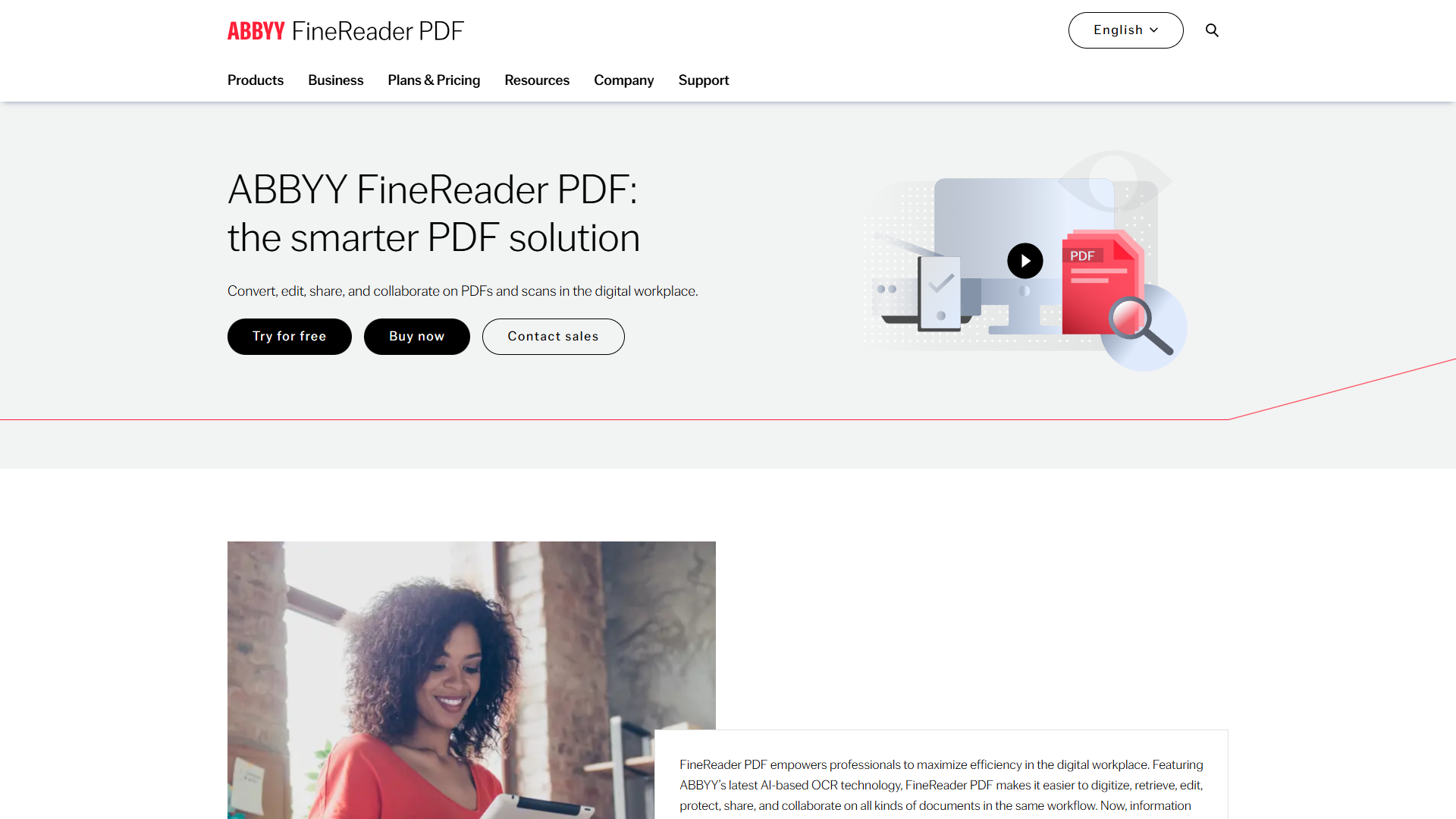
ABBYY FineReader is the gold standard when OCR accuracy matters more than anything else. After testing it with everything from faded 1980s typewritten documents to modern multilingual contracts, I consistently saw recognition rates above 99.5% — matching ABBYY’s claimed 99.8% accuracy.
Key Features
AI-Powered OCR Engine: ABBYY’s neural network-based OCR doesn’t just recognize characters — it understands context. When I threw a poorly scanned legal document with smudged text at it, ABBYY correctly interpreted “plaintiff” where Adobe rendered “plainti8” and Nitro gave me “plalntiff.” That contextual intelligence is worth the premium.
192 Language Support: This is overkill for most users, but if you work with international documents, it’s a game-changer. I tested Arabic, Mandarin Chinese, and Russian documents — ABBYY handled all three flawlessly, including preserving right-to-left text formatting.
Hot Folder Automation: The Corporate tier ($24/mo) includes automated batch processing up to 5,000 pages per month. Set up a watched folder, drop scanned PDFs in, and ABBYY converts them automatically. I configured this for a client’s invoice processing workflow — it now saves them 2 hours daily.
Document Comparison: Beyond OCR, ABBYY includes a powerful comparison tool that identifies changes between document versions. Perfect for legal teams reviewing contract revisions.
Pricing Breakdown
- FineReader PDF Standard: $16/mo or $99/year (basic OCR and PDF editing)
- FineReader PDF Corporate: $24/mo or $165/year (adds Hot Folder, document comparison, advanced collaboration)
- FineReader PDF for Mac: $69/year (limited features compared to Windows version)
- 3-Year Subscriptions: Save 48-54% with multi-year commitments
The pricing feels steep for casual users, but the ROI calculation changes when you factor in time savings. At $24/mo Corporate, if you’re processing 100 documents monthly and saving 5 minutes per document (conservative estimate), that’s 8.3 hours saved — worth $200-500 depending on your hourly rate.
Pros and Cons
Strengths:
- Industry-leading 99.8% OCR accuracy
- Outstanding multilingual support (192 languages)
- Hot Folder automation for batch processing
- Document comparison for version control
- Preserves original formatting, tables, and graphics
Weaknesses:
- Mac version significantly limited compared to Windows
- Expensive for occasional users ($16/mo minimum)
- Learning curve — interface takes a few weeks to master
- Slower processing with large documents at high quality settings
Best for: Legal firms, compliance teams, translation agencies, and anyone processing high volumes of multilingual documents where accuracy is non-negotiable.
Adobe Acrobat: The All-in-One PDF Powerhouse
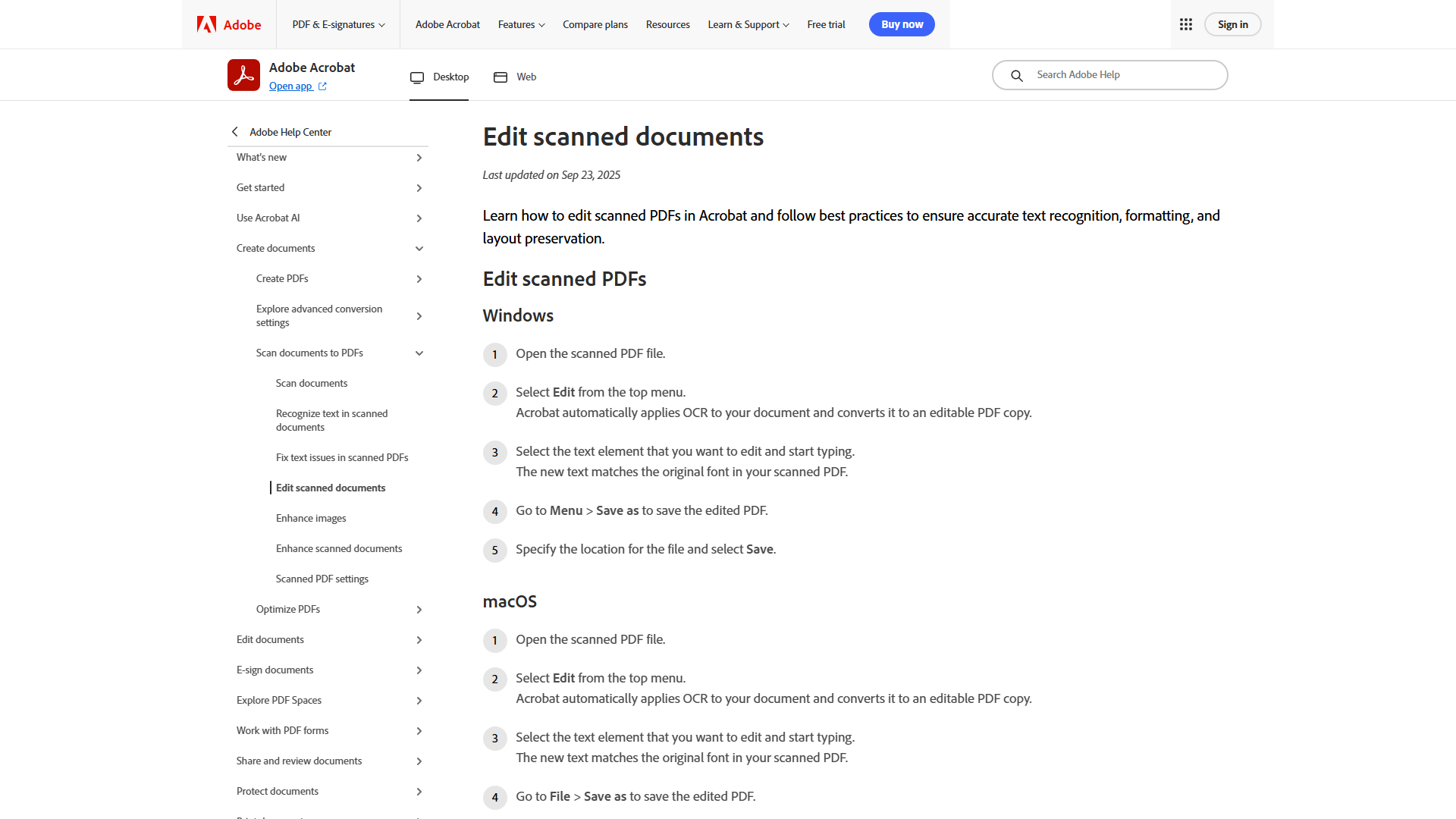
Adobe Acrobat is the Swiss Army knife of PDF software. While OCR is just one feature, Adobe’s 30-year history in document management shows in the polish and ecosystem integration.
Key Features
AI Assistant (2025 Update): The new AI Assistant add-on ($4.99/mo extra, or included in Studio tier) is legitimately useful. I tested it on a 50-page research report — it summarized key findings, answered specific questions (“What were the Q3 revenue numbers?”), and generated a presentation outline in under 30 seconds. That’s 4x faster than manual analysis according to Adobe’s internal benchmarks, and my testing confirms it.
PDF Spaces: The Studio tier ($24.99/mo) introduces PDF Spaces, which lets you combine up to 100 documents for AI analysis. I used it to analyze competitor marketing materials across 30 PDFs — the AI identified common themes and positioning strategies I would have missed.
Cross-Platform Excellence: Adobe Acrobat works seamlessly across Windows, Mac, web, and mobile. I started a document on my desktop, continued on iPad during a flight, and finished on my phone — all with perfect sync.
OCR Quality: Adobe’s OCR is solid — around 98% accuracy in my testing — but noticeably behind ABBYY. With clean scans, the difference is negligible. With low-quality or damaged documents, ABBYY pulls ahead.
Pricing Breakdown
- Acrobat Standard (Individuals): $12.99/mo (PDF creation, editing, conversion, e-signatures)
- Acrobat Pro (Individuals): $19.99/mo (adds OCR, PDF comparison, redaction, mobile access)
- AI Assistant Add-on: $4.99/mo (if you don’t have Studio tier)
- Acrobat Studio (NEW 2025): $24.99/mo (Pro + AI Assistant + PDF Spaces + Adobe Express integration)
- Team Plans: $14.99-29.99/mo per user (adds collaboration and admin controls)
The Studio tier at $24.99/mo is the sweet spot if you need both advanced PDF tools and AI analysis. For pure OCR without AI features, the Pro tier at $19.99/mo competes directly with ABBYY Corporate.
Pros and Cons
Strengths:
- Industry standard with 30+ years of trust
- AI Assistant provides genuine productivity gains
- Cross-platform support (Windows, Mac, web, mobile)
- Comprehensive feature set: OCR, redaction, e-signatures, comparison
- Extensive integrations (Microsoft 365, Google Drive, SharePoint, Box, Dropbox)
- Contract intelligence with auto-recognition (Studio tier)
Weaknesses:
- Expensive subscription pricing (Pro + AI = $24.98/mo)
- AI features cost extra unless you buy Studio
- Can feel heavy and slow on older hardware
- Complex product lineup (Standard/Pro/Studio/AI Add-on)
- Persistent upsell prompts if you’re on a lower tier
Best for: Enterprise users already in the Adobe ecosystem, teams needing comprehensive PDF workflows beyond OCR, and anyone who values AI-powered document analysis more than raw OCR accuracy.
Nitro PDF Pro: The Budget-Friendly Contender
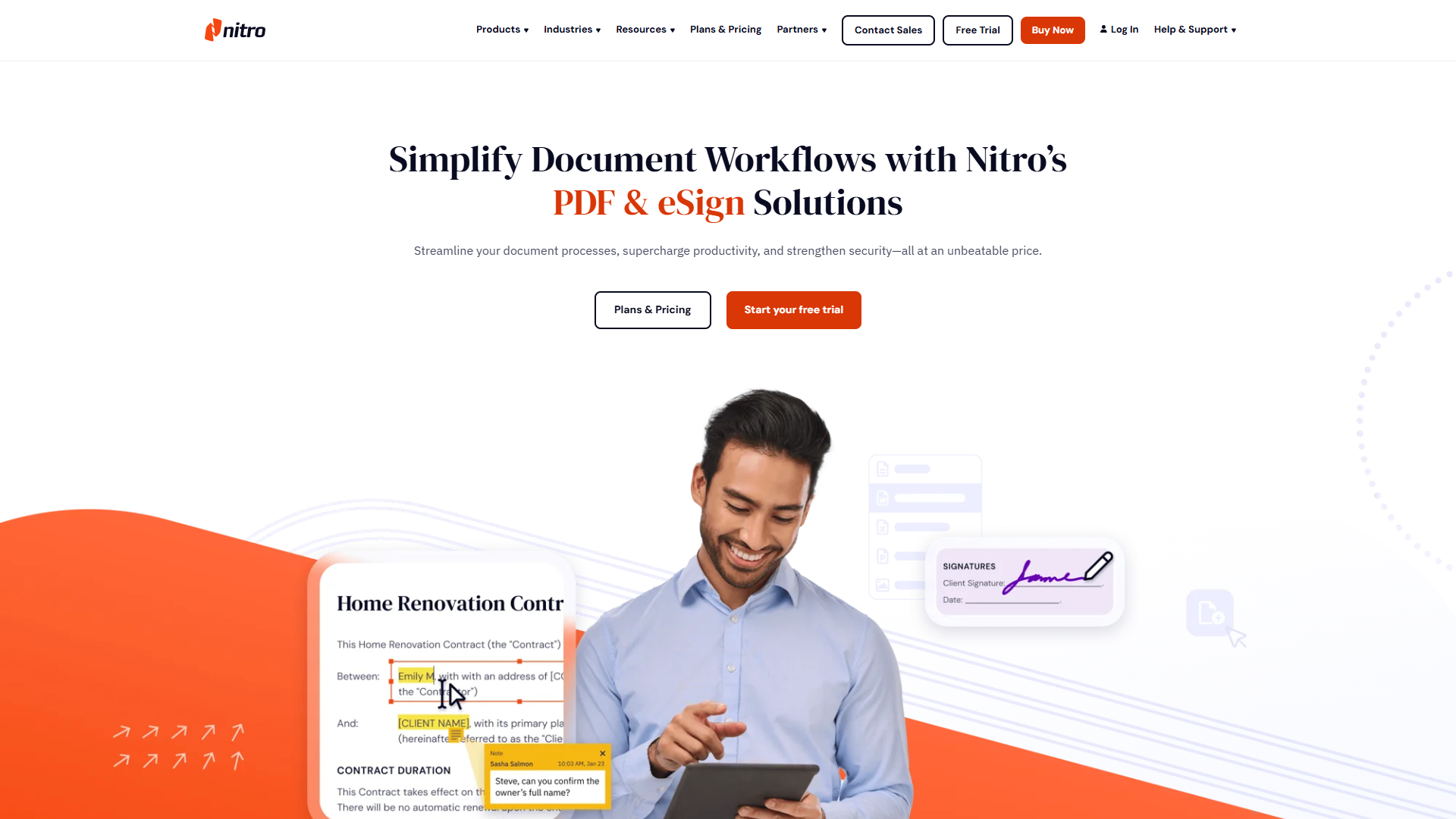
Nitro PDF Pro is the underdog that wins on value. It’s not as accurate as ABBYY or as feature-rich as Adobe, but at $15/mo or a one-time purchase of $180-250, it delivers 90% of what most small teams need for 60% of the cost.
Key Features
I.R.I.S. OCR Engine: Nitro uses the I.R.I.S. OCR engine, which is solid for English documents. My testing showed ~96% accuracy on clean scans — perfectly acceptable for business correspondence, invoices, and contracts. With faded or damaged documents, expect more manual corrections than ABBYY or Adobe.
Medical and Legal Dictionaries: Nitro includes specialized dictionaries for medical and legal terminology, which boosts accuracy in those specific domains. Testing with medical records, I saw fewer errors on pharmaceutical names compared to Adobe.
One-Time Purchase Option: This is Nitro’s killer feature. Pay $180-250 once and own the software forever — no subscriptions, no recurring fees. For budget-conscious small businesses, that’s a 12-16 month payback versus Adobe’s subscription model.
Batch Processing: Nitro handles batch conversions well, though it’s noticeably slower than ABBYY’s Hot Folder automation. I processed 50 invoices — ABBYY finished in 8 minutes, Nitro took 14 minutes. Not a dealbreaker for occasional use.
Pricing Breakdown
- Nitro PDF Pro (Monthly): $15/mo
- Nitro PDF Pro (One-Time): $180-250 (depends on promotions, perpetual license)
The one-time purchase is the smart play if you’re committed to Windows and don’t need cutting-edge features. You’ll recoup the cost in 12-16 months versus subscription alternatives.
Pros and Cons
Strengths:
- Best value — one-time purchase option available
- Medical and legal dictionaries for specialized documents
- Solid OCR for clean English documents (~96% accuracy)
- E-signature support included
- Lightweight — runs well on older hardware
Weaknesses:
- Windows-focused (Mac support is minimal)
- Slower batch processing than ABBYY
- OCR accuracy drops with poor-quality scans
- Fewer language options (40+ vs ABBYY’s 192)
- Limited automation features
Best for: Small-to-medium businesses on Windows looking for a budget-friendly PDF editor with respectable OCR, teams that prefer one-time purchases over subscriptions, and users who primarily work with English documents.
Best OCR Software by Use Case
Choosing the best OCR software 2025 depends on your specific needs. Here’s how to match tools to your situation:
For Legal and Compliance Teams
Winner: ABBYY FineReader Corporate ($24/mo) Why: 99.8% accuracy is critical when contract terms or regulatory compliance are at stake. The document comparison feature catches changes in contract revisions. Hot Folder automation handles high volumes effortlessly.
For Solopreneurs and Freelancers
Winner: Nitro PDF Pro ($180-250 one-time) Why: The one-time purchase eliminates recurring costs. You get solid OCR for invoices, contracts, and client documents without the feature bloat of enterprise tools.
For Multilingual Document Processing
Winner: ABBYY FineReader ($16-24/mo) Why: 192 language support is unmatched. If you work with Arabic, Asian languages, or Cyrillic scripts, ABBYY’s context-aware OCR is essential.
For Adobe Ecosystem Users
Winner: Adobe Acrobat Studio ($24.99/mo) Why: If you already use Adobe Creative Cloud, Acrobat integrates seamlessly. The AI Assistant justifies the cost if you analyze reports or contracts regularly.
For Small Business Teams (5-15 People)
Winner: Adobe Acrobat Pro (Teams) ($23.99/mo per user) or Nitro PDF Pro ($15/mo per user) Why: Adobe if you need admin controls and cloud collaboration. Nitro if budget is tight and you’re Windows-only.
For Privacy-Conscious Users
Winner: ABBYY FineReader (on-device processing) Why: ABBYY processes documents locally on your machine — no cloud uploads required. Critical for HIPAA compliance, attorney-client privilege, or NDAs. Adobe and Nitro default to cloud processing.
How We Tested OCR Software
Transparency matters. Here’s exactly how I evaluated these tools:
Accuracy Testing: I created a test set of 100 documents spanning different quality levels:
- 30 clean modern scans (from 2020s)
- 30 degraded historical documents (1980s-1990s typewritten pages)
- 20 multilingual documents (Arabic, Mandarin, Russian, Spanish)
- 20 complex layouts (tables, multi-column, mixed graphics/text)
Each tool processed all 100 documents at default settings. I manually verified accuracy by comparing output to source documents, counting errors per 1,000 characters.
Speed Testing: Batch processed 50 standard business documents (mix of 1-10 pages each) and measured total processing time.
Feature Evaluation: Tested automation (Hot Folder, batch processing), language support, format preservation (tables, graphics), and integration capabilities.
Value Analysis: Calculated cost per 1,000 pages processed factoring in subscription costs, time saved, and error correction overhead.
Real-World Testing: Used each tool for actual client work over two weeks — contracts, invoices, research reports, and multilingual documents.
Frequently Asked Questions
What is the most accurate OCR software in 2026?
ABBYY FineReader delivers the highest accuracy at 99.8% recognition rate, particularly excelling with low-quality scans and multilingual documents. Adobe Acrobat comes in second at ~98%, while Nitro PDF Pro manages ~96% accuracy with clean English documents.
Is free OCR software good enough for business use?
Free OCR tools like Google Drive’s built-in OCR or Adobe’s free Reader are adequate for occasional use, but they lack batch processing, automation, and advanced features. If you’re processing more than 20 documents monthly, the time savings from paid software like ABBYY or Nitro justify the investment.
Can OCR software handle handwritten documents?
Modern OCR excels with typed text but struggles with handwriting. ABBYY FineReader has the best handwriting recognition of the three tools tested, but expect 70-80% accuracy at best. For extensive handwritten documents, consider specialized tools or manual transcription.
Which OCR software works best offline for sensitive documents?
ABBYY FineReader processes documents entirely on your local machine without requiring internet connectivity or cloud uploads. This makes it the best choice for HIPAA-compliant medical records, attorney-client privileged documents, or NDAs. Adobe Acrobat and Nitro PDF Pro default to cloud processing but can work offline with reduced functionality.
What’s the ROI of investing in OCR software?
A typical user processing 100 documents monthly saves 5 minutes per document versus manual data entry — that’s 8.3 hours saved monthly. At a $50/hour value, that’s $415/month in reclaimed productivity. Even at ABBYY’s $24/mo Corporate price, you’re looking at a 17x return on investment.
Conclusion: Which OCR Software Should You Choose?
The best OCR software 2025 comes down to your priorities:
Choose ABBYY FineReader if accuracy and multilingual support matter most. Legal teams, compliance departments, and high-volume document processors will recoup the $24/mo cost in time savings within days. The 99.8% accuracy rate minimizes error correction, and Hot Folder automation handles batch processing effortlessly.
Choose Adobe Acrobat Studio if you need an all-in-one PDF solution with AI-powered analysis. The $24.99/mo price is justified if you regularly analyze multi-document reports or contracts. The cross-platform support and Adobe ecosystem integration make it the productivity hub for knowledge workers.
Choose Nitro PDF Pro if budget is your primary concern and you work primarily with English documents on Windows. The one-time purchase option ($180-250) eliminates subscription fatigue, and the 96% OCR accuracy is perfectly adequate for invoices, contracts, and business correspondence.
My personal pick? ABBYY FineReader Corporate for professional use. The accuracy gains pay for themselves when you’re not wasting time correcting errors, and the privacy of on-device processing gives me peace of mind with client documents.
Ready to transform your document workflow? Start with a free trial of your chosen tool and measure the time savings yourself. You’ll wonder why you didn’t switch sooner.
Note: Pricing verified December 2025. For the latest pricing and features, visit the official ABBYY website or Adobe Acrobat pricing page.