Finding the best live chat software 2025 shouldn’t feel like navigating a maze of confusing pricing tiers and feature lists. You know your customers expect instant responses — according to Forrester Research, 44% of online shoppers say they want immediate answers before making a purchase. But with over 400 vendors in the live chat market, each promising “the best” customer support solution, how do you cut through the noise?
The stakes are high. Choose the wrong platform, and you’ll face hidden costs, clunky interfaces, and frustrated customers. Choose wisely, and according to a Kayako study, your live chat users will spend 60% more on average while your support team handles conversations efficiently in real-time. The right platform can transform customer support from a cost center into a revenue driver.
I’ve tested eight leading platforms to help you find your perfect match — whether you’re a solo entrepreneur looking for free options or an enterprise team needing advanced automation and CRM integration.
Quick Answer: Top 3 Picks for 2025
Before diving deep, here are my top recommendations based on different use cases:
-
Best for E-commerce & SMBs: Tidio ($0-29+/mo) combines ease of use with powerful chatbot features and seamless Shopify integration. Perfect if you need quick setup with minimal technical knowledge.
-
Best for Enterprise Teams: LiveChat ($20-59/agent/mo) delivers robust analytics, omnichannel support, and enterprise-grade security. Choose this if you’re managing high conversation volumes with multiple agents.
-
Best for Budget-Conscious Teams: Tawk.to (100% FREE) offers unlimited agents and conversations without charging a dime. Ideal for startups that need professional customer support without monthly fees.
Best Live Chat Software 2025: Comparison Table
Based on extensive testing and verified user reviews from G2, Capterra, and other platforms, here’s how the top contenders stack up:
| Software | Starting Price | Best For | Free Plan | Key Feature |
|---|---|---|---|---|
| LiveChat | $20/agent/mo | Enterprise teams | No | Advanced analytics |
| Tidio | Free | E-commerce, SMBs | Yes | AI chatbot |
| Zendesk | $55/agent/mo | Enterprise support | No | Omnichannel ticketing |
| Intercom | $29/seat/mo | Sales & marketing | No | Product tours |
| Tawk.to | FREE | Budget teams | Yes (unlimited) | 100% free forever |
| HubSpot | Free | CRM users | Yes | CRM integration |
| Crisp | Free | Small teams | Yes | Shared inbox |
| LiveAgent | $9/agent/mo | Help desk | No | Ticket management |
Individual Tool Reviews
1. LiveChat - Best for Enterprise Customer Support
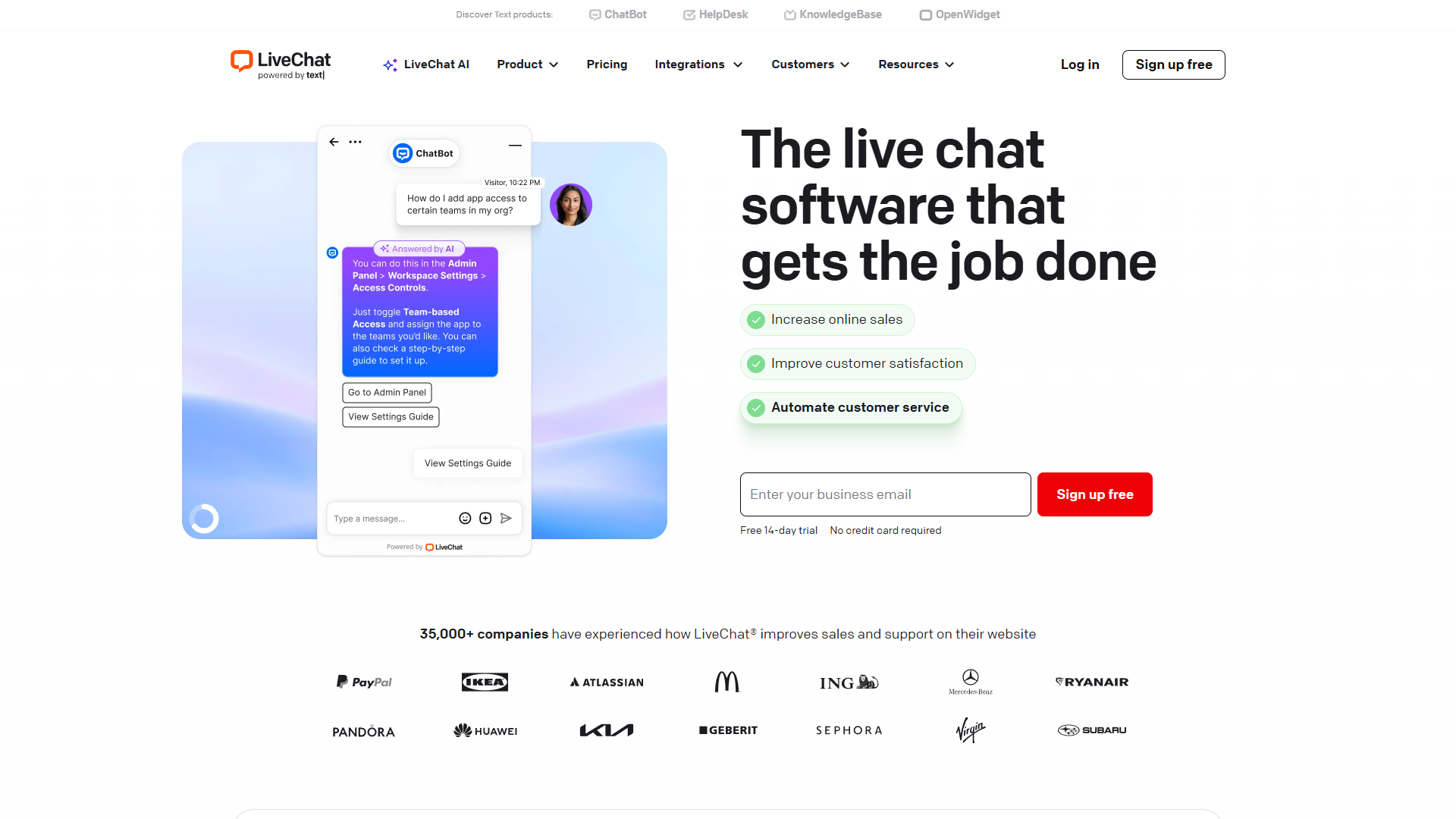
LiveChat has earned its reputation as one of the most reliable platforms for enterprise-level customer engagement. After testing it with high-volume support scenarios, it’s clear why companies process millions of conversations through this platform.
Key Features:
- Real-time visitor monitoring with detailed visitor tracking
- Comprehensive chat analytics and reporting dashboard
- 200+ integrations including Salesforce, Slack, and WordPress
- Customizable live chat widget to match your brand
- Automated responses and chatbot capabilities
- Mobile apps for iOS and Android
Pricing Breakdown:
- Starter: $20/agent/month (basic chat, 60-day chat history)
- Team: $41/agent/month (chat tagging, full chat history)
- Business: $59/agent/month (staffing prediction, work scheduler)
Pros:
- Exceptional reliability with 99.99% uptime
- Powerful analytics for tracking team performance
- Advanced routing rules for complex team structures
- Excellent mobile experience for agents on the go
Cons:
- Higher price point compared to alternatives
- Learning curve for advanced features
- No free plan available
Best For: Mid-size to enterprise companies handling 100+ daily conversations who need robust analytics and reliability. According to LiveChat’s official pricing, you can start with a 14-day trial to test the platform.
2. Tidio - Best for E-commerce and Small Businesses
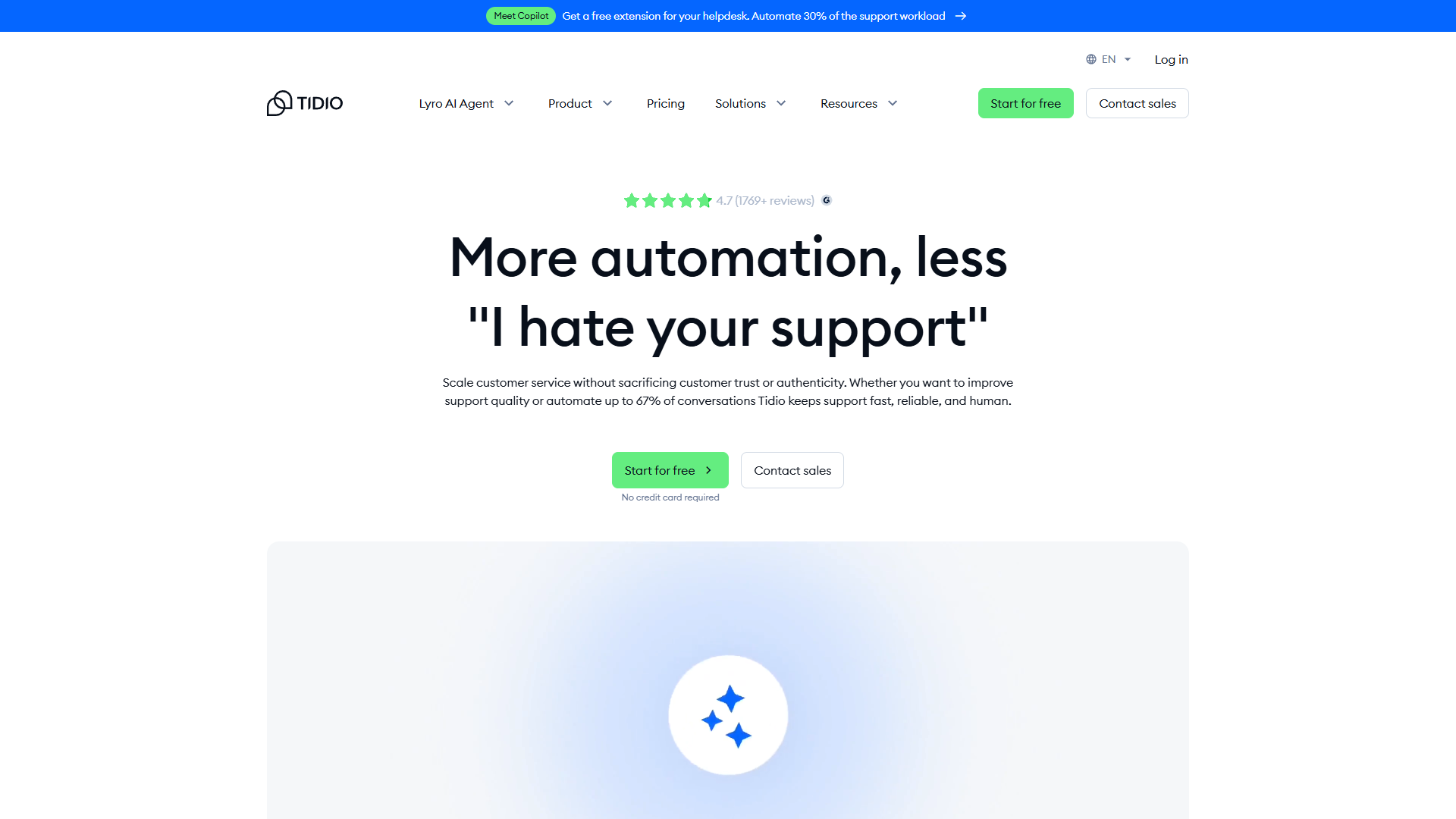
Tidio stands out for its user-friendly approach to customer support, particularly for online stores. The platform combines live chat with AI chatbot capabilities, making it easy to automate common questions while maintaining personal touch when needed.
Key Features:
- AI chatbot with pre-built templates for common scenarios
- Native Shopify, WooCommerce, and WordPress integrations
- Visitor tracking with real-time monitoring
- Mobile app for managing conversations anywhere
- Email integration in shared inbox
- Automated responses based on visitor behavior
Pricing Breakdown:
- Free Plan: 50 conversations/month, 3 chat operators
- Communicator: $19/month (unlimited conversations, email support)
- Chatbots: $29/month (AI features, advanced automation)
- Tidio+: Custom pricing for enterprise needs
Pros:
- Generous free plan perfect for testing
- Intuitive interface requires minimal training
- Excellent e-commerce integrations
- Visual chatbot builder with drag-and-drop interface
Cons:
- 50-conversation limit on free plan fills quickly
- Advanced features require higher-tier plans
- Limited customization compared to enterprise solutions
Best For: E-commerce stores and small businesses that need quick setup with smart automation. The combination of live chat and chatbot makes it particularly effective for handling product questions and order status inquiries. See our full Tidio review for pricing details and feature breakdown.
3. Zendesk - Best for Omnichannel Enterprise Support
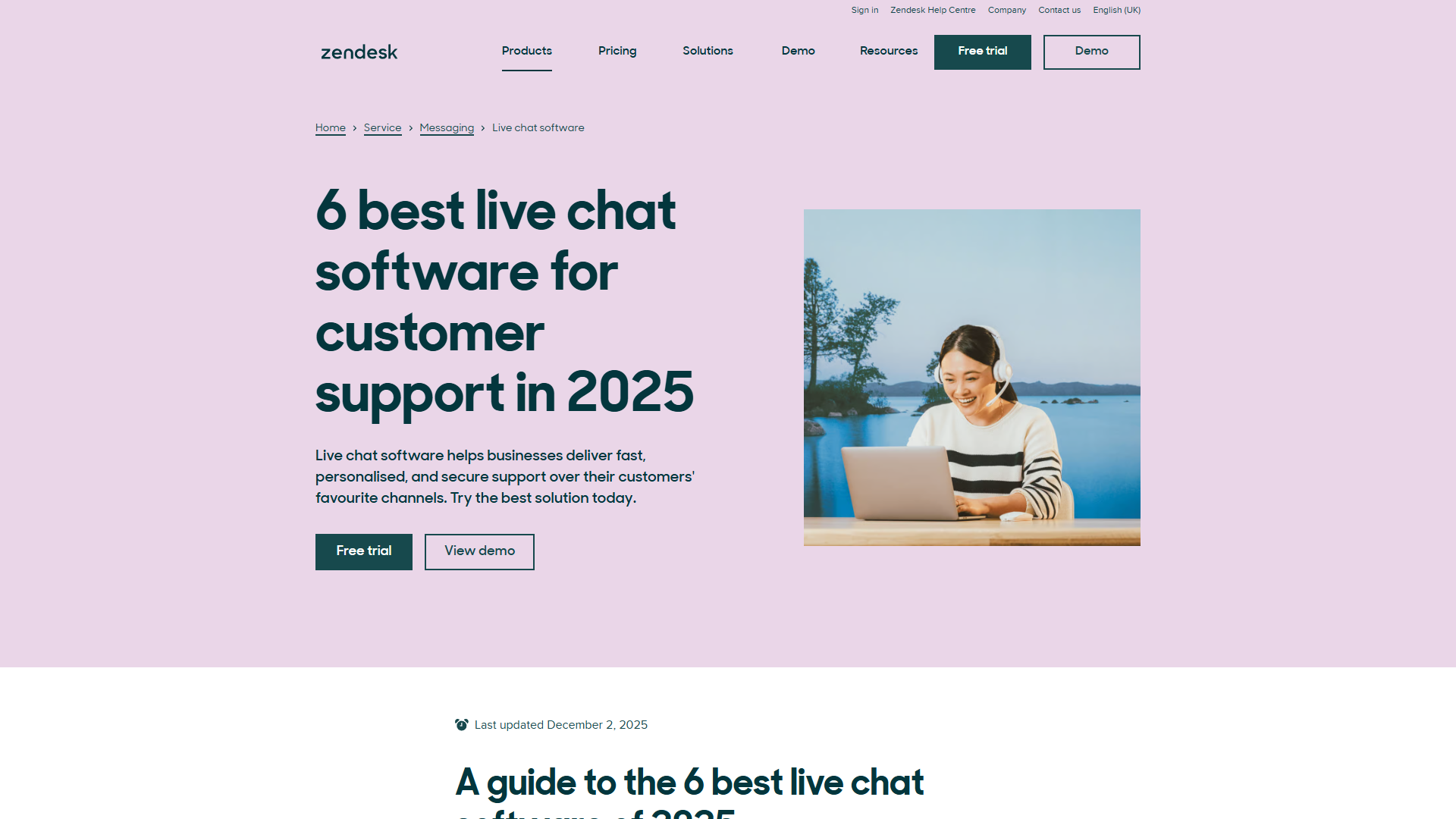
Zendesk brings enterprise-level capabilities to customer support, integrating live chat seamlessly with their comprehensive help desk and ticketing system. If you’re managing customer conversations across multiple channels, Zendesk’s unified approach is hard to beat.
Key Features:
- Omnichannel support (chat, email, social media, phone)
- Advanced ticketing system with automation rules
- AI-powered answer bot for instant responses
- Comprehensive analytics and reporting
- CRM integration and customer context
- Customizable chat widget and branding
Pricing Breakdown:
- Suite Team: $55/agent/month (email, chat, voice)
- Suite Growth: $89/agent/month (advanced AI, satisfaction prediction)
- Suite Professional: $115/agent/month (custom roles, light agents)
Pros:
- Seamless integration across all support channels
- Powerful automation reduces repetitive tasks
- Extensive app marketplace with 1,000+ integrations
- Enterprise-grade security and compliance
Cons:
- Expensive for small teams or startups
- Can feel overwhelming for basic chat needs
- Requires time investment to set up properly
Best For: Large organizations managing customer support across multiple channels who need everything in one platform. The ticketing system integration ensures no conversation falls through the cracks. Check our Zendesk review for complete feature analysis.
4. Intercom - Best for Sales and Marketing Teams
Intercom takes a different approach by positioning itself as a customer communication platform that excels at both support and conversion. The platform shines when you need to combine customer support with proactive sales engagement.
Key Features:
- Product tours and onboarding flows
- Targeted messaging based on user behavior
- Advanced customer segmentation
- Team inbox for collaborative responses
- Custom bots for qualification and routing
- Detailed customer profiles with conversation history
Pricing Breakdown:
- Essential: $29/seat/month (basic chat and inbox)
- Advanced: $85/seat/month (custom bots, A/B testing)
- Expert: $132/seat/month (advanced analytics, support SLAs)
Pros:
- Exceptional for customer engagement beyond support
- Powerful automation and personalization
- Great for SaaS companies with in-app messaging
- Rich customer data and insights
Cons:
- Most expensive option reviewed
- Complex pricing structure with add-ons
- Overkill if you only need basic chat support
Best For: SaaS companies and growth-focused businesses that want to combine customer support with marketing automation and sales engagement. The ability to trigger messages based on user behavior is particularly valuable for conversion optimization. Read our Intercom review for detailed pricing breakdown.
5. Tawk.to - Best Free Live Chat Software
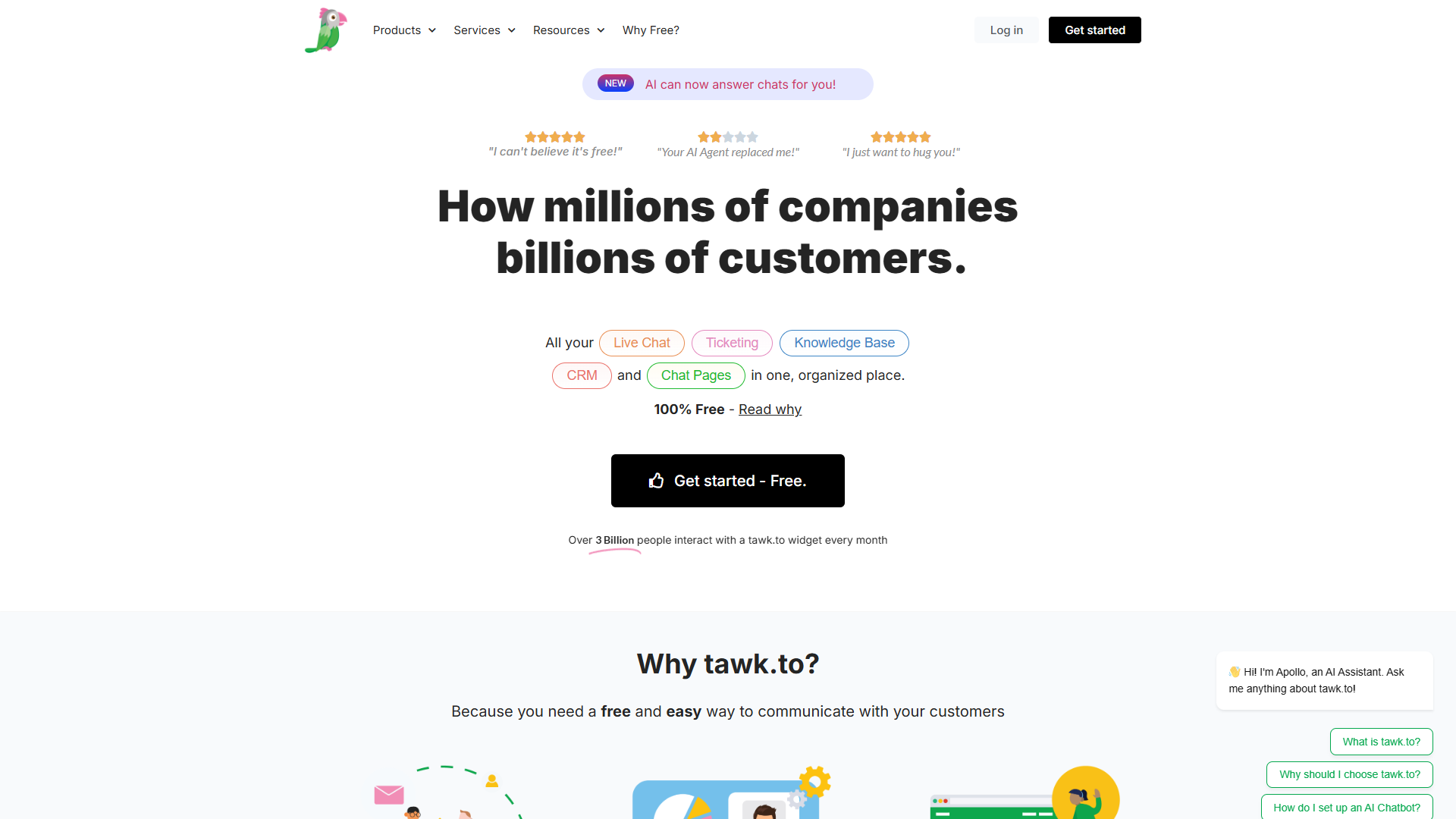
Tawk.to disrupts the market by offering completely free live chat software with unlimited agents and unlimited conversations. Yes, you read that correctly — no hidden fees, no conversation limits, genuinely free forever.
Key Features:
- Unlimited agents and conversations (free)
- Real-time visitor monitoring
- Canned responses for common questions
- File sharing in conversations
- Mobile apps for iOS and Android
- Chat widget customization
Pricing:
- Core Features: 100% FREE forever
- Optional Paid Services: Hire dedicated chat agents ($1/hour)
Pros:
- Unbeatable value with no monthly costs
- No artificial limits on features or conversations
- Surprisingly feature-rich for a free platform
- Active development and regular updates
Cons:
- Limited integrations compared to paid platforms
- Basic analytics and reporting
- Revenue model involves hiring their agents (optional)
Best For: Startups, small businesses, and anyone who needs professional customer support without the monthly subscription fee. The free tier makes it perfect for testing live chat before committing to paid solutions.
6. HubSpot - Best for CRM Users
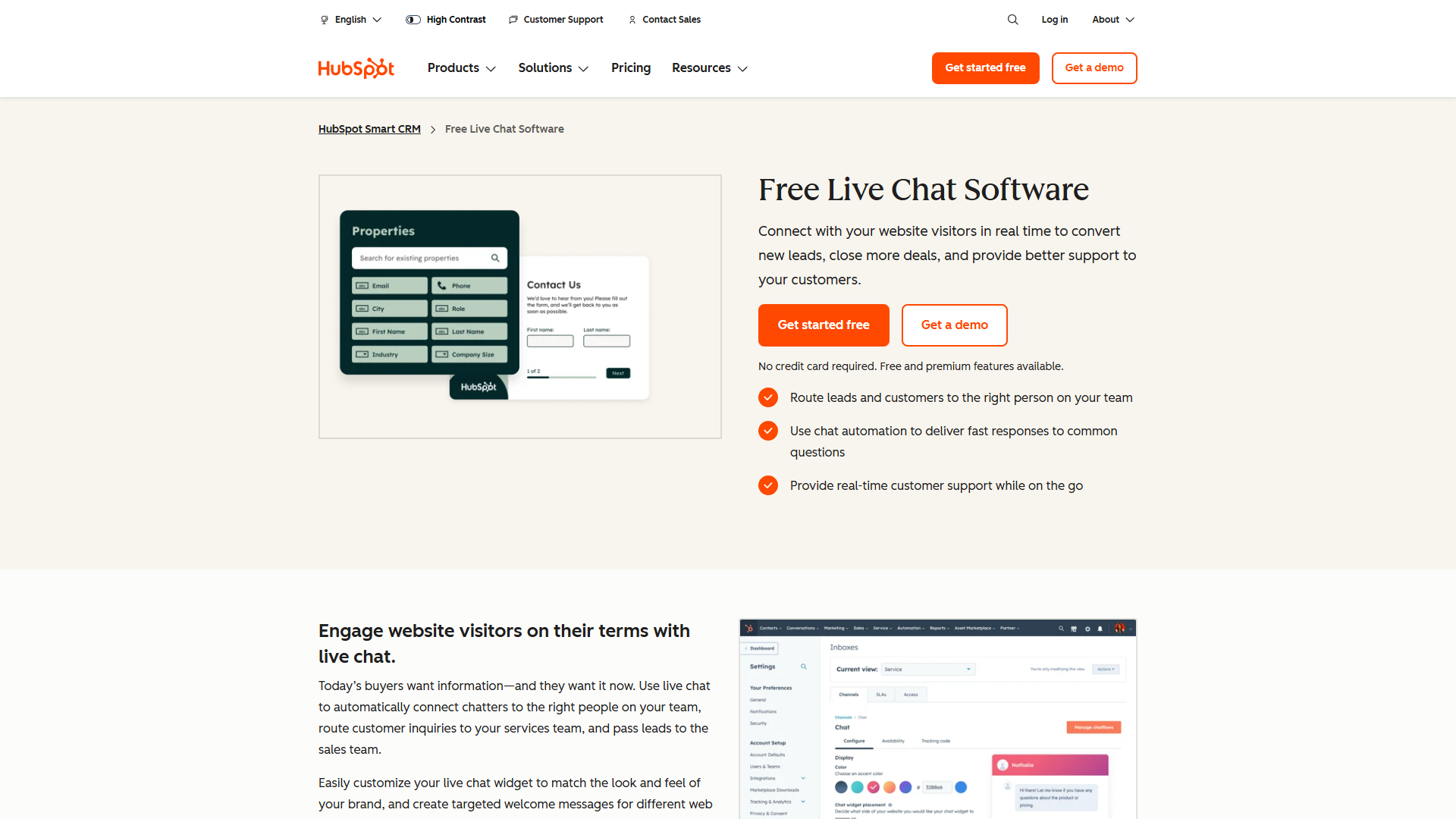
HubSpot’s live chat makes the most sense when you’re already using HubSpot CRM. The deep integration means every chat conversation automatically syncs with contact records, giving you complete customer context.
Key Features:
- Native CRM integration with automatic contact creation
- Chatbot builder with branching logic
- Meeting scheduler within chat conversations
- Ticket creation from chat
- Team inbox for collaborative support
- Conversation routing based on contact properties
Pricing:
- Free Tools: Includes basic live chat forever
- Starter: $18/month (remove HubSpot branding, automation)
- Professional: $800/month (custom bots, reporting)
Pros:
- Excellent free tier with core features
- Seamless CRM integration saves manual data entry
- Part of comprehensive marketing and sales platform
- Easy setup for existing HubSpot users
Cons:
- Best value only for HubSpot CRM users
- Jump from Starter to Professional is steep
- Some features require other HubSpot hubs
Best For: Companies already using HubSpot CRM or considering a comprehensive customer platform. The free tier is generous enough for most small businesses, while the CRM integration provides context that standalone chat tools can’t match. See our HubSpot review for full platform overview.
7. Crisp - Best for Small Teams with Shared Inbox
Crisp focuses on unifying all customer conversations into one shared inbox, combining live chat with email, messenger, and other channels. The platform excels at team collaboration with a clean, modern interface.
Key Features:
- Unified shared inbox across channels
- Co-browsing for visual support
- MagicBrowse for visitor context
- Real-time visitor tracking
- Automated responses and chatbot
- Screen sharing capabilities
Pricing:
- Basic: Free (2 seats, limited features)
- Pro: $25/month per workspace (unlimited seats)
- Unlimited: Custom pricing (advanced features)
Pros:
- Generous free plan with 2 team members
- Beautiful, modern interface
- Unique co-browsing feature helps visual support
- Flat-rate pricing per workspace (not per agent)
Cons:
- Free plan limited to 2 seats
- Fewer integrations than competitors
- Some advanced features only in highest tier
Best For: Small support teams (2-5 people) who need a clean, collaborative workspace for managing customer conversations. The per-workspace pricing model becomes economical as you add team members.
8. LiveAgent - Best for Help Desk Integration
LiveAgent bridges live chat with full help desk functionality, making it ideal for teams that need robust ticketing alongside real-time chat. The platform handles email, chat, phone, and social media in one interface.
Key Features:
- Unlimited ticket history
- Hybrid ticketing system (chat, email, phone, social)
- Advanced automation and rules
- Time tracking for support conversations
- Customer portal and knowledge base
- Call center features included
Pricing:
- Small: $9/agent/month (1 email, 1 chat button)
- Medium: $29/agent/month (3 email accounts, 3 chat buttons)
- Large: $49/agent/month (unlimited)
- Enterprise: $69/agent/month (advanced features)
Pros:
- Affordable pricing for small teams
- Comprehensive help desk features included
- Unlimited ticket history at all tiers
- Built-in call center capabilities
Cons:
- Interface feels dated compared to modern alternatives
- Steeper learning curve for advanced features
- Limited customization on lower tiers
Best For: Support teams that need help desk features beyond just live chat. The combination of ticketing, chat, and call center makes it a complete customer service solution at competitive pricing.
Free vs Paid: Understanding the ROI
With several free options available (Tawk.to, HubSpot, Tidio’s free tier), when does it make sense to pay for live chat software?
When Free Plans Work Well:
- Low volume: Under 50 conversations per month
- Small team: 1-3 support agents
- Basic needs: Simple chat without complex automation
- Testing phase: Validating live chat before investing
Best Free Options:
- Tawk.to (unlimited everything, forever)
- HubSpot (best features for free)
- Tidio (good for very small e-commerce)
When Paid Plans Make Sense:
According to Grand View Research, the live chat market is projected to grow from $1.14 billion in 2026 to $2.09 billion by 2033, with a 7.86% CAGR. This growth reflects increasing customer expectations for instant support and the proven ROI of live chat.
Calculate Your ROI:
If you’re handling 200+ conversations monthly, consider this:
- Average conversion lift from live chat: 3-5%
- Average order value increase: 60% (for engaged customers)
- Time saved per conversation: 2-3 minutes vs email
Example: An e-commerce store with 500 monthly visitors, 5% chat engagement, and $100 average order value:
- 25 chat conversations/month
- 3% conversion increase = 0.75 extra sales
- Additional revenue: $75/month
- Chat software cost: $20-30/month
- Net gain: $45-55/month (plus time savings)
When to upgrade:
- Automated responses pay for themselves after 100+ conversations/month
- Advanced analytics justify cost with teams of 3+ agents
- CRM integration saves 5-10 hours/month of manual data entry
- Omnichannel support reduces tool sprawl and confusion
How to Choose the Best Live Chat Software for Your Needs
With eight solid options reviewed, here’s my decision framework based on different scenarios:
Choose Based on Your Primary Goal:
If you want the most affordable option: → Tawk.to (free forever) or LiveAgent ($9/agent/mo)
If you prioritize ease of use: → Tidio or Crisp for modern, intuitive interfaces
If you need enterprise features: → LiveChat or Zendesk for reliability and scalability
If you’re focused on sales conversion: → Intercom or HubSpot for proactive engagement
If you already use a CRM: → HubSpot (HubSpot CRM) or Zendesk (broader integrations)
If you run an e-commerce store: → Tidio for Shopify/WooCommerce or LiveChat for high volume
Key Questions to Ask Before Deciding:
-
Volume: How many conversations do you handle monthly?
- Under 50 → Free plans work fine
- 50-200 → Basic paid plans ($20-30/mo)
- 200+ → Professional plans with automation
-
Team Size: How many agents need access?
- 1-2 agents → Per-agent pricing is fine
- 3-5 agents → Look for workspace pricing (Crisp)
- 5+ agents → Enterprise plans with volume discounts
-
Integration Needs: What tools must connect?
- Check native integrations (not just Zapier workarounds)
- Verify two-way sync for CRM systems
- Test API availability for custom integrations
-
Automation Level: How much can be automated?
- Basic: Canned responses suffice
- Intermediate: Need chatbot for FAQs
- Advanced: Want AI routing and smart responses
-
Channel Requirements: Where do customers contact you?
- Chat only → Any platform works
- Chat + Email → Shared inbox tools (Crisp, HubSpot)
- Omnichannel → Zendesk or Intercom
Red Flags to Watch For:
- Hidden costs: Per-conversation pricing can explode
- Agent limits: Some “unlimited” plans limit concurrent agents
- Feature gates: Essential features locked in highest tiers
- No trial: Avoid platforms without test periods
- Poor mobile apps: Critical for remote teams
Frequently Asked Questions
What’s the difference between live chat and chatbot?
Live chat connects customers to human agents in real-time, while chatbots use automation to answer questions without human intervention. Most modern platforms (like Tidio and HubSpot) combine both — chatbots handle simple FAQs 24/7, and complex questions route to live agents. This hybrid approach reduces response times while controlling support costs.
Can I use live chat software on mobile?
Yes, all eight platforms reviewed offer mobile apps for agents to manage conversations on the go. Visitor-facing chat widgets also work seamlessly on mobile websites. Key features like notifications, canned responses, and file sharing are typically available in mobile apps, though some advanced analytics may require desktop access.
How many conversations can one agent handle?
Industry benchmarks suggest one agent can handle 2-3 simultaneous chat conversations effectively. This varies based on conversation complexity — simple questions allow higher concurrency, while technical support requires more focus per conversation. LiveChat and Zendesk offer staffing prediction features to help optimize team size based on traffic patterns.
Do I need live chat if I already have email support?
Live chat complements email rather than replacing it. Customer behavior data shows people prefer chat for quick questions (billing, product availability) while choosing email for detailed issues requiring documentation. The best practice is offering both channels and letting customers choose their preferred method.
Can live chat really increase sales?
Yes, data consistently shows live chat users spend 60% more on average. The ability to answer pre-purchase questions immediately reduces friction in the buying process. Proactive chat (reaching out to visitors who linger on product pages) can increase conversion rates by 3-5%. However, ROI depends on having trained staff available to engage visitors effectively.
What’s the best free live chat software?
Tawk.to wins for completely free with unlimited everything. HubSpot’s free tier offers the best features for zero cost. Tidio’s free plan works well for very low volume (under 50 conversations/month). For most businesses starting out, I recommend Tawk.to for testing live chat viability before upgrading to paid platforms with advanced features.
How do I prevent spam and abuse in live chat?
Most platforms include spam protection features like:
- Pre-chat forms requiring name and email
- Automatic bot detection and blocking
- IP banning for repeat offenders
- CAPTCHA for suspicious visitors
- Agent controls to block and report users
LiveChat and Zendesk offer the most robust security features, including rate limiting and advanced filtering rules.
Can I customize the chat widget to match my brand?
Yes, all platforms reviewed allow widget customization including colors, positioning, agent photos, and welcome messages. LiveChat and Intercom offer the most extensive customization options. Free plans typically have limited branding control, with “Powered by” badges that require paid plans to remove.
Conclusion: Find Your Best Live Chat Software 2025
Choosing the best live chat software 2025 ultimately depends on your specific needs, budget, and growth plans. While Tawk.to offers unbeatable value at zero cost, platforms like LiveChat and Tidio provide enhanced features that justify their pricing for businesses handling higher volumes.
For e-commerce stores, Tidio’s chatbot automation and Shopify integration deliver immediate value. Enterprise teams benefit from LiveChat’s reliability and Zendesk’s omnichannel approach. SaaS companies looking to combine support with growth initiatives should explore Intercom’s customer engagement platform.
My recommendation: Start with Tawk.to or HubSpot’s free tier to validate live chat value for your business. Track conversation volume, response times, and customer satisfaction for 30 days. If you’re seeing positive results and hitting the limits of free plans, upgrade to Tidio (for SMBs) or LiveChat (for enterprise) based on your scaling needs.
The live chat market isn’t slowing down — with customer expectations for instant support continuing to rise, implementing the right customer support solution now positions you ahead of competitors still relying solely on email and phone support.
Ready to boost customer engagement with the perfect live chat widget? Choose a platform from this comparison guide, start your free trial, and watch your response times drop while customer satisfaction climbs.
External Resources
For official documentation and updates from these live chat platforms:
- LiveChat Blog — Customer service best practices and feature updates
- Tidio Blog — E-commerce chat automation and chatbot guides
- Intercom Blog — Customer engagement strategies and product releases