The business intelligence market in 2026 looks radically different than it did just two years ago. AI-powered insights that once required data science teams are now built into mainstream BI platforms. Natural language queries have replaced complex SQL for most business users. And the pricing models? They’ve finally started to make sense for companies that aren’t enterprise giants.
But here’s the problem: every BI vendor claims to be “AI-powered” and “user-friendly.” The marketing materials all blur together. And when you’re choosing a platform that your entire organization will depend on for data-driven decisions, you need more than vendor promises.
I’ve spent the past month testing the top five business intelligence platforms, analyzing their pricing structures, and evaluating their AI capabilities. This guide cuts through the marketing noise to show you which BI tool actually fits your needs and budget.
Quick Comparison: Top BI Tools 2026
| Tool | Starting Price | Rating | Best For |
|---|---|---|---|
| Power BI | Free-$24/mo | Budget-friendly Microsoft integration | |
| Tableau | $15/mo | Best-in-class visualizations | |
| Looker | $36K/yr | Enterprise governance + Google Cloud | |
| Domo | $20K/yr | 1,000+ connectors, no SQL required | |
| Qlik Sense | $30/mo | Complex data exploration at scale |
What Makes a Great BI Tool in 2026?
Before diving into specific platforms, let’s establish what actually matters in a business intelligence tool today.
AI capabilities that actually work. Not just marketing buzzwords. I’m talking about natural language queries that understand context, automated insight discovery that surfaces trends you’d miss manually, and predictive analytics that non-data scientists can configure.
Pricing transparency. Enterprise BI platforms have historically been notorious for opaque enterprise pricing that varies wildly based on negotiation skills. The best platforms now offer clear pricing tiers, even at the enterprise level.
Real-time data refresh. Decisions made on yesterday’s data are increasingly worthless. The platforms that win in 2026 offer live data connections with sub-minute refresh rates, not overnight batch updates.
Self-service without chaos. Business users need to create their own reports without IT involvement. But they also need guardrails so they don’t accidentally create 50 versions of the “monthly revenue” metric that all show different numbers.
Now let’s see how each platform stacks up.
1. Power BI: Best Budget-Friendly Option
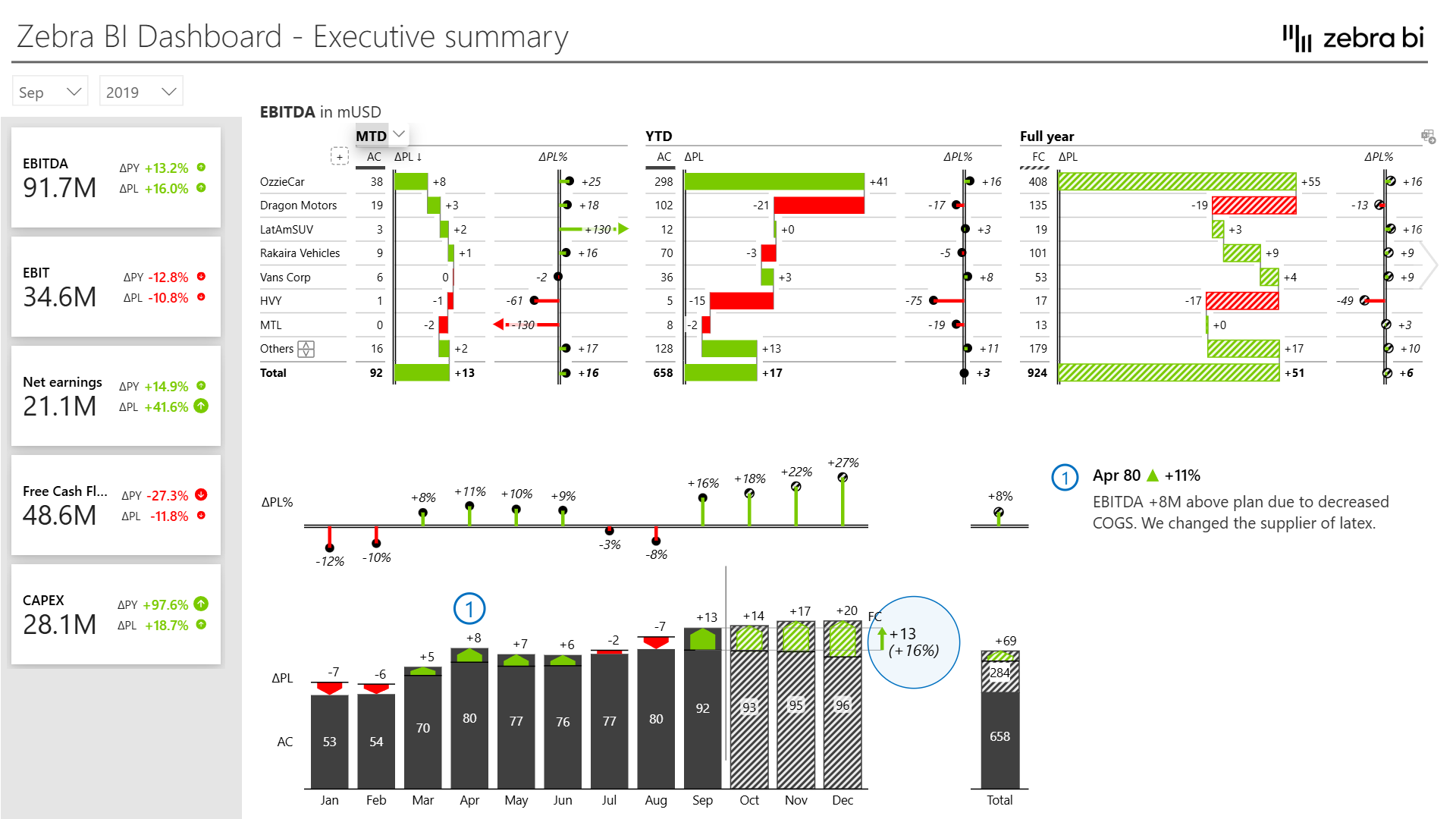
Power BI remains the best entry point into enterprise BI, especially if you’re already in the Microsoft ecosystem.
What Makes Power BI Stand Out
The pricing model is genuinely affordable. Power BI Desktop is completely free for individual use. Power BI Pro starts at $10/user/month for cloud sharing. And even Power BI Premium, which gets you dedicated capacity and advanced AI features, starts at $24/user/month. Compare that to Looker’s $36,000/year starting price.
The Microsoft integration is seamless if you’re using Azure, Office 365, or Dynamics 365. Your data governance policies flow through from Azure Active Directory. Your reports embed directly into Teams meetings. Your Excel users can connect to Power BI datasets without learning new tools.
AI Capabilities in Power BI
Power BI’s Q&A feature lets users type questions like “show me sales by region last quarter” and get instant visualizations. It’s not perfect - complex queries with multiple filters still trip it up - but for 80% of common questions, it works.
The AI insights feature automatically scans your data for anomalies, trends, and correlations. When your sales suddenly drop 15% in the Northeast region, Power BI flags it and suggests potential contributing factors based on historical patterns.
Where Power BI Falls Short
The governance model gets messy at scale. Unlike Looker’s centralized LookML definitions, Power BI lets each user define metrics independently. This leads to the classic “we have 17 different revenue calculations” problem.
The data modeling happens in Power Query, which uses M language. If you’re not familiar with it, the learning curve is steep. DAX (for calculated columns and measures) is even more challenging.
Power BI Pricing
- Free: Desktop app for local use
- Pro: $10/user/month (cloud sharing, collaboration)
- Premium Per User: $24/user/month (AI features, paginated reports)
- Premium Per Capacity: Starting at $4,995/month (dedicated cloud resources)
Best For
Small to medium businesses with existing Microsoft investments looking for affordable BI with powerful capabilities. Teams that need tight Office 365 integration and can handle some governance complexity.
2. Tableau: Best Visualization Capabilities
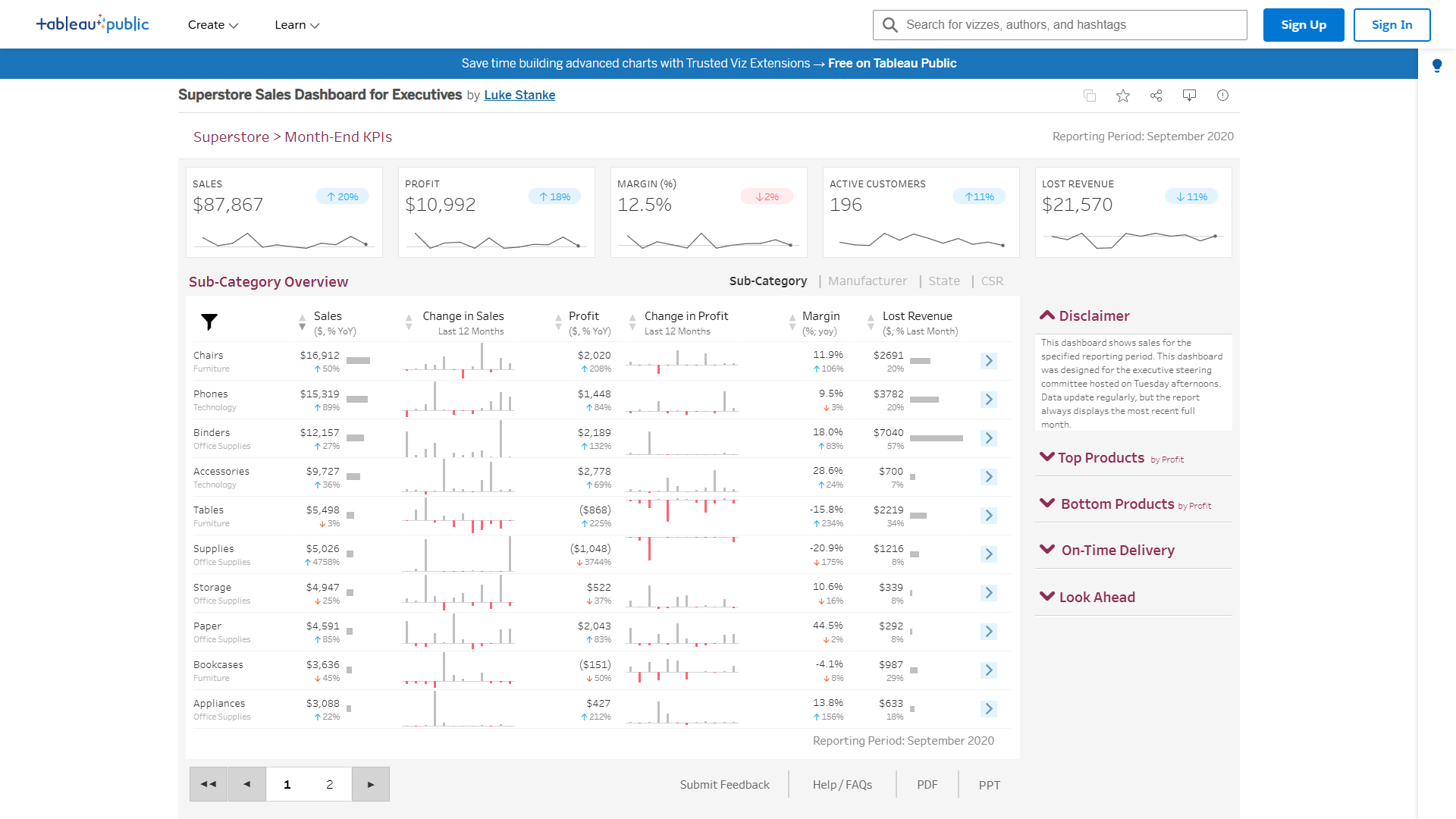
Tableau has been the visualization gold standard for over a decade, and the 2026 version shows they’re not resting on their laurels.
What Makes Tableau Stand Out
The visualization flexibility is unmatched. If you can imagine a chart type, Tableau can build it. The drag-and-drop interface feels intuitive even for complex visualizations like hierarchical treemaps or dual-axis combination charts.
Tableau’s approach to data exploration encourages discovery. Instead of starting with a question, users can explore data visually and discover patterns they weren’t looking for. This “visual analytics” approach has led to genuine business insights that traditional report-based BI would have missed.
AI Capabilities in Tableau
Tableau’s Einstein Discovery (inherited from the Salesforce acquisition) provides automated pattern detection and predictive analytics. It explains predictions in plain English: “Customer churn is 35% more likely when support tickets exceed 3 in a month AND product usage drops below 50% of baseline.”
Ask Data, Tableau’s natural language interface, has improved dramatically. It now understands follow-up questions with context: “Show sales by region” followed by “Now break that down by product category” works as you’d expect.
Where Tableau Falls Short
The licensing costs add up quickly. Each user needs a Creator, Explorer, or Viewer license, and only Creators can build new content. For organizations where many users need to create ad-hoc reports, the licensing can become expensive.
Data preparation in Tableau Prep is powerful but exists as a separate tool. The workflow of moving between Tableau Prep for data cleaning and Tableau Desktop for visualization feels disjointed compared to platforms with integrated data prep.
Tableau Pricing
- Viewer: $15/user/month (view and interact with dashboards)
- Explorer: $42/user/month (create views from existing data sources)
- Creator: $115/user/month (full data modeling and dashboard creation)
Volume discounts available for 100+ users.
Best For
Organizations that prioritize best-in-class visualizations and have users who want to explore data visually rather than run pre-built reports. Companies with budget for premium per-user licensing.
3. Looker: Best for Enterprise Governance
Looker (now part of Google Cloud) takes a fundamentally different approach to BI: define your business logic once, then let everyone use it consistently.
What Makes Looker Stand Out
The LookML modeling layer is Looker’s secret weapon. Instead of letting each user define “monthly recurring revenue” their own way, a data team defines it once in LookML. Every report, dashboard, and query that references MRR uses the same calculation. This single source of truth eliminates the “metric discrepancy” meetings that plague other BI platforms.
The embedded analytics capabilities are exceptional. If you’re building a SaaS product and want to provide analytics to your customers, Looker’s white-label embedding and API-first architecture makes it straightforward. Many modern SaaS companies run their customer-facing analytics on Looker.
AI Capabilities in Looker
Looker’s natural language querying understands your business terminology because it’s defined in LookML. Ask “what’s our MRR growth rate” and it knows exactly which calculation to use because your data team defined it.
The automated insights feature proactively surfaces unusual patterns. If customer acquisition cost suddenly spikes 20% above the 30-day average, Looker alerts relevant stakeholders before they even open the dashboard.
Where Looker Falls Short
The learning curve for LookML is real. Your data team needs to invest time learning a proprietary modeling language. The payoff is worth it for organizations with strong data teams, but smaller companies may struggle.
The pricing is enterprise-focused. Starting at $36,000/year, Looker isn’t designed for small businesses. The value proposition makes sense at scale, but it’s hard to justify for teams under 50 users.
Looker Pricing
- Professional: $36,000/year (up to 10 users)
- Enterprise: $60,000-$360,000/year (scales with users and data volume)
- Embed: Custom pricing (white-label customer-facing analytics)
All pricing includes unlimited viewers. Only creators and developers count toward user limits.
Best For
Mid to large enterprises with dedicated data teams who need centralized governance and consistent metrics across the organization. Companies building customer-facing analytics into their products.
4. Domo: Best All-in-One Platform
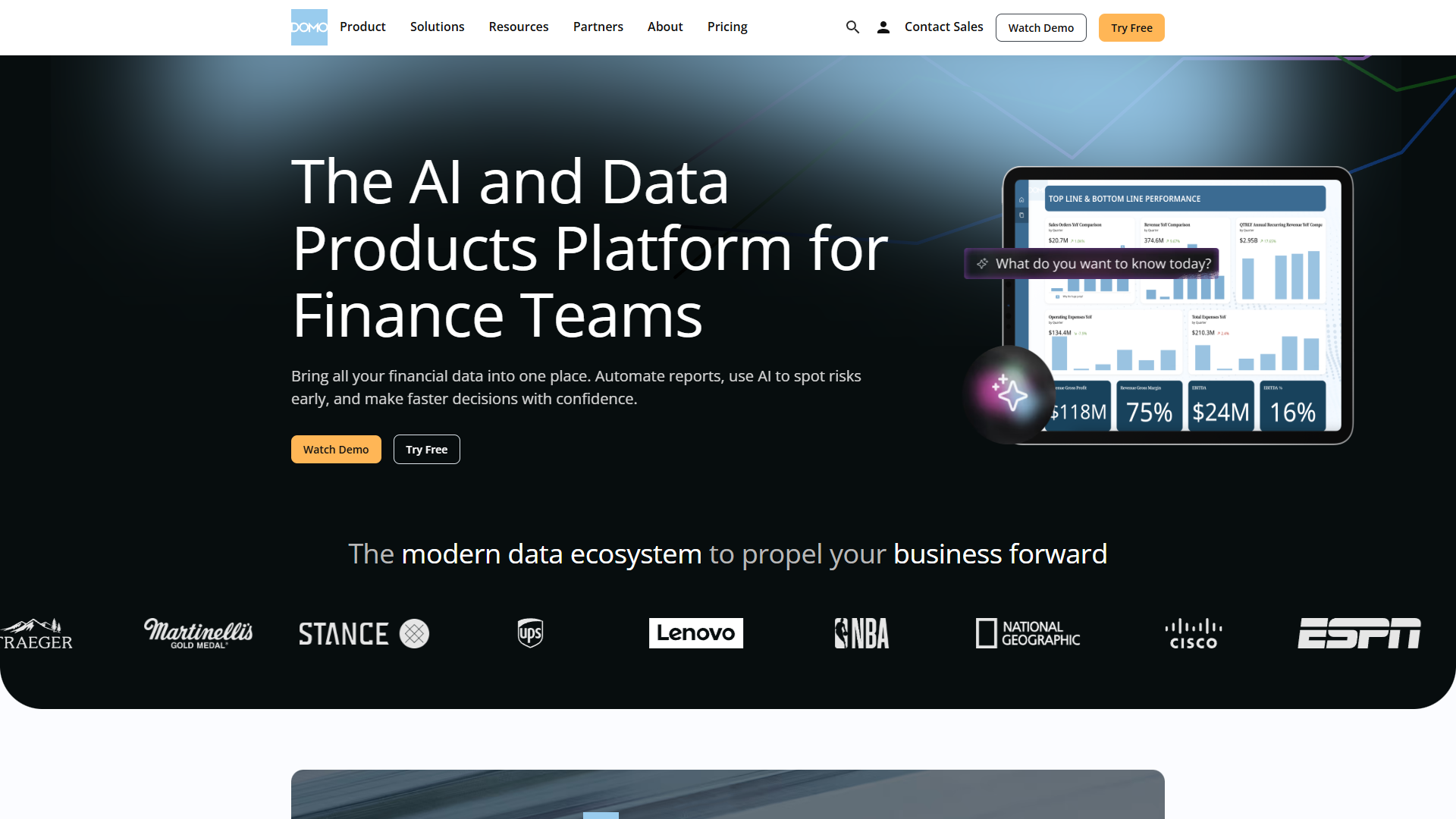
Domo positions itself as an “operating system for business” rather than just a BI tool, and that’s increasingly accurate.
What Makes Domo Stand Out
The connector library is staggering: over 1,000 pre-built connectors to data sources ranging from major databases to niche SaaS tools. If your data lives in Shopify, Google Ads, NetSuite, and a PostgreSQL database, Domo can pull it all together without custom API work.
The no-code approach extends beyond visualization to data transformation. Domo’s Magic ETL tool uses a visual canvas where users drag and drop transformation steps. No SQL required. This democratizes data preparation beyond the data engineering team.
AI Capabilities in Domo
Domo’s AutoML feature lets business users build predictive models by pointing and clicking. Want to predict which customers will churn next quarter? Select your data, choose “predict customer churn,” and AutoML builds, tests, and deploys the model. It’s not going to replace a data science team for complex problems, but for straightforward predictions, it works remarkably well.
The conversational analytics interface (powered by Domo’s acquisition of Birst) answers questions in natural language and proactively suggests follow-up analyses. Ask “show revenue by product” and it might suggest “I notice revenue is down 12% for Product A - would you like to see which regions are affected?”
Where Domo Falls Short
The pricing model is opaque. Most reviews mention having to negotiate extensively, and the final price varies wildly based on users, data volume, and features. Budget-conscious organizations find this frustrating.
The platform tries to do everything: BI, ETL, project management, alerts, and collaboration. For some organizations, this is perfect. For others, the “jack of all trades” approach feels bloated when they just need analytics.
Domo Pricing
- Standard: Starting around $20,000-$40,000/year (scales with users)
- Enterprise: $50,000-$100,000+/year (advanced AI, premium support)
Exact pricing requires contacting sales. User licenses range from $30-$200/month depending on role and features.
Best For
Growing companies that want an all-in-one platform with minimal technical overhead. Organizations tired of stitching together separate tools for ETL, BI, and collaboration. Teams that value ease of use over deep customization.
5. Qlik Sense: Best for Complex Data Exploration
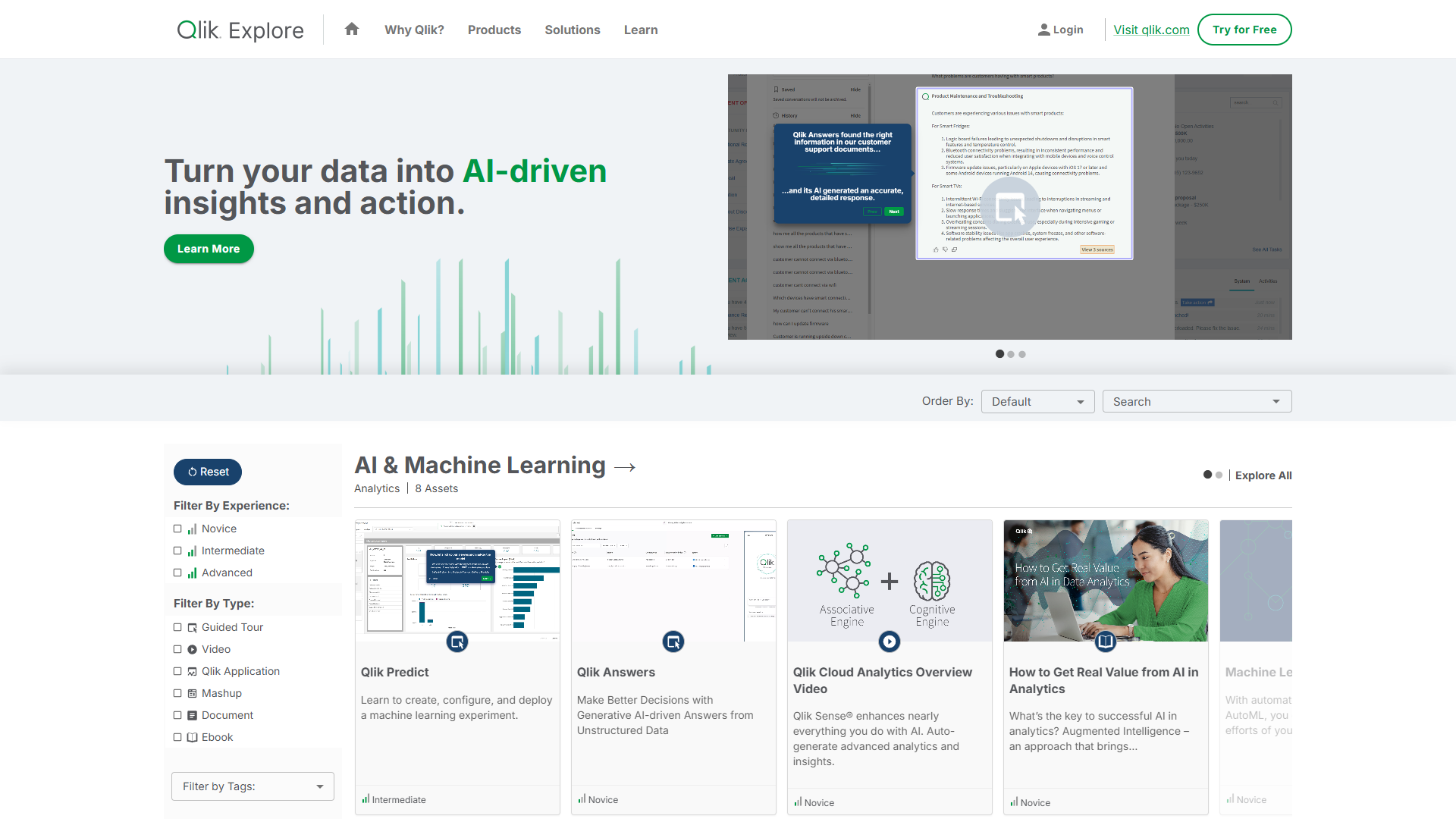
Qlik Sense uses an associative analytics engine that fundamentally changes how users explore data.
What Makes Qlik Sense Stand Out
The associative engine is Qlik’s killer feature. Instead of pre-defining drill-down paths (region → state → city), users can explore data in any direction. Click on a product category and Qlik instantly highlights all related customers, time periods, regions, and sales reps. Then click on a region and see all related products, time periods, and sales reps. No pre-built drill paths needed.
This approach surfaces hidden relationships. When a user exploring sales data by region notices that a specific combination of product + region + sales rep consistently underperforms, they can investigate that exact combination without asking a developer to build a custom report.
AI Capabilities in Qlik Sense
Qlik’s Insight Advisor uses machine learning to automatically generate visualizations based on the data you select. Choose a dimension and measure, and Insight Advisor suggests chart types that best represent that relationship. It’s not revolutionary, but it helps users who aren’t visualization experts.
The augmented analytics features detect anomalies and correlations across your entire dataset. When revenue drops in the Northeast region, Qlik automatically analyzes hundreds of potential contributing factors and surfaces the ones most likely to be relevant.
Where Qlik Sense Falls Short
The learning curve is steeper than platforms like Power BI or Domo. The associative model requires users to think differently about data exploration. Some users embrace this, others find it confusing compared to traditional hierarchical navigation.
The scripting language for data loading (Qlik Script) is proprietary and challenging to master. Organizations without dedicated Qlik developers may struggle with complex data transformations.
Qlik Sense Pricing
- Business: $30/user/month (basic analytics)
- Enterprise: $70-$200/user/month (advanced features, scalability)
- SaaS Edition: Starting at $2,700/month (includes 25 Professional users)
Volume discounts available for larger deployments.
Best For
Organizations with complex, interconnected data where relationships aren’t hierarchical. Analysts who need to explore data without predefined drill-down paths. Companies willing to invest in training for a powerful but less intuitive interface.
How to Choose the Right BI Tool for Your Organization
Choosing a BI platform isn’t about picking the “best” tool - it’s about finding the right fit for your specific needs.
Start with Budget Reality
If you’re a team of 20 with $20,000/year to spend on BI, Looker and Domo are off the table. Power BI at $10-24/user/month becomes the obvious choice. Be honest about your budget before falling in love with enterprise features.
Consider Your Data Team Size
Have dedicated data engineers? Looker’s governance model and Qlik’s associative engine make sense. The learning curve pays off in power and consistency.
Mostly business users with limited technical support? Domo’s no-code approach or Power BI’s familiar Excel-like interface will get you results faster.
No data team at all? You might need to build one before investing in enterprise BI. Or start with Power BI’s free tier while you hire.
Evaluate Your Data Sources
Count your data sources and check each platform’s connector library. If 3 of your 5 key data sources require custom API work on your top choice platform, but all 5 have native connectors in your second choice, that’s worth serious consideration.
Domo wins on breadth of connectors. Power BI wins if you’re Microsoft-heavy. Looker works best with data warehouses (BigQuery, Snowflake, Redshift) rather than direct SaaS connections.
Think About Visualization Needs
Complex, custom visualizations? Tableau is worth the premium pricing.
Standard business charts (bar, line, pie)? Power BI and Domo provide excellent visualizations at lower cost.
Embedded customer-facing analytics? Looker’s white-label capabilities are designed for this.
Consider Growth Plans
If you’re 10 users today but plan to scale to 100 next year, understand how pricing scales. Power BI’s per-user model scales linearly. Domo and Looker often have better per-user economics at scale with volume discounts.
Also consider governance needs at scale. Looker’s centralized metric definitions become increasingly valuable as headcount grows. Power BI’s flexible model works fine for small teams but can create chaos at 500+ users.
Test Drive with Real Data
Every platform offers trials or demos. Don’t test with sample data. Load YOUR actual data sources, build YOUR common reports, and have YOUR actual users try the interface. What feels intuitive to a BI consultant may confuse your sales ops team.
Pay attention to data refresh times, query performance with your data volume, and whether the natural language query features actually work with your business terminology.
Frequently Asked Questions
What’s the difference between BI tools and data analytics platforms?
The line has blurred significantly. Traditional BI tools focused on reporting and dashboards. Modern BI platforms now include data preparation, advanced analytics, and even machine learning capabilities that were once separate analytics tools. For most organizations, today’s BI platforms handle both use cases.
Do I need a data warehouse before implementing a BI tool?
Not necessarily. Power BI and Domo can connect directly to operational databases and SaaS applications. However, performance and consistency improve significantly with a dedicated data warehouse. If you’re analyzing substantial data volumes (millions of rows) or joining data from multiple sources, invest in a warehouse (like Snowflake or BigQuery) alongside your BI tool.
Can these tools handle real-time data?
Yes, but definitions of “real-time” vary. Power BI supports DirectQuery for live data connections. Domo offers Streaming DataSets with sub-minute refresh. Looker connects live to data warehouses. Tableau and Qlik also support live connections. The bottleneck is usually your source system’s query performance, not the BI tool itself.
How long does BI implementation typically take?
Plan for 2-4 weeks minimum for initial setup with a few data sources and basic dashboards. Comprehensive implementations across an organization take 3-6 months. The platforms with steeper learning curves (Looker, Qlik) require more upfront time investment but may save time long-term through better governance. No-code platforms (Domo) can show results faster but may require refactoring later.
What about open-source alternatives like Metabase or Apache Superset?
Open-source BI tools have improved dramatically and work well for technical teams comfortable with self-hosting and customization. They lack enterprise support, pre-built connectors, and AI features of commercial platforms. For startups with strong engineering teams and limited budgets, they’re worth considering. For non-technical organizations, the commercial platforms provide better out-of-box experiences.
Final Verdict: Which BI Tool Should You Choose?
Here’s my bottom-line recommendation for each scenario:
For small businesses (under 50 users) with Microsoft tools: Start with Power BI. The free tier lets you evaluate fit, and the paid tiers remain affordable as you grow. The Microsoft integration means less time fighting authentication and data connections.
For design-conscious organizations that prioritize visualization quality: Choose Tableau. Yes, it’s more expensive per user. But if your executives make decisions based on dashboards and presentations, the superior visualization capabilities justify the cost.
For mid-to-large enterprises (100+ users) that need governance: Implement Looker. The upfront investment in LookML pays dividends in consistency and trust in metrics. The embedded analytics capabilities also future-proof you if you build customer-facing analytics later.
For growing companies (20-200 users) that want simplicity: Go with Domo. The no-code approach and comprehensive connector library let you move fast without building a data engineering team. You’ll pay more than Power BI, but you’ll spend less time on technical overhead.
For analyst-heavy teams exploring complex data relationships: Pick Qlik Sense. The associative engine rewards curious analysts who want to explore data without pre-defined paths. Be prepared to invest in training.
The business intelligence landscape in 2026 offers genuinely good options at multiple price points. The days of choosing between “affordable but limited” and “powerful but enterprise-only” are over. Whatever your budget and technical sophistication, there’s a BI platform that can turn your data into decisions.
The hardest part isn’t finding a good BI tool. It’s committing to the culture change where your organization actually uses data to make decisions rather than justify decisions already made. Choose your platform, load your data, and start asking better questions.
External Resources
For official documentation and updates from these tools: