This guide covers best ai design tools 2025 with hands-on analysis.
The AI design tool market has matured significantly in 2026. What was once basic template-swapping has evolved into genuine creative assistance — tools that understand context, maintain brand consistency, and generate original assets from text prompts.
After spending months testing AI design platforms for marketing teams and solo creators, three tools consistently emerged as the leaders: Visme, Canva, and Adobe Express. Each takes a distinctly different approach to AI-assisted design.
This guide breaks down exactly which tool fits which workflow, based on real-world testing with actual projects.
Quick Verdict
When exploring best ai design tools 2025, consider the following.
Short on time? Here’s who should pick what:
- Choose Visme if: You need data visualization, interactive content, or HTML5 exports. Best for business presentations and infographics.
- Choose Canva if: You want the largest template library and simplest interface. Best for social media and general marketing.
- Choose Adobe Express if: You’re in the Adobe ecosystem or need the most advanced AI generation. Best for photo editing and integration workflows.
How We Evaluated
Every AI design tool makes impressive claims. We tested against criteria that matter for actual work:
- AI Feature Depth: Beyond basic generation — contextual understanding, style consistency, iteration quality
- Brand Kit Capabilities: Multi-brand support, asset management, consistency enforcement
- Export Flexibility: File formats, resolution options, web embedding
- Learning Curve: Time from signup to productive output
- Real-World Speed: Actual time to complete standard tasks
- Pricing Value: Feature-to-cost ratio at each tier
Visme: The Data Visualization Specialist
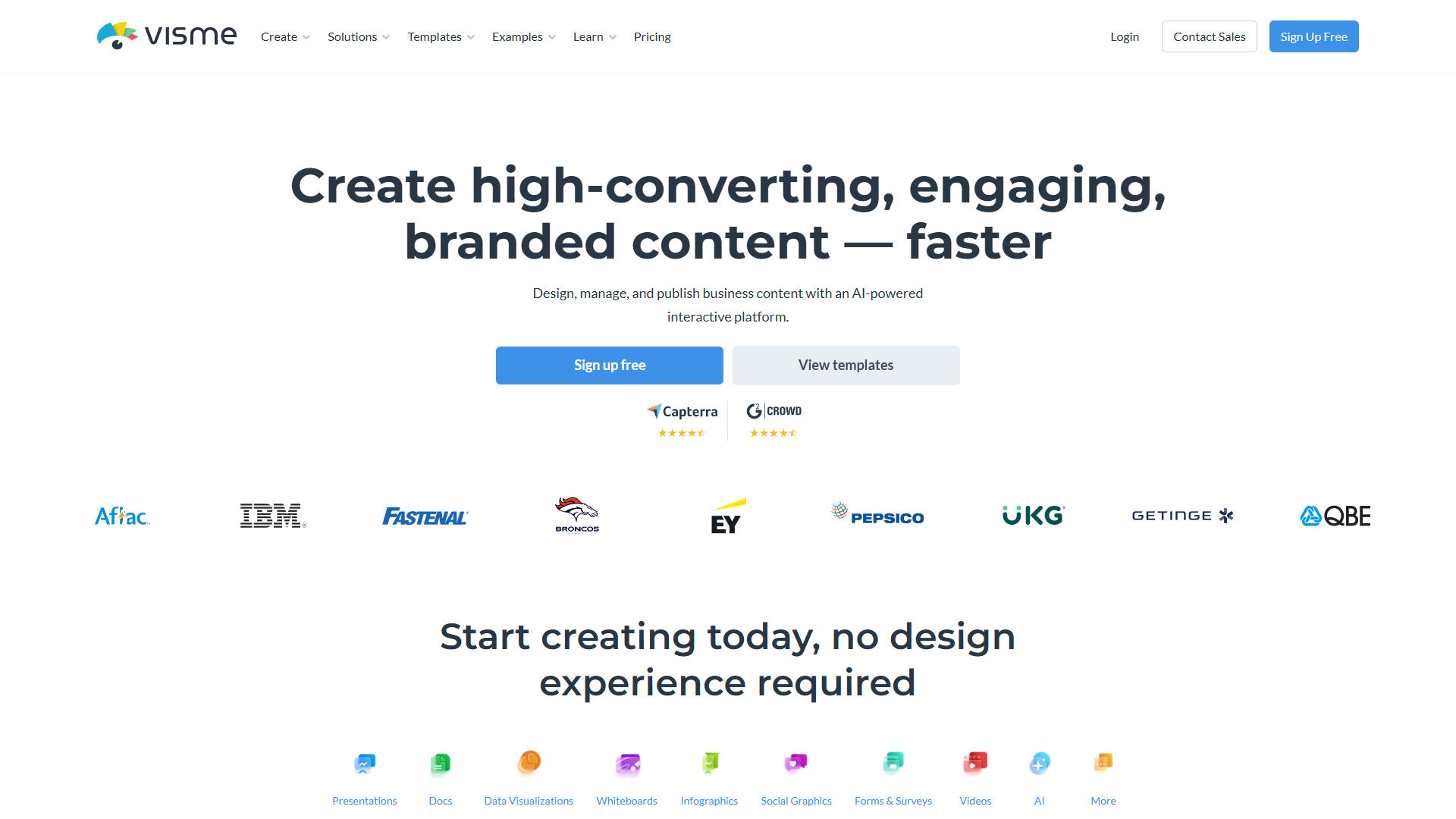
Visme positions itself at the intersection of design and data. While competitors focus on general-purpose templates, Visme specializes in making complex information visually accessible.
AI Features
Visme AI Designer is the platform’s flagship AI tool. Unlike simple generation, it understands context:
- Text-to-Design: Describe your presentation or infographic, get a complete draft
- Content Suggestions: AI recommends layouts based on your data type
- Auto-Branding: Applies your brand kit automatically to AI-generated content
- Chart Intelligence: Smart chart type recommendations based on data patterns
The AI Designer particularly shines with structured content. Feed it a quarterly report outline, and it generates appropriate data visualization layouts — not just generic slides.
Brand Kit Capabilities
Visme’s brand kit system goes beyond storing colors:
- Brand Wizard: AI extracts brand elements from your website URL
- Multi-Brand Domains: Agencies can manage multiple client brands
- Asset Library: Centralized storage for logos, icons, and approved imagery
- Locked Elements: Prevent team members from modifying critical brand elements
For agencies managing multiple brands, the domain separation is valuable. Each brand gets isolated assets and permissions.
Export Options
Where Visme truly differentiates:
| Format | Use Case |
|---|---|
| HTML5 | Interactive web content, embeddable presentations |
| Video | Animated presentations with voiceover |
| PPTX | PowerPoint-compatible for corporate environments |
| Print-ready with bleed marks | |
| PNG/JPG | Standard image formats |
The HTML5 export is particularly powerful for teams creating interactive reports or embeddable infographics. Few competitors match this capability.
Pricing
| Plan | Price | Key Features |
|---|---|---|
| Basic | Free | Limited templates, Visme watermark |
| Starter | $12.25/mo | No watermark, 250MB storage |
| Pro | $24.75/mo | Brand Kit, analytics, 3GB storage |
| Visme for Teams | $79+/mo | Multi-user, advanced collaboration |
Rating:
Best For
- Business presentations with data
- Infographics and reports
- Interactive web content
- Agencies managing multiple brands
Limitations
- Smaller template library than Canva
- Steeper learning curve for advanced features
- AI generation less creative than competitors for artistic content
Canva: The Template Library Giant
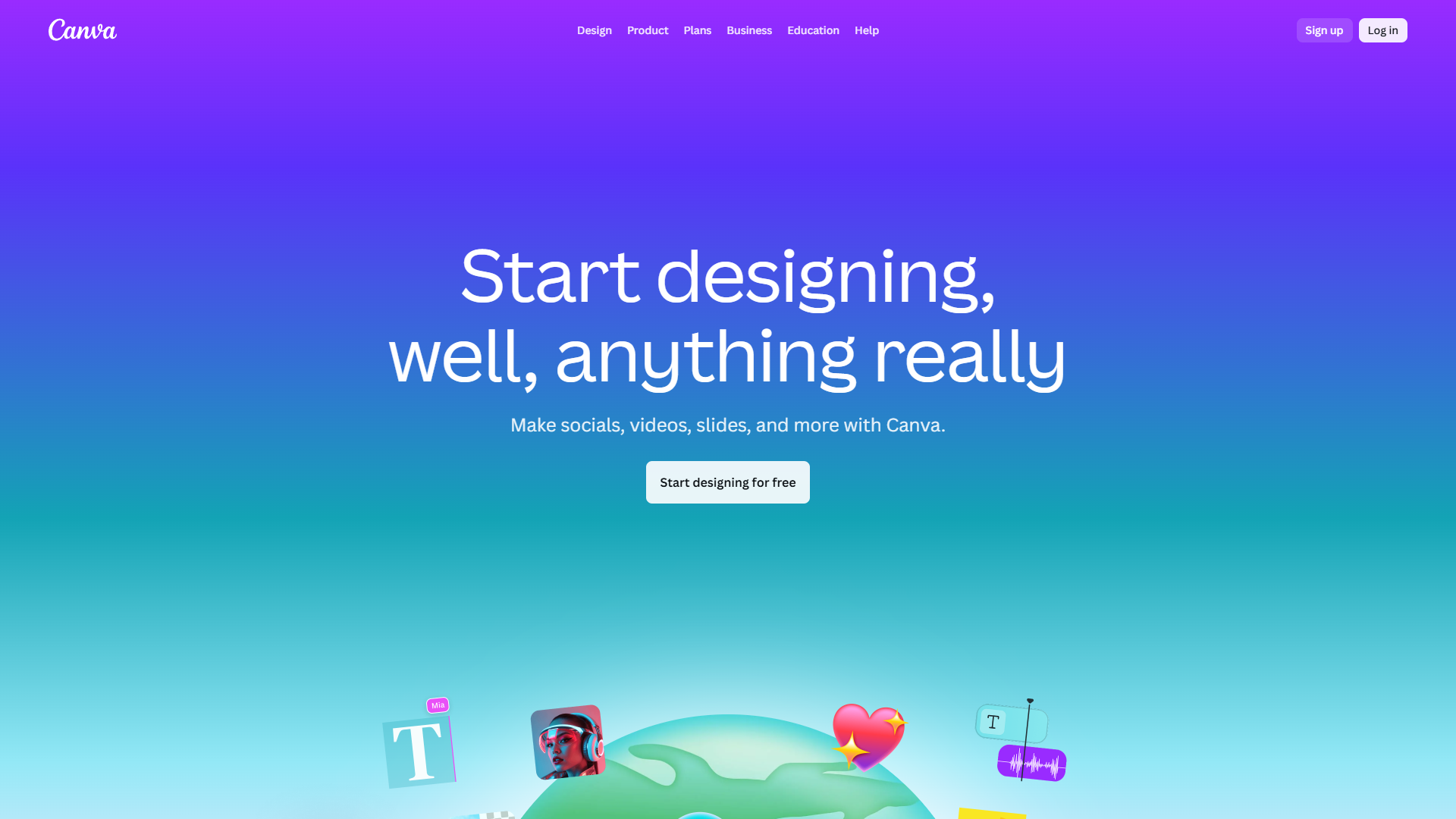
Canva has built the most extensive template ecosystem in design tools. Its AI features enhance an already formidable platform rather than defining it.
AI Features
Magic Studio is Canva’s AI suite, encompassing several tools:
- Magic Design: Generate complete designs from text prompts or images
- Magic Write: AI copywriting integrated into designs
- Magic Edit: Object removal, background replacement, generative fill
- Magic Morph: Transform elements with text prompts
- Magic Expand: Extend images beyond original boundaries
- Text to Image: Generate images from descriptions
The breadth is impressive. Magic Edit, in particular, rivals dedicated photo editors for common tasks like background removal.
Brand Kit Capabilities
Canva’s brand kit is straightforward but effective:
- Brand Templates: Lock designs with editable zones
- Brand Colors & Fonts: Consistent palette across all designs
- Logo Storage: Multiple logo versions for different contexts
- Brand Voice: AI writing matches your tone guidelines
The simplicity is both strength and limitation. Easy to set up, but lacks the multi-brand complexity Visme offers.
Export Options
| Format | Use Case |
|---|---|
| PNG | Standard web graphics |
| JPG | Photos, smaller file sizes |
| Print and document sharing | |
| MP4 | Video content |
| GIF | Animated social content |
| SVG | Scalable vector graphics (Pro) |
| PPTX | PowerPoint presentations |
Standard formats are well-covered. The SVG export in Pro tier is valuable for designers needing scalable assets.
Pricing
| Plan | Price | Key Features |
|---|---|---|
| Free | $0 | 5GB storage, basic features |
| Pro | $14.99/mo | Brand Kit, Magic Studio, 1TB storage |
| Teams | $29.99/user/mo | Collaboration, approval workflows |
| Enterprise | Custom | SSO, advanced admin controls |
Note: Canva often runs promotions. The actual price paid frequently differs from list price.
Best For
- Social media content at scale
- Marketing teams needing variety
- Users wanting fastest time-to-output
- Non-designers creating professional content
Limitations
- Less sophisticated data visualization
- No HTML5 export for interactive content
- AI generation can feel generic without customization
- Brand kit lacks multi-brand separation for agencies
Adobe Express: The Ecosystem Integration Play
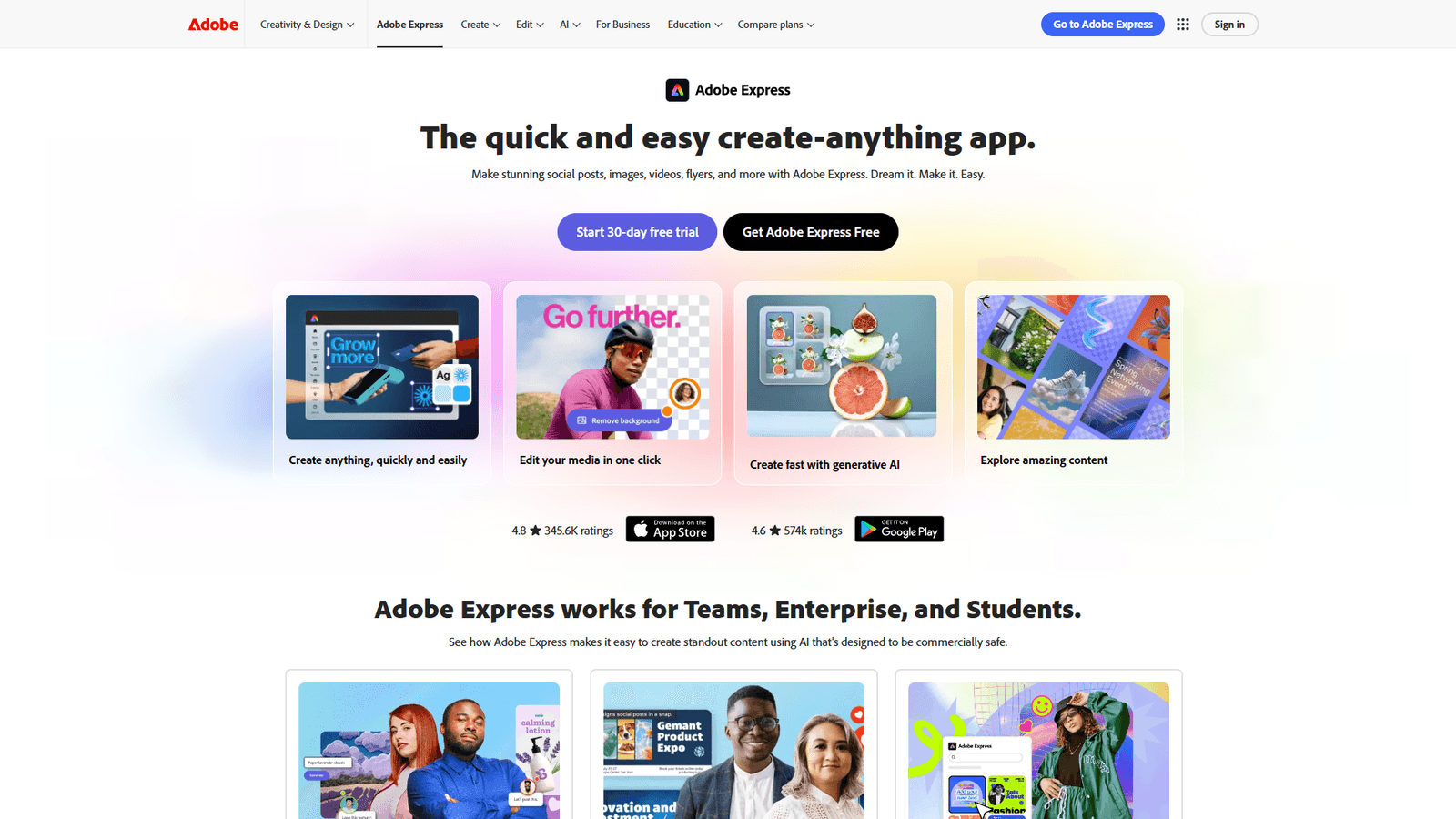
Adobe Express represents Adobe’s answer to Canva — bringing Creative Cloud power to a browser-based, template-driven interface. Its AI features leverage Adobe Firefly, giving it generative capabilities others can’t match.
AI Features
Adobe Firefly integration is the differentiator:
- Text to Image: Industry-leading AI image generation
- Generative Fill: Add or remove elements naturally
- Text Effects: Apply textures and styles to typography
- Generative Recolor: Vector recoloring with AI
- Remove Background: One-click background removal
- Resize & Reformat: AI-powered content-aware resizing
Firefly’s image generation quality consistently ranks among the best. The commercial-safe training approach also matters for business use.
Brand Kit Capabilities
Adobe Express treats brand management seriously:
- Brand Setup Wizard: Guided brand kit creation
- Shared Libraries: Connect to Creative Cloud libraries
- Brand Templates: Locked templates with editable zones
- Style Presets: Save and apply design styles
The Creative Cloud integration is powerful if you’re in Adobe’s ecosystem. Libraries sync across Photoshop, Illustrator, and other apps.
Export Options
| Format | Use Case |
|---|---|
| PNG | Standard graphics |
| JPG | Photos, web content |
| Print and documents | |
| MP4 | Video content |
| GIF | Animated content |
| PSD | Photoshop-compatible layers |
The PSD export preserves layers — unique among web-based tools. Designers can start in Express and finish in Photoshop.
Pricing
| Plan | Price | Key Features |
|---|---|---|
| Free | $0 | Limited templates, Firefly credits |
| Premium | $9.99/mo | Full templates, 250 Firefly credits/mo |
| Creative Cloud | Included | Part of CC All Apps subscription |
Premium pricing is competitive. The Creative Cloud inclusion makes it effectively free for existing subscribers.
Best For
- Adobe ecosystem users
- Photo-heavy marketing content
- Teams needing advanced AI generation
- Workflows spanning web and desktop apps
Limitations
- Smaller template library than Canva
- Data visualization significantly weaker than Visme
- Some features require Creative Cloud for full value
- Firefly credits can limit heavy AI usage
Feature Comparison
AI Capabilities Side-by-Side
| Feature | Visme | Canva | Adobe Express |
|---|---|---|---|
| Text-to-Design | Yes | Yes | Yes |
| Image Generation | Basic | Good | Excellent |
| Background Removal | Yes | Yes | Yes |
| Generative Fill | No | Yes | Yes |
| AI Writing | Yes | Yes | Limited |
| Data Visualization AI | Excellent | Basic | None |
| Interactive Content AI | Yes | No | No |
Brand Management Comparison
| Feature | Visme | Canva | Adobe Express |
|---|---|---|---|
| Brand Wizard | Yes | No | Yes |
| Multi-Brand | Yes | No | No |
| Locked Templates | Yes | Yes | Yes |
| Asset Library | Yes | Yes | Yes (CC Libraries) |
| Brand Voice AI | No | Yes | No |
Export Format Comparison
| Format | Visme | Canva | Adobe Express |
|---|---|---|---|
| HTML5 Interactive | Yes | No | No |
| PPTX | Yes | Yes | No |
| SVG | Yes | Pro only | No |
| PSD | No | No | Yes |
| Video | Yes | Yes | Yes |
Real-World Workflow Comparisons
Task 1: Create a Quarterly Report Presentation
Visme: 45 minutes. AI Designer generated a data-appropriate structure. Charts auto-populated from pasted data. The HTML5 export created an interactive version for web viewing.
Canva: 60 minutes. Found a good template quickly, but manual chart creation took longer. Export limited to static formats.
Adobe Express: 70 minutes. Templates less data-focused. Spent time recreating charts from scratch. Beautiful visuals, but workflow wasn’t optimized for data.
Winner: Visme, by a significant margin for data-heavy presentations.
Task 2: Generate 30 Days of Social Media Content
Visme: 3 hours. Batch content creation available, but interface designed more for single-project depth than volume output.
Canva: 1.5 hours. Content Planner with bulk creation excelled. Magic Resize created variants for all platforms automatically.
Adobe Express: 2.5 hours. Good individual post quality, but less batch optimization. Resize feature helpful.
Winner: Canva, built specifically for high-volume social content.
Task 3: Create AI-Generated Marketing Images
Visme: Limited. AI generation focuses on layouts, not original imagery. Would need external tool for custom images.
Canva: Good. Magic Studio generates usable images, though sometimes generic. Sufficient for most marketing needs.
Adobe Express: Excellent. Firefly generation quality noticeably higher. Commercial-safe licensing adds value.
Winner: Adobe Express, Firefly remains the gold standard.
Task 4: Build an Interactive Web Infographic
Visme: 50 minutes. Native interactive elements, embed codes, analytics. This is Visme’s core strength.
Canva: Not possible. Can create static infographics, but no interactive export options.
Adobe Express: Not possible. Focused on traditional formats.
Winner: Visme, the only option with this capability.
Pricing Analysis
Cost Per Core Feature
Looking beyond headline prices at feature access:
For Solo Creators:
- Visme Starter ($12.25/mo): Good value if you need brand consistency
- Canva Pro ($14.99/mo): Best template-per-dollar ratio
- Adobe Express Premium ($9.99/mo): Most affordable if you need AI generation
For Teams (5 users):
- Visme Teams: $79/mo starting
- Canva Teams: $150/mo (5 × $29.99)
- Adobe Express: Included in Creative Cloud team plans
Hidden Costs:
- Canva: Some premium elements have individual fees
- Adobe Express: Firefly credits can run out with heavy AI use
- Visme: Video and some exports require higher tiers
Free Tier Comparison
| Aspect | Visme Free | Canva Free | Adobe Express Free |
|---|---|---|---|
| Templates | Limited | 250,000+ | 1,000+ |
| Storage | 100MB | 5GB | 2GB |
| Watermark | Yes | No | No |
| AI Features | Limited | Limited | Limited |
| Export Formats | Basic | Most formats | Basic |
Canva’s free tier is the most generous. Usable for real work without upgrading.
Who Should Choose What
Choose Visme If:
- You create data-driven content — No competitor matches Visme for charts, infographics, and reports
- You need interactive web content — HTML5 export is genuinely unique
- You manage multiple brands — Agency-focused brand management
- Presentations are your core deliverable — Better than Canva for business presentations
Choose Canva If:
- You need volume over depth — Most templates, fastest output
- Social media is your focus — Built for social content workflows
- Team collaboration matters — Approval workflows, commenting, sharing
- You’re not a designer — Lowest learning curve
Choose Adobe Express If:
- You’re already in Adobe ecosystem — Creative Cloud integration is powerful
- AI image generation is critical — Firefly is industry-leading
- Photo editing is part of your workflow — Best photo manipulation
- You need desktop app connectivity — PSD export, library sync
What About Specialized Alternatives?
These three tools dominate the general AI design category, but specialized tools excel in specific areas:
For Presentations Only: Gamma, Beautiful.ai offer more AI-driven presentation creation For Social Media Only: Later, Buffer include design tools integrated with scheduling For Video Content: InVideo, Pictory specialize in AI video generation For Enterprise Design Systems: Figma, Sketch are better for product design
The tools in this comparison are best for versatile marketing and content creation work.
The AI Evolution to Watch
All three platforms are rapidly evolving their AI capabilities:
Visme’s Direction: Deeper data understanding, auto-generated reports from raw data Canva’s Direction: More Magic Studio features, tighter AI integration across workflows Adobe’s Direction: Firefly expansion, video generation, more Creative Cloud integration
By late 2025, expect significant capability jumps in all three. The foundation you choose now will determine which improvements you benefit from.
Final Recommendations
For Marketing Teams: Canva Pro
The template volume, collaboration features, and batch creation make Canva the productivity choice for teams producing diverse marketing content. The AI features are good enough for most use cases.
For Data-Driven Organizations: Visme Pro
If your content includes reports, infographics, or interactive content, Visme’s specialized capabilities justify the learning curve. The HTML5 export alone can be worth the price.
For Creative-First Teams: Adobe Express Premium
When image quality and creative control matter most, Firefly’s generation quality and Creative Cloud integration create a powerful workflow. Best for teams with photo-heavy content needs.
For Budget-Conscious Users: Canva Free
Canva’s free tier genuinely works for real projects. Start there and upgrade when specific features justify the cost.
FAQs
Can I use these tools without design experience?
Yes. All three are designed for non-designers. Canva has the gentlest learning curve, followed by Adobe Express, then Visme. Even Visme’s advanced features include tutorials and wizards.
Which tool has the best AI image generation?
Adobe Express with Firefly leads in quality. Canva’s generation is solid for most uses. Visme’s AI focuses on layouts rather than image creation.
Do these tools work offline?
Canva offers a desktop app with offline capability. Visme has a downloadable version. Adobe Express is primarily web-based but syncs with Creative Cloud apps.
Can I switch tools later without losing work?
Partially. Export formats vary, so some content transfers better than others. Brand kits don’t transfer between platforms. Starting with the right tool saves migration headaches.
Are the AI features included in pricing?
Yes, with limits. All three include AI in paid tiers. Adobe Express has credit limits for Firefly usage. Canva and Visme include AI without explicit usage caps.
Conclusion
When evaluating Best Ai Design Tools 2025, The “best” AI design tool depends entirely on what you’re designing.
Visme wins for structured, data-driven content — presentations, reports, infographics. Its interactive export and multi-brand management serve specific workflows exceptionally well.
Canva wins for volume and variety — social media, general marketing, team collaboration. The template library and ease of use make it the default choice for many teams.
Adobe Express wins for creative quality — AI-generated imagery, photo editing, ecosystem integration. Firefly’s capabilities and Creative Cloud connectivity create unique value.
Most teams will eventually use more than one. The question isn’t which is objectively best, but which matches your most frequent use case. Start there, and expand as needs evolve.
External Resources
For official documentation and updates from these AI design tools:
- Visme Blog — Data visualization tutorials and AI Designer updates
- Canva Design School — Magic Studio guides and creative templates
- Adobe Express Blog — Firefly AI features and Creative Cloud integration tips
Related Resources
- Visme Tool Page — Full feature breakdown and pricing details
- Canva Tool Page — Template library and collaboration features
- Adobe Express Tool Page — Firefly AI and Creative Cloud integration
- Best AI Video Generators 2025 — For video content creation tools
- Best AI Copywriting Tools 2025 — AI writing tools to pair with design