If you’re a coach running a solo practice, you’ve probably experienced that frustrating moment when you realize you spent more time on admin tasks than actually coaching clients. I know I did.
After testing over 20 AI tools specifically for coaching workflows, I’ve narrowed it down to the essential stack that saves me 10+ hours every week. These aren’t just generic productivity apps — they’re tools that genuinely understand the unique demands of a coaching business.
TL;DR: The Best AI Tools for Coaches in 2026
For client management and knowledge: Notion ($0-18/month) — AI-powered workspace for client notes, session tracking, and content creation
For scheduling automation: Calendly ($0-20/month) — Eliminates the back-and-forth of booking with AI-powered routing
If you want the full breakdown with workflows and ROI analysis, keep reading.
Why Coaches Need Specialized AI Tools
Here’s what most “AI tools for coaches” articles get wrong: they recommend the same generic tools everyone else uses without explaining how to adapt them for coaching.
The reality is that coaching businesses have unique needs:
- Client confidentiality — You need secure spaces for session notes
- Relationship continuity — Tracking progress across months of sessions
- Flexible scheduling — Accommodating clients in different time zones
- Content creation — Marketing your practice while coaching full-time
The tools I’m recommending solve these specific problems with AI features that actually make a difference.
1. Notion: Your AI-Powered Client Command Center
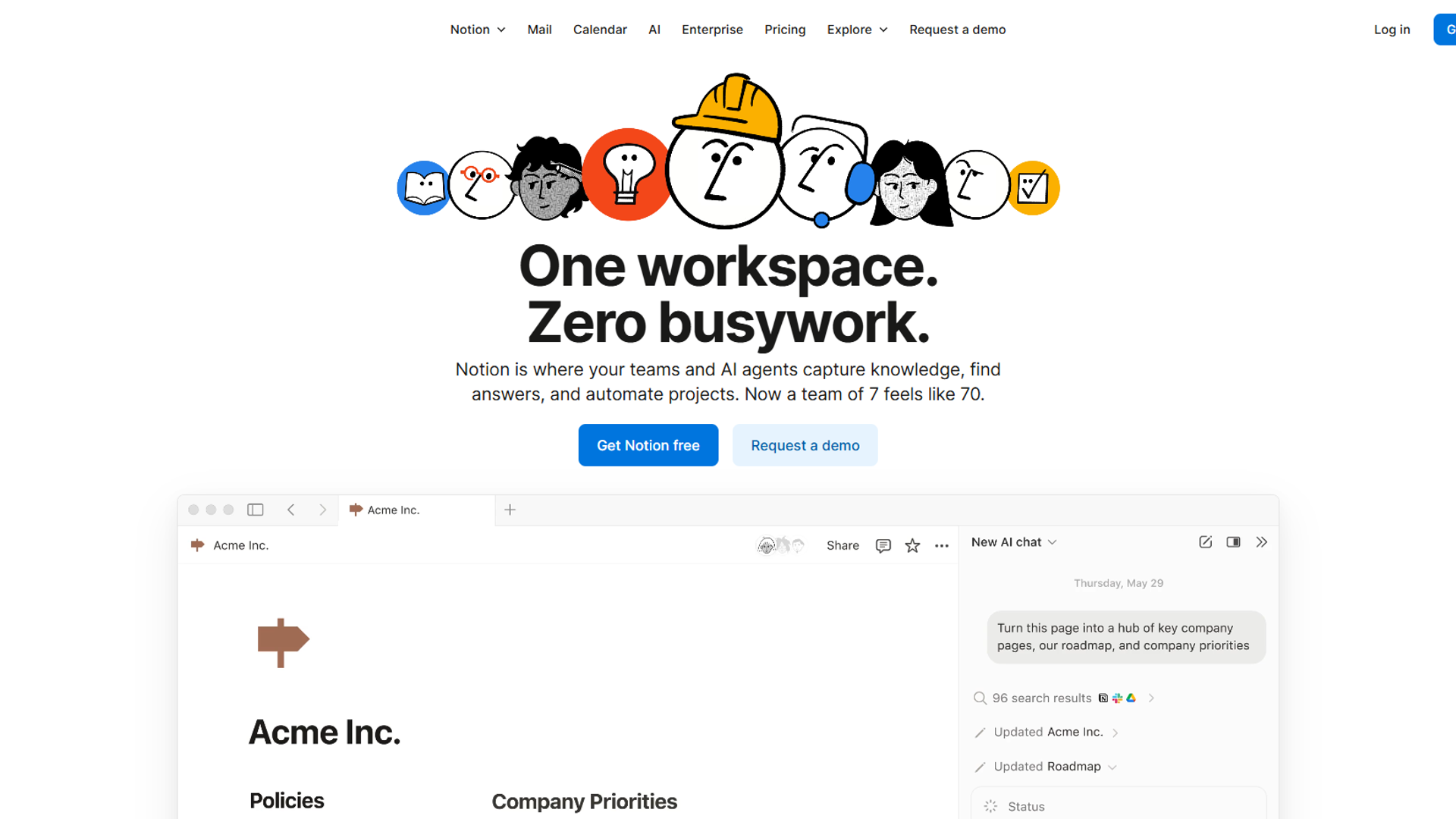
Notion has evolved from a note-taking app into a full AI workspace with what they call “Notion AI Agents.” For coaches, this is a game-changer.
What Makes Notion Essential for Coaches
Client Database with AI Intelligence
I maintain a client database in Notion that tracks:
- Session history and notes
- Goals and progress milestones
- Payment status
- Next action items
The AI feature that changed everything? Notion’s Q&A. Before a session, I ask: “What did Sarah struggle with in our last three sessions?” and get an instant summary with context from my notes.
Time savings: 15 minutes per client session prep
Session Notes with AI Transcription
Notion now includes AI meeting notes with transcription. For virtual coaching sessions, this means:
- Automatic transcription of Zoom/Google Meet calls
- AI-generated summaries highlighting key insights
- Timestamp linking to specific moments
- Everything searchable across all clients
Content Creation for Marketing
Coaches need to market themselves, but who has time? Notion’s AI generates:
- LinkedIn post drafts from session insights (anonymized)
- Newsletter content based on common client questions
- Workshop outlines from your coaching frameworks
Notion Pricing for Coaches
| Plan | Monthly Cost | Best For |
|---|---|---|
| Free | $0 | Testing the platform |
| Plus | $10/month (annual) | Solo coaches without AI |
| Business | $15/month (annual) | Coaches wanting full AI features |
My recommendation: Start with Free to build your client database structure, then upgrade to Business when you’re ready for AI Agents. The $15/month pays for itself in the first week of time saved.
ROI Calculation for Coaches
- Time saved on session prep: 15 min × 20 clients × $100/hour = $500/month value
- Content creation time saved: 3 hours/week × $100/hour = $1,200/month value
- Cost: $15/month
- ROI: 113x return
2. Calendly: AI-Powered Scheduling That Respects Your Time
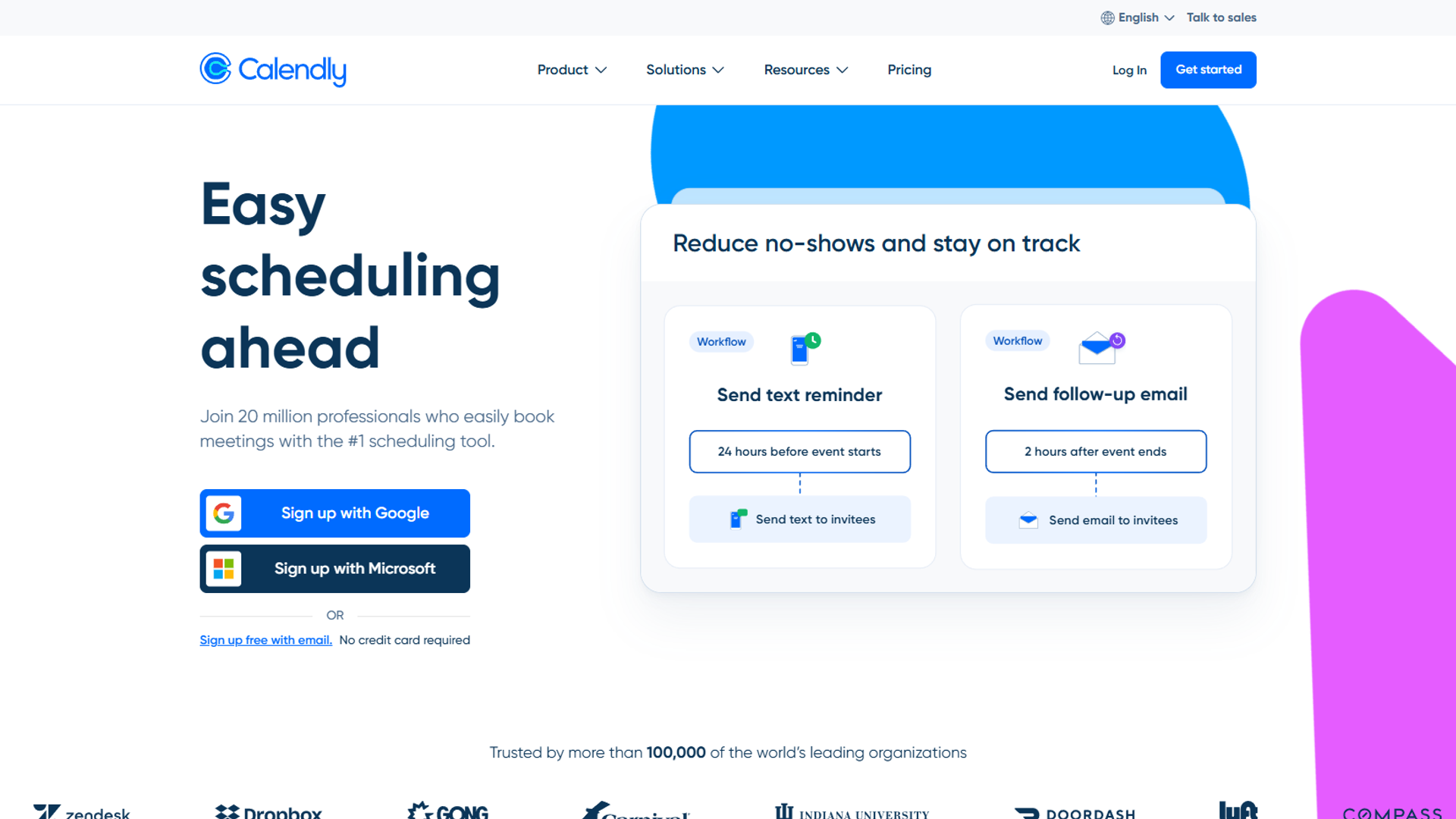
Every coach knows the pain: the endless email chains trying to find a time that works. “How about Tuesday at 2?” “Sorry, I’m in a different time zone…”
Calendly eliminates this entirely, and their AI features in 2025 make it even smarter.
Why Calendly is Essential for Coaches
Eliminate Scheduling Back-and-Forth
Before Calendly: 5-7 emails per booking After Calendly: 0 emails. Client picks a time, it’s booked.
That’s an 80% reduction in scheduling-related communication.
AI-Powered Routing
Calendly’s Teams plan includes AI-powered routing that:
- Automatically routes to the right coach (if you have a team)
- Suggests optimal times based on your energy patterns
- Learns which clients prefer morning vs. evening sessions
Payment Collection Built-In
For paid coaching, Calendly integrates with Stripe and PayPal. Clients pay when they book — no awkward “please send payment” follow-ups.
No-Show Reduction
Calendly’s workflow automation includes:
- Confirmation emails
- Reminder sequences (24 hours, 1 hour before)
- Reconfirmation requests for long-booked appointments
- Result: 50% reduction in no-shows
Calendly Pricing for Coaches
| Plan | Monthly Cost | Best For |
|---|---|---|
| Free | $0 | Basic scheduling, 1 event type |
| Standard | $10/month (annual) | Solo coaches, multiple event types |
| Teams | $16/month (annual) | Group practices, AI routing |
My recommendation: Standard plan for solo coaches. The unlimited event types let you create different booking pages for:
- Discovery calls (30 min, free)
- Regular sessions (60 min, paid)
- Intensive sessions (90 min, premium pricing)
Real Impact: The 4-Hour Reclaim
Coaches report saving 4+ hours per week by eliminating scheduling friction. At $100/hour coaching rate, that’s $400/week or $1,600/month in time value.
Cost: $10/month ROI: 160x return
Building Your Coaching Productivity Stack
Here’s how I combine these tools for maximum efficiency:
Weekly Workflow
Monday: Client Prep (30 minutes instead of 2 hours)
- Open Notion client database
- Ask AI: “Summarize what we covered with clients this week”
- Review upcoming session notes
- AI generates agenda suggestions for each client
Throughout the Week: Zero Scheduling Friction
- Calendly handles all booking
- Automated reminders prevent no-shows
- Payment collected at booking (for paid sessions)
Friday: Content Creation (1 hour instead of 4 hours)
- Notion AI generates content ideas from client themes
- Draft LinkedIn posts from anonymized insights
- Schedule content for the following week
Integration Points
Both Notion and Calendly integrate with:
- Zoom/Google Meet — Calendly adds meeting links automatically; Notion transcribes
- Google Calendar — Both sync perfectly
- Slack — Get notified of new bookings and client updates
- Zapier — Connect anything else you need
Cost Comparison: AI Stack vs. Traditional Approach
| Need | Traditional Solution | Cost | AI Solution | Cost |
|---|---|---|---|---|
| Client management | Spreadsheets + CRM | $50+/mo | Notion | $15/mo |
| Scheduling | Manual emails | Your time | Calendly | $10/mo |
| Session notes | Handwritten/basic docs | Time cost | Notion AI | Included |
| Content creation | Hire VA or struggle | $500+/mo | Notion AI | Included |
| Total | $550+/mo | $25/mo |
The math is clear: AI tools cost 95% less while saving 10+ hours weekly.
What About Specialized Coaching Platforms?
You might be wondering about dedicated coaching platforms like CoachAccountable, Simply.Coach, or Paperbell. Here’s my take:
When specialized platforms make sense:
- You have 50+ active clients and need enterprise features
- You want everything in one branded portal
- Compliance requirements demand specific features
When the Notion + Calendly stack wins:
- You’re a solo coach or small team
- You want flexibility to customize your workflow
- You prefer best-in-class tools that integrate
- Budget matters (most coaching platforms cost $50-200/month)
Getting Started: Your First Week
Day 1-2: Set Up Notion
- Create a free Notion account
- Build a simple client database (Name, Email, Start Date, Status)
- Create a session notes template
Day 3-4: Configure Calendly
- Create a free Calendly account
- Set up your availability
- Create event types for your coaching offerings
- Connect your calendar
Day 5-7: Test and Refine
- Book a test session with yourself
- Practice the session prep workflow in Notion
- Upgrade to paid plans when you’re confident
Advanced Workflows for Established Coaches
Once you’ve mastered the basics, here are power-user workflows that take your practice to the next level:
Client Progress Tracking Dashboard
In Notion, create a dashboard that shows:
- Active clients by stage (Onboarding, Working, Maintenance, Graduated)
- Session frequency tracking (Who’s due for a check-in?)
- Goal completion rates (Which clients are progressing fastest?)
- Revenue forecasting (Based on scheduled sessions)
The AI can analyze patterns: “Clients who complete homework between sessions show 2x faster goal achievement.” This data helps you refine your coaching methodology.
Automated Onboarding Sequence
When a new client books their first session via Calendly:
- Calendly triggers a Zapier automation
- Notion creates a new client record from a template
- Client receives an automated welcome email with intake forms
- You get a notification with prep materials
This takes a 45-minute manual process down to zero active time on your part.
Group Coaching Management
For coaches running group programs, combine these tools:
- Calendly handles cohort scheduling with collective event types
- Notion manages cohort wikis, shared resources, and individual progress
- AI summarizes common themes across group sessions for curriculum refinement
Measuring Your Coaching Practice ROI
Here’s a framework for tracking whether your AI tools are actually delivering value:
Time Audit (Week 1 vs. Week 4)
Track these activities before and after implementing your AI stack:
| Activity | Before (hours/week) | After (hours/week) | Savings |
|---|---|---|---|
| Scheduling | 3-4 | 0.5 | 3+ hours |
| Session prep | 4-5 | 1 | 3-4 hours |
| Note-taking/processing | 3 | 1 | 2 hours |
| Content creation | 4-5 | 1-2 | 3 hours |
| Admin follow-ups | 2-3 | 0.5 | 2 hours |
| Total | 16-20 hours | 4-5 hours | 12-15 hours |
That’s an extra 50-60 hours per month you can spend coaching, marketing, or simply not working.
Revenue Impact
With those reclaimed hours, you could:
- Take on 3-4 additional clients at $500/month each = $1,500-2,000/month additional revenue
- Create a group program using saved content creation time = scalable income
- Actually take vacation days without administrative catch-up
Common Questions from Coaches
Q: Is client data secure in these tools?
Yes. Notion and Calendly both offer enterprise-grade security. Notion uses AES-256 encryption, and Calendly is SOC 2 Type 2 certified. For sensitive session notes, you can enable additional security features in Notion’s Business plan.
Q: Can clients see my other appointments?
No. Calendly only shows available slots, never who else has booked. Your client confidentiality is protected.
Q: What if I already use another scheduling tool?
Both tools offer import features. You can migrate gradually — there’s no need for a complete switch on day one.
Q: Do I need technical skills to set this up?
Not at all. I’ve helped coaches in their 60s set up these tools. If you can use email, you can use Notion and Calendly.
The Bottom Line
AI tools for coaches don’t have to be complicated or expensive. With Notion for client management and content creation, plus Calendly for scheduling automation, you get:
- 10+ hours saved per week
- $25/month total cost (Business + Standard plans)
- ROI of 100x+ in time value
The best part? Both tools have free tiers, so you can start today without spending a dollar.
Stop drowning in admin tasks. Start spending that time doing what you do best: coaching your clients to success.
External Resources
For official documentation and updates from these AI productivity tools:
- Notion Blog — AI workspace updates and productivity workflows
- Calendly Blog — Scheduling automation tips and new feature releases
Related Reading
Looking for more AI productivity insights? Check out:
- AI Tools for Solopreneurs: The Ultimate 2025 Stack
- Notion — Full tool review with AI features deep dive
- Calendly — Complete scheduling automation breakdown