AI avatar video marketing is revolutionizing how businesses create video content. Instead of booking studios, hiring actors, and spending weeks on production, companies are now generating professional marketing videos in minutes using AI avatars that look and sound remarkably human.
The numbers tell the story: AI avatars can reduce video production costs by 80%, while AI-generated UGC content increases conversions by 161% at 60-80% lower cost than traditional video. With the AI video market growing 30% annually through 2026, marketing teams are adopting avatar technology to scale personalized video outreach in ways that were impossible just a few years ago.
I’ve spent the past six months testing AI avatar platforms for marketing use cases — from cold sales outreach to social media content and product demos. This guide covers everything I learned about choosing platforms, creating authentic avatar videos, and measuring ROI for marketing campaigns.
Why AI Avatar Video Marketing Matters
Traditional video production doesn’t scale. Creating personalized video messages for 100 prospects means recording 100 separate videos. Translating a product demo into 10 languages requires 10 different shoots with native speakers. This is why most marketing teams default to text emails and static landing pages — video is just too expensive and time-consuming.
AI avatars change that calculus entirely. Here’s what makes them powerful for marketing:
Cost Efficiency at Scale
AI avatar platforms eliminate the major cost centers of traditional video:
- No studio rental or equipment costs
- No actors, voice talent, or crew
- No post-production editing teams
- No reshoots when scripts change
The result? An 80% reduction in video production costs compared to traditional methods. For marketing teams with tight budgets, this makes video accessible for use cases that were previously cost-prohibitive.
Personalization Without Production Overhead
Video messages for sales outreach increased response rates for 60%+ of sales reps, but manually recording personalized videos for every prospect doesn’t scale. AI avatars solve this by allowing you to create personalized variations at scale — different names, company details, or custom talking points — without re-recording anything.
Multilingual Content Without Native Speakers
Need to launch in European markets? With AI avatar platforms, you can translate your marketing videos into 140+ languages with lip-sync that matches the new audio. No need to hire translators, voice actors, or coordinate separate production schedules for each language.
Speed to Market
When your product messaging changes or you need to respond to market trends, traditional video requires weeks of production. AI avatar videos can be updated in hours. This speed advantage is critical for fast-moving marketing campaigns.
Best AI Avatar Platforms for Marketing: HeyGen vs Synthesia vs D-ID
After testing the major platforms, three stand out for marketing use cases. Here’s how they compare:
HeyGen: Best for Marketing Teams and Personalized Outreach
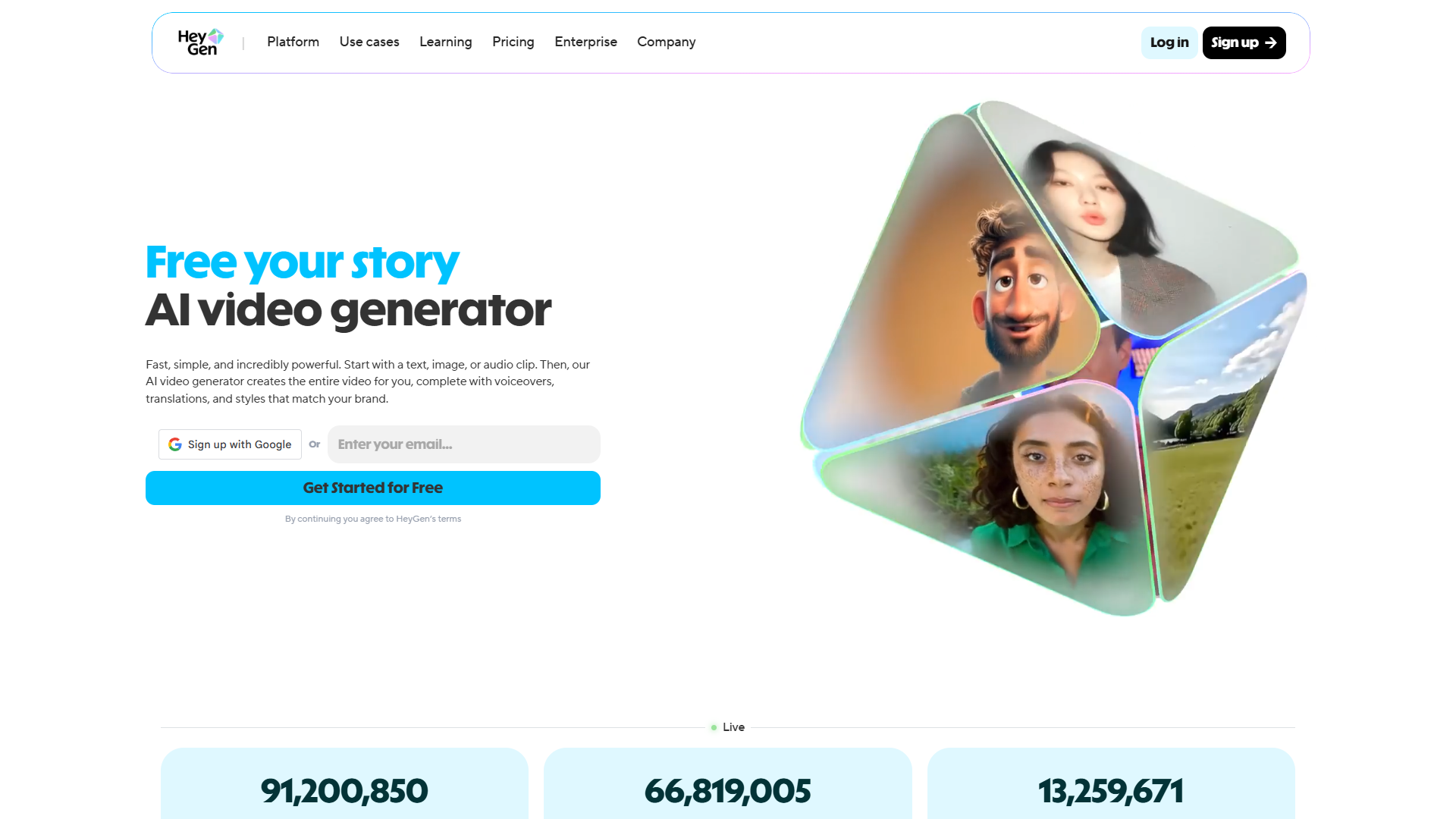
HeyGen has become my go-to platform for marketing videos, particularly for sales outreach and social media content.
What Makes HeyGen Stand Out:
HeyGen’s Avatar IV technology is the most lifelike I’ve tested. Unlike earlier avatar generations that felt static and robotic, Avatar IV includes dynamic gestures, micro-expressions, and natural body language that make videos feel genuinely human. This matters for marketing — viewers can tell when something feels “off,” and Avatar IV consistently passes that test.
The platform excels at two marketing use cases specifically:
- Personalized sales outreach: Generate hundreds of personalized videos with different prospect names, company mentions, and custom talking points
- UGC-style ads: The product placement feature lets you integrate physical products into avatar videos, perfect for social media ads that mimic user-generated content
Pricing:
- Free: 3 videos/month at 720p (good for testing)
- Creator: $29/month ($24/month annual) - Unlimited 1080p videos, 500+ avatars, voice cloning, video translation, 200 Generative Credits/month
- Team: $39/seat/month ($30/seat annual) - Everything in Creator plus team collaboration, videos up to 30 minutes
Key Features:
- 500+ AI avatars with Avatar IV technology
- Voice cloning (record 2 minutes of audio to create custom voice)
- Video translation with lip-sync in 175+ languages
- Product placement for UGC ads
- 300+ voices across 175+ languages
Best For: Marketing teams, sales outreach, social media content, UGC ads
Rating:
Synthesia: Best for Corporate Communications and Training
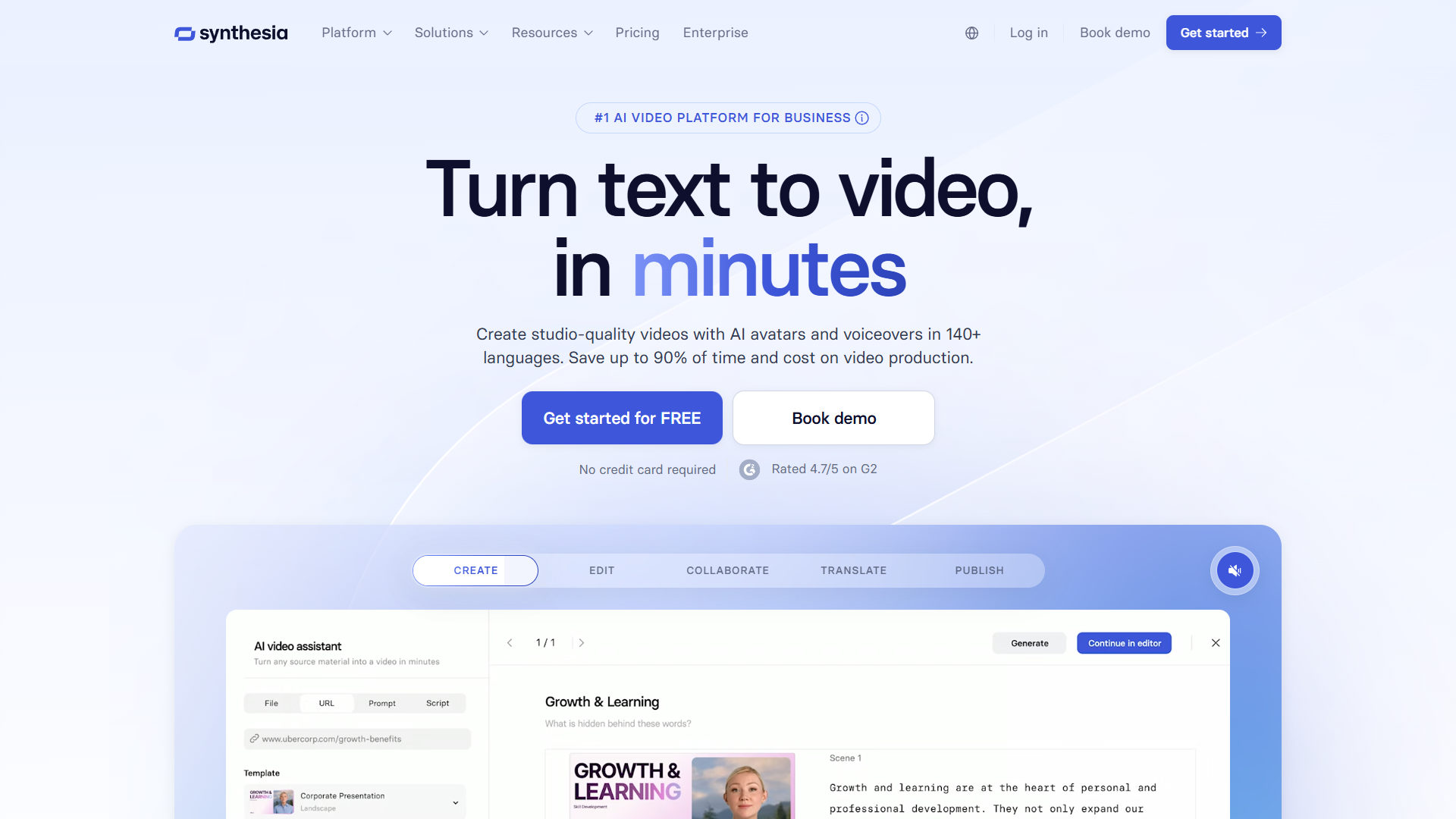
Synthesia is the enterprise choice, with a $4B valuation and adoption by 90% of Fortune 100 companies. While it works for marketing, it’s particularly strong for internal communications and training content.
What Makes Synthesia Stand Out:
Synthesia’s strength is polish and professionalism. The Express-2 engine produces full-body avatars with natural movements, and the platform’s focus on enterprise features (SSO, brand kits, compliance controls) makes it ideal for large organizations.
The platform is also developing Video Agents — interactive AI avatars that can respond to viewer questions in real-time. This feature (coming in 2026) will be transformative for product demos and customer service use cases.
Pricing:
- Free: 3 minutes/month (testing only)
- Starter: $29/month ($18/month annual) - 10 minutes/month, 125+ avatars, 3 personal avatars
- Creator: $89/month ($64/month annual) - 30 minutes/month, 180+ avatars, API access, custom fonts
- Enterprise: Custom pricing - Unlimited minutes, 240+ avatars, Video Agents (coming 2026), SSO, priority support
Key Features:
- 240+ AI avatars including full-body options
- Express-2 engine for realistic movements
- 140+ languages with AI dubbing
- Personal avatar creation (record yourself)
- Screen recording integration
- Video Agents for interactive experiences (coming 2026)
Best For: Large enterprises, L&D teams, corporate communications, training videos
Rating:
D-ID: Best for Budget-Conscious Teams
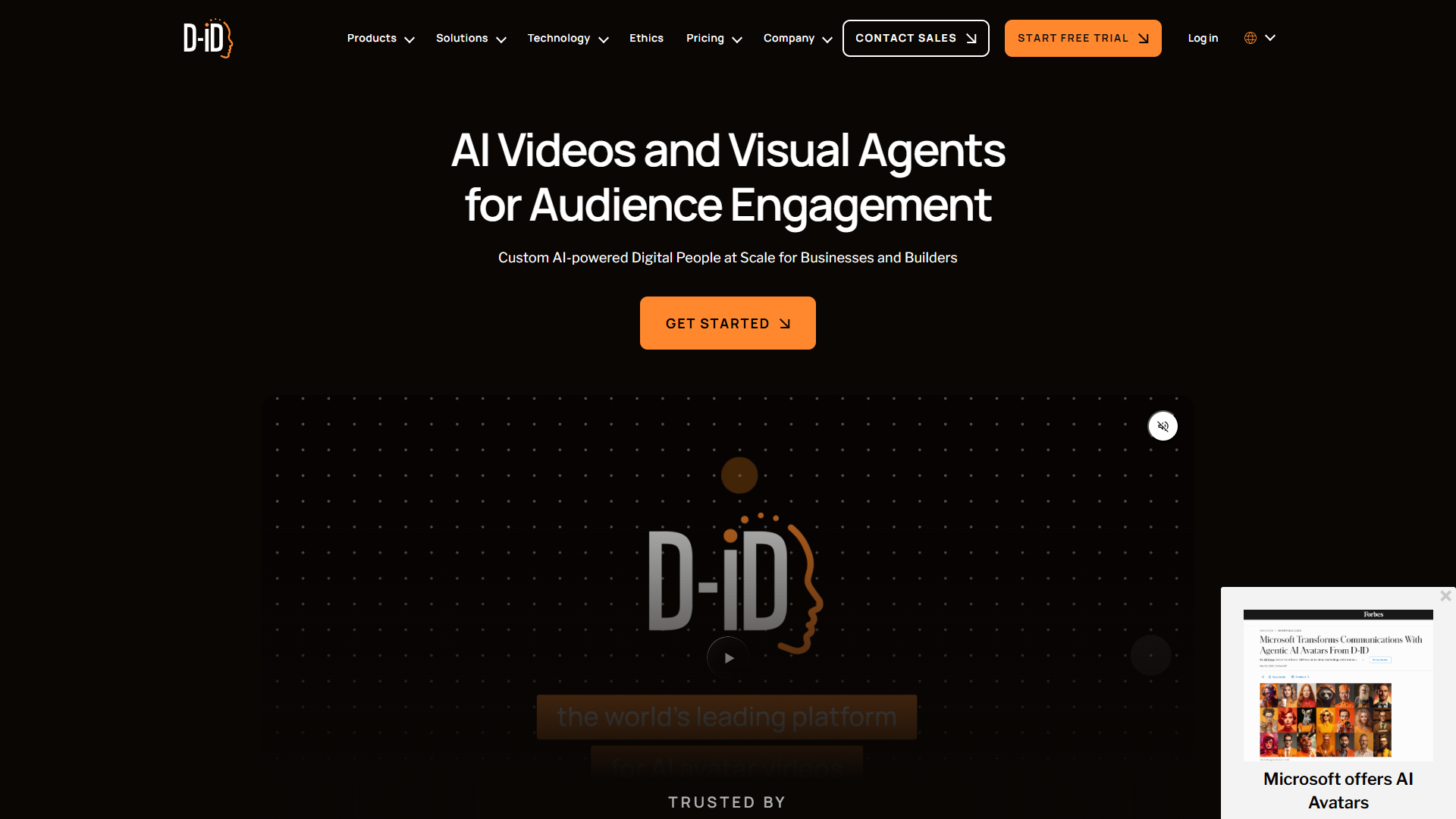
D-ID offers a more budget-friendly entry point with credit-based pricing and API access for developers who want to integrate avatar video into custom applications.
What Makes D-ID Stand Out:
D-ID’s main advantage is flexibility — you can pay for exactly what you use with their credit system, and their API makes it easy to build custom avatar video workflows into your marketing automation stack.
The quality doesn’t quite match HeyGen’s Avatar IV or Synthesia’s Express-2, but for basic marketing videos where budget is the primary constraint, D-ID gets the job done.
Best For: Budget-conscious teams, developers building custom integrations, basic avatar needs
Platform Comparison: Which One Should You Choose?
| Feature | HeyGen | Synthesia | D-ID |
|---|---|---|---|
| Best For | Marketing teams, sales outreach | Enterprise, L&D, training | Budget teams, API integration |
| Avatar Quality | Excellent (Avatar IV) | Excellent (Express-2) | Good |
| Avatar Count | 500+ | 240+ | Limited |
| Languages | 175+ | 140+ | 100+ |
| Starting Price | $29/mo | $29/mo | Credit-based |
| Free Tier | 3 videos/month | 3 min/month | Limited credits |
| Key Differentiator | Dynamic gestures, UGC ads | Full-body avatars, Video Agents | API access, pay-as-you-go |
| Enterprise Features | Team collaboration | SSO, SCIM, audit logs | API integration |
| Rating | 4.8/5 | 4.8/5 | Good |
My Recommendation: For marketing teams, start with HeyGen. The Avatar IV technology produces the most natural-looking videos, and the pricing is reasonable for unlimited video creation. If you’re an enterprise with compliance requirements or need interactive Video Agents, Synthesia is worth the premium. Choose D-ID if you’re building custom integrations or have very limited budget.
Step-by-Step: Creating Your First AI Avatar Marketing Video
Let me walk you through creating a personalized sales outreach video using HeyGen. This same workflow applies to most avatar platforms with minor variations.
1. Choose Your Avatar and Voice
Start by selecting an avatar that matches your brand and audience. Consider:
- Demographics: Choose an avatar that reflects your target audience or sales persona
- Tone: Professional avatars for B2B, casual avatars for DTC
- Consistency: Use the same avatar across campaigns for brand recognition
For voice, you have two options:
- Pre-built voices: Select from hundreds of AI voices in different accents and tones
- Voice cloning: Record 2 minutes of your own voice for a custom clone (HeyGen Creator plan and above)
Pro Tip: I recommend voice cloning for sales outreach. When prospects hear a voice that matches your email signature, it builds authenticity and trust.
2. Write Your Script
Keep marketing video scripts concise and conversational:
- Length: 30-90 seconds for sales outreach, up to 3 minutes for product demos
- Structure: Hook (first 5 seconds) → Value proposition → Call to action
- Personalization tokens: Use placeholders like
{{firstName}}and{{company}}for personalized versions
Example Sales Outreach Script:
Hi [firstName],

I noticed [company] is expanding into European markets, and I wanted to share something that might help.

We work with SaaS companies like yours to create multilingual product videos without hiring translators or coordinating separate shoots. One of our clients reduced their localization costs by 70% while launching in 8 new markets.

I recorded a quick demo showing exactly how this works for companies like [company]. Worth 15 minutes next week to discuss?

[Link to book a call]
3. Add Personalization Variables
This is where AI avatar marketing becomes powerful. Instead of recording one generic video, you can create personalized versions at scale:
- Upload a CSV with prospect data (firstName, company, industry, etc.)
- Map variables to script placeholders
- Generate hundreds of personalized videos in one batch
Each prospect receives a video that mentions their name and company specifically — just like a manually recorded video, but automated.
4. Customize Visuals and Branding
Add supporting elements to reinforce your message:
- Background: Use your brand colors or relevant imagery
- Text overlays: Highlight key statistics or value propositions
- Product placement: Show your product in the avatar’s hands (HeyGen feature)
- Logo: Include your logo for brand consistency
What to Avoid: Don’t overload the video with text and graphics. The avatar should be the focus — supporting visuals should enhance, not distract.
5. Preview and Refine
Before generating the final videos:
- Test pronunciation: AI voices sometimes mispronounce company names or technical terms — use phonetic spelling or adjust in the editor
- Check pacing: Avatars should feel conversational, not rushed. Aim for 150-160 words per minute
- Verify gestures: Make sure avatar gestures align with your message (raise hand for questions, nod for agreements)
6. Generate and Export
Hit generate and wait 2-5 minutes per video (varies by platform and length). Export options:
- 1080p MP4: For email attachments and direct shares
- 720p MP4: For faster loading on landing pages
- Embed codes: For website integration
7. Distribute Your Videos
Once exported, distribute through your marketing channels:
- Sales outreach: Attach to personalized emails or LinkedIn messages
- Email campaigns: Embed in marketing emails with click-to-play thumbnails
- Social media: Upload to LinkedIn, Twitter, or Instagram
- Landing pages: Embed on product pages or campaign-specific landing pages
Pro Tip: For sales outreach, I get better results linking to a personalized landing page with the embedded video rather than attaching MP4 files. It allows you to track views and include a clear CTA below the video.
Marketing Use Cases: Where AI Avatars Deliver ROI
After testing AI avatar videos across different marketing channels, here are the use cases with the strongest ROI:
1. Personalized Sales Prospecting
The Problem: Cold outreach emails have declining response rates. Text-only messages get ignored.
The Solution: Personalized video messages that mention the prospect’s name, company, and specific pain points.
Results: Video messages for sales outreach increased response rates for 60%+ of sales reps. In my testing, videos with personalized mentions (name + company) had 3x higher open rates than generic video thumbnails.
How to Execute:
- Create a master script with personalization variables
- Upload prospect data (name, company, industry, recent news)
- Generate personalized videos at scale
- Send via email or LinkedIn InMail with personalized text
Best Platforms: HeyGen (Avatar IV feels most authentic for 1-on-1 outreach)
2. Post-Meeting Follow-Up and Deal Management
The Problem: Following up after sales calls with generic “thank you” emails doesn’t reinforce your value or move deals forward.
The Solution: Personalized video recaps that summarize what was discussed and outline next steps.
How to Execute:
- After each sales call, record key discussion points
- Create a 60-second video recap mentioning specific topics discussed
- Include clear next steps and timeline
- Send within 2 hours of the meeting
Why It Works: It demonstrates attentiveness and keeps you top of mind. When a prospect sees you took the time to create a personalized recap, it builds trust.
Best Platforms: HeyGen or Synthesia (both handle conversational scripts well)
3. Social Media Content and UGC Ads
The Problem: Creating consistent social media video content requires constant production, and UGC-style ads are expensive to source.
The Solution: AI avatars that deliver tips, product demonstrations, or educational content in a UGC style.
Results: AI UGC content increases conversions by 161% at 60-80% lower cost than traditional video ads.
How to Execute:
- Create weekly educational content (tips, how-tos, industry insights)
- Use casual avatars and backgrounds for authenticity
- Keep videos short (15-60 seconds for social)
- Test UGC-style product demos with HeyGen’s product placement feature
Platform Recommendation: HeyGen (product placement feature is specifically built for social ads)
4. Multilingual Product Demos
The Problem: Expanding into international markets requires translated product demos, which means hiring native speakers and coordinating separate shoots.
The Solution: Create one master product demo, then use AI video translation to generate versions in 10+ languages with lip-sync.
Results: One client reduced localization costs by 70% while launching in 8 European markets simultaneously.
How to Execute:
- Create master demo in English (or your primary language)
- Use video translation feature to generate localized versions
- Add subtitles for accessibility
- Host on region-specific landing pages
Best Platforms: HeyGen or Synthesia (both offer 140+ languages with lip-sync)
5. Onboarding and Training Content
The Problem: Recording training videos is time-consuming, and updating them when processes change requires re-recording everything.
The Solution: AI avatar training videos that can be updated by editing the script, not re-recording.
How to Execute:
- Create modular training videos for each process step
- Use consistent avatar and voice across all training content
- Update scripts when processes change — regenerate in minutes
- Track completion with video analytics
Best Platforms: Synthesia (enterprise features like SSO and analytics are built for L&D)
Best Practices for Authentic AI Avatar Marketing Videos
AI avatars can look obviously fake if not executed well. Here’s what I learned about creating authentic avatar videos:
1. Match Avatar to Audience and Message
Don’t: Use a young, casual avatar for enterprise B2B sales Do: Choose professional avatars for corporate audiences, casual avatars for DTC
The avatar should feel like someone your audience would trust. For sales outreach to CTOs, I use professional avatars in business attire. For social media tips to solopreneurs, I use casual avatars with relaxed backgrounds.
2. Write for Speaking, Not Reading
Don’t: Copy your website copy into an avatar script Do: Write conversational scripts that sound natural when spoken aloud
Read your script out loud before generating. If it sounds like a press release, rewrite it. Use contractions, casual phrases, and natural pauses.
3. Keep Videos Short and Focused
Don’t: Create 5-minute avatar monologues Do: Stick to 30-90 seconds for most marketing uses
Attention spans are short. Get to the point quickly, deliver value, and include a clear CTA. Longer videos (2-3 minutes) work for product demos and training, but sales outreach should be brief.
4. Use Personalization Strategically
Don’t: Overuse personalization tokens that feel forced Do: Mention the prospect’s name naturally, once or twice
Saying “Hi John” at the start and “Looking forward to talking with you, John” at the end feels natural. Saying “John, at John’s company, focusing on John’s market” feels robotic.
5. Test Avatar Quality Before Scaling
Don’t: Generate 500 personalized videos without testing Do: Create 5-10 test videos, send to colleagues, and get feedback
Some avatars and voices pair better than others. Some scripts sound great in writing but feel awkward when spoken. Test first, refine, then scale.
6. Add Supporting Visuals Sparingly
Don’t: Fill the screen with text, graphics, and animations Do: Use minimal text overlays to reinforce key points
The avatar is the focal point. If you need extensive text or product screenshots, consider a traditional screen recording with avatar as a picture-in-picture instead.
7. Be Transparent About AI
Don’t: Pretend AI avatar videos are manually recorded Do: Be upfront when appropriate, but don’t over-explain
For sales outreach, I don’t explicitly say “this is an AI avatar” in the video itself — that breaks the illusion. But if asked, I’m honest about using AI to scale personalization. For social media content, transparency can actually be a selling point (“I create consistent content using AI avatars”).
Measuring ROI: How to Track AI Avatar Video Marketing Performance
AI avatar videos are an investment. Here’s how to measure whether they’re delivering results:
Key Metrics by Use Case
Sales Outreach:
- Email open rate (with video thumbnail vs. text-only)
- Video play rate (what percentage of recipients watched)
- Response rate (meetings booked per 100 videos sent)
- Cost per meeting (production cost + time ÷ meetings booked)
Target Benchmarks: 60%+ increase in response rate compared to text-only outreach
Social Media Content:
- Video views and completion rate
- Engagement rate (likes, comments, shares)
- Click-through rate to landing page
- Cost per conversion vs. traditional video ads
Target Benchmarks: 161% conversion increase vs. traditional ads, 60-80% cost reduction
Product Demos:
- Video completion rate
- Time on landing page
- Demo-to-trial conversion rate
- Support ticket reduction (for training videos)
Training Content:
- Video completion rate by employee
- Quiz scores after watching
- Time to onboarding completion
- Support ticket volume
Cost Comparison: AI Avatars vs. Traditional Video
For a 90-second personalized sales video sent to 100 prospects:
| Approach | Cost | Time |
|---|---|---|
| Traditional (studio, videographer, actor, editing) | $2,900 for ONE video | 2-4 weeks |
| AI Avatar (HeyGen Creator Plan) | $29 for 100 videos | 2-4 hours |
Savings: 80% cost reduction + ability to personalize at scale. This speed advantage means you can respond to market changes and iterate based on performance — without waiting weeks for production cycles.
Common Mistakes to Avoid
After six months of testing, here are the top mistakes to avoid:
- Using low-quality avatars for high-stakes use cases - Invest in premium avatars (HeyGen Avatar IV, Synthesia Express-2) for enterprise outreach
- Ignoring audio quality - Test multiple voices and use voice cloning when possible
- Over-automating without testing - Start with 50 videos, measure results, then scale
- Forgetting mobile optimization - Use formats that load quickly with large, readable text
- Neglecting the CTA - Every video needs a specific next step: book a meeting, start a trial, etc.
The Future of AI Avatar Video Marketing
Key developments coming in 2026 and beyond:
- Interactive Video Agents: Avatars that respond to viewer questions in real-time, turning demos into conversations
- Improved Emotional Range: Next-gen models capturing nuanced expressions like concern, excitement, and empathy
- Real-Time Avatar Conversations: Live video calls with AI avatars for sales discovery and customer service
- Tighter CRM Integration: Native integrations with Salesforce and HubSpot for automated trigger-based videos
The AI video market is growing 30% annually. Early adopters will build competitive advantages in personalized outreach and video production efficiency.
Getting Started
Here’s a 3-week plan to launch AI avatar video marketing:
- Week 1: Sign up for free trials on HeyGen and Synthesia. Create 3-5 test videos and get colleague feedback.
- Week 2: Run a pilot campaign with 20-50 videos. Track performance metrics.
- Week 3: Analyze results, refine your approach, and scale what works.
Start with personalized sales outreach — it’s the highest-ROI application, easiest to measure, and if you can improve response rates by 60%, the subscription pays for itself immediately.
The technology is ready. The platforms are affordable. Companies winning with AI avatar video marketing are experimenting now, not waiting for perfection.
External Resources
For official documentation and updates from these tools: